

LG 27G640A-B Ultragear 27-inch Monitor 🖥
Product description
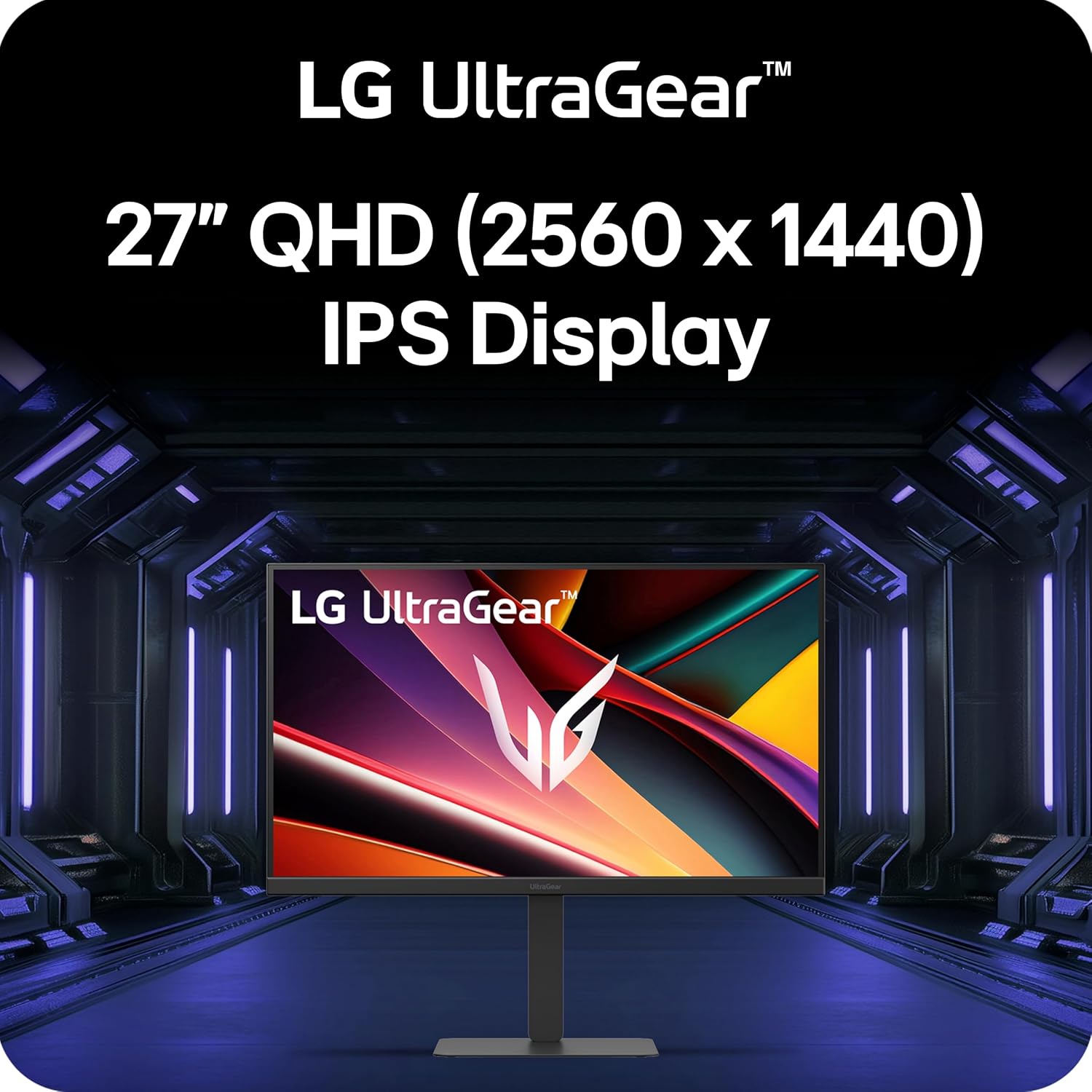
This 27-inch QHD gaming monitor brings fast refresh and precise color to competitive play. If you chase fluid motion and accurate visuals, this screen balances speed and clarity in one compact package.
Highlights
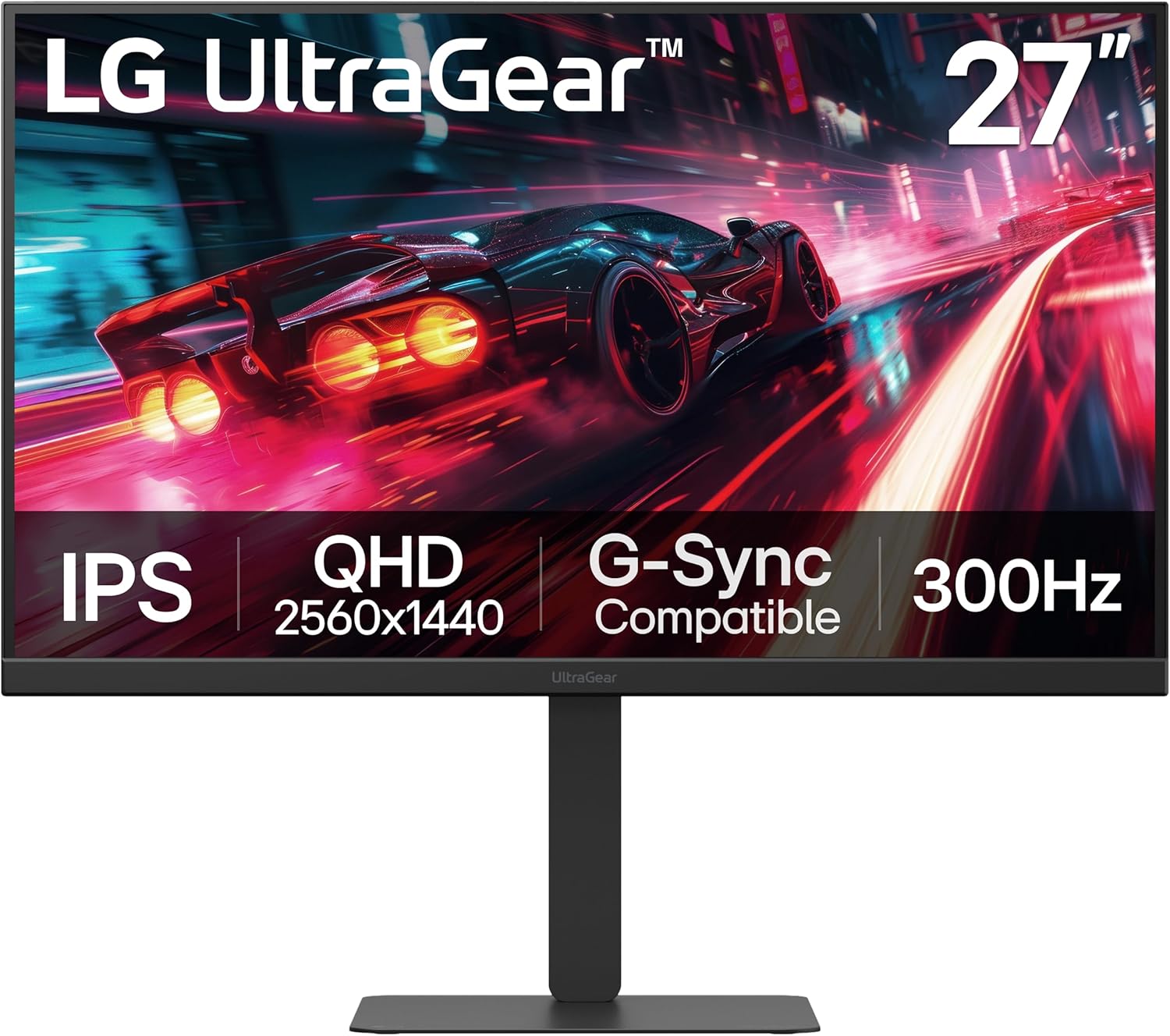
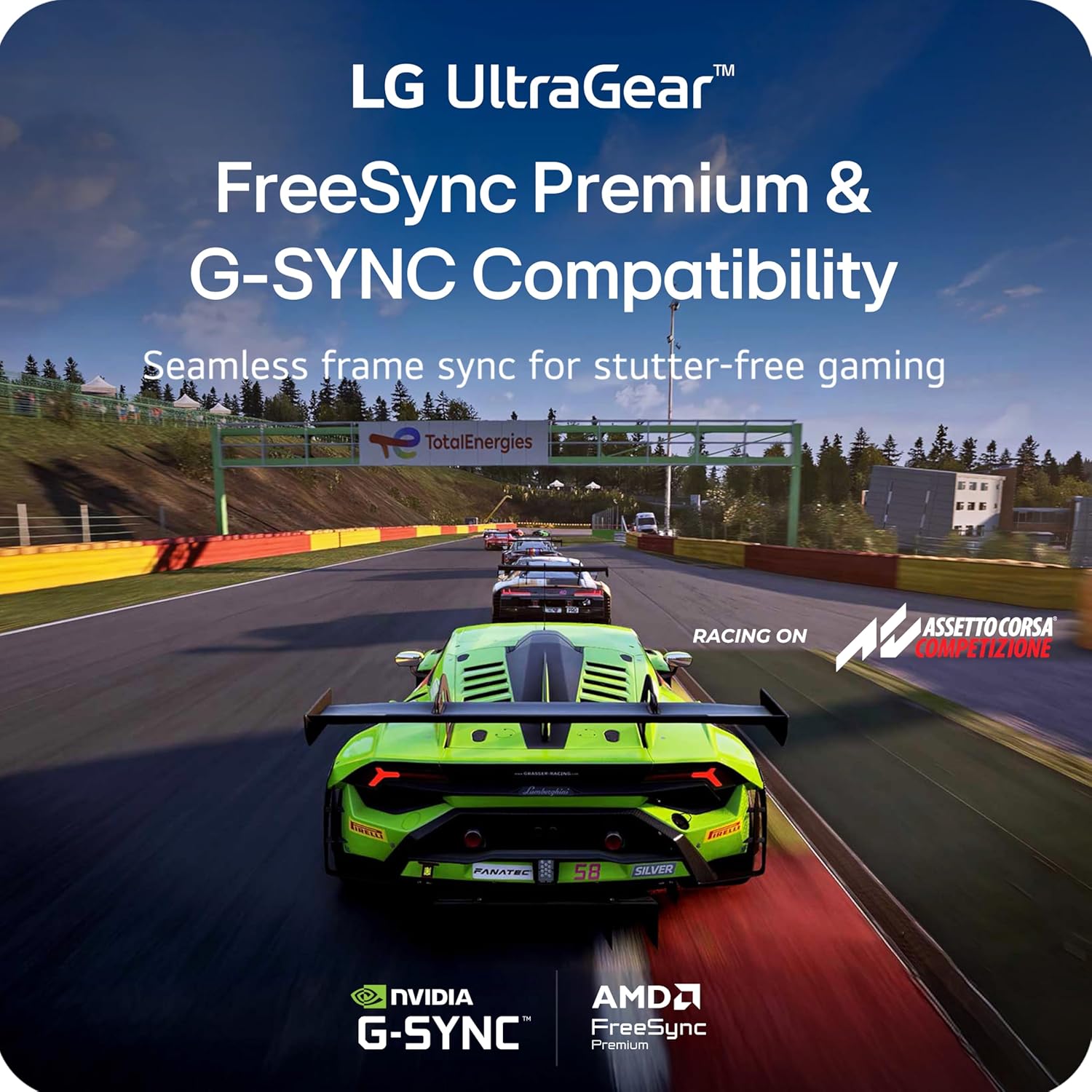
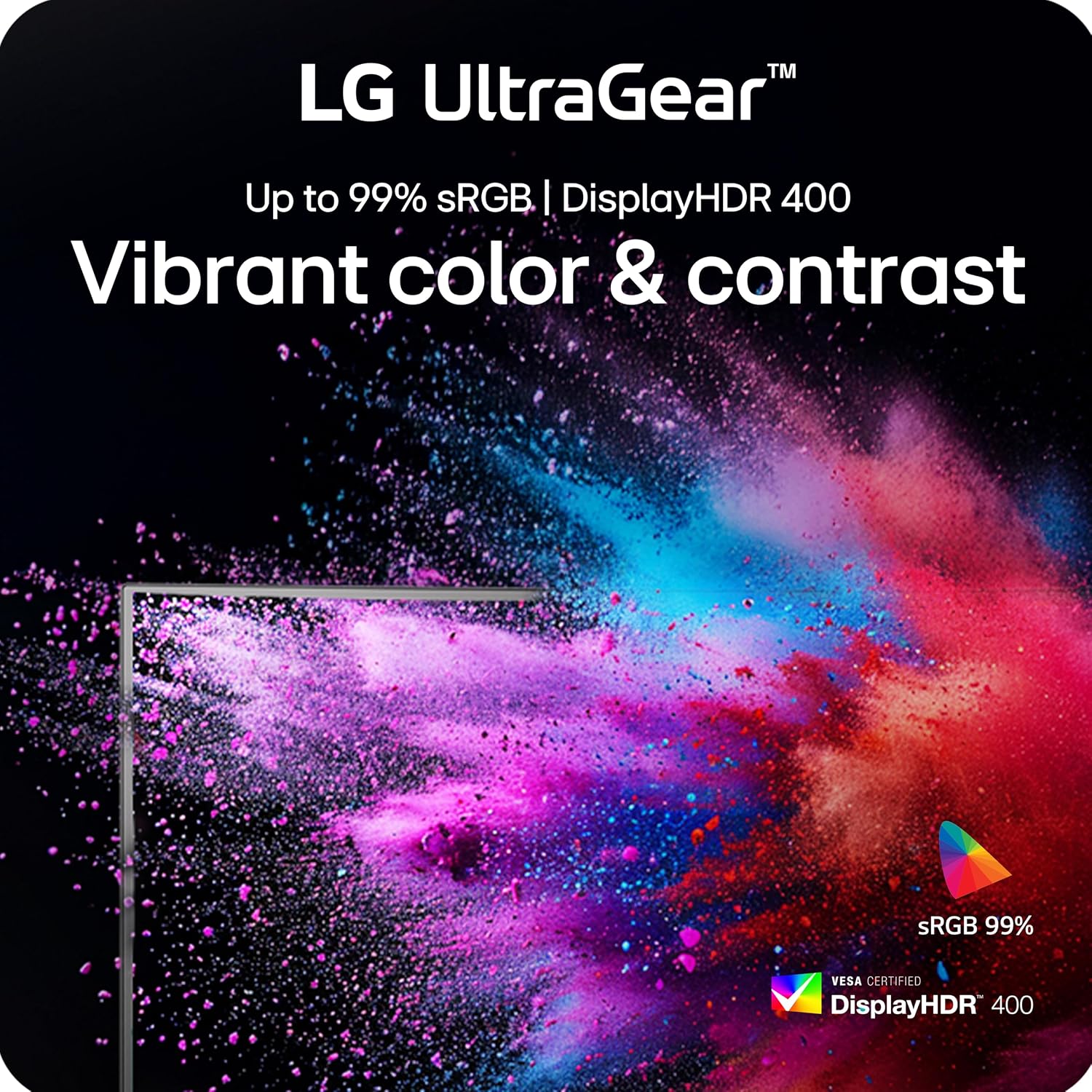
The LG Ultragear emphasizes rapid responsiveness and adjustable ergonomics for long sessions. You get a QHD IPS panel that keeps colors consistent across wide viewing angles, paired with a suite of sync technologies to reduce tearing and stutter. For fast-paced genres the high refresh rate stands out, while VESA DisplayHDR 400 provides brighter highlights and more vivid scenes, according to the manufacturer. Ten en cuenta que HDR performance varies by content and settings.
Who it’s for
You’ll appreciate it if you play competitive shooters or fast multiplayer titles and want a display that keeps up with high frame rates, offers clear motion, and lets you fine tune the viewing position. It might not be a great match if you need absolute reference-grade color for professional photo or video grading, since this is tuned toward gaming rather than studio color calibration.
Technical overview
- Name: LG 27G640A-B
- Resolution: QHD 2560 x 1440
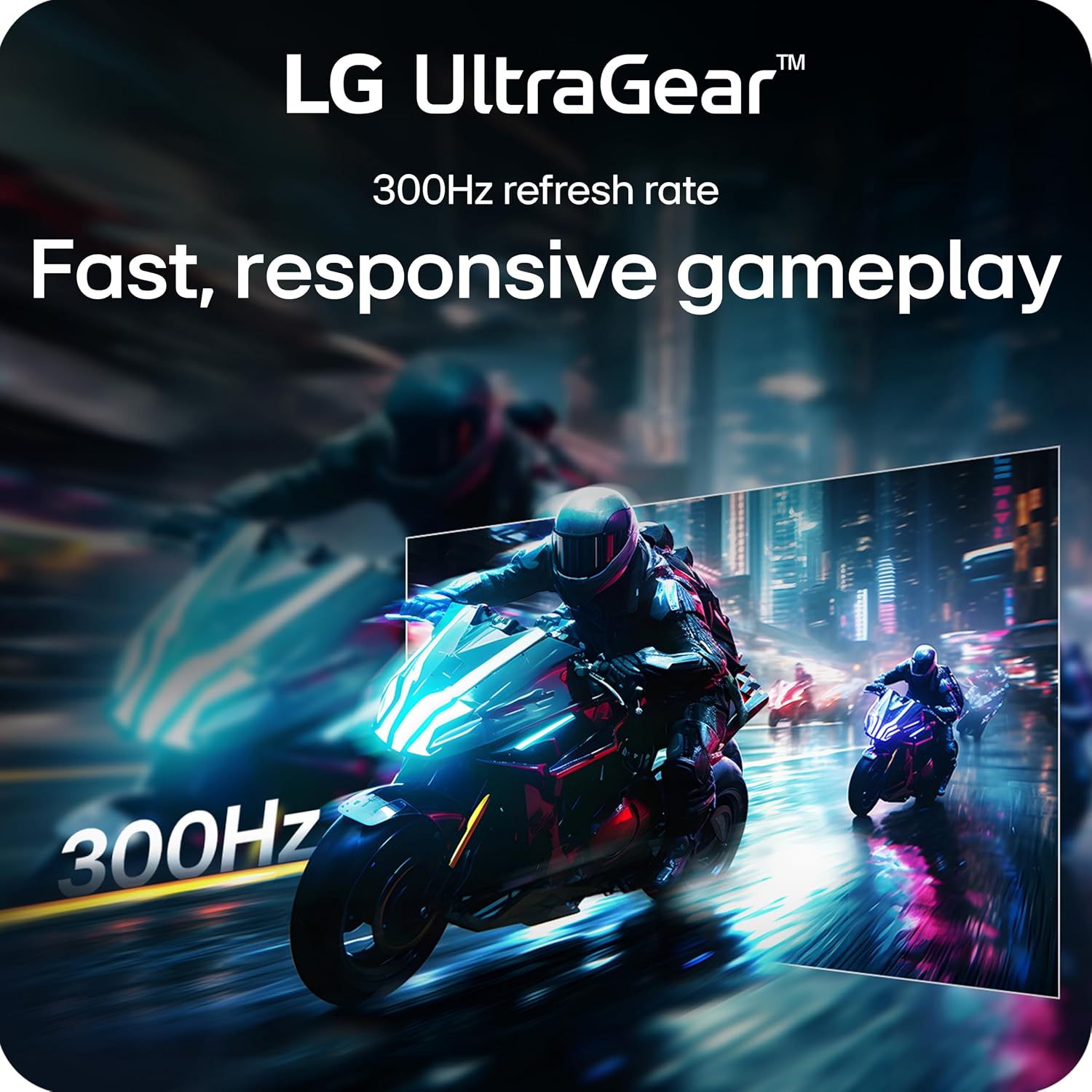
- Refresh rate: 300Hz
- Response time: 1ms (GtG)
- Color: up to 95% DCI-P3, VESA DisplayHDR 400
- Connectivity: HDMI 2.1, USB Type-C, DisplayPort support
- Type: 27" IPS gaming monitor
What stands out
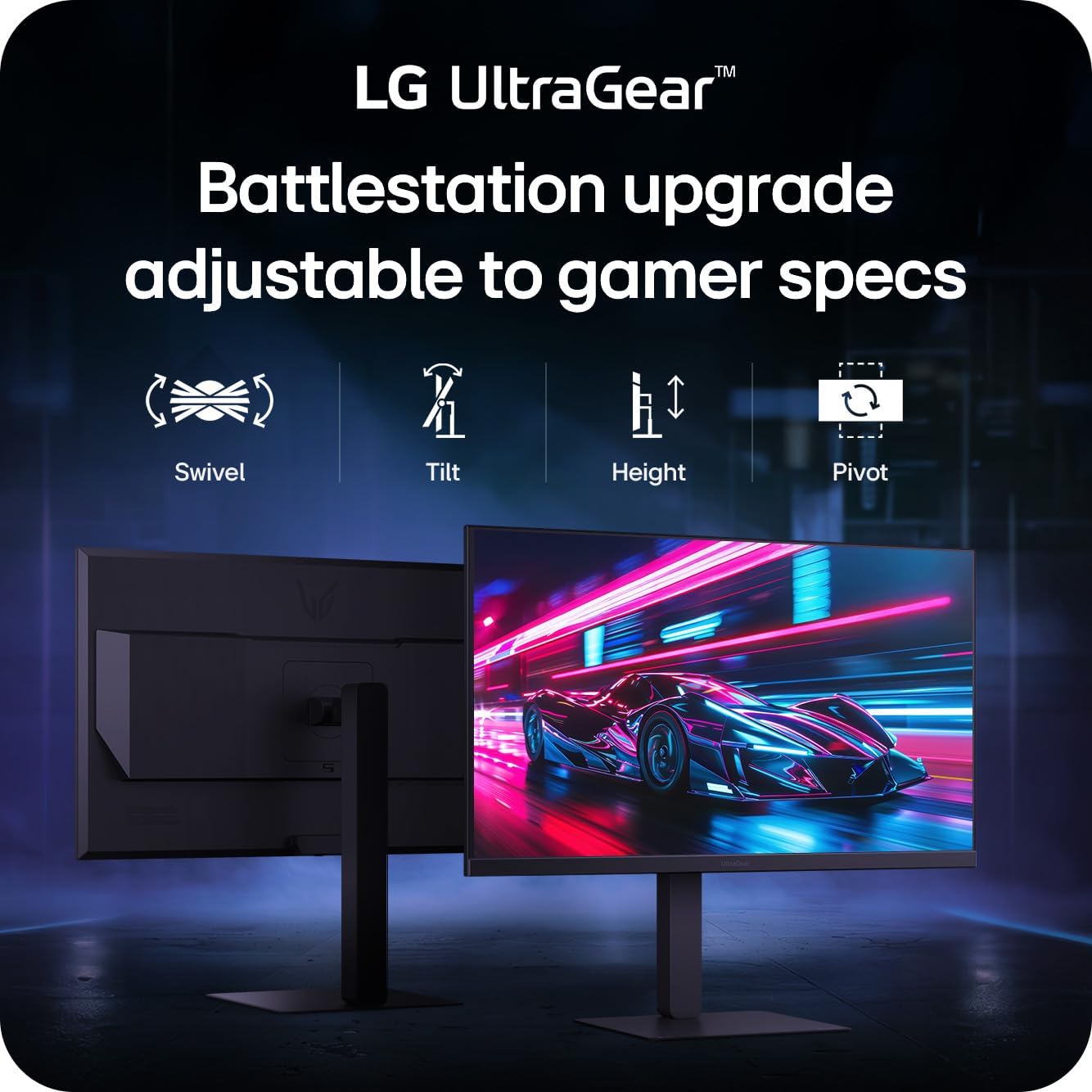
Ergonomics and connectivity make daily setup easier. The stand supports tilt height swivel and pivot so you can match desk height or rotate the panel for portrait use. USB Type-C adds a modern connection option for compatible laptops and docks, while HDMI 2.1 helps bring next-gen console features to a desktop environment. The design keeps bezels narrow to reduce distraction during intense matches.
Practical tips
Adjust the monitor to prioritize refresh rate and low latency for competitive play, and enable HDR scenes selectively to preserve shadow detail in darker games. LG 27G640A-B benefits from a calibrated GPU output when aiming for the best color accuracy. For long sessions consider small breaks and ergonomic adjustments to prevent neck or eye strain, and remember that high refresh settings can increase GPU load.