

Redragon K617 60% Wired RGB Gaming Keyboard (61 keys) with Linear Red Switches
Reviews
Price
Product description
What this keyboard is for
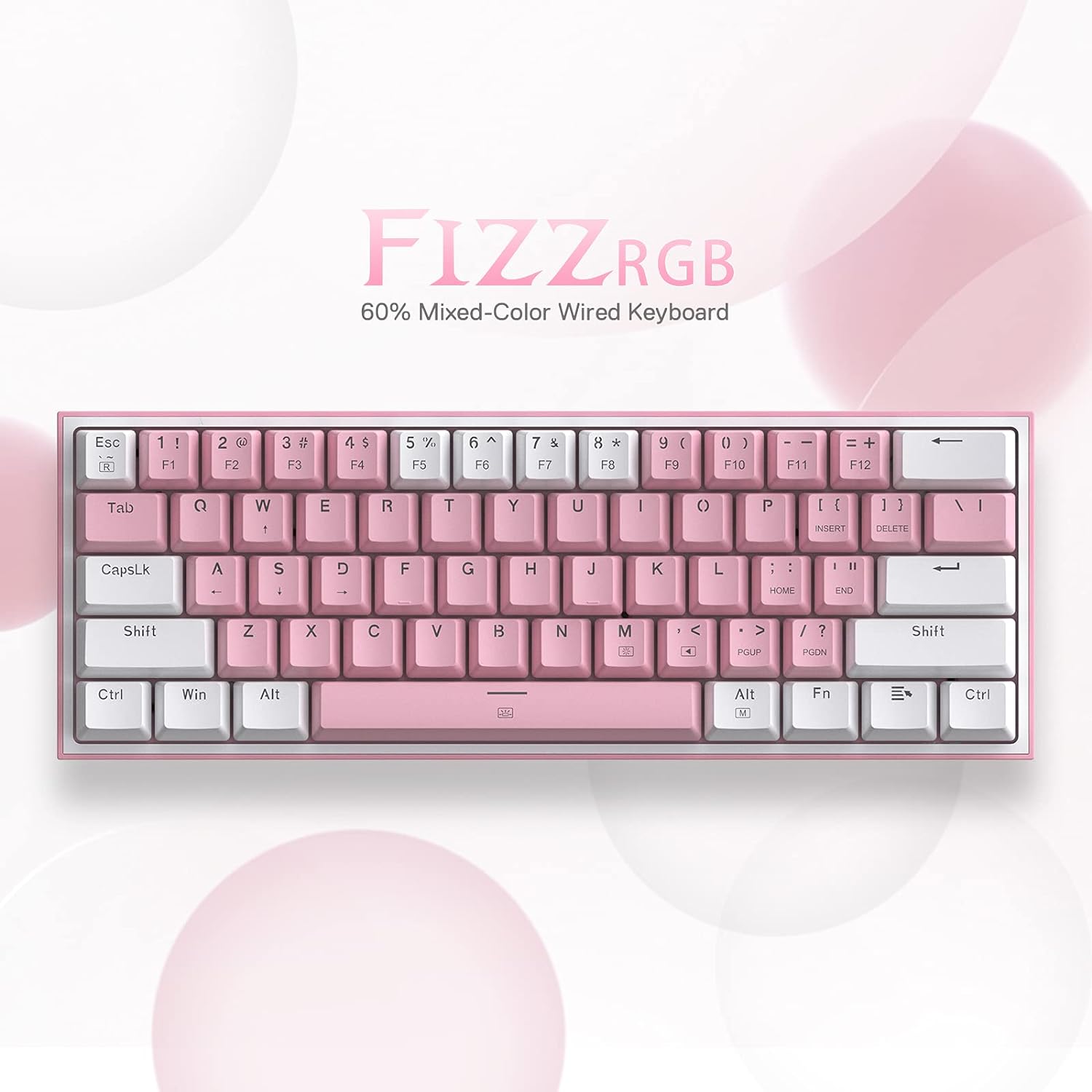
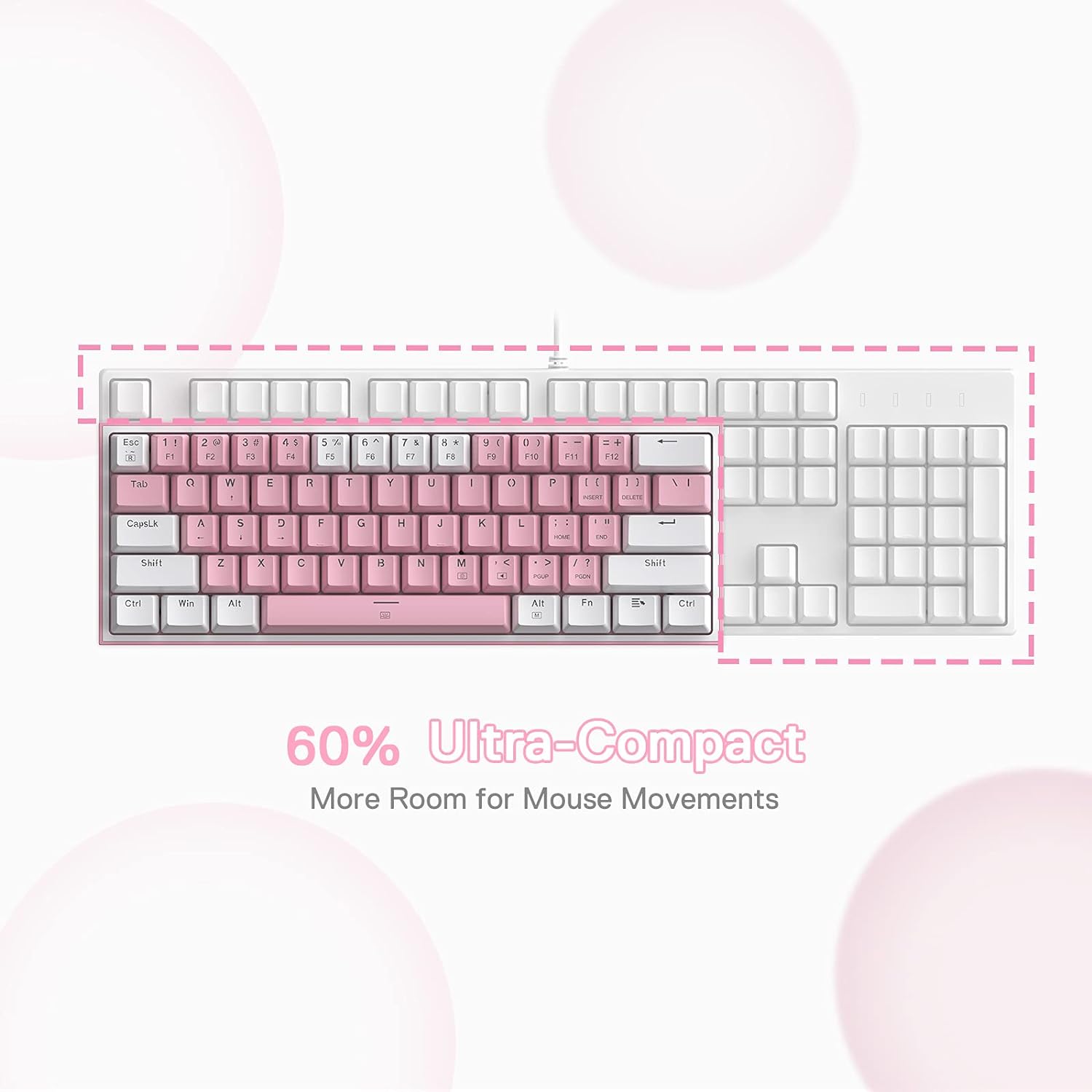
The Redragon K617 is a 60% wired gaming keyboard built around the idea of saving desk space without giving up the basics. With 61 keys and a compact layout, it’s aimed at people who want something more streamlined for FPS-style play, but also want a keyboard that’s quick to work with at a desk. Over the paper, it also leans into customisation: hot-swap support, per-key style RGB effects, and software-based options for macros and lighting.
That “60% + macros + hot-swap” combination is usually where the K617 feels most interesting. If you like tinkering (switch swaps, keycap swaps, programming shortcuts), this kind of layout tends to deliver more than a simple budget board. If you don’t care about customisation and just want plug-and-play, it may feel like more keyboard than you actually need.
Where it stands out in everyday use
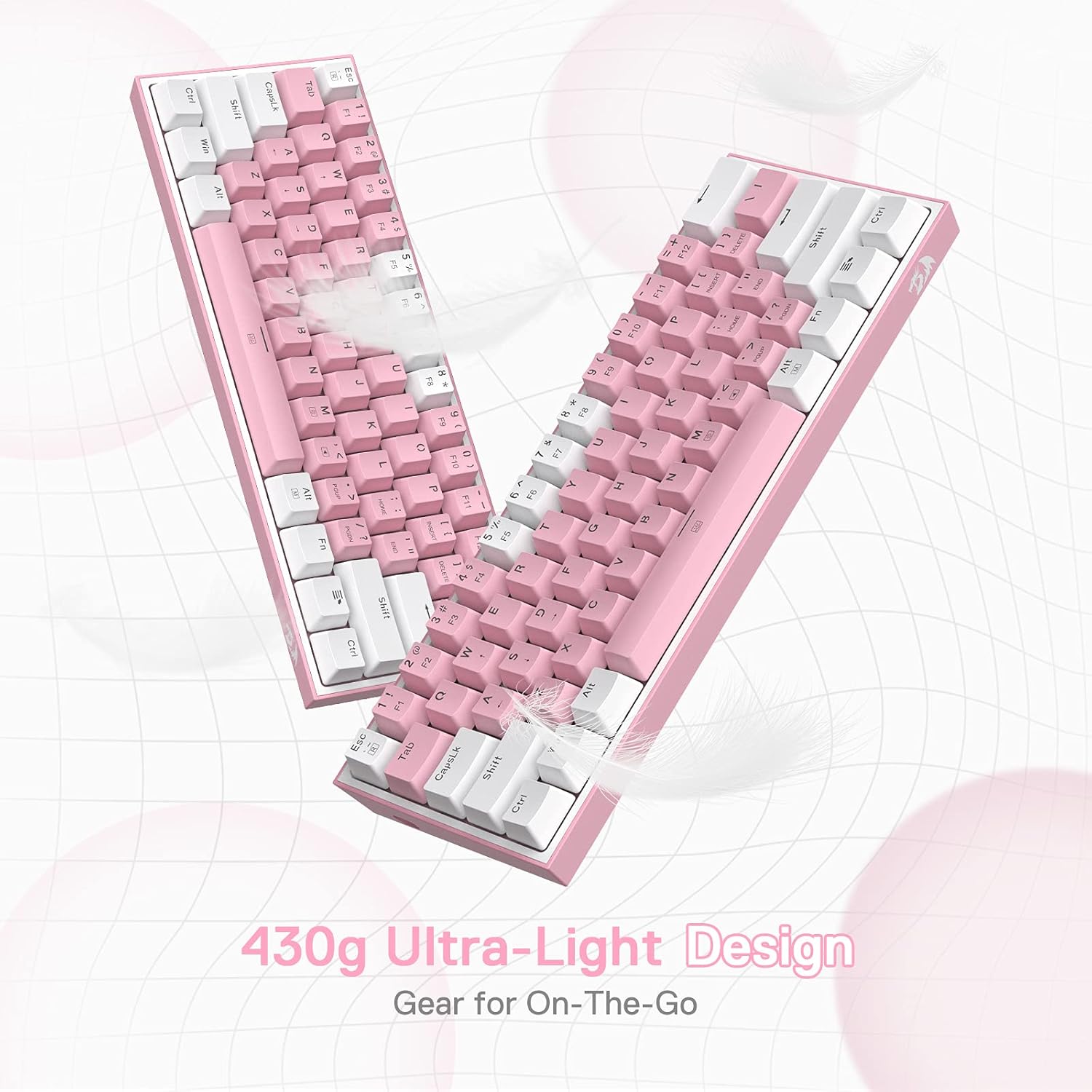
A lot of 60% boards win on desk feel, and the K617’s pitch is very much about physical practicality. Because it’s smaller, you’re less likely to have the mouse bump the keyboard when you move it around quickly. It’s the kind of detail that can sound minor until you’ve used a larger keyboard on a tight setup.
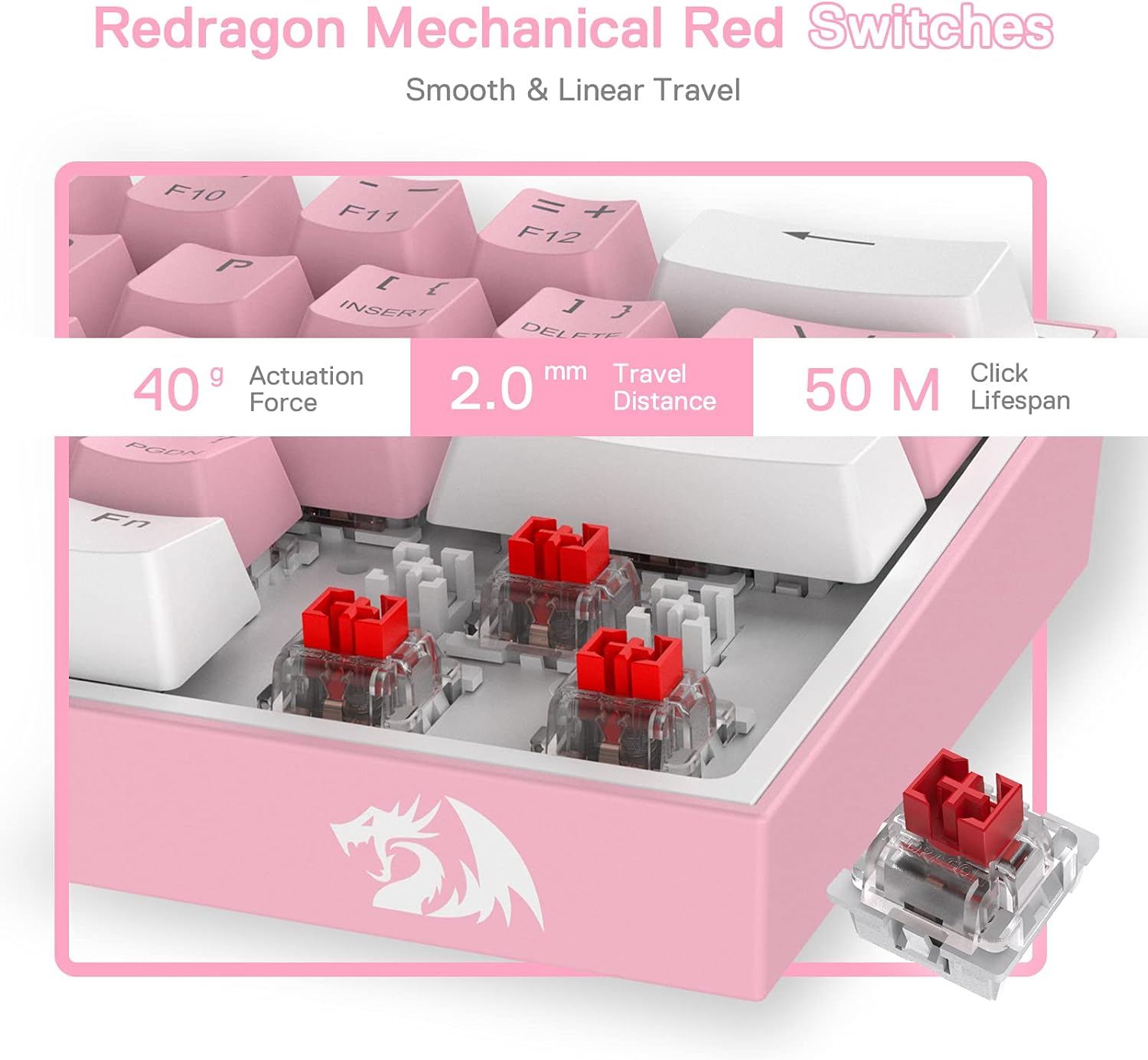
The switch choice is also relevant. It uses linear red switches (described as having a smooth, even travel). For players who like consistent keypresses without an obvious tactile bump, linear switches can feel predictable—especially for rapid inputs.
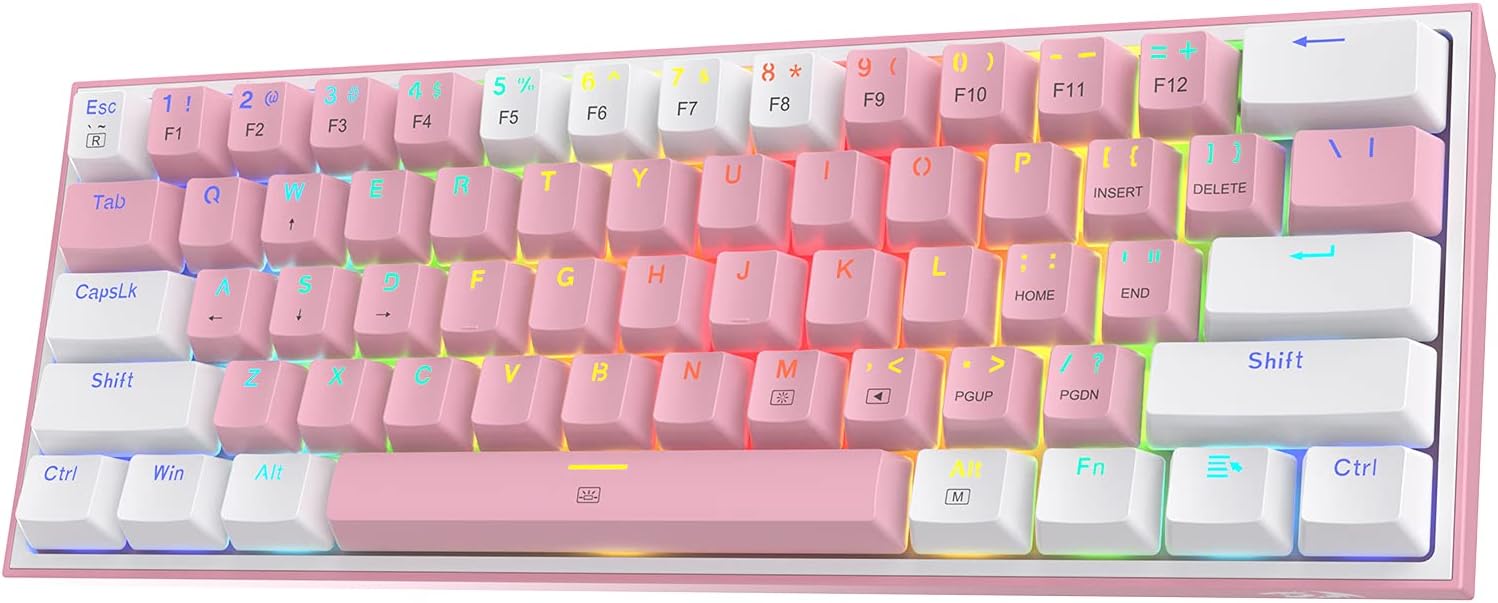
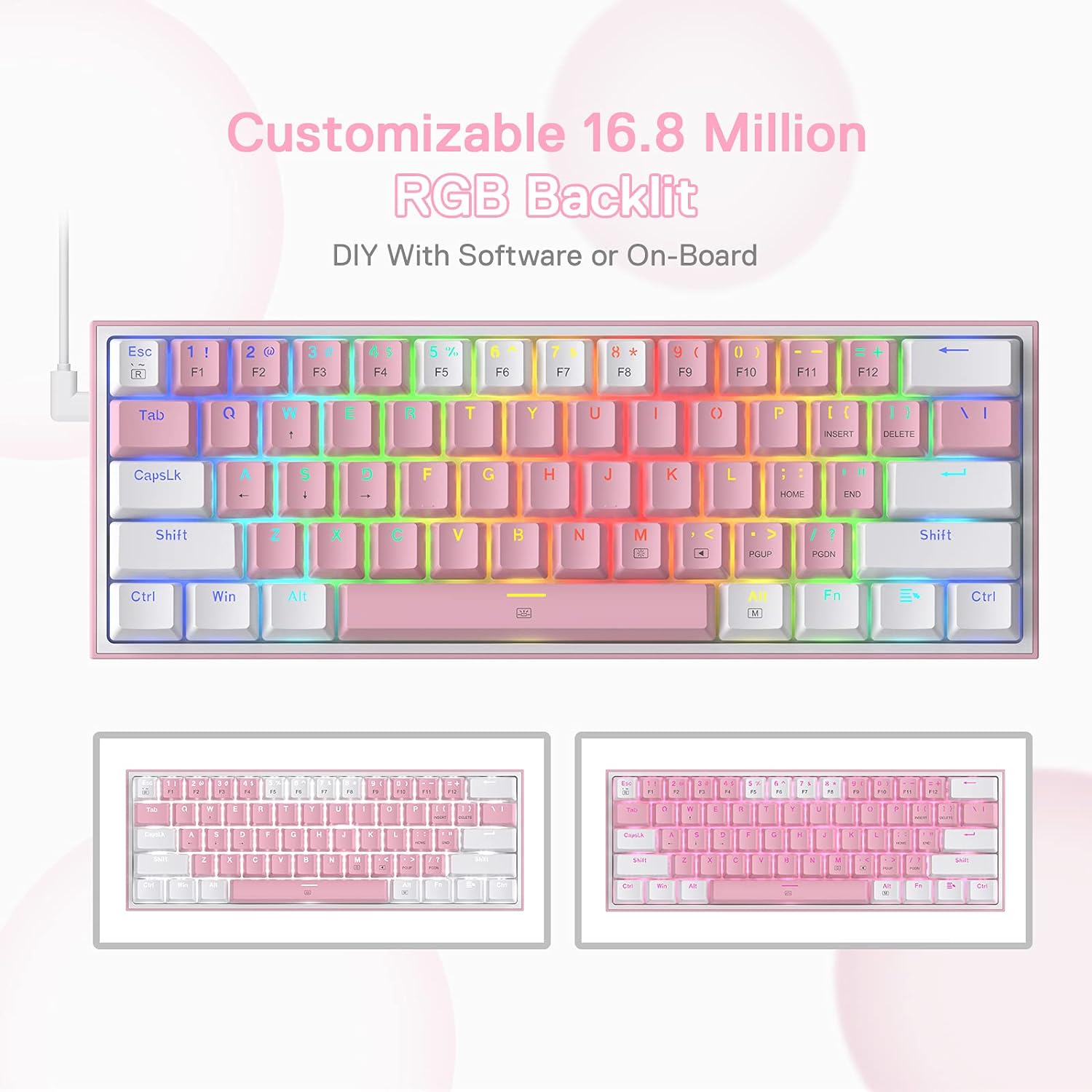
On lighting, it offers up to 20 pre-set RGB modes, with brightness and flow speed adjustments made from the keyboard. It’s not positioned as a premium “studio lighting rig”, but it does give you enough control to match the vibe of your room or just keep things readable during longer sessions.
Key customisation options (and their limits)
The K617 includes hot-swap socket support described as “enhanced hot-swap” and said to fit almost all other switches on the market, including compatibility with both 3-pin and 5-pin switches. That’s the main reason this keyboard is worth a closer look if you’re the type to experiment.
You also get software support (referred to as “Pro Driver Support” and a professional software option) for creating your own modes and effects, plus macros for different key combinations or shortcuts for work and gaming. The intention is clear: you’re not just stuck with what’s on the board.
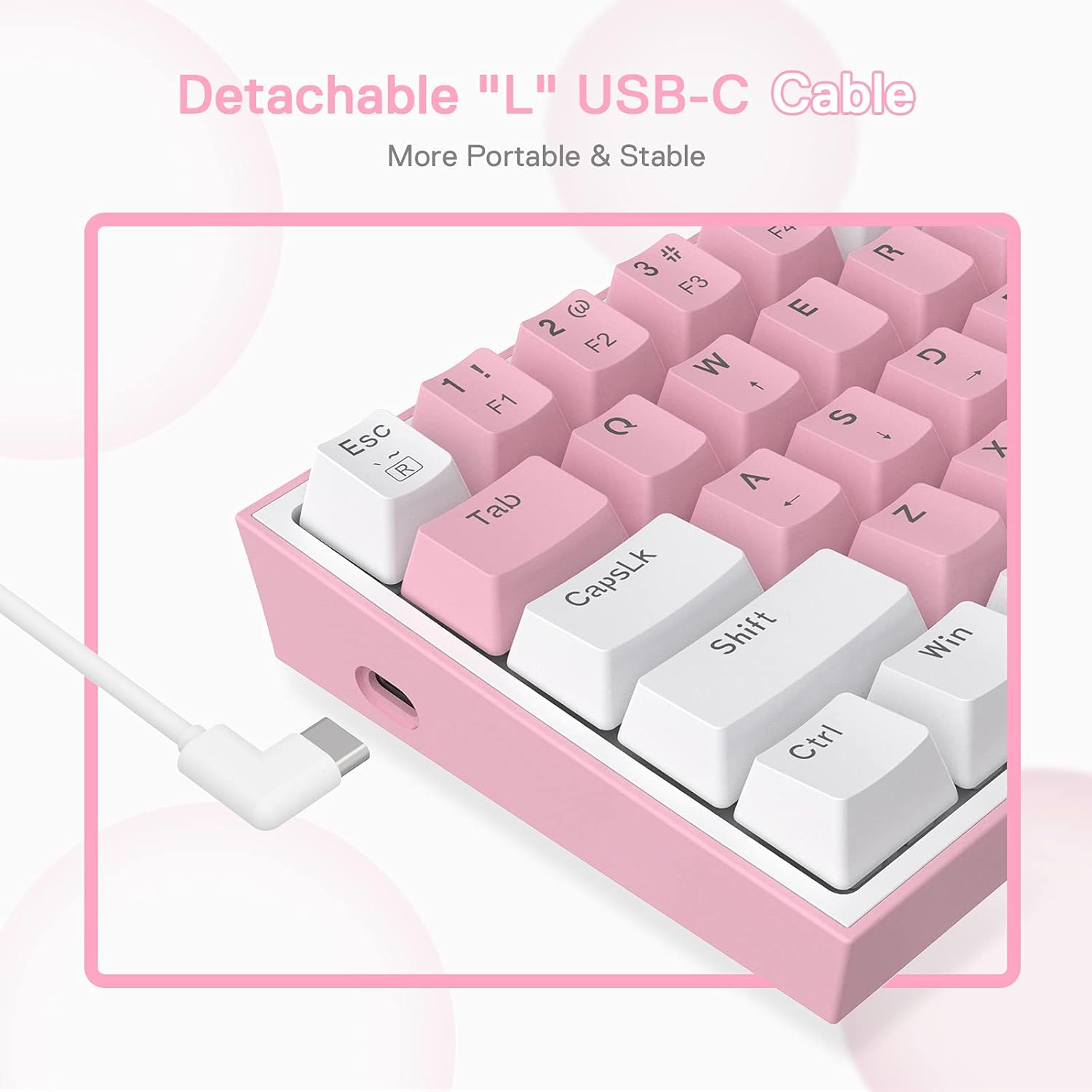
Just keep in mind one limitation: the entry-level focus and the “wired” design mean you’re not buying for wireless freedom or premium build materials based on the information provided here. If what you want most is a quiet, high-end typing experience or you’re trying to minimise latency concerns through more advanced features, the spec details given may leave you wanting more.
Tech specs (only what’s provided)
- Type: Wired gaming keyboard
- Layout: US ANSI QWERTY, 60% design
- Keys: 61 keys
- Switches: Linear red mechanical switches
- Hot-swap: Described as enhanced hot-swap, compatible with 3-pin and 5-pin switches
- RGB: Up to 20 pre-set lighting modes, brightness and flow speed adjustable on the keyboard
- Pro driver support: Software mentioned for custom modes/effects and macros
Who it suits best
It makes sense if you want a compact board for FPS-style use and you also like the idea of future-proofing your typing feel through switch changes. The hot-swap support is the big “buy this for the journey” element—especially if you know you’ll try different switch types over time.
It also suits you if you’re working and gaming on the same desk and want macro shortcuts for efficiency, rather than only relying on keyboard shortcuts provided by your operating system.
When you might want to skip it
It may not be a great match if you’re expecting premium features that aren’t mentioned here (for example, wireless performance, advanced onboard profiles, or higher-end build/spec claims). And if you don’t plan to use macros or customise RGB beyond the pre-set options, a simpler keyboard can be less hassle.
Also, hot-swap boards are brilliant for experimentation, but they still require you to choose switches/keycaps thoughtfully. If you want a “no decisions” purchase, that’s where boards like this can feel like slightly more to manage.
Practical tips for making the most of the K617
If you’re setting it up for gaming, start by choosing one of the 20 pre-set RGB modes and then adjust brightness/flow speed so it doesn’t distract you. After that, use the software and macros support to bind a couple of frequently used shortcuts—think along the lines of inventory control in games, or quick document/file actions for work.
A small, concrete example: imagine you play an FPS where you frequently need to swap weapons and use equipment. With macros support, you could map a multi-key sequence to one convenient key and practise it for a week. Then, when you’re comfortable, you can focus your muscle memory on movement and aiming instead of repeated menu steps.
Final verdict
Is it worth it? The Redragon K617 is a strong value-focused 60% wired gaming keyboard if you care about compact desk space, linear red switches for smooth keypresses, and the ability to hot-swap switches later. The RGB feature set is flexible enough for most people, and the mention of pro driver software plus macros makes it more than just a basic gaming board.
You may want to look elsewhere if you’re after wireless convenience or you expect high-end specs beyond what’s stated. But if you’re buying in for the combination of hot-swap customisation and “use it straight away” gaming practicality, it’s the kind of keyboard that can keep you interested as your preferences evolve.
Mini FAQ
Does the K617 support custom switch swapping? It’s described as hot-swappable and compatible with both 3-pin and 5-pin switches.
How many RGB modes does it have? It’s listed as offering up to 20 pre-set RGB lighting modes.
Is it suitable for work as well as gaming? The description specifically mentions macros for different key combinations or shortcuts for working and gaming efficiently.
Is it wireless? No—this model is described as wired.
What layout is it using? It’s described as US ANSI QWERTY.