

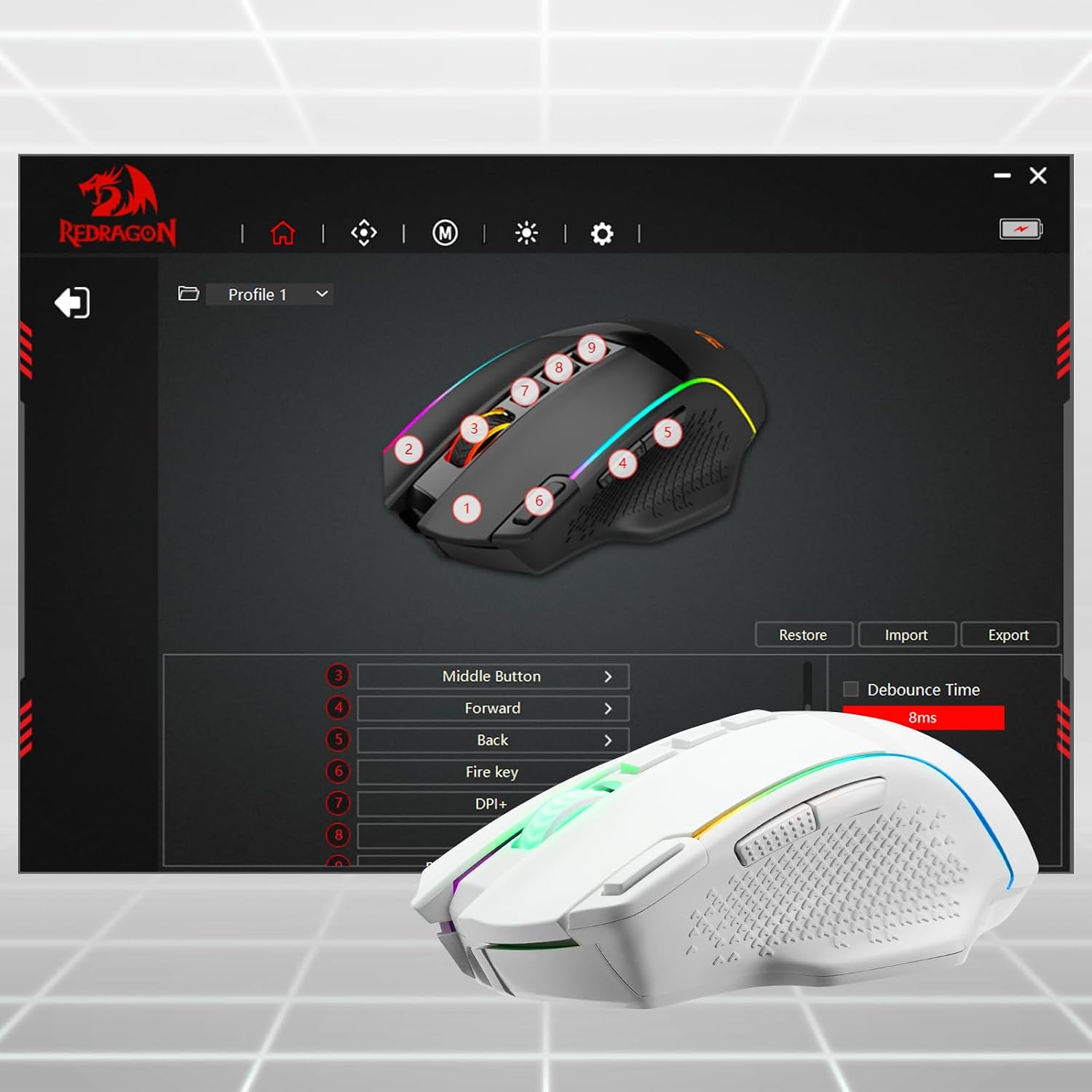
Redragon M991 Wireless Gaming Mouse (White) with Rapid Fire key, 9 macro buttons and 26000 DPI
Product description
What this mouse is for
The Redragon M991 is a wireless gaming mouse aimed at people who want adjustable control and shortcut-style performance without sticking to one fixed setup. On paper, it leans towards active in-game movement tweaking (multiple DPI steps) plus fast access to actions via macros, rather than just being a basic wireless office mouse.
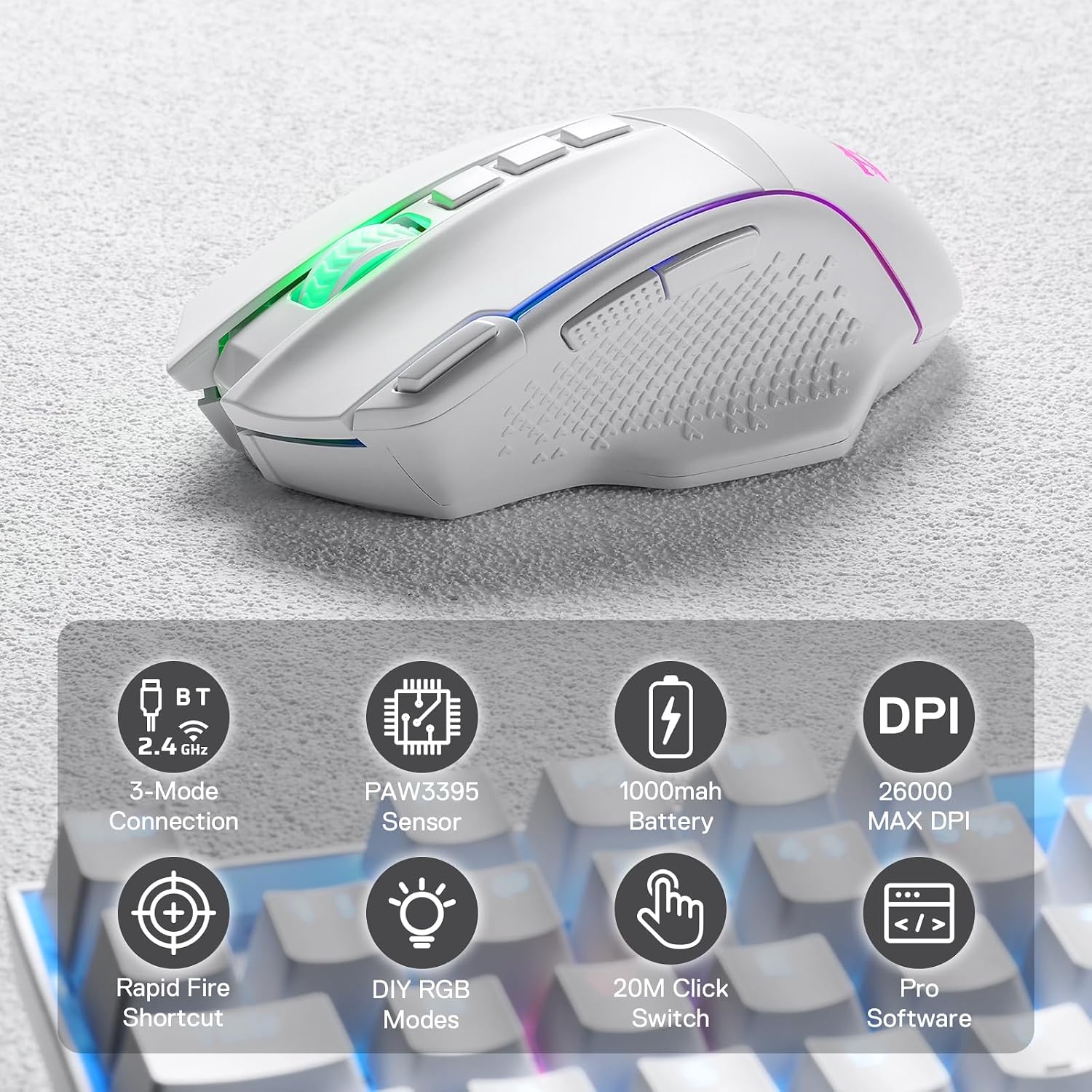
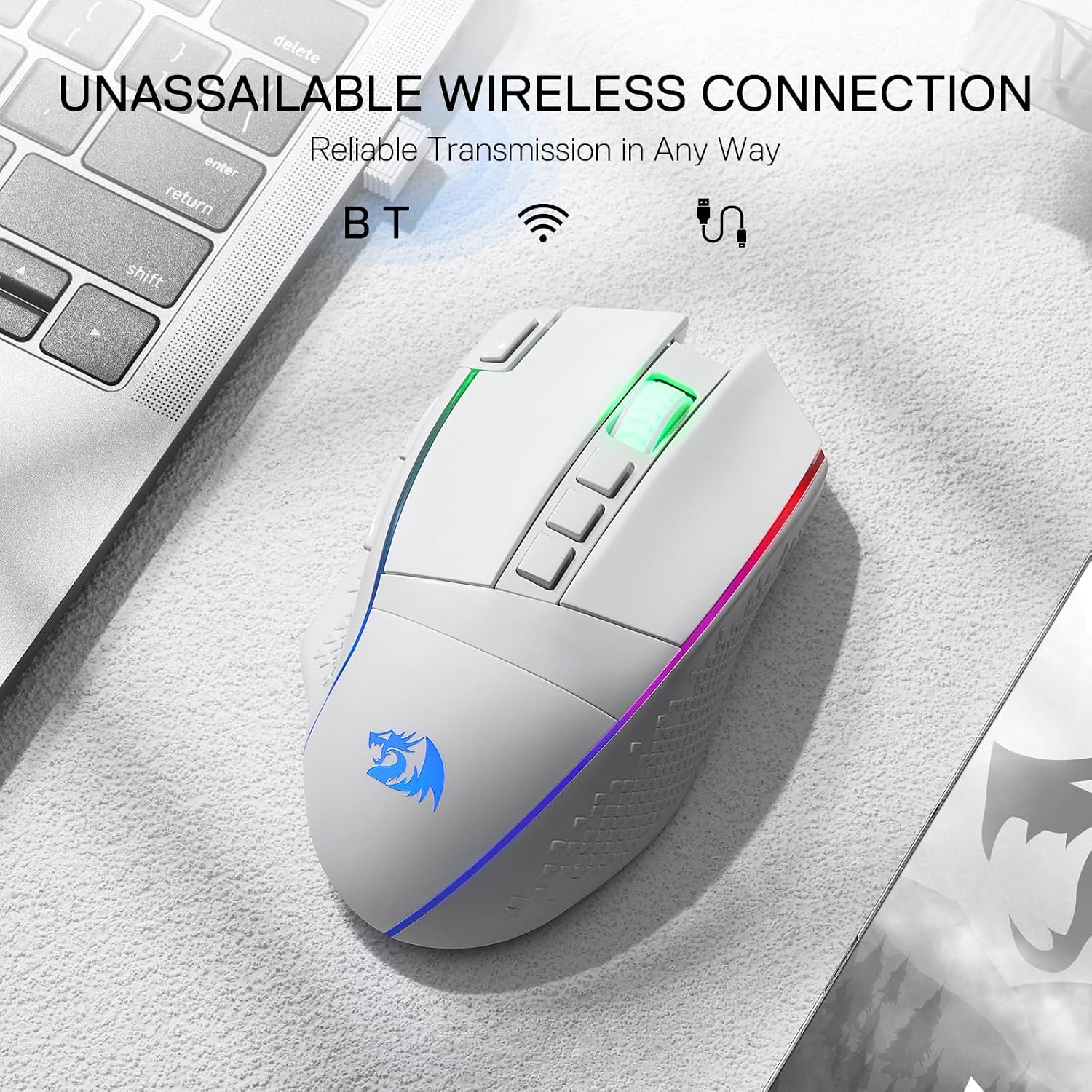
It’s designed to work across PC and Mac/laptops, and it uses Bluetooth plus a 2.4Ghz nano receiver. That combination matters if you switch between devices or want a lower-latency feel for gaming while still having a straightforward wireless option.
The essentials (where it stands out)
The most obvious hook is the control customisation:
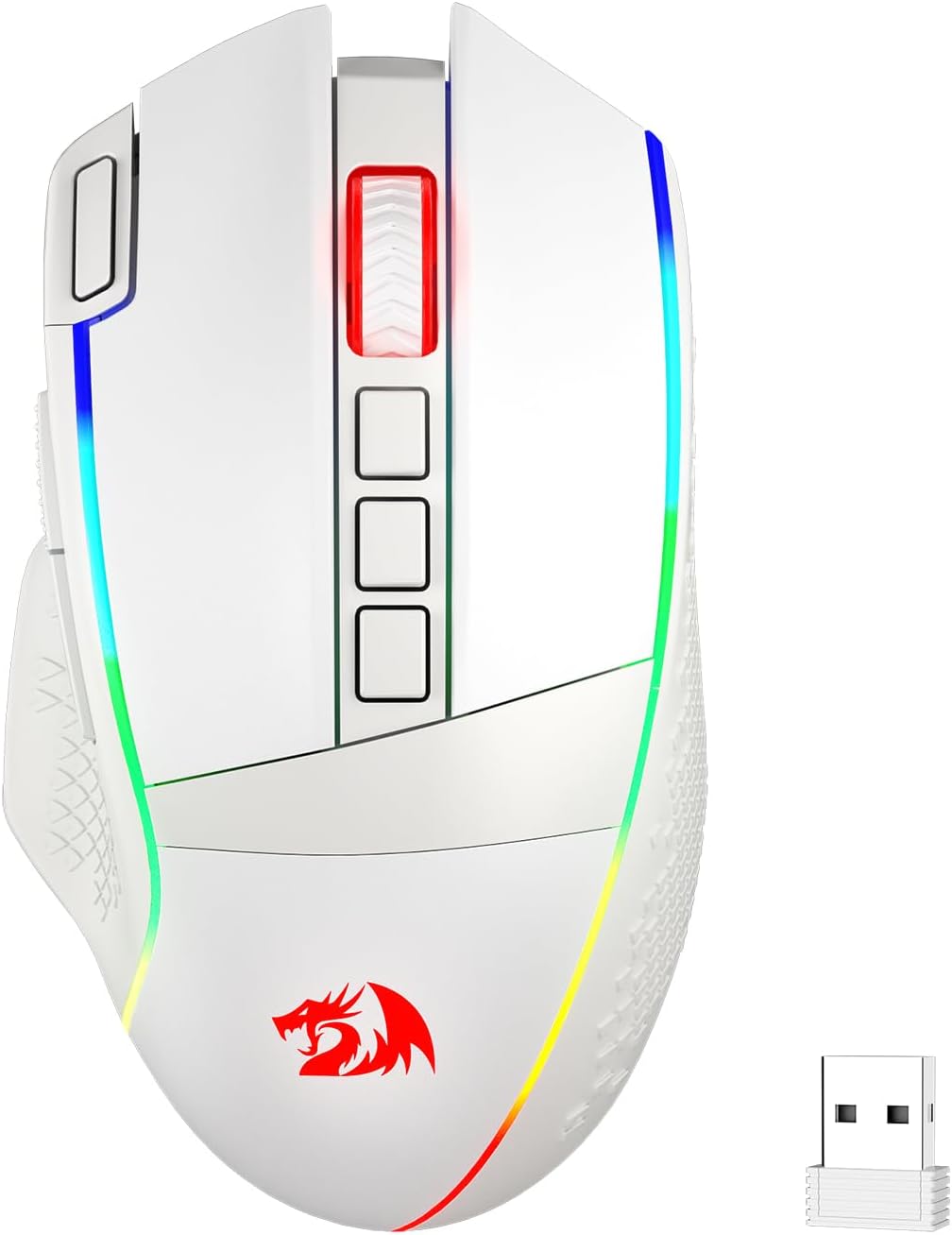
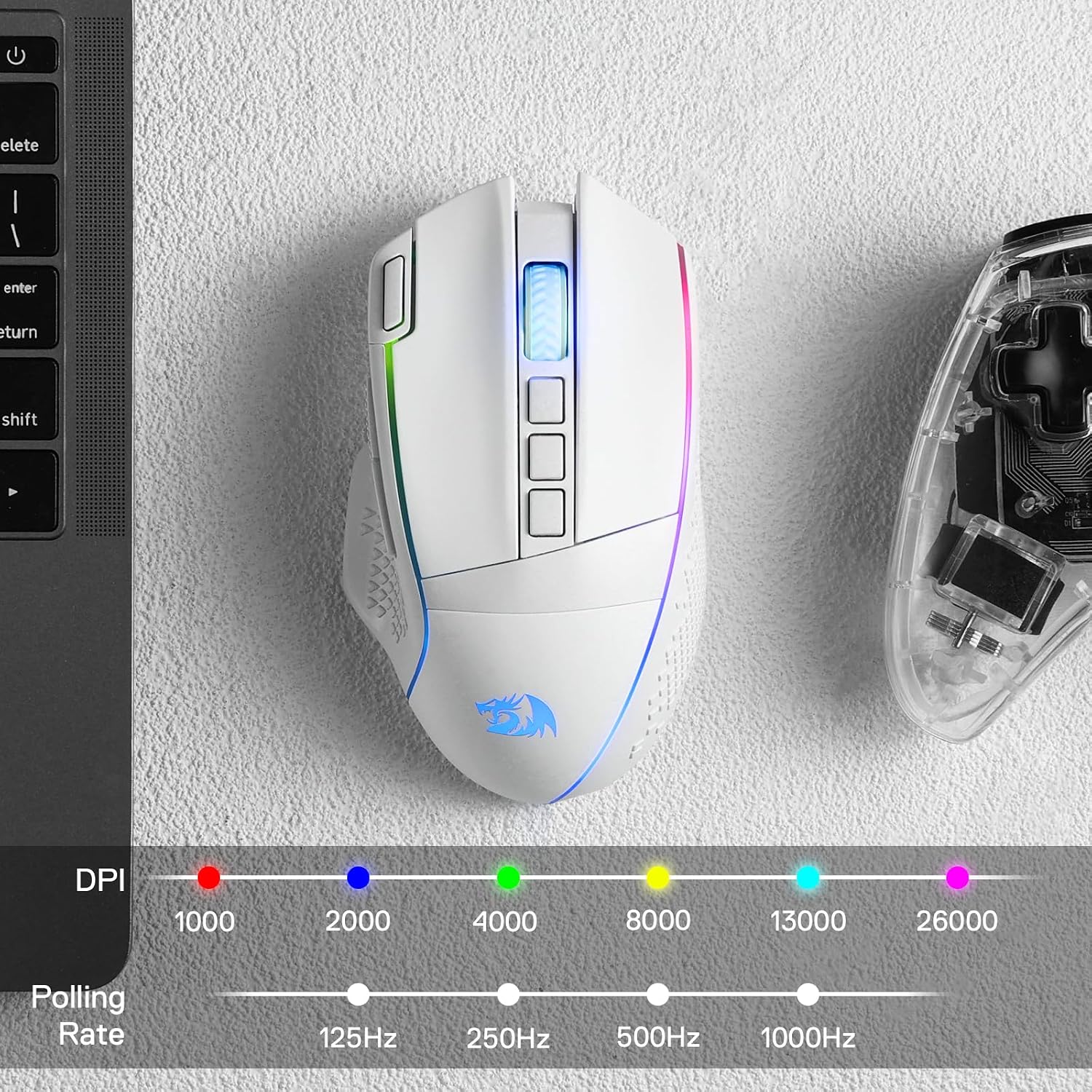
- Up to 26000 DPI with six onboard DPI levels (1000/2000/4000/8000/13000/26000). The idea is that you can switch quickly between sensitivity “tiers” and then fine-tune further via software.
- Rapid Fire key plus 9 programmable buttons, which are positioned to support both gameplay shortcuts and productivity-style commands.
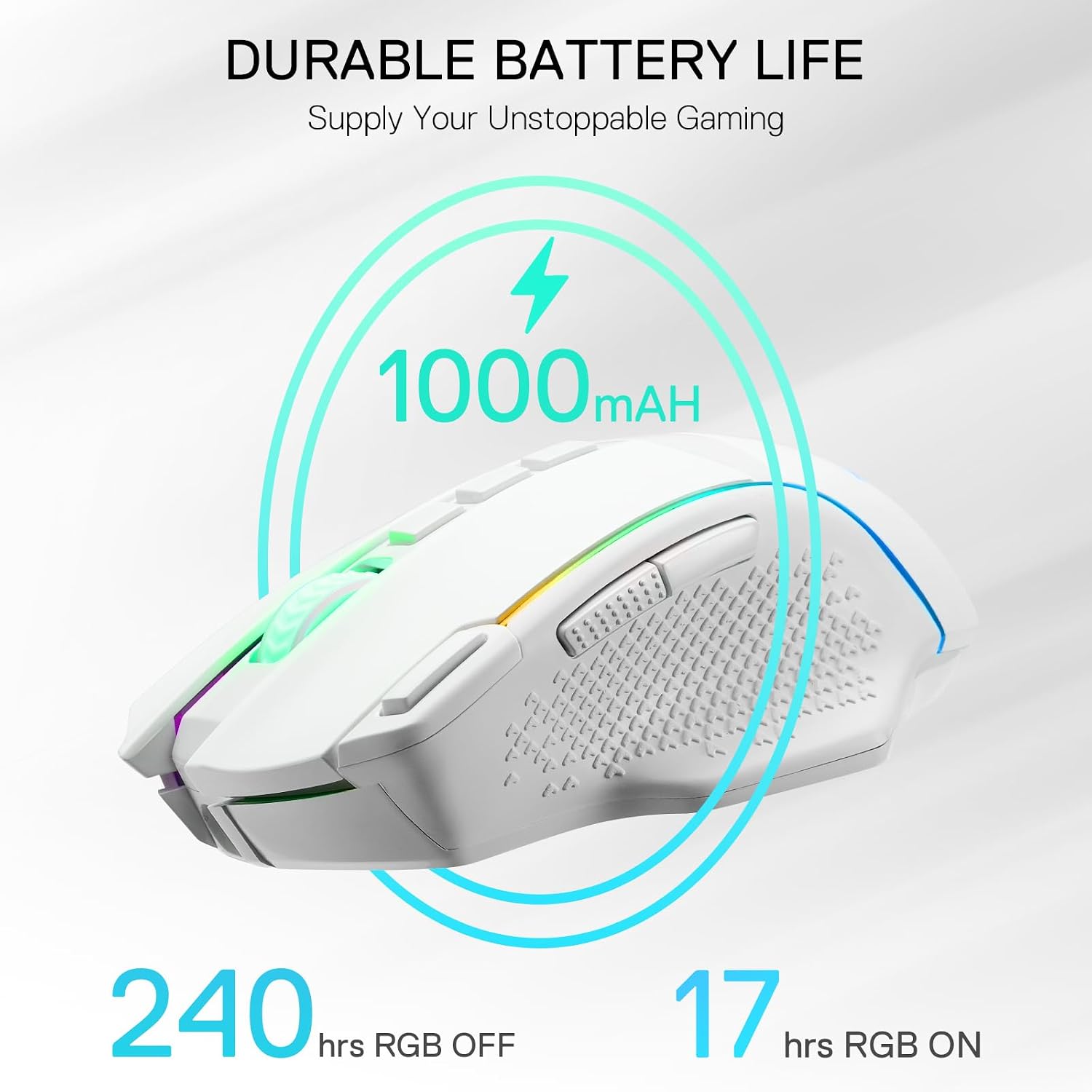
Then there’s the battery angle. It’s built around a rechargeable setup and, with RGB switched off, the mouse is claimed to run up to 240 hours. That’s the sort of figure that can reduce the “charge anxiety” you get with some wireless gaming peripherals.
What you’ll notice day to day
In use, the appeal is less about flashy lighting and more about having options ready. If you play titles where you alternate between precision aiming and quicker tracking, those onboard DPI levels (rather than relying only on software) can be handy. A quick switch mid-session lets you treat movement sensitivity like a tool, not a permanent choice.
The macro side is also practical if you have a routine: for example, set a side macro for a “utility” action, another for a frequently used in-game communication or loadout selection, and keep Rapid Fire for the kind of scenarios where repeating an input can help your rhythm.
That said, it’s worth keeping expectations realistic: if you only ever use left/right click and you don’t set macros or tweak DPI, you may not get much extra value from all the programmability.
Key points on connectivity, performance and lighting
The M991’s connectivity is built around Bluetooth and a 2.4Ghz nano receiver, which gives you two ways to get wireless. The description also mentions a 1000Hz polling rate in dual mode and an optical sensor (PAW3395 Optical Pixart).
For lighting, it includes an RGB backlight with multiple modes (and driver support via “Redragon Pro” mentioned in the description). The catch is simple: RGB typically impacts battery life, so if you’re buying with long runtime in mind, you’ll likely want RGB off more often than on.
Spec sheet highlights
Tech summary

- Type: Wireless gaming mouse (BT + 2.4Ghz nano receiver)
- DPI range: Up to 26000 DPI
- Onboard DPI levels: 6 (1000/2000/4000/8000/13000/26000)
- Buttons: 9 programmable buttons plus a Rapid Fire key
- Sensor: PAW3395 Optical Pixart
- Polling rate: 1000Hz in dual mode (as stated in the description)
- Battery claim: Up to 240 hours with RGB off
- Lighting: RGB backlight with multiple modes (configured via Redragon Pro driver, per description)
Where it makes sense, and where it may not
It’s a solid fit if you want a wireless mouse that supports both gaming and regular keyboard/mouse-style shortcuts, and you’re the kind of user who will actually set up DPI steps and programme the 9 buttons.
It might not be the best choice if you’re after a simple plug-and-play experience with minimal setup. The macro and lighting potential is there, but the value depends heavily on whether you’ll spend a little time configuring settings in the driver.
Also, if you’re very picky about latency consistency in every situation, the description only gives broad performance claims (like polling rate in dual mode), so it’s worth reading carefully into the connectivity mode you plan to use most.
Compatibility & requirements
The description states support for PC and Mac/laptop use, and it relies on either Bluetooth or the 2.4Ghz nano receiver. It also references a driver (“Redragon Pro”) for DPI and RGB configuration, so having a compatible device for setup is something to bear in mind.
If you need guaranteed work with a very specific setup, it’s sensible to double-check device requirements on the listing before buying.
Buying verdict
Final verdict
Worth buying if you’re after a wireless gaming mouse with multiple DPI steps (up to 26000), 9 programmable buttons and a Rapid Fire key, plus a battery-life claim that looks realistic for “set and forget” use when RGB is off.
You may want to skip it if you only want basic clicking and movement, because the extra buttons and software-based customisation won’t automatically make a difference unless you use them.
Mini FAQ
Questions buyers often ask
Is the M991 only for PC? No—according to the description, it’s intended for PC and Mac/laptop use.
How do the DPI switches work? It includes six onboard DPI levels (listed in the description) and the idea is that you can switch quickly in-game, with further DIY options via software.
What does Rapid Fire do? The description positions Rapid Fire as a key feature for improving gaming experience, and it’s presented alongside the macro button setup. Exact behaviour depends on how you configure it in the driver.
Will battery life be lower with RGB on? The description specifically states the 240-hour figure with RGB off, so RGB is likely to reduce runtime.
Do you need software to use it? The listing references a driver (“Redragon Pro”) for customisation, particularly for DPI and lighting modes, so you may get the full experience via software.