

Redragon K707 PRO GB 80% Wireless Gasket RGB Mechanical Keyboard (Hot-swap, Tri-mode)
Product description
The essentials
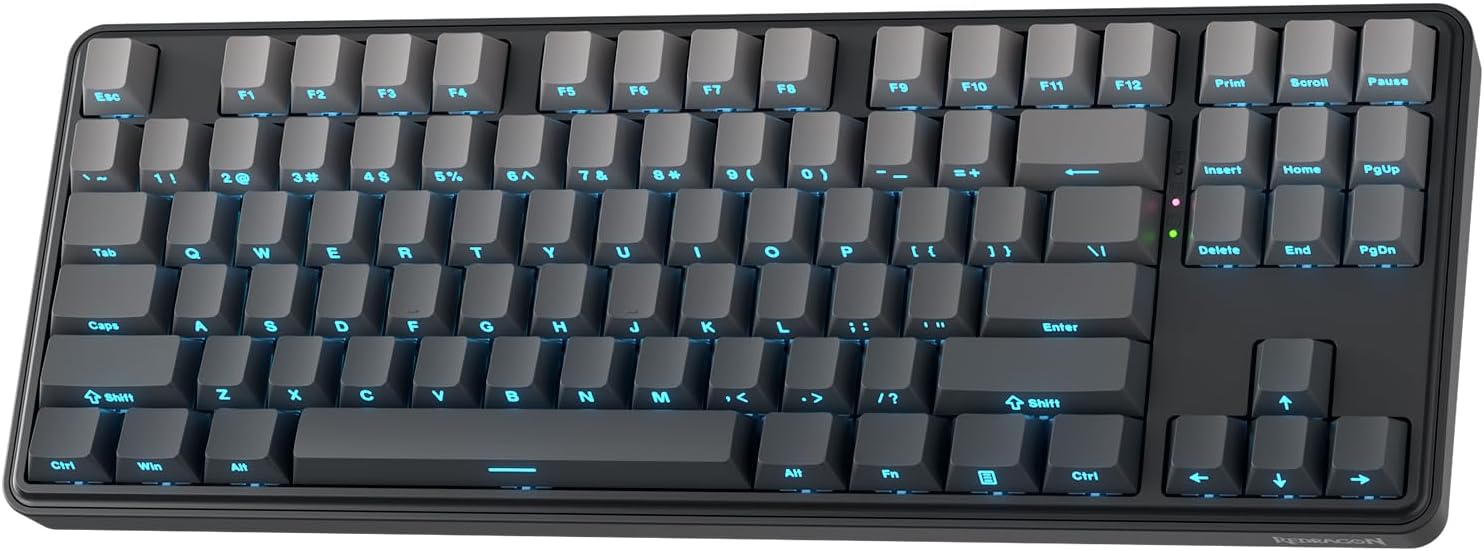
If you’re after an 80% TKL mechanical keyboard that feels more “cushioned” than typical rigid builds, the Redragon K707 PRO GB is designed with that in mind. It uses a gasket-style construction with layered noise dampening materials, aiming to soften the clack and keep the typing sound cleaner. It’s also positioned as a flexible gaming-and-work board: hot-swap sockets, PBT round keycaps, RGB, and a tri-mode wireless setup alongside USB-C.
The result, on paper, is a keyboard that tries to deliver a nicer, more controlled feel than entry-level mechanicals—without locking you into one fixed switch type forever thanks to the hot-swap compatibility.
What matters most in everyday use
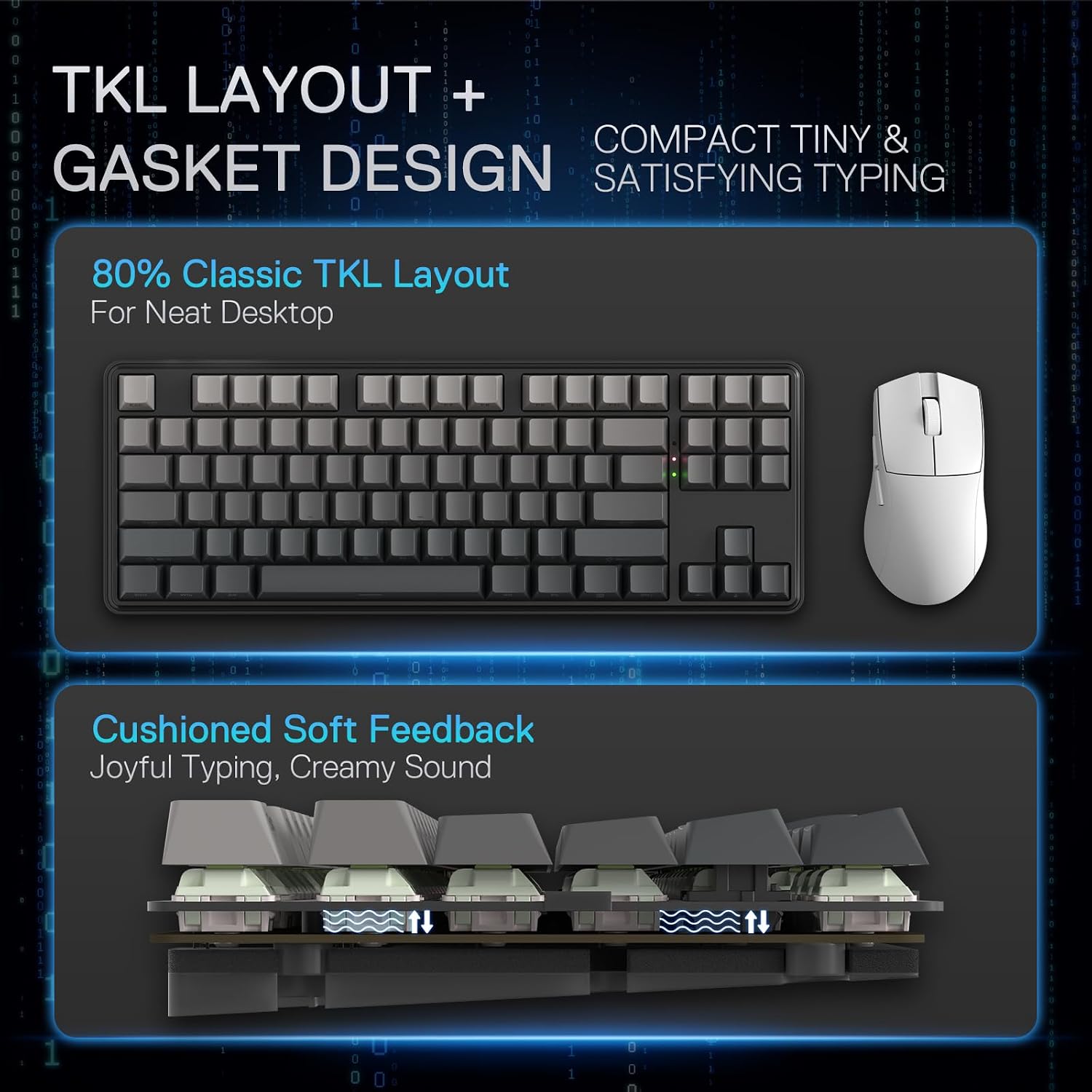
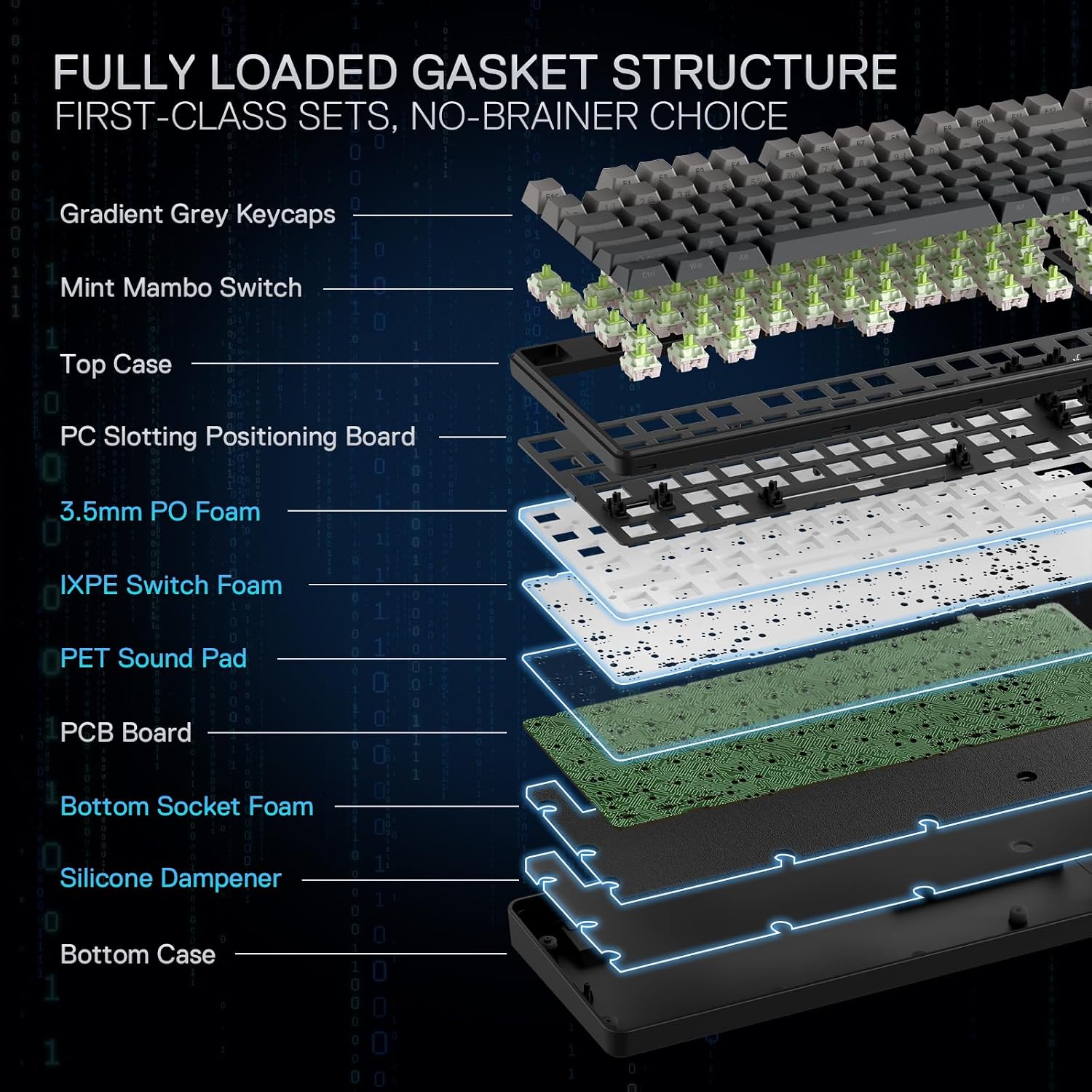
The big idea behind the K707 PRO is the gasket layout. Instead of a traditional screw-fixed structure, it uses precision-locked covers with gaskets. That approach is meant to add vertical cushioning, reduce harshness in rigid noise, and give more even feedback when you press keys. If you type for long sessions, the “cushioned” angle is exactly what you want to feel—especially during fast keystrokes.
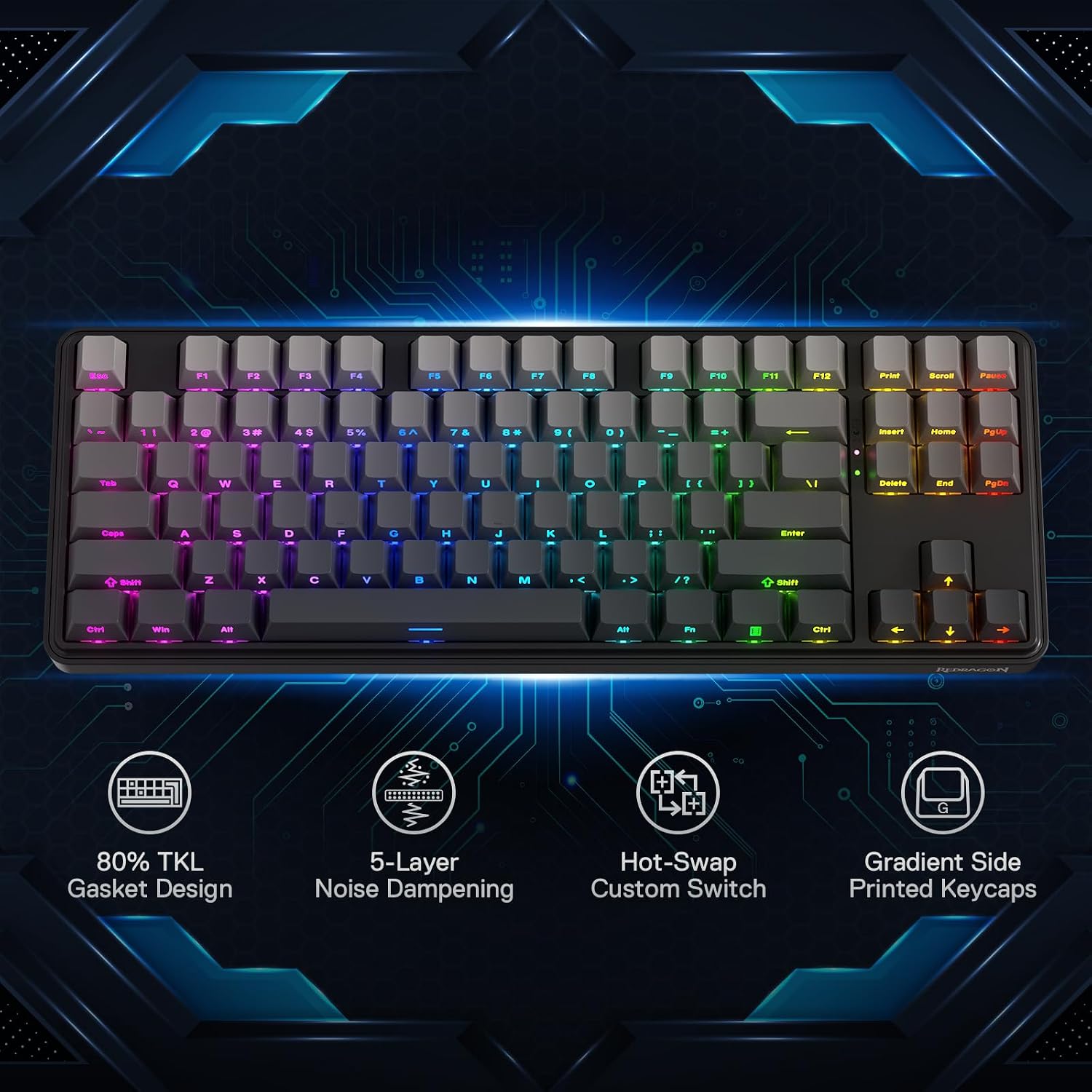
Redragon also goes further on sound: it includes multiple dampening layers (3.5mm PO foam, IXPE switch foam, a PET sound pad, bottom socket foam, and a silicone bottom pad plus the silicone gasket). In real buying terms, this matters more than people expect: some switches sound fine in isolation, but a hollow chassis can make everything ring. Here, the board is built to avoid that.
There’s also an 80% TKL (87 keys layout) design, which drops the numpad. It gives you extra mouse movement space—useful for FPS-style setups and desk layouts where you want a more central cursor position.
Where it stands out
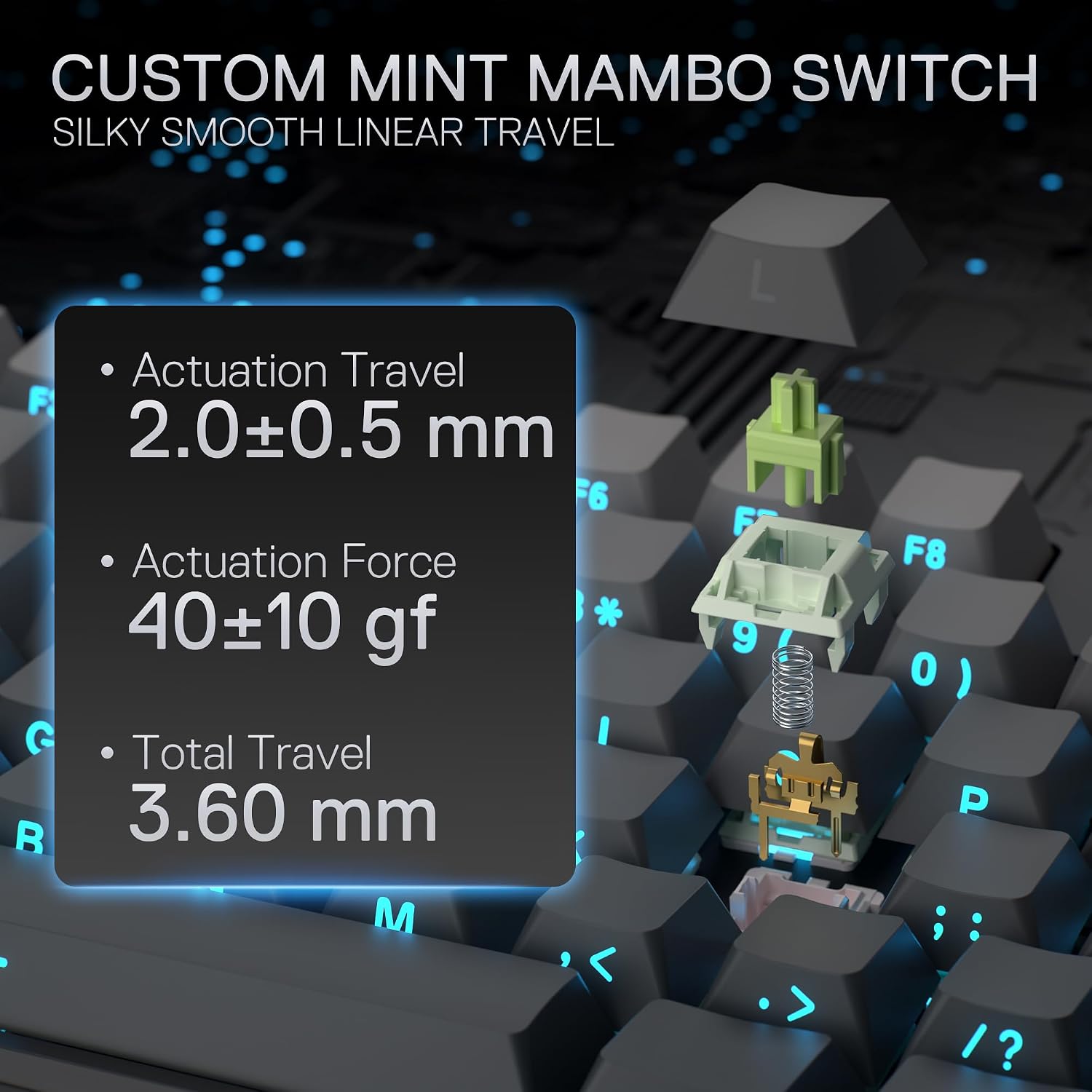
What you’ll notice day to day is the combination of “feel” and “options”. The keyboard ships with a custom linear switch setup described as Mint Mambo, with thick-lubed custom linear switches in a gasket form factor. It’s promoted as offering rich linear travel with a silky, creamy typing feedback. That’s the sort of wording that usually translates to smoother actuation rather than a scratchy, dry feel.
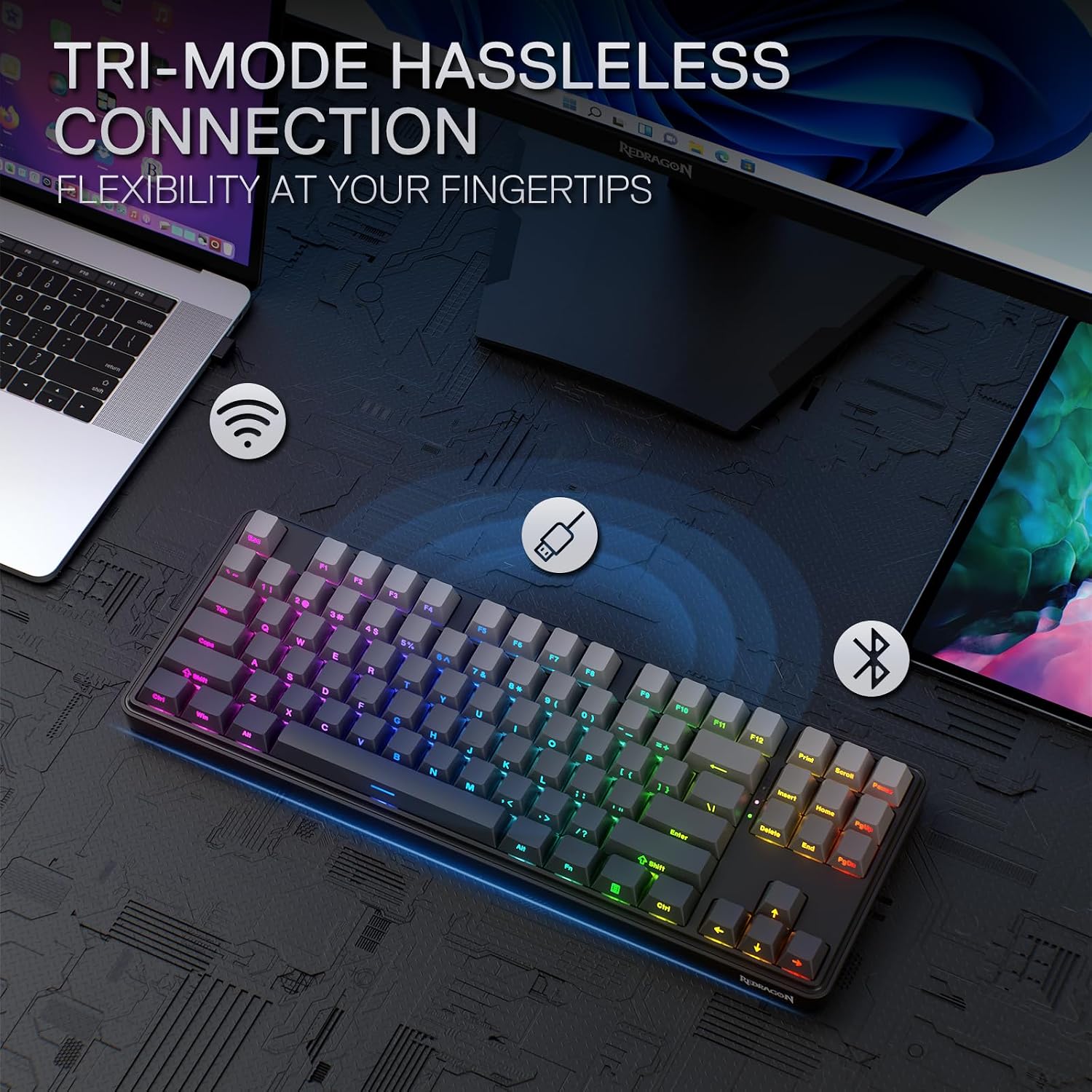
On top of that, it supports multiple connection modes: - USB-C wired - BT 3.0 - BT 5.0 - 2.4GHz wireless
If you bounce between a desktop PC and another device, tri-mode support is often the difference between a keyboard you “set and forget” and one you actually use properly. The key limitation to keep in mind is that Bluetooth can be great, but switching devices can still involve a bit of management depending on your setup.
Tech specs
- Type: 80% Wireless Gasket RGB Gaming Keyboard (TKL 87-key layout)
- Layout: US ANSI QWERTY
- Connection modes: USB-C (wired), BT 3.0, BT 5.0, 2.4GHz wireless
- Hot-swap: Hot-swap socket with an upgraded socket nearly all switch compatibility (3/5 pins)
- Switch type: Custom Mint Mambo linear switches (thick-lubed as described)
- Keycaps: PBT round keycaps
- Noise dampening layers: 3.5mm PO foam, IXPE switch foam, PET sound pad, bottom socket foam, silicone bottom pad and silicone gasket
- Form factor focus: 80% TKL, described as crafted for FPS gamers
- Software: Pro software supported for modes/effects, macros for different keybindings/shortcuts
Who it’s for (and who should think twice)
It makes sense if you want:
You’ll like it if you prioritise a gasket-mounted, dampened typing feel and you like the idea of tuning further via hot-swap. It’s also a solid pick if you want one keyboard that can handle gaming responsiveness over 2.4GHz, while still giving you Bluetooth options for work or a second device.
It may not suit you if you’re extremely picky about switch choice from the start but don’t want to spend any time learning hot-swap and switch fit. Also, if you prefer a full-size board with a numpad, the 80% TKL layout will be a real compromise.
Worth considering if you care about sound and “comfort typing” rather than only raw speed—this model is clearly aimed at reducing hollow noise and making keystrokes feel less harsh.
Getting the most from it
Start with how you plan to use the keyboard. For gaming with minimal fuss, the 2.4GHz mode is the most straightforward route based on how these setups are typically used. For desk-based switching between devices, Bluetooth can be convenient, but it’s worth checking you can manage pairing/switching smoothly.
Then, think about the feel: the included Mint Mambo linear switches and thick-lubed description are meant to give a richer, smoother travel experience. If you later swap switches (supported via 3/5 pin compatibility as described), you’ll likely want to pick switches that match that linear, gasket-friendly direction—otherwise you can end up with a different sound profile than you expect.
Finally, use the software support for custom modes/effects and macros. If you do any repetitive gaming binds or work shortcuts, macros and keybindings can make the keyboard feel more “yours” rather than just a plug-in peripheral.
Is it worth it?
The Redragon K707 PRO GB is worth buying if you want an 80% TKL keyboard that aims to reduce hollow noise, uses a gasket approach for a softer, more cushioned typing feel, and offers tri-mode connectivity plus hot-swap flexibility. It’s especially appealing if you’re the type of buyer who cares about the sound and feel of a mechanical keyboard as much as gaming performance.
You may want to skip it if you need a numpad, or if you prefer a simpler, fixed-switch keyboard and you’re not interested in potentially changing switches later. In short: it leans more toward “comfortable gasket typing with wireless convenience” than a no-nonsense, basic mechanical.
Mini FAQ
Is the K707 PRO good for both gaming and work?
It’s designed as a gaming-focused 80% TKL board, but the tri-mode wireless options and software support for macros/keybindings also make it practical for everyday work shortcuts.
Does it come with noise dampening built in?
Yes. The description lists multiple foam and pad layers plus silicone gasket/bottom pad elements intended to reduce hollow noise.
Can you change the switches?
It uses a hot-swap socket, and the upgraded socket is described as being compatible with nearly all switches (3/5 pins).
Is it fully wireless?
It supports USB-C wired, BT 3.0, BT 5.0, and 2.4GHz wireless, so you can use it wirelessly depending on which device and mode you’re running.
What does “80% TKL” mean for desk space?
It’s a TKL layout without the numpad (87 keys), which generally gives you more space for mouse movement on the desk.