

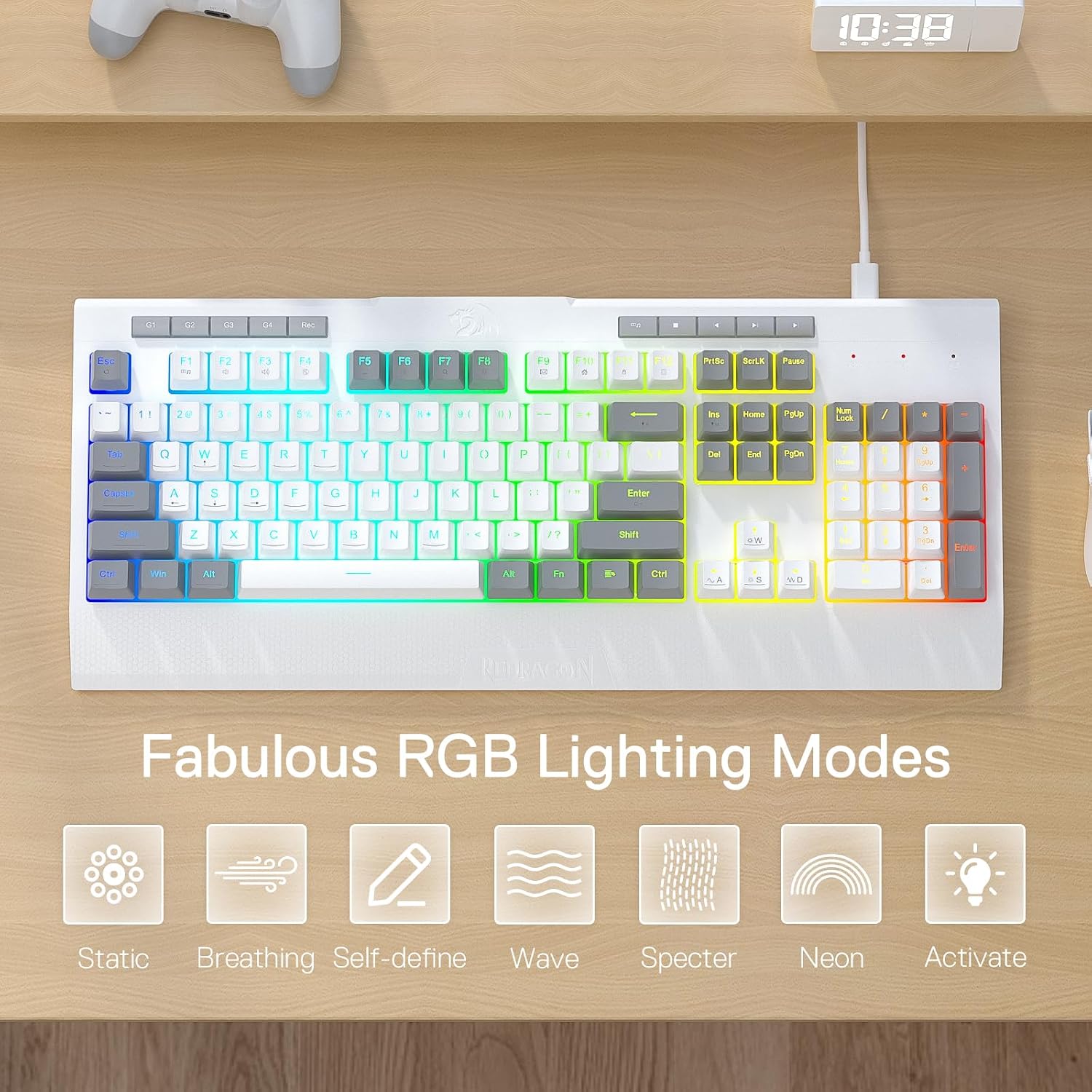
Redragon K525 RGB Backlit Membrane Gaming Keyboard with Multimedia Keys and Macro Controls
Product description
Quick overview
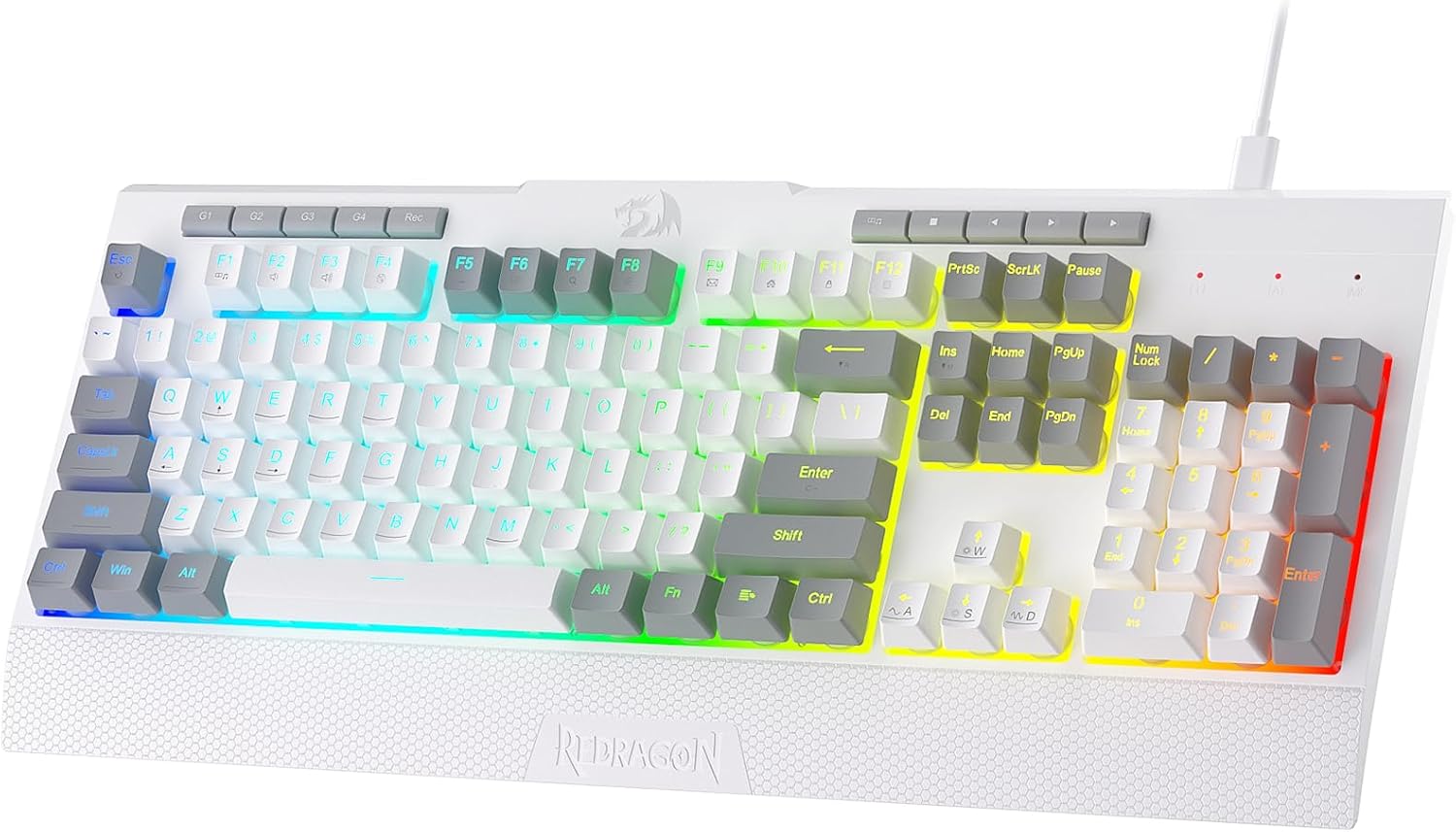
If you’re after a gaming keyboard that adds convenience beyond plain typing, the Redragon K525 is built around a few practical ideas: programmable macro keys, dedicated media controls, and full RGB backlighting. It’s also designed with a detachable wrist rest, which is the kind of detail that tends to matter more once you’ve used a keyboard for longer sessions.
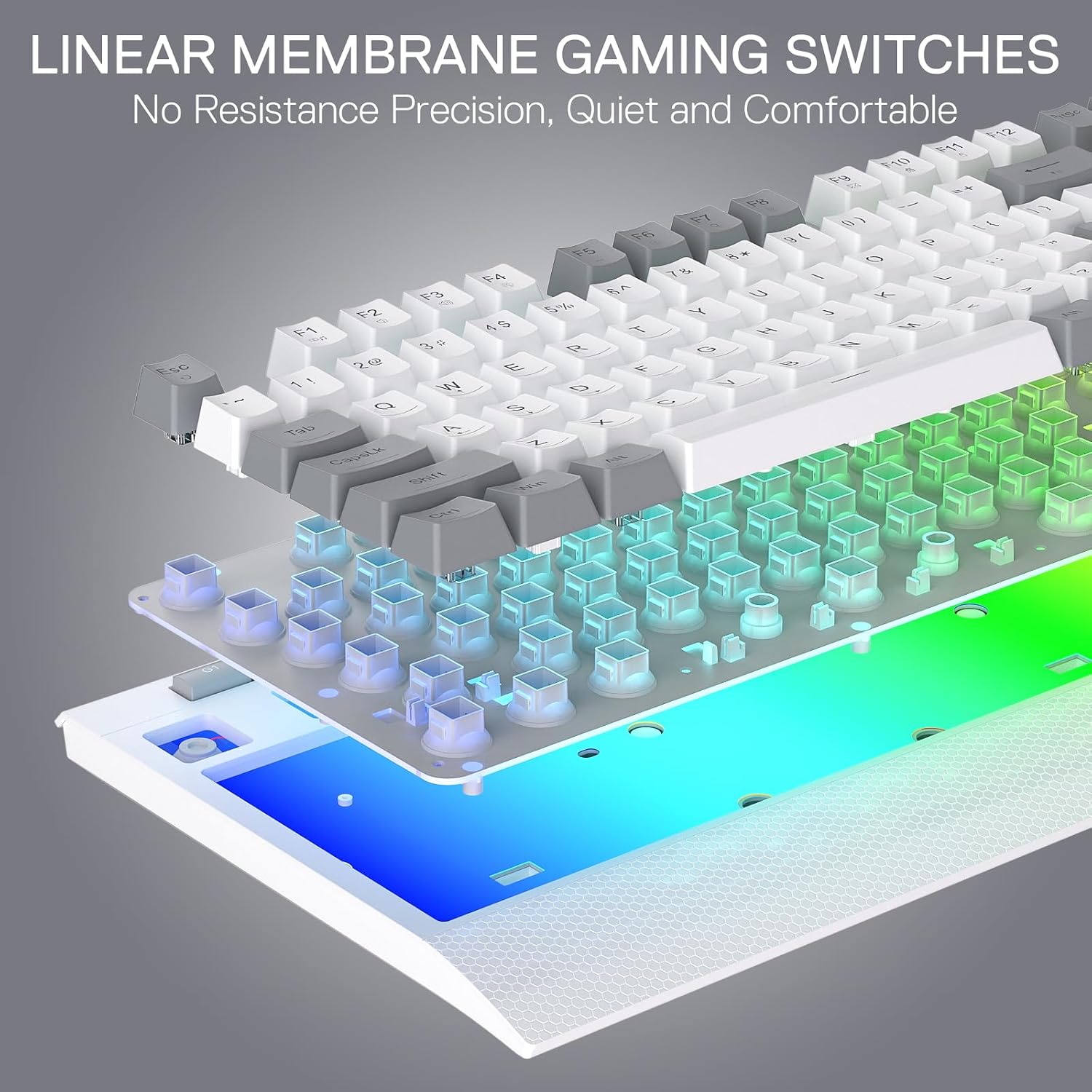
On paper, it targets people who want quick access to in-game actions and media without needing to keep alt-tabbing, plus RGB effects that you can dial in rather than settling for static lighting. That said, it’s a membrane board with a “linear mechanical-feel” style, so if you’re chasing the crisp response and sound of a true mechanical switch setup, you may find it a bit different in feel.
Key features that change daily use
The headline conveniences here are the on-board macro controls and the multimedia key layout.
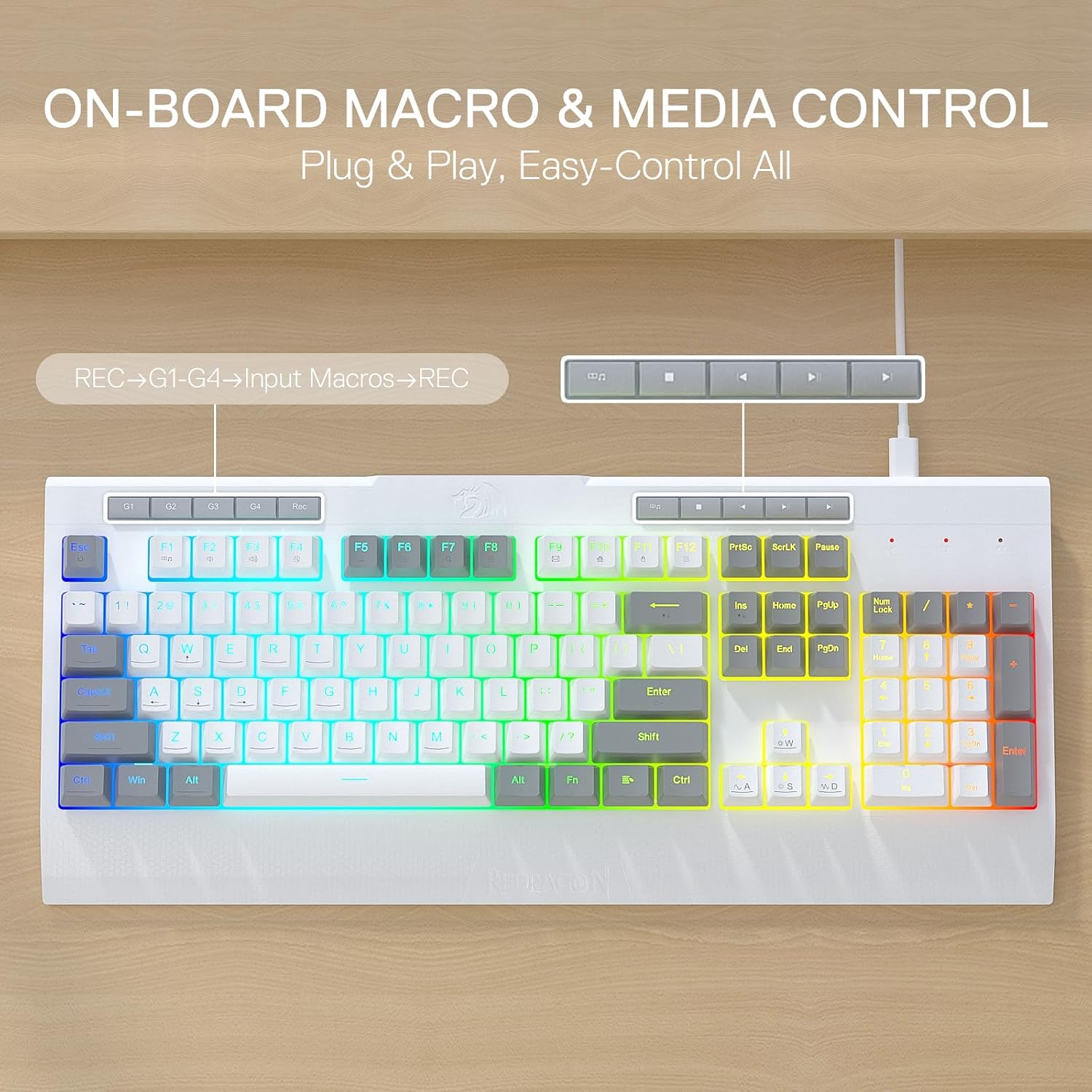
You get four extra on-board macro keys (labelled G1 to G4) that are programmable. The key point is that they work “on the fly” without relying on extra software to be useful. That can make a big difference if you prefer setting up macros once and then getting on with playing.
For media, the keyboard includes dedicated media controls for play/pause and skip, so you don’t need to reach for a separate controller or keys on the operating system. It’s a small thing, but when you’re gaming and swapping between audio, it keeps the experience smoother.
RGB backlighting: lots of modes, plus control
The K525 offers full dynamic RGB backlighting with multiple options: there are 7 preset lighting modes, plus 6 additional slots for customisable modes. You also get brightness control that can run from very bright down to completely off if you don’t want the lighting distracting.
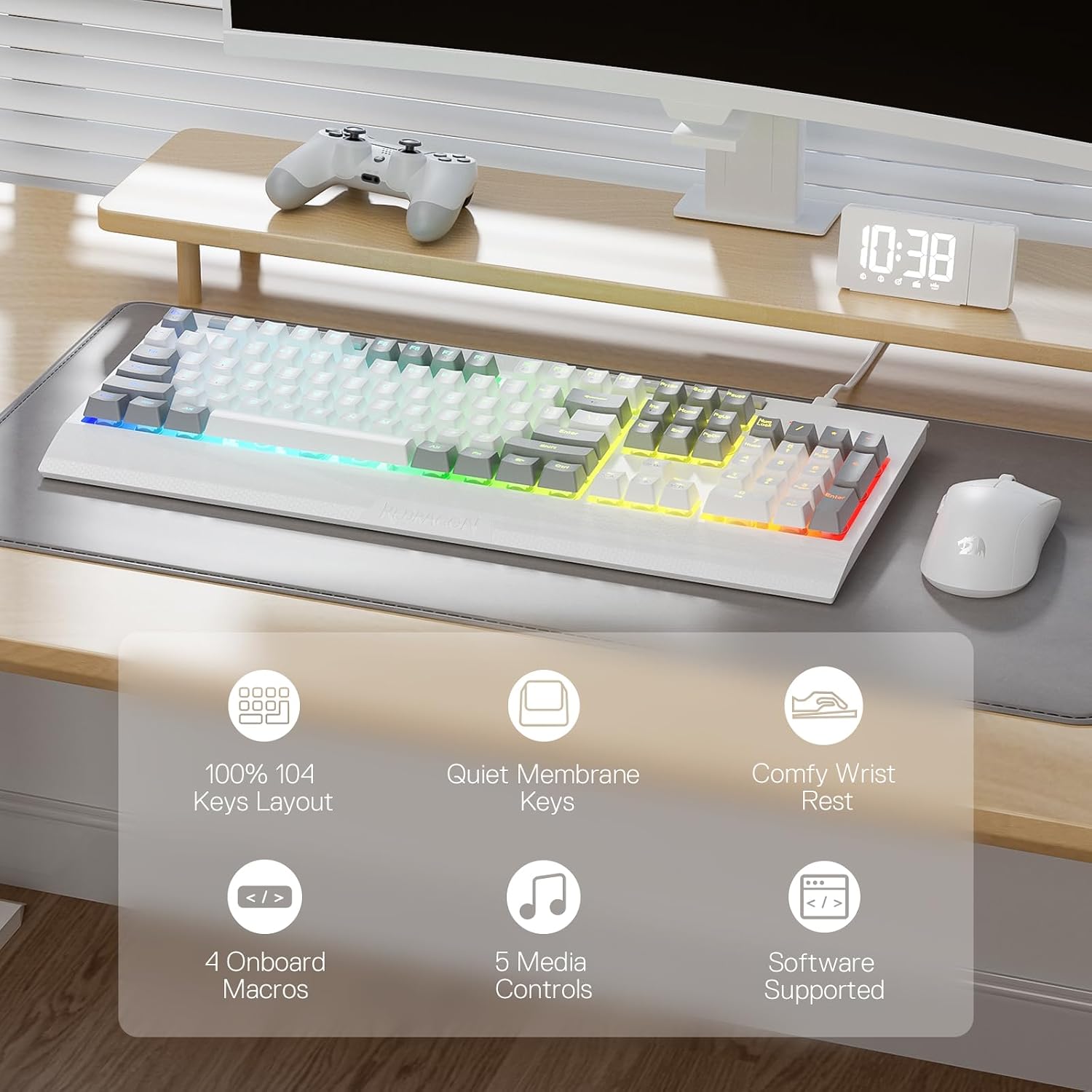
If you like tinkering, this is one of the reasons the K525 makes sense. If you only ever use a single static colour profile, then it may feel like more effort than you need—though the inclusion of a brightness-off option helps.
Gaming responsiveness and anti-ghosting
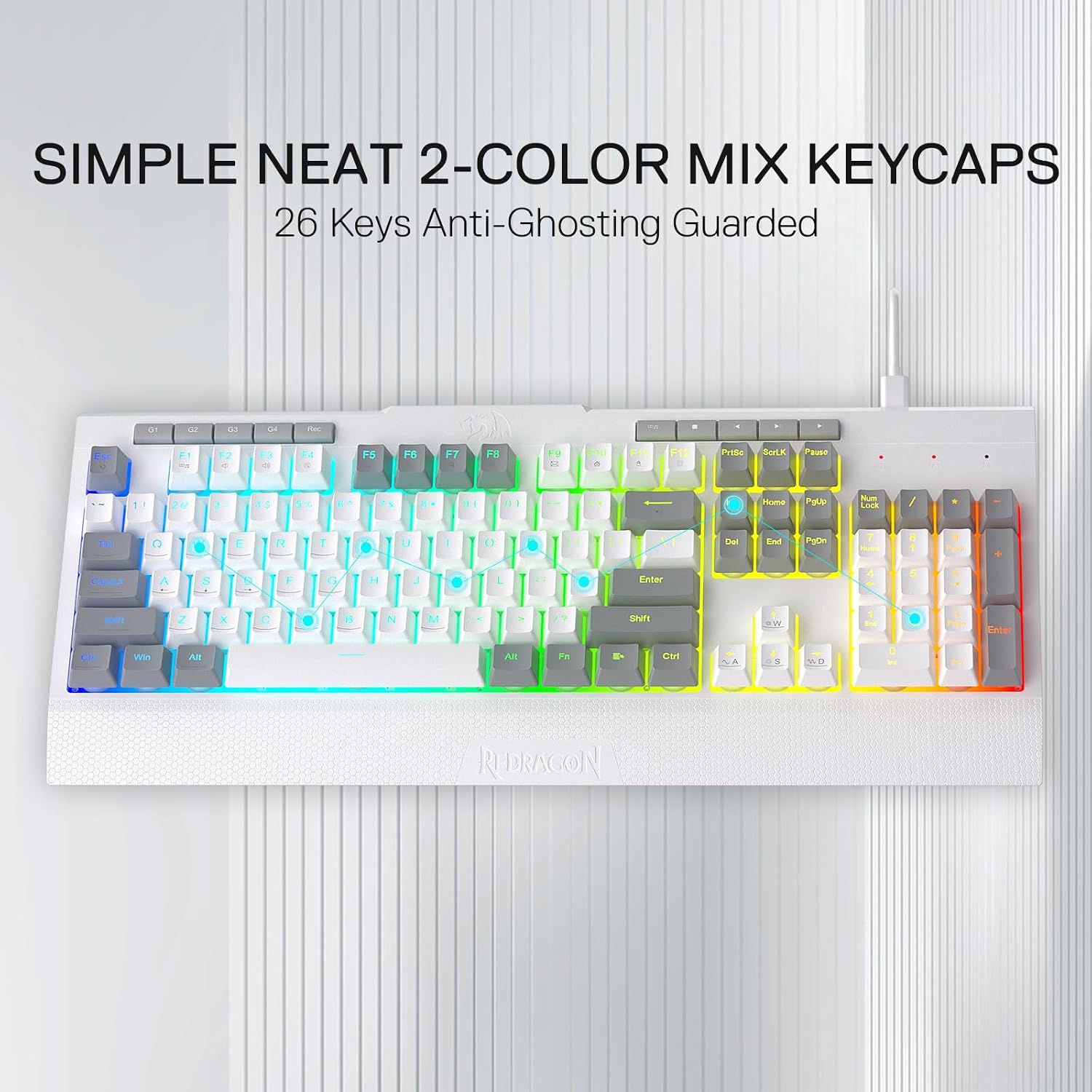
For fast play, the board includes anti-ghosting keys (keys with an underscore). The information provided states that 26 keys can work simultaneously for quick and accurate responses.
It’s worth bearing in mind that anti-ghosting behaviour can matter most in specific games and keyboard layouts. If your playstyle involves complex key combinations, this is the type of feature you’ll notice. If you’re mostly casual gaming and don’t hit heavy simultaneous inputs, it may not be something you consciously appreciate every day.
Comfort and build choices
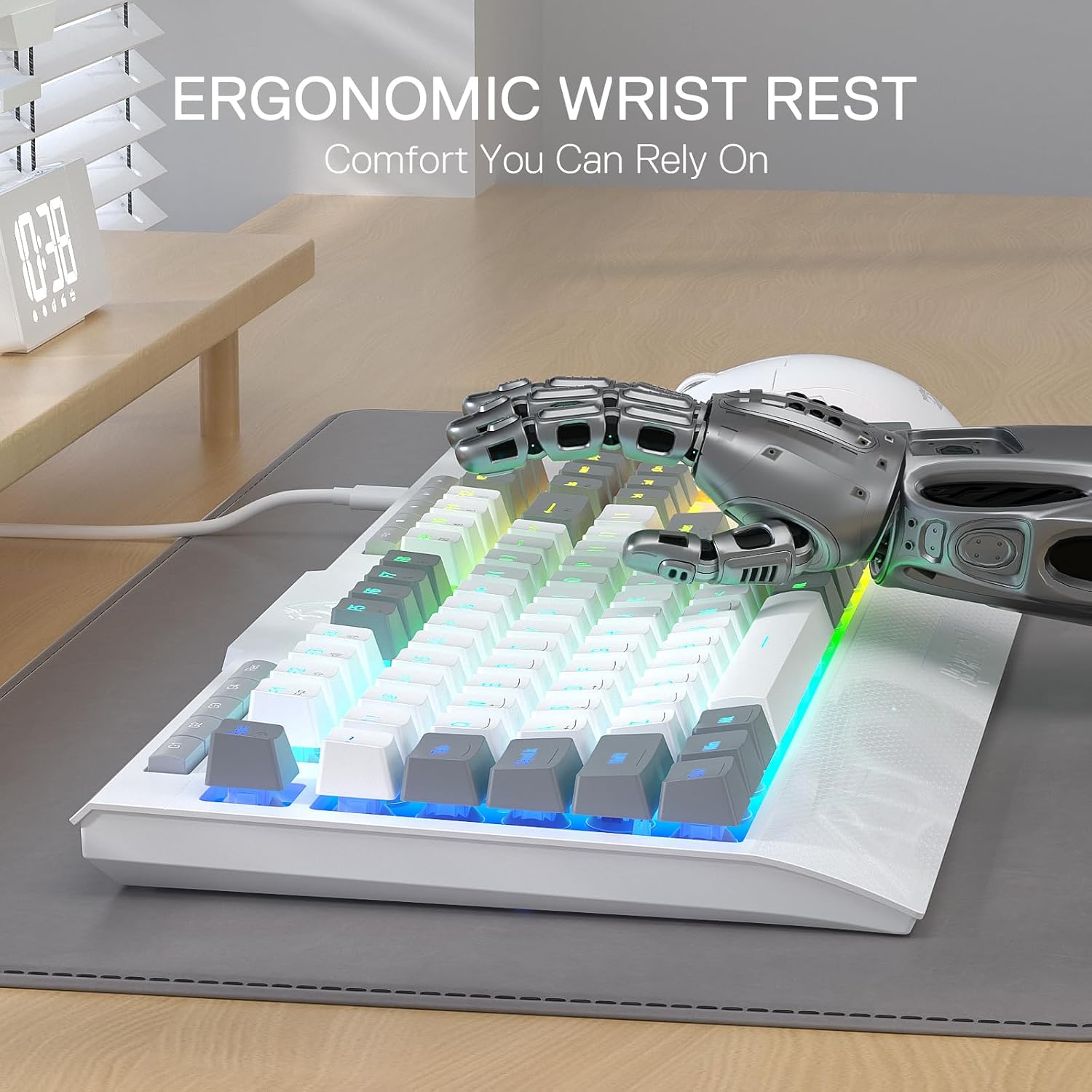
One of the more thoughtful inclusions is the detachable wrist rest. It’s ergonomically designed for mechanical keyboards, with the aim of supporting your wrists and reducing strain during longer typing or gaming sessions. Whether it feels “right” depends on your desk height and your posture, so it’s a feature to consider if you tend to get fatigue.
The keycaps are described as double-shot injection moulded, which is typically intended to help keep letters from fading over time. There’s also mention of durability testing: the keyboard is stated to pass 10 million keystrokes tests, which is reassuring if you want something that should hold up rather than feeling fragile.
Tech specs (what’s confirmed in the description)
- Type: Gaming keyboard (membrane, linear mechanical-feel)
- Layout: US QWERTY
- Backlighting: True RGB backlight (dynamic)
- Macro keys: 4 on-board macro keys (G1~G4)
- On-board media controls: Dedicated multimedia controls included
- Anti-ghosting: Anti-ghosting keys for 26 simultaneous key presses
- Wrist rest: Detachable wrist rest
- Durability claim: Passes 10 million keystrokes tests
Where it shines, and where it may not
It’s a good fit if you want an RGB gaming keyboard with dedicated multimedia controls and programmable macro keys you can set up without leaning heavily on software. It suits people who play games that benefit from quick actions assigned to G1–G4, or anyone who likes having media control close to the keyboard.
It may not be the best match if you specifically want a fully mechanical experience. The membrane design and “mechanical-feel” positioning suggests it’s more about accessibility and practicality than chasing the most premium switch feel.
Is it worth it?
Final verdict
Worth considering if you want value in a gaming keyboard that covers the basics plus the day-to-day extras: on-board macros, dedicated media controls, RGB you can customise, and a detachable wrist rest for comfort. The 26-key anti-ghosting claim and the stated durability testing also make it easier to justify for regular use.
You may want to skip it if you’re particularly sensitive to switch feel and sound, because it’s not a true mechanical switch keyboard. Also, if your lighting preferences are minimal and you’d rather spend time gaming than adjusting profiles, the RGB feature set might not add as much.
Mini FAQ
FAQ
Can the macro keys be used without extra software?
The description says the on-board macro keys work on the fly without additional software, which points to a simpler setup experience.
Does the keyboard let you turn the RGB off?
Yes—brightness control is described as ranging from very bright to completely off.
How many keys can work at once for gaming inputs?
The information provided states that 26 keys can work simultaneously thanks to anti-ghosting keys.
Is the wrist rest removable?
Yes, it’s described as detachable.
What layout is it?
It uses a US QWERTY layout.