

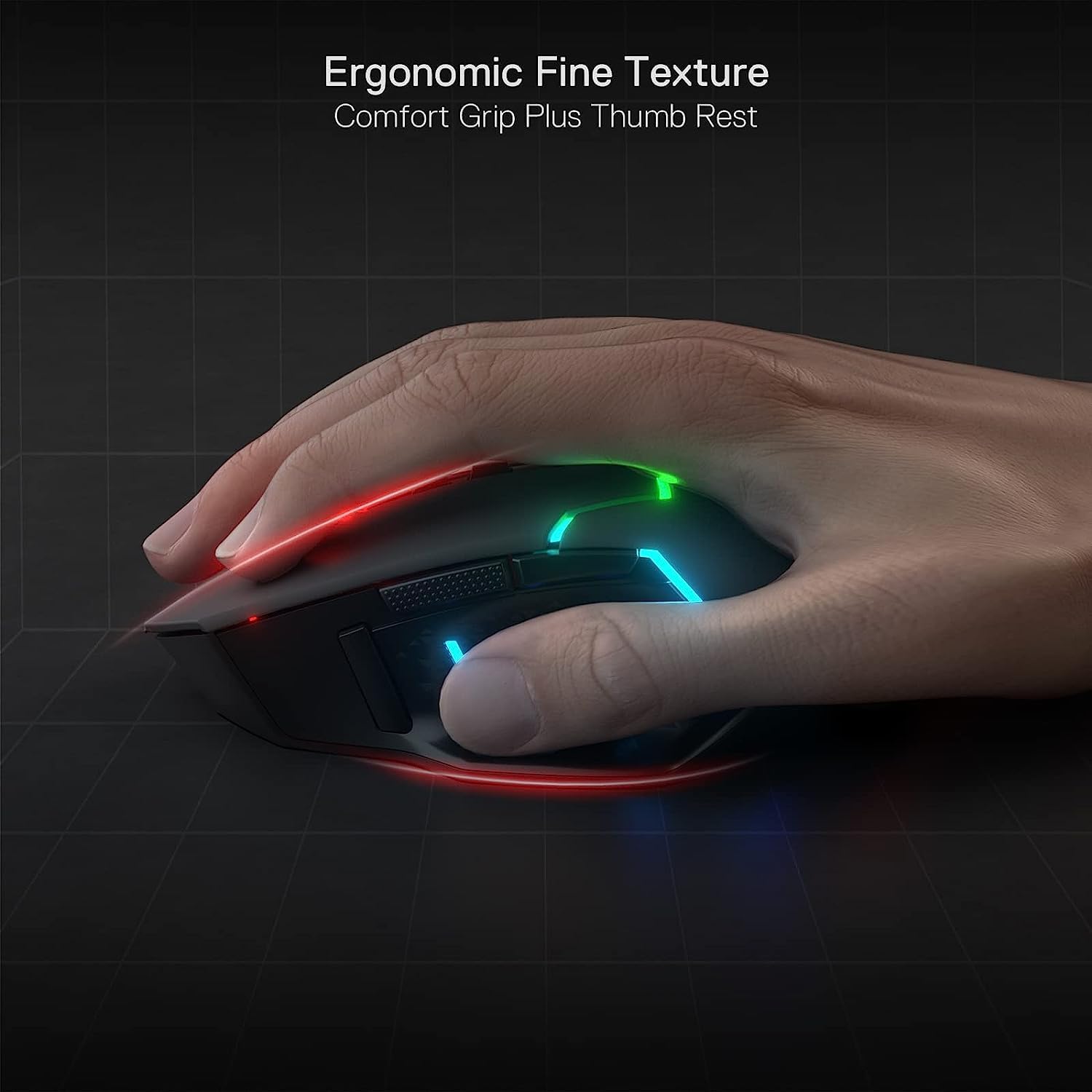
Redragon M690 PRO Wireless Gaming Mouse review
Product description
What it is and what it’s for
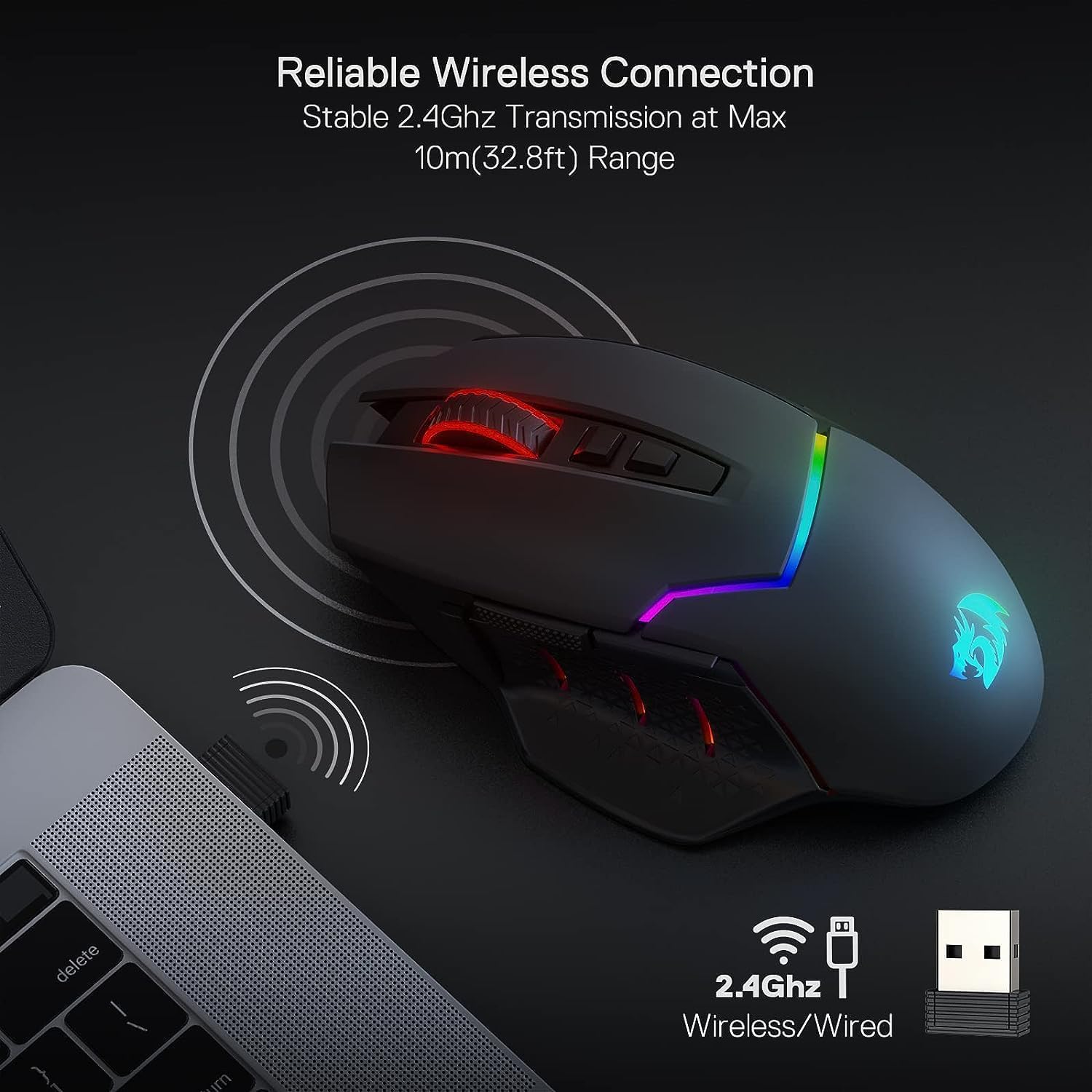
The Redragon M690 PRO is a wireless gaming mouse designed to bridge home and office use with gaming-grade features. It leverages a 2.4GHz connection for a range of up to 10 metres and aims to minimise latency, making it a practical option for both games and productivity tasks where precise cursor control matters. On paper, it looks like a mid‑range performer that prioritises customisation without leaning into flashy engineering fluff.
Performance and connectivity
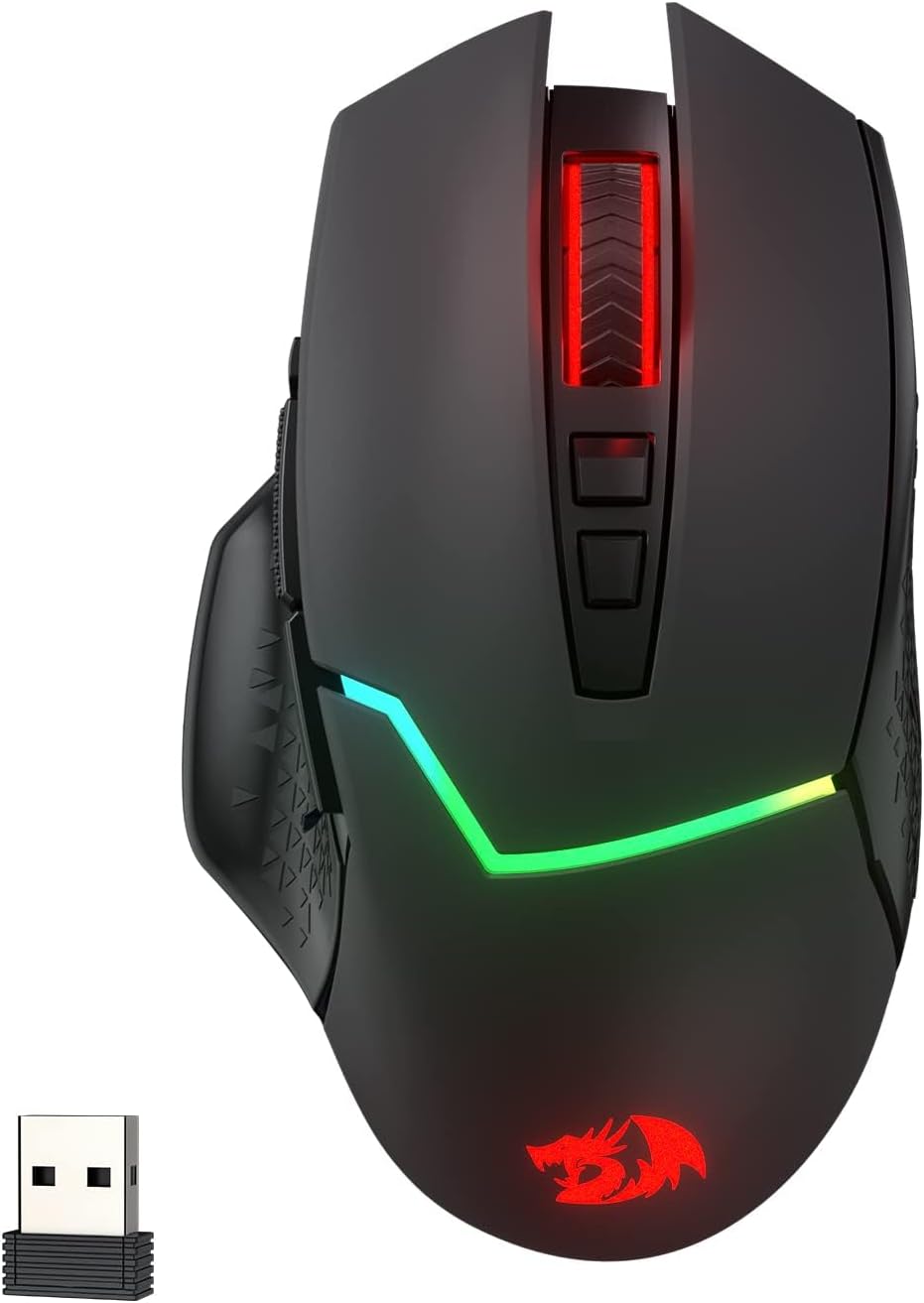
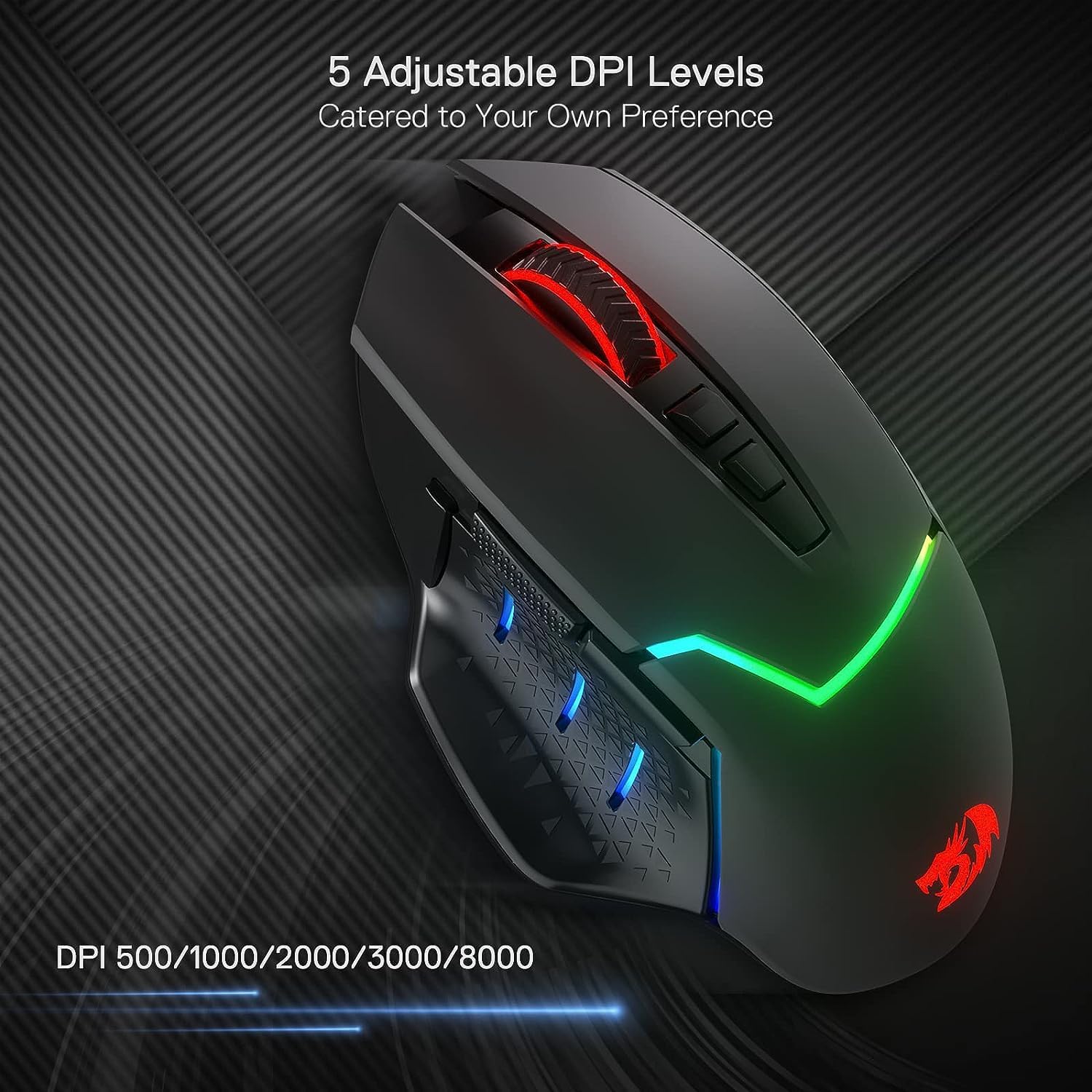
With a PAW3104 optical sensor, the mouse offers up to 8000 DPI and five onboard DPI presets (500/1000/2000/3000/8000). The DPI is adjustable on the fly, with further customisation possible via software. The wireless connection claims a 1000Hz polling rate in dual mode, which should help with timely tracking in fast-paced titles. A key consideration is whether you’ll notice the difference between wired and wireless across your typical games and work tasks, if you prioritise seamless feel and no cable drag, this model may deliver a smoother experience.
Buttons, macros and layout
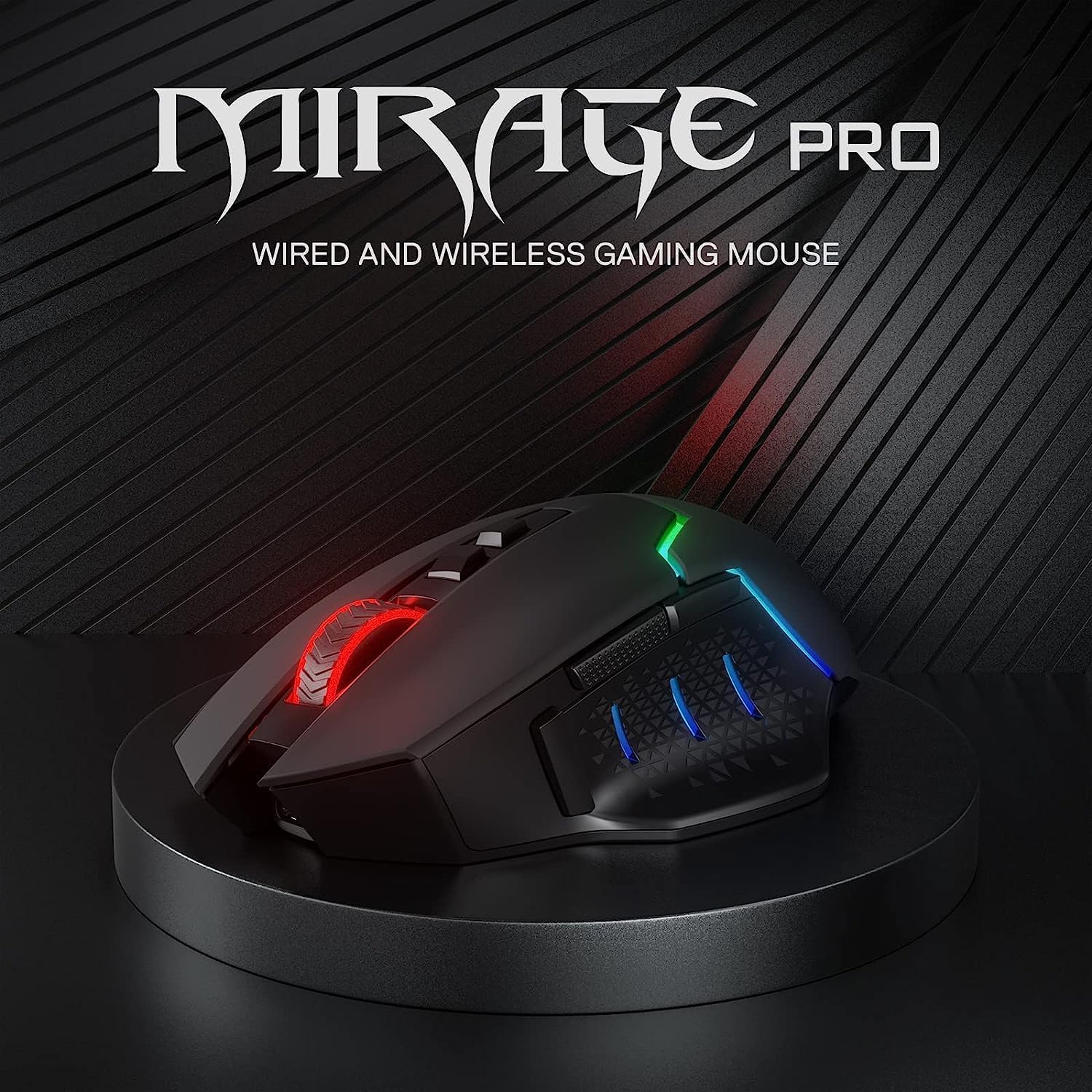
The M690 PRO features eight programmable buttons, including one rapid-fire and two side macro buttons. This makes it convenient for gamers who rely on hotkeys or macro sequences, and for anyone who wants custom shortcuts in productivity apps. Do bear in mind that on Mac OS, the side macro buttons aren’t available, which could affect how you map functionality if your primary setup is Mac-based.
DPI profiles and on‑board memory
Five onboard DPI levels let you switch quickly during a session, with the option to DIY additional profiles via software. If you frequently switch sensitivity on the fly—like when moving between precise sniping and broader movements in a game—the flexibility is useful. The downside is that software access is implied for full DIY capability, without it, you’ll be limited to the five built‑in levels.
Battery life and charging
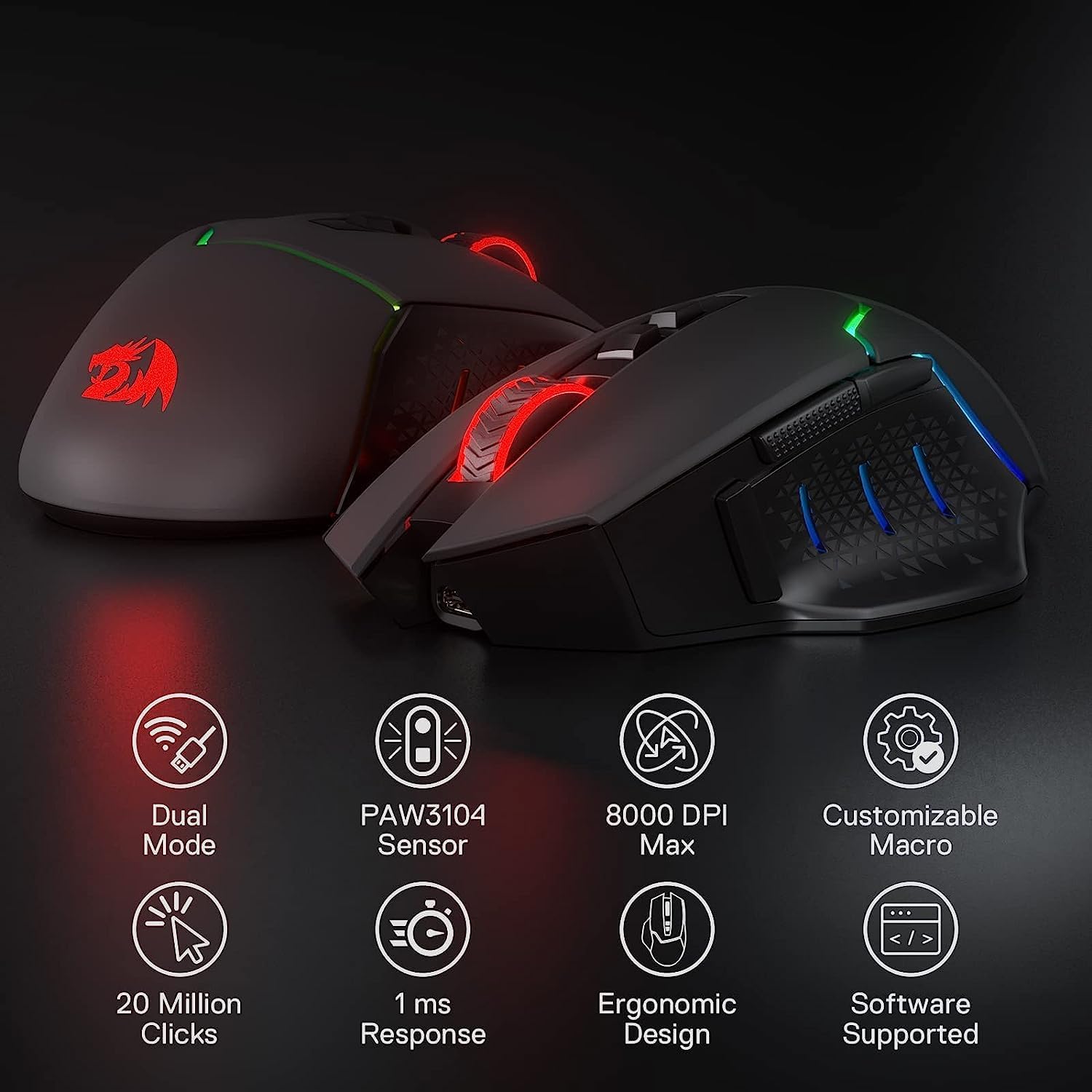
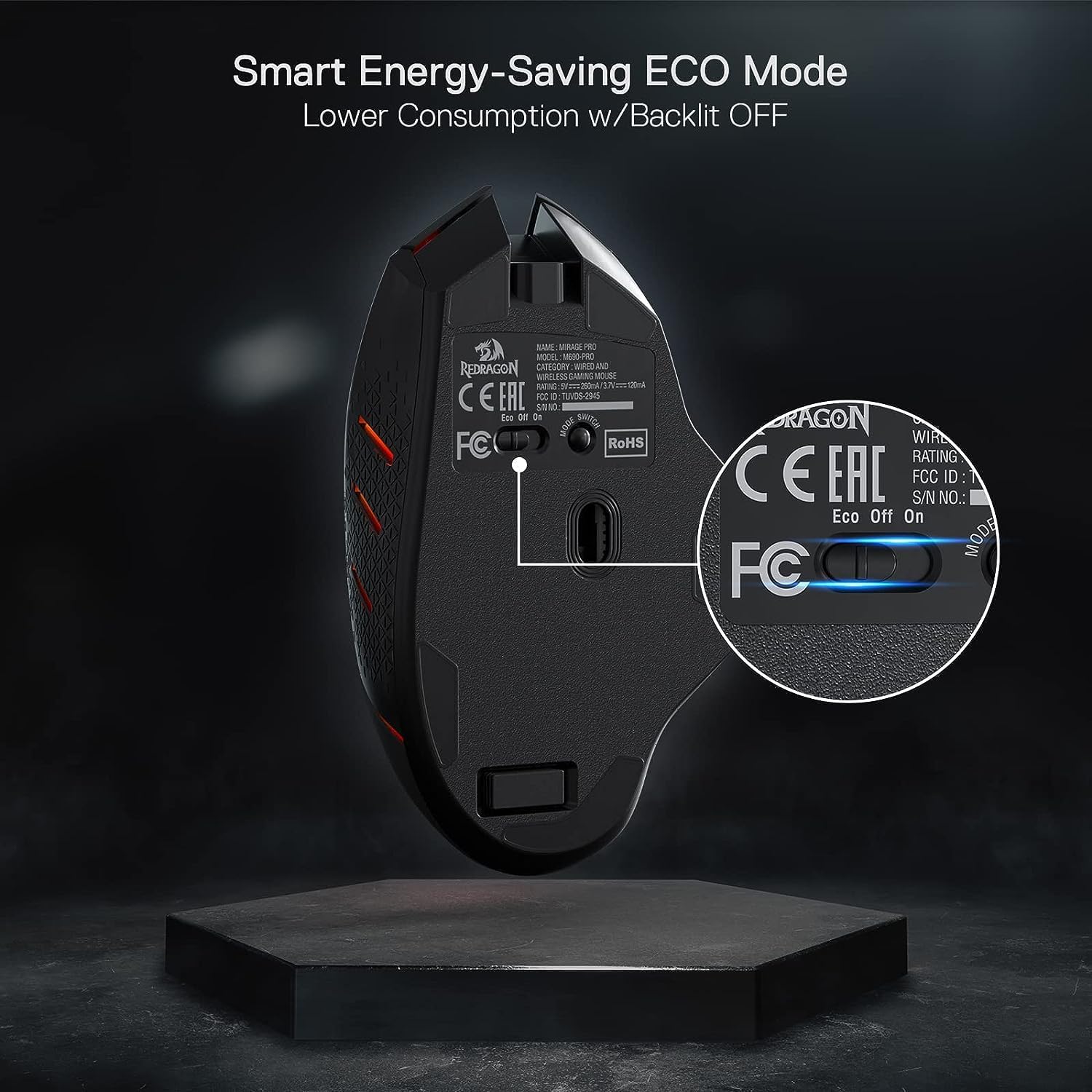
The manufacturer claims up to 87 hours of use in eco‑mode, which is a strong claim for a wireless mouse. Real‑world endurance will depend on lighting effects, DPI, and polling rate, but you can expect decent longevity between charges if you’re not running power‑hungry features all the time. It’s reasonable to expect that occasional recharging will be necessary if you use high DPI and continuous polling.
Compatibility and practicality
Compatibility covers Windows platforms broadly, including Windows 7 through to Windows 10 and beyond, with limited functionality on Mac due to the macros. For laptop users or desk setups that mix devices, the wireless option helps with cable clutter and a cleaner workspace. If you need full macro functionality on Mac, this is a point to check before purchasing.
Who it's for and who it isn’t ideal for
It suits gamers who want a versatile, programmable mouse without a heavy reliance on wires, and who value a familiar ergonomic shape with a straightforward switch between DPI presets. It also works well for general productivity and media tasks where keyboard shortcuts speed up daily work. If you primarily use a Mac and rely heavily on macro keys, or you need top‑tier sensor performance for competitive esports, you might look for alternatives that prioritise those specific needs.
What to review before buying
- Confirm that your setup will benefit from 8000 DPI and the onboard profiles if you expect rapid, precise cursor movement.
- Consider whether you’ll utilise the macro keys and accept the Mac limitation for sided buttons.
- Ensure your mouse needs align with a 2.4GHz wireless connection and around 10 m range, if you require ultra‑low latency, test the feel in your favourite titles.
- Check the available software options for deeper customization and how easy it is to programme macros and DPI shifts.
Practical use case
Imagine a night‑time raid in a shooter where you need precise headshots but also quick weapon switching. You can set a dedicated DPI for long‑range aiming, another for close‑quarters engagement, and assign macros for reloads or crouch/ADS sequences. The wireless freedom helps with a neat desk setup, especially if you’re moving between writing reports and gaming sessions.
FAQ (based on available data)
- Q: Can I use all eight buttons on Mac? A: Side macro buttons aren’t available on Mac OS, so some programmability is limited there.
- Q: How long does the battery last in practice? A: The claim is up to 87 hours in eco‑mode, actual life depends on DPI, polling rate, and lighting.
- Q: Is the DPI switchable mid‑game? A: Yes, the five onboard DPI levels can be changed during use, software access allows additional customisation.
- Q: Is it worth getting for everyday work? A: If you value custom shortcuts and tidy wireless operation, it can be useful, for purely office tasks, a basic mouse might suffice.
Is it worth it?
You’ll like it if you want a versatile wireless option with a strong DPI range and macro capabilities, and you don’t mind a Mac limitation on macro buttons. It’s not the best choice if your priority is maximum sensor performance for high‑end esports or if you need full macro support on Mac without workarounds.