

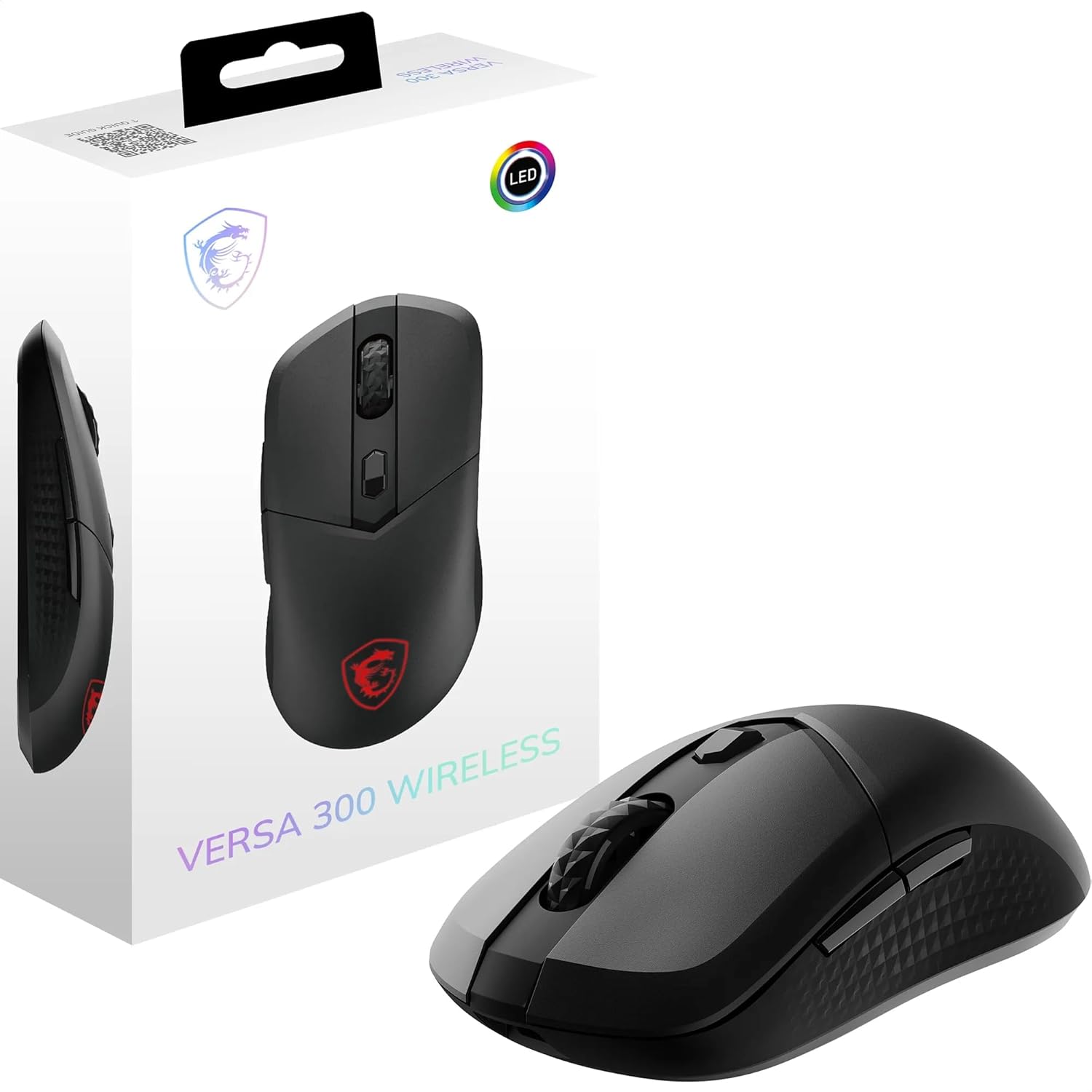
MSI CLUTCH GM08 gaming mouse with adjustable 4200 DPI and programmable buttons
Reviews
Price
Product description
The essentials
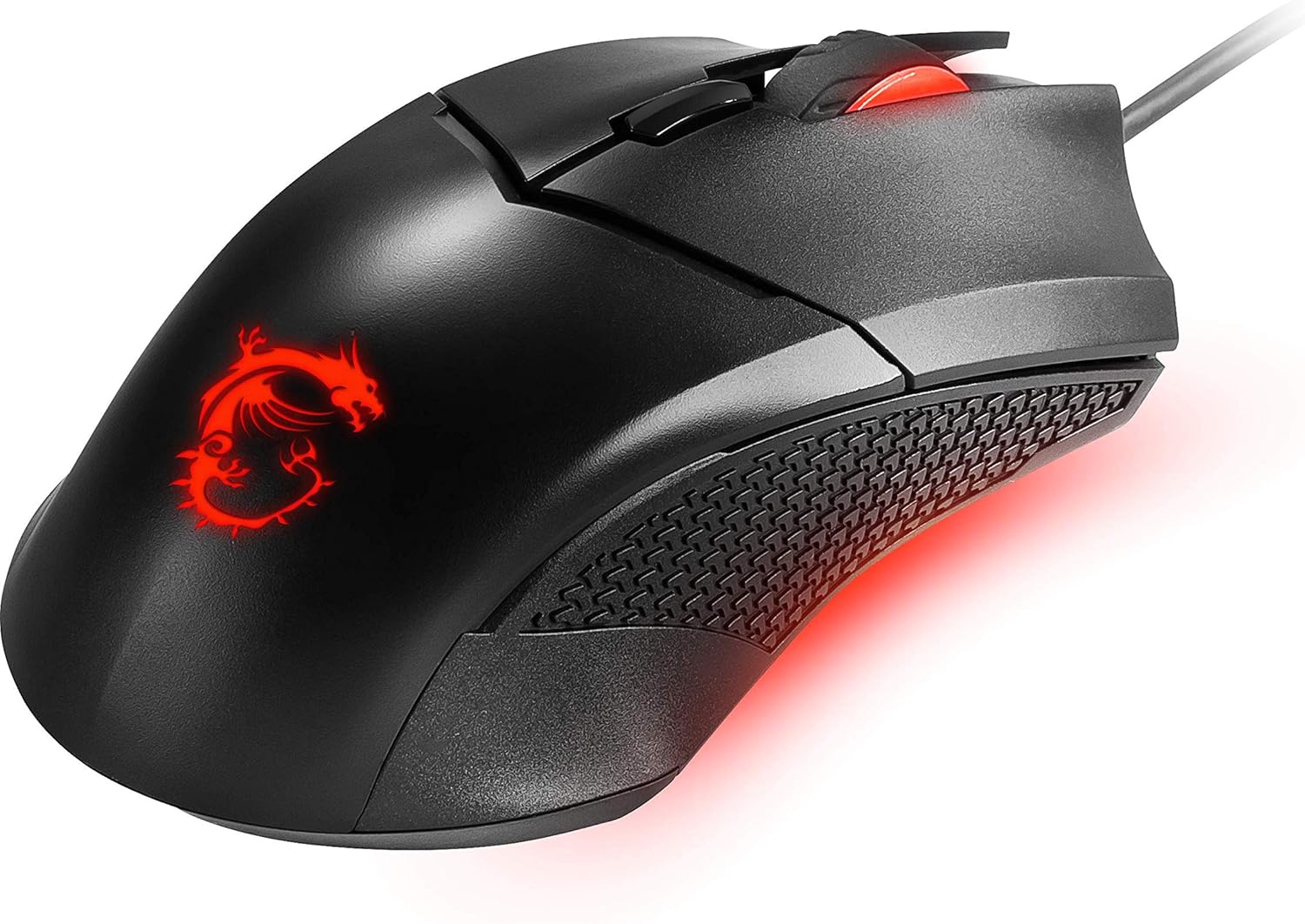
The MSI CLUTCH GM08 is a wired gaming mouse aimed at people who want adjustability without overcomplicating things. On paper, it leans into three practical ideas: you can tune the sensitivity up to 4200 DPI, you get multiple programmable buttons for quicker in-game actions, and you can shift the feel of the mouse with interchangeable weights. Throw in red LED lighting and a symmetrical ambidextrous shape, and it’s clearly built for flexible hand positions rather than a single “one true” grip.
It’s not a flagship esports-style mouse based purely on what you’ve been told here, but it does look like a solid mid-range type pick for daily gaming and regular desk use where you still want control over comfort and performance.
Key features that matter in real use
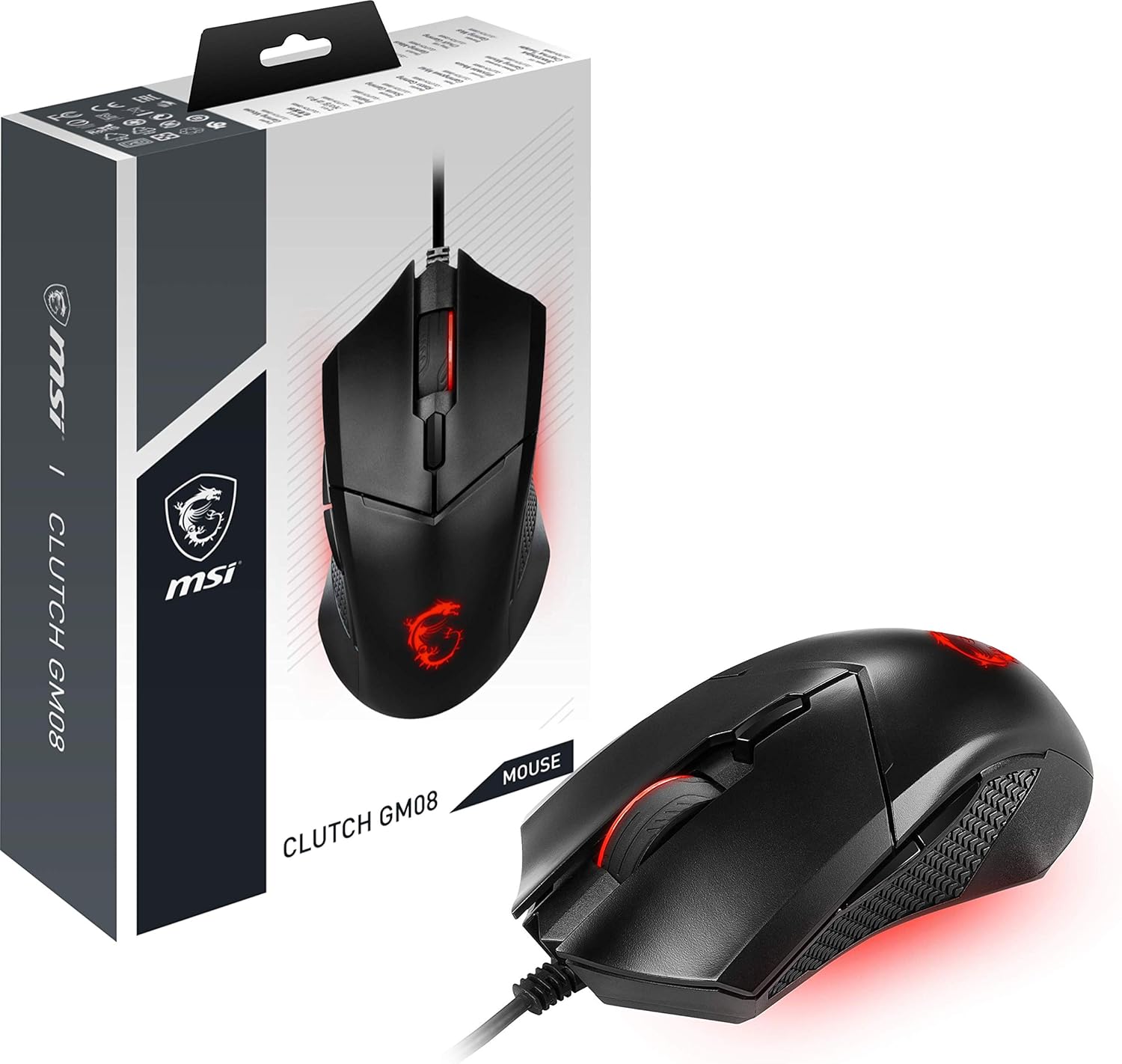
The headline is the adjustable DPI range (up to 4200). The ability to switch between several steps (200/400/800/1600/3200/4200 DPI) can be genuinely useful if you play different games or even different modes within the same game. For example, you might prefer a lower DPI for precise aiming, then bump it up for faster camera movement when you switch to a more chaotic scenario.
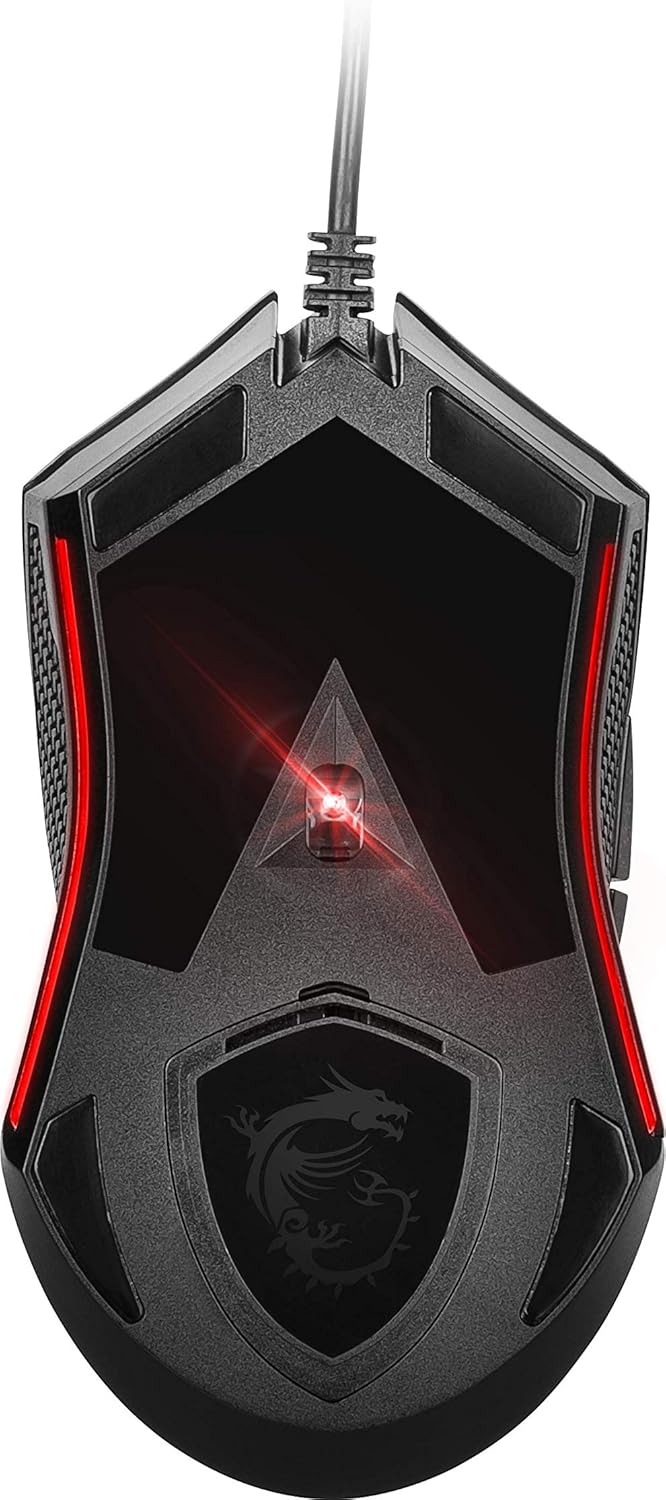
You also get a set of interchangeable weights. That matters because mouse comfort is often about balance as much as shape. By changing the centre of gravity, you can fine-tune whether the mouse feels more “front-heavy” for smoother glide or more neutral for wrist-friendly movement during long sessions. It’s the kind of adjustment you’ll notice over time, especially if you’re the sort of player who gets picky about how the mouse rests on your hand.
Then there’s the control side: six programmable buttons, including a dedicated DPI button. That’s the sort of layout that can reduce menu-hopping in practice, because key actions can be bound to buttons you can hit consistently.
Ambidextrous comfort and grips
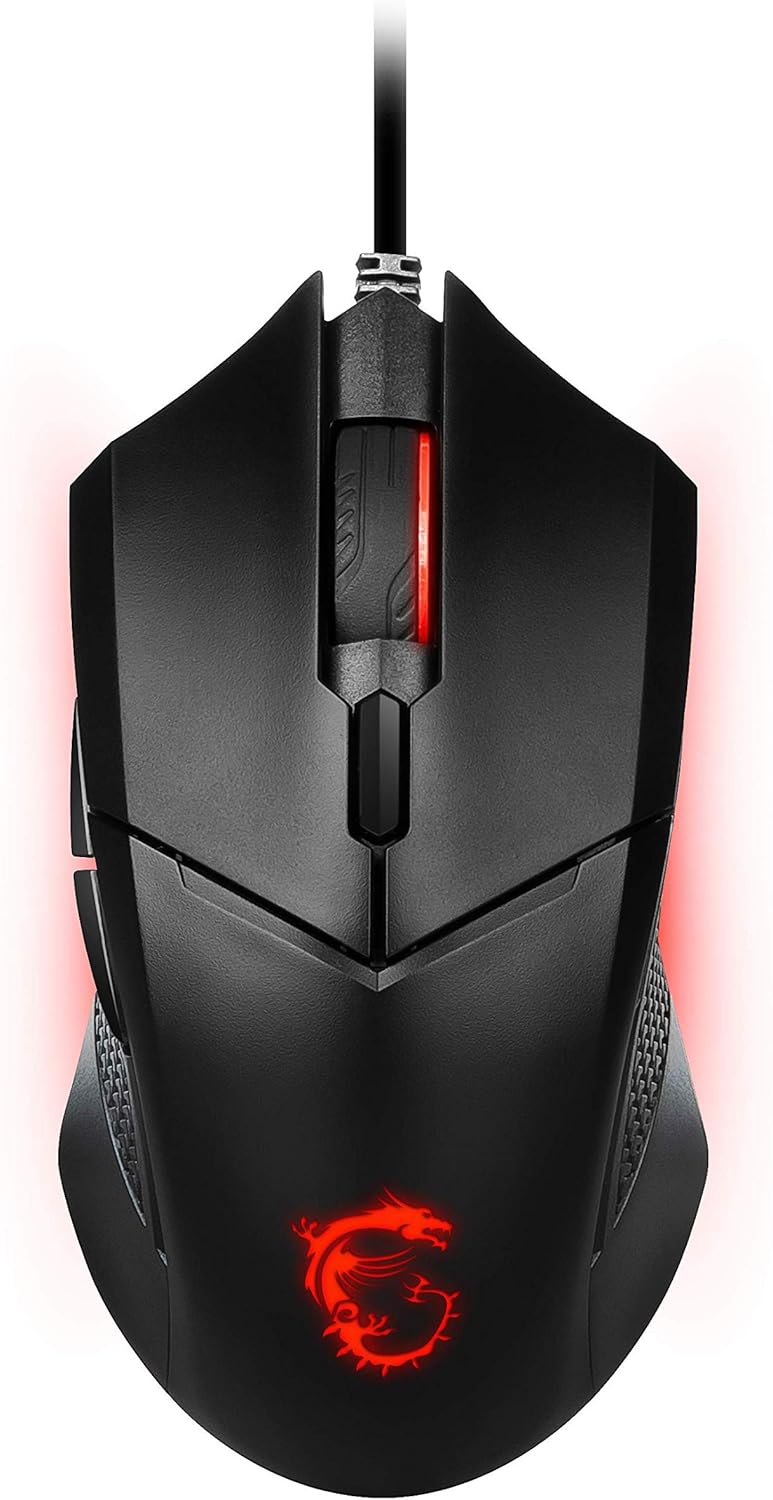
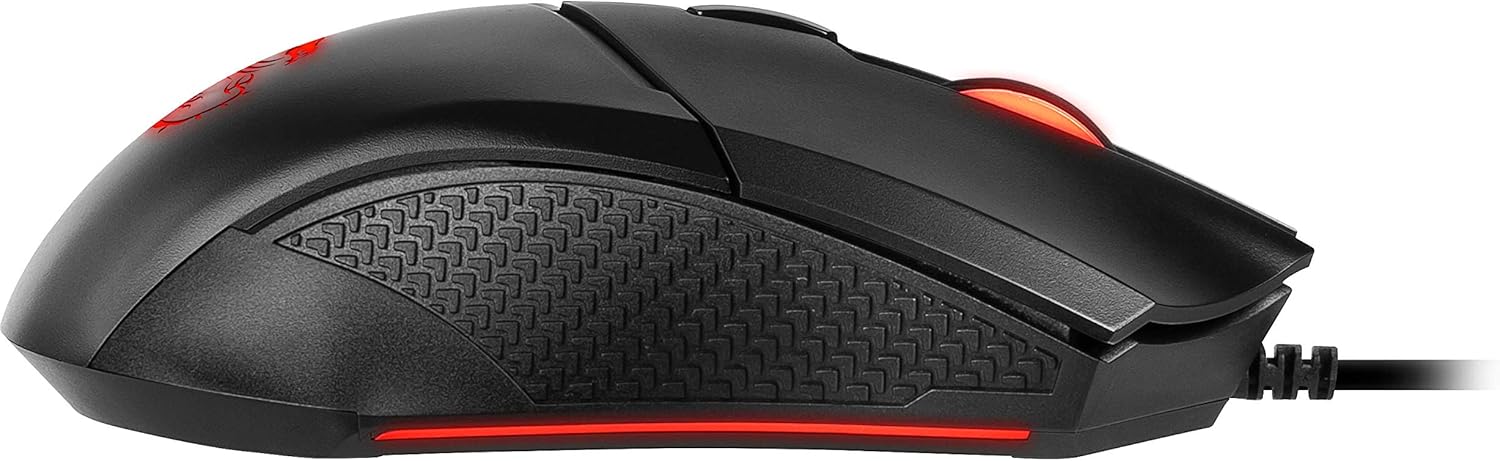
The GM08 uses a symmetric, ambidextrous design, which is one reason it can suit both left- and right-handed users. The description specifically points to compatibility with palm grip and claw grip styles, which is helpful if you already know how you like to hold a mouse.
That said, “ambidextrous” can mean different things in the real world. If you heavily rely on a specific side layout (extra left-side controls, for example), it’s worth considering whether this symmetrical approach matches your personal muscle memory. With only the info provided, you can’t assume it covers every left-handed preference perfectly.
What stands out (and where it may feel limited)
Where it stands out most is the combination of adjustability options: DPI switching, programmable buttons, and interchangeable weights all in one package. A lot of mice pick just one of these and call it customization. Here, the tuning is built into multiple parts of the experience, which usually makes a mouse easier to live with across different games and longer sessions.
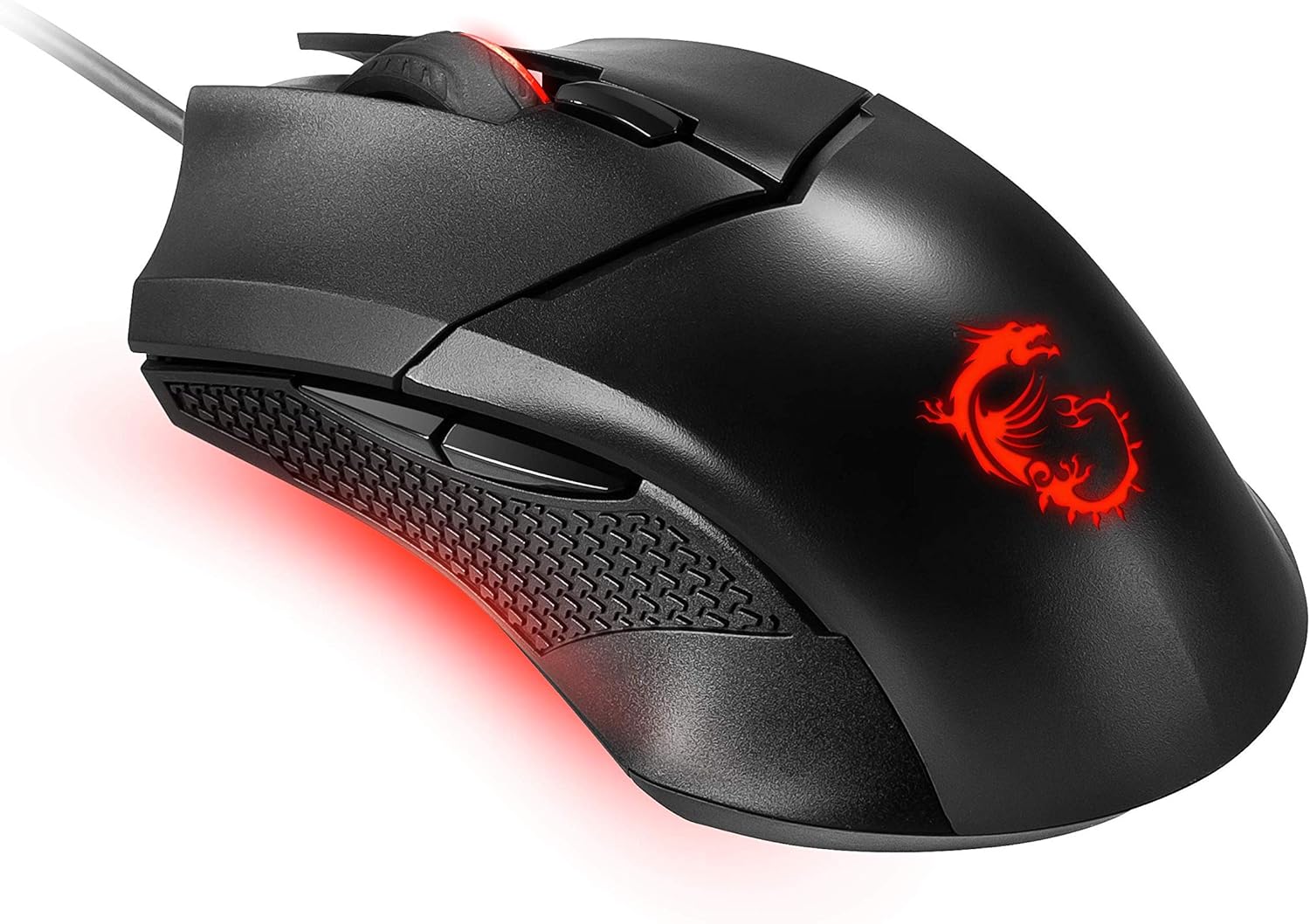
The red LED gaming lighting is more about vibe than function. If you prefer a cleaner setup, it may not be your first choice. Also, because the details provided focus on DPI, weights, buttons, and design, you should expect it to stay in a sensible, mid-tier lane: it’s more about flexible everyday performance than about delivering a “top of the ladder” competitive feel.
Is it the right fit for you?
It makes sense if you want a gaming mouse that’s easier to tailor to your hand and playstyle. It’s a good fit if you like switching DPI depending on what you’re doing, and you’ll actually use the programmable buttons rather than leaving them at default.
It may not suit you if you’re after a more premium, highly specialised competitive tool and you expect more than what’s described here in terms of refinement. Also, if you dislike any visible LED lighting, you may find the red backlighting slightly distracting.
Buying checklist before you commit
Before buying the MSI CLUTCH GM08, it’s worth checking two things in your own setup. First, think about your grip: the shape is described as suitable for palm or claw, so if you use an unusual hold style, it’s possible it won’t feel as natural. Second, be honest about customisation: the mouse offers weight swapping and programmable buttons, so if you rarely adjust settings and prefer simple plug-and-play, you might not get much extra value from those features.
Mini FAQ
Will the DPI steps help across different games?
They can. The mouse supports multiple DPI levels (up to 4200), so you can switch between settings that suit different movement and aiming styles.
Can I adjust the balance during long sessions?
Yes, the design includes interchangeable weights intended to let you personalise the centre of gravity for comfort.
Is it suitable for left-handed users?
The description says it’s ambidextrous, so it’s designed to suit both sides. Whether it matches your exact side-button habits is still personal, though.
How many buttons can I program?
There are six programmable buttons, with a dedicated DPI button included.
Final verdict
It’s worth considering the MSI CLUTCH GM08 if you want a flexible gaming mouse with real adjustment options: DPI control, interchangeable weights, and six programmable buttons. Worth it if you play different genres or just need a mouse that can be tuned to how you hold it.
You may want to skip it if you’re sensitive to red LED lighting, only care about basic performance, or you’re chasing a more specialised competitive feel than what the provided details suggest.