

TECKNET Silent Wireless Mouse: Multi-Device Ergonomic 2.4G/Bluetooth (BT 5.2/3.0)
Product description
What it is
TECKNET Silent Wireless Mouse is a rechargeable, cordless pointing device designed to work with multiple devices via 2.4G wireless or Bluetooth 5.2/3.0 connections. It aims to offer a calm, comfortable navigation option for office work, home use and travel, with a focus on quiet clicks and a simple, ergonomic shape.
How it connects
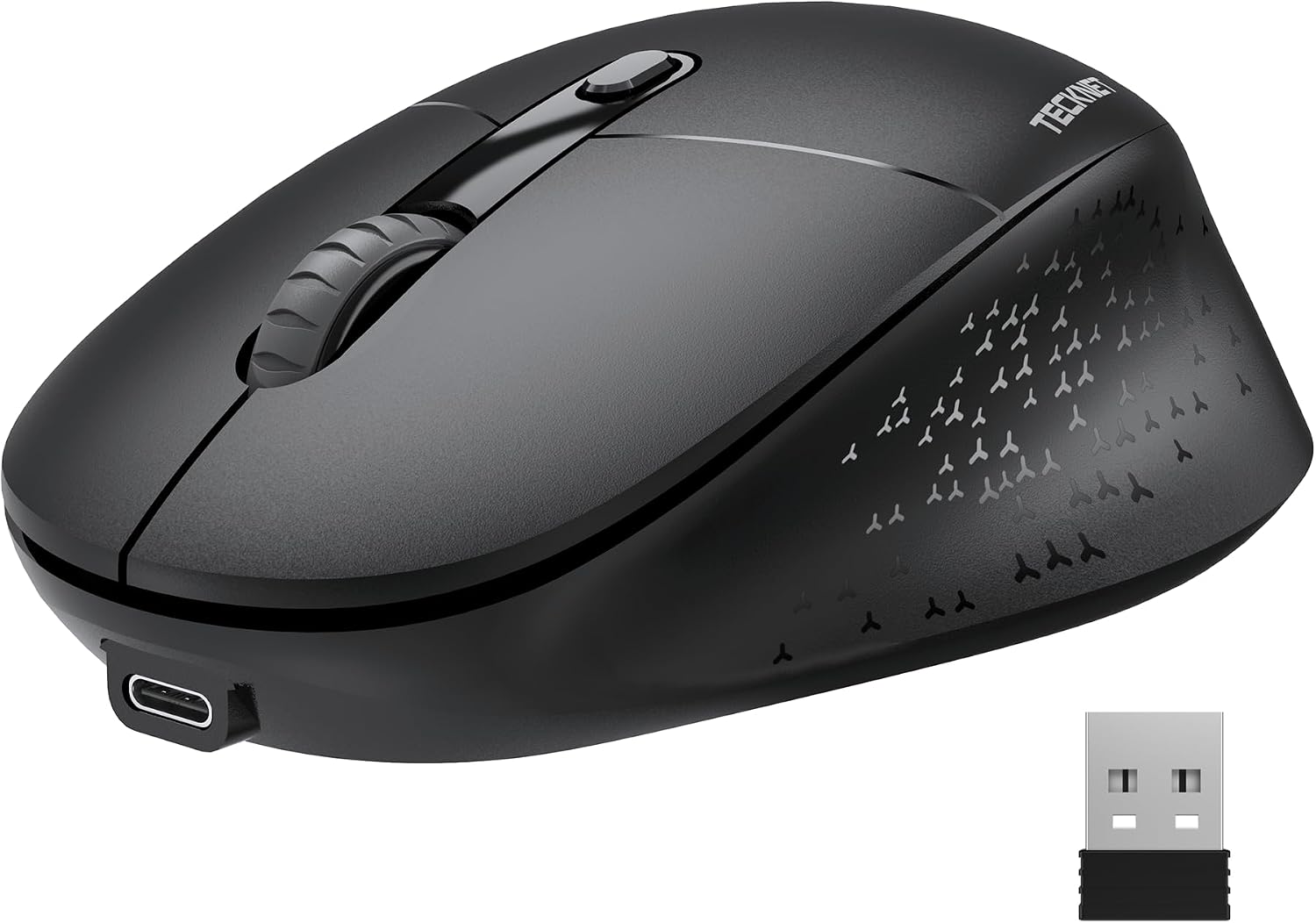
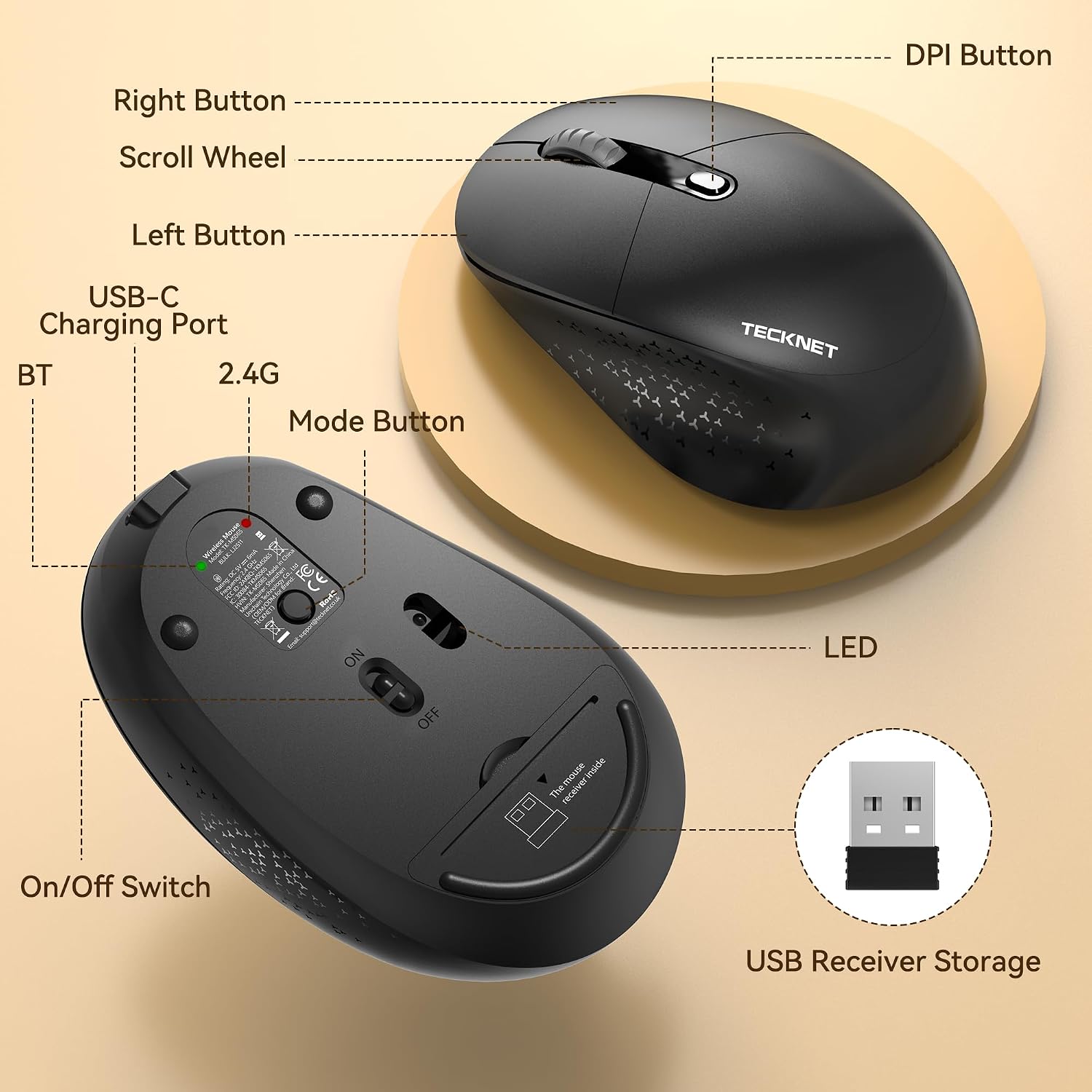
This mouse supports both their proprietary 2.4G USB receiver and Bluetooth modes. With a single button press it can pair with several devices such as laptops, desktops or tablets, making it straightforward to switch between machines without plugging and unplugging dongles.
Design and comfort
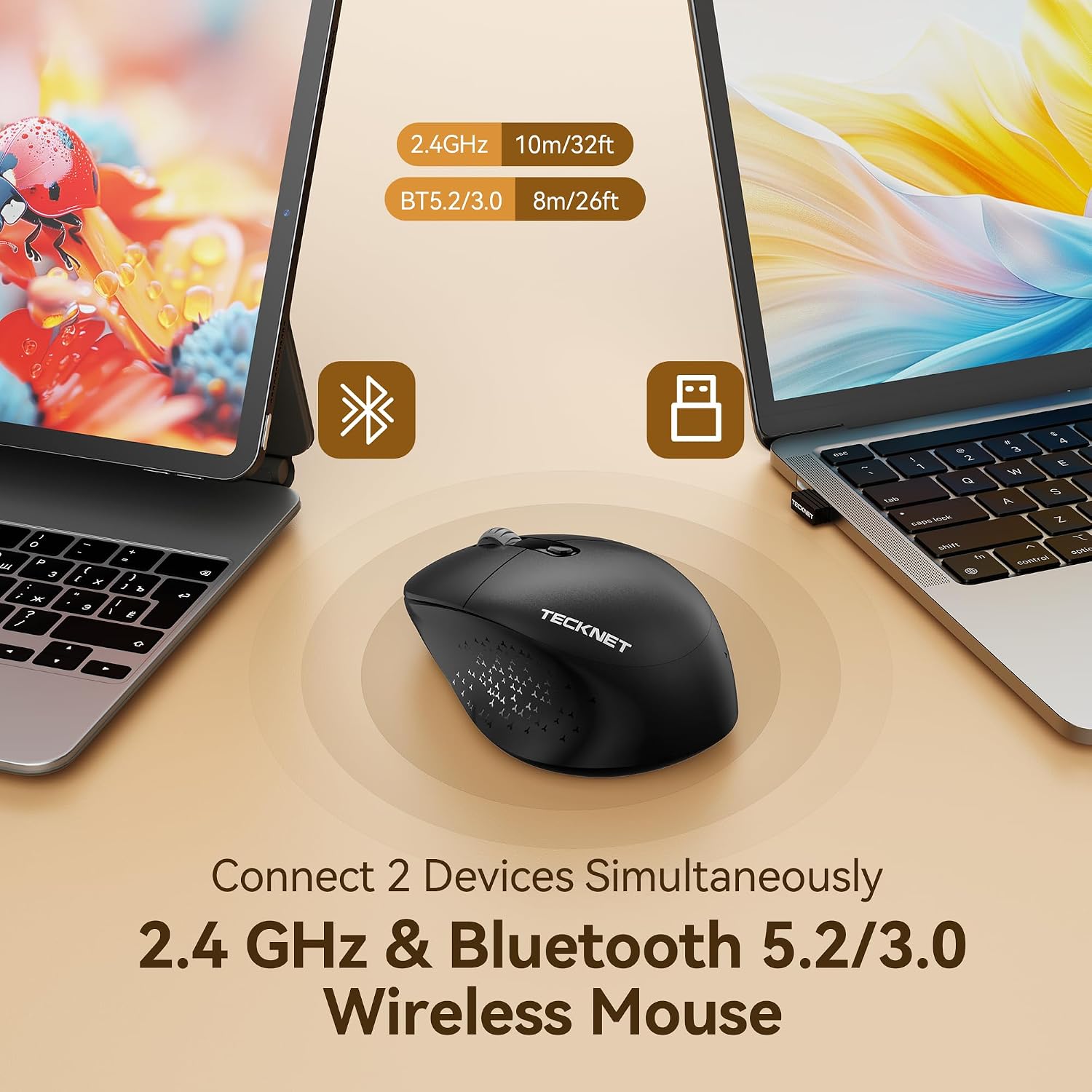
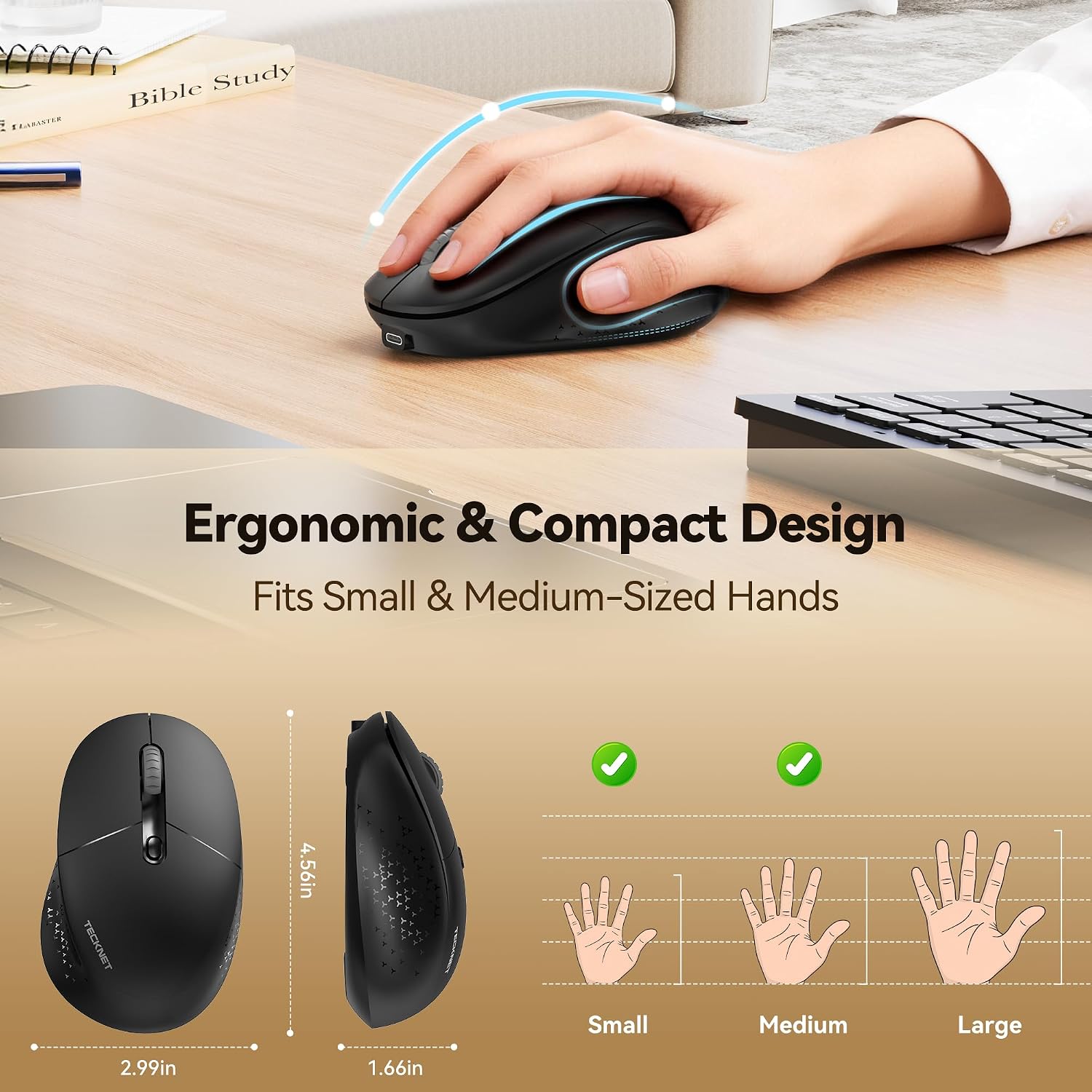
The TECKNET model emphasises a silent click experience, reducing noise by up to 90% compared with traditional mice. It features a skin-friendly surface and a small finger rest, which can help reduce fatigue during longer sessions. Note that there are no side buttons, which can make it particularly user-friendly for people with small to medium hands (S–M).
Performance and DPI
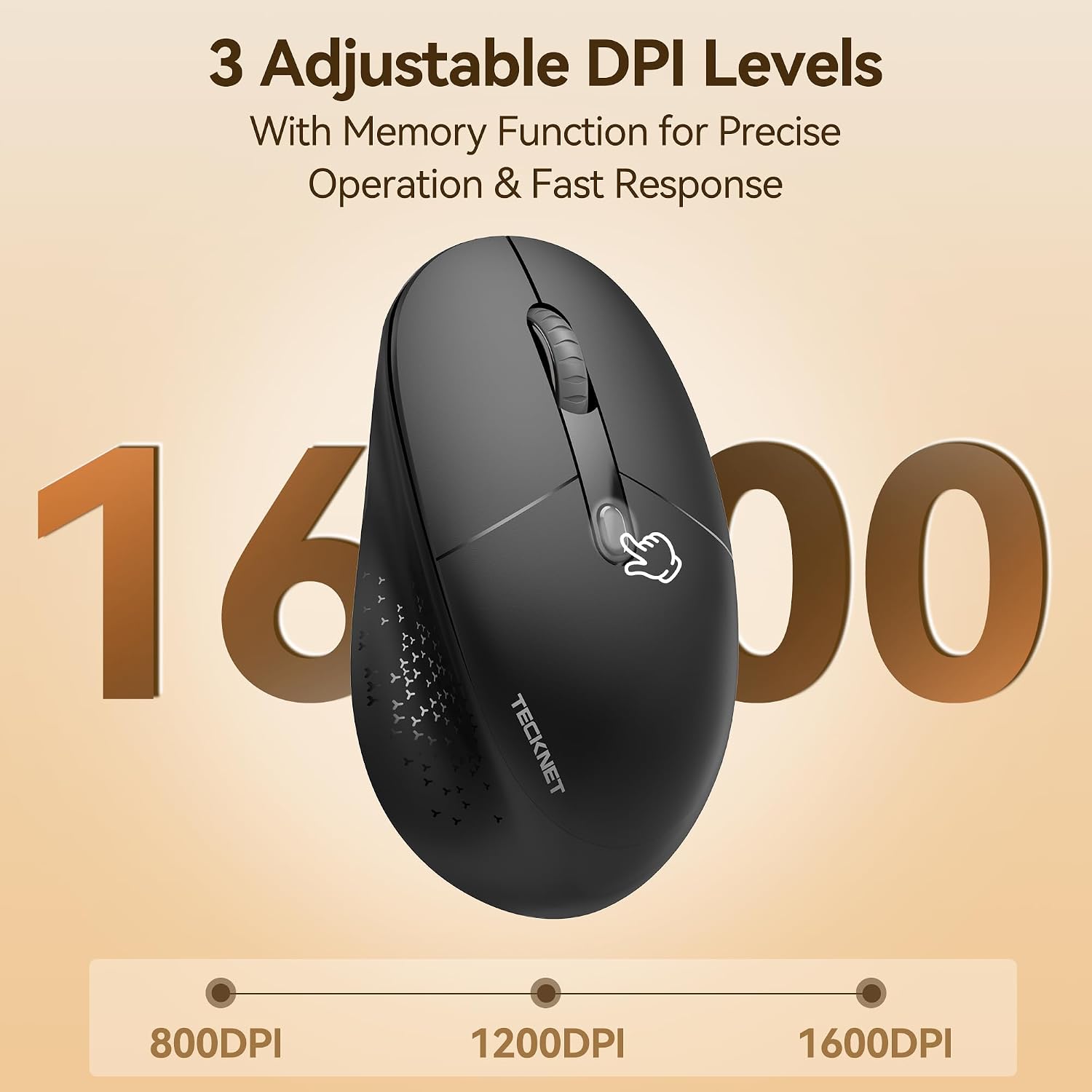
The mouse offers three DPI settings (800/1200/1600) to adapt cursor speed to different tasks, from precise document work to general web navigation. While it is optimised for day-to-day use, it might not satisfy gaming enthusiasts who require high-end responsiveness or programmable macros.
Compatibility and use cases
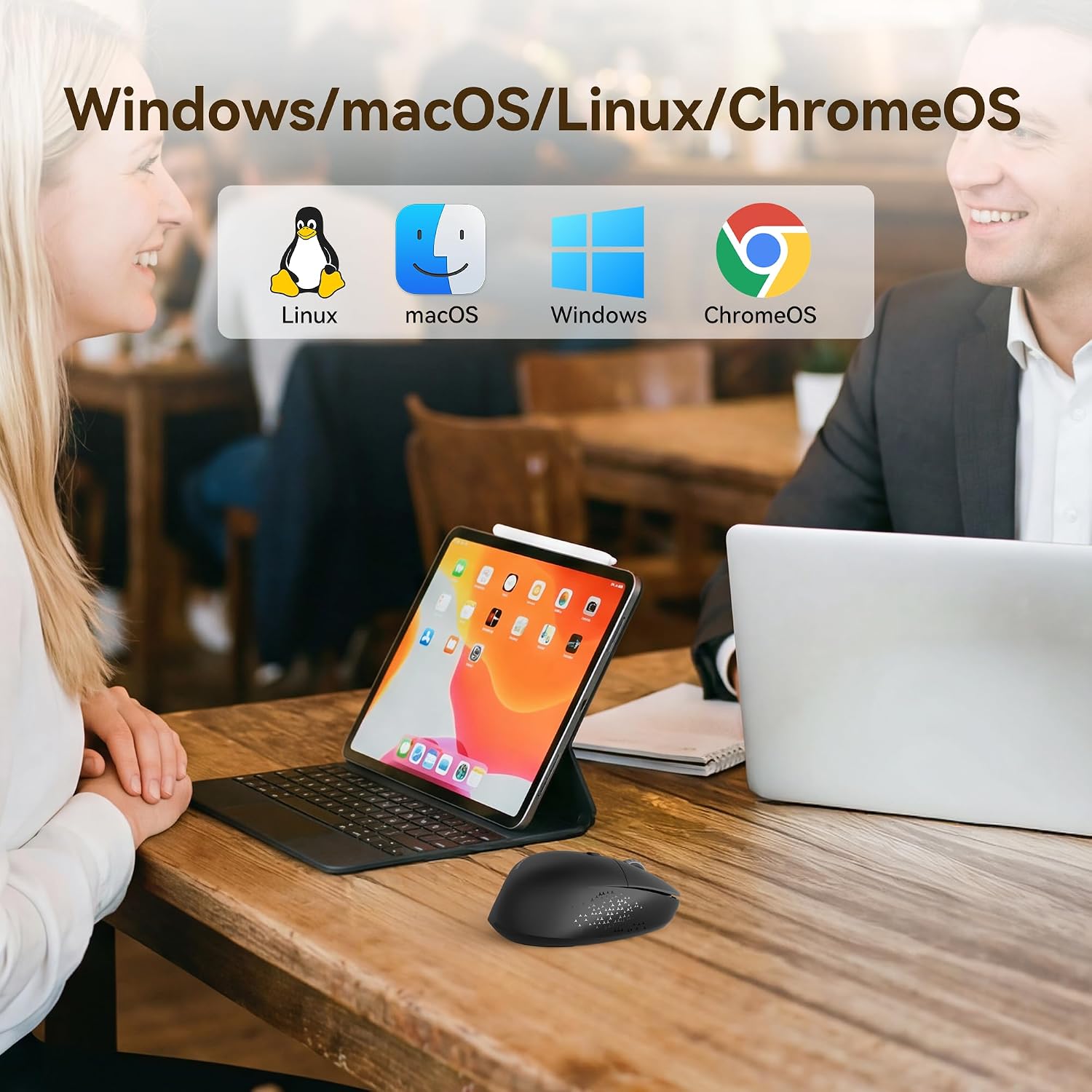
Designed to support Windows 11/10/8/7, it suits office routines, home browsing, travel and casual meetings. Its versatility makes it reasonable for users who value a quiet, reliable input device across multiple devices, but the lack of side buttons could be a drawback for those who rely on extra programmable inputs.
Pros and limitations
On the plus side, the silent operation and multi-device versatility stand out, along with a comfortable feel for smaller hands and a straightforward pairing process. On the downside, there are no side buttons, which limits customisable navigation for some workflows, and the DPI options, while adequate for general use, aren’t aimed at precision-heavy tasks.
What to check before buying
- Confirm your primary devices and operating system compatibility (Windows 11/10/8/7 are supported).
- Consider whether you prefer a silent click and a compact, ergonomic form with no side buttons.
- Think about how often you switch between devices, the 2.4G/BT setup should simplify that, but ensure your hardware supports both connection types.
Practical use example
Imagine working across a laptop at a coffee shop and a desktop at the office. You can leave the mouse connected via Bluetooth on one device and switch to the 2.4G receiver for another, keeping a quiet, smooth glide without the distraction of loud clicks. It’s a small comfort, especially in shared spaces where you don’t want to disturb colleagues.
FAQ
- Q: Does it have side buttons? A: No, this model does not feature side buttons.
- Q: What are the DPI levels and what do they change? A: The DPI settings are 800, 1200 and 1600, which adjust cursor sensitivity for different tasks.
- Q: Is it compatible with macOS or other platforms besides Windows? A: The base notes reference Windows compatibility, cross-check with your device’s Bluetooth or 2.4G receiver support if using non-Windows OS.
Final assessment
It’s a practical choice if you prioritise quiet operation, comfortable use for smaller hands and multi-device convenience in a Windows-centric environment. If you need side programmability or high-end gaming performance, you may want to consider alternatives with more features. Consider this TECKNET model as a value-focused option for everyday productivity rather than a premium all-rounder.