

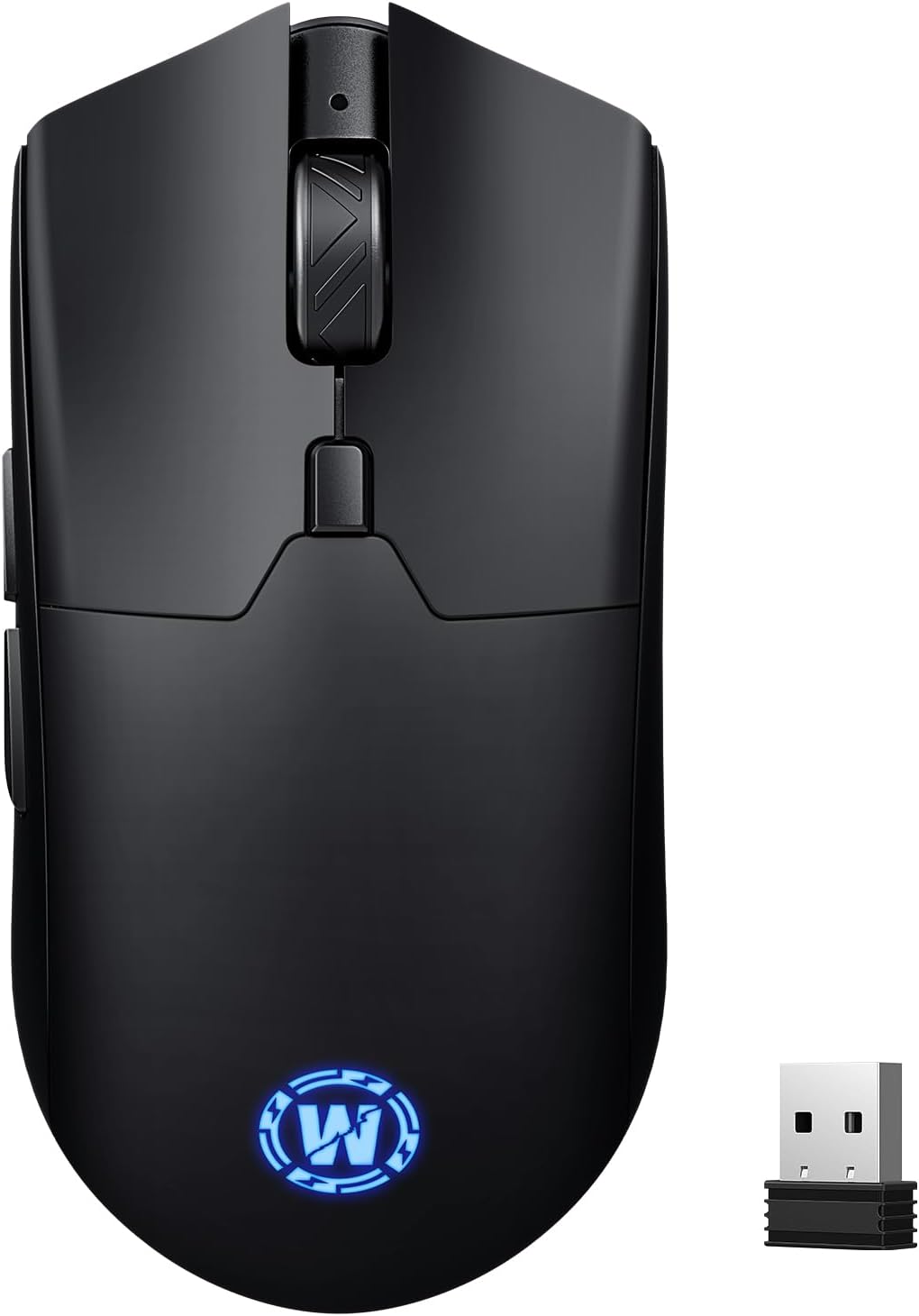
WizBolt Wireless Gaming Mouse (6400 DPI) with Tri-Mode Connectivity
Product description
What it is and who it’s for
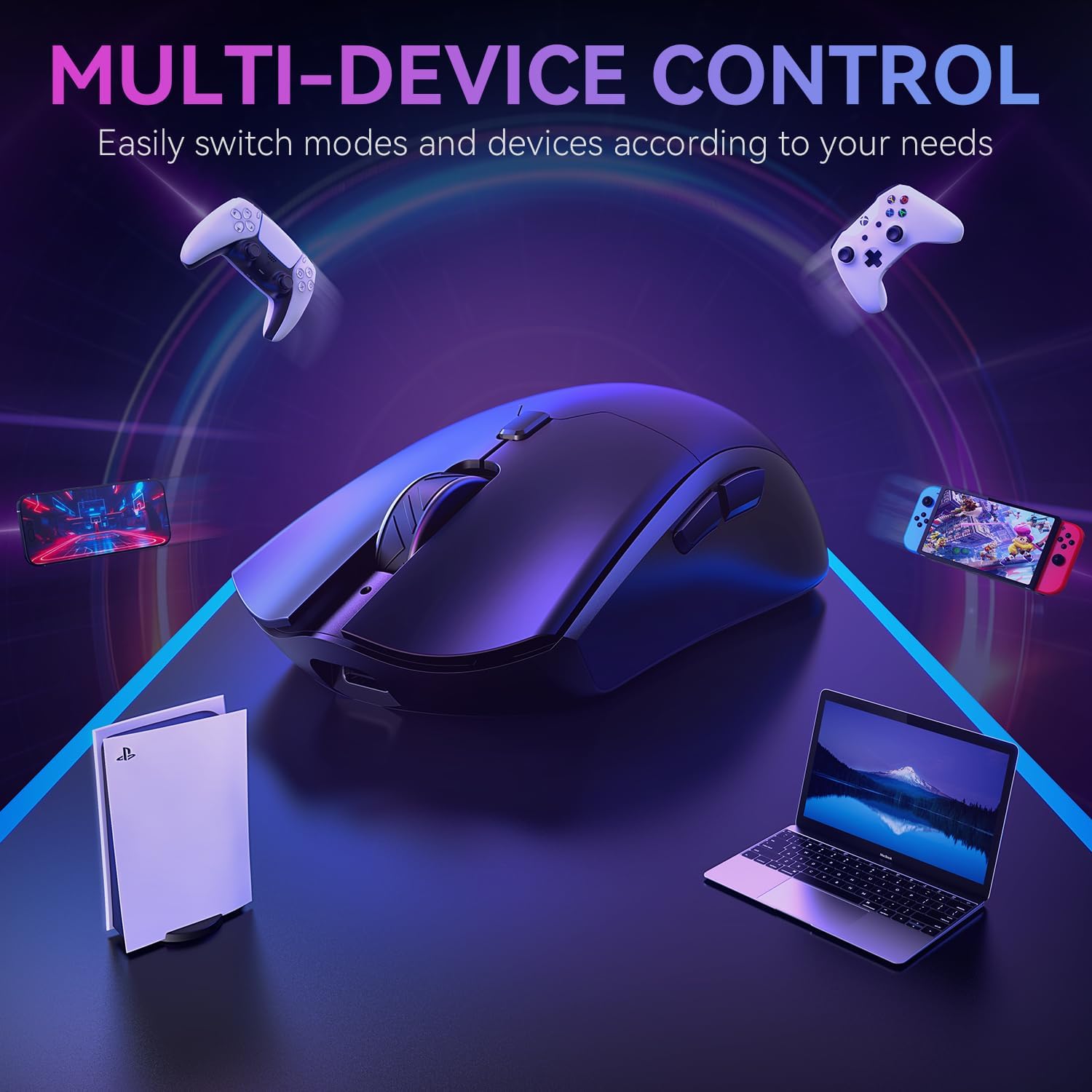
The WizBolt Wireless Gaming Mouse is a versatile input device designed for PC, Mac and laptop use. With 6400 DPI, it aims to offer precise control for tasks ranging from everyday navigation to quick-paced gaming. It supports three connection modes—2.4GHz wireless, Bluetooth 5.0, and wired USB-C—allowing you to switch between devices and setups without changing mice. If you value flexibility and a rechargeable option over constant battery swaps, this model could fit your needs.
How the DPI system helps in practice
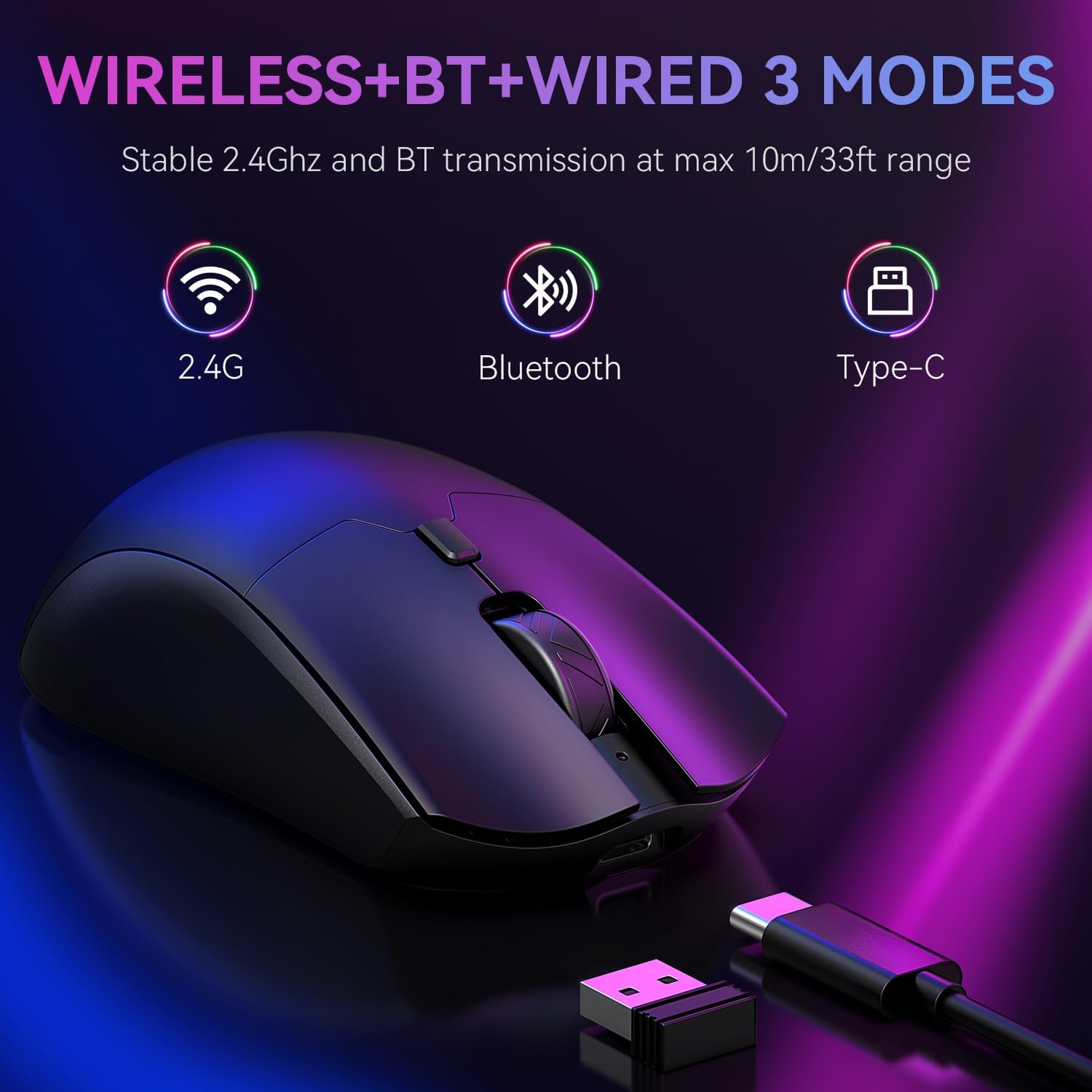
DPI is adjustable across six steps: 800, 1200, 2400, 3200, 4800 and 6400. The dedicated DPI button makes on-the-fly sensitivity changes straightforward, which can be useful when transitioning between productivity tasks and in-game moments requiring finer aiming.
Design and comfort in daily use
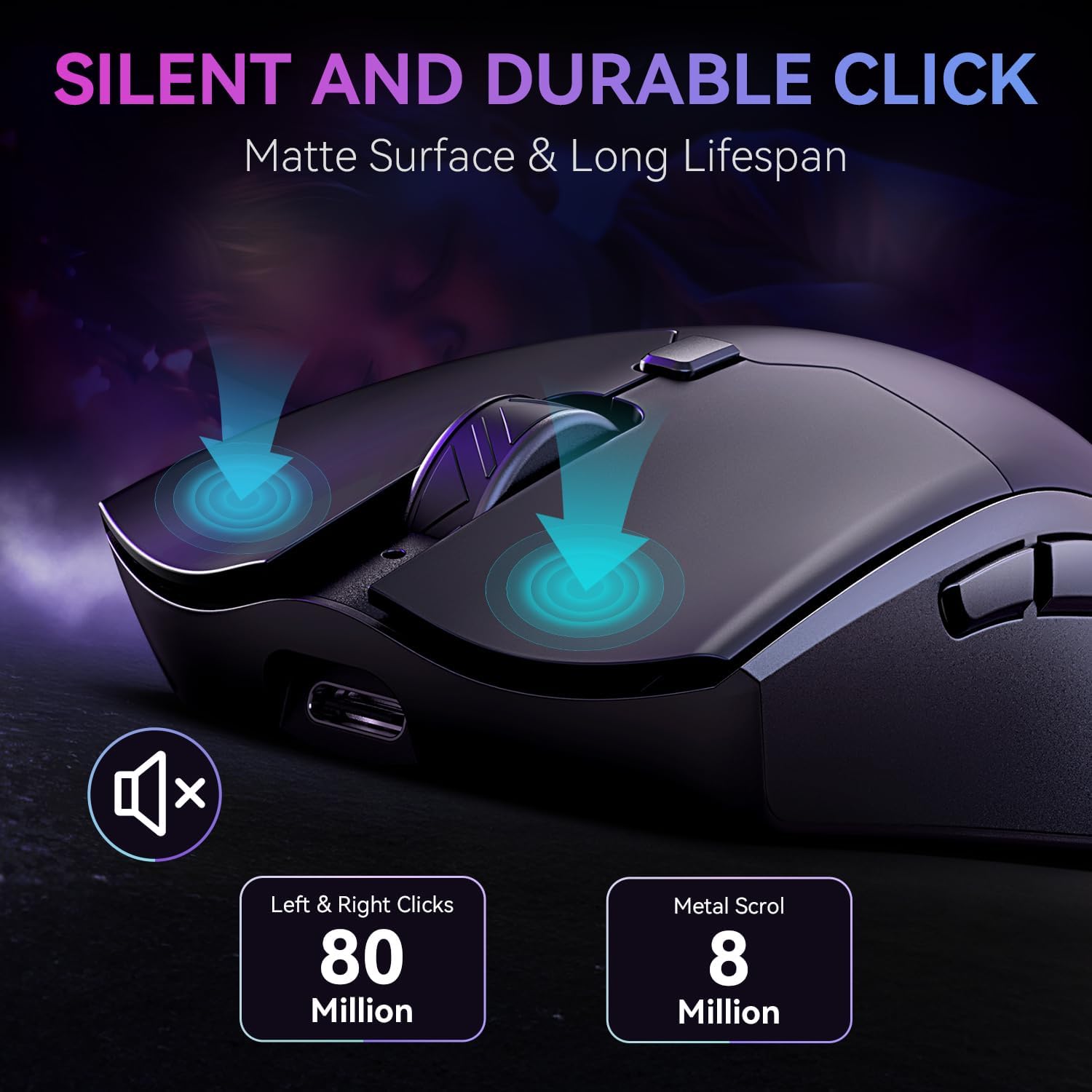
The mouse features an ergonomic design with a skin-friendly matte finish intended to reduce fatigue during long sessions. It uses high-quality micro switches rated for up to 80 million clicks, which speaks to durability but doesn’t replace actual long-term testing in real use. The overall feel is aimed at comfortable, all-day use rather than flashy aesthetics.
Connectivity and flexibility
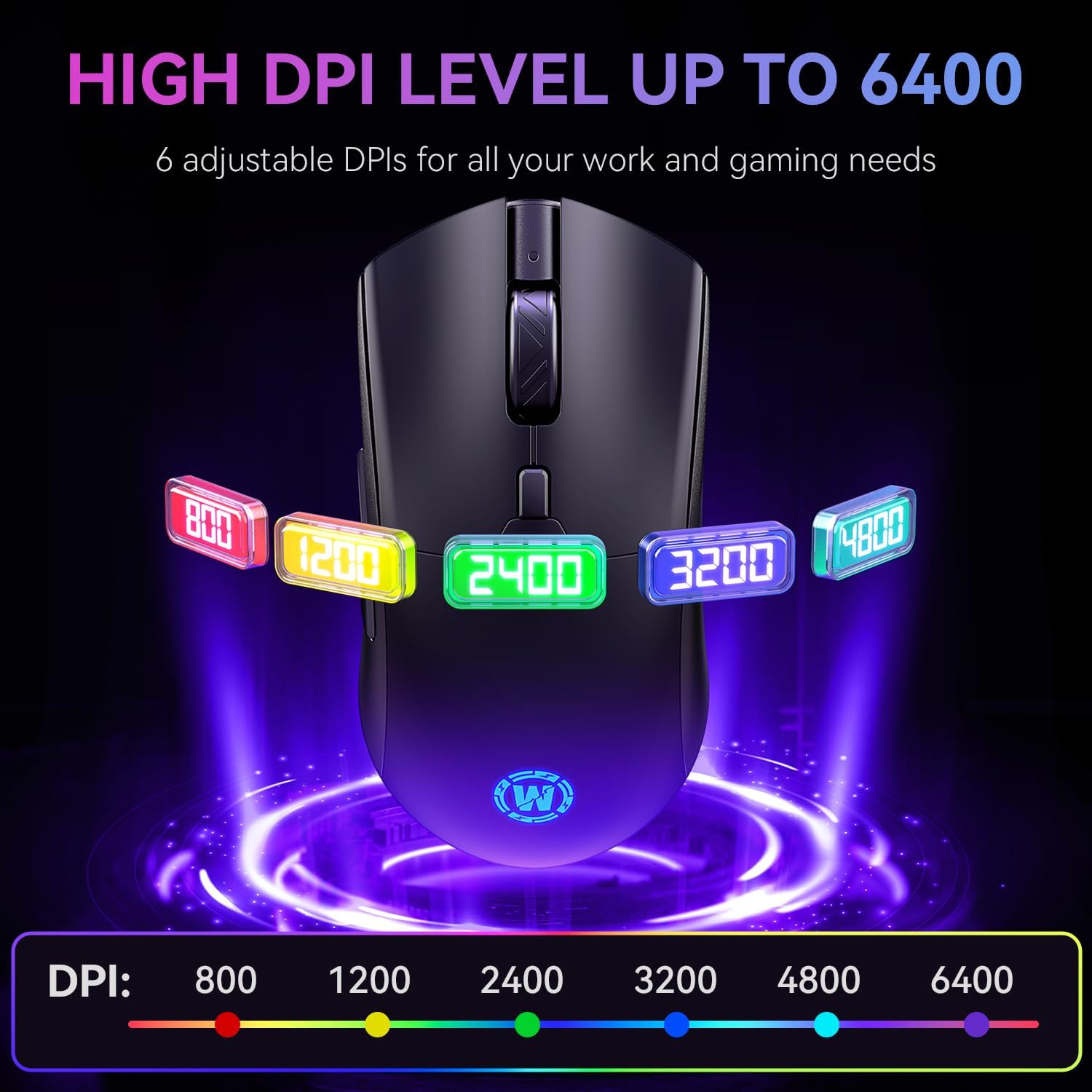
Tri-mode connectivity is a central selling point here: 2.4GHz wireless, Bluetooth 5.0 and wired USB-C. This setup supports multiple devices and work environments, with an advertised working range of up to 10 metres. In practice, this means you could switch between a desktop, a laptop and a tablet or console fairly seamlessly, depending on your use case.
Power and longevity
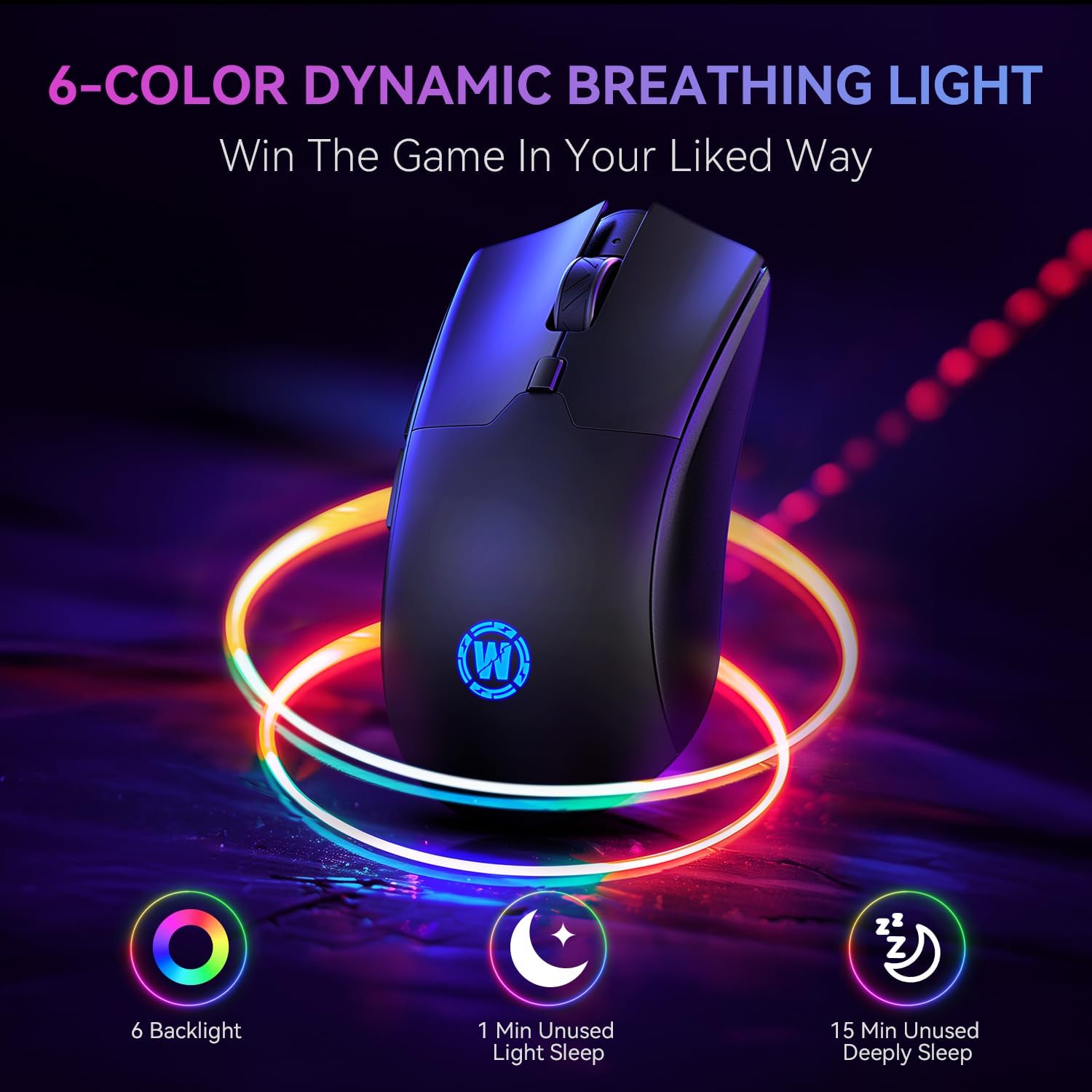
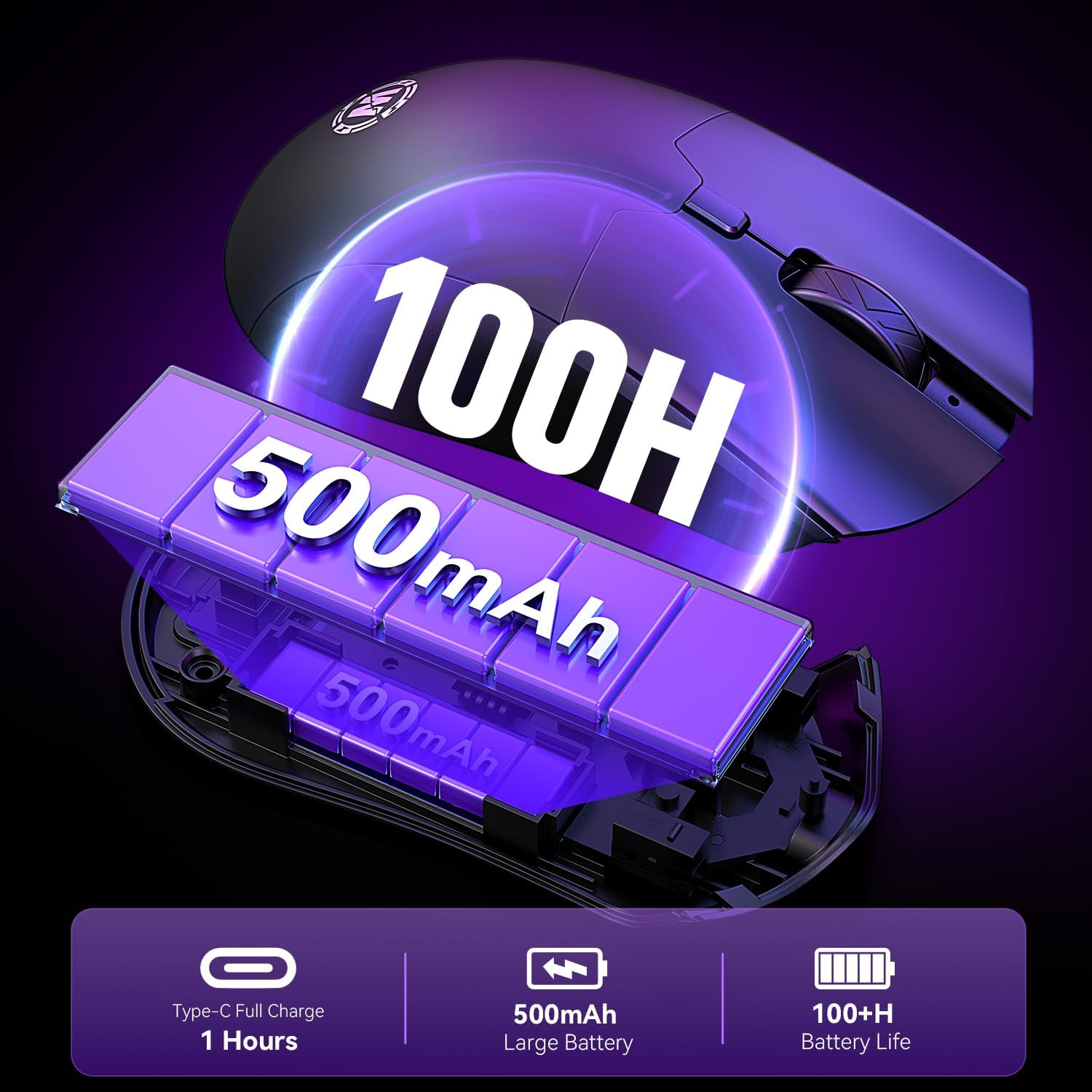
A rechargeable 500mAh battery is claimed to offer up to 100 hours of playtime per charge, which is respectable for a wireless gaming mouse. Power saving is built in—light sleep after 1 minute and deep sleep after 15 minutes. Recharging is relatively quick, with a full recharge stated at about 45 minutes, and the mouse can still be used while charging.
Compatibility and support
The WizBolt is stated to work with Windows, macOS, iPadOS, Android, Linux and more. It comes with UK-based after-sales support and a 2-year warranty, which adds a level of reassurance for daily users who want a low-friction purchase experience.
What to check before buying
If you rely heavily on wireless gaming latency, it’s worth noting that real-world performance can vary with system setup and interference. The tri-mode design is convenient, but you may want to test which mode behaves best on your primary machine. Also consider your hand size and grip style—an ergonomic shape is helpful, yet comfort remains subjective and might differ from the vendor’s impression.
Practical use case
Imagine you’re switching from a long coding session to a fast multiplayer match. With a single push of the DPI button you can adjust sensitivity on the fly, keeping your aim steady without reaching for a keyboard. The USB-C connection makes charging quick, so you’re less likely to be caught out during intense sessions.
What stands out
The combination of 6400 DPI with six-step adjustments and tri-mode connectivity provides a flexible setup for mixed-use scenarios. The long battery life and rapid recharge are practical pluses for daily use.
What may hold it back
Not every gamer prioritises ultra-lightweight or tactile “feel” in micro-switch response, and someone with a very large or very small hand may find the shape less optimal. Also, while the battery life is competitive, real-world usage will determine longevity, the stated hours assume typical use and settings.
FAQ
- How many DPI levels are available? Six levels: 800, 1200, 2400, 3200, 4800, 6400.
- Can it be used while charging? Yes, it supports use while charging via USB-C.
- What devices is it compatible with? Windows, macOS, iPadOS, Android, Linux and more.
Is it worth it?
You’ll like it if you need a flexible, rechargeable wireless mouse that can switch between multiple devices and keep up with mid-range gaming or productive work. It may not be the best option if you require the absolute lowest latency for ultra-competitive setups or prefer a lighter, ultra-compact form factor.