

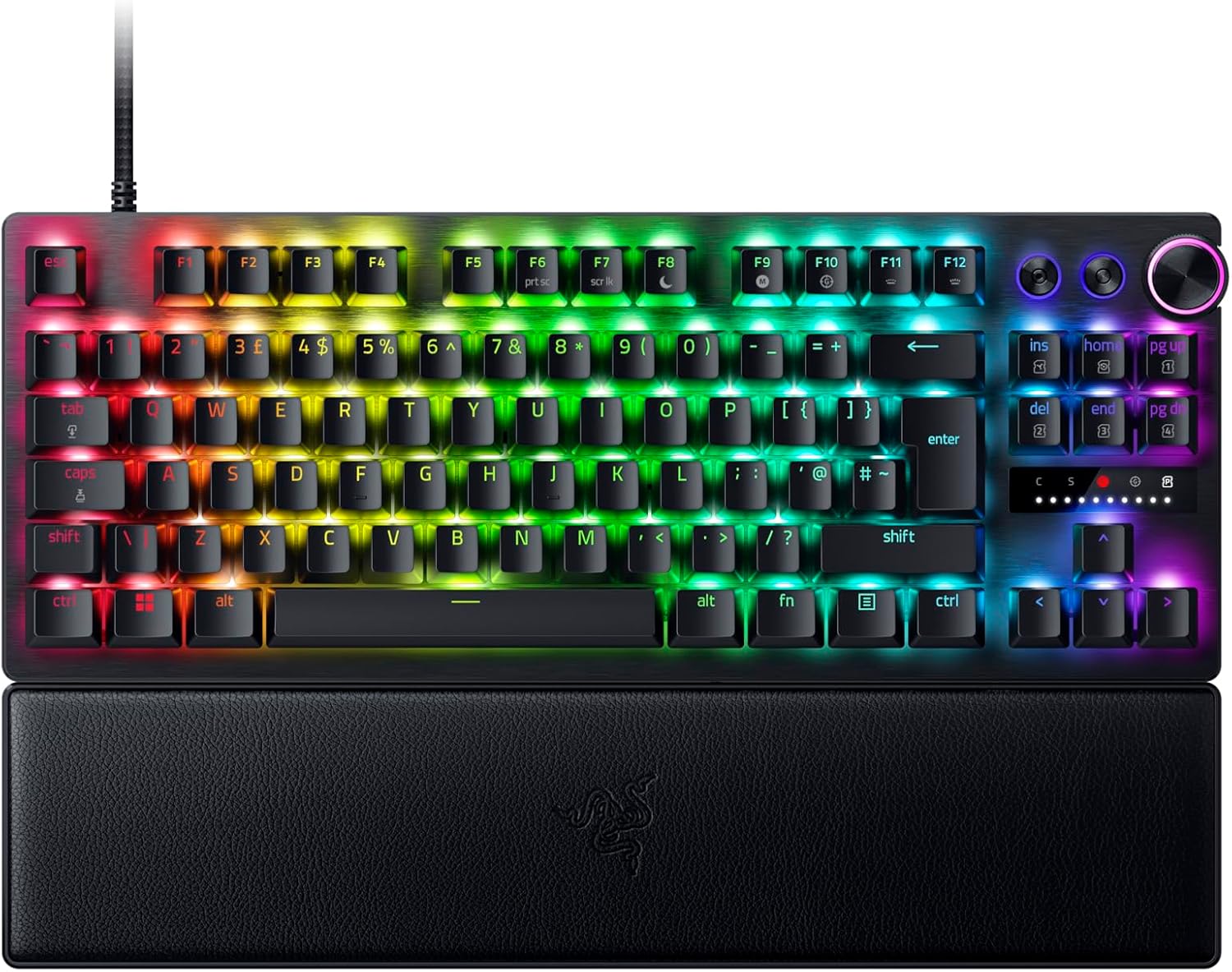
Razer Huntsman V3 Pro Tenkeyless (TKL) Analog Optical Gaming Keyboard – Snap Tap & Rapid Trigger, UK QWERTY, Black
Product description
The essentials
If you’re chasing cleaner, faster movement inputs in competitive FPS games, the Razer Huntsman V3 Pro Tenkeyless is built around one idea: reducing the “gap” between what you intend and what your keyboard registers. It’s a TKL (tenkeyless) design, so it drops the numpad, but keeps a full set of main keys and adds onboard controls aimed at fine-tuning response.
On paper, it leans into analog optical switching (with an adjustable actuation range) and features like Rapid Trigger and Razer Snap Tap. The result is the kind of keyboard that’s not just for typing comfort—it’s clearly aimed at players who practise strafe, movement tech, and quick directional changes where responsiveness matters.
Still, it’s worth saying: this kind of performance-focused setup can feel like overkill if you mainly play slower-paced games or you’re not interested in tweaking actuation settings. And Snap Tap specifically notes that a latest firmware update is required, so it’s not entirely “plug and play” if you want everything working as intended.
Key takeaways (what stands out)
The headline differentiator here is how configurable the actuation and triggering behaviour is.
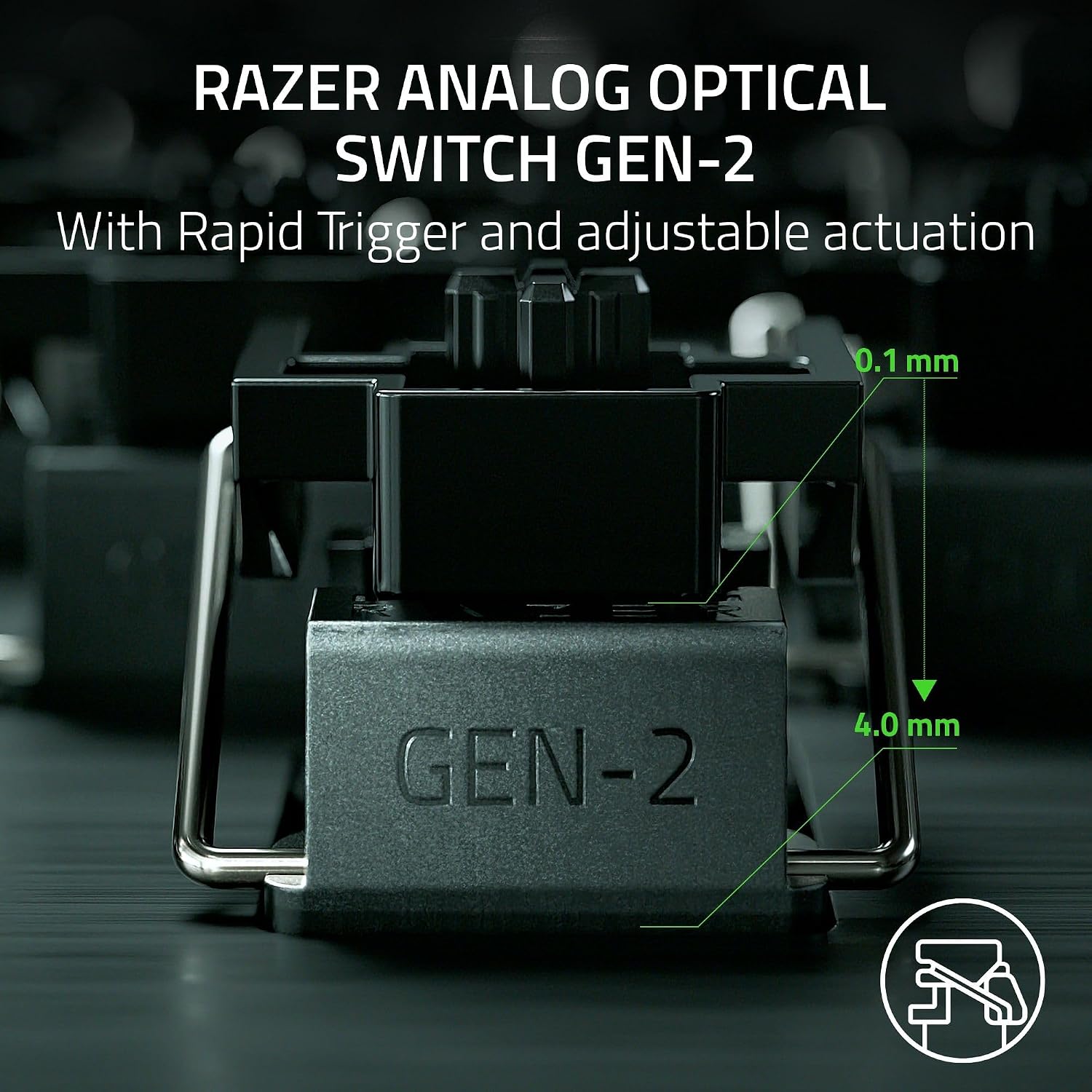
- Analog optical switches with adjustable actuation: you get an actuation range of 0.1–4.0 mm, which gives you room to pick a feel that matches your style rather than accepting a single fixed point.
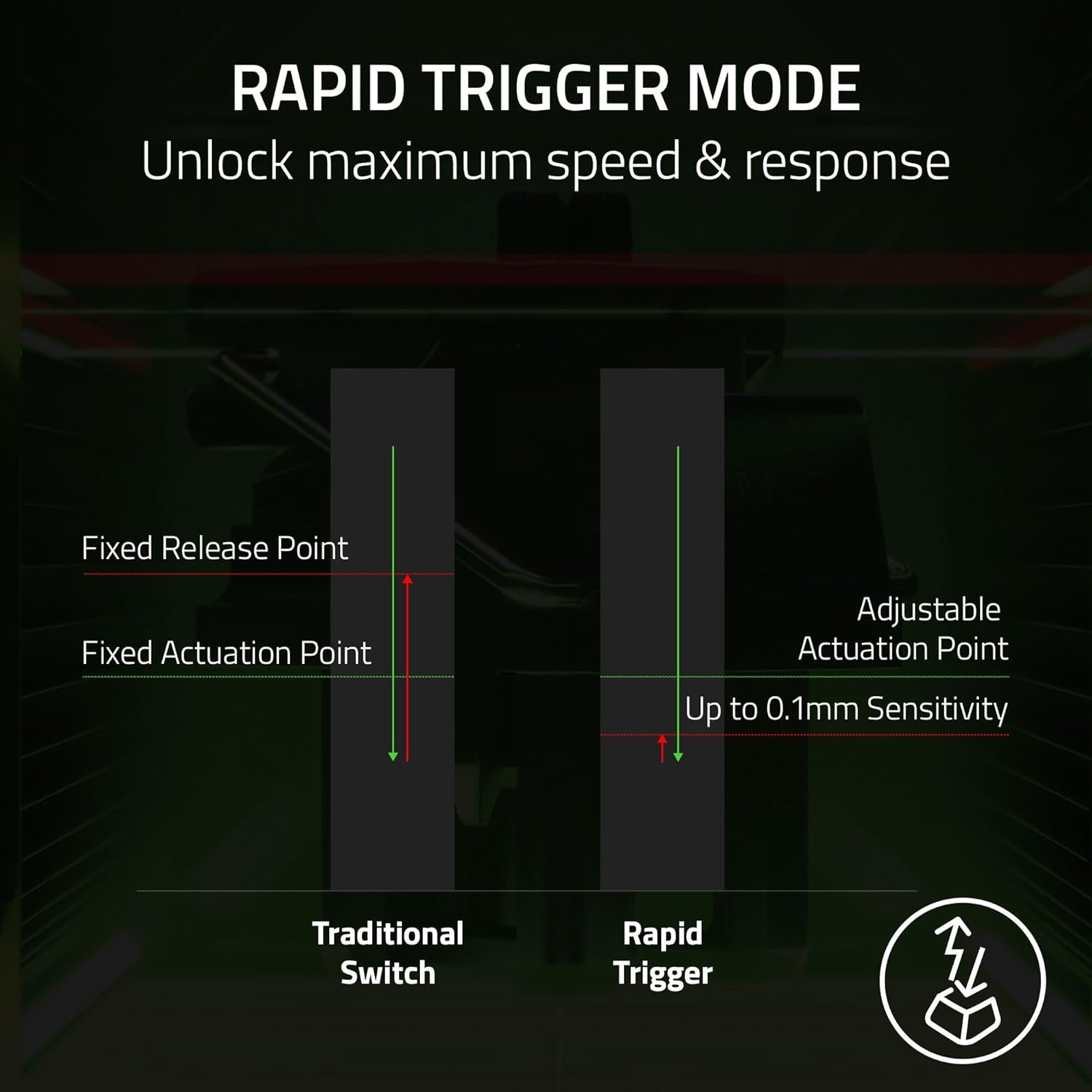
- Rapid Trigger for quick reset: it’s described as a step up from traditional mechanical or optical boards, with faster reset when keys are lifted slightly. If you’re doing rapid repeated inputs for movement in competitive FPS, that’s the use case it’s aiming at.
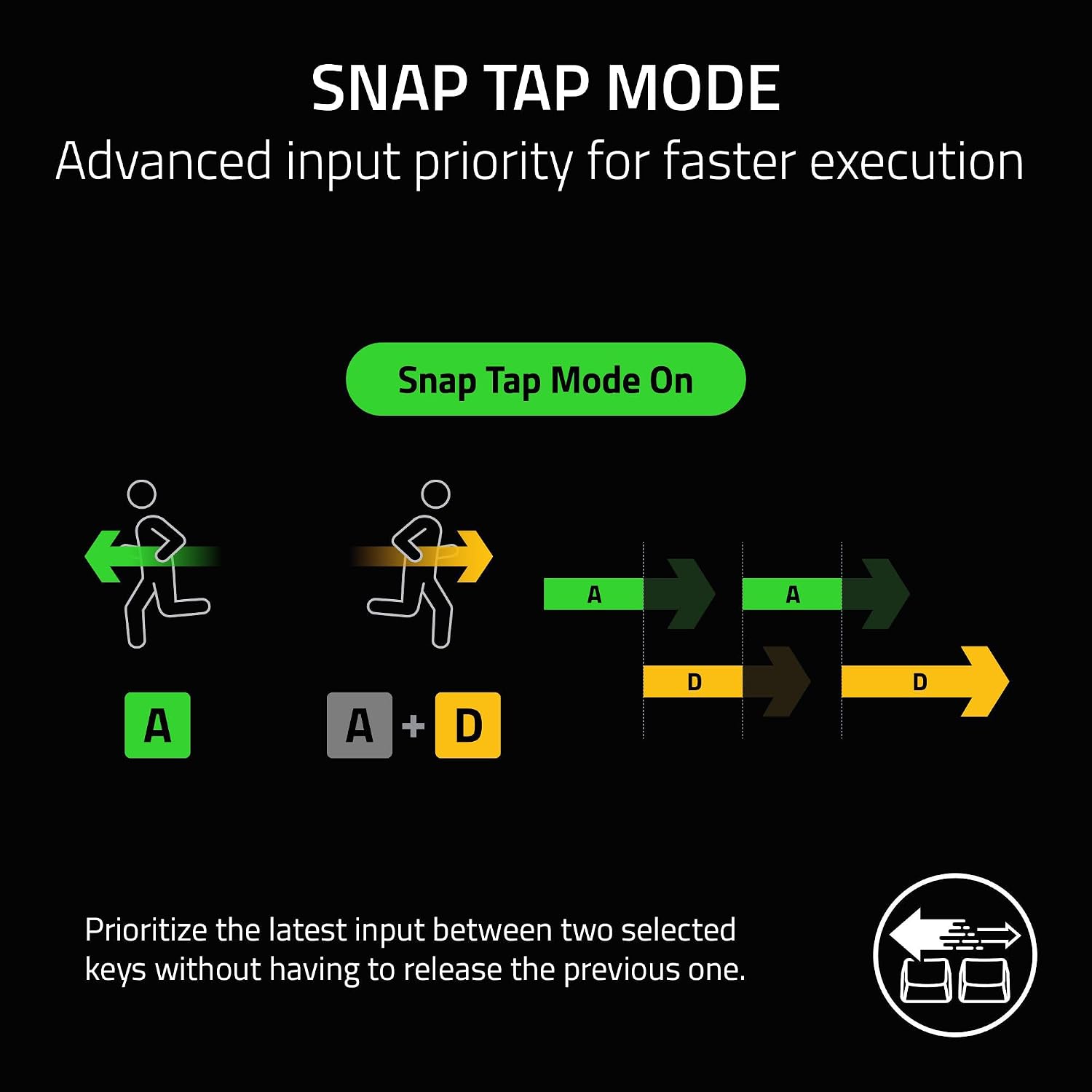
- Razer Snap Tap for prioritising input changes: it’s designed to prioritise the latest input between two selected keys without releasing the previous one, which is targeted at near-instant directional changes.
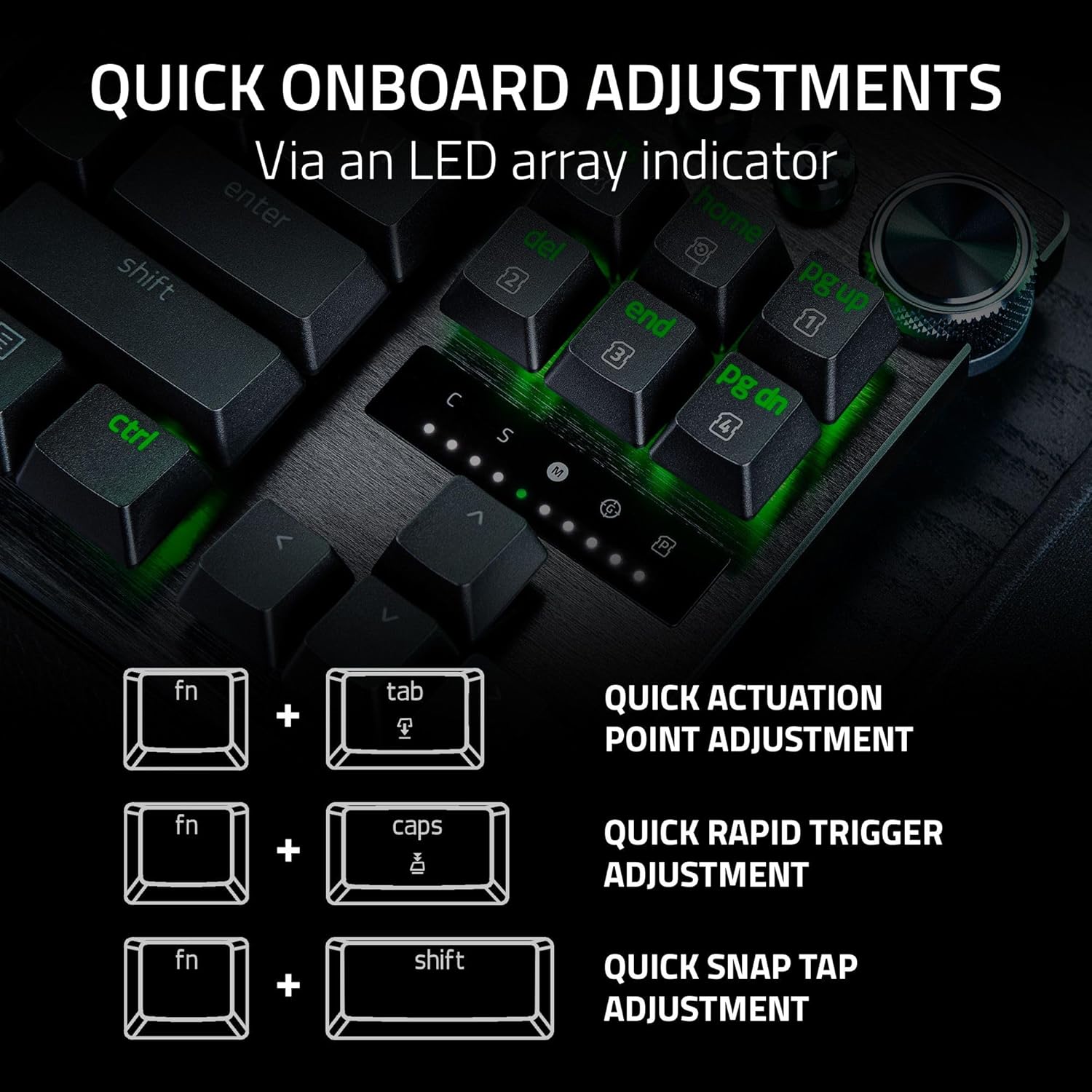
There’s also a practical side to the design. The keyboard includes onboard adjustments with a visual LED array, and it states you can save settings to the keyboard without software. That’s useful if you play across multiple setups, or if you simply don’t want to manage extra configuration.

Finally, the bottom-right modifier area has a dual purpose: modifier keys that act as arrow keys when tapped. That’s the sort of convenience you usually see on larger layouts, and it can reduce the need to reach for a separate cluster.
Tech specs
- Type: Tenkeyless (TKL) gaming keyboard with analog optical switches
- Switches: Analog Optical Switches Gen-2
- Actuation range: 0.1–4.0 mm (adjustable)
- Rapid Trigger: described as resetting at the slightest lift of a finger
- Snap Tap: prioritises the latest input between two selected keys (latest firmware update required)
- Keycaps: textured double-shot PBT keycaps
- Onboard adjustments: LED array for actuation height / Rapid Trigger sensitivity, settings can be saved to the keyboard without software
- Modifiers: dual-purpose modifier keys double as arrow keys when tapped
- Layout: QWERTY UK (Black)
- Keystroke lifespan: 100-million keystrokes
What you’ll notice day to day
In everyday use, the “feel” you get won’t just be about switch type — it’ll come from the adjustment options you choose.
A quick example: imagine you’re practising tight movement drills in an FPS. With Rapid Trigger set to match your light finger lift, you’re trying to re-trigger direction changes with minimal recovery time. If Snap Tap is configured and updated as intended, the board is aiming to register the newest directional input even while you’re still holding the previous one—so your controls can feel more “immediate” during rapid back-and-forth strafing.
The onboard LED-guided adjustments matter because they’re meant to reduce friction. Instead of hunting for software settings every time, you can make on-the-fly changes and save them directly to the board.
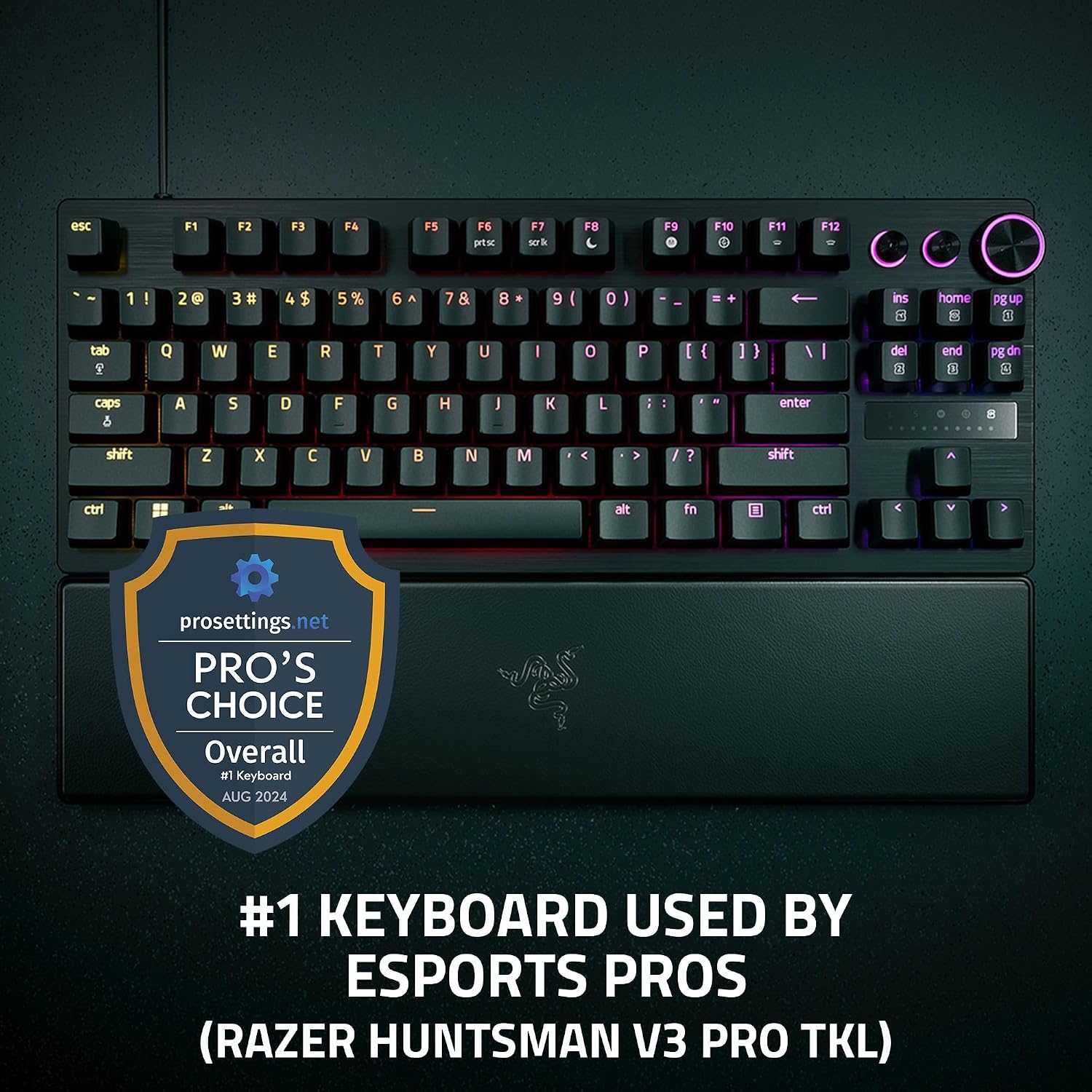
The PBT keycaps are also a sensible inclusion for competitive gaming sessions. They’re described as textured double-shot PBT, specifically positioned to handle wear and tear better than regular keycaps.
Where it shines—and where it may not
This keyboard makes the most sense if:
- you play competitive FPS games and care about movement precision and quick directional inputs
- you like fine control over actuation behaviour (0.1–4.0 mm adjustability and Rapid Trigger sensitivity)
- you want onboard tuning and saving without relying on software
- you prefer TKL layout for desk space while still having the keys you need
It may not be the best match if:
- you mainly use the keyboard for general typing or casual gaming, where the advanced triggering features may go unused
- you don’t want to deal with the note that Snap Tap requires the latest firmware update for full effect
- you prefer a simple, fixed switch feel and don’t want to spend time dialling in actuation
Mini FAQ
Does it need firmware updates for Snap Tap?
Snap Tap is explicitly stated to require the latest firmware update. If you want that feature working exactly as described, it’s something to check before relying on it in-game.
Can you adjust settings without software?
Yes, the keyboard is described as having onboard adjustments with an LED array, and it states settings can be saved to the keyboard with no software required.
Is it a full-size keyboard?
No—this is a tenkeyless (TKL) layout, meaning it omits the numpad. It includes a set-up that keeps gaming-focused spacing while saving desk space.
What makes the switches different?
It uses Analog Optical Switches Gen-2 with a stated adjustable actuation range of 0.1–4.0 mm, aimed at precision and faster repeated inputs.
Is it durable enough for heavy use?
The listing states a 100-million keystroke lifespan, and the keycaps are described as textured double-shot PBT for durability under wear.
Should you buy it?
Worth considering if you’re an FPS player who genuinely benefits from Rapid Trigger-style responsiveness, adjustable actuation, and features like Snap Tap for fast direction changes—and you’re willing to set it up properly (including the firmware point). It’s also a strong pick if you like the convenience of saving actuation and sensitivity adjustments onboard.
You may want to skip it if you’re after a straightforward keyboard for everyday typing or casual play, because the advanced behaviour may not be worth the fuss. In short: buy it when you’ll actually use the tuning and movement-focused features, otherwise, a simpler switch setup could feel more hassle-free for your day-to-day.