

Corsair VANGUARD 96 Wireless Mechanical RGB Gaming Keyboard – 96% UK Layout with Hot-Swappable MLX Switches
Product description
What it is and who it’s for
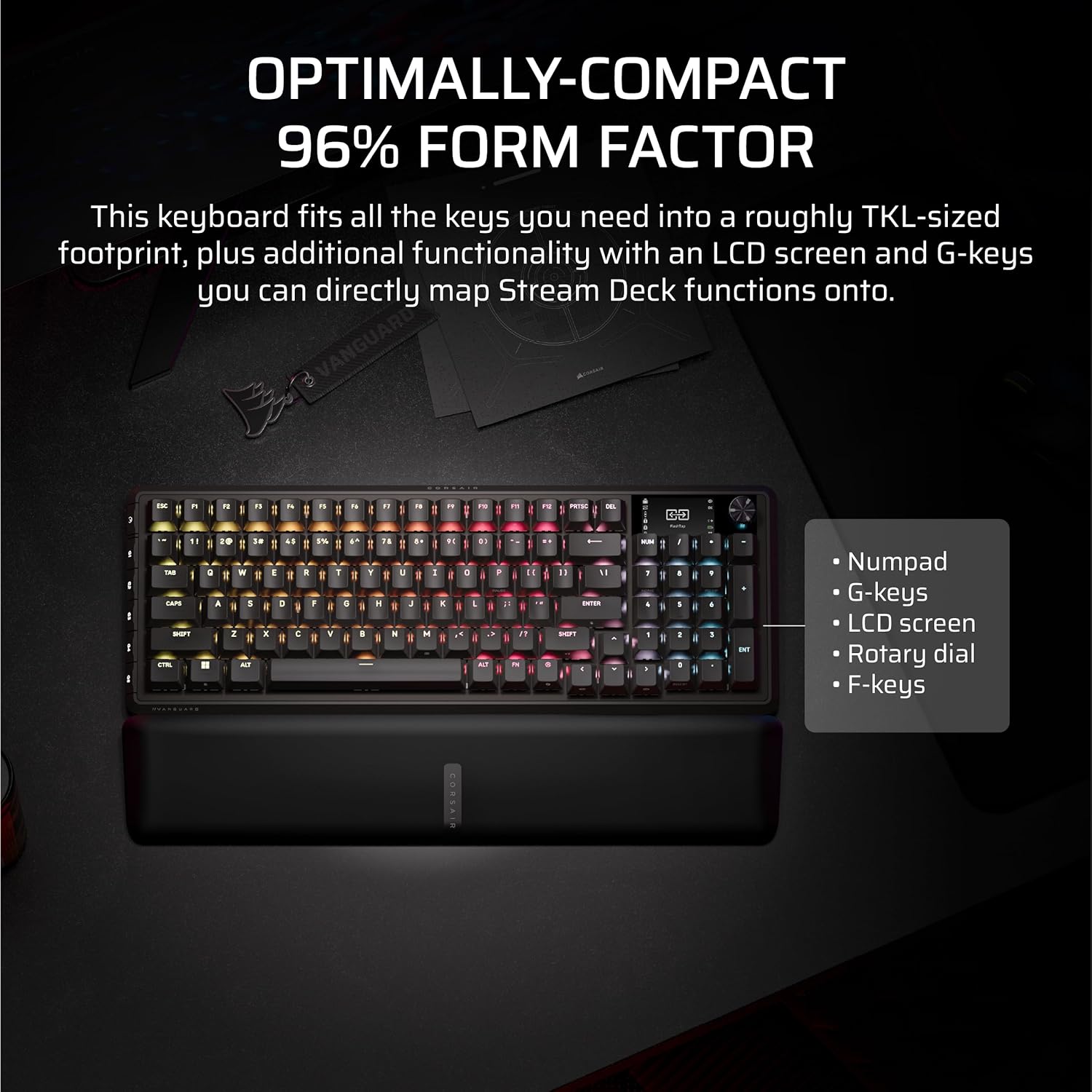
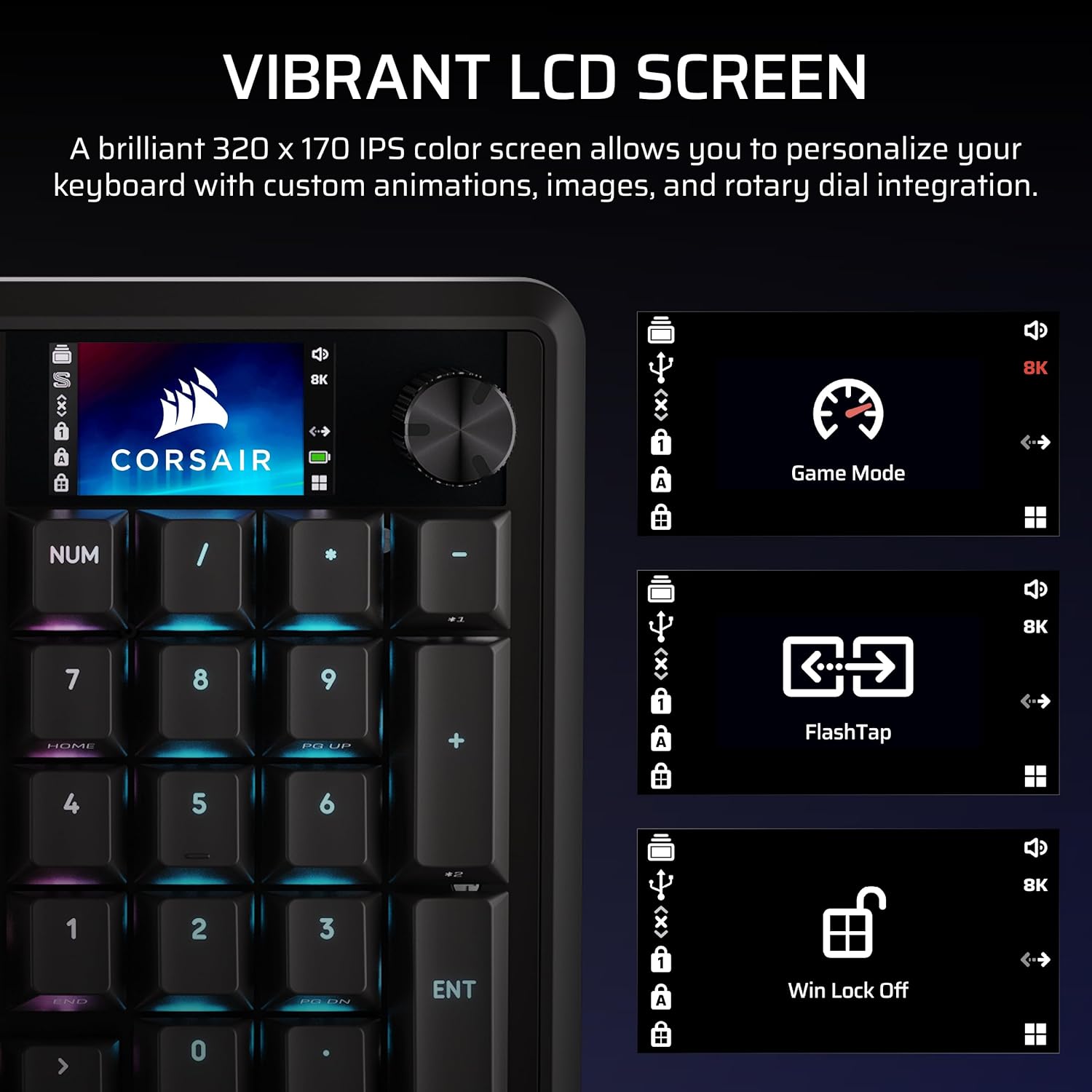
The Corsair VANGUARD 96 Wireless Mechanical Keyboard is a compact 96% layout board that retains essential input power—arrow keys, a compact numeric cluster, a 1.9” LCD screen, a rotary dial, and six programmable G-keys—without the bulk of a full-size keyboard. It appeals to gamers and productivity users who want a clean desk footprint but still need quick access to media controls, shortcuts, and on‑screen feedback. If you prioritise a blend of gaming responsiveness and desktop practicality, this model is worth evaluating.
Why the 96% design matters
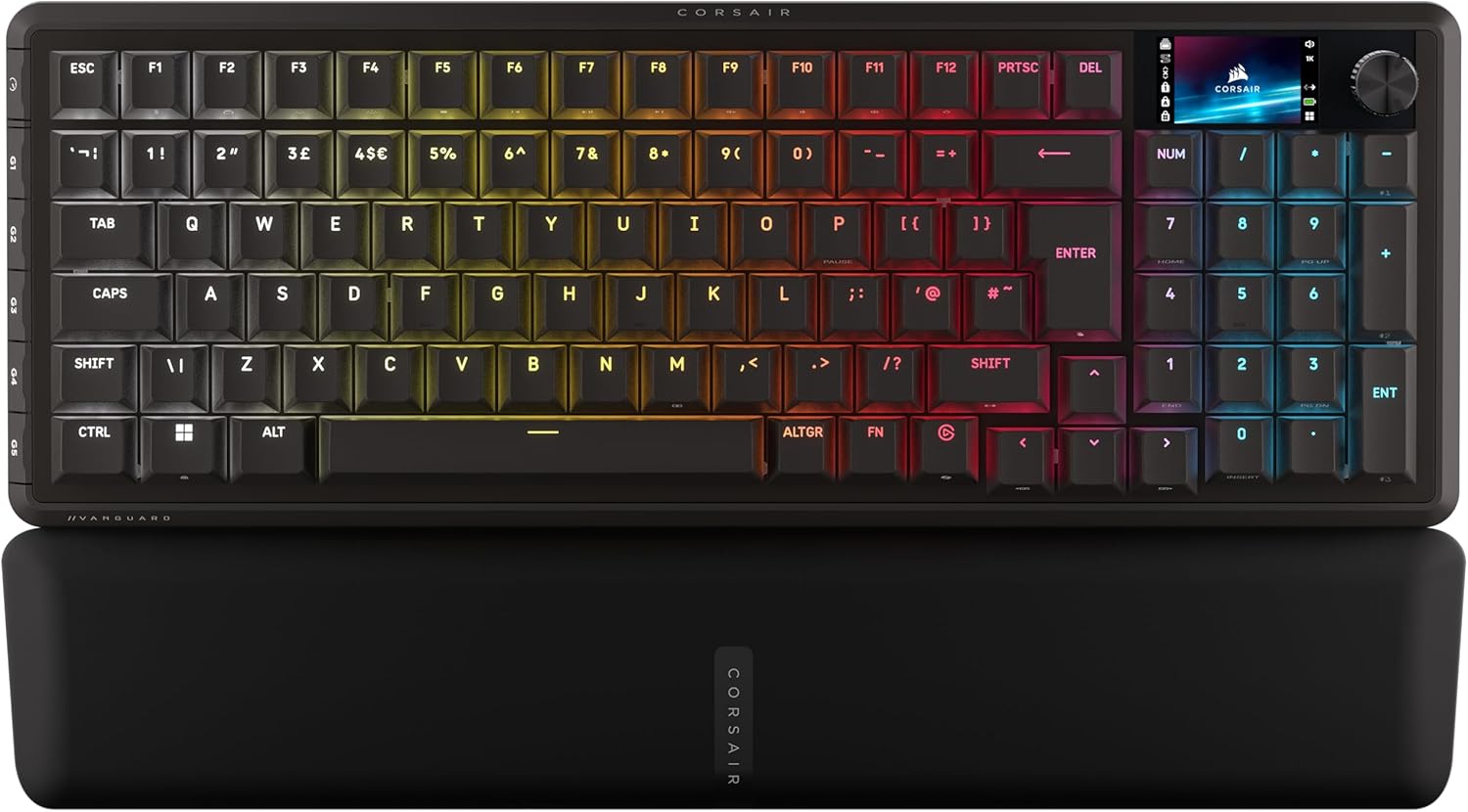
By squeezing a full set of keys into a frame roughly the size of a TKL, you gain the practical versatility of a larger board while preserving portably optimised ergonomics. The built‑in LCD can display animations, system data, or quick status visuals, which can be handy for monitoring in-game statistics or system health at a glance. The layout supports more complex key combos and macros without pushing you into a spacious board, making it a reasonable choice for setups where space is precious.
Connectivity and latency: wired and wireless, with high polling
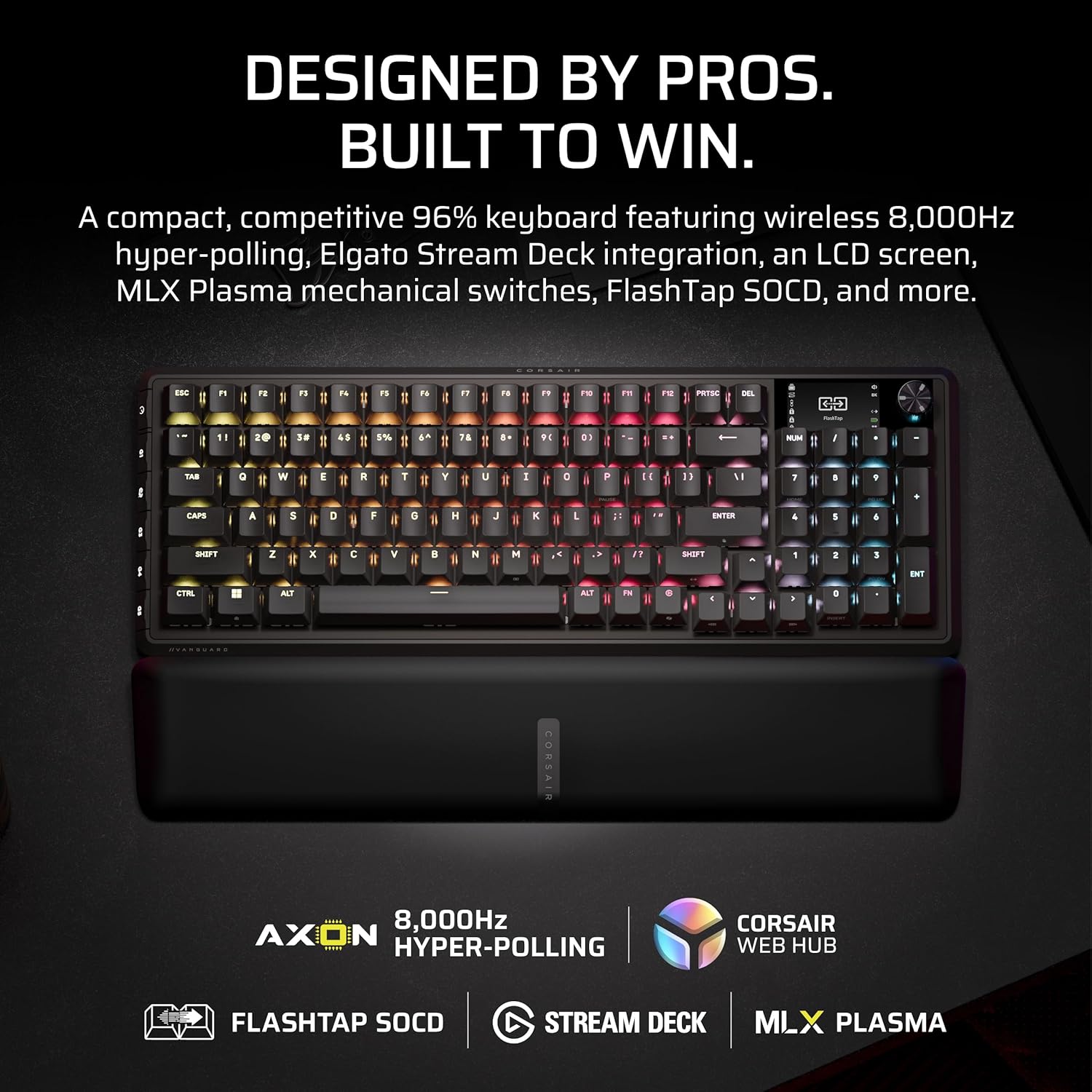
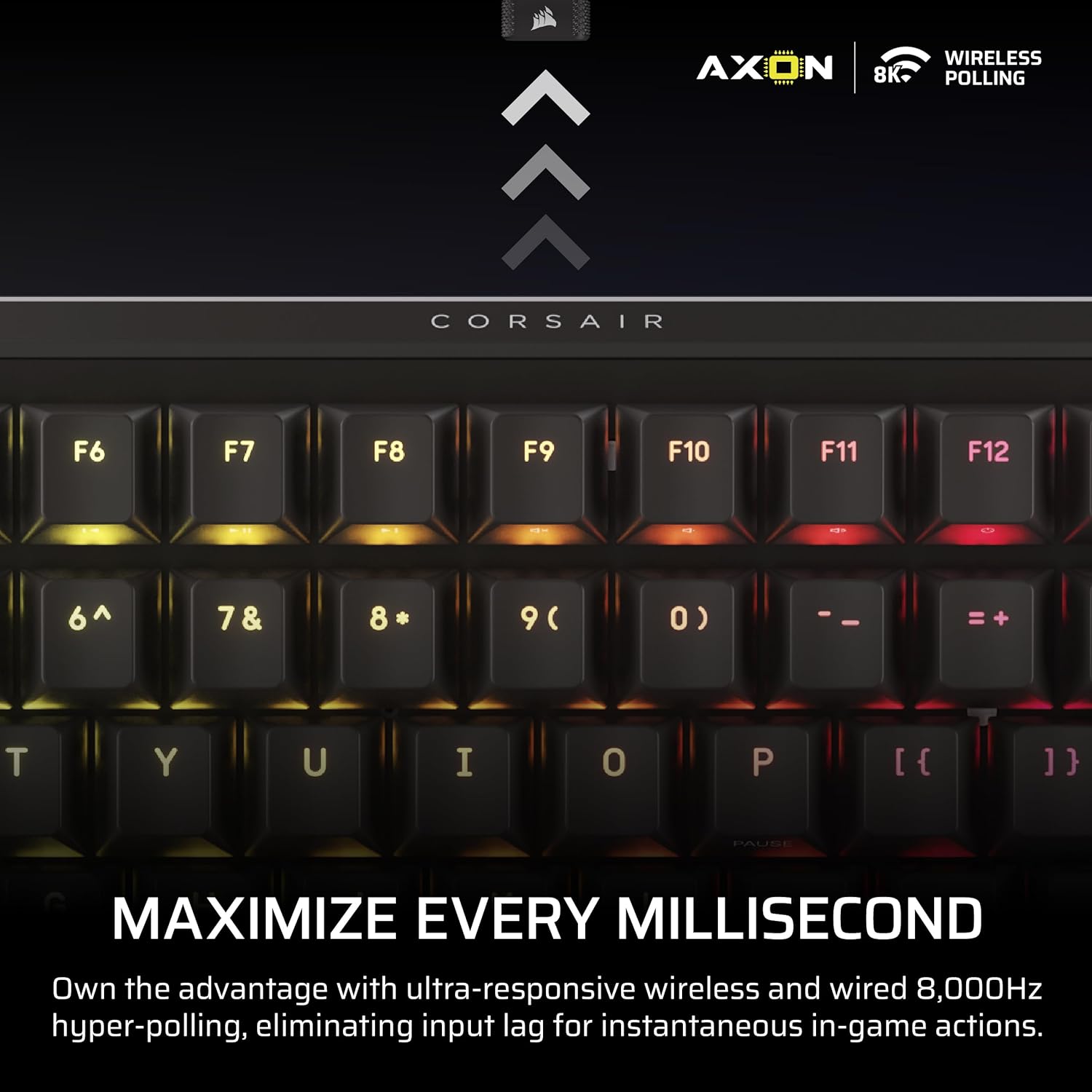
The VANGUARD supports both wired and wireless operation and touts 8,000Hz hyper‑polling. In plain terms, you should see very responsive input with compatible systems, and wireless play is designed to be as low‑lag as a wired connection thanks to Corsair’s SlipStream Wireless tech. That said, actual latency and stability will still depend on your environment and dongle performance, so it isn’t a guaranteed substitute for a dedicated wired setup in every scenario.
Switches and swappability: MLX hot‑swappable
With hot‑swappable MLX switches, you can tailor the feel to your preference without soldering. If you like tweaking tactility for typing or gaming, this is a meaningful benefit. The model ships with MLX options, but you’ll want to confirm compatibility with your preferred switch type and be prepared for potential bulk ordering if you plan to swap several keys.
Stream Deck integration and SOCD handling
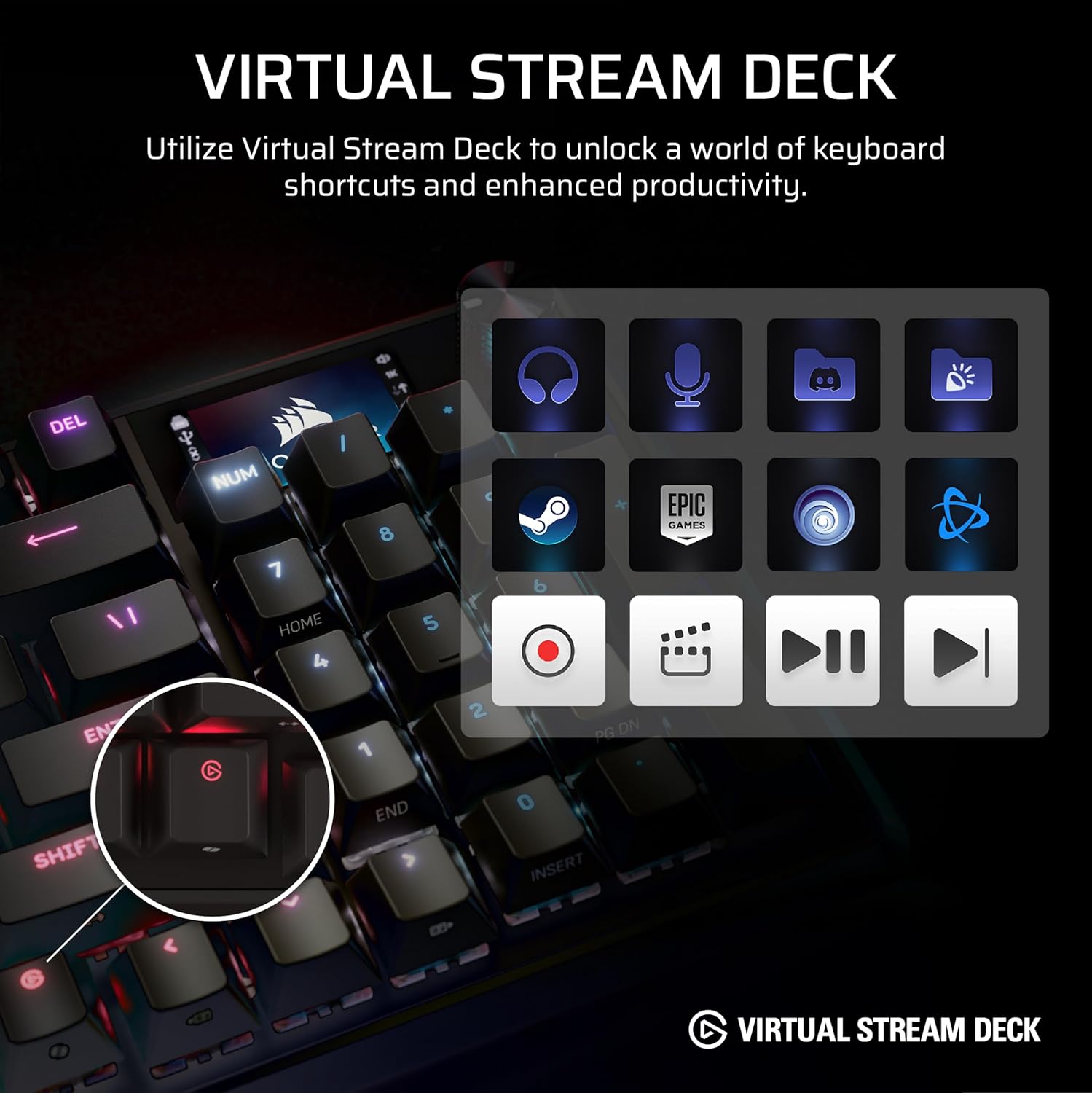
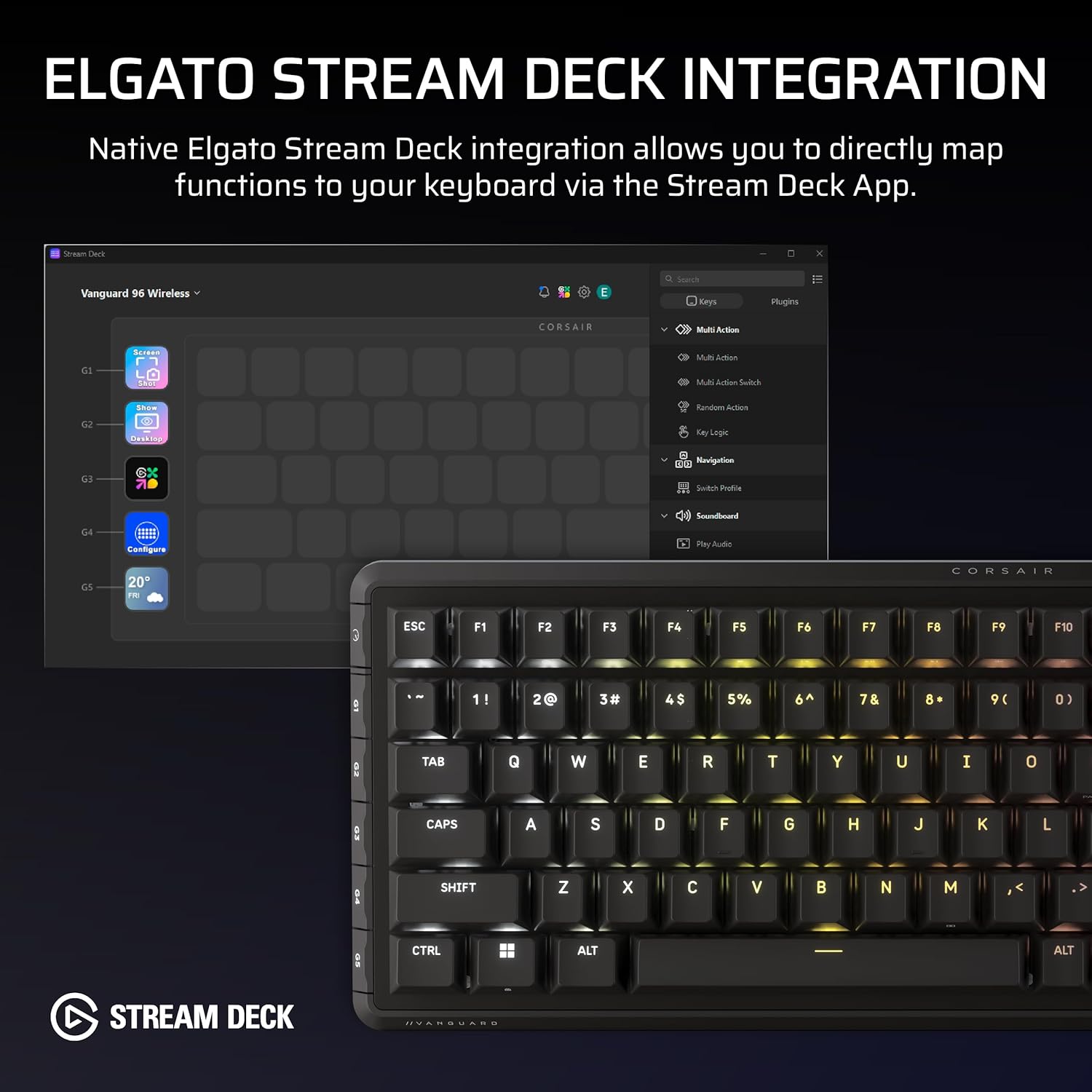
Elgato Virtual Stream Deck integration maps to the keyboard’s programmable G‑keys, enabling clickable shortcuts and streamlined in‑game or streaming workflows. The FlashTap SOCD feature lets you choose how accidental inputs resolve, which can help when you’re juggling multiple inputs during fast play. These features can offer practical benefits, but their real value hinges on how you actually use streamlines and input schemes in practice.
What stands out in use
The most noticeable advantages are the compact but complete layout, the vivid 1.9” LCD, and the ability to personalise key functions via the G‑keys and Stream Deck integration. If you value a tactile, responsive keyboard with room for customisation without sacrificing desk space, you’ll appreciate the approach here. The design isn’t a perfect fit for everyone, however: a 96% layout may still feel cramped to users who rely heavily on function row access or who prefer a larger display area for on‑screen information.
Potential drawbacks and where it may fall short
There isn’t data here on battery life, long‑term reliability, or exact keycap quality, so you should calibrate expectations accordingly. Wireless performance, while promising, can vary with interference and device compatibility. The LCD and extra features add complexity and potential points of failure relative to simpler keyboards. If your primary concern is a straightforward, no‑frills typing experience, this model may feel overengineered.
Use cases: who should consider this
- Gamers who want fast input with a compact footprint and like on‑board macros or G‑key programming.
- Streamers who would benefit from Stream Deck integration and visible system information on an LCD panel.
- Users who regularly switch between gaming and productivity tasks and want a flexible, customisable input device.
- Setups where desk space is at a premium but a full feature set is desirable.
When this may not be the best fit
- If you prioritise a traditional full‑size layout with dedicated function keys and a larger screen area for on‑board information, you might prefer something bigger.
- If you cannot tolerate potential variability in wireless latency due to ambient interference or if you rely heavily on long battery life without frequent recharging, the wired option could be a safer bet.
- If you’re looking for a model with a guaranteed, apron‑string low price, this tends to sit in a premium category due to its feature set.
What to check before you buy
- Confirm the UK QWERTY layout is exactly as required and that the LCD display supports the visuals you plan to use.
- Check compatibility with your chosen switches if you plan to swap MLX switches later, verify availability of compatible hot‑swap kits.
- Consider how you’ll integrate Stream Deck actions in your workflow and whether your software setup supports Virtual Stream Deck without extra licensing.
- Assess your preferred balance between wired stability and wireless convenience in your specific space.
Practical example of use
Imagine streaming a chaotic RTS match: you have the LCD showing your current FPS and ping, the rotary dial quickly switching through media or macro profiles, and the G‑keys triggering complex build orders mapped via Stream Deck. You can move without looking down as much, while still having the compact footprint that keeps your desk clear for your monitor and mouse.
FAQ
- Is it primarily wired or wireless? It functions well in both modes, with 8,000Hz polling advertised for both. Real‑world performance will depend on your environment.
- Can I customise every key? The keys can be programmed via the G‑keys and the Stream Deck integration, however, the extent of routine changes may depend on the software ecosystem you use.
- Do I need to swap switches myself? If you want a tailored feel, hot‑swapping is possible, but confirm you have the right tools and compatible MLX switches.
Should you buy it?
If you value a compact, feature‑rich keyboard with programmable macro keys, an integrated LCD, and seamless streaming integration, this model makes sense to consider. It’s not the most straightforward option if you want absolute simplicity or the lowest price. It’s a solid pick if you prioritise customisation and desk space efficiency, and you are prepared to manage potential complexities of wireless latency and software setup.