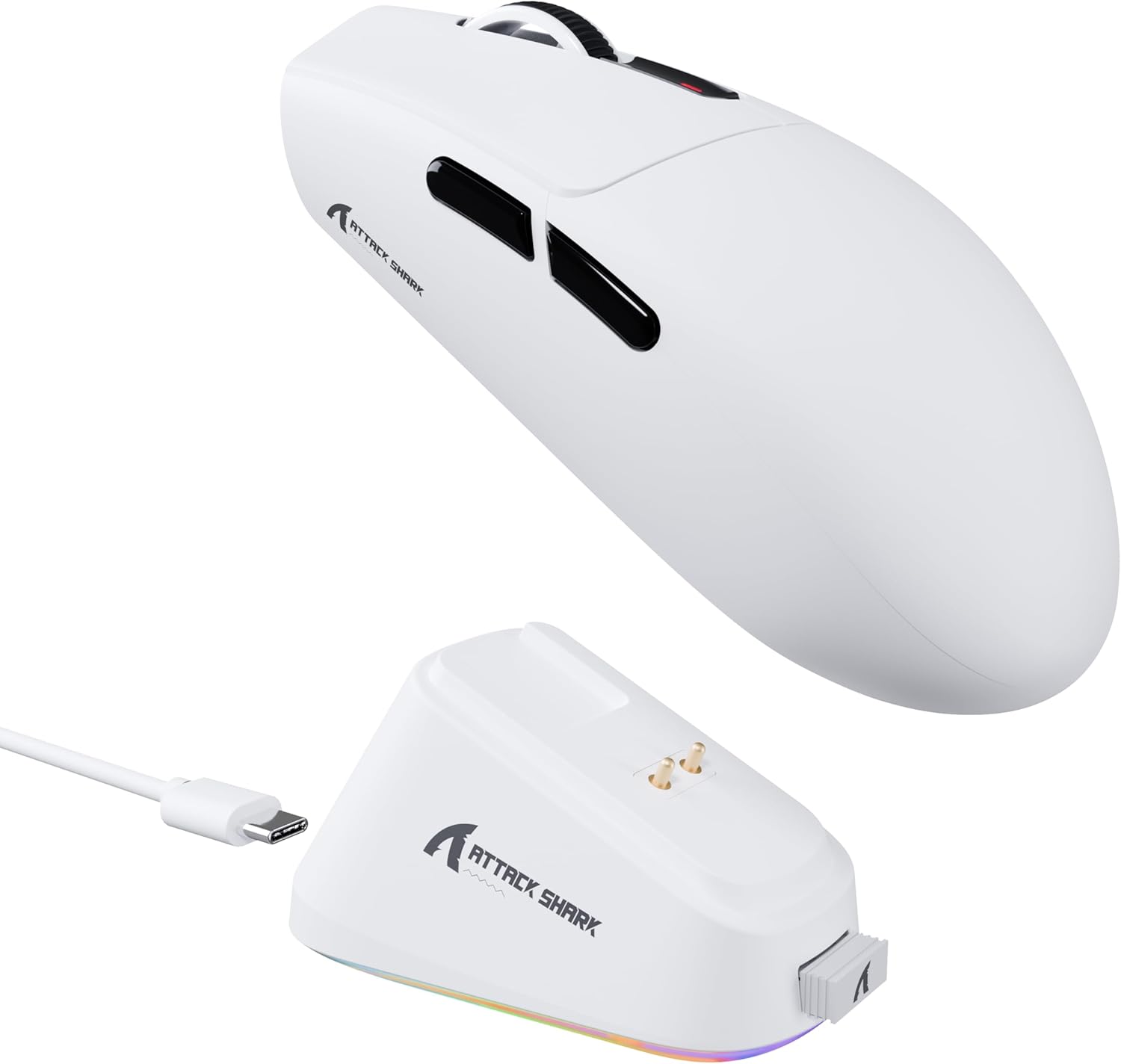
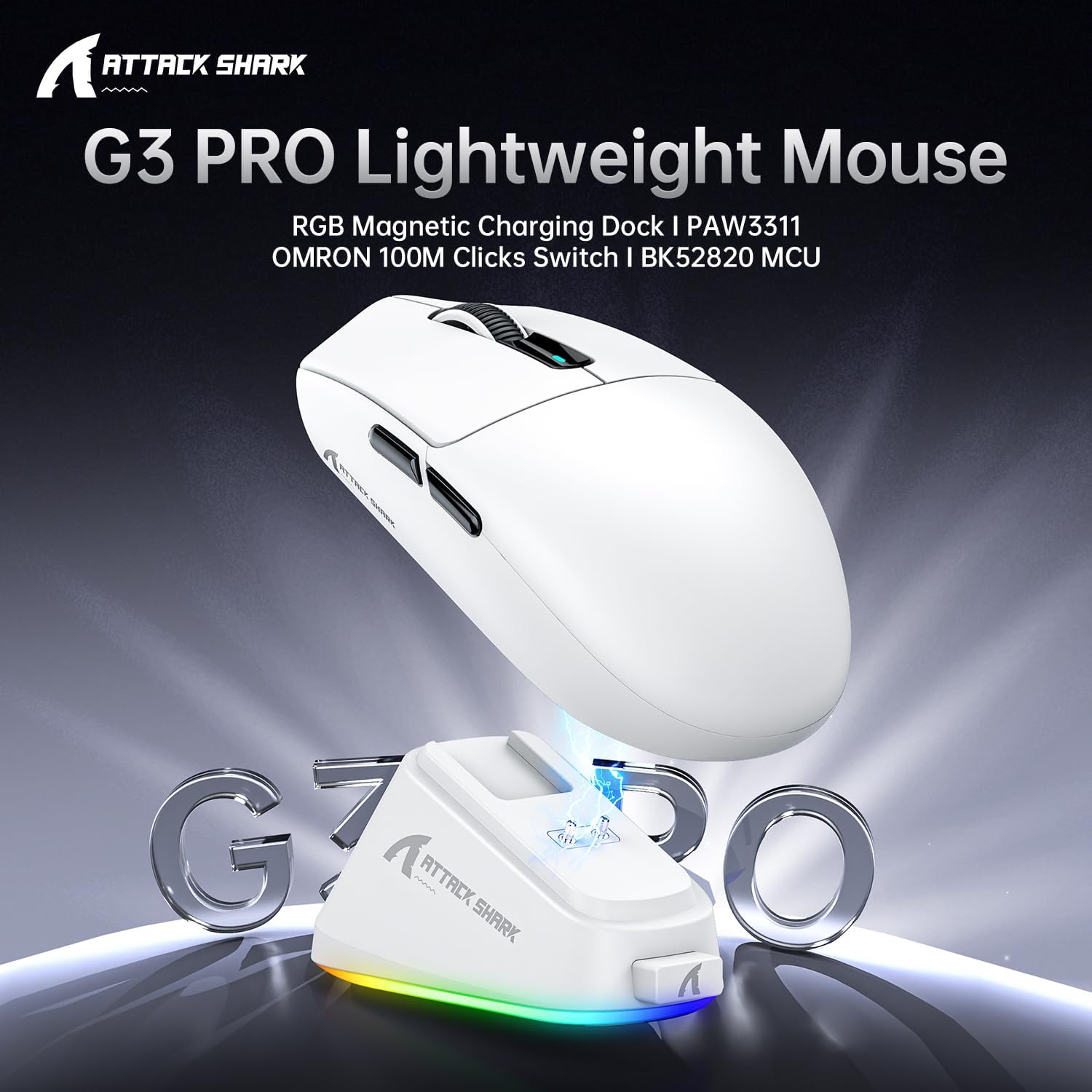
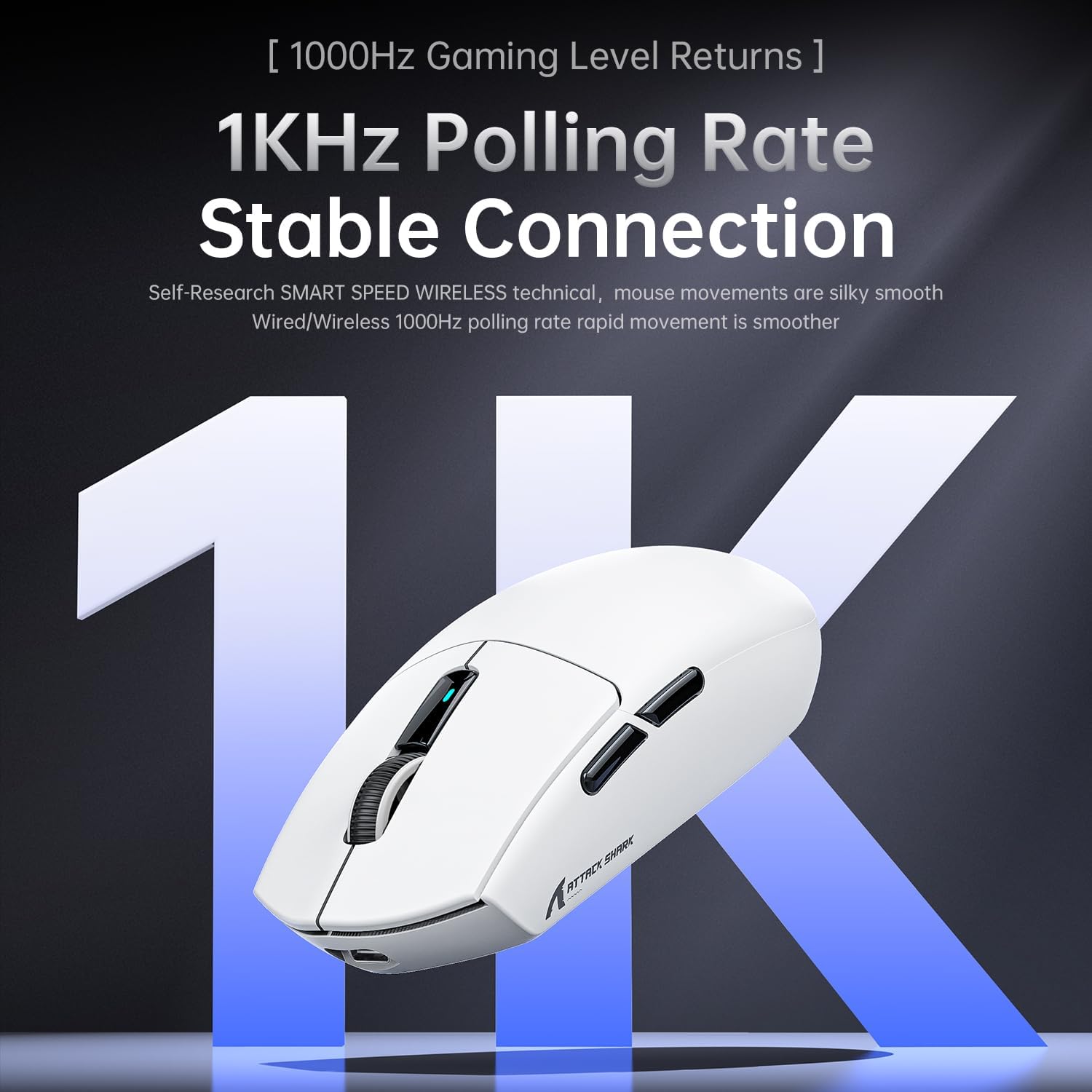
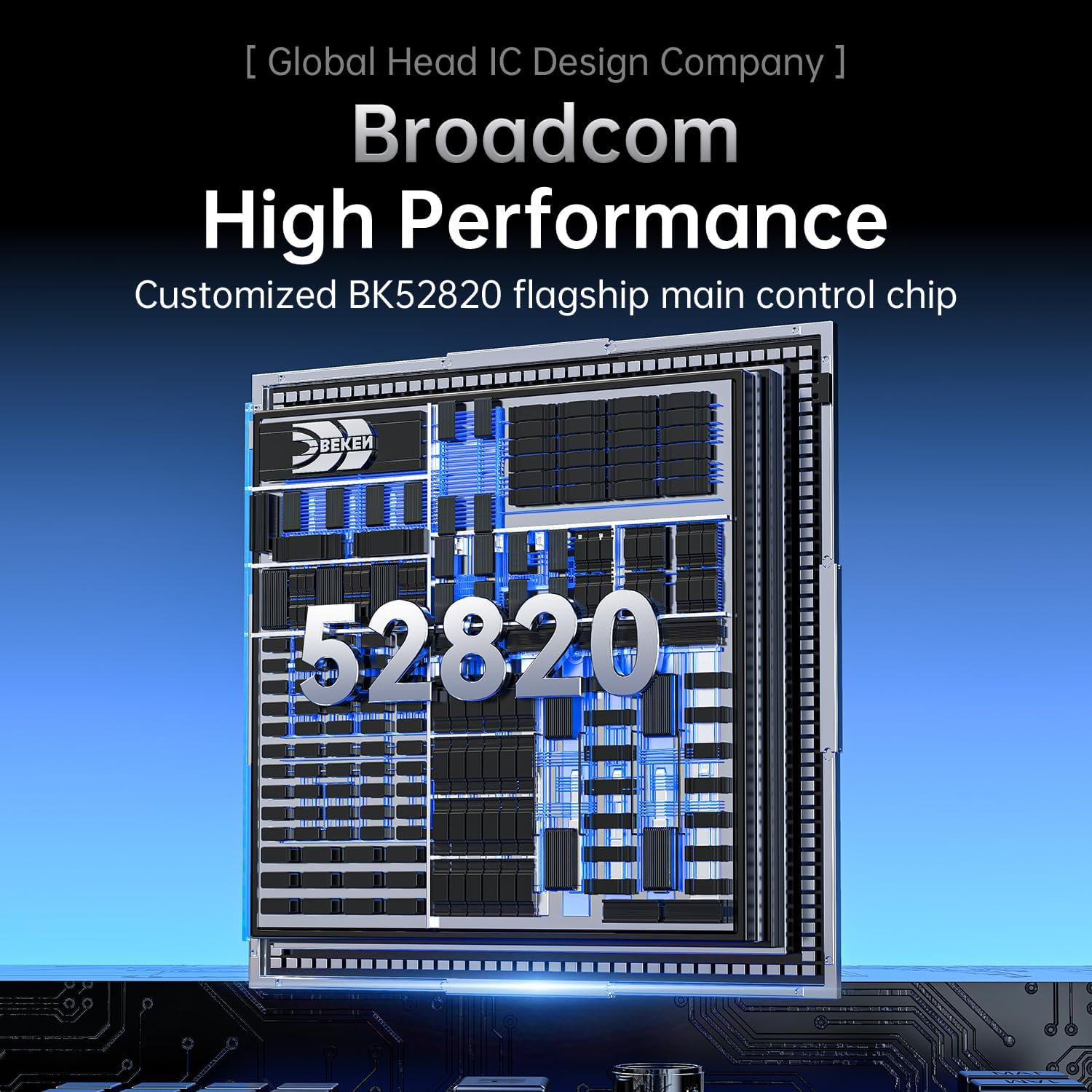
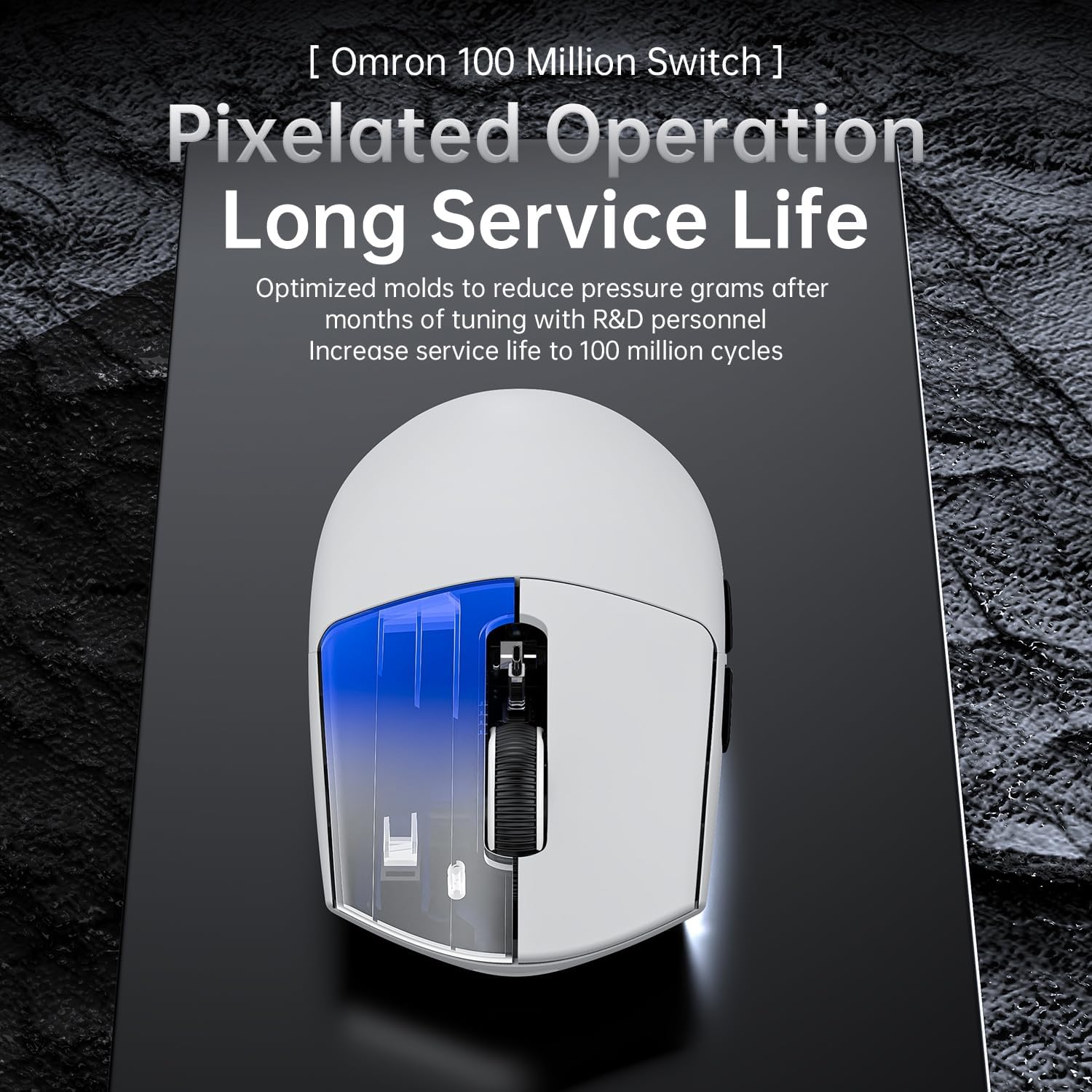
What it is and what it aims to solve\nThe ATTACK SHARK G3PRO is a wireless/wired gaming mouse designed to cover a broad spectrum of playstyles and environments. With three connection modes (wired USB-C, 2.4 GHz, and Bluetooth) and a substantial PixArt PAW3311 sensor, it seeks to offer precise tracking, low input latency, and flexible connectivity in a compact, lightweight package. If you value versatility across PC, console, or laptop setups, this mouse aims to keep you ready for both competitive sessions and casual work without constant re-pairing or device swapping.\n\n## How it feels in use\nWeighing in at 62 g, the G3PRO uses a liquid nitrogen–injected moulding process to keep weight down while preserving rigidity. The result is a feather-light feel that can help with rapid swipes and sustained flicks, especially for players who prioritise agility over bulk. The actuation on the switches has been tuned for a softer, more responsive feel, and the claim of 100 million clicks suggests durability for long-term use. Realistically, a longer gaming session still depends on grip, palm size, and the way you click, but the design intention is clear: reduce fatigue while maintaining reliability.\n\n## Magnetic charging dock and lighting control\nCharging in a snap, the dock uses a magnetic interface so you simply align the mouse and let it pair with a charger. A touch-sensitive switch on the dock lets you toggle lighting effects—useful for tracking status while you play or work in low-light environments. It’s a convenient touch that avoids fumbling with cables or docking connectors during a tense moment.\n\n## Sensor and precision\nAt the core is the PixArt 3311 sensor with up to 25,000 DPI and six selectable DPI levels. For many players, a high DPI isn’t the be-all and end-all, but the range allows precise adjustment for different genres—from high-precision shooters to multi-tasking productivity. The practical benefit is the potential to tailor sensitivity to your screen and sensitivity preferences, which could improve consistency across titles.\n\n## Connectivity beyond USB\nThe BK52820 chip supports three modes, but the real-world difference comes down to how easy it is to switch between wired, wireless 2.4 GHz, and Bluetooth on the fly. If you frequently shift between devices or prefer a low-latency option for a desktop or console, this flexibility is a genuine plus. You can swap connections with a bottom-mounted button, which helps you avoid re-pairing in the middle of a session.\n\n## What’s included and build considerations\nThe product ships as a complete package with a magnetic charging dock and the G3PRO mouse. The construction language emphasises light weight and a clean silhouette, which fits into a range of setups—from clip-on light desks to gaming rigs with a minimal cable footprint. It’s not a fortress of features, but it aims to offer dependable performance with a straightforward workflow.\n\n## Pros and cons in practice\n- Pros: versatile connection options, lightweight design, solid sensor, easy charging dock, durable switches that feel responsive, straightforward pairing.\n- Cons: high DPI capability may be more than some players need, and the three-mode connectivity can add steps to find the optimal profile for each setup. The touch-dock lighting is a nice touch, but it could become distracting for some users in darker environments.\n\n## Suitable for: who it’s for\nThis mouse fits players who value versatility and lightness—especially those who switch between PC gaming and other devices, or who want a clean desk with a single charging solution. It’s also a reasonable option if you prefer a lighter feel and appreciate a long-term click endurance.\n\n## Not the best choice for: who should consider alternatives\nIf you prioritise ultra-precise mid-to-low DPI settings for a narrow niche of competitive shooting, or if you require a heavier, more tactile mouse for certain grip styles, you might find other mice better suited to those needs. Likewise, if you rarely use Bluetooth or wireless and don’t need a charging dock, a simpler wired option could be enough.\n\n## Before you buy: what to review\n- Confirm your primary device ecosystem and whether you’ll benefit from Bluetooth alongside 2.4 GHz and USB-C wired modes.\n- Consider whether 62 g aligns with your grip and preferred weight. If you’re used to heavier mice, this might feel unusually light at first.\n- Check your lighting preferences, the dock’s light features can be expressive but may not suit all environments.\n- Think about your typical distance from the screen and DPI needs—while 25,000 DPI is impressive on paper, many players operate well within much lower ranges.\n\n## Practical example of use\nImagine a late-evening gaming session where you switch from a fast-paced FPS match to a design task on the same machine. The G3PRO can be connected via USB-C for near-zero latency during gaming, then switched to Bluetooth for casual editing with minimal desk clutter. The magnetic dock means a quick top-up between rounds, and the lighted dock helps you locate the unit in a dim room without fumbling.\n\n## The bottom line: decision of purchase\n### Is it worth it?\nIt makes sense if you value flexibility across devices and a lightweight form factor, along with a robust sensor and a charging dock designed to reduce downtime. It may not be the best fit if you want the ultimate low-DPI control or if you prefer a heavier, more traditional mouse weight.\n\n## FAQ (brief)\n- Is the G3PRO comfortable for all hand sizes? It’s designed to be lightweight, which suits many users, but comfort can be subjective depending on grip style.\n- Can you game with only Bluetooth while charging? Yes, you can use Bluetooth for some scenarios, though wired or 2.4 GHz typically offers lower latency.\n- Will the dock’s lighting be disruptive? It’s a personal preference, you can toggle lighting with the dock switch.\n