

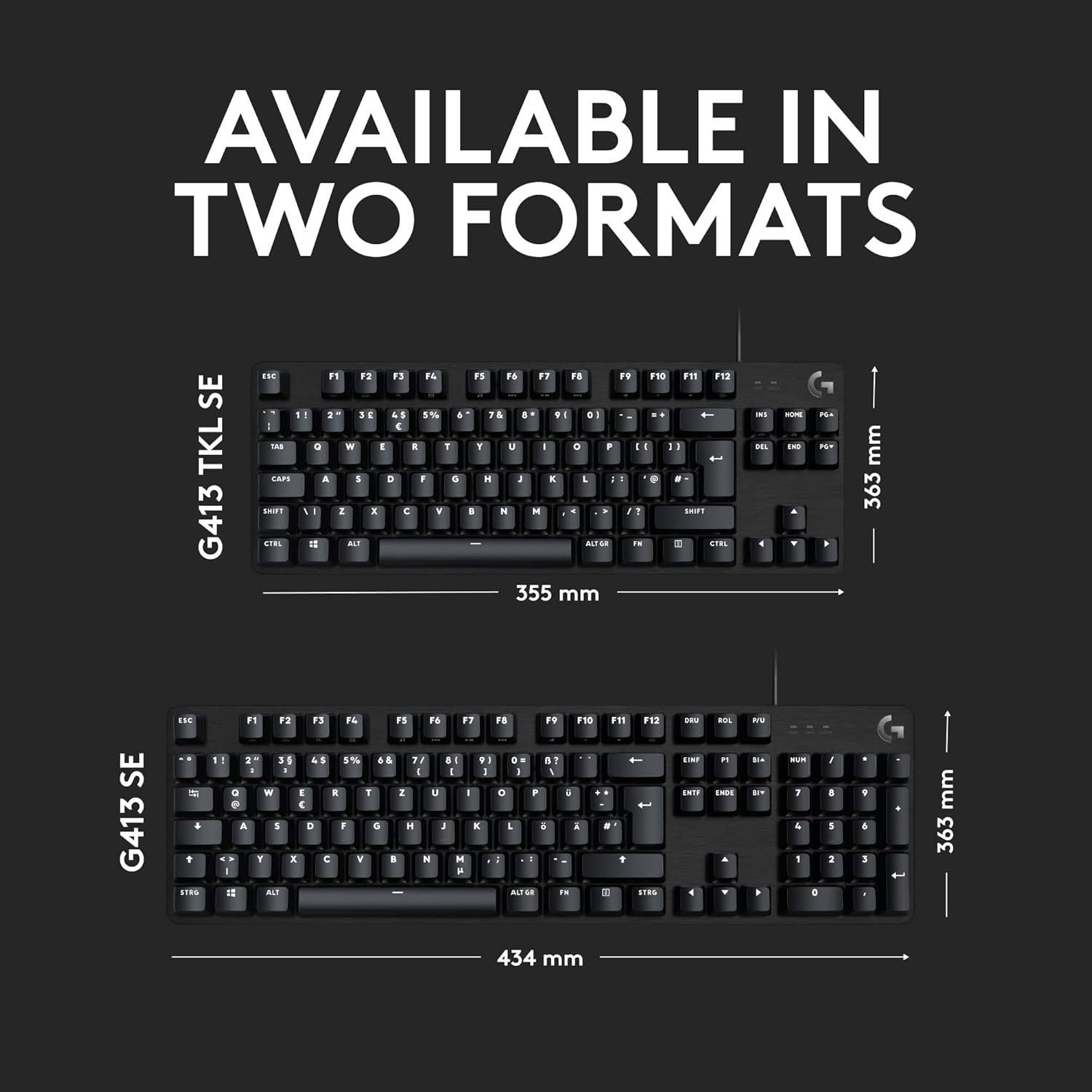
Logitech G G413 TKL SE mechanical gaming keyboard (tenkeyless, tactile switches) – QWERTY UK layout, black
Reviews
Price
Product description
Quick overview
The Logitech G G413 TKL SE is a compact, wired mechanical gaming keyboard built around a tenkeyless (TKL) layout, so you get the main keys without the number pad taking up desk space. It’s aimed at people who want dependable, tactile switch feedback and the kind of basic “gaming-first” input behaviour you notice during fast typing sessions as much as in games.
If you’re currently using a non-gaming mechanical keyboard, the big draw here is the anti-ghosting and roll-over behaviour (listed as 6-key) plus a tighter layout. The PBT keycaps angle also matters: they’re described as heat- and wear-resistant, which is the kind of detail that tends to make a difference over months of day-to-day use.
It’s not trying to be a premium all-rounder with wireless convenience, RGB complexity, or software-driven features—on paper it’s more about straightforward performance and durability.
Key features that actually affect day-to-day use
A few elements of this keyboard are designed to show up in normal use, not just spec sheets.
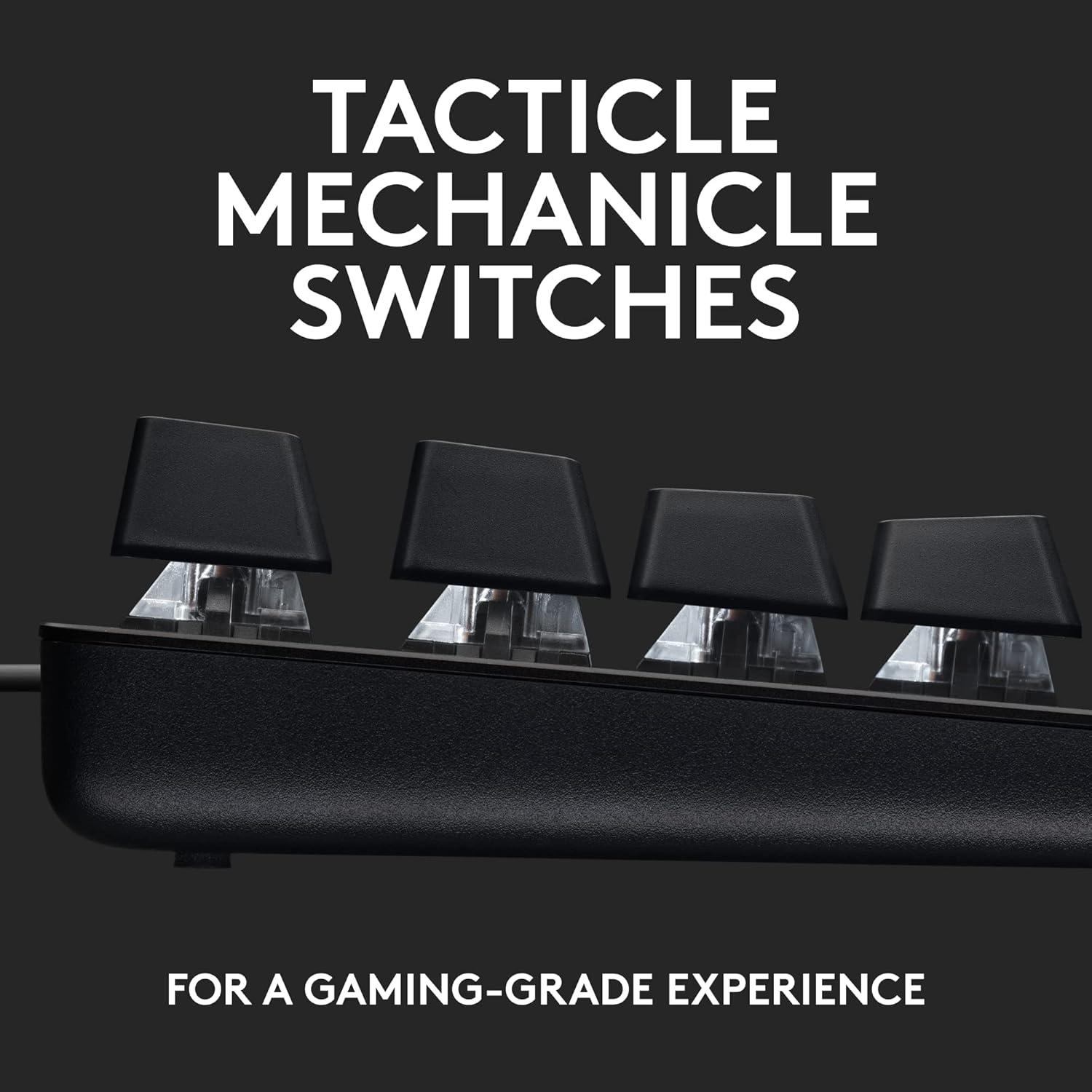
First, the tactile mechanical switches are positioned as “performance you can reach”—so you should expect a noticeable physical feel when you press keys, rather than a purely smooth or mushy action. That tends to suit people who like confirmation with each keystroke.
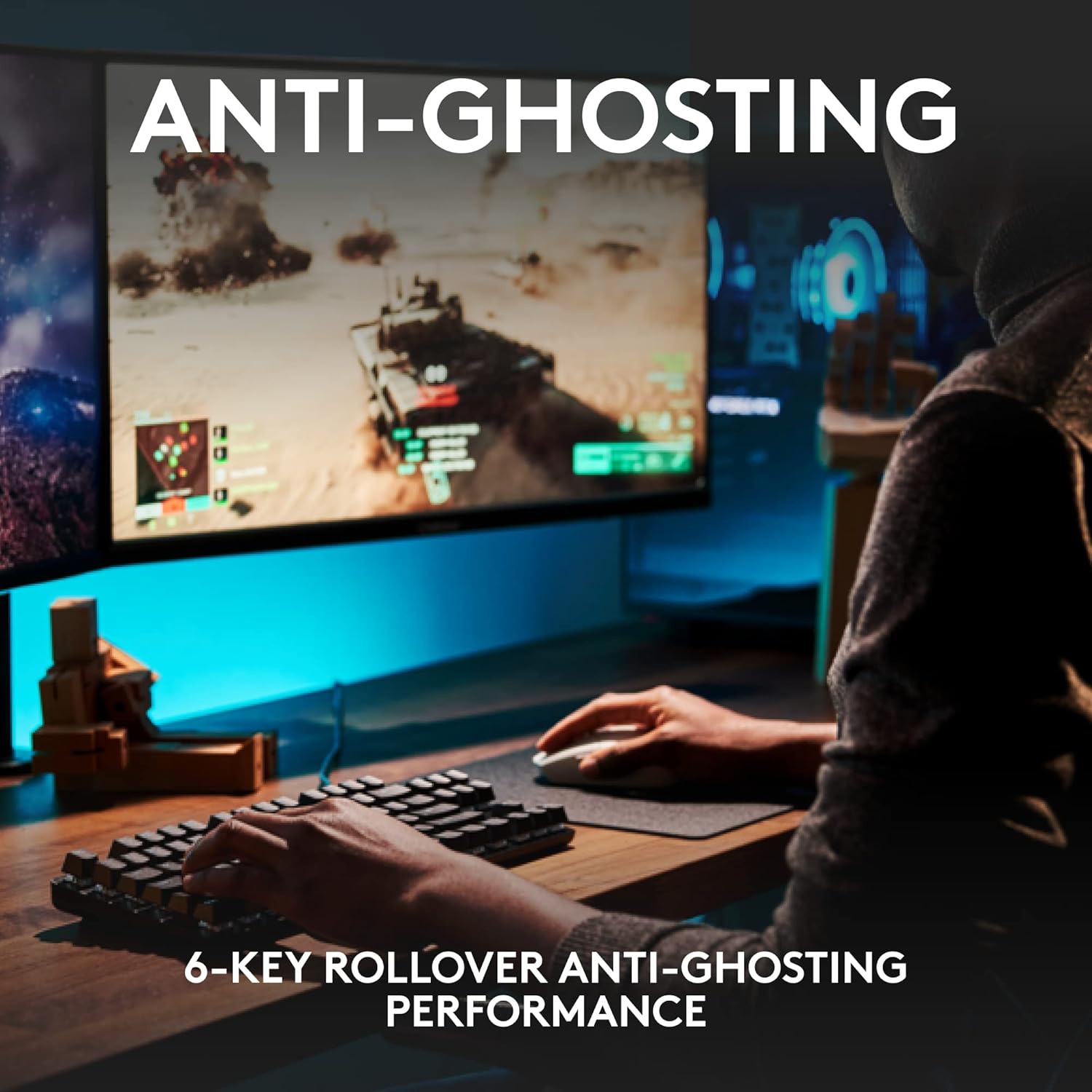
Second, anti-ghosting with 6-key rollover is built for reliable key input when multiple keys are pressed together. In practice, this is one of those features you don’t think about until you switch from a general keyboard and realise your inputs are more consistent under pressure.
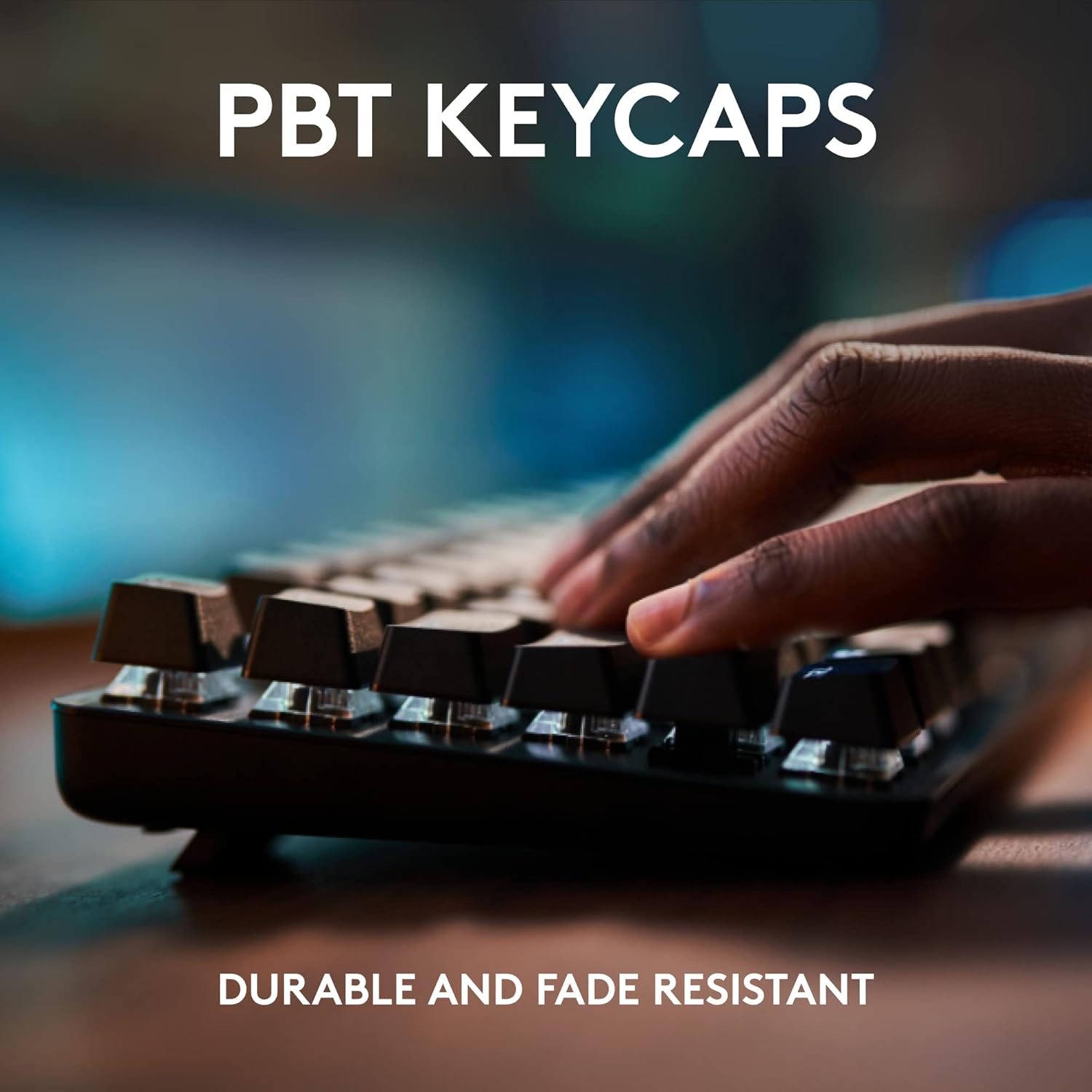
Third, the PBT keycaps are described as being heat- and wear-resistant. In the real world, keycap wear and shine are the things most people complain about with cheaper sets—so choosing PBT is a sensible move if you plan to keep the keyboard.
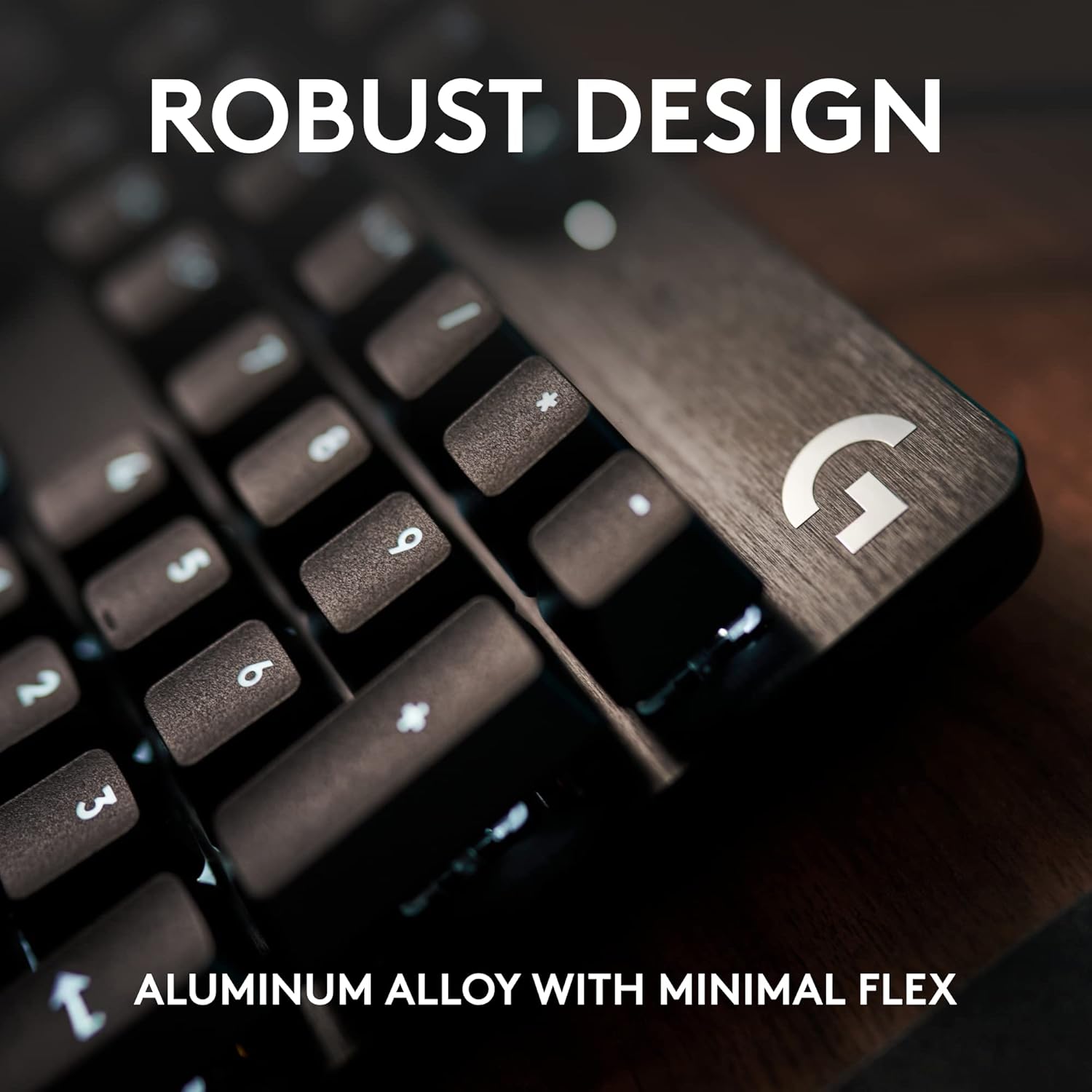
Finally, the construction is described as having minimal flex, supported by a brushed aluminium-magnesium alloy top case. If you care about the keyboard feeling solid on your desk, that “backbone” idea is worth considering.
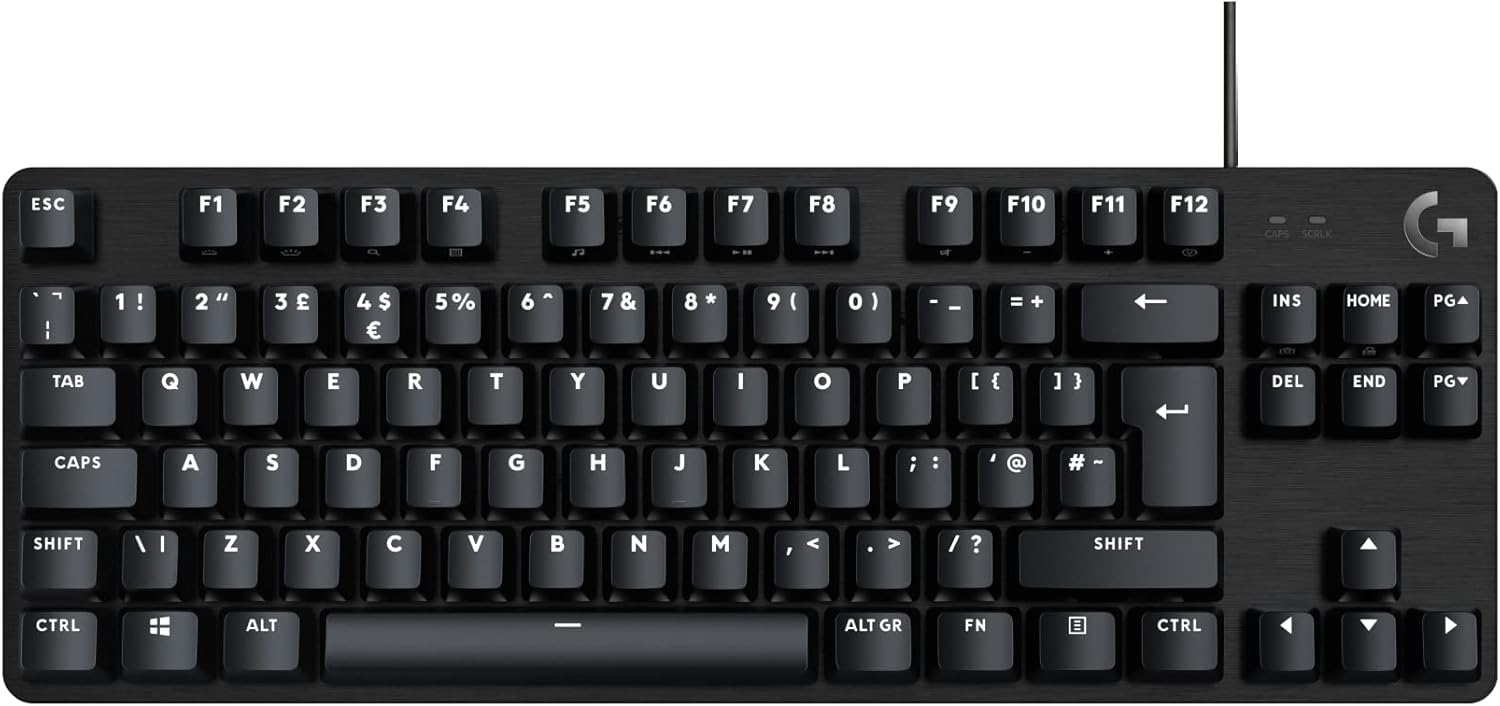
Design and controls: compact, backlit, and practical
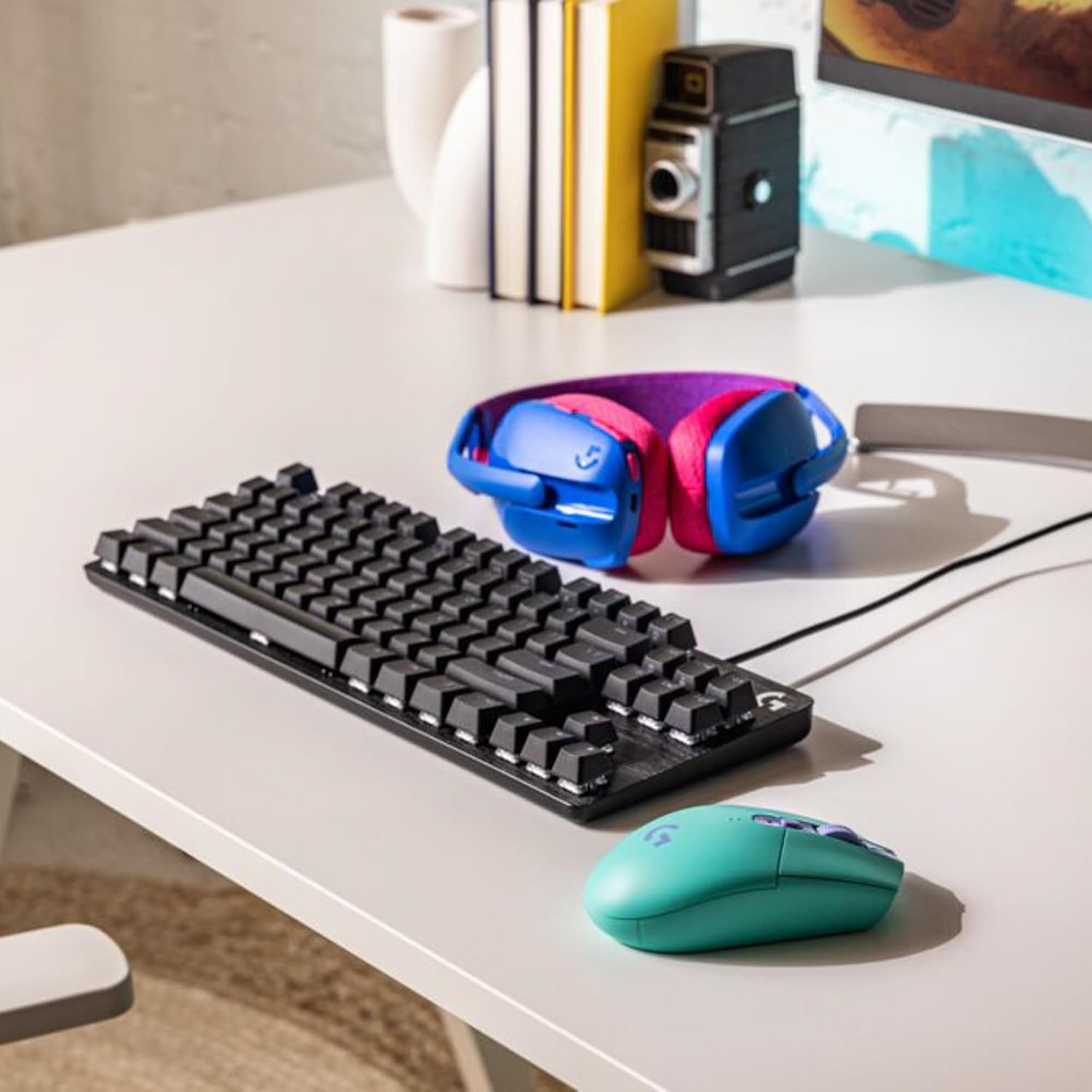
This model uses a sleek black-brushed aluminium top case with white LED backlighting. The lighting and finish are understated rather than flashy, which can be a positive if you don’t want your desk setup to scream “gamer” aesthetics.
There are also FN function keys for media and system controls: volume, play/pause, skip track, mute, lighting toggle, and Windows lock are mentioned, alongside other actions. That makes it more convenient for everyday computer use—especially if you’re switching between gaming and media playback without relying on the mouse.
One small limitation to bear in mind: because it’s TKL, you’re giving up the number pad. Some people love that extra space, others will miss numeric entry if their workflow depends on it.
What to know about the layout and compatibility
The G413 TKL SE is built for a QWERTY UK English layout and is listed as compatible with Windows and macOS. That’s helpful if you use the same keyboard across a desktop and a work laptop or Mac setup.
It’s also explicitly a wired keyboard, so it’s a straightforward “plug in and go” scenario. Depending on your desk layout, the cable can be either a non-issue or something you’d rather manage with a decent cable path.
Specs in plain terms (quick technical details)
- Type: Wired mechanical gaming keyboard
- Layout: Tenkeyless (TKL)
- Keycaps: PBT (heat- and wear-resistant)
- Switch feel: Tactile mechanical switches
- Anti-ghosting: 6-key rollover
- Backlighting: White LED
- Controls: Media functions via 12 FN keys (volume, play/pause, skip, mute, lighting toggle, Windows lock, etc.)
- Build: Brushed aluminium-magnesium alloy top case (minimal flex)
- Compatibility: Windows and macOS
- Key layout: QWERTY UK English
- Colour/finish: Black, brushed aluminium top case
Where it shines, and where it may fall short
It’s a solid pick if you want a compact mechanical gaming keyboard that prioritises tactile feel, consistent key input (anti-ghosting with 6-key rollover), and PBT keycaps designed to resist heat and wear.
It might not be the best choice if you need a full 104-key layout every day, or if you’re specifically chasing wireless freedom and desk tidiness. On paper, it also sits more in the “durable, performance-focused” lane than the “feature-heavy” lane—so if you expect lots of advanced customisation beyond basic lighting control, you may feel slightly constrained.
Getting the most from it (practical examples)
If you play games with fast movement plus quick actions, the 6-key rollover anti-ghosting is the kind of feature that helps prevent missed inputs when you’re pressing combinations—think directional movement with an action key or ability keys clustered together.
For everyday use, the FN media controls can reduce friction: for example, when you’re listening to music while working, you can adjust volume, pause, or skip tracks without reaching for your mouse or keyboard shortcut overlays. The white backlight can also be handy in a darker room without being too loud visually.
In the box / alternatives to consider
The information provided doesn’t list what’s included in the packaging, so it’s worth checking the listing details for anything like keycap pullers or extra parts.
As for alternatives, you generally have two common directions when shopping this category: compact mechanical boards like this (focusing on desk space and gaming input behaviour), or fuller-size boards if numeric entry matters. If you’re unsure, the tenkeyless layout decision is usually the biggest “fit” factor before you even get to the switch type.
Final verdict
Buying the Logitech G G413 TKL SE makes sense if you want a tenkeyless mechanical keyboard with tactile switches, PBT keycaps described as heat- and wear-resistant, and anti-ghosting with 6-key rollover for more reliable input.
You may want to skip it if you require a number pad, prefer wireless keyboards, or you’re chasing deeper feature customisation beyond basic media control and lighting toggle.
If your setup is mainly Windows or macOS and you’re after a dependable, compact daily keyboard that also handles gaming basics well, it’s the sort of model that looks like a sensible purchase rather than a gimmick.
Mini FAQ
Is this keyboard suitable for gaming and work?
It’s designed with gaming-first features like anti-ghosting and a tactile mechanical feel, but it also includes FN media controls and is compatible with both Windows and macOS, so it should work well for mixed day-to-day use.
Does it have a number pad?
No—this is a tenkeyless (TKL) layout. If you rely on the number pad often, it may not suit you.
What kind of keycaps does it use?
It uses PBT keycaps, which are described as heat- and wear-resistant.
Is there backlighting?
Yes, it has white LED backlighting.
What does 6-key rollover mean in practice?
In plain terms, it’s listed as anti-ghosting up to 6 keys, which is meant to keep input more reliable when several keys are pressed together.