


Ergonomic Wireless Vertical Mouse with 2.4G Receiver, 2400 DPI, USB A, Rechargeable Battery
Product description
What it is and what it solves
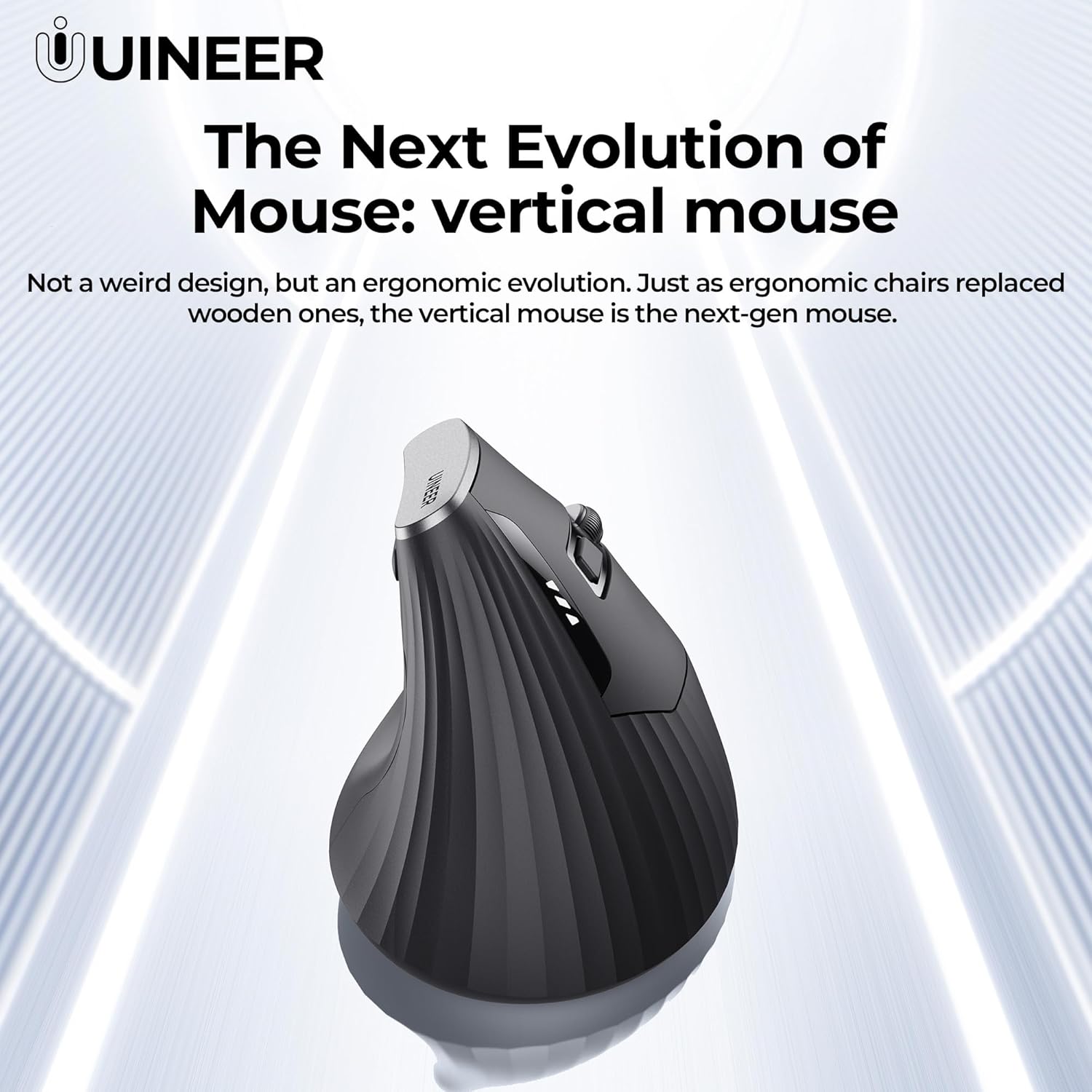
This is an ergonomic vertical wireless mouse designed to reduce wrist strain by promoting a natural handshake grip. It targets everyday office use, design tasks and studies where long hours at a desk are common. It’s not a gimmick but a thoughtful alternative to standard mouse grips, aiming to ease tension in the wrist and forearm over time.
Design and comfort in daily use
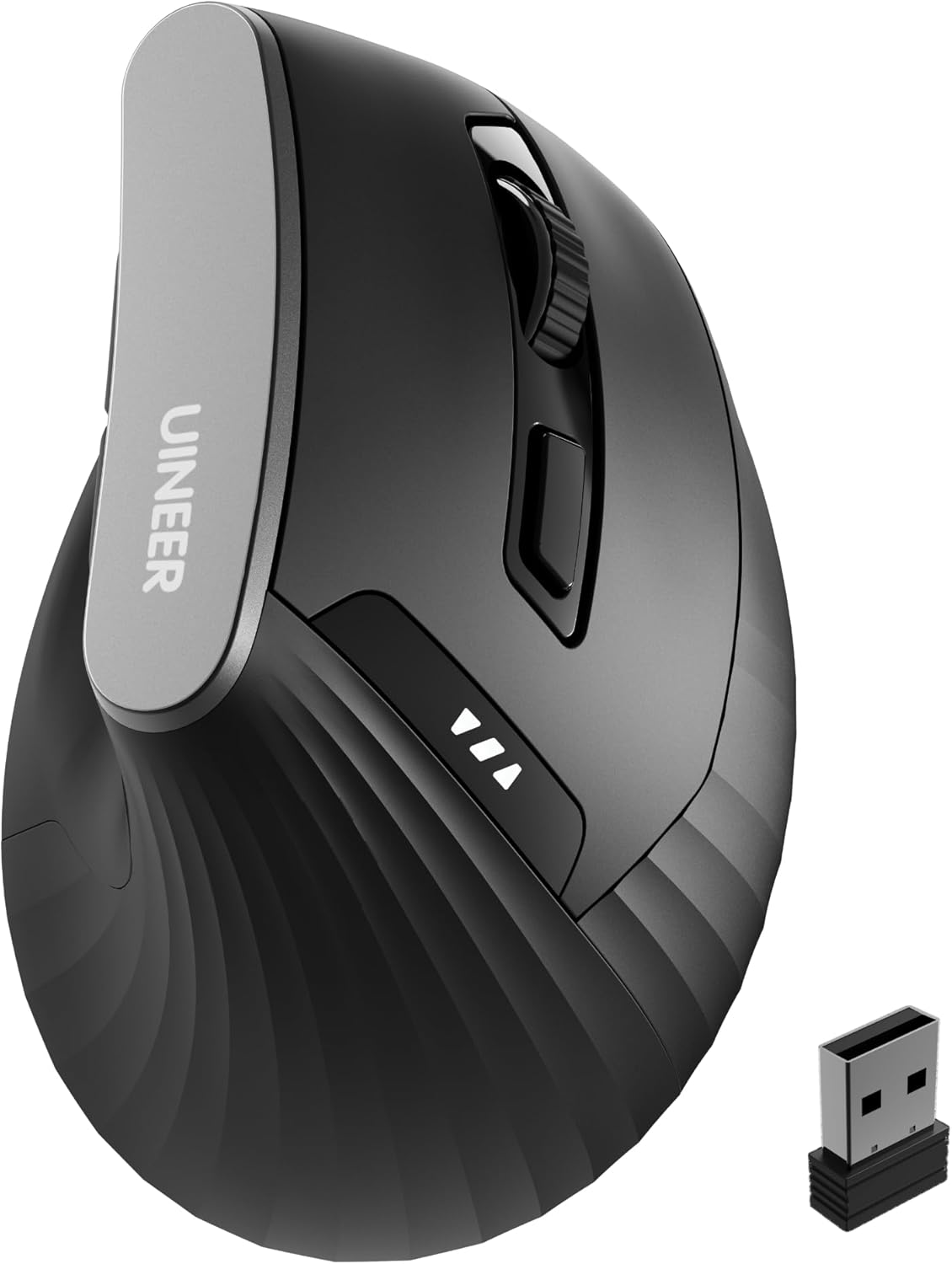
On the surface, the vertical form keeps the hand in a neutral position, which can help minimise muscular effort during long sessions. It’s recommended for small to medium hand sizes. The build supports a clutter-free desk thanks to a 2.4G wireless connection and a compact USB receiver stored in the base. A full charge via USB-C keeps the device ready for weeks of productivity, subject to usage patterns. The device includes a battery indicator so you’re not caught short.
Connectivity and setup
The 2.4GHz wireless link provides a straightforward plug-and-play experience—no software drivers required in most cases. If you value a wired alternative or want to avoid Bluetooth pairing, this setup is appealing. The connection range is practical for typical home or shared office layouts, though it is sensible to note that wireless performance can vary with environment.

Precision and controls
The mouse offers four DPI levels (800/1200/1600/2400) to adapt on the fly—from smooth scrolling through documents to detailed design work. The optical sensor ensures reliable tracking on a variety of surfaces. Silent-click buttons reduce noise, which helps in shared spaces like libraries or late-night work at home.
Buttons and navigation aids
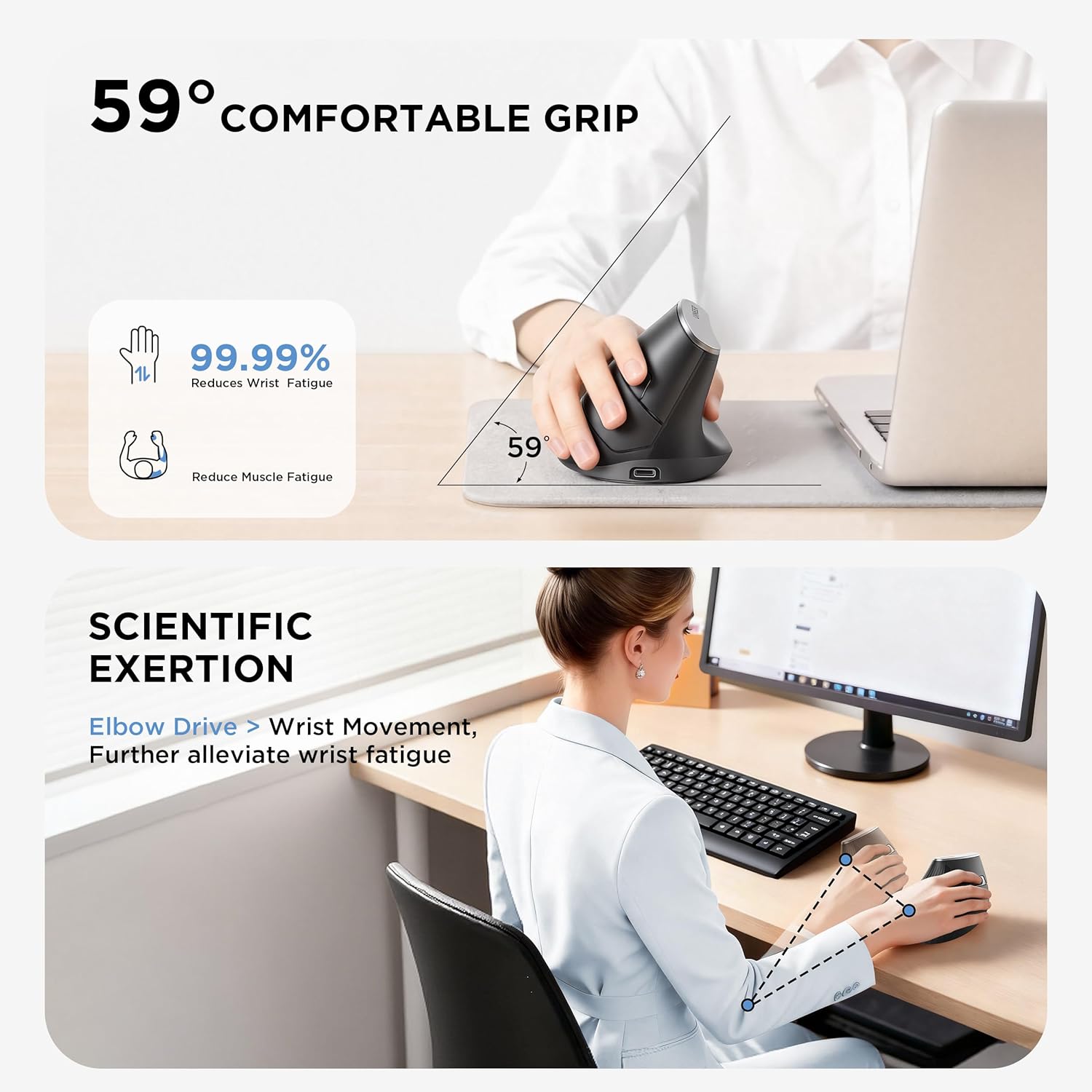
A notable feature is the side thumb roller for horizontal scrolling, paired with forward and back buttons. These are positioned for easy thumb access, which can speed up navigation through long spreadsheets or research documents. However, it’s worth noting that macOS and iPadOS compatibility for these extra controls may be limited, so plan accordingly if you rely on those features.
Compatibility and package contents
The mouse is described as broadly compatible with Windows 11/10/8/Vista, macOS, Chrome OS and Linux, making it a flexible option for mixed-device setups. The package includes the vertical mouse, USB receiver, USB-C charging cable and a manual. This makes the kit a straightforward, ready-to-use solution for most desks. If you frequently swap devices, this level of compatibility is a practical bonus.
When it makes sense to buy
If you prioritise wrist-friendly design, minimal desk clutter and a dependable, plug-and-go connection, this Ergonomic Wireless Vertical Mouse could fit your workflow. It suits office professionals, students and designers who spend long hours at a computer and want to reduce strain without investing in a high-end specialised setup.
When it may not be the best option
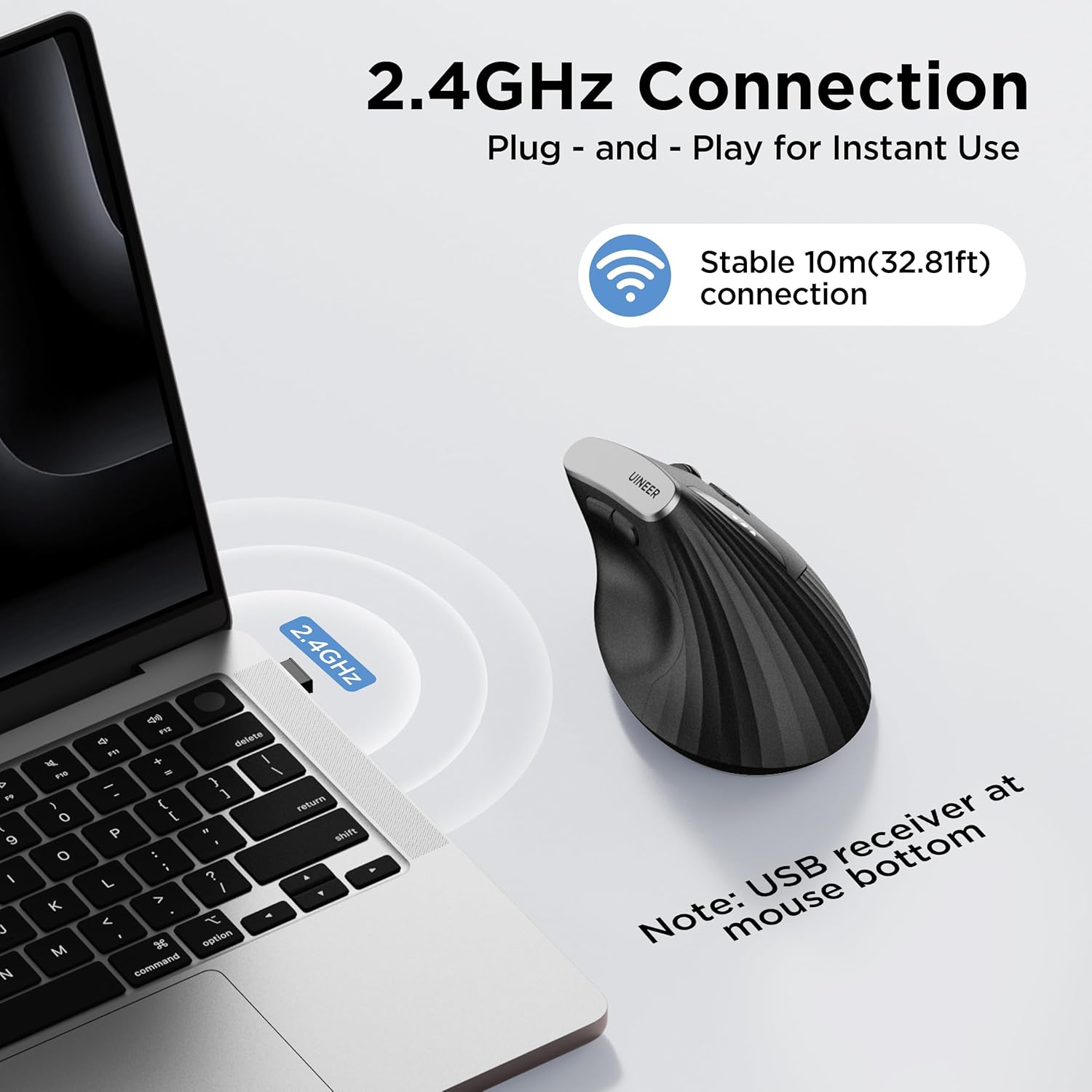
If your work hinges on extensive use of side buttons on macOS, or you require highly customisable macro settings, you might find some limitations with the extra thumb controls on certain platforms. Additionally, users with very large hands may find the vertical grip less comfortable than a conventional mouse. The method of connection works well for many, but in environments with heavy wireless interference you might notice occasional lag.
What to check before buying
- Confirm your primary hand size and whether the vertical grip feels natural to you.
- Consider your surfaces—though the optical sensor is versatile, some glossy or reflective desks can affect tracking.
- If you rely on macOS iPadOS for navigation, test whether the Forward/Back and Side Roller meet your needs in that environment.
- Think about your daily DPI needs, 800–2400 DPI covers general work and design use, but unusual precision tasks may demand different gear.

Practical use example
Imagine editing a long design document: you glide through pages using the side roller for quick horizontal navigation, then switch to the 2400 DPI setting for pixel-precise alignment on a graphic element. The quiet clicks help you stay focused without disturbing nearby colleagues, while the rechargeable battery indicator gives you a heads-up before a long session.
FAQ
- Q: Will the side thumb roller work on all systems? A: It’s described as available, but macOS/iPadOS may limit some functions.
- Q: How long does a full charge last? A: The description notes weeks of productivity depending on usage.
- Q: Is the USB receiver plug-and-play? A: Yes, plug it into a laptop or PC for a stable 2.4G connection.
- Q: Can I use this on rough desks? A: The optical sensor handles a variety of surfaces, but a clean, non-glossy surface improves tracking.
Is it worth it?
It’s worth considering if you want a practical, wrist-friendly alternative to traditional mice and you prioritise straightforward setup, decent battery life and quiet operation. If you value a large feature set or extensive macro control, you may want to explore other options.