

HP 350 Compact Bluetooth Keyboard (Black) — connect up to 3 devices with Bluetooth 5.2
Product description
The essentials
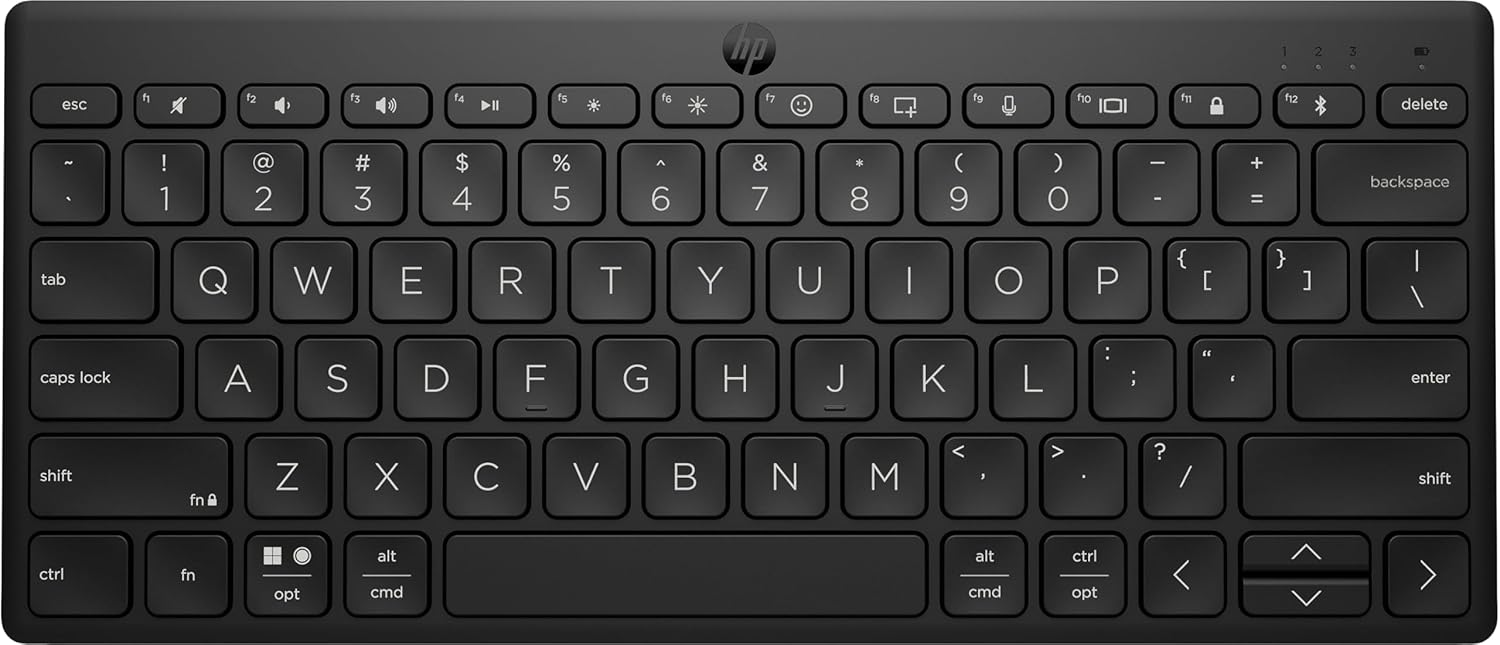
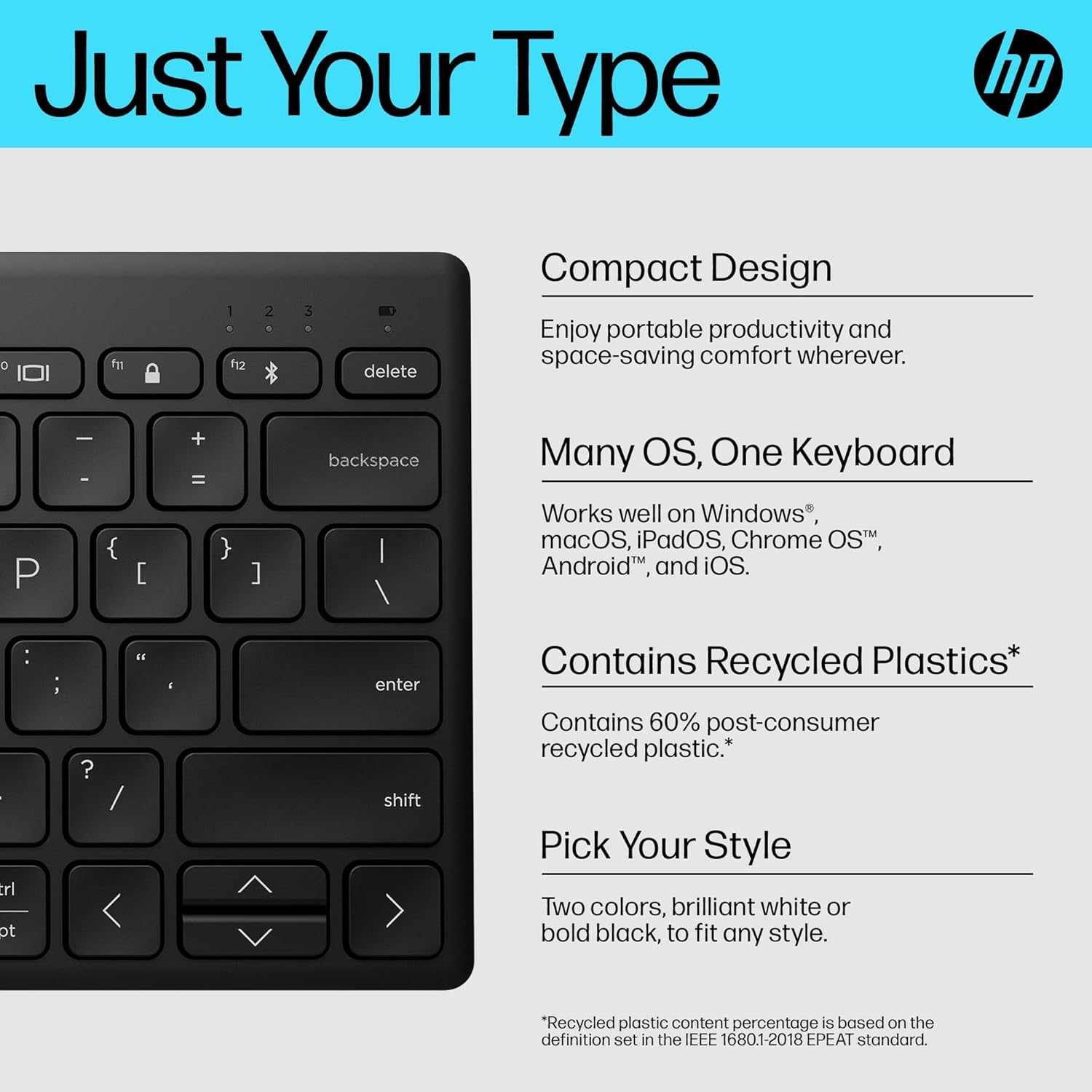
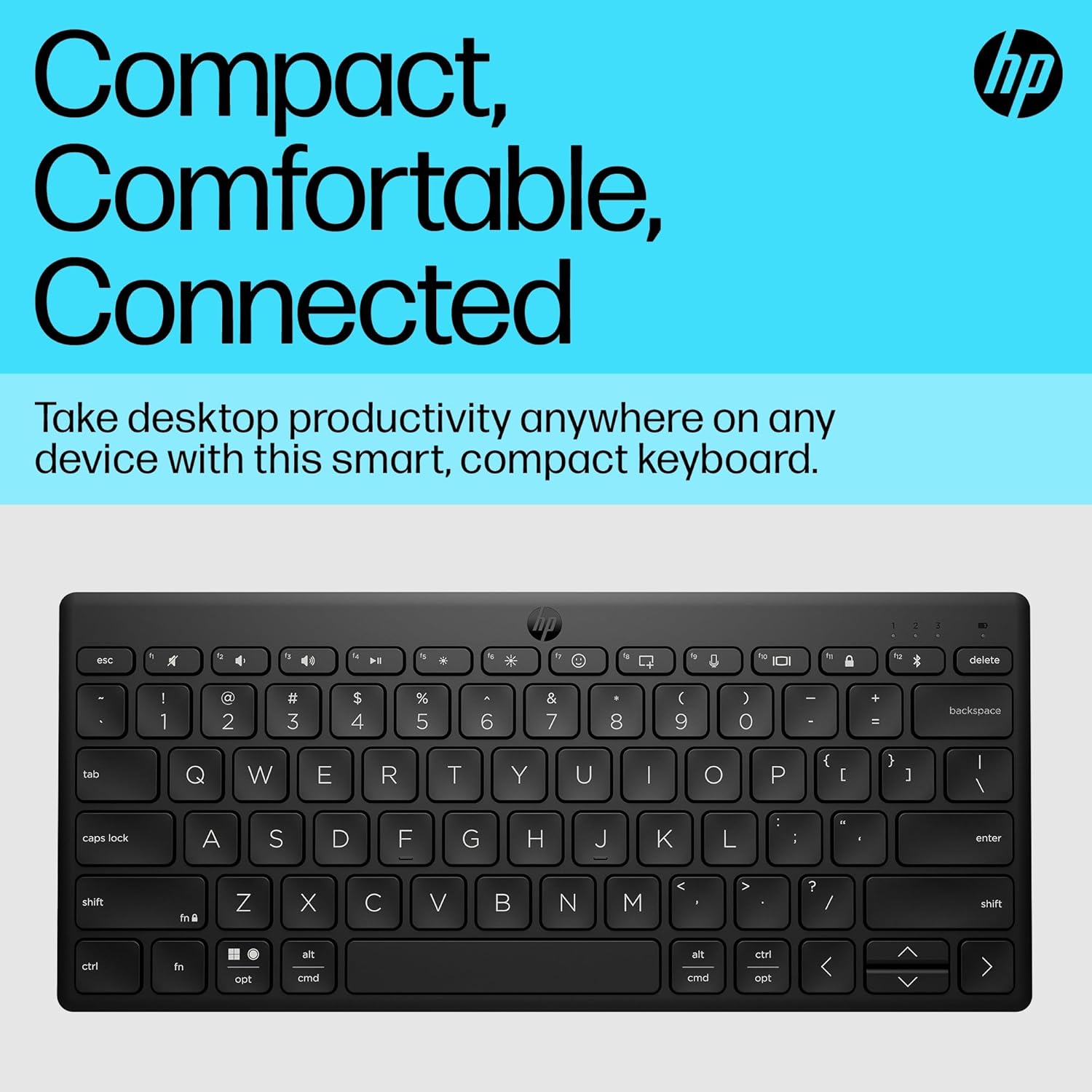
If you bounce between a laptop, tablet and phone (or you just like having a tidy desk setup), the HP 350 Compact Bluetooth Keyboard is built for that kind of switching. It’s a compact wireless keyboard designed to stay comfortable on your lap, your desk, and smaller work surfaces while keeping one important feature front and centre: the ability to connect to multiple devices.
On paper, the “compact but still roomy” idea makes sense. You get standard-size keycaps for familiar typing feel, plus shortcut keys that cover things people actually use day to day, like dictation and emojis. That combination is often what separates a keyboard you tolerate from one you’ll keep grabbing.
Still, it’s worth being honest: as a compact model, it won’t feel like a full-size keyboard for everyone—if you rely on the extra keys and spacing of larger layouts, you may feel the trade-off more than you expect.
What matters most for day-to-day use
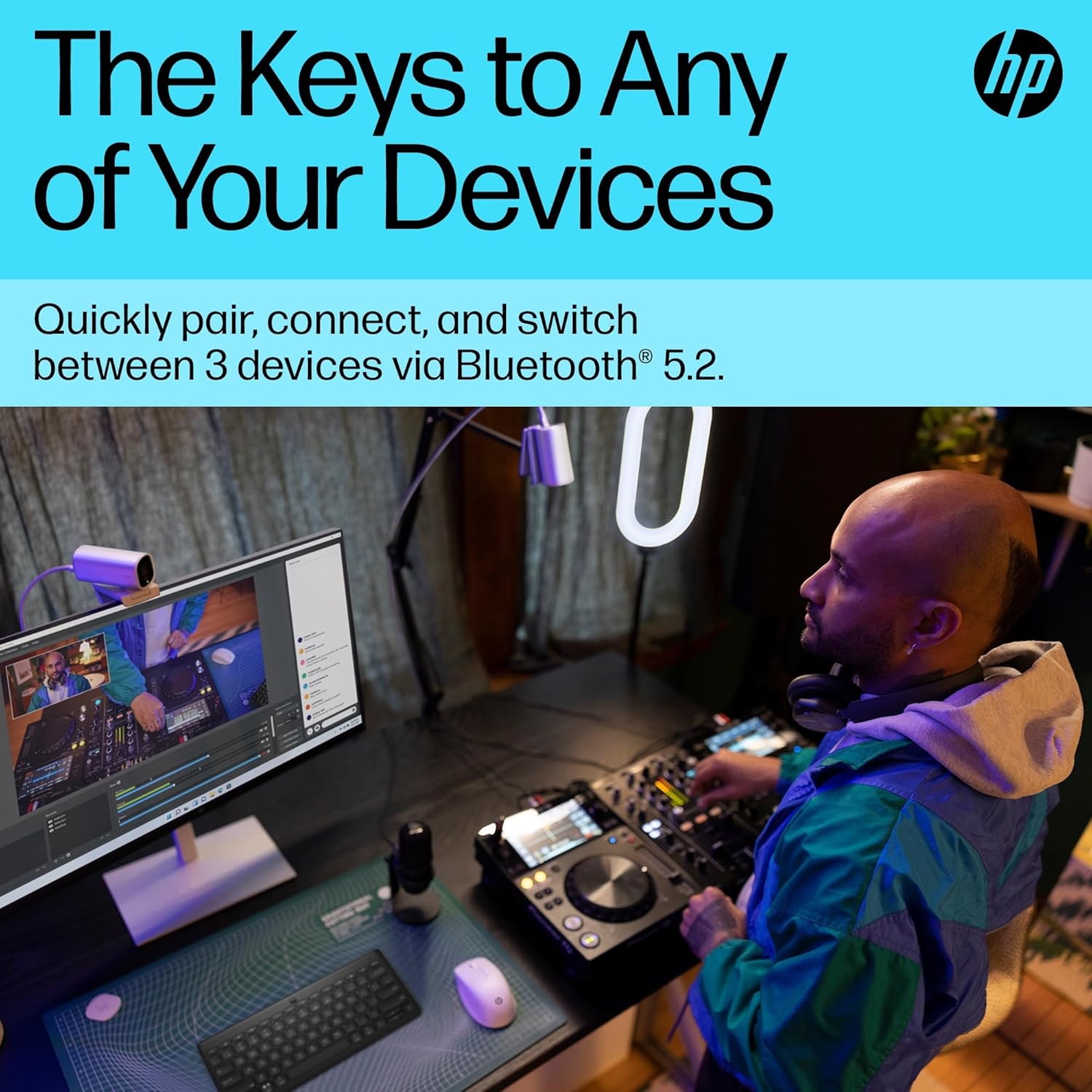
A big selling point here is multi-device Bluetooth connectivity. The keyboard can connect up to 3 devices via Bluetooth 5.2, and you switch quickly using a dedicated switching key. That’s the sort of feature you notice the first time you move from answering emails on a laptop to checking something on a tablet.
There’s also emphasis on cross-platform shortcuts. It’s described as smartly pairing and staying connected across Mac, Windows and Chrome. If your household or work life is a mix of devices, that “doesn’t fight you” angle is likely what you’re buying for.
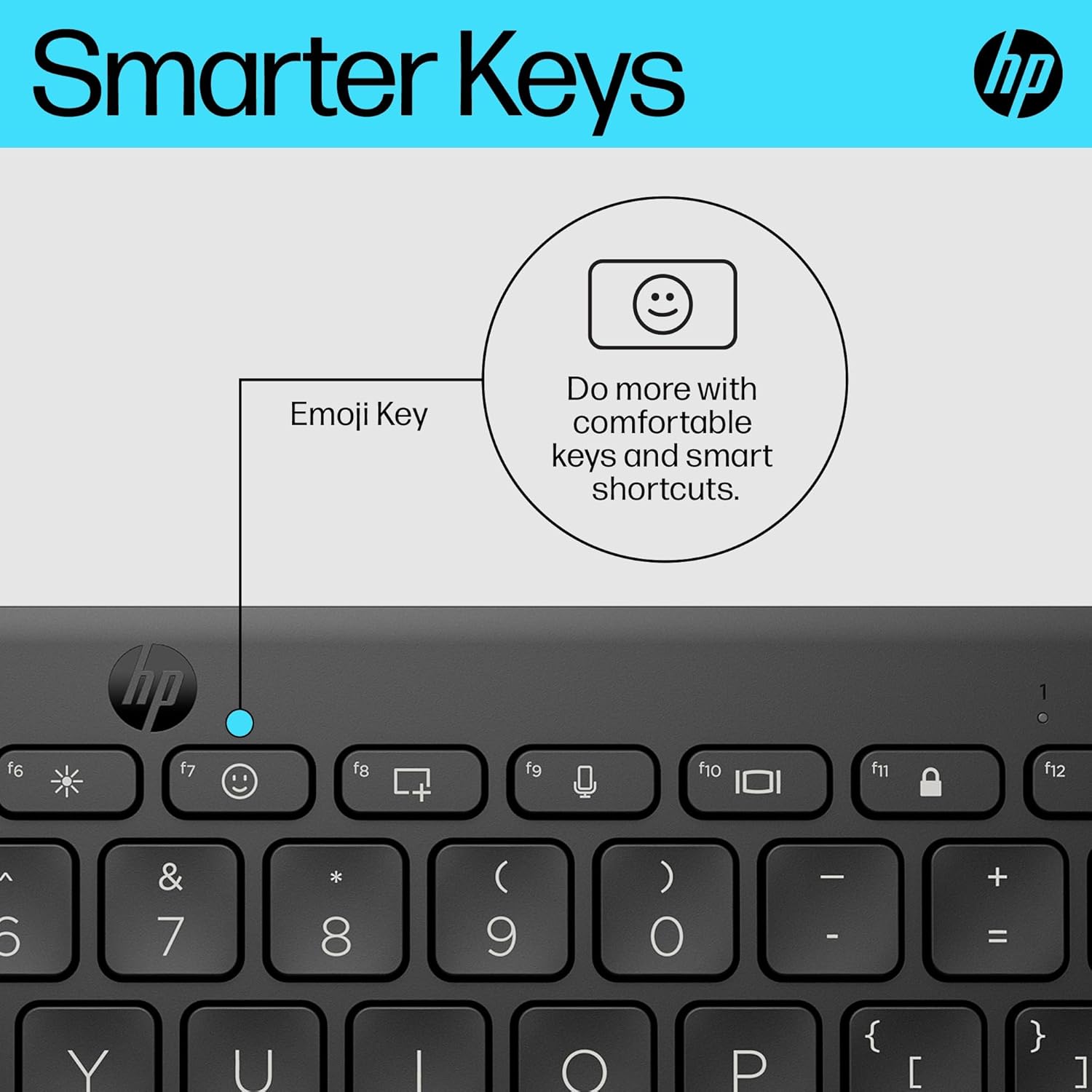
On the keys themselves, the shortcut dashboard is where the keyboard tries to earn its place. The list in the description includes audio on/off, emojis, screenshot, and dictation, plus customisable Fn combinations. If you regularly use those functions, compact keyboards can either be a joy (when the shortcuts are practical) or annoying (when they’re buried). Here, at least, the intent is clearly to make them accessible.
The battery and portability angle
Battery life is stated as 2 years, and the box includes 2 AAA batteries to get you started. For Bluetooth keyboards, that’s a genuinely useful spec if you want something you can set up once and then forget about.
The form factor is also clearly travel-orientated: it’s described as slipping into a small bag and working on small surfaces. In real terms, this is the kind of keyboard you’d likely pack for a coffee shop desk, a hotel stay, or a quick “work from anywhere” session where a full keyboard would feel like overkill.
Key takeaways before you buy
It’s a sensible pick if you want a compact Bluetooth keyboard that focuses on switching between up to 3 devices, with shortcut keys for everyday actions. The Bluetooth 5.2 support and the stated pairing behaviour across Mac, Windows and Chrome suggest it’s trying to reduce the usual friction of multi-device setups.
It may not be the best match if you strongly prefer a full-size layout, need lots of dedicated function keys, or you’re the type of user who mostly types in one place and doesn’t care about multi-device switching.
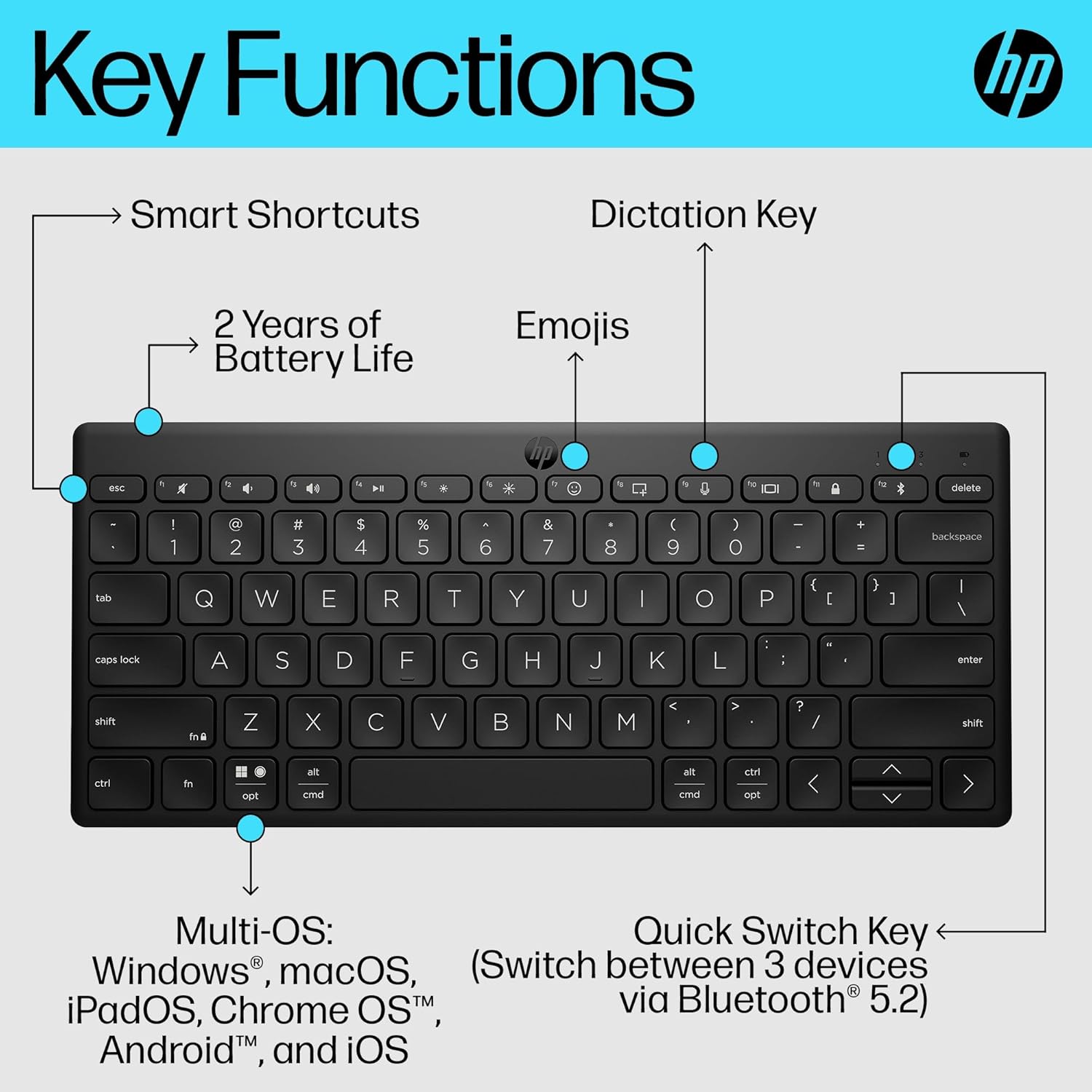
Also, keep expectations realistic: the shortcut keys are clearly advertised, but the description doesn’t spell out exactly which dictation features work in which apps, so it’s worth thinking about how you actually use dictation and emojis in your workflow.
Tech summary
- Name: HP 350 Compact Bluetooth Keyboard
- Type: Compact wireless Bluetooth keyboard
- Format: Bluetooth 5.2
- Connectivity: Connect up to 3 devices
- Battery life: 2 years (with 2 AAA batteries included)
- Materials: Made from 60% recycled materials
- Colour: Black
- Included functionality mentioned: dictation, emoji keys, screenshot, audio on/off, customizable Fn combinations
- Compatibility mentioned: Mac, Windows, Chrome
Should you buy it?
Choose the HP 350 Compact Bluetooth Keyboard if multi-device switching is part of your routine and you want compact portability without giving up standard-size keycaps. It also makes sense if you value shortcut keys that cover common tasks like dictation, emojis and screenshots, and you’d rather not think about charging for a long time.
Skip it if you’re expecting a full-size keyboard experience, or if you rarely switch between devices and don’t see much use for the shortcut dashboard. And if your dictation workflow depends on very specific behaviour in particular apps, you may want to double-check how those keys align with what you use.
Quick FAQ

How many devices can it connect to?
It’s designed to connect to up to 3 devices via Bluetooth 5.2, with a switching key to move between them.
Does it support Mac, Windows and Chrome?
The description states it pairs and stays connected across Mac, Windows and Chrome.
How long is the battery life?
Battery life is stated as 2 years, and 2 AAA batteries are included.
Is it suitable for travel?
Yes, it’s positioned as compact and easy to pack into a small bag, with a focus on comfort on smaller surfaces.
What kind of shortcut keys does it include?
The description mentions emoji keys, dictation, screenshot, audio on/off, and customizable Fn combinations.