

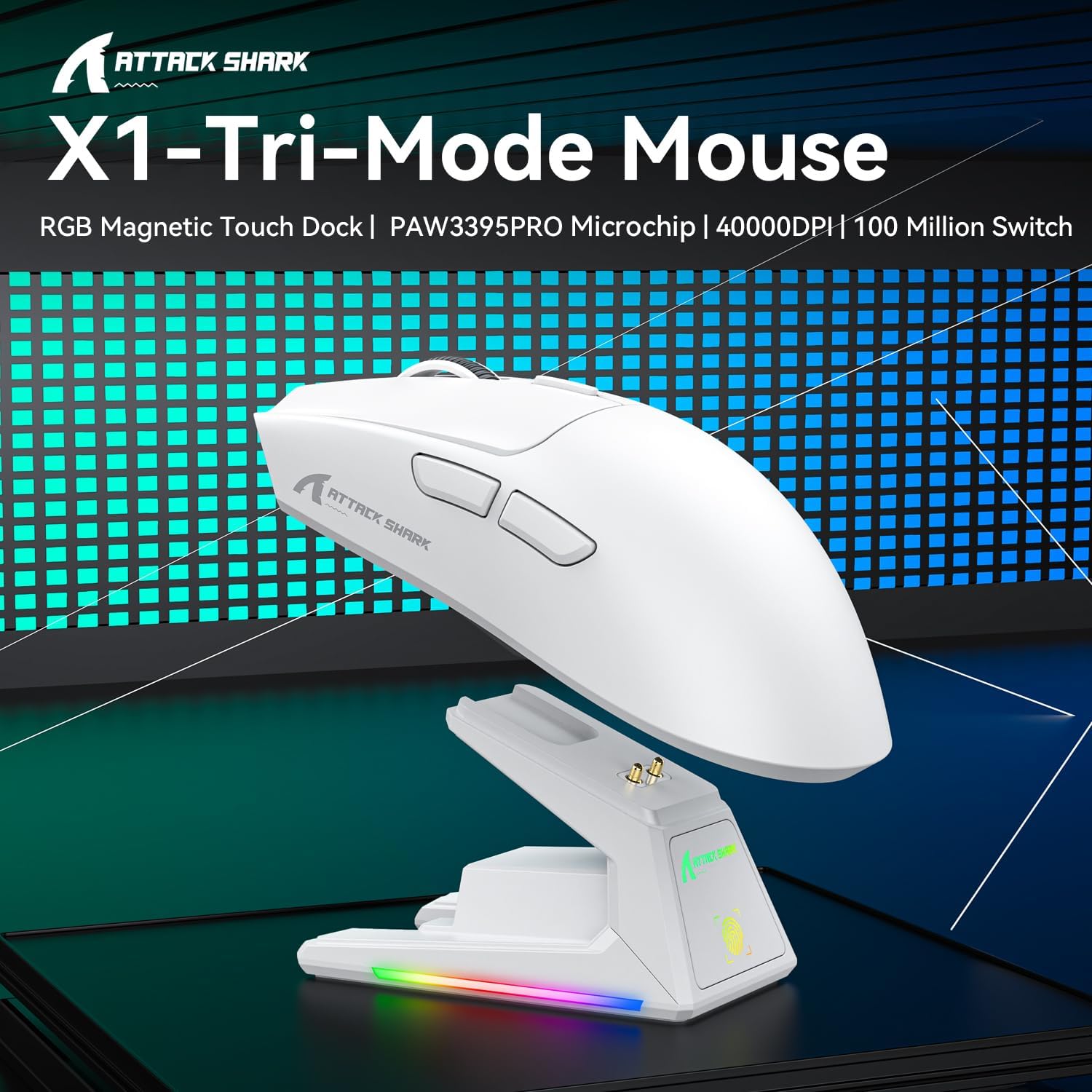
ATTACK SHARK X1 Gaming Mouse with Touchpad RGB Charging Dock (PixArt PAW3395PRO, 40000 DPI) – Black
Product description
If you’re shopping for a high-spec gaming mouse, the ATTACK SHARK X1 is one of those models that tries to cover a lot of ground: ultra-light feel, a fast-sounding sensor package, and a dock that’s designed to make charging almost automatic. It’s aimed at people who want responsiveness for competitive play, but also like the convenience of a tidy setup rather than dealing with cables.
That said, it’s not perfect for everyone. The “touchpad RGB” approach for the dock is clever, but whether it’s genuinely useful or more visual flair depends on your desk habits. And the claims around performance are only as good as your in-game settings and how you map sensitivity—so it’s worth thinking about how you actually play before committing.
The essentials
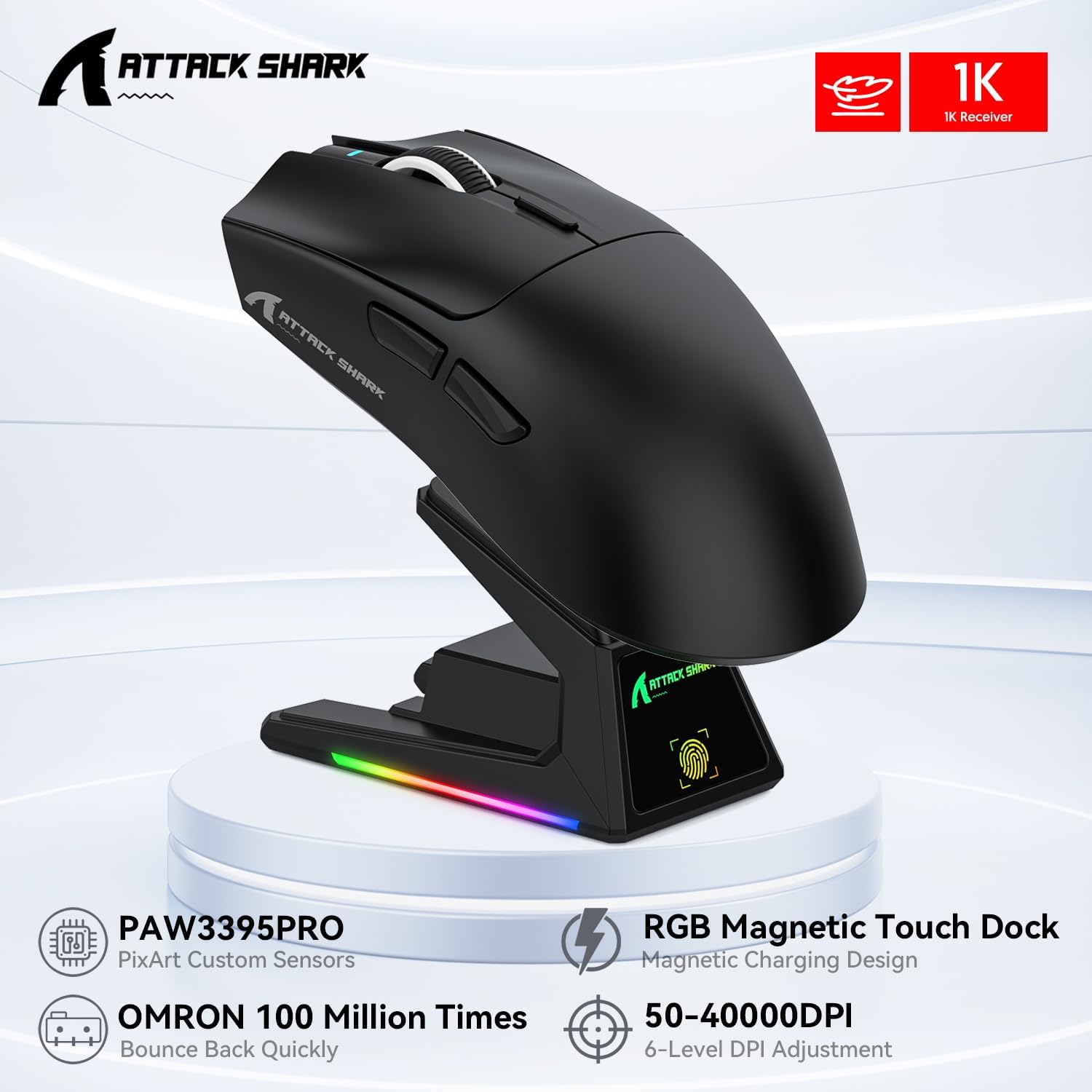
The ATTACK SHARK X1 combines a 53g super-light build with a magnetic charging dock that includes a touch-sensitive panel for controlling RGB effects with a fingertip tap. In practice, that means you can place the mouse onto the dock for power without cable fiddling or careful alignment. For gamers who keep the mouse on the desk between sessions, it’s a quality-of-life feature more than a “must-have”.
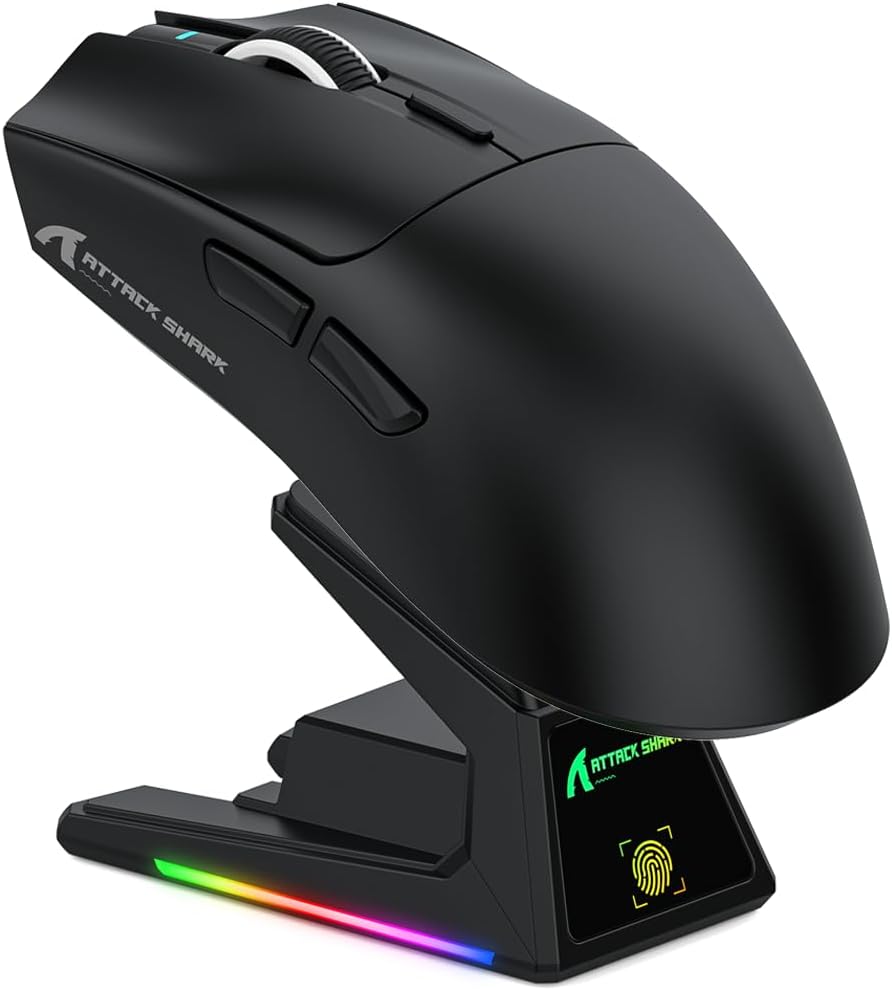
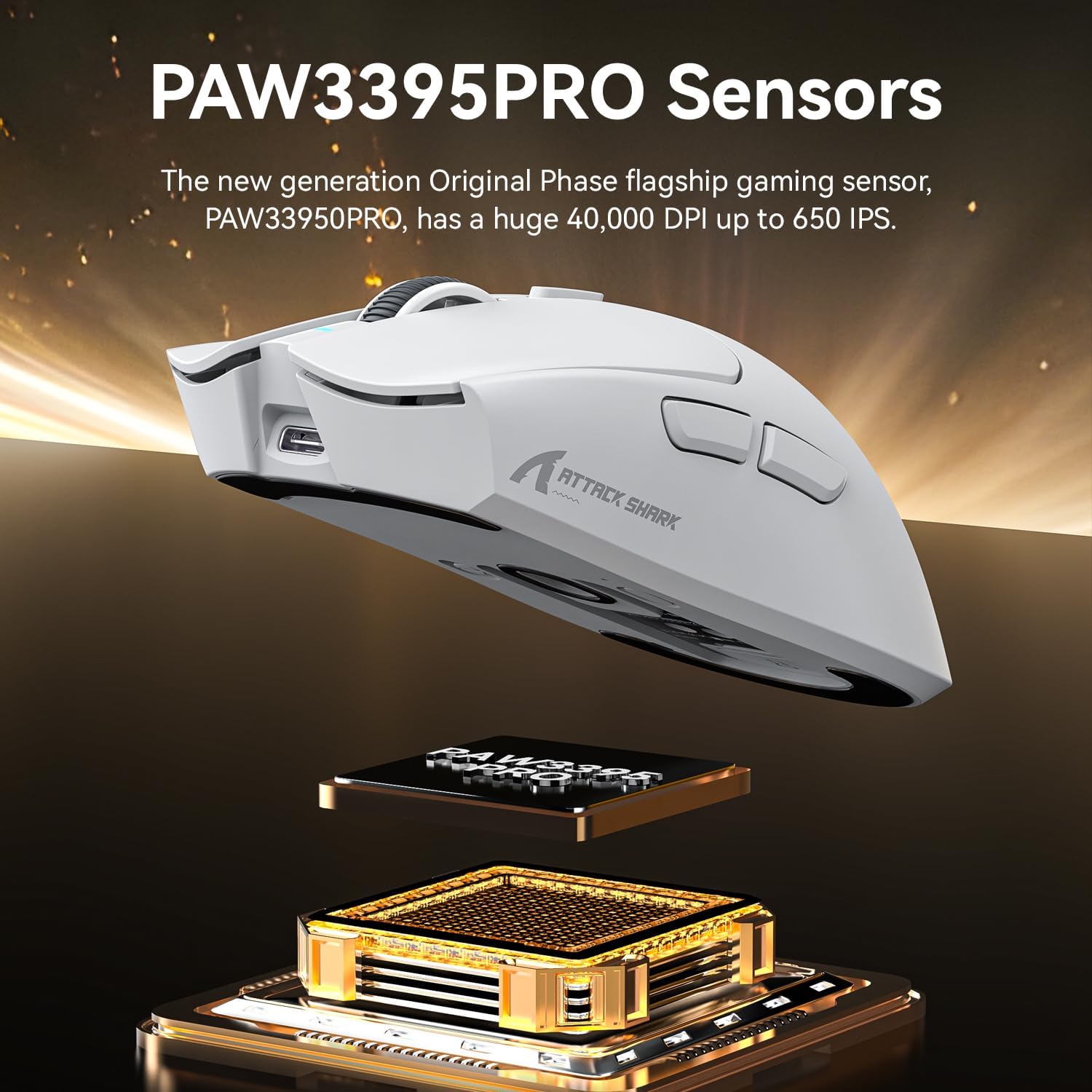
On the performance side, the X1 is positioned around the PixArt PAW3395PRO sensor. The description highlights tournament-grade precision with tracking up to 40,000 DPI, plus support for six programmable sensitivity presets. It’s also described as engineered for zero smoothing/acceleration, which is the sort of phrasing players use when they care about consistent micro-movements.
What to know about performance and control
The sensor package is clearly the selling point if you’re chasing fine aim control. A mouse like this typically suits people who value quick, precise adjustments—think FPS headshot drills or fast flicks where tiny corrections matter.
Worth noting: the headline DPI number (40,000) is one piece of the puzzle. Real-world feel depends heavily on your game’s sensitivity settings and how often you switch between DPI levels or presets. The X1 gives you six sensitivity presets, which should help if you like to jump between roles or games without digging through software.
There’s also the 1000Hz wired mode and the ultra-stable 2.4GHz wireless option, with the description mentioning a 1ms response for that wireless path. If you’re the type who actually notices polling-rate differences, you’ll likely appreciate the multiple connectivity options.
Three connection modes, one desk workflow
This is where the X1 tries to fit into modern setups. The mouse supports three connectivity approaches:
- USB-C wired mode
- 2.4GHz wireless via a nano receiver
- Bluetooth pairing across up to 3 devices (with the description stating device memory)
There’s also a dedicated mode toggle on the back, described as a one-click transition between PC and tablet. In day-to-day terms, this is the kind of design you buy when you don’t want to keep re-pairing devices or constantly swap dongles.
What really stands out (and what might not)
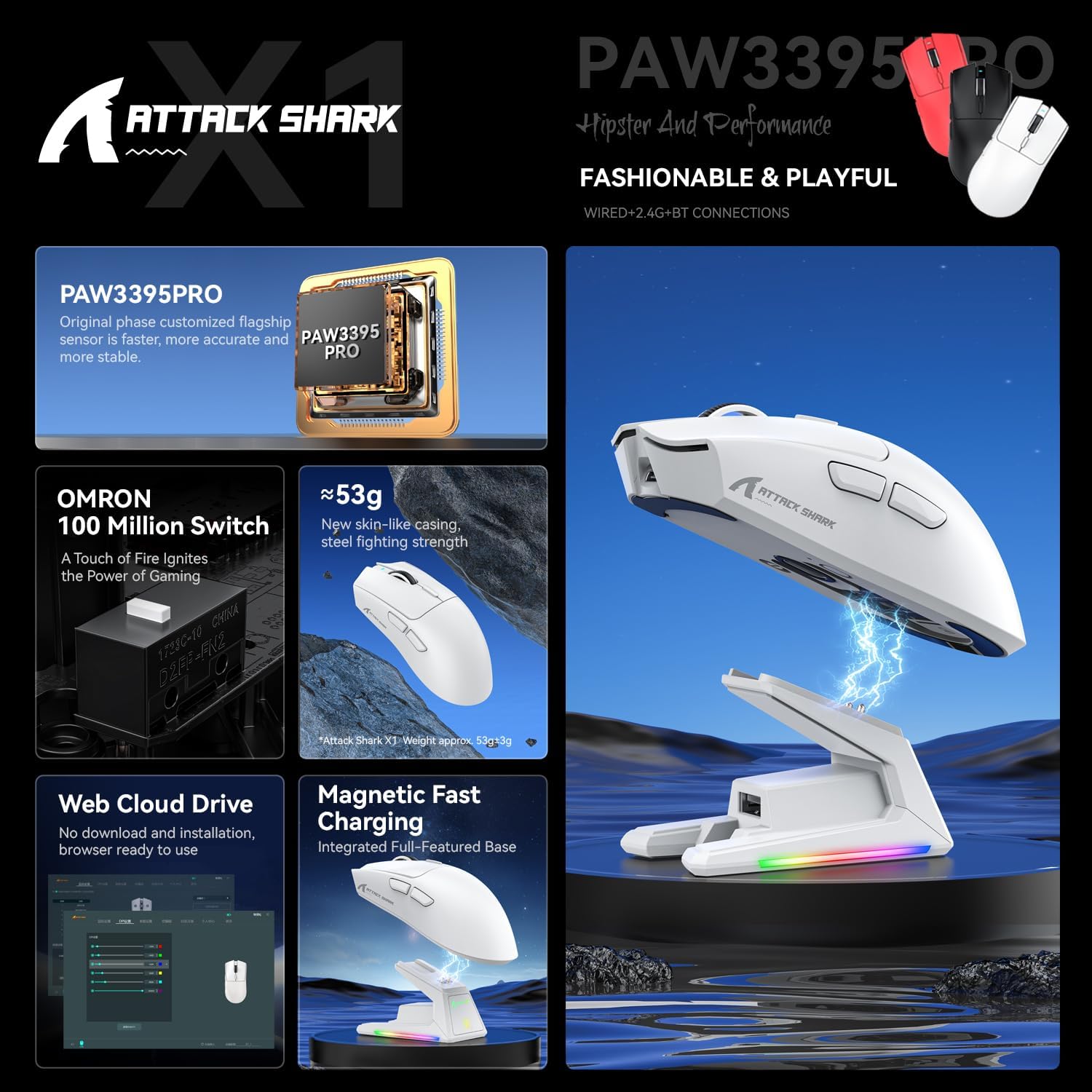
The touchpad charging dock is the differentiator. The magnetic docking system is meant to remove cable alignment problems, and the integrated touch-sensitive panel lets you customise the RGB lighting effects with a tap.
It’s a nice idea if:
- your mouse stays docked between sessions
- you like minimal desk clutter
- you enjoy controlling lighting without fiddling with extra software
But it may feel less necessary if:
- you mostly charge via USB and don’t care about desk aesthetics
- you switch devices constantly and prefer to keep the mouse “mobile” rather than docked
And while the dock sounds convenient, you’ll want to consider where it fits on your desk space—no matter how good the magnet is, the mouse has to physically reach the dock.

Tech specs
- Name: ATTACK SHARK X1 Gaming Mouse with Touchpad RGB Charging Dock
- Type: Gaming mouse (RGB charging dock included)
- Format: Wired / 2.4GHz wireless / Bluetooth
- Size: 53g superlight frame (weight stated in description)
- Capacity: 3-device Bluetooth memory (as stated)
- Resolution: up to 40,000 DPI
- Display: RGB lighting (touchpad-controlled on the dock)
- Processor: PixArt PAW3395PRO gaming sensor
Who it’s for (and who should look elsewhere)
It makes sense if you’re after a lightweight, ambidextrous-style gaming mouse with a sensor aimed at precise tracking and a dock designed for easy charging. You’ll likely get more value if you play a mix of FPS and other titles where controlled movement matters, and if you actually use multiple devices—PC, tablet, consoles, or Mac—because the switching modes are built into the design.
It might not be the best match if you don’t plan to use the dock at all. In that case, you’d be paying for convenience and lighting features you may never touch. It may also be a bit “tech-heavy” for someone who just wants a straightforward wired mouse and doesn’t care about Bluetooth pairing across multiple devices.
Should you buy it?
It’s a solid pick if you want a 53g superlight gaming mouse with multi-device connectivity, plus the convenience of a magnetic RGB charging dock you can tap to control lighting. The sensor positioning around PixArt PAW3395PRO and the promise of consistent tracking will suit players who care about micro-movements and want DPI presets ready for quick switching.
You may want to skip it if you’re unlikely to use the dock or you prefer a simple wired setup. Also, if you’re not bothered about DPI presets and connectivity switching, the extra features may not feel worth it.
Quick overview for buyers
Before you buy, check that the three connection modes match your current kit. If your routine involves swapping between devices, that Bluetooth multi-device memory and the mode toggle are the parts most likely to feel practical. If you’re mostly gaming on one platform and you charge by cable, the dock’s touchpad RGB is more of a “nice-to-have” than a deal-maker.

Mini FAQ
Does the dock charge the mouse without cables?
The description says you can snap the mouse onto the dock for instant power-up with no cables or alignment required.
How many Bluetooth devices can the X1 remember?
The X1 is described as having memory for 3 devices in Bluetooth mode.
What sensor does it use?
It uses a PixArt PAW3395PRO gaming sensor (as stated).
Is it suitable for both gaming and everyday use?
On paper, yes—the connectivity toggle is described as helping users move between PC and tablet quickly, which is the kind of scenario you see beyond strict gaming.
Will the RGB touch panel be useful?
It depends. If you like controlling lighting with a fingertip tap while docking the mouse, it’s a neat touch. If you don’t care about lighting control, you may see it as extra bulk or extra faff.