

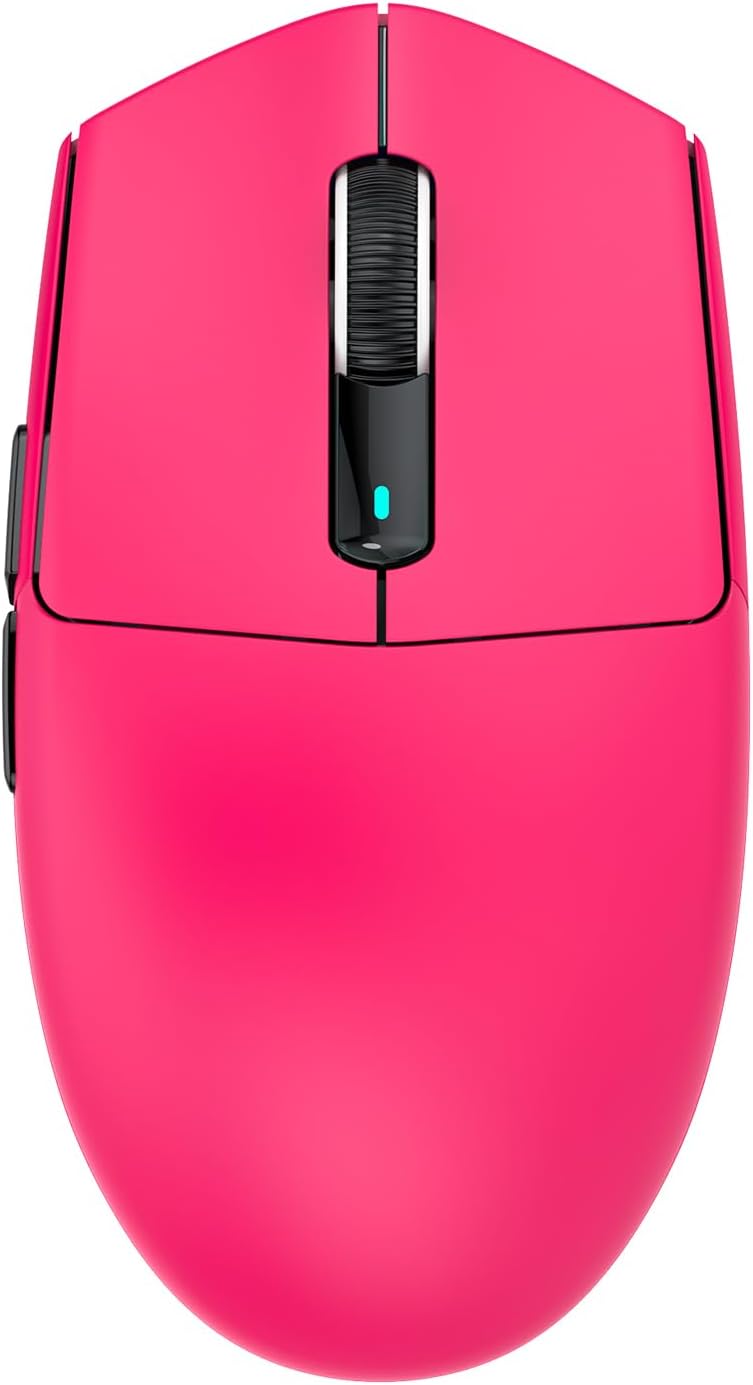
ATTACK SHARK G3PRO Gaming Mouse with Magnetic Charging Dock
Product description
What it is
The ATTACK SHARK G3PRO is a high‑spec gaming mouse designed to cover both casual work and competitive gaming. It combines a PixArt 3311 sensor, a triple‑mode wireless/wired connection, and a lightweight build with a magnetic charging dock. It’s aimed at players who value flexibility in how they connect and a responsive feel during long sessions, all without needing to swap gear between devices.
Performance on paper
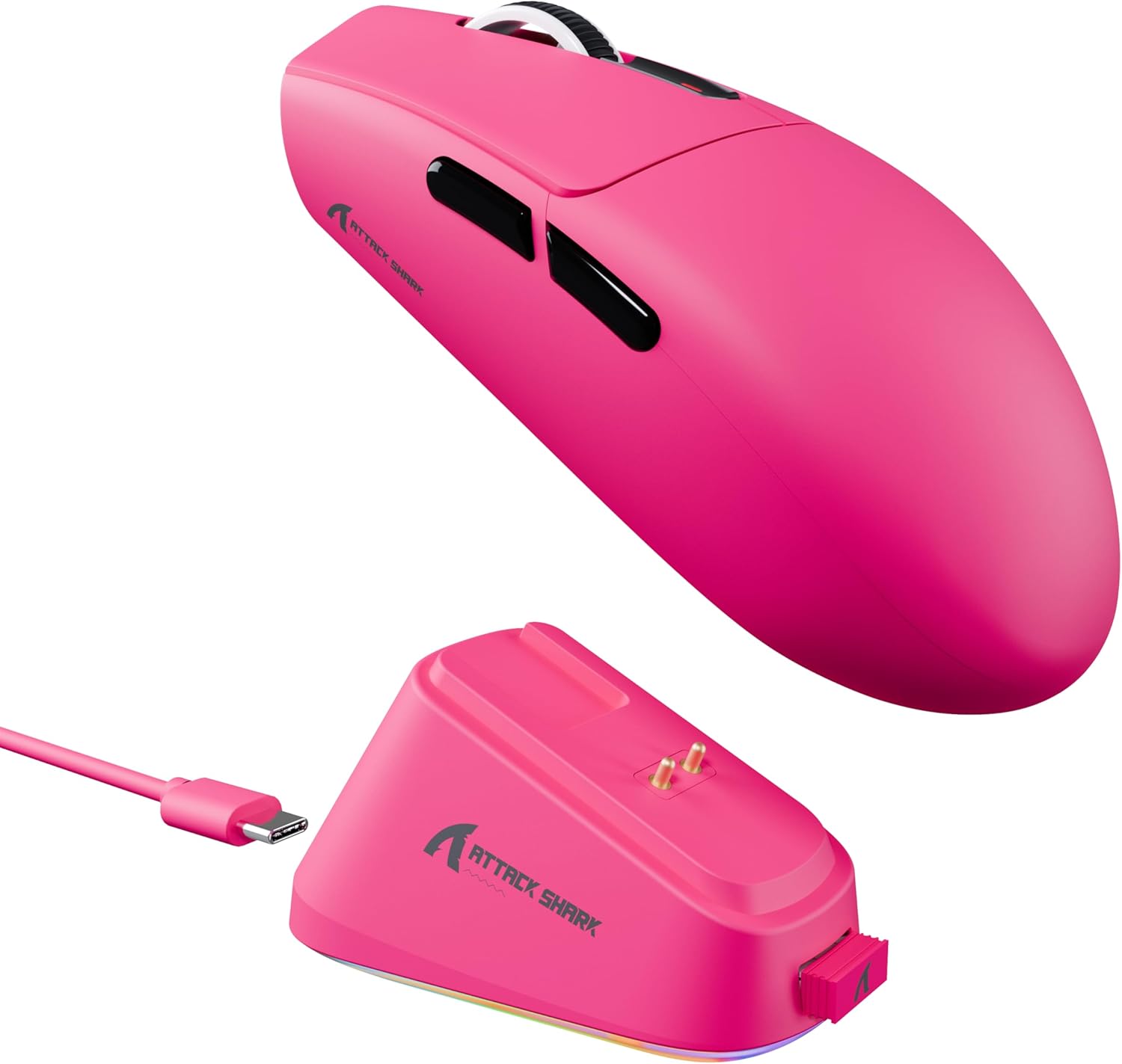
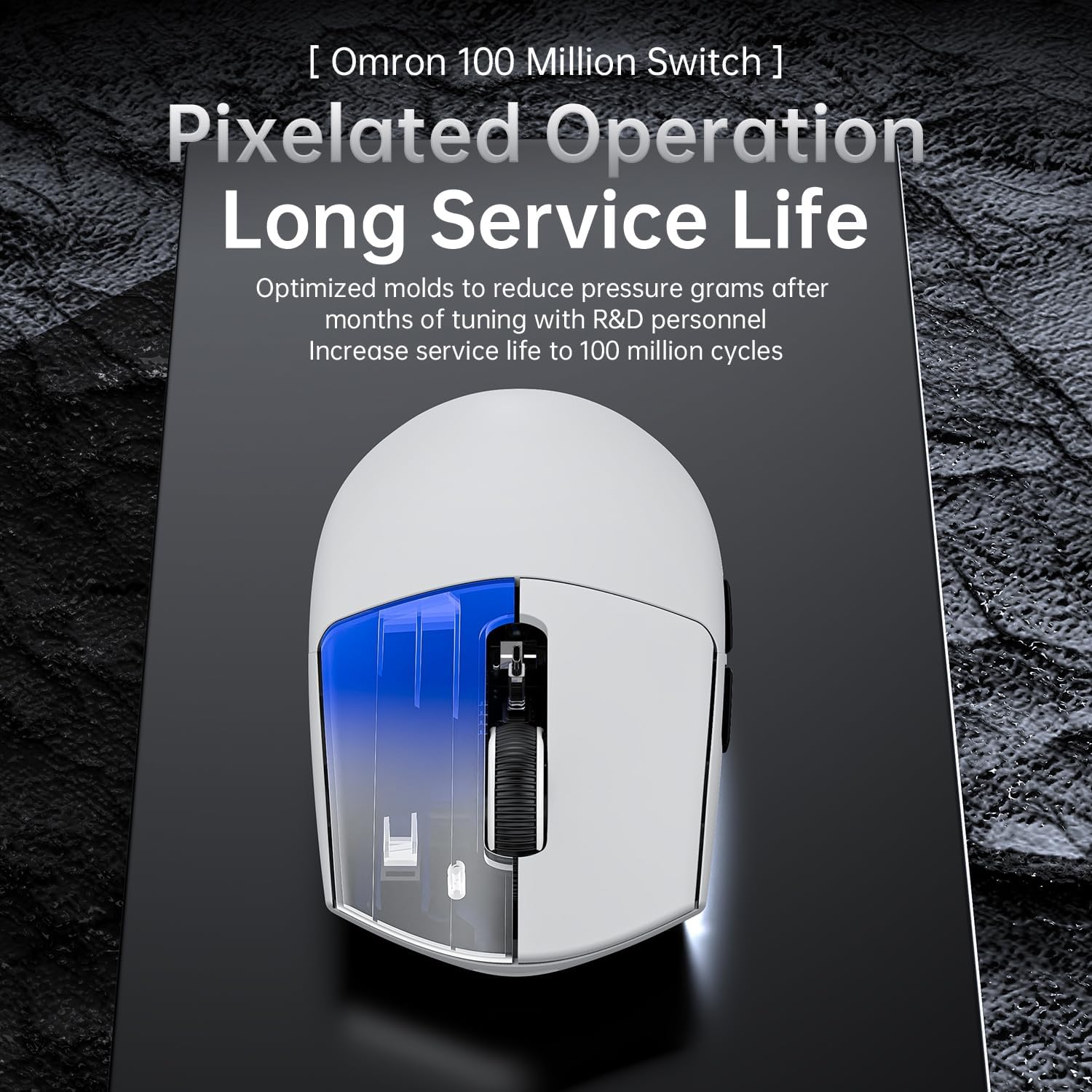
The heart of the G3PRO is the PixArt 3311 gaming sensor, offering up to 25,000 DPI and six adjustable DPI steps. In practice, this translates to very precise cursor control and smooth tracking across typical gaming tasks and productivity work. With a 62 g frame, the mouse stays nimble, allowing fast movements and reduced fatigue during extended play. The actuation and durability are pitched at up to 100 million clicks on the micro switches, which should resist wear and double‑click issues that sometimes trouble other mice.
Connectivity options
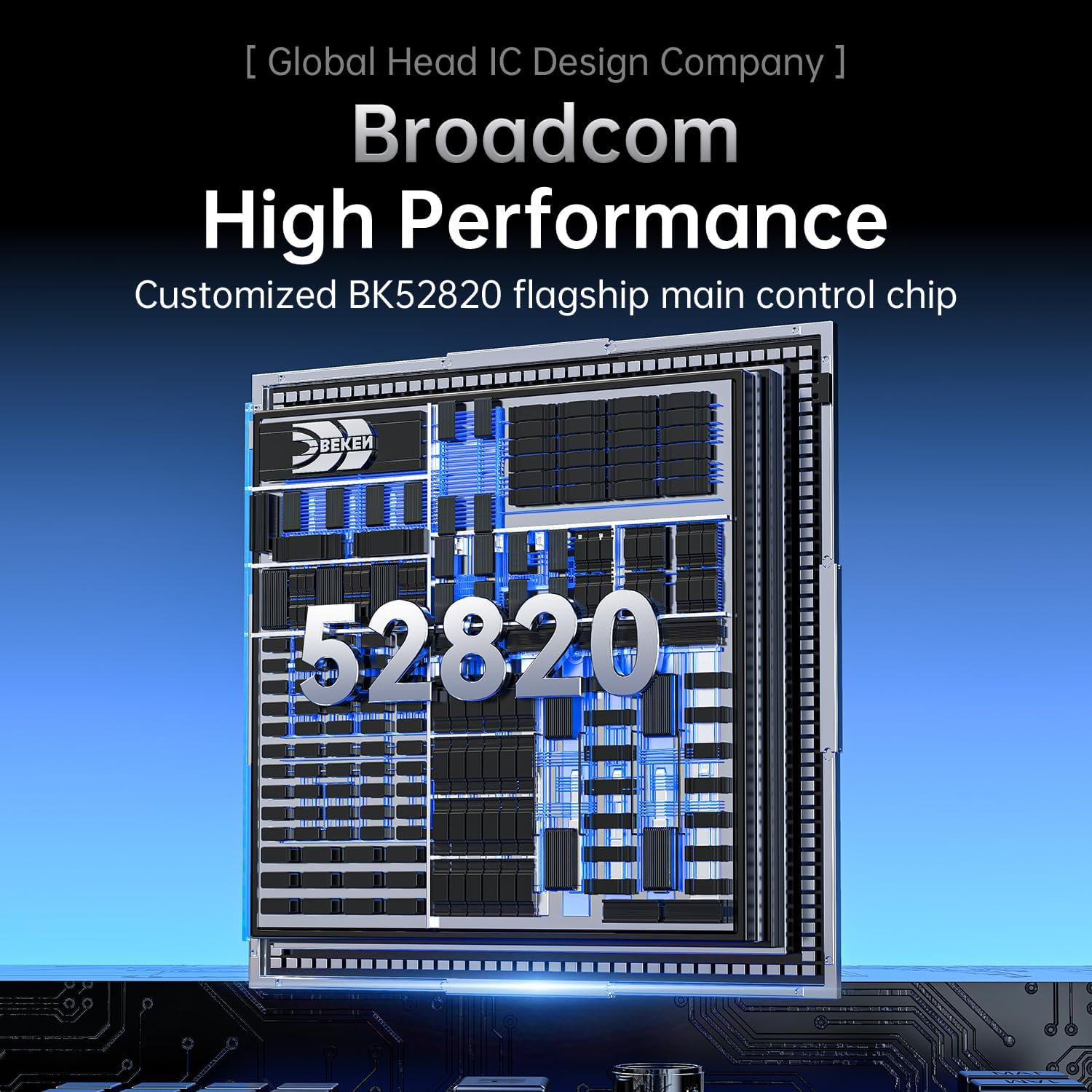
One of the standout features is BK52820, which enables three connection modes: wired USB‑C, 2.4 GHz wireless, and Bluetooth. This flexibility is useful if you switch between a PC, a laptop, or a console‑like ecosystem. The bottom‑mounted switch makes changing modes straightforward. If you prioritise latency for competitive games, wired or 2.4 GHz will usually be preferable, Bluetooth is handy for casual use or secondary devices, albeit with potential trade‑offs in responsiveness.

Charging and desk setup
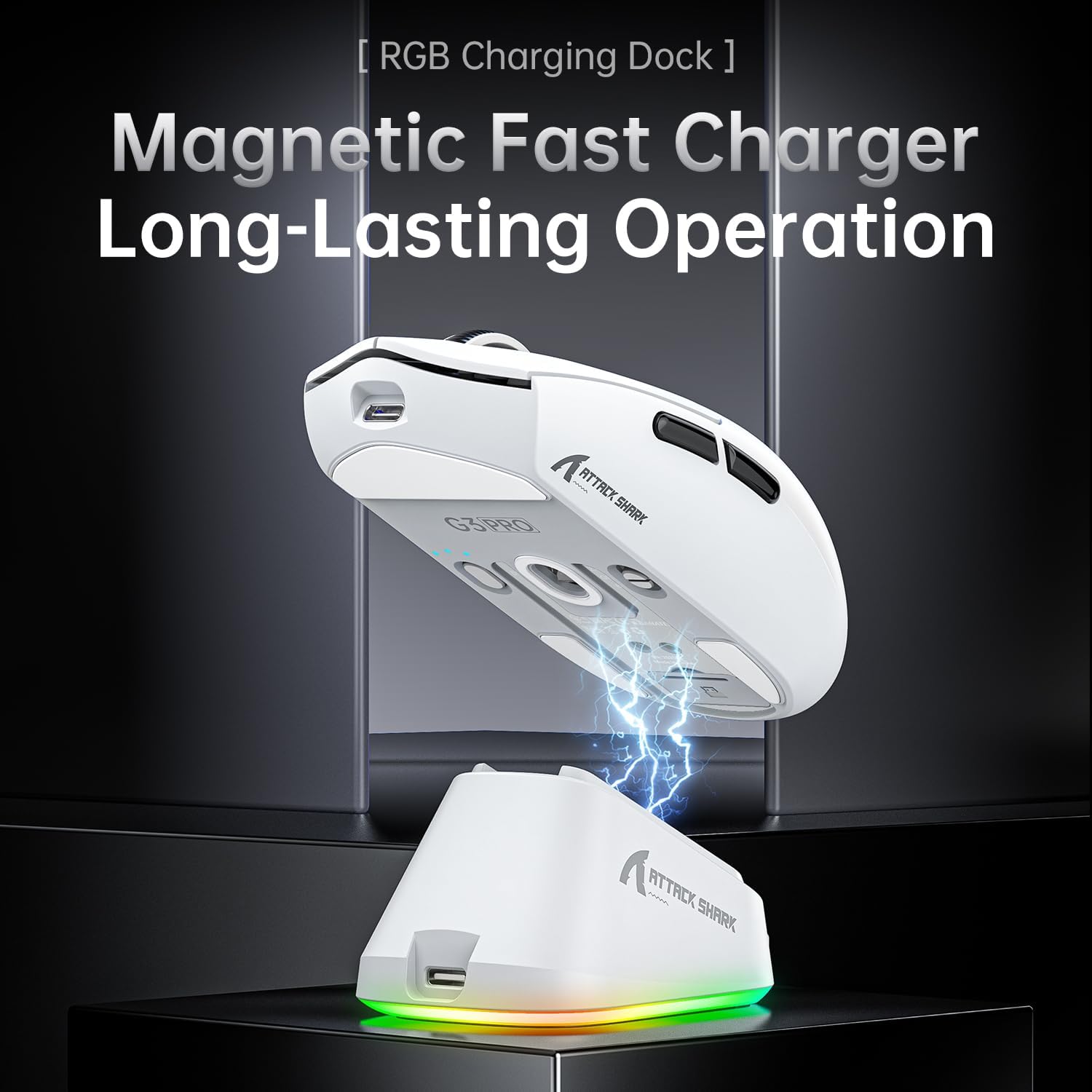
A magnetic snap‑on charging dock comes with a touch‑sensitive switch to cycle through lighting effects. The dock keeps the mouse powered between sessions and reduces desk clutter. This design simplifies charging, but it’s worth noting that the dock is an extra accessory rather than a built‑in feature of the mouse body itself. If you’re someone who values a tidy desk and quick top‑ups, it’s a clear plus, if you rarely charge on the dock, its utility is less impactful.
Weight and build quality
Weighing 62 g, the G3PRO is positioned in the lighter end of gaming mice. This suits long hours of play or work, especially if you’re used to quick, low‑fatigue wrist movements. The described manufacturing approach—liquid nitrogen‑cooled injection moulding—suggests an emphasis on rigidity and a refined feel, though real‑world grip and hand size will influence perception of solidity.
What to know before buying
If you’re seeking a mouse with top‑tier DPI and multi‑device connectivity, the G3PRO delivers on those fronts. However, the three‑mode approach can mean more setup and profile management to get the most out of it. The 25,000 DPI spec is impressive on paper, but most players won’t need that level of precision, what matters more is how smoothly the sensor tracks at mid to high DPI and how reliable it feels during rapid movements. Also, while the dock is convenient, it’s an extra component you may or may not use every day.

Who it’s for
This mouse suits players who want flexibility across devices and connections, including those using Windows 11, Xbox, PS, or Mac ecosystems. If you value a light, responsive feel, and you’re comfortable managing three connection modes, the G3PRO aligns with that approach. It also works for users who appreciate a magnetic charging dock to keep the device ready without hunting for cables.
Who it isn’t ideal for
If your setup relies on absolute simplicity with a single connection type, a single‑mode mouse could feel overkill. If you primarily game at ultra‑high DPI for extremely precise panning, you may want to test the sensor’s performance in your typical games since real‑world differences between high‑end sensors aren’t always dramatic. Finally, if you don’t plan to use Bluetooth often, the extra mode may seem superfluous.
Practical usage scenario
Imagine finishing a gaming session, placing the G3PRO onto the magnetic dock, and letting it top up while you grab a quick drink. Later, switching between desktop work and a couch‑cozy console setup becomes smoother because you can hop between USB‑C, 2.4 GHz, and Bluetooth without swapping devices or mice.
What to check before purchase
- Confirm you have compatible devices for all three connection modes, especially if you intend to use Bluetooth regularly.
- Consider your grip style and whether a 62 g weight feels comfortable for long sessions.
- If you plan to use the lighting features, test the touch switch on the dock to ensure it’s intuitive for your workflow.
- Review your desk space to ensure the magnetic dock fits neatly and won’t create clutter.
What it compares to in practice
In practice, this mouse sits between entry‑level and higher‑end gaming mice by offering a mix of versatility and advanced options. If you need a simple, single‑mode device, you might prefer a lighter or more budget‑friendly option. If you want a multi‑mode experience and a high‑end sensor in one package, the G3PRO is a sensible compromise, especially for mixed use across work and play.
FAQ (practical answers)
- Does the 25,000 DPI setting materially improve gameplay? In many cases, DPI is less critical than accurate tracking and a consistent lift‑off distance, you’ll likely adjust to your preferred mid‑high DPI range.
- Is Bluetooth stable for competitive gaming? Bluetooth can introduce latency in some setups, using wired USB‑C or 2.4 GHz will generally deliver lower latency.
- Can I use the dock with other mice? The dock is designed for the G3PRO and its magnetic compatibility, using it with other models isn’t specified.
Is it worth it?
It makes sense if you want a lightweight, flexible mouse that covers multiple connectivity scenarios and a high‑end sensor, plus the convenience of a magnetic charging dock. You’ll likely value the versatility more if you frequently switch between devices or gaming and productivity. If you prioritise a singular, ultra‑minimal setup or you rarely use Bluetooth, you may not gain as much from the extra features.