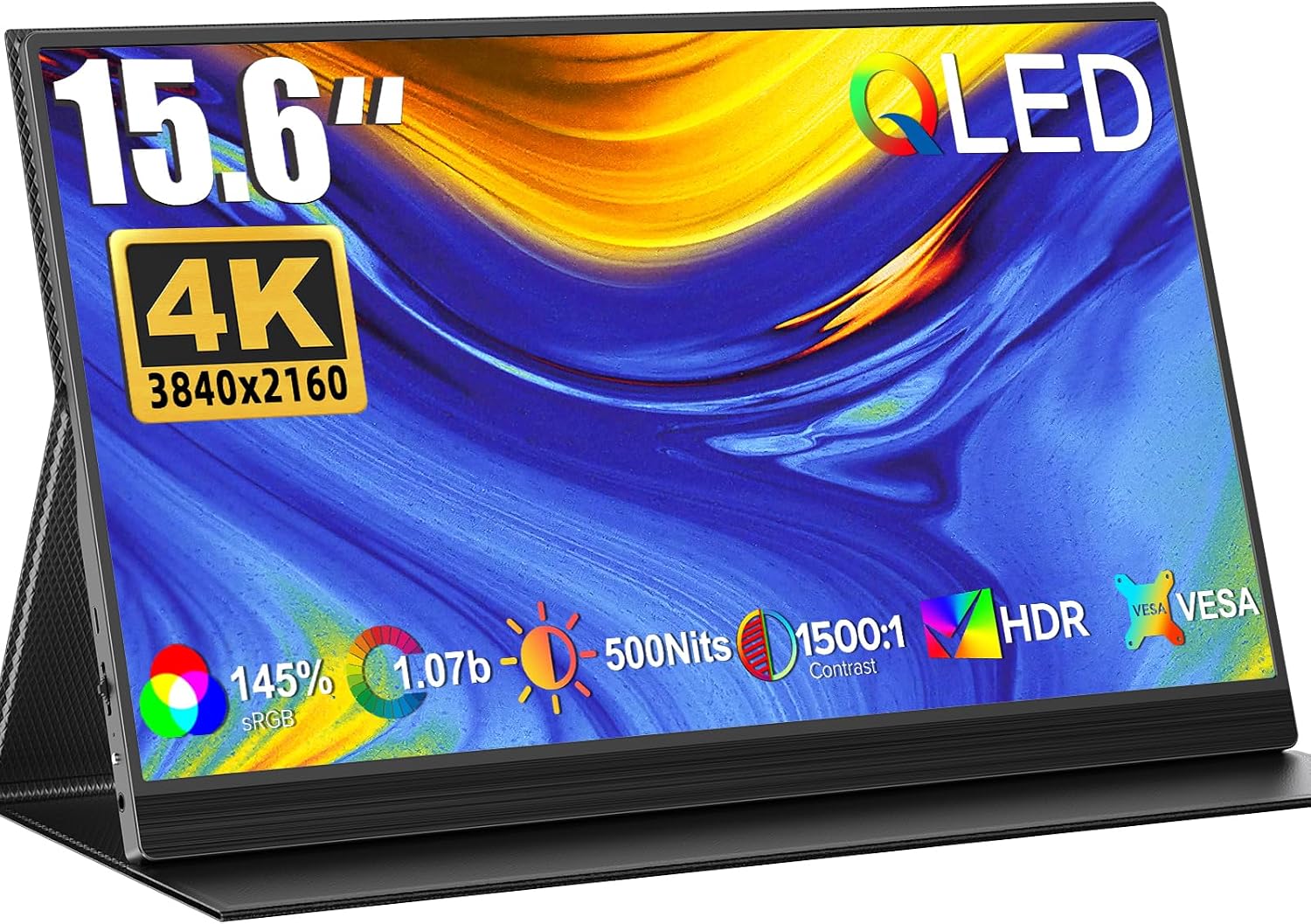
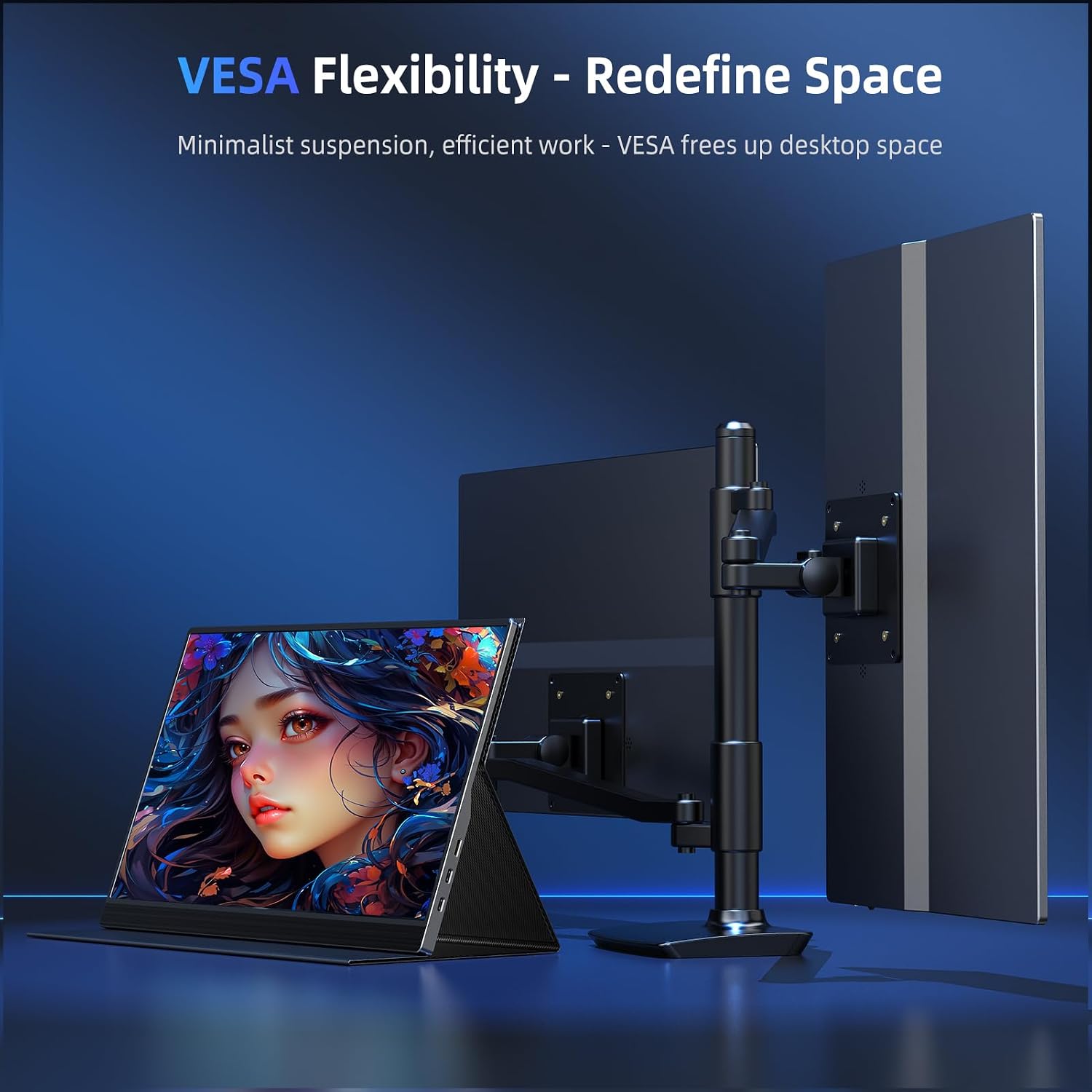
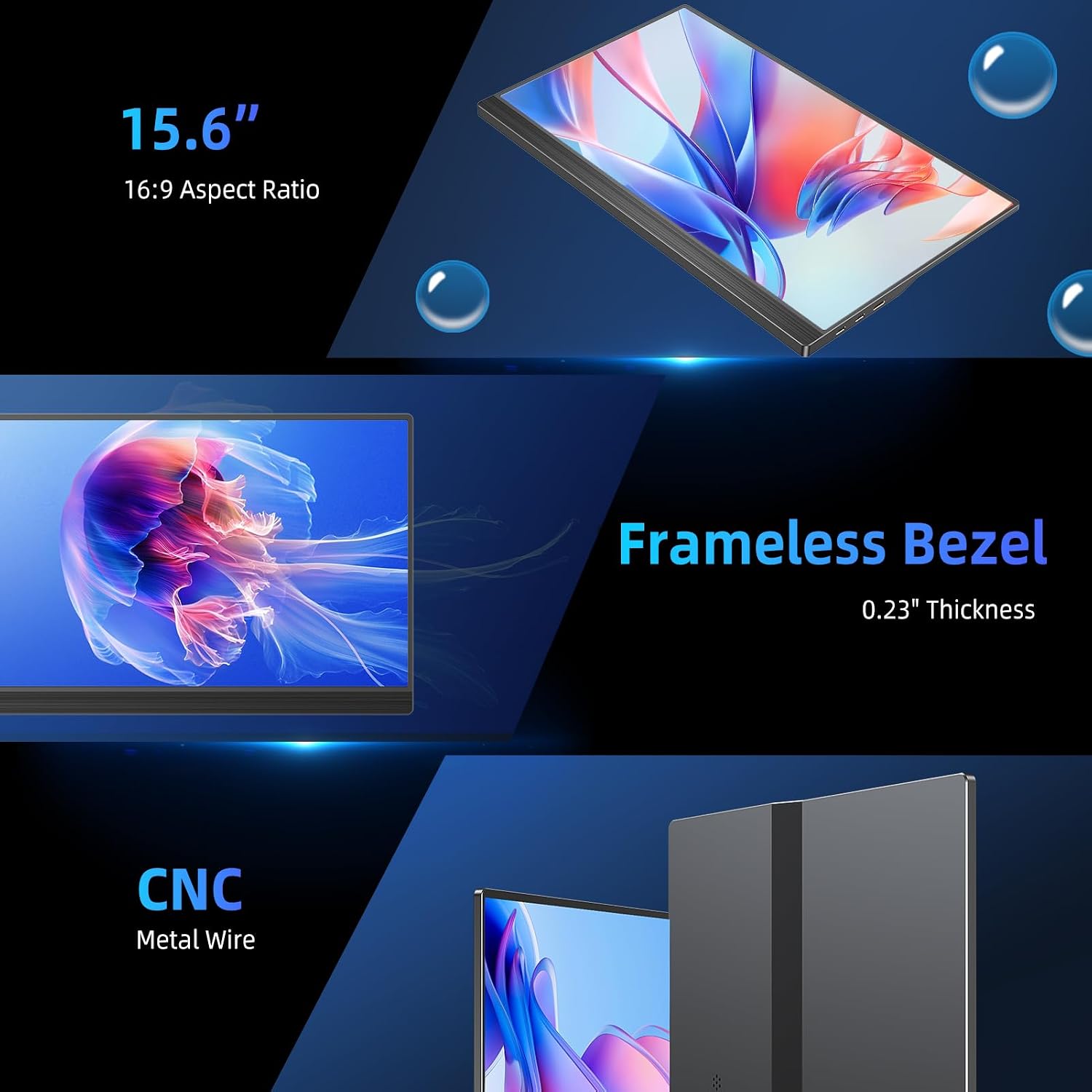
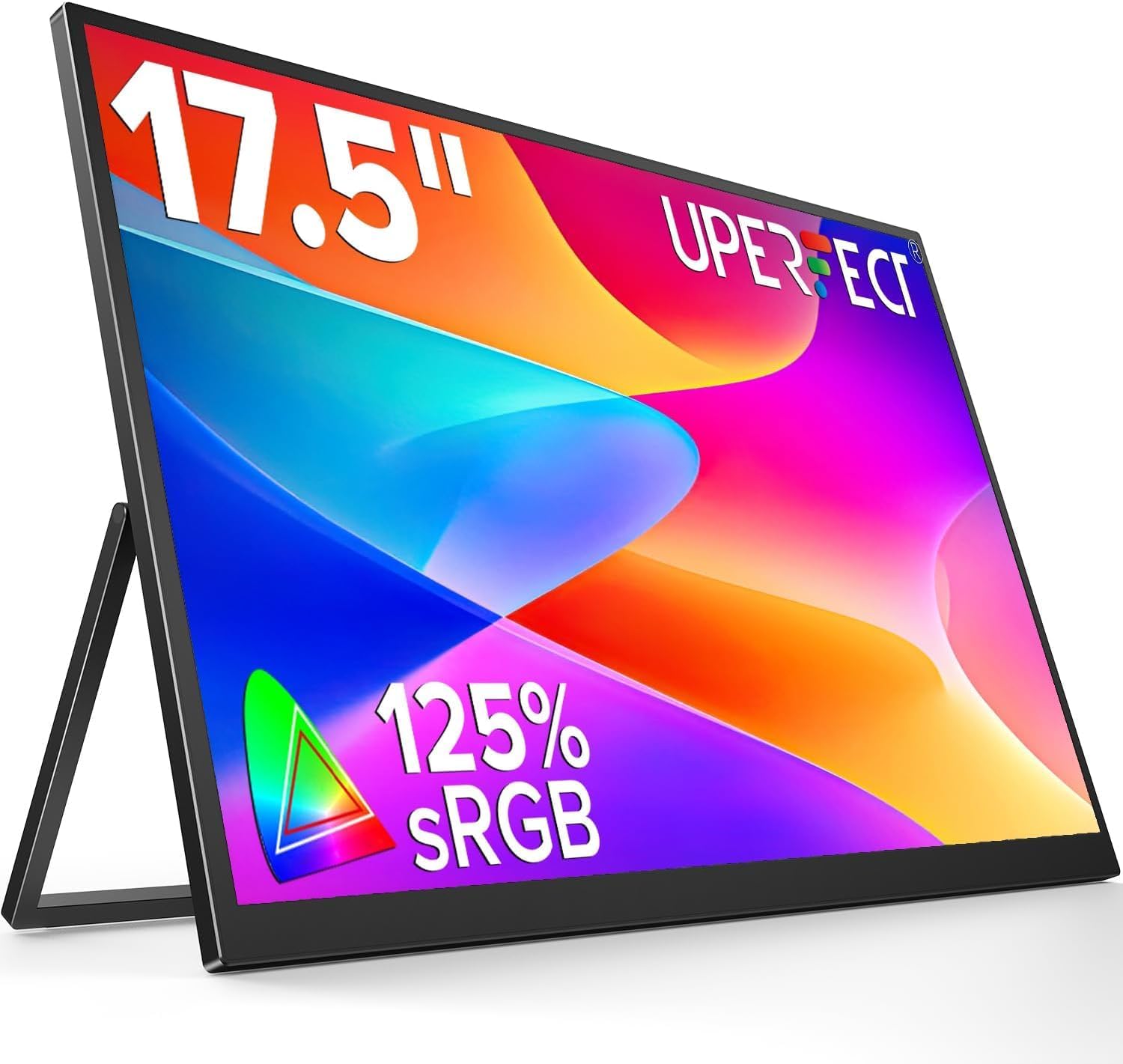
What this is and what it’s for\nThe UPERFECT QLED Portable Monitor is a 15.6-inch, 4K UHD display designed to act as a second screen for laptops, consoles and mobile devices. It targets users who want sharper visuals on the go without sacrificing portability. On paper it offers a high colour gamut and brightness for a compact panel, which can be useful for photo editing, video review or gaming in travel-friendly form. It’s powered and connected primarily through USB-C and Mini HDMI, and comes in a slim aluminium alloy case that doubles as protection and a stand. If you prioritise a light, resilient setup for work or play away from a desk, this model could align with that use case.\n\n## What matters most in real use\nOn the technical side, the screen delivers 4K resolution (3840 x 2160) with a matte finish that helps resist fingerprints. Colour accuracy is pitched through 145% sRGB coverage, which is generous for a portable display and should help maintain vivid, lifelike tones when editing or consuming media. Brightness of 500 nits and a 1500:1 contrast ratio should keep details visible in most indoor settings, though it may not fully replace a dedicated colour-critical monitor in bright rooms or for professional print work. HDR and FreeSync imply a smoother, more responsive experience when connected to suitable devices, particularly for gaming.\n\n## Design and build quality\nThe device ships in a durable silver aluminium alloy chassis that feels sturdy for a portable product. The case material, and the leather option described as protective and stand-capable, offer practical protection during transit and a convenient orientation for use away from a desk. The matte display surface helps keep the screen looking clean after regular use. Weight and exact dimensions aren’t specified here, but the emphasis on portability suggests a profile geared toward travel or outdoor work sessions.\n\n## How it connects and what you can pair it with\nConnectivity is pragmatic: USB-C supports power and video on many modern laptops and devices, while Mini HDMI adds compatibility with a broader range of sources, including some gaming consoles or media players. This dual-input approach allows the monitor to function as a second screen or a dedicated display for a console or mobile gadget. The VESA compatibility hints at potential mounting options in a proper workstation, should your setup evolve. If you frequently switch between devices, this flexibility can be a genuine time-saver.\n\n## What works well in daily use\n- On-the-go productivity: a larger, crisper screen for document review, coding snippets or design previews without a full workstation.\n- Creative review: the 4K clarity and wide colour with a bright panel can help you assess edits more reliably on the move.\n- Casual gaming: FreeSync and HDR support may improve immersion when paired with a compatible source.\n- Portability: the aluminium case and optional leather sleeve suggest a travel-friendly package that protects the display during transit.\n\n## What might hold you back\nThis is a portable display, not a replacement for a high-end desktop monitor. The colour-critical workflow that depends on precise gamma can still demand a dedicated monitor with hardware calibration. The described brightness and contrast are credible, yet performance can vary in very bright exterior lighting or in rooms with direct sunlight. Real-world battery life or performance under sustained heavy use isn’t quantified here, so plan for dependent power sources when mobile.\n\n## Who it’s for\n- Freelancers or remote workers who want a bigger screen while away from the desk.\n- Students or travellers needing a sharp, compact display for multimedia or reference material.\n- Casual gamers seeking a higher-resolution external panel for a laptop or console.\nIf you value a premium look and the convenience of USB-C / HDMI versatility, this model fits that profile. It may not be the top pick if you require industry-standard colour accuracy, ultra-long battery autonomy, or a display specifically tuned for colour-critical workflows.\n\n## When it makes sense to buy\nChoose this monitor if you want a portable 4K screen with a robust build, wide colour and adaptable connectivity to a laptop or console. It’s sensible when you travel frequently, have limited desk space, or simply want a second screen that doesn’t feel flimsy. It’s less ideal if you need exact reference-grade colour for print production or if you expect flawless performance in bright outdoor environments without shading.\n\n## Before you buy: quick checks\n- Confirm your device supports USB-C video output or Mini HDMI to ensure seamless use.\n- Consider a compatible stand or mounting option to maximise ergonomics on the go.\n- Check whether you’ll also want the leather case as a stand, it can influence how you position the display during work or play.\n- If possible, test brightness in your typical lighting, 500 nits is good for indoor use and moderate daylight, but external glare can still reduce visibility.\n\n## Practical usage example\nImagine travelling for a short trip and needing to edit photos on the plane. You’d connect the monitor via USB-C to your laptop, preview edits in 4K with ample colour to verify skin tones and shadows, while the matte surface keeps fingerprints at bay after a few passes of the trackpad. In the evening, switch to Mini HDMI to link a small games console and enjoy sharper, more immersive visuals than the laptop screen alone.\n\n## FAQ (quick answers)\n- Is it easy to carry? Yes, designed with portability in mind and housed in an aluminium case, weight and exact dimensions aren’t stated here.\n- Will it work with USB-C only? It supports USB-C for power and display on compatible devices, but Mini HDMI broadens compatibility.\n- Does it come with a stand? The leather case can act as a stand, and the aluminium case itself supports positioning when used with appropriate props.\n\n## Is it worth it?\nWorth considering if you prioritise a portable 4K screen with strong colour coverage and versatile inputs for a mobile or hybrid workflow. If the main need is maximum colour precision or a dedicated workstation-grade panel, this may sit in the middle ground rather than the top tier.\n