

CronusPro 32 Inch 4K UHD Monitor — IPS, Eye Care, HDR10, 60Hz with FreeSync
Product description
What this monitor is and who it helps
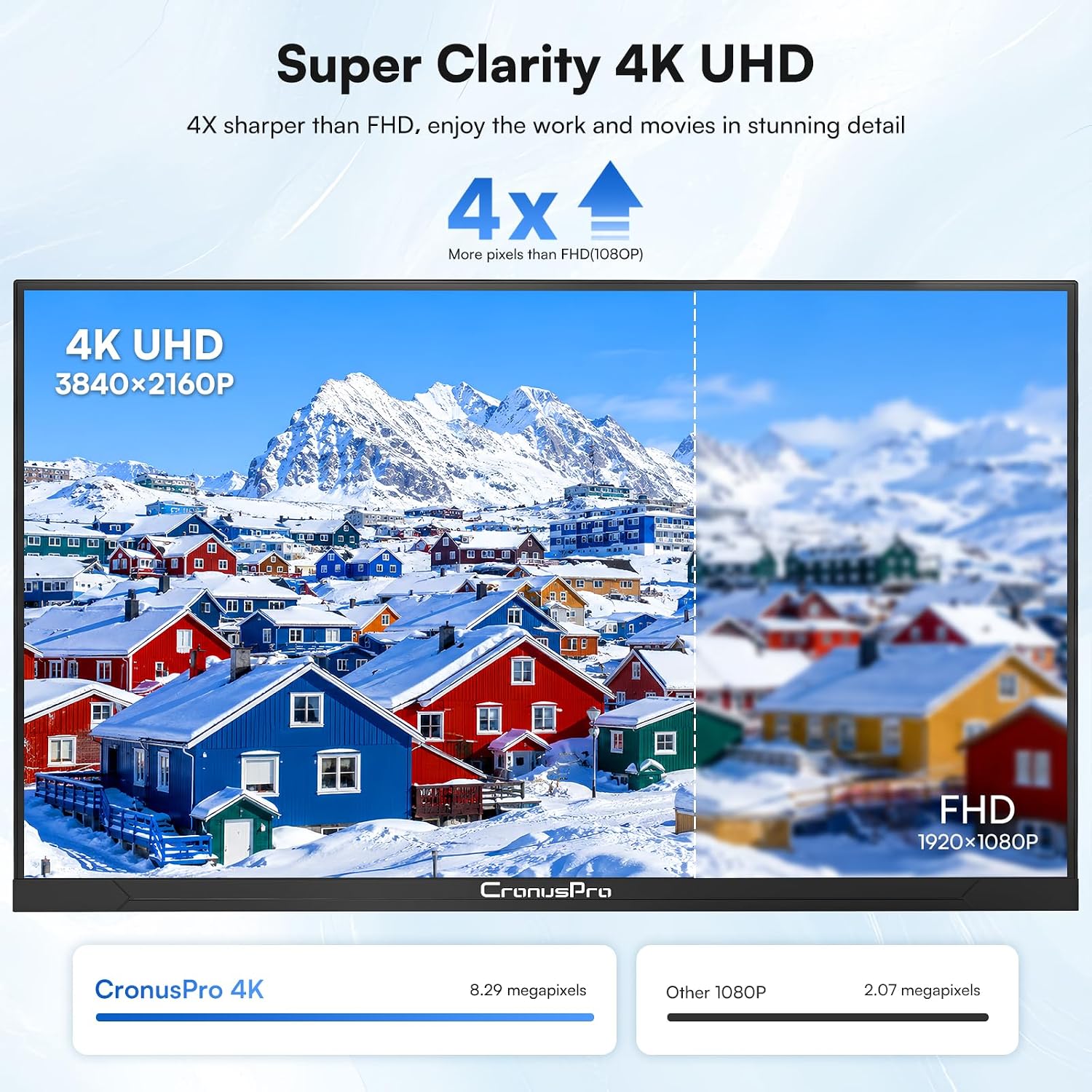
The CronusPro 32 Inch 4K UHD Monitor is a large-format display designed to bridge creative work and everyday viewing. With a 3840×2160 IPS panel, it aims to deliver precise colour and wide viewing angles suitable for designers, video editors and professionals who want more screen real estate without compromising image quality. It’s a sensible option if you prioritise a sharp 4K workspace for detail-rich tasks like photo editing, layout design or CAD sketches, while still being usable for casual gaming or streaming. It’s not a high-end gaming beast, but it does offer features that appeal to mixed-use setups in home offices and design studios.
What stands out on paper
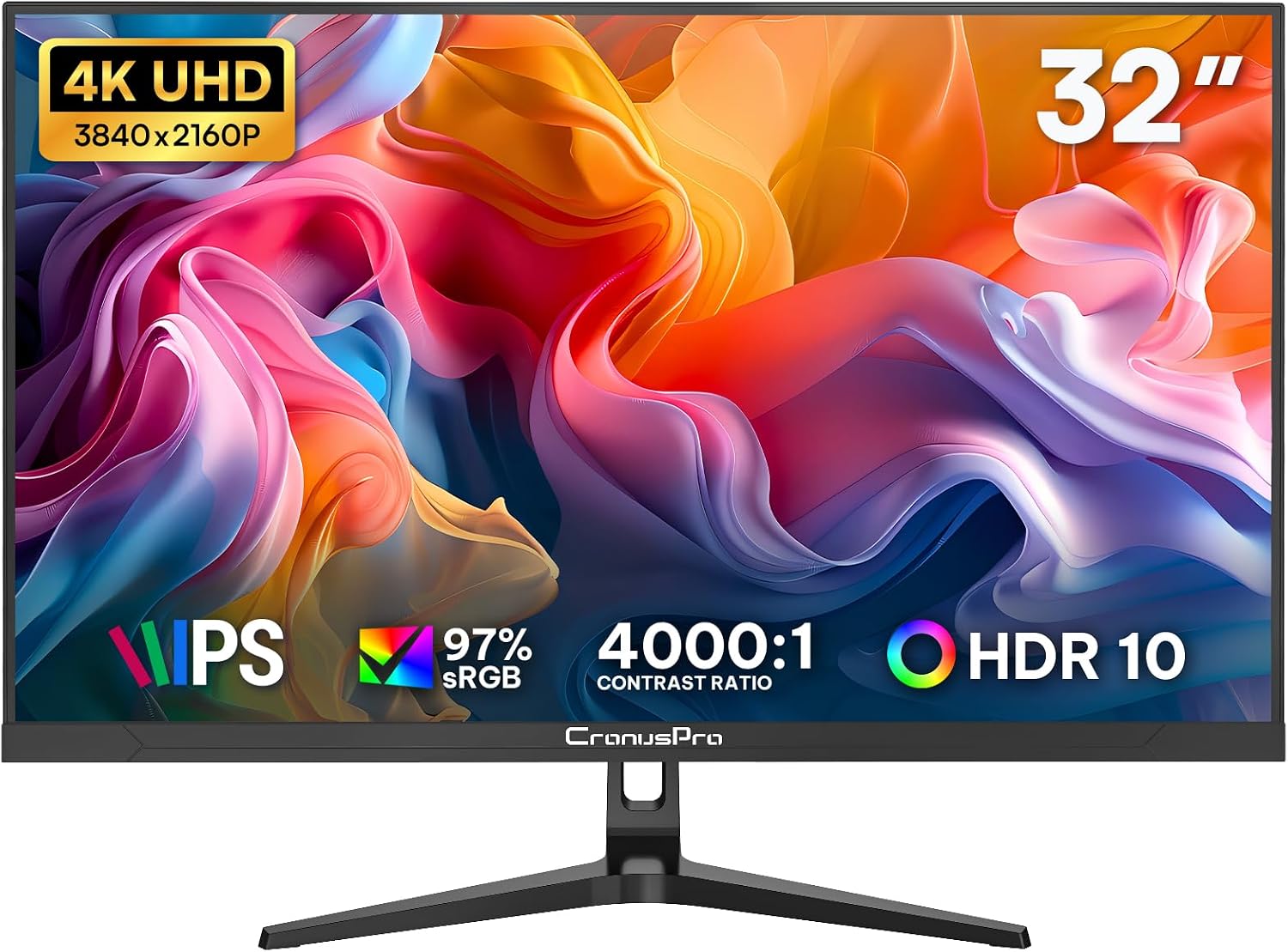
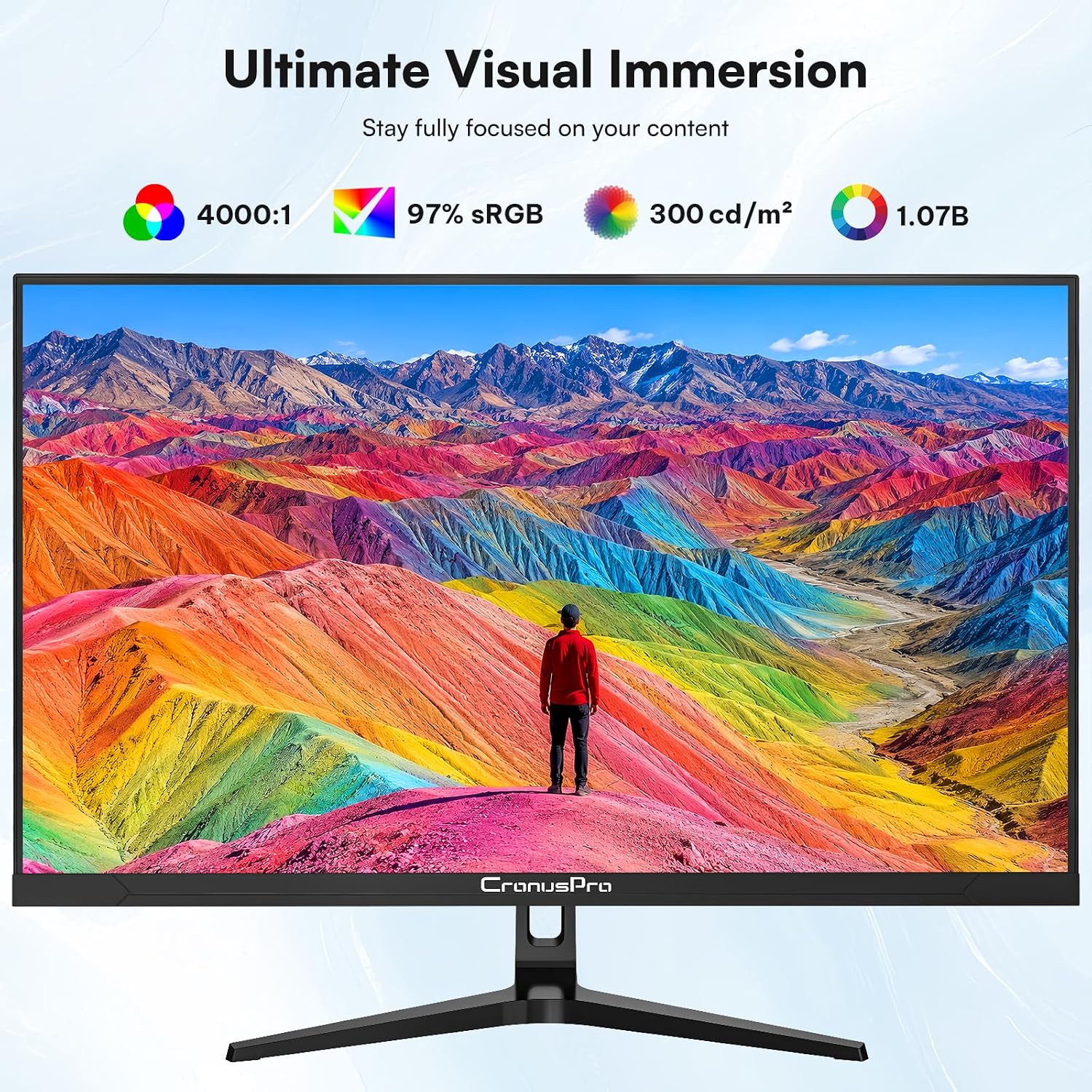
On the technical side, you get a 4000:1 contrast ratio and 97% sRGB coverage, which points to more faithful mid-tones and colour reproduction compared with entry-level panels. The panel supports HDR10 for deeper dynamic range in compatible content, although the overall brightness is modest at 300 cd/m². The 178° viewing angle helps keep colour consistency as you move around a desk or switch between seated and standing positions. An IPS panel with true colour emphasis makes this monitor a reasonable pick for tasks where colour accuracy matters but it isn’t claiming to be the most advanced colour-gaming instrument in the market.
Practical viewing comfort
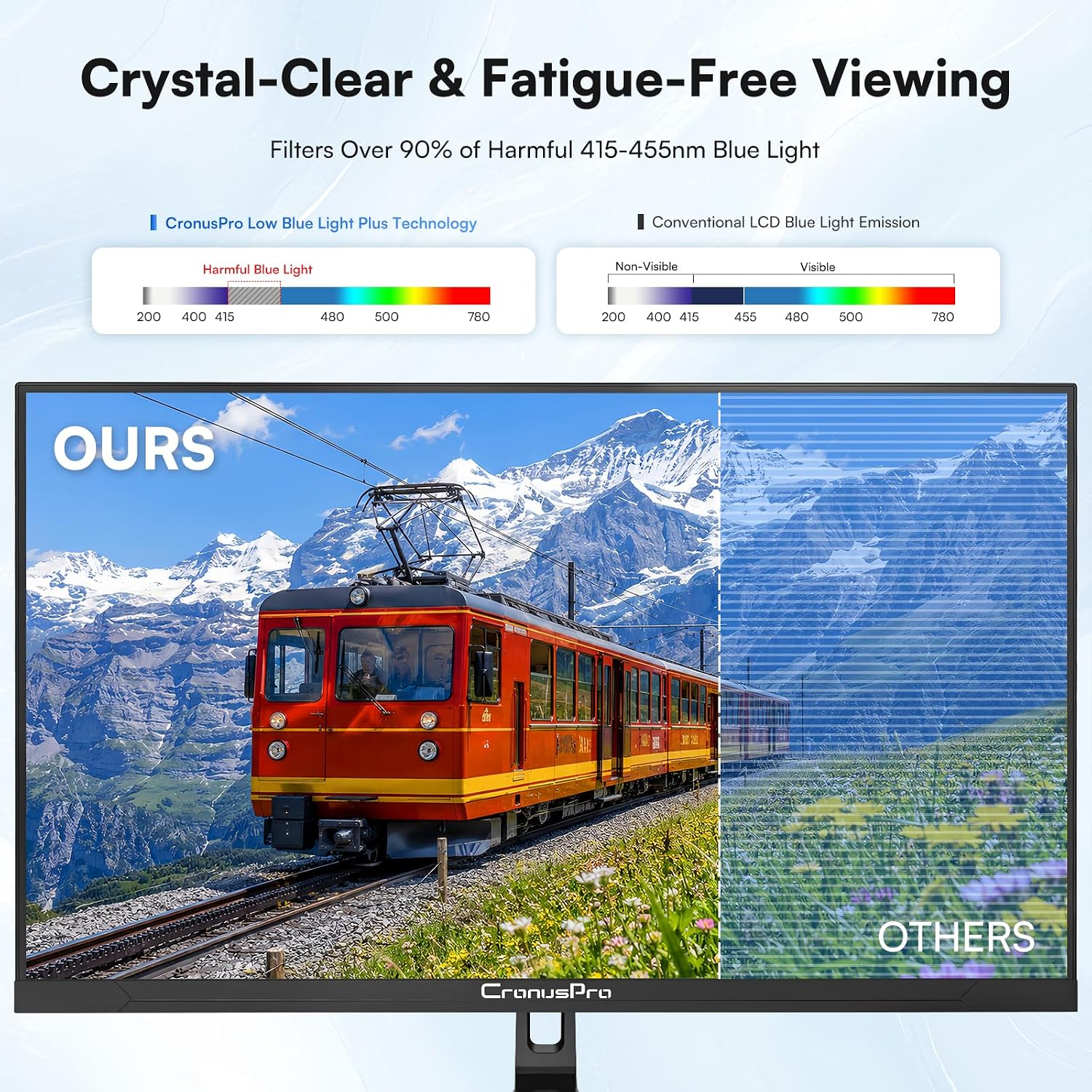
Eye care features are front and centre here. The monitor employs DC dimming and blue-light filtering to reduce eye strain, and it runs flicker-free. For long editing sessions or late-night work, that’s a meaningful benefit. As with many screens in this class, instant brightness and contrast adjustments are helpful, but you may notice that HDR content looks better in scenes with strong lighting contrasts rather than in a uniformly lit office.
Performance for work and light play
The 60 Hz refresh rate is typical for productivity-focused 4K monitors. It’s adequate for scrolling through documents, viewing high-resolution images or editing multiple layers in design software. AMD FreeSync helps keep frame pacing smoother during casual gaming or video playback, albeit it’s not aimed at fast-paced esports titles. If your primary use is professional design, the combination of 4K clarity, colour coverage and a borderless design can contribute to a more immersive workflow, especially in a multi-monitor setup where the three‑sided bezel minimises distraction.
Design and connectivity
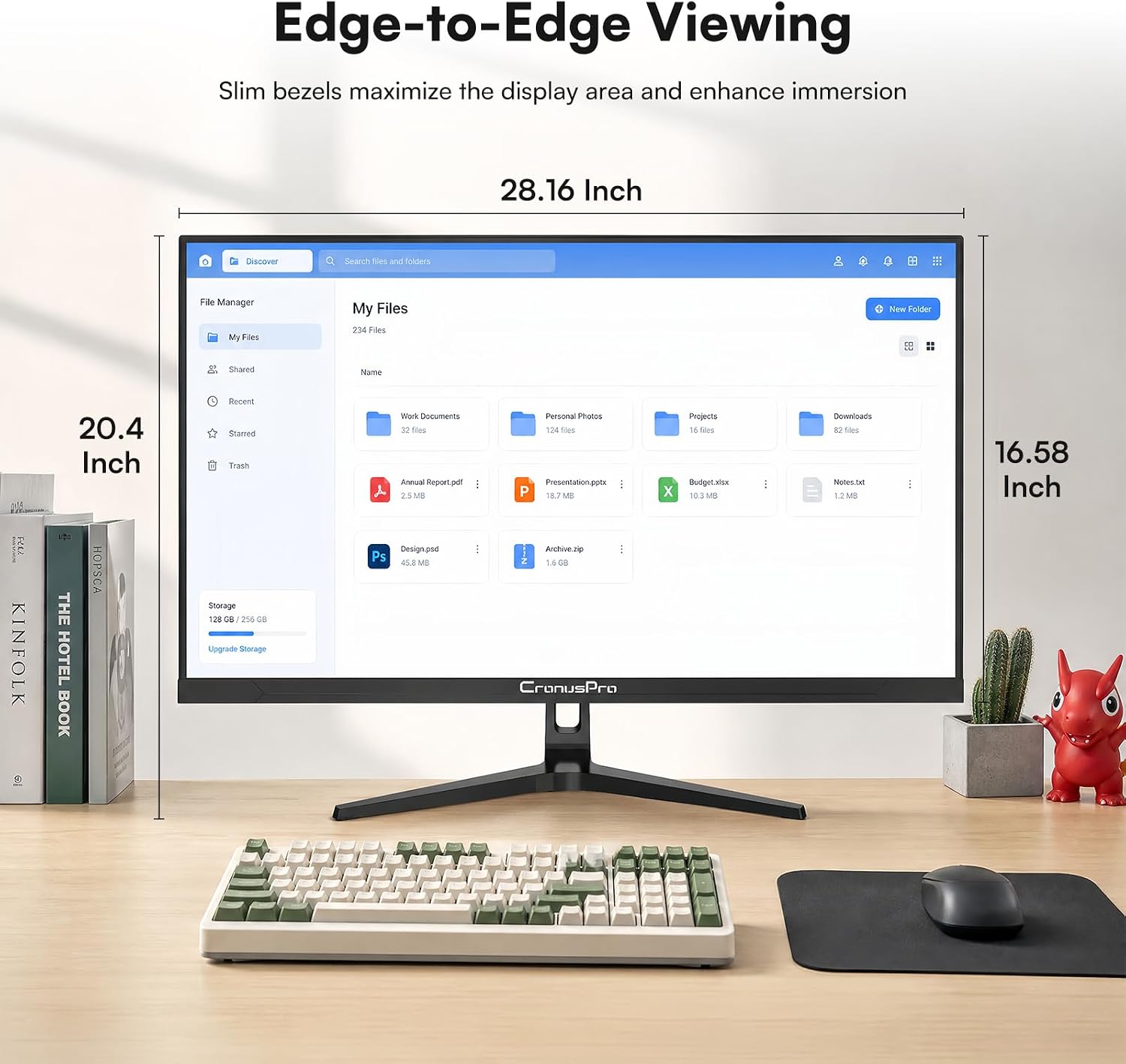
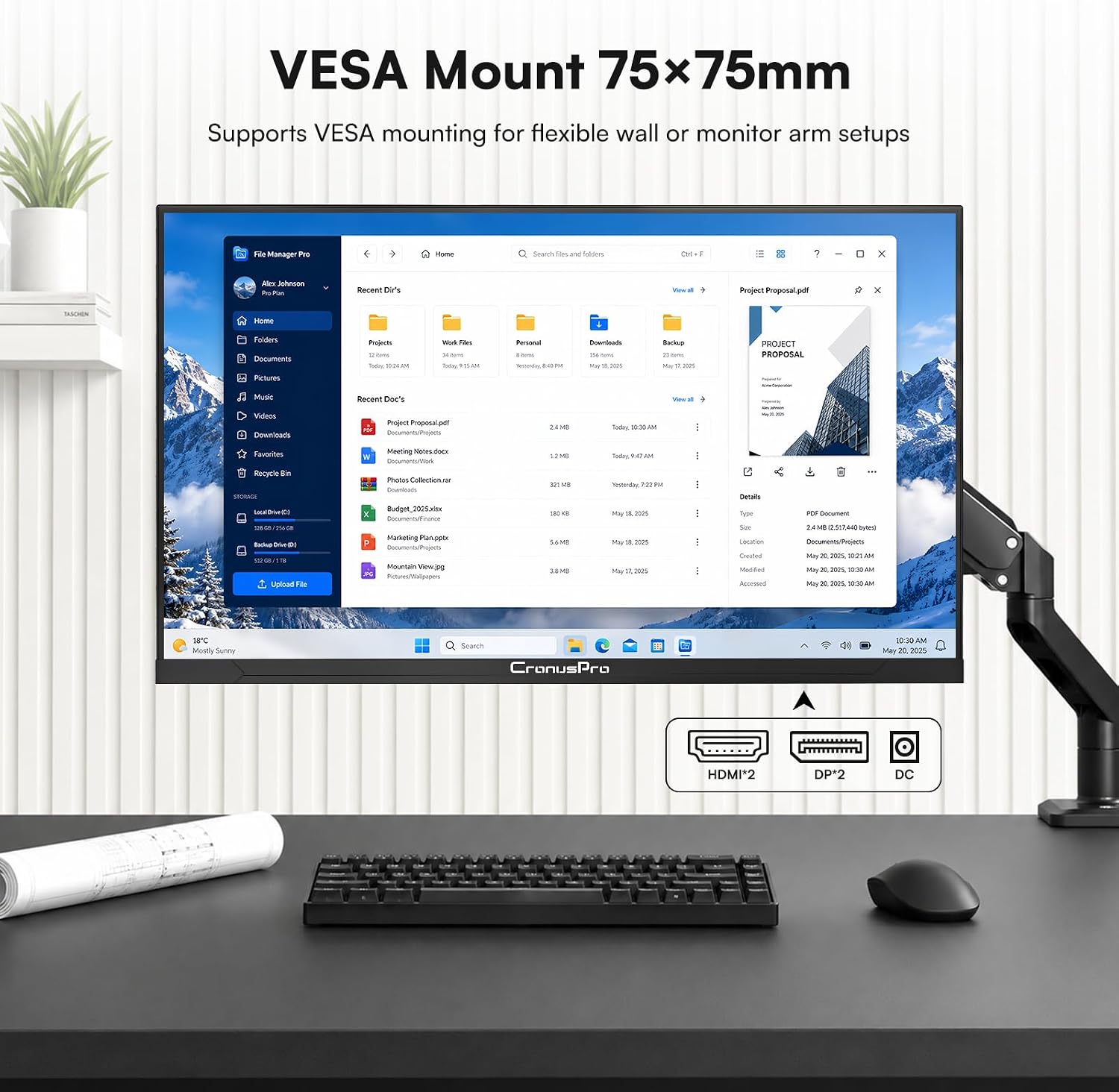
The CronusPro sports a slim, borderless three-sided bezel which maximises the perceived canvas and makes it a good companion for creative workstations. It’s VESA 75×75 mm compatible, so it can be mounted to save desk space or integrated into a larger multi-monitor arrangement. On the inputs front, you get dual HDMI and dual DisplayPort plus DC power. This flexibility makes it straightforward to switch between a laptop, a desktop, or a media device without swapping cables constantly.
Who it’s for and who might skip it
This monitor is a sensible choice if you’re looking for a larger 4K display that prioritises colour reproduction and a comfortable viewing experience without entering the premium end of the market. It suits designers, photographers, video editors, and professionals who want a versatile second screen or a primary design monitor at a reasonable price. If you’re after razor-sharp gaming performance, extreme brightness, or true HDR-grade output for the latest graphic-intensive titles, you may find the spec sheet a touch modest.
Real-world usage scenarios
Imagine laying out a branding project with multiple application windows spread across the 32-inch real estate, then reviewing edits on a colour-accurate panel. Or rely on the 4K canvas for intricate vector work, where crisp lines and subtle colour transitions matter. For home offices, it doubles as a capable media display for streaming and casual gaming across a second device, thanks to its multi-input setup.
What to check before buying
- Colour workflow: verify whether 97% sRGB suffices for your colour-critical tasks, broader cinema or Adobe RGB support would require additional hardware checks.
- Brightness: 300 cd/m² is adequate for most indoor lighting but may feel dim in very bright rooms or near big windows.
- HDR: HDR10 support helps with media playback, but expect improvements mainly in scenes with strong contrasts rather than overall brightness boosts.
- Ergonomics: confirm your desk needs for height, tilt and swivel adjustment, especially if you rely on long editing sessions.
Comparison in context
If you’re weighing 4K desktop experiences, this CronusPro sits between entry-level 4K office displays and higher-colour specialty monitors. For daily office work and design tasks, its blend of 4K detail, IPS accuracy and eye-care features makes it a practical middle ground. In contrast to purpose-built high-brightness or wide-gamut models, you’ll trade off some brightness and extreme colour space for a more approachable price and broad compatibility. A dual-monitor setup with a similar panel aims to reduce bezel distractions while extending your creative space without resorting to professional-grade colour calibration tools.
Final decision: Is it worth it?
It’s a sensible purchase if you want a large 4K workstation with reliable colour representation, strong eye comfort for long sessions, and flexible connectivity for multiple devices. It isn’t the best option if your priority is top-tier colour accuracy beyond 97% sRGB, or if you game primarily at high refresh rates and need HDR impact you can feel in every scene. In practice, this monitor suits designers and mixed-use users who value workflow clarity and desk-space efficiency over uncompromising gaming specs.
Quick FAQ
- Does it support USB-C? Not disclosed in the provided data, you’ll want to rely on HDMI/DisplayPort connections shown.
- Can I calibrate colour precisely? The data mentions 97% sRGB and true colour for design tasks, but no details on advanced hardware calibration controls.
- Is it good for long sessions? Yes, thanks to eye-care features like DC dimming and flicker-free operation, though individual comfort depends on room lighting and ergonomics.
What you’ll notice day to day
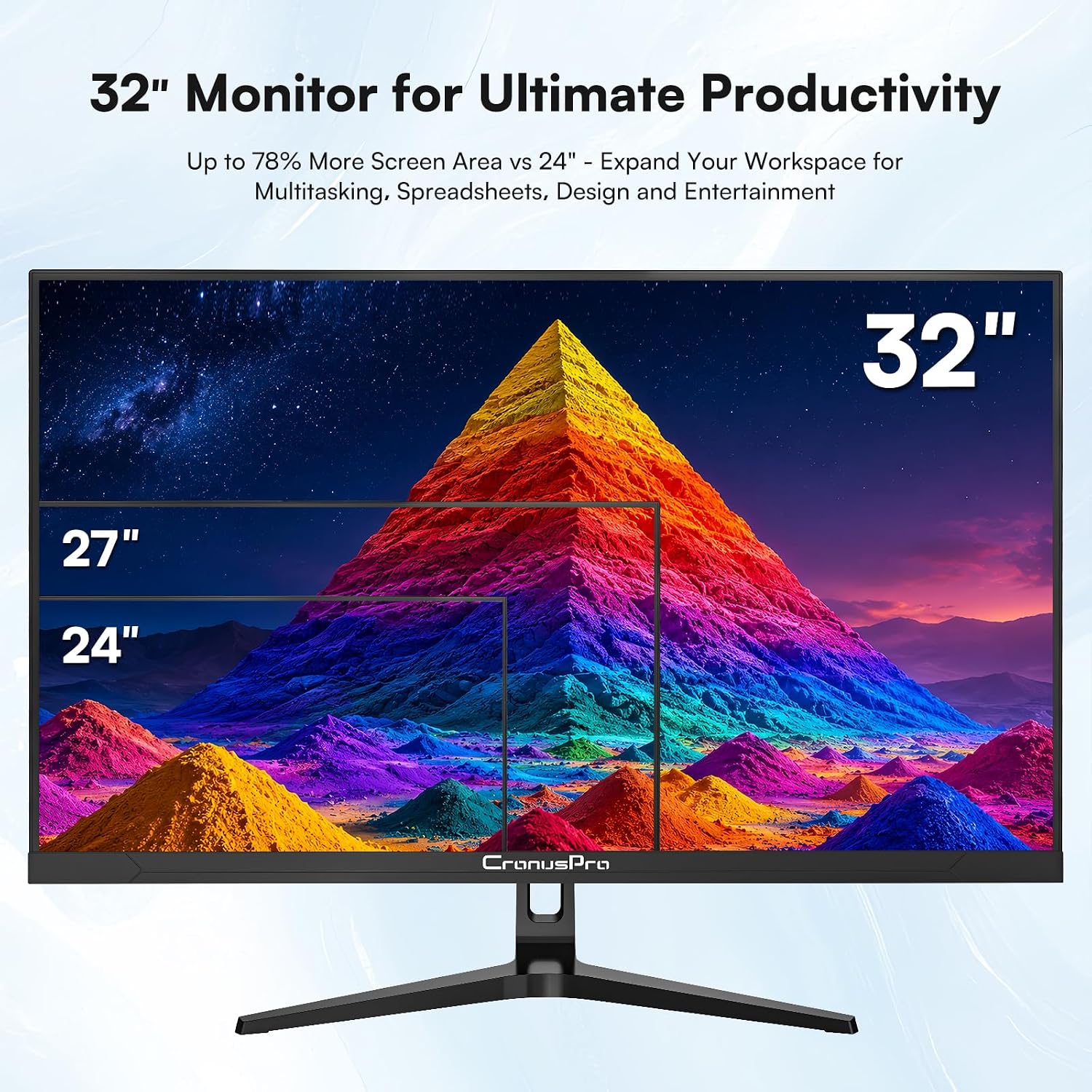
If you work with multiple applications side by side, the large 32-inch canvas helps keep windows legible and organised. The slim bezels reduce perceived gaps when using two or three screens, and the wide viewing angles ensure your colours stay consistent as you move or adjust your seat.
Decision cues at a glance
Worth considering if you want a capable 4K monitor for design and general use with flexible inputs and a comfort-focused feature set, not the best fit if you need extreme brightness, wide-gamut colour coverage, or top-tier high-refresh gaming.