

KPKUE 14 inch 1080p Dual portable monitor
Product description
Working across multiple apps can quickly turn into a constant window shuffle, especially when you are mobile or working at a shared desk. The KPKUE laptop screen extender adds a second viewing area and makes it easier to keep key information visible, which helps you stay focused while you work. It uses a simple one cable connection, so setup is straightforward and your desk can stay more organised. If you want a portable monitor that pairs with a compatible laptop through USB-C, this 14 inch FHD extender is a practical option to consider.
The essentials
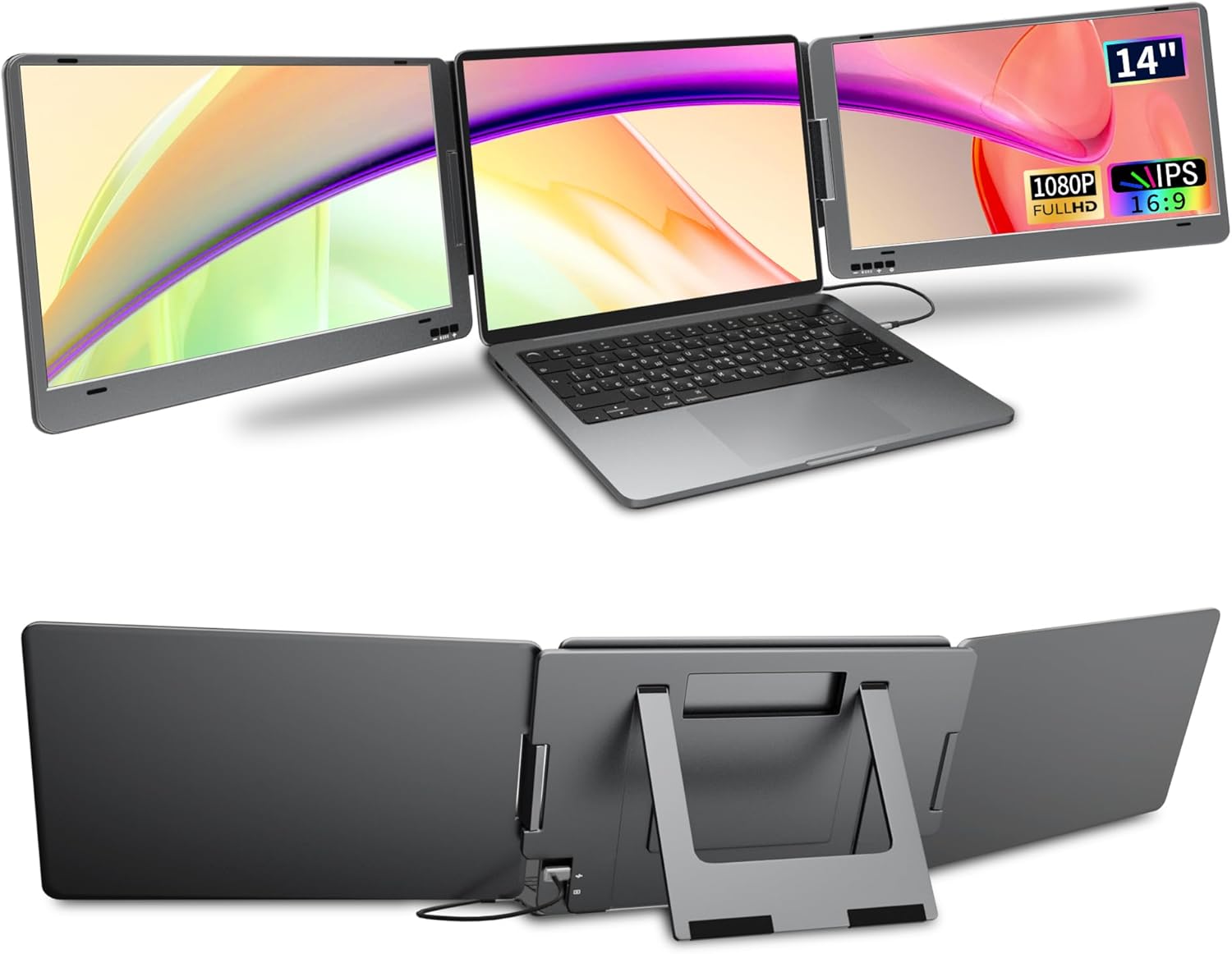
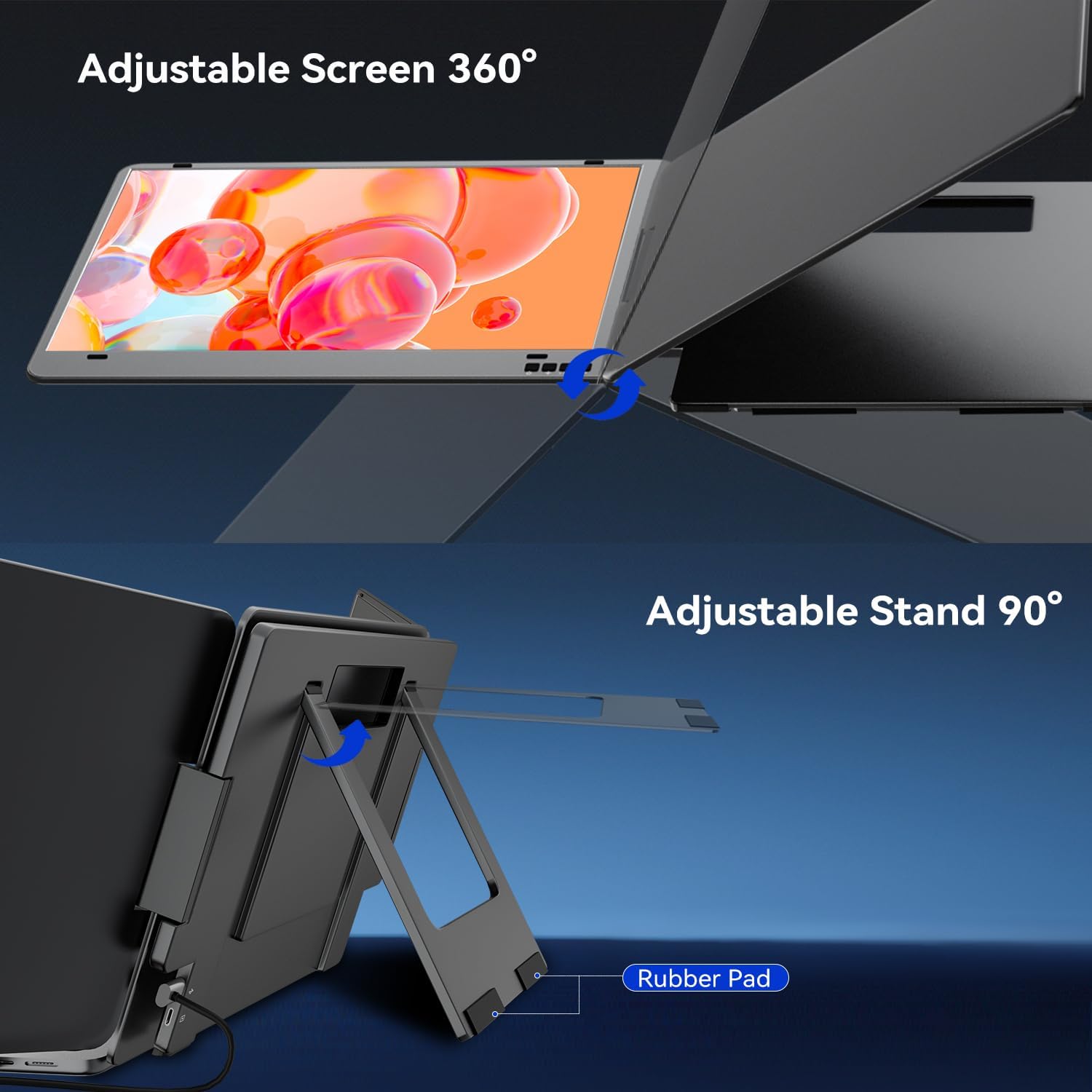
The KPKUE laptop screen extender is built around an uncomplicated workflow, so you can extend your laptop view and reduce the need to constantly switch between tabs. According to the manufacturer, it is designed to help you manage multiple windows and web pages more smoothly, which can be useful for everyday productivity as well as more intensive tasks. You also get an easy way to adjust the viewing angle thanks to a built-in kickstand, so you can set it up for the way you work.
A notable usability feature is that each screen can be turned off independently. That means you can switch between a dual-screen and a more simplified layout without having to reconfigure everything. For portable working, the ability to fold and rotate the screens is handy too, as it supports a more compact routine when you are moving around.
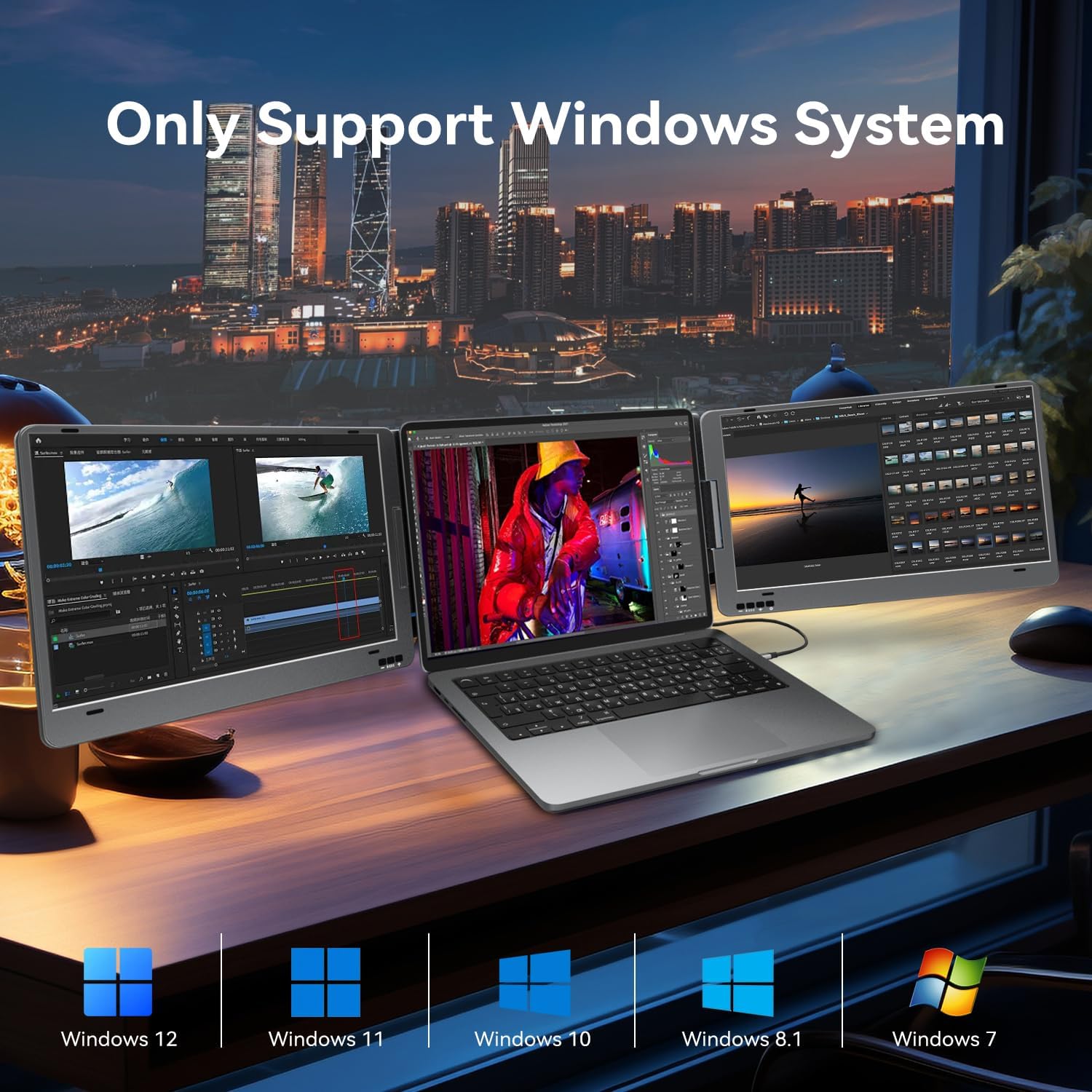
In terms of compatibility, the manufacturer specifies Windows only and suggests you measure your laptop size before purchase. Keep in mind that the screen extender is compatible with laptops up to 13.4 inches wide or laptops with a 11.6 to 15.6 inch diagonal, as stated in the product information. If your laptop is in that range and has a fully functional USB-C port that supports both video and data transfer, you are off to a good start. 📱💻
Key features
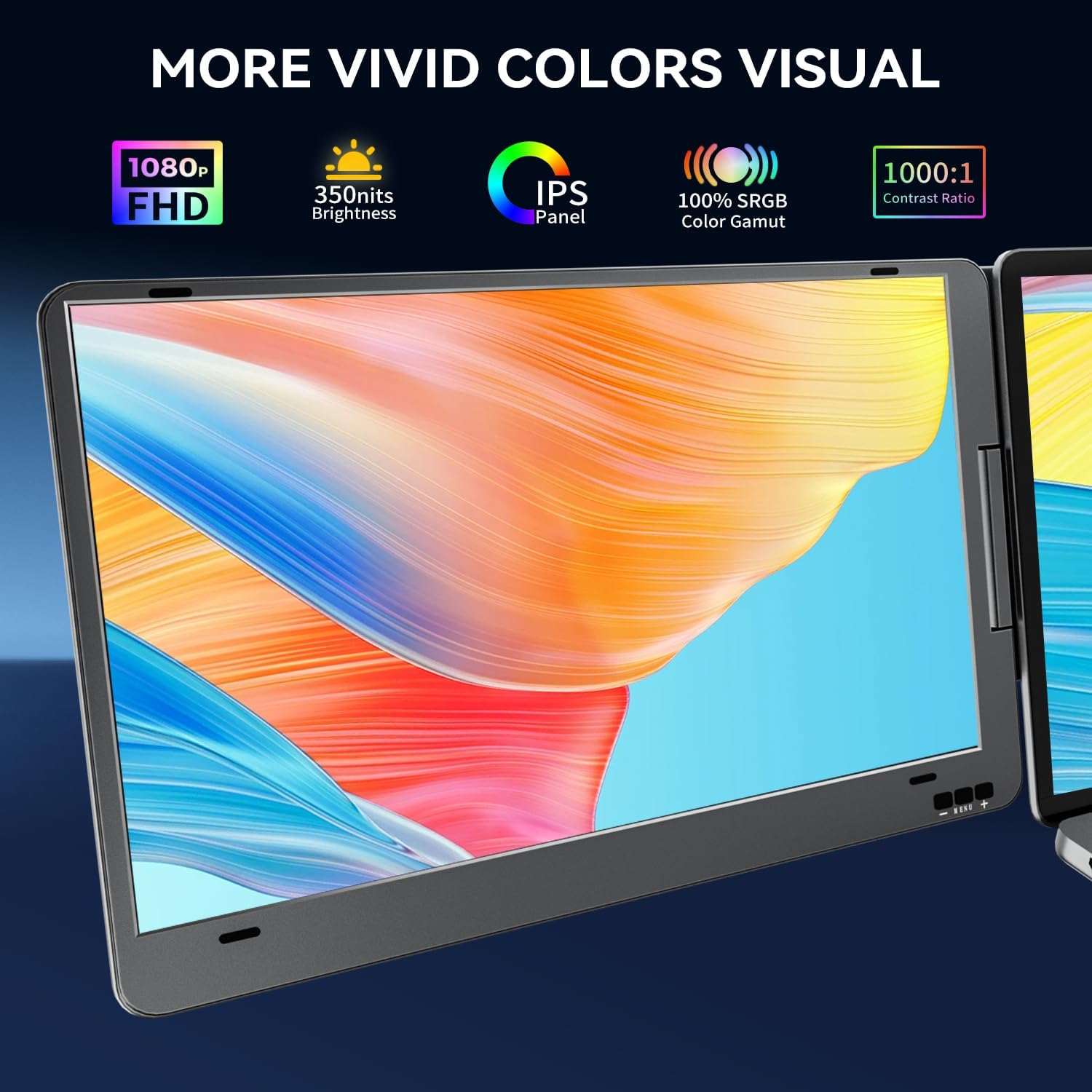
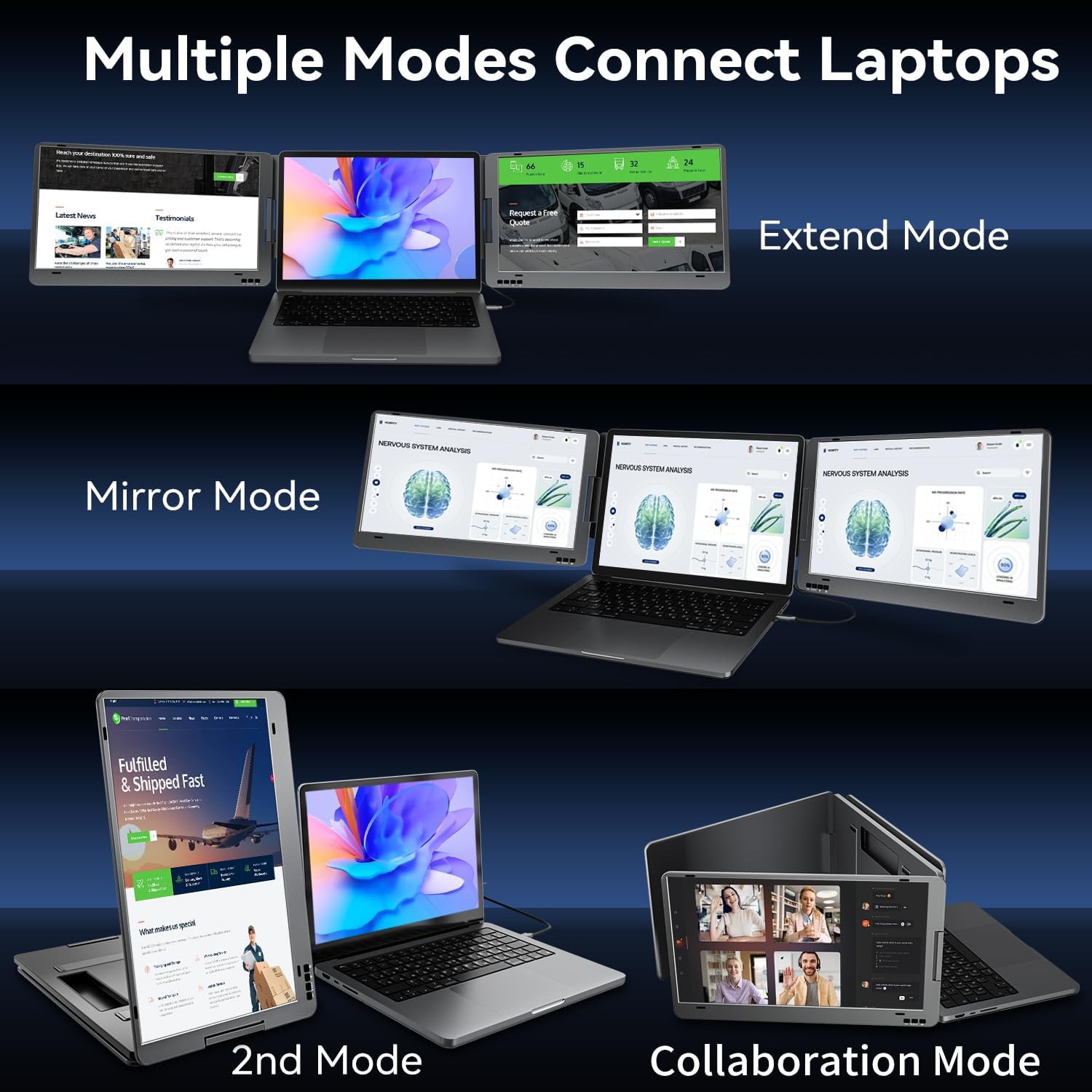
This model is positioned as a dual 14-inch portable monitor with a 1080p FHD resolution, combining clear everyday visuals with a wider field of view. The manufacturer lists 350 nit brightness, a 72 percent NTSC colour gamut, and a 1000:1 contrast ratio, plus low blue light for more comfortable viewing. It also includes multiple display modes, such as extended, mirror, collaboration, and a second mode, so you can choose the layout that suits your task.
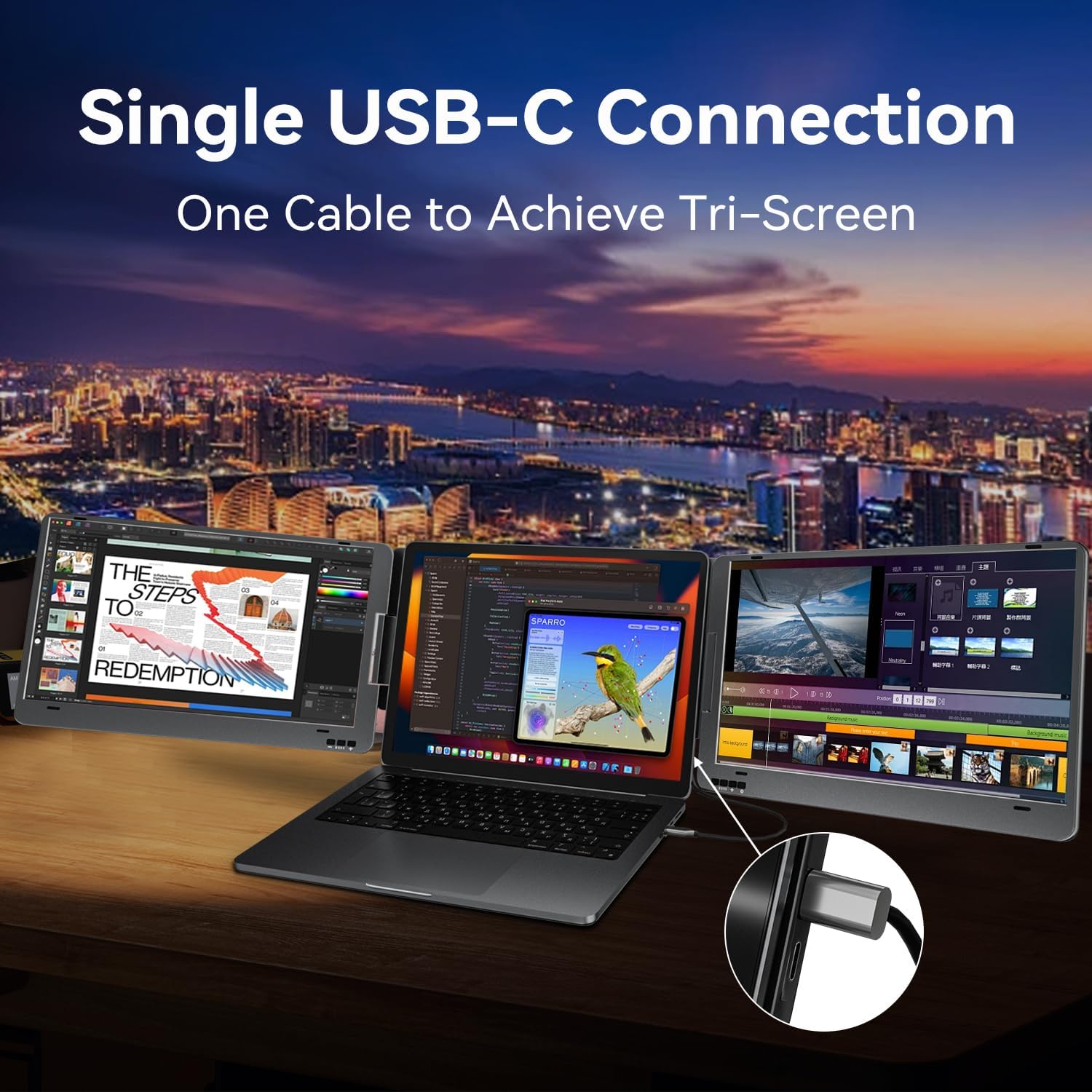
The connection approach is designed to be simple. The product information highlights one USB-C cable connection with plug and play, and it states there is no need for drivers under the supported Windows versions. For people who frequently work on the go, that reduces friction when you set up in different places, from home to office to a client meeting.
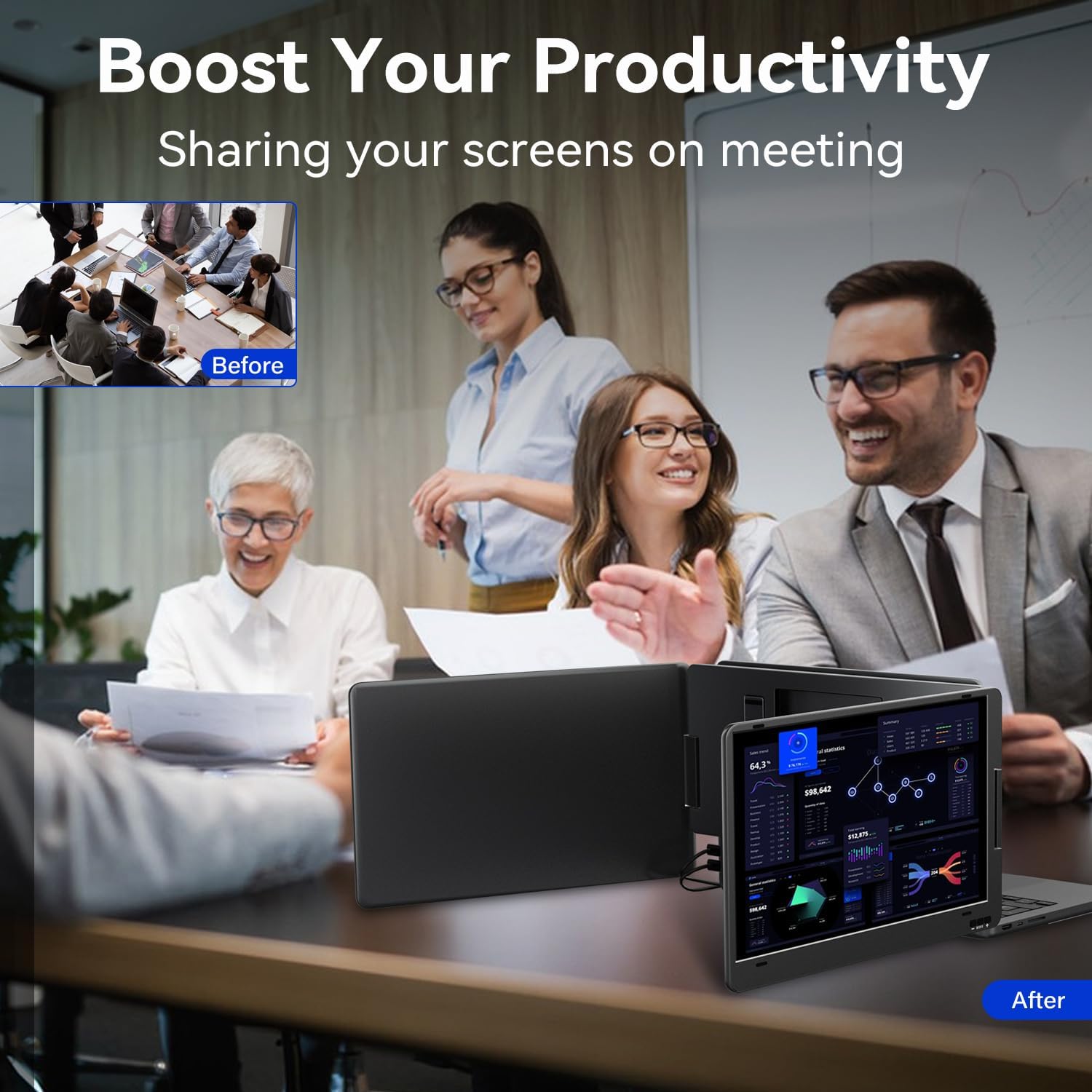
When meetings are part of your day, screen sharing can matter. The manufacturer notes you can rotate the monitor to share displays with colleagues, which can help when you need to show content clearly. If you prioritise flexibility, the 0 to 360 degree rotation for folding and an all-in-one button on each screen for multiple functions can make day-to-day use more convenient.
Worth noting: since it is Windows only, it may not suit Mac users or other operating systems. Also, the manufacturer states you should confirm your laptop has a USB-C port that supports both video and data transfer, because not all USB-C ports provide the same capabilities. ✅
Tech specs
- Name: KPKUE Laptop Screen Extender
- Type: Dual portable monitor
- Size: 14 inch
- Resolution: 1080 x 1920
- Brightness: 350 nit
- Colour gamut: 72% NTSC
- Refresh rate: 1000:1 contrast ratio
Who it’s for
It makes sense if you work with lots of information and want more screen space without carrying a full desktop setup. You might like it if you are a stock trader, entrepreneur, coder, or someone who regularly compares documents, spreadsheets, and web pages while staying on the move. The extender is also a good match if you prefer a tidy setup, since the one USB-C cable connection is designed to reduce the usual clutter of extra leads.
It might not be the best match if your laptop does not meet the stated USB-C requirements for video and data transfer, or if you are using a non-Windows system. It also may not suit you if your laptop screen size falls outside the compatibility guidance provided by the manufacturer. If you are already within the 11.6 to 15.6 inch diagonal range and you can confirm the USB-C port capability, this type of dual portable setup is a practical way to expand your workspace on the go.