

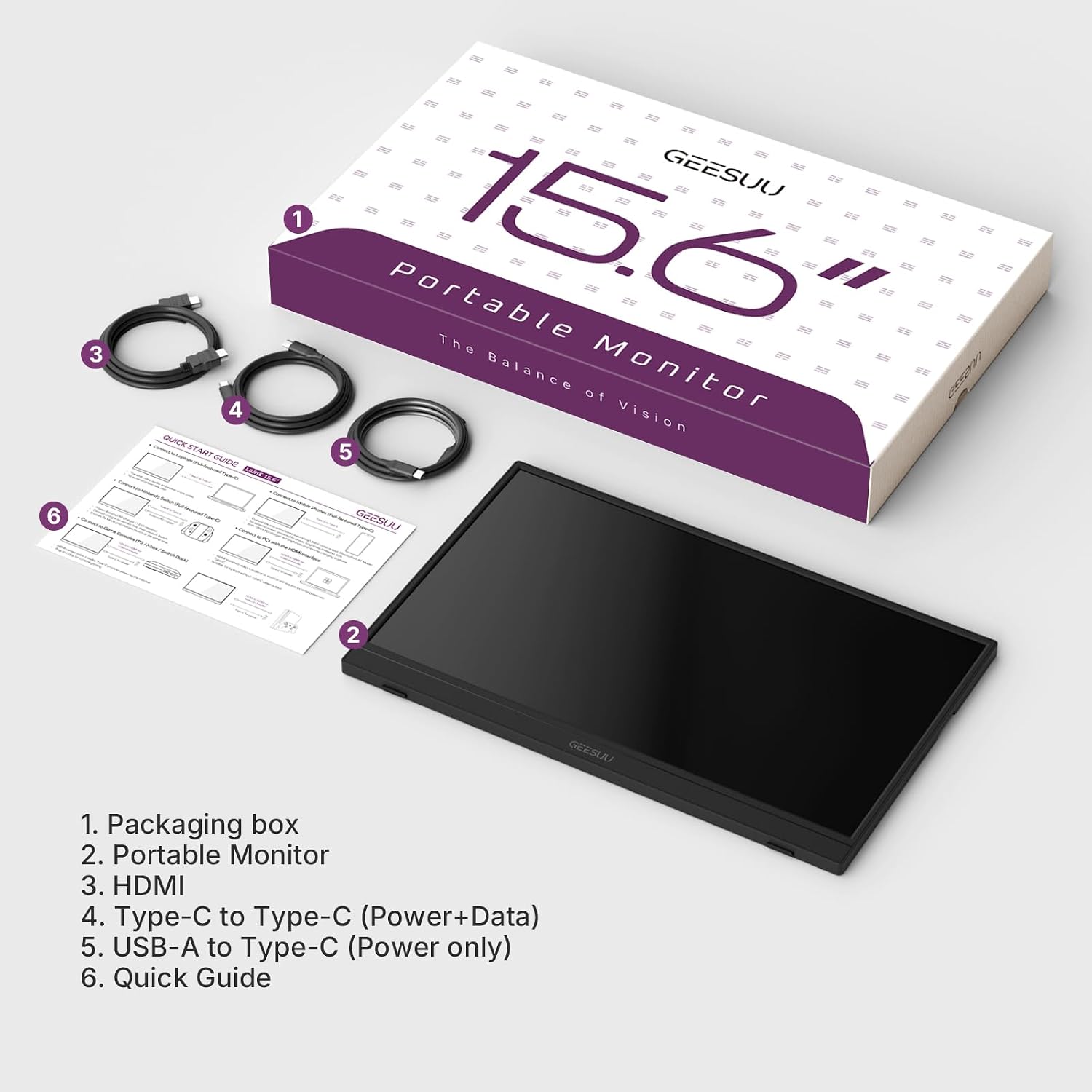
GEESUU 15.6'' Portable Monitor: Full HD IPS Second Screen for Laptop, USB-C & Mini HDMI
Product description
What it is
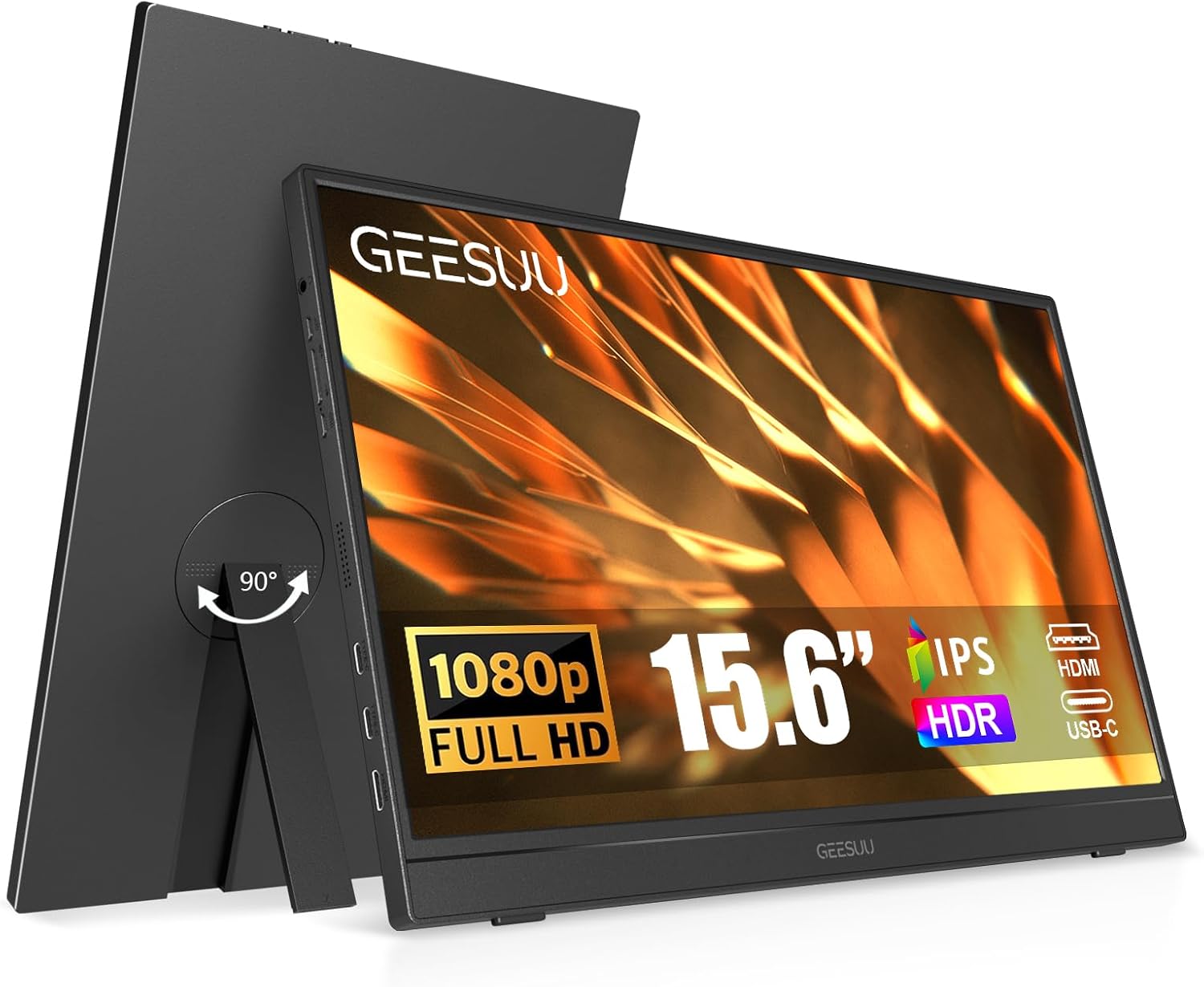
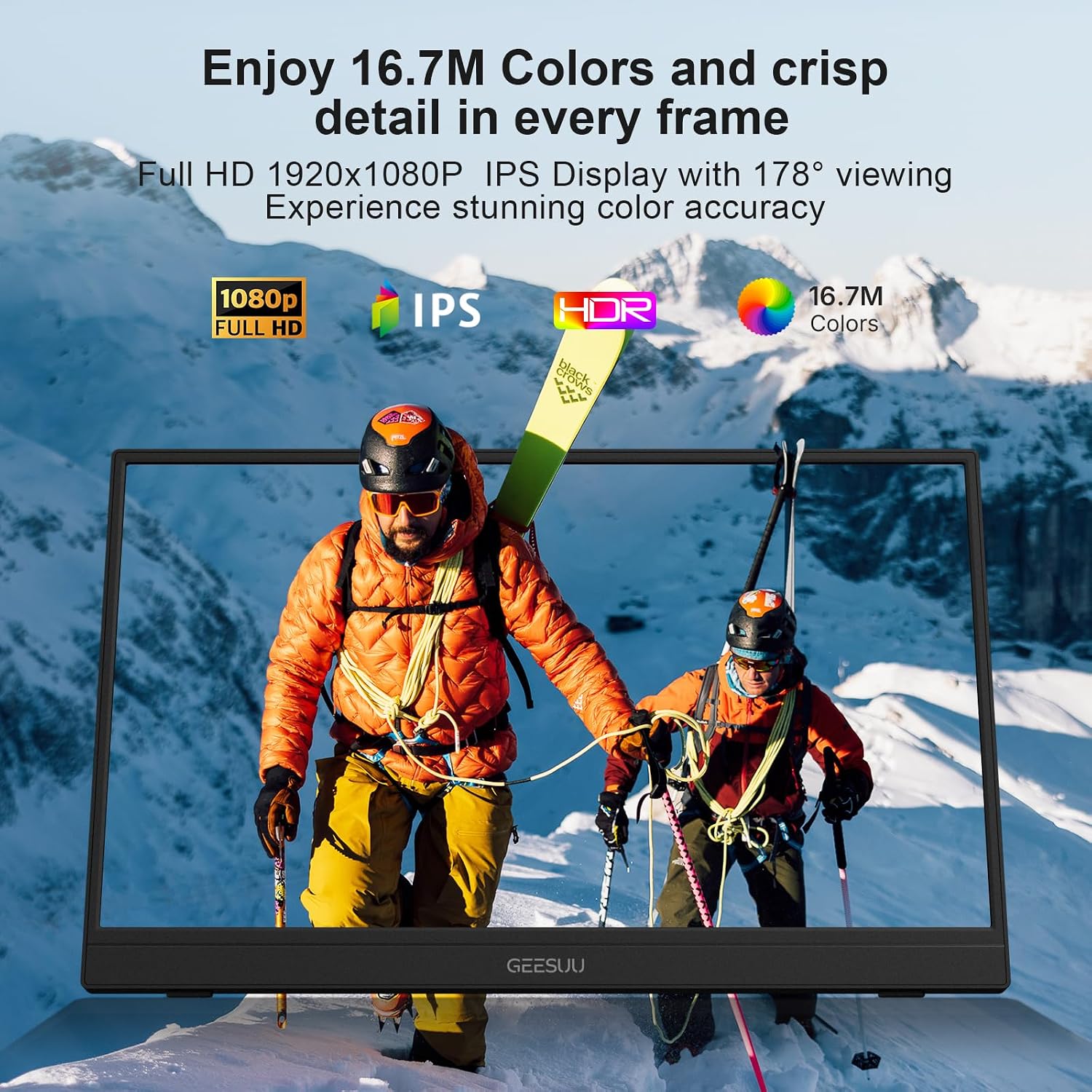
The GEESUU 15.6" portable monitor is a full‑HD external display designed to multiply your screen real estate. With a 1920x1080 IPS panel, 178° viewing angles and an anti‑glare matte finish, it aims to keep colours accurate and eyestrain low during long work sessions or casual media.
Key features
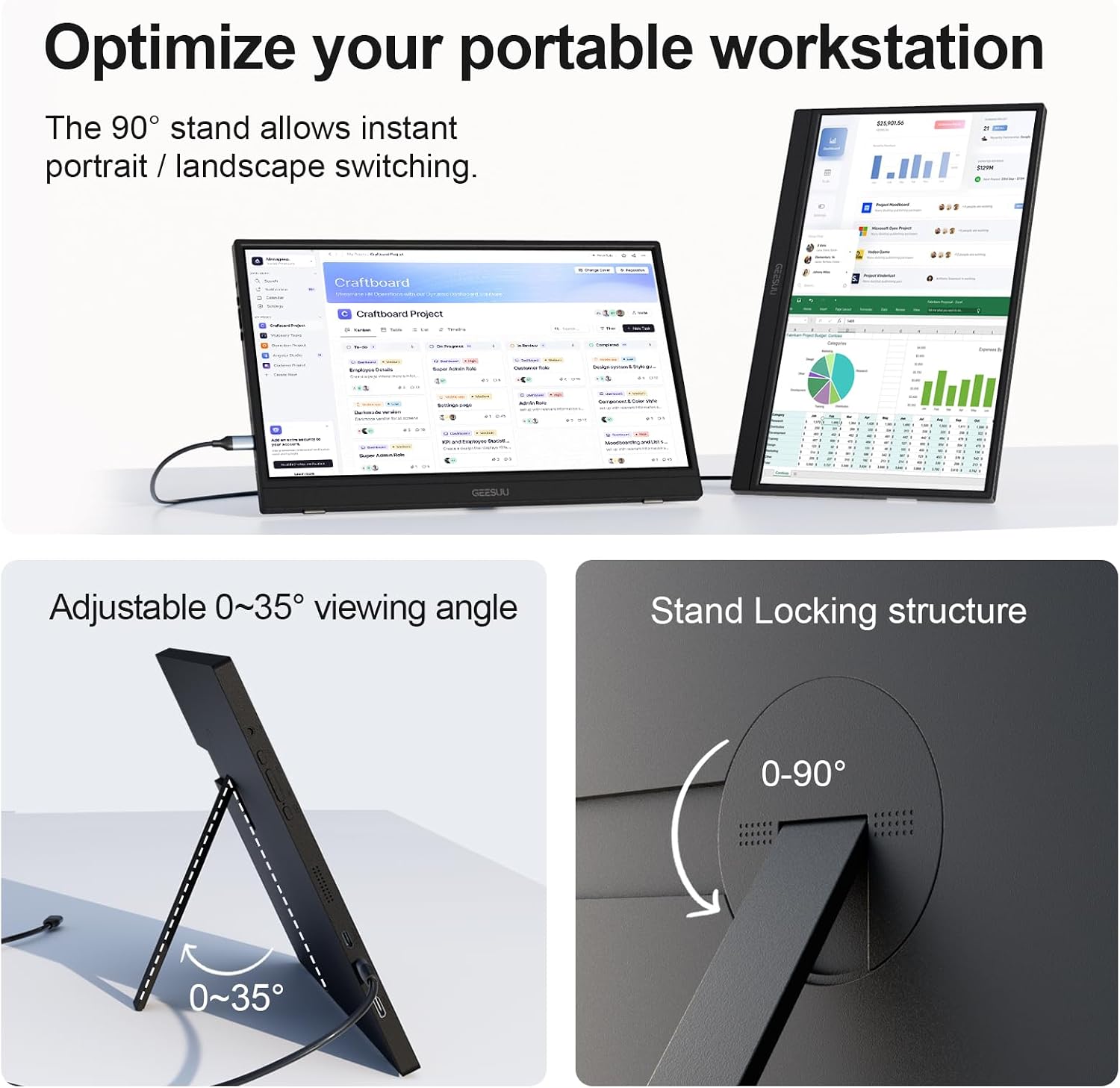
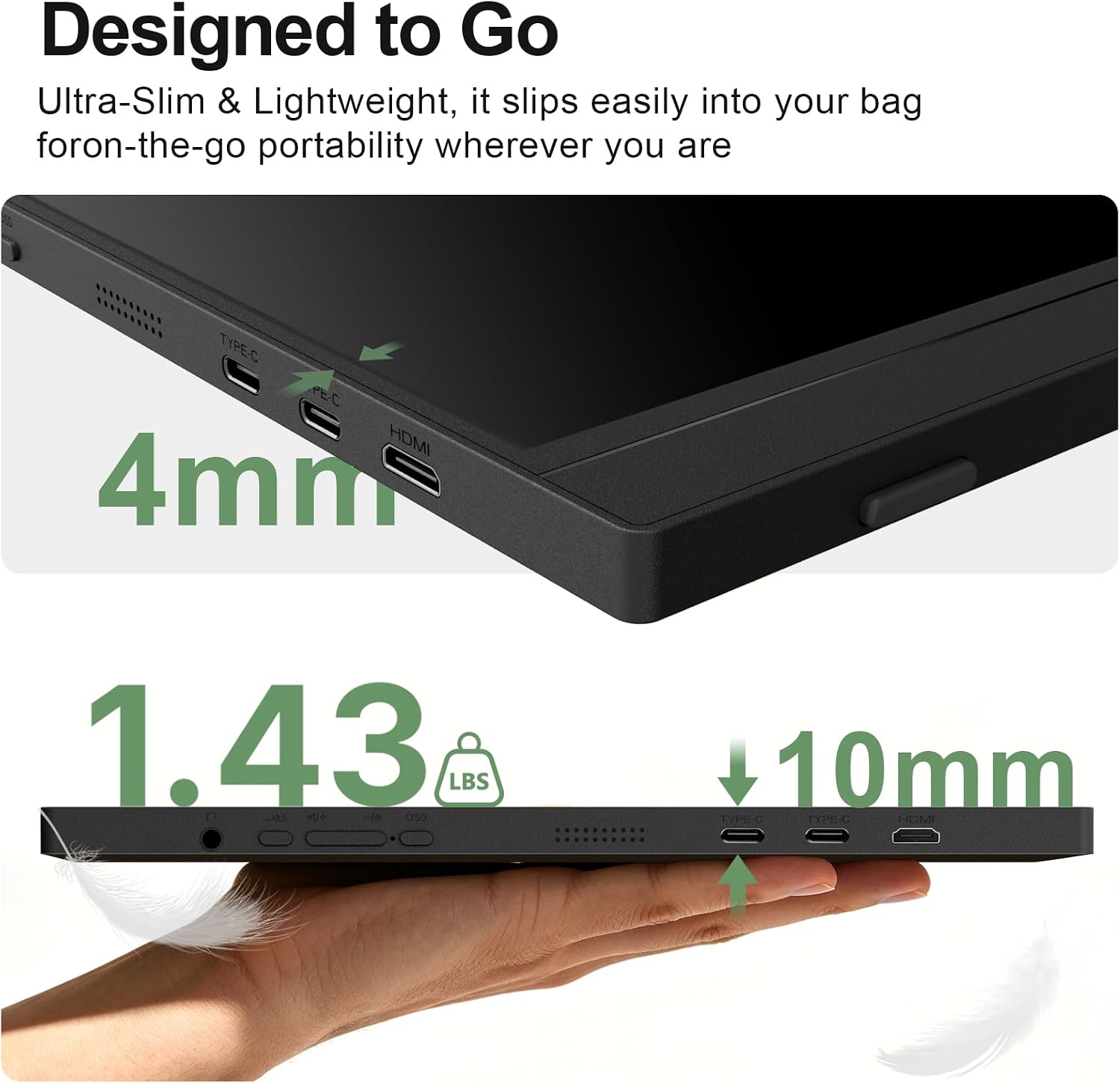
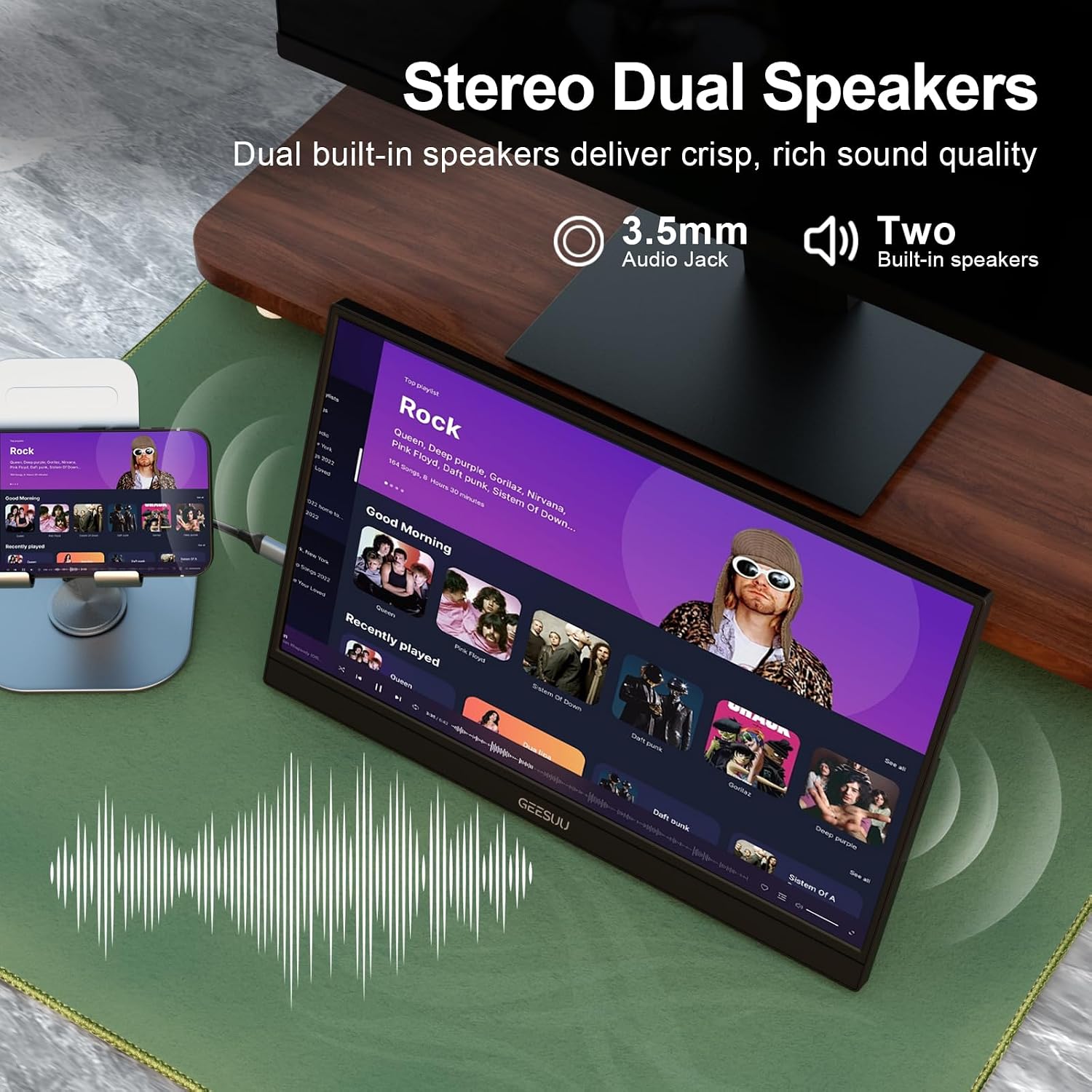
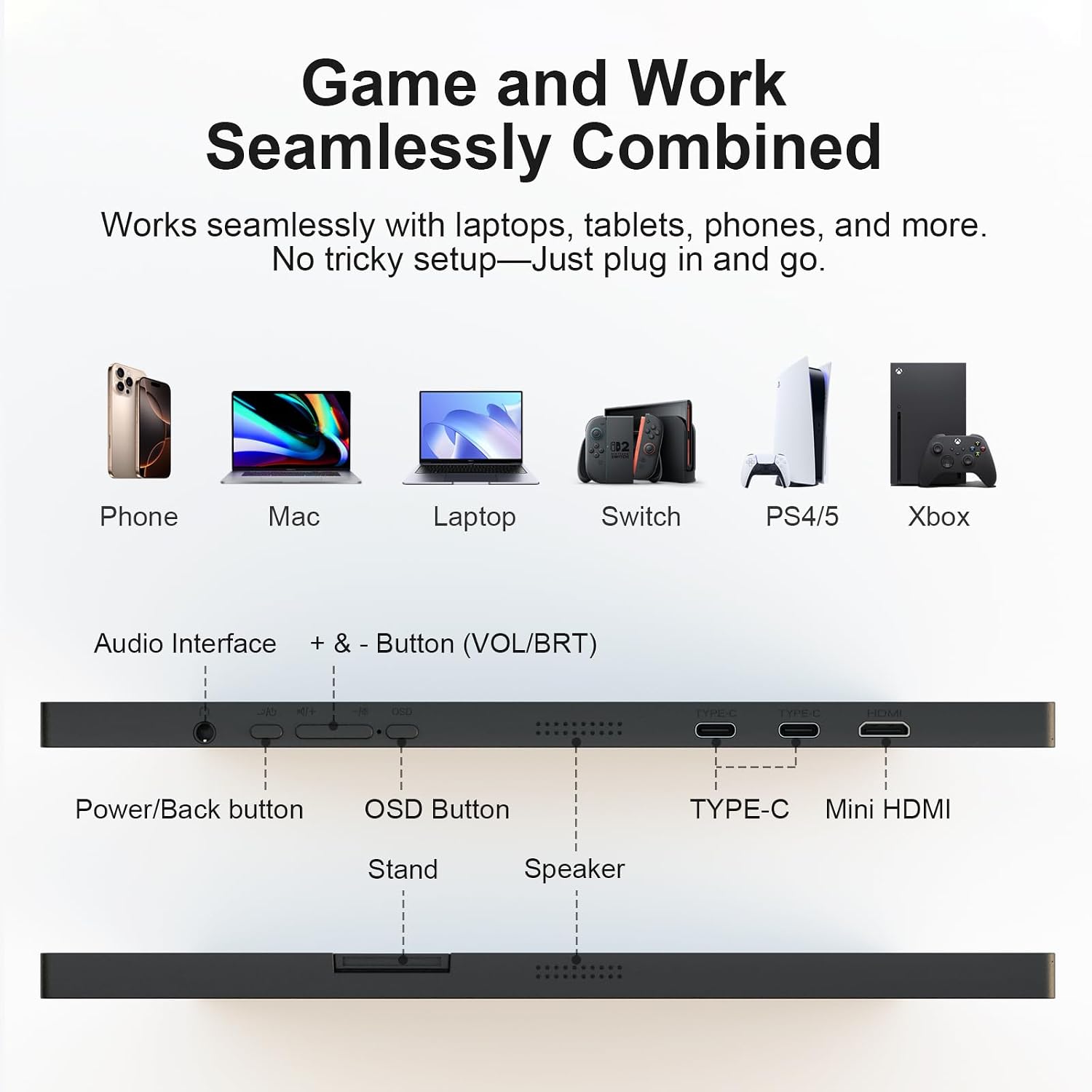
This model emphasises flexibility: a 90° rotating stand lets you switch between landscape and portrait for documents or coding, while a 45° tilt offers comfortable viewing. It uses two full‑size USB‑C ports and a Mini HDMI input, so you can connect a laptop, phone or game console with a single, tidy cable when possible. Built‑in speakers add convenience for meetings or travel viewing.
Who it’s for
If you’re a student, remote worker, traveller or someone who regularly needs extra screen space away from a desk, this display is pitched at practicality over flash. It’s particularly convenient for those who already own USB‑C or Thunderbolt 3/4 devices that support DP Alt Mode, since you can often power and drive the monitor from one cable.
What stands out (pros) and what to watch (cons)
Pros: compact, lightweight, easy to slip into a bag for on‑the‑go use, portrait mode is handy for long documents, HDR mode can brighten highlights for video and games, no driver installation required for compatible devices. Cons: as a portable secondary screen, brightness and depth of colour may not match a premium desktop monitor, relying on USB‑C/HDMI limits compatibility if a device lacks modern outputs, built‑in speakers are useful but not a replacement for proper external audio.
How it performs in use
In everyday scenarios, you can mirror or extend your laptop screen, making multi‑tasking smoother for work and study. The 1080p resolution is adequate for text and spreadsheets on the move, while the HDR toggle helps when watching videos. The 90° rotation is particularly useful for quick skimming or annotating documents on the fly. If you prioritise colour‑critical work, you might notice the need for a more capable panel, but for casual use it offers sensible visuals.
What to check before buying
- Ensure your primary device supports USB‑C with DP Alt Mode or has a suitable HDMI output.
- Consider your bag space and how often you’ll travel with an extra screen, the monitor is slim, but padding in transit matters.
- If you rely on acoustics, test the built‑in speakers against external headphones or speakers for better audio depth.
- Check whether you’ll benefit more from portrait or landscape alignment and whether the stand positioning suits your typical workspace.
Practical example of use
Imagine editing a long research document on your laptop while keeping a live chat window and reference PDFs open on the GEESUU screen. The portrait mode makes it easier to scroll through pages, while the landscape view can host a video call or streaming content in the background.
Where it fits in the buying decision
If you want a lightweight, plug‑and‑play second screen for travel, classes or remote work, it offers clear value and convenience. It may not replace a dedicated desk monitor for photo editing or gaming where colour accuracy, brightness and speaker quality are critical. Consider your primary use case: mobility and extra screen space versus desktop‑style performance.
FAQ
- Does it require drivers? No, in most cases it’s plug‑and‑play via USB‑C or Mini HDMI.
- Can I use it as a main display? It’s designed as a secondary screen, for professional colour work or high‑end gaming, you may want a higher‑spec monitor.
- How rugged is the stand? The stand supports 0–90° rotation and 45° tilt, but like all portable stands, gentle handling helps maintain longevity.
Is it worth it?
It makes sense if you value extra screen space on the go and want a straightforward setup without extra cables. If your work heavily depends on peak colour accuracy or you require bright, high‑contrast visuals for long sessions, you might prefer a larger, more feature‑rich alternative. In short, a solid pick for portability and flexibility, with sensible limits to set expectations.