

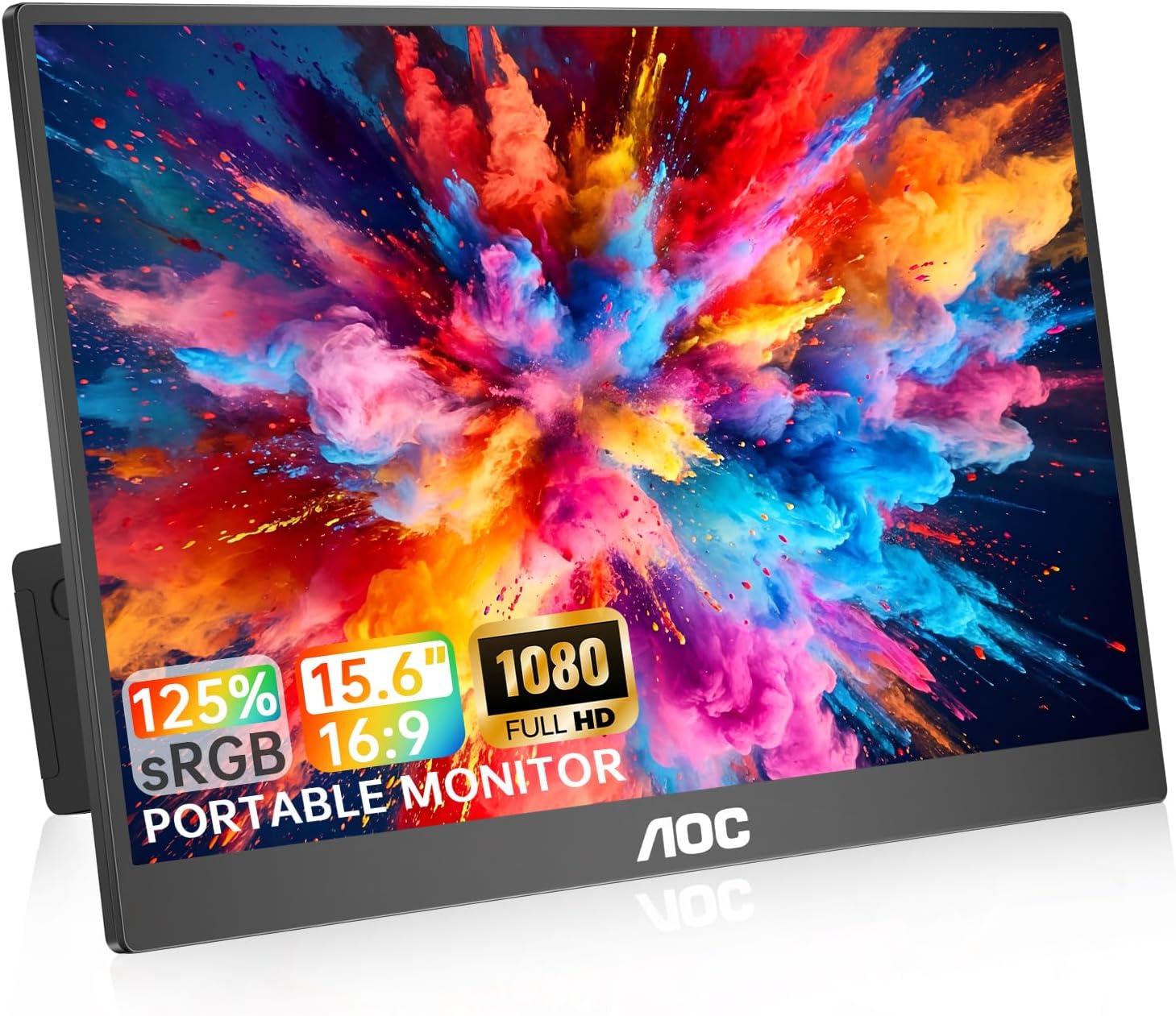
AOC Portable Monitor 15.6" 1080P FHD IPS – Dual USB-C, HDR, 180° Rotation
Product description
What it is
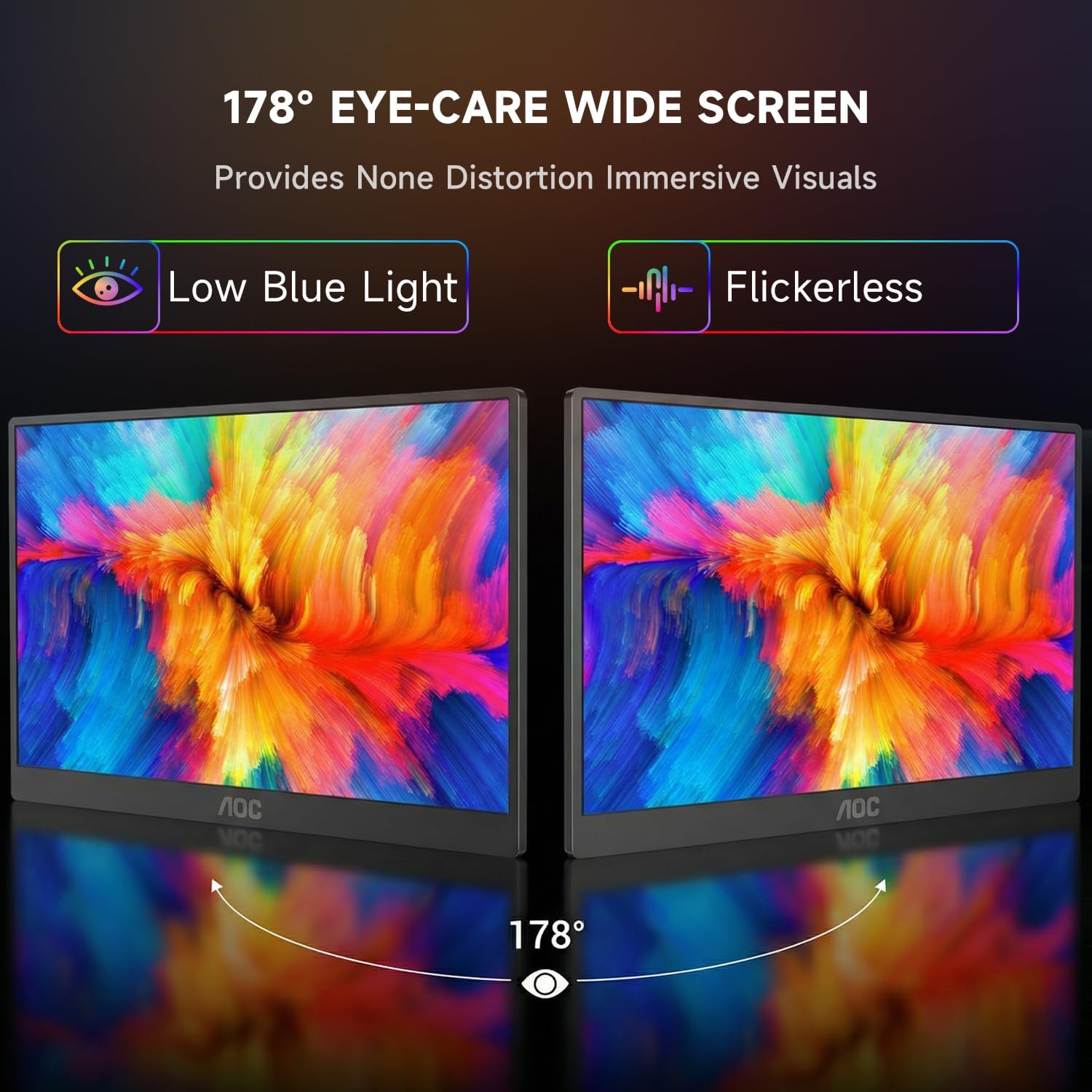
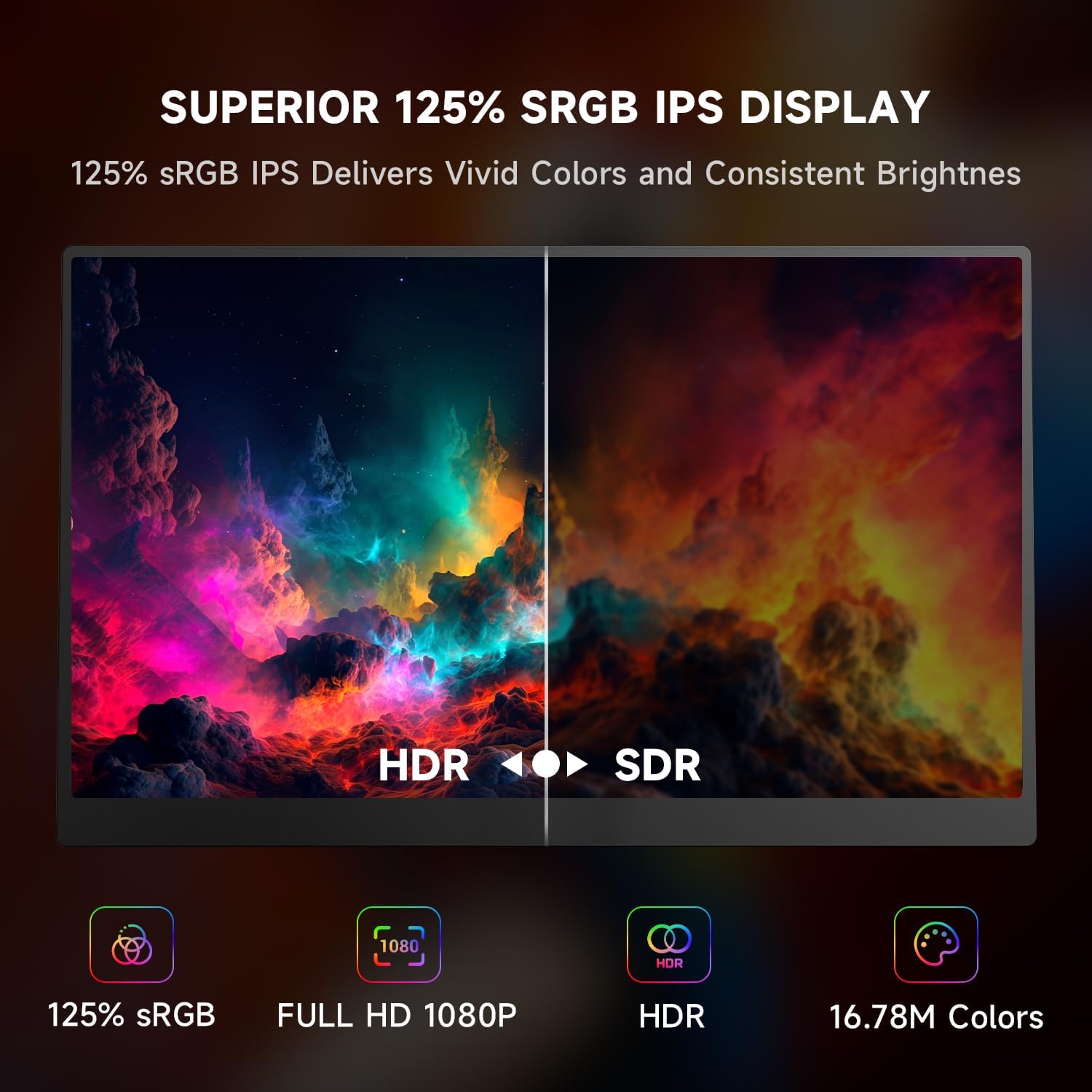
The AOC Portable Monitor is a lightweight, ultra-slim 15.6-inch external display designed to extend or mirror your laptop or mobile device. With Full HD 1080p resolution and an IPS panel offering up to 125% sRGB coverage, it aims to deliver richer colour and wider viewing angles on the go. It supports HDR and reaches up to 350 nits of brightness, making it a practical second screen for work, presentations or casual entertainment when you’re away from the main computer.
The set-up and flexibility
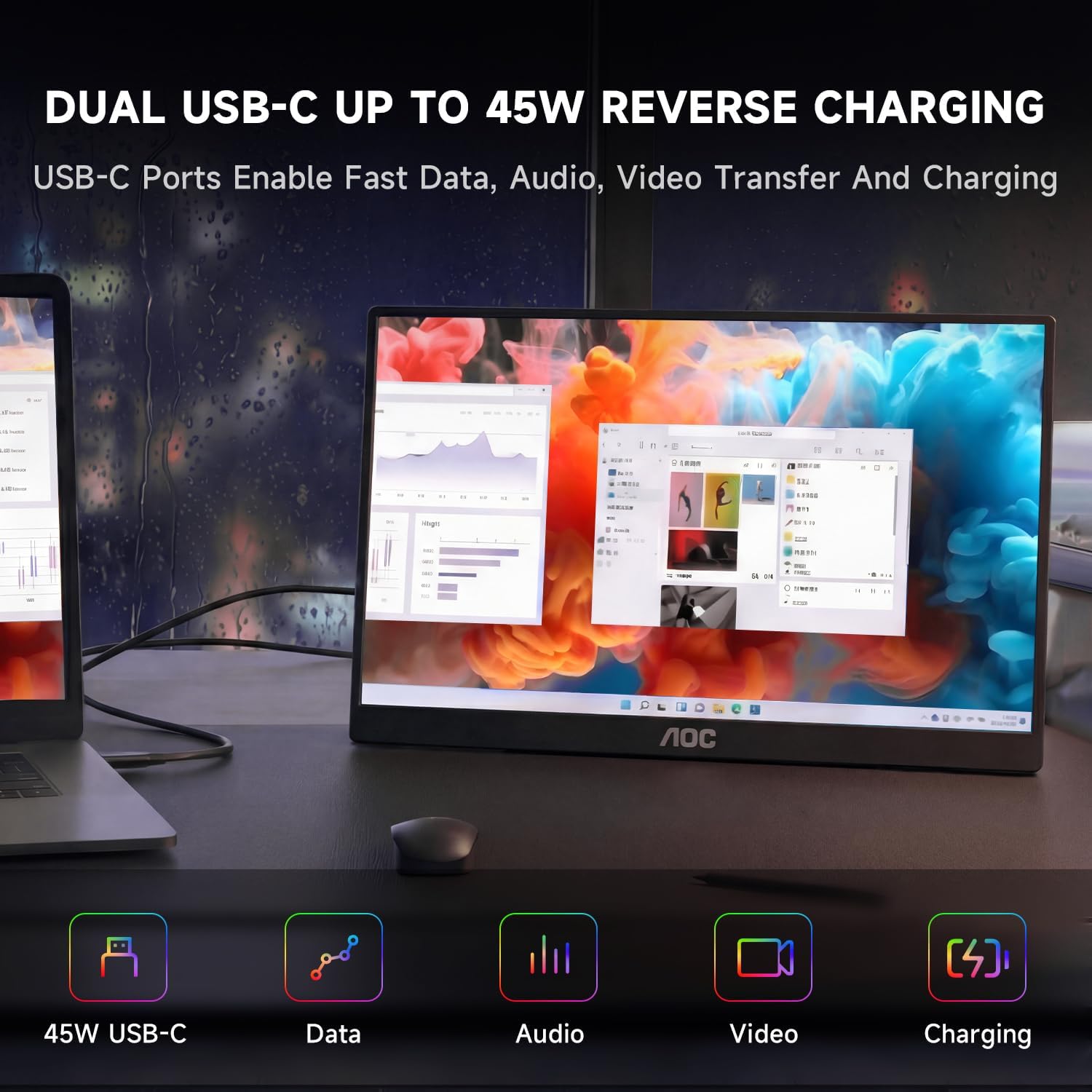
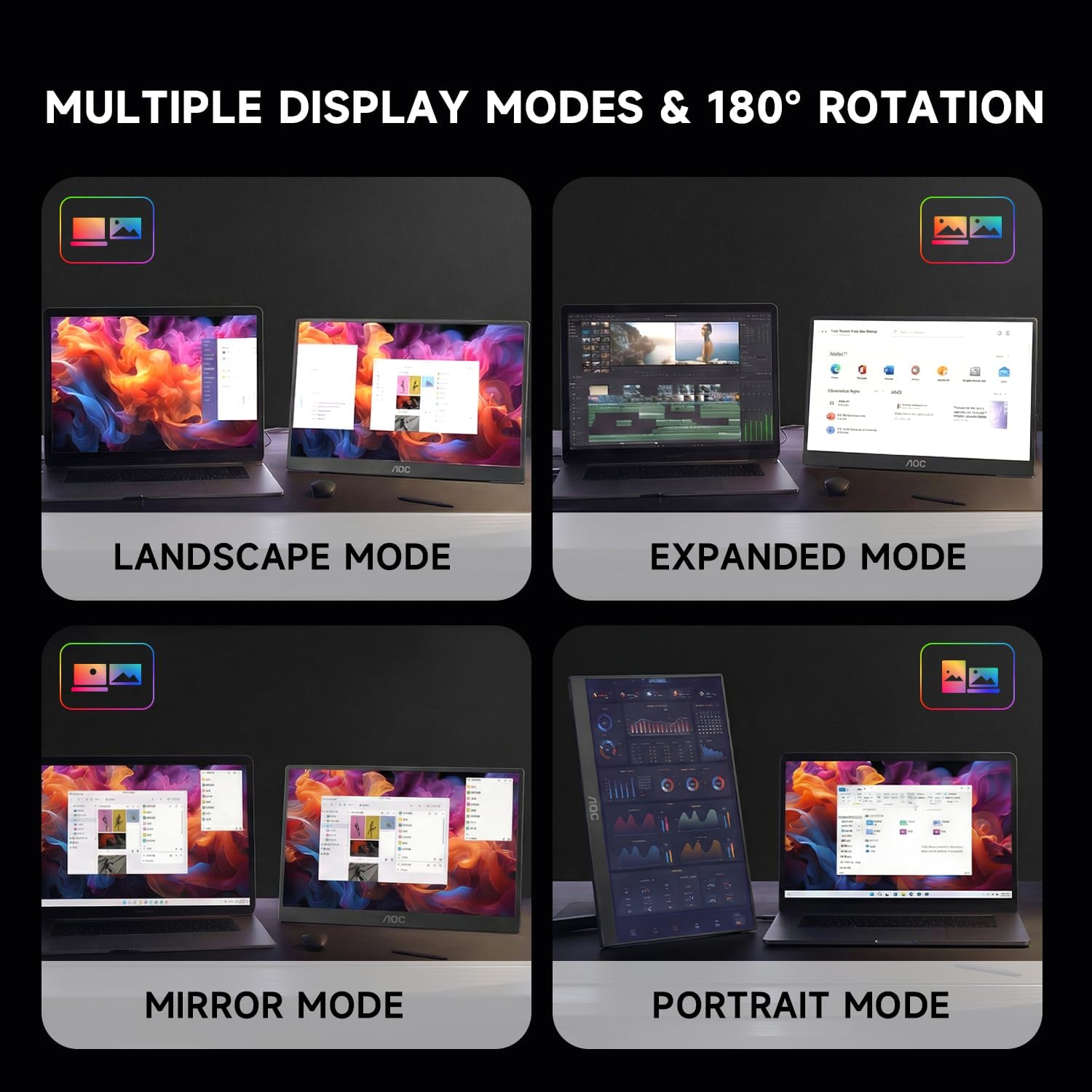
This monitor keeps cable clutter down with two full‑feature USB-C ports—one for video and data, the other providing up to 45W reverse charging. That means under the right conditions you can power compatible devices while you work, helping to keep a compact travel kit tidy. It also offers HDMI/Mini HDMI compatibility for devices that don’t support USB-C display output. A notable feature is the 180° rotation, enabling landscape or portrait use and easy sharing or gaming setups.
Build and portability
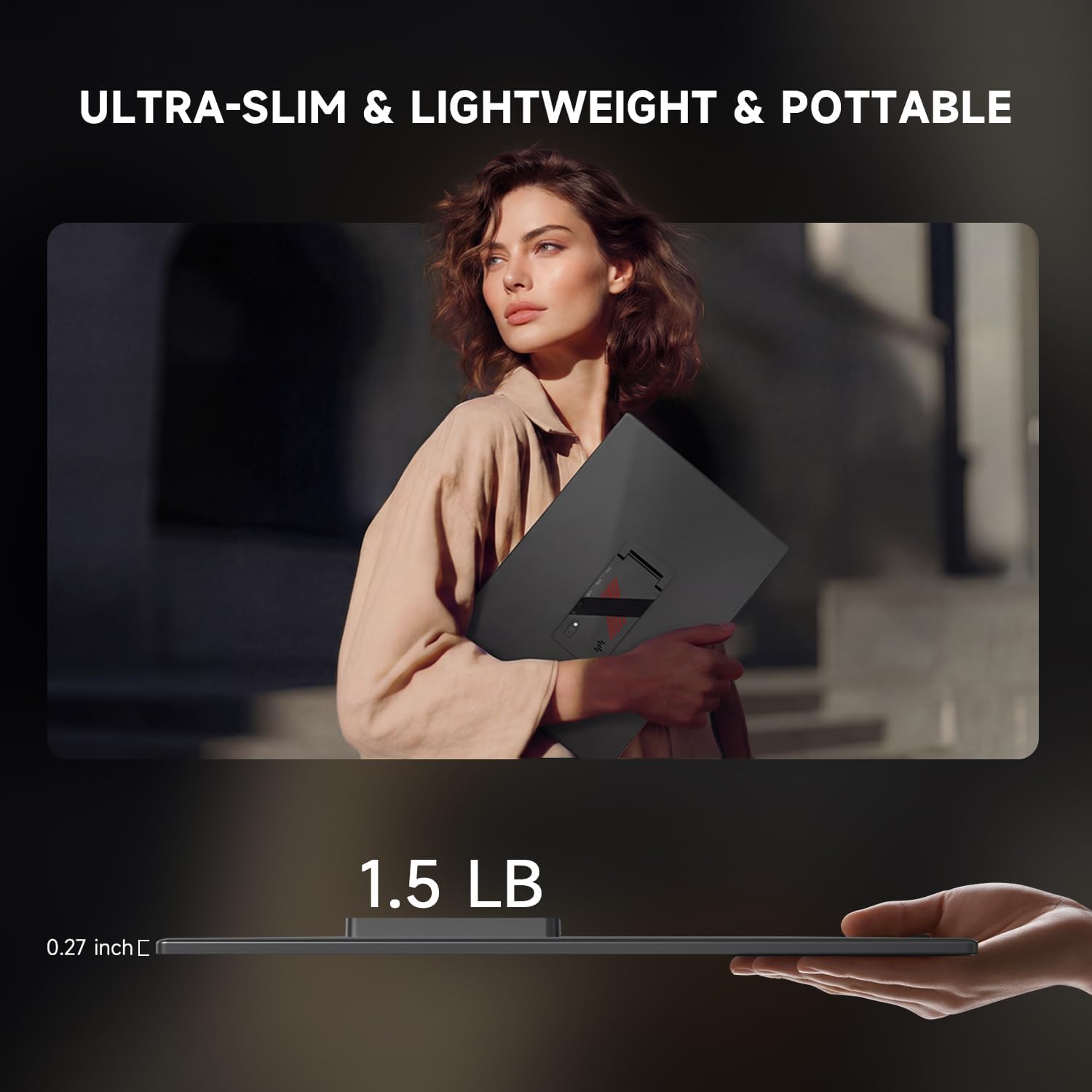
Crafted with a premium aluminium alloy body, it weighs roughly 1.5 lbs and is about 0.27 inches thick. The combination of light weight and a slim profile makes it easy to slip into a backpack or laptop bag for travel, commuting or remote work.
Display and viewing experience
Key strengths are the vivid colour rendering from the IPS panel and wide viewing angles, which help maintain image consistency when you’re sharing content or working with others. The 125% sRGB coverage is about practical use rather than a studio-grade colour workflow, and HDR support adds depth to compatible content. If you rely on precise colour for professional tasks, it’s sensible to manage expectations and test with your own workflows.
Sound and ports
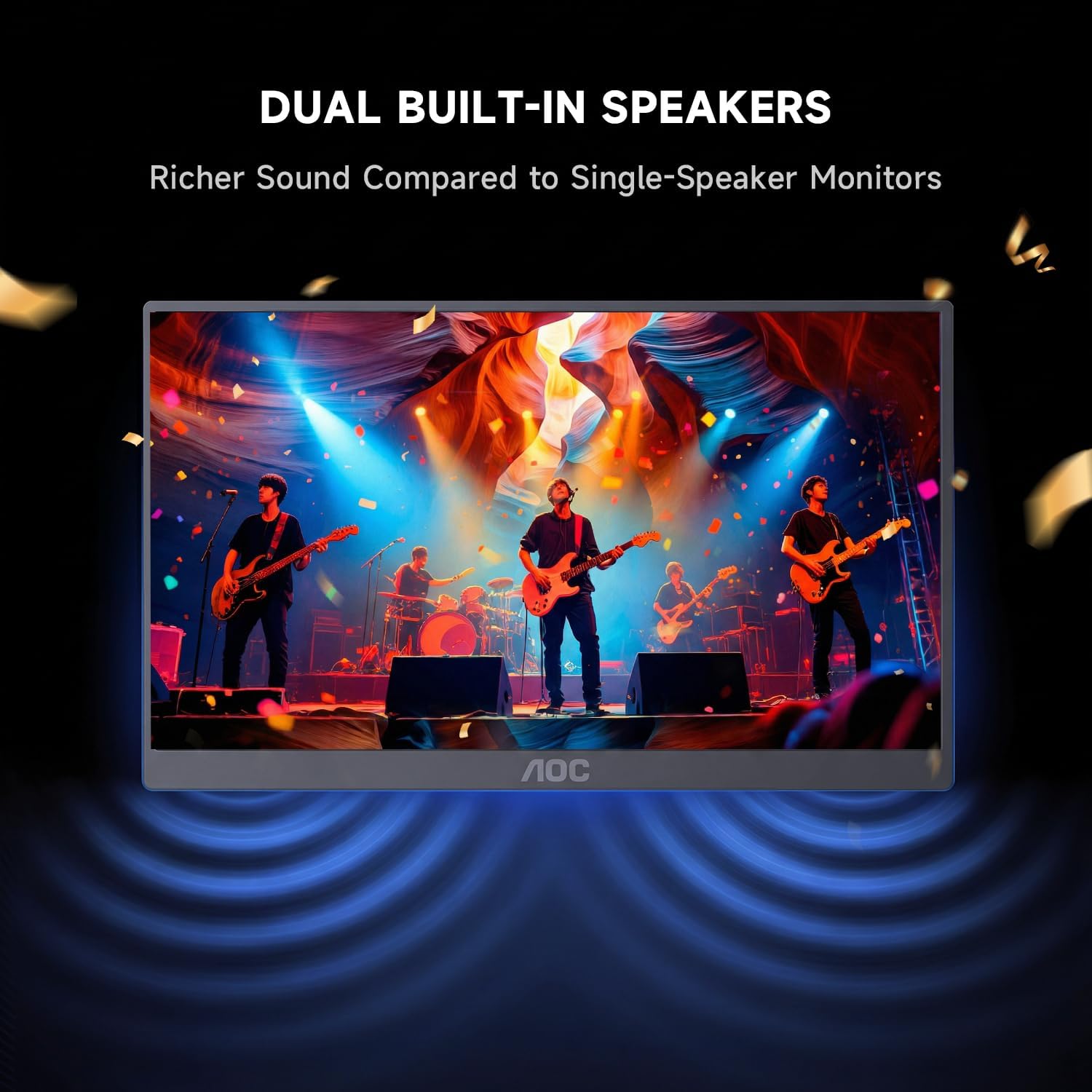
Built-in dual speakers give basic audio, with a 3.5 mm jack for headphones or external speakers if wanted. The presence of two USB-C ports reduces cable clutter, and the reverse charging capability can be convenient for short sessions away from a power outlet. However, note that actual charging and power delivery depend on your host device and its USB-C capabilities.
Who it’s for
This is a solid option for travellers, students, or remote workers who want a practical second screen without committing to a larger external display. It also suits casual gaming or multimedia when paired with a laptop, console or phone that supports USB‑C display output or HDMI input. If you primarily need a device for colour-critical photo or video work, you may want to compare with panels aimed at higher colour accuracy.
When it makes sense to buy
If you prioritise portability, simple dual‑screen workflows, and the convenience of a lightweight companion monitor, this model can slot into a mobile setup nicely. It may be less compelling if you require extremely accurate colour grading, the highest brightness for sunny environments, or a higher refresh rate for fast-paced gaming.
When to consider alternatives
If your use case centres on on-the-go video calls or extended desktop real estate but with very tight space, you might explore models with different panel calibations or higher brightness. For gaming, a monitor with a faster response time and higher refresh rate could be appealing, depending on the device you intend to pair it with.
What to check before buying
- Ensure your host device supports DP Alt Mode or Thunderbolt 3/4 for USB-C video output if you plan to use USB-C exclusively. Some devices may require an HDMI path instead.
- Confirm compatibility with your intended power setup if you plan to use the reverse charging feature frequently (depends on device power draw and cable capabilities).
- Consider where you’ll place the monitor when travelling and whether the 0.27” thickness fits your bag and protection needs.
- If colour accuracy matters for you, test the 125% sRGB range in your typical content to see if it meets your expectations.
Practical usage example
Imagine pairing this with a lightweight ultrabook for a presentation on a client site. You’d export slides to the second screen, rotate to portrait for slide notes, mirror or extend as needed, while the small USB-C setup keeps the desk tidy and limits cable chaos. The built-in speakers can handle a quick briefing, though you’d reach for headphones for a longer session.
Is it worth it?
It makes sense if you need a compact, easy-to-carry second screen that adds flexible viewing options and modest power support on the road. It’s not the best choice if you require exact colour fidelity, a very bright panel for bright outdoor use, or a high-refresh gaming experience.
FAQ
- Does it work with USB-C charging only? It offers reverse charging via one USB-C port, but power delivery depends on your host device and cable.
- Can it be used with a smartphone or console? Yes, via USB-C (DP Alt Mode or Thunderbolt) or Mini HDMI where supported, enabling screen extension or mirroring for phones and other devices.
- Is portrait mode practical for coding or reading? The 180° rotation supports portrait orientation, which can be handy for document review or mobile workflows.
Final verdict
Is it worth it? For those who value portability and a straightforward second display for travel or mobile work, this AOC model delivers practical features without heavy commitments. If your needs include top-tier colour accuracy, extreme brightness, or a high-end gaming experience, you may want to look at other options.