

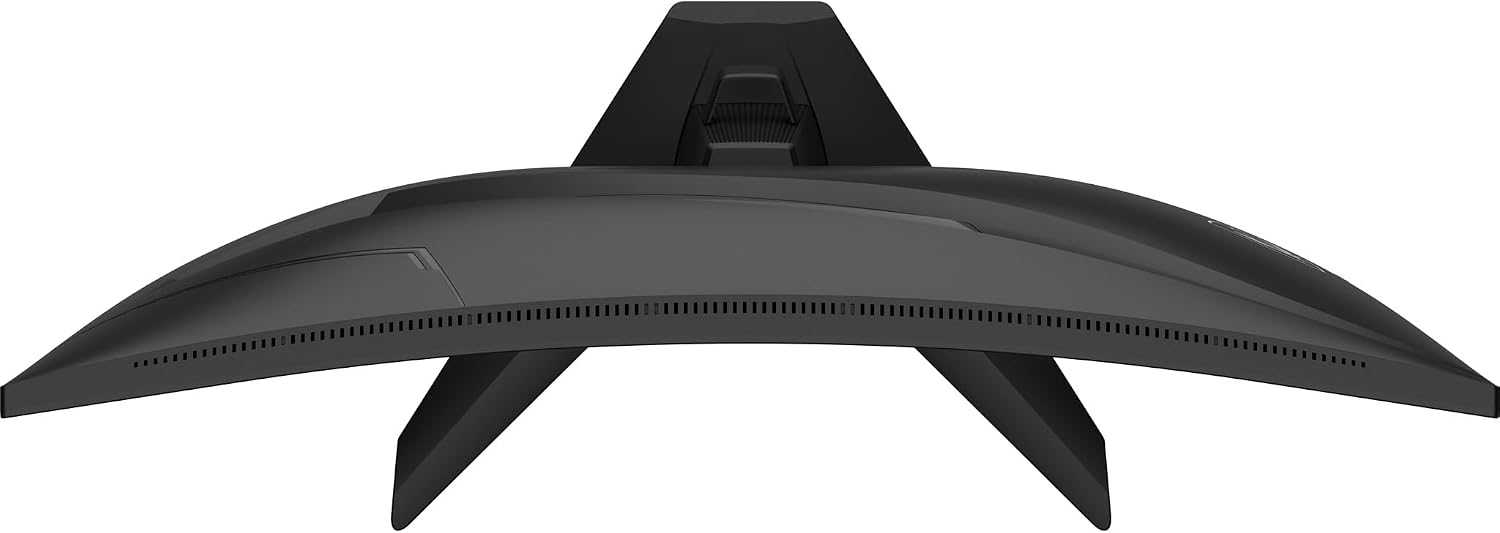
MSI MAG 272F X24 27-Inch Gaming Monitor review: 1080p, 240Hz Rapid IPS
Product description
What it is and who it’s for
The MSI MAG 272F X24 is a 27-inch gaming monitor aimed at fast-paced titles where every millisecond counts. It pairs a Full HD 1920 x 1080 resolution with a 240 Hz refresh rate and a sub-1 ms response time (GtG, min), designed to deliver smoother motion and lower input latency for competitive play. If you’re after a responsive screen that still fits on a desktop without stretching to 1440p or 4K, this model sits in the practical middle ground for esports and high-speed action.
Design and panel characteristics
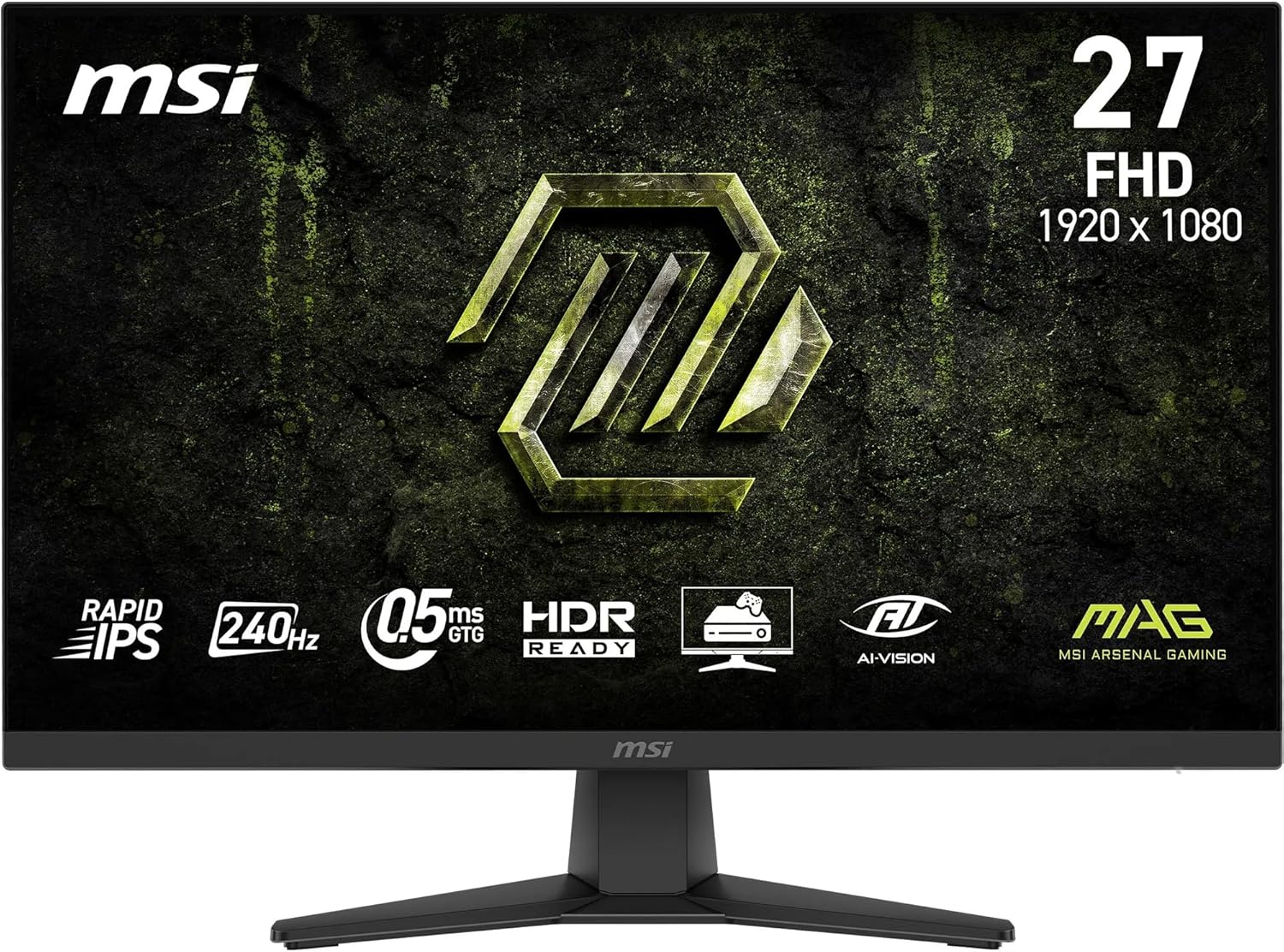
On the design side MSI highlights a frameless look, which reduces bezel lines between screens and helps with multi-monitor setups. The Rapid IPS panel is specified to deliver broad viewing angles (up to 178°) and a wide colour gamut—up to 122% sRGB via 8-bit + FRC—helping digital content look punchier than basic IPS panels. Features like Anti-Flicker and Less Blue Light aim to make longer sessions more comfortable on the eyes, though real-world comfort will depend on brightness and ambient lighting.
Visual performance and features
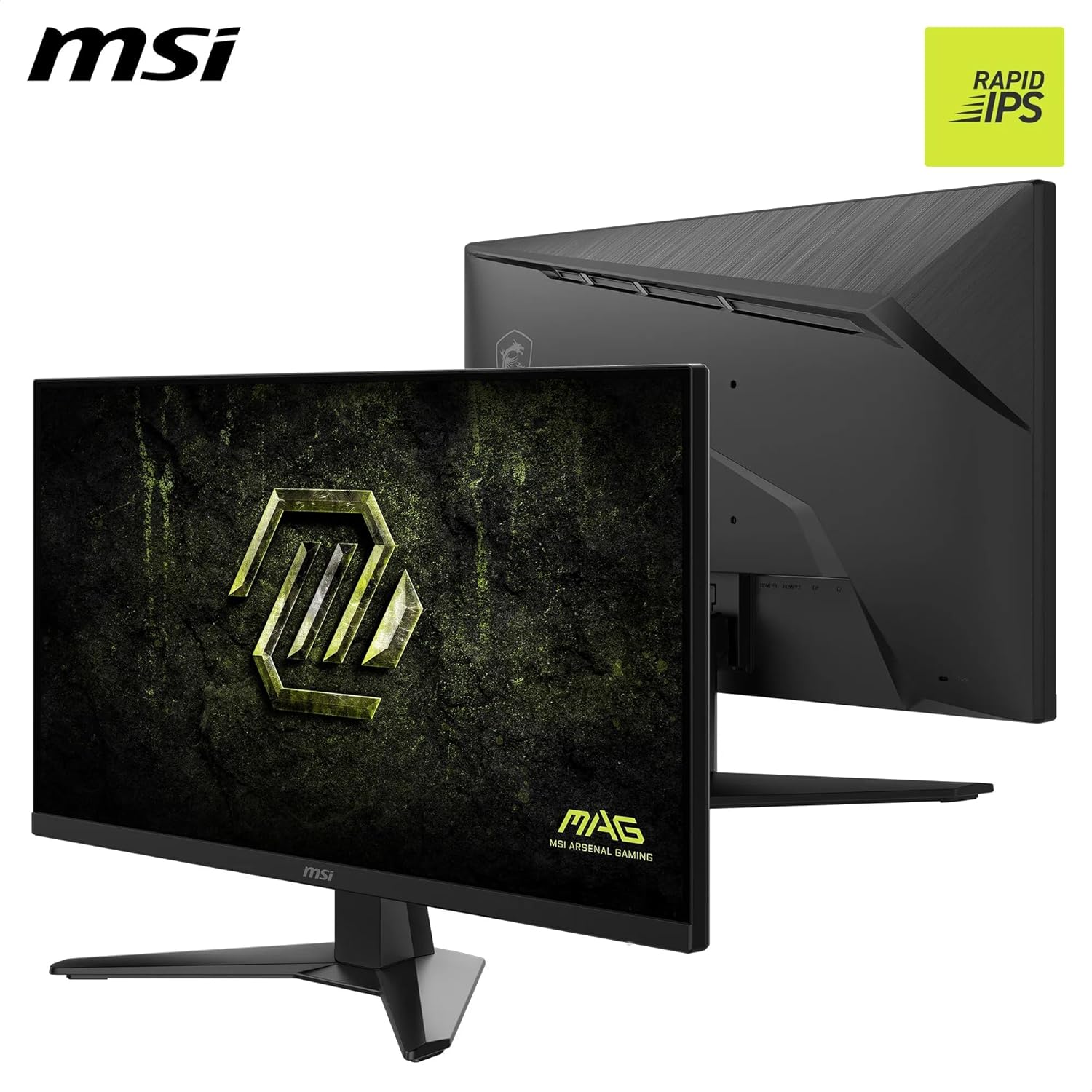
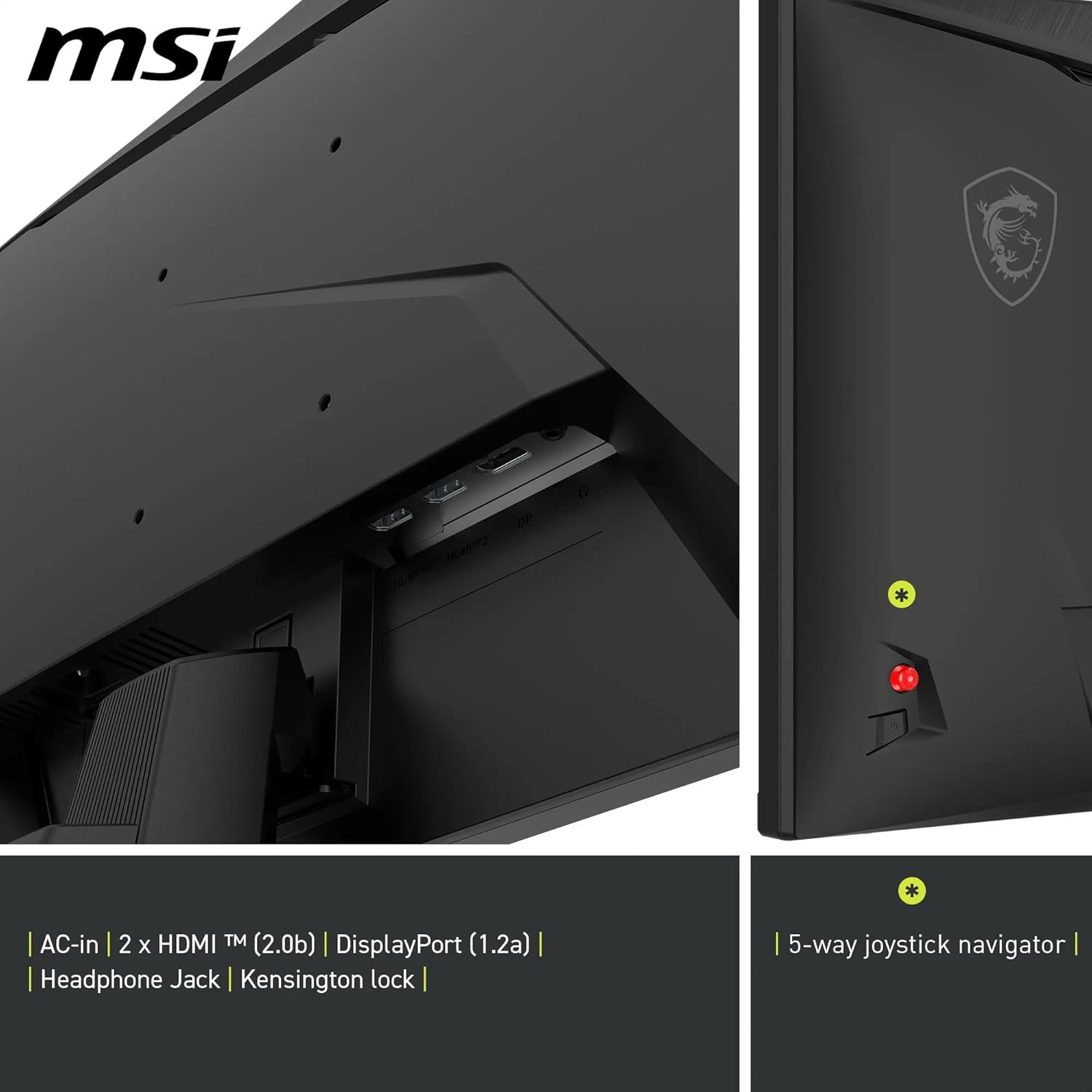
A 1000:1 native dynamic contrast ratio is paired with a Dynamic Contrast engine (up to 100M:1) for deeper darks in games with shadows. The AI Vision tool is described as a smart black tuner that aims to enhance detail in dark areas and adjust brightness and colour accordingly. Connectivity focuses on practicality for console or PC users, with DisplayPort 1.2a and HDMI 2.0b offering FHD at 240 Hz, plus a rear 5-way joystick for navigation. If you value quick in-game visibility and rapid transitions, this panel is built to support that workflow.
Colour and image realism
In practice, the 1.07 billion colour capability (via 8-bit + FRC) is a step beyond basic 8-bit displays, helping to keep gradients smoother and less banded in scenes with subtle lighting. However, with a 1080p resolution on a 27-inch panel, image sharpness will naturally be lower than higher-resolution monitors. It’s a trade-off that tends to appeal to competitive players who prioritise refresh rate and motion clarity over pixel density.
Performance in motion
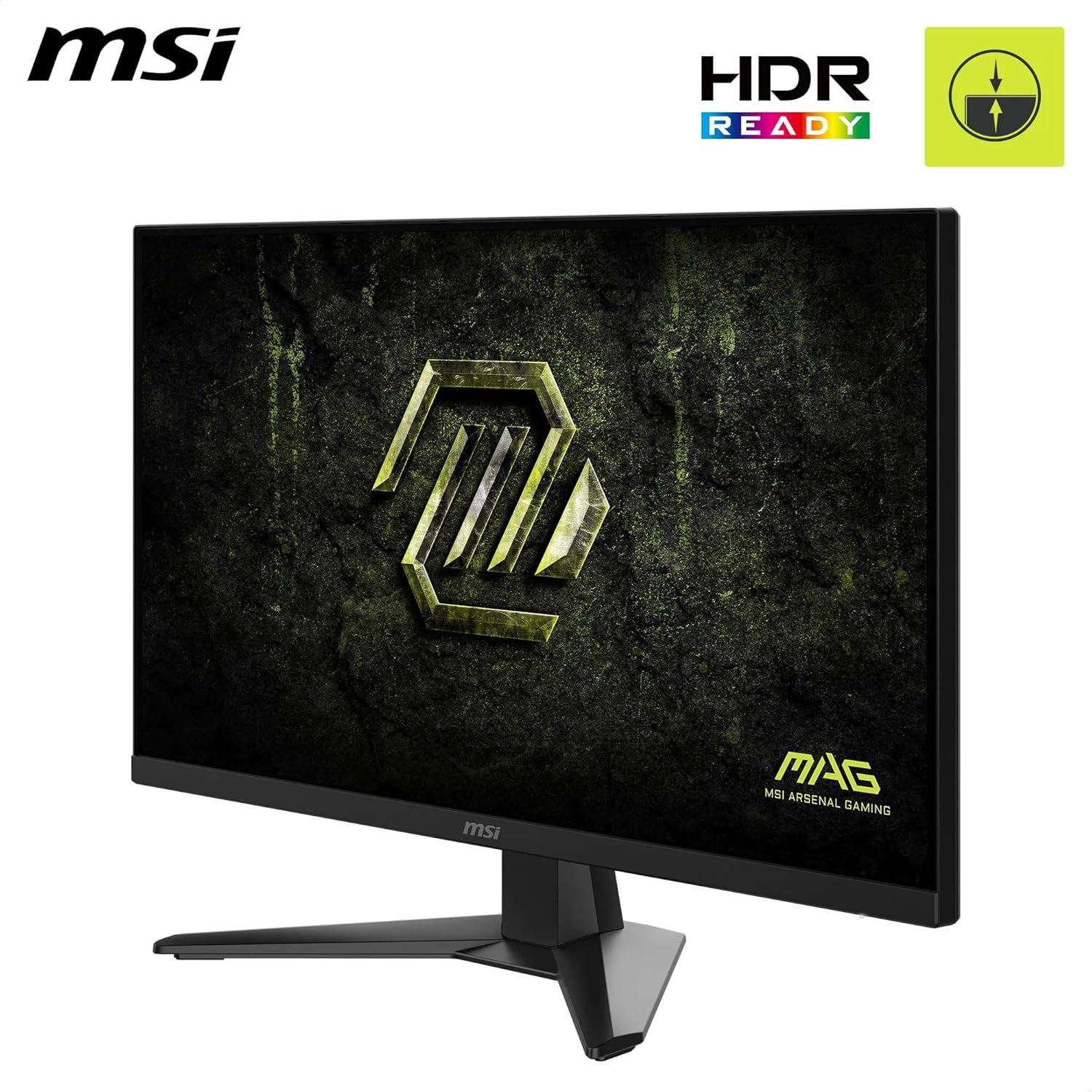
The standout specification here is the 240 Hz refresh rate combined with a 0.5 ms GtG response. In fast esports titles, this can translate to smoother tracking and reduced smear during rapid camera or crosshair movement. That said, you’ll need to pair this with a capable GPU and a game that targets 240 Hz to fully exploit the spec. In real terms, if you’re upgrading from a 144 Hz monitor, you’ll likely notice smoother motion and perceived responsiveness, if you’re coming from higher resolutions, the benefit is more about motion fluidity than pixel detail.
Build, inputs and practical notes
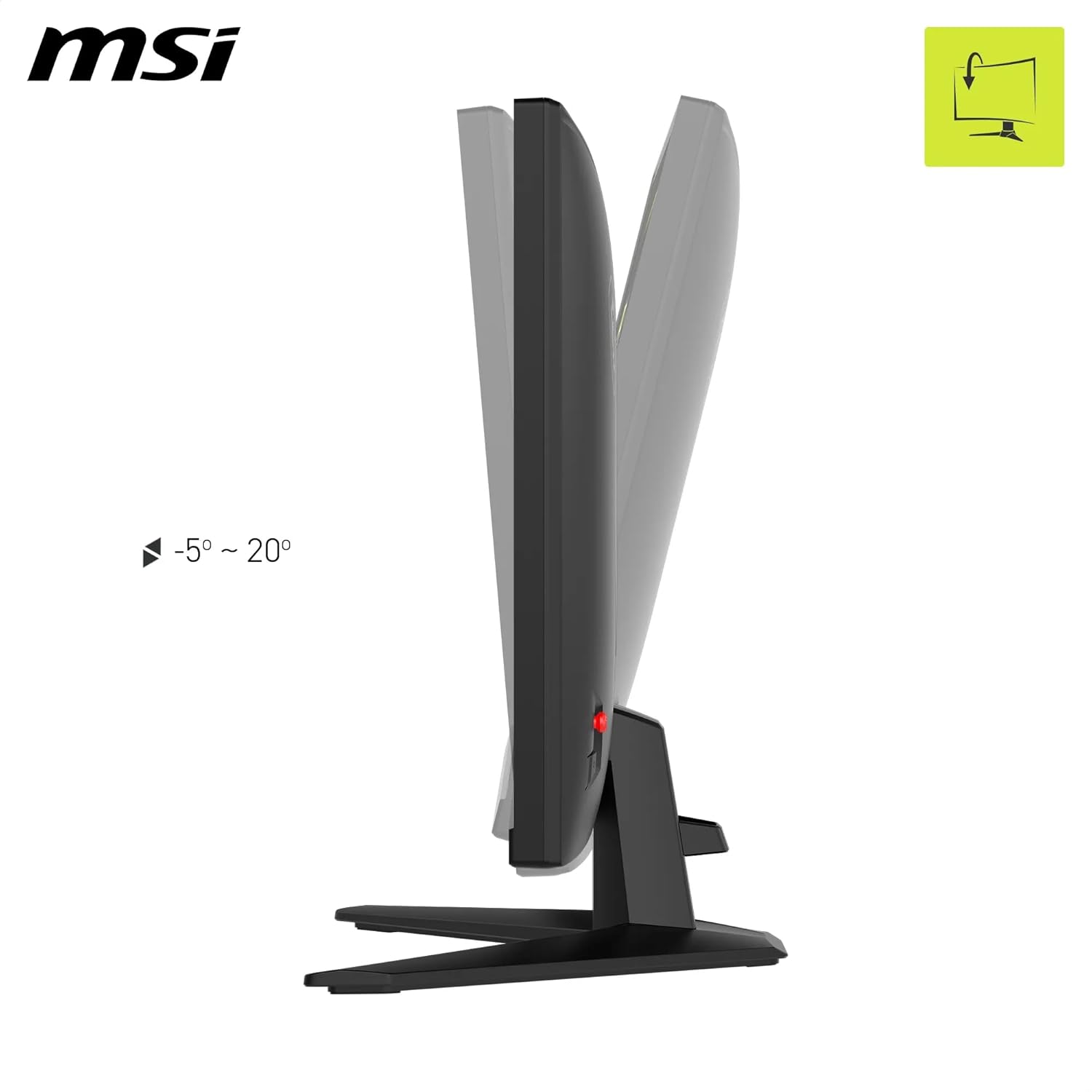
The frame-less design is attractive for immersive setups, and the monitor includes VESA mounting compatibility for flexible stand options. For living room or casual gaming setups, the CEC-enabled HDMI/DisplayPort ports can simplify connections to a games console or laptop. The panel’s HDR readiness suggests that it can handle high dynamic range content, but it’s important to manage expectations: HDR performance on a 1080p panel at 27 inches is usually modest compared with higher-end HDR displays.
What to consider before buying
If your priority is 4K clarity, ultra-high colour accuracy, or built-in speaker performance, this MSI may not be the best choice. At 1080p, you’ll want to ensure your GPU can sustain high frame rates at 240 Hz in your preferred titles. For non-competitive, cinematic experiences, you might prefer a higher resolution or a panel with better HDR performance. Also, the AI Vision and Dynamic Contrast features are interesting, but they rely on software processing baked into the panel, real-world results can vary and may require some fine-tuning in-game and in the OS overlay.
Everyday use and compatibility
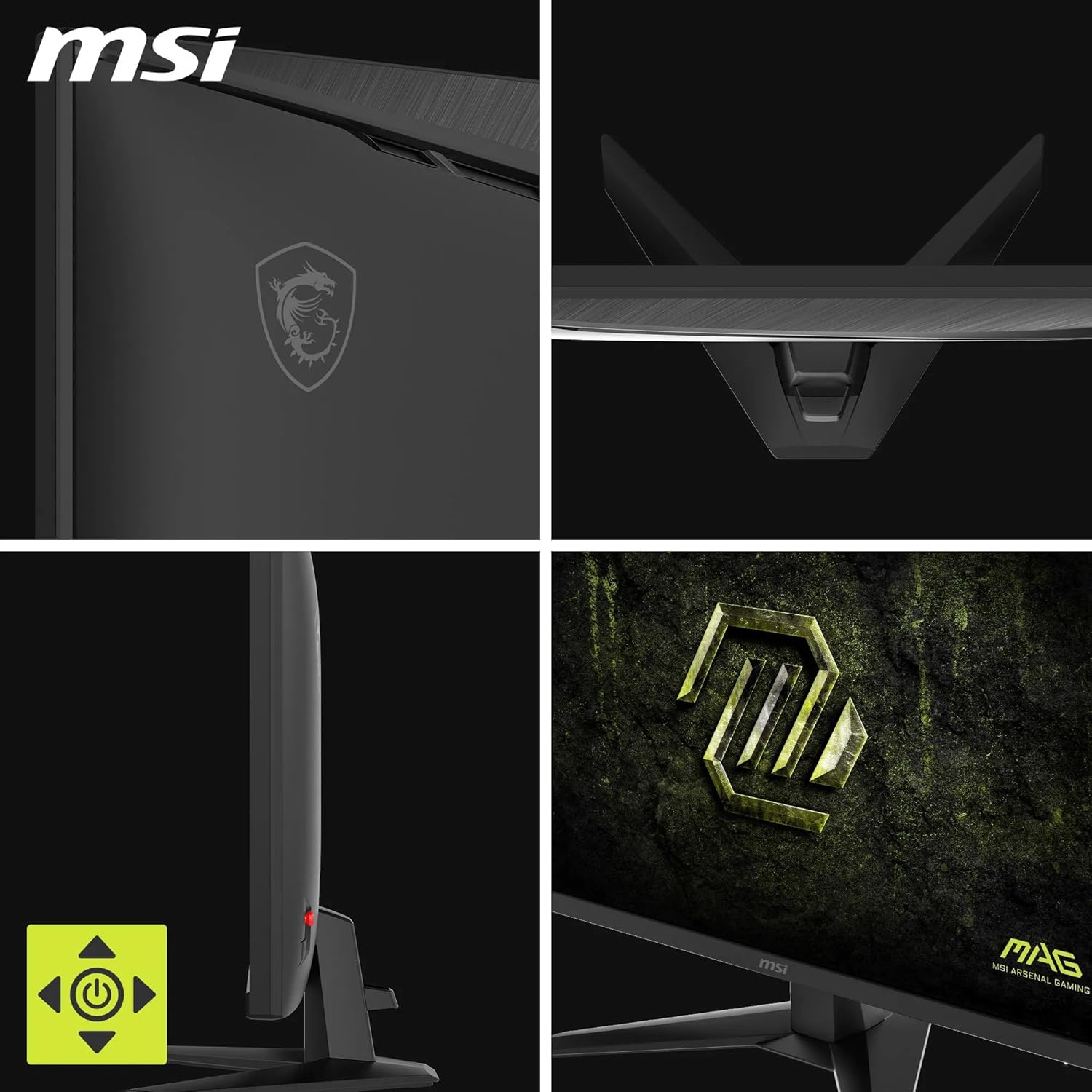
This monitor is well-suited for players who value speed and a clean, frameless aesthetic. It can suit a single-monitor setup or be part of a multi-monitor arrangement thanks to slim bezels. If you’re using it with a console, HDMI 2.0b at 1080p/240 Hz will likely be the practical cap, while PC use can push through to higher frame rates depending on the system.
Should you buy it? Final thoughts
Is it worth it? It makes sense if you prioritise esports-grade motion and a neat, unobtrusive chassis at a reasonable price point for a 27-inch, 1080p gaming dock. It isn’t perfect for everyone—if you want the best possible image quality at 27 inches, you may outgrow 1080p quickly, and HDR performance on this class is modest. For gamers who want a bold, fast screen for competitive titles and daily gaming with a compact footprint, the MAG 272F X24 offers compelling value.
FAQ
- Can you use this monitor for productivity beyond gaming? Yes, but the 1080p resolution and 27-inch size are not ideal for long-form document work, text can appear less sharp compared to higher-resolution displays.
- Does AI Vision significantly improve image quality in all scenarios? It’s designed to adjust darker areas and brightness, but results depend on the content and in-game lighting, it’s not a substitute for careful scene setup.
- How important is the 240 Hz refresh rate in practice? If you play fast-paced shooters or racing titles, the higher refresh rate can improve motion smoothness and reduce perceived latency, for strategy or slower-paced games, the benefit is less pronounced.
Decision: Is it worth it?
Worth considering if you prioritise speed, a clean frame, and a compact 27-inch footprint for esports-style play. If your main goal is the sharpest possible image at 1080p, or if HDR performance is a decisive factor, you may want to compare with higher-resolution options or monitors with more robust HDR support.