

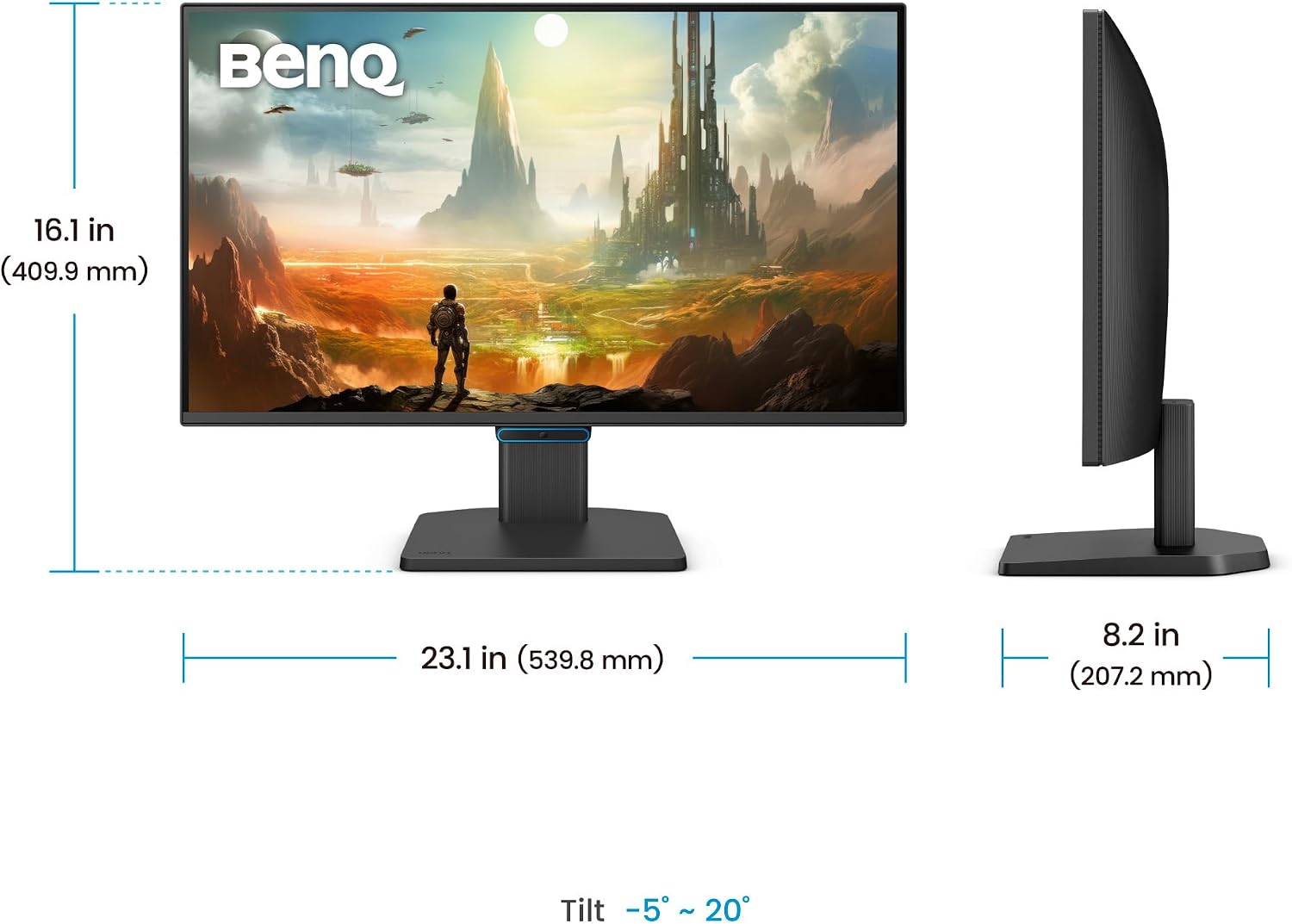
BenQ GW2490CE 23.8" IPS Monitor with 144Hz, Eye-Care and USB-C
Product description
What this is and what it aims to solve
The BenQ GW2490CE is a 23.8-inch full HD monitor designed for home offices and everyday computing. It combines a 1080p IPS panel with a 144Hz refresh rate, which can contribute to smoother scrolling and responsive interactions in everyday tasks and light gaming. Built for comfort, it integrates BenQ’s Eye-Care features to help reduce eye strain during long sessions, making it a sensible choice for people who work from home or study at a desk.
Who it’s for
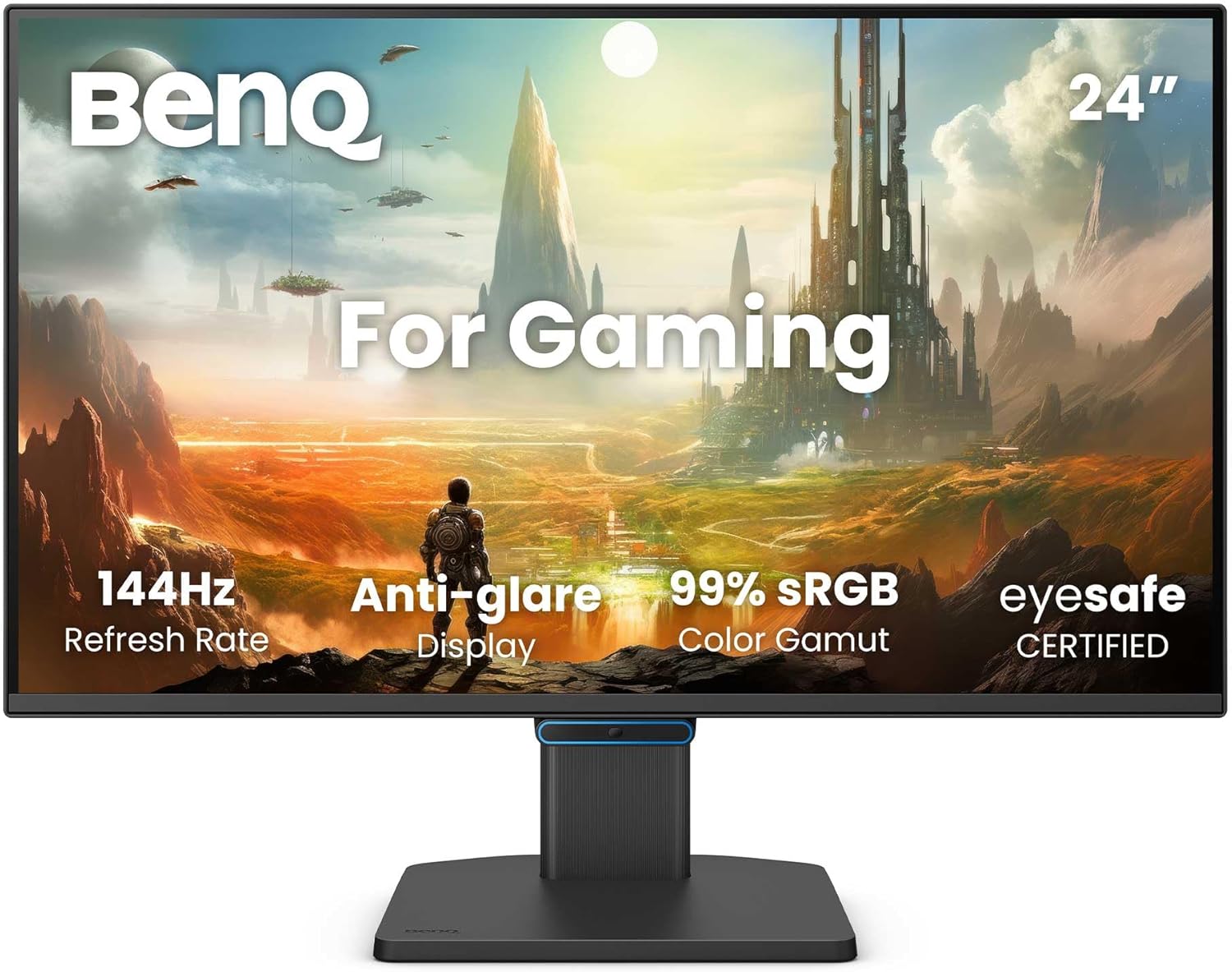
If you value a practical, no-fuss display for typical office work, video viewing, and casual gaming, this monitor aims to cover those needs without demanding extra tweaking. The combination of an ultra-thin bezel and a compact 23.8-inch footprint also suits setups where space is at a premium or where you want a near-edge-to-edge feel across multiple screens.
Visual performance and colour
On paper, the IPS panel promises accurate colours and wide viewing angles, with 99% sRGB coverage stated in the spec. This makes it reasonable for general photo viewing, document work and web content where colour consistency matters. It isn’t described as having HDR or high dynamic range, so expect standard 1080p performance without elevated contrast or peak brightness figures being highlighted.
Eye care and comfort features
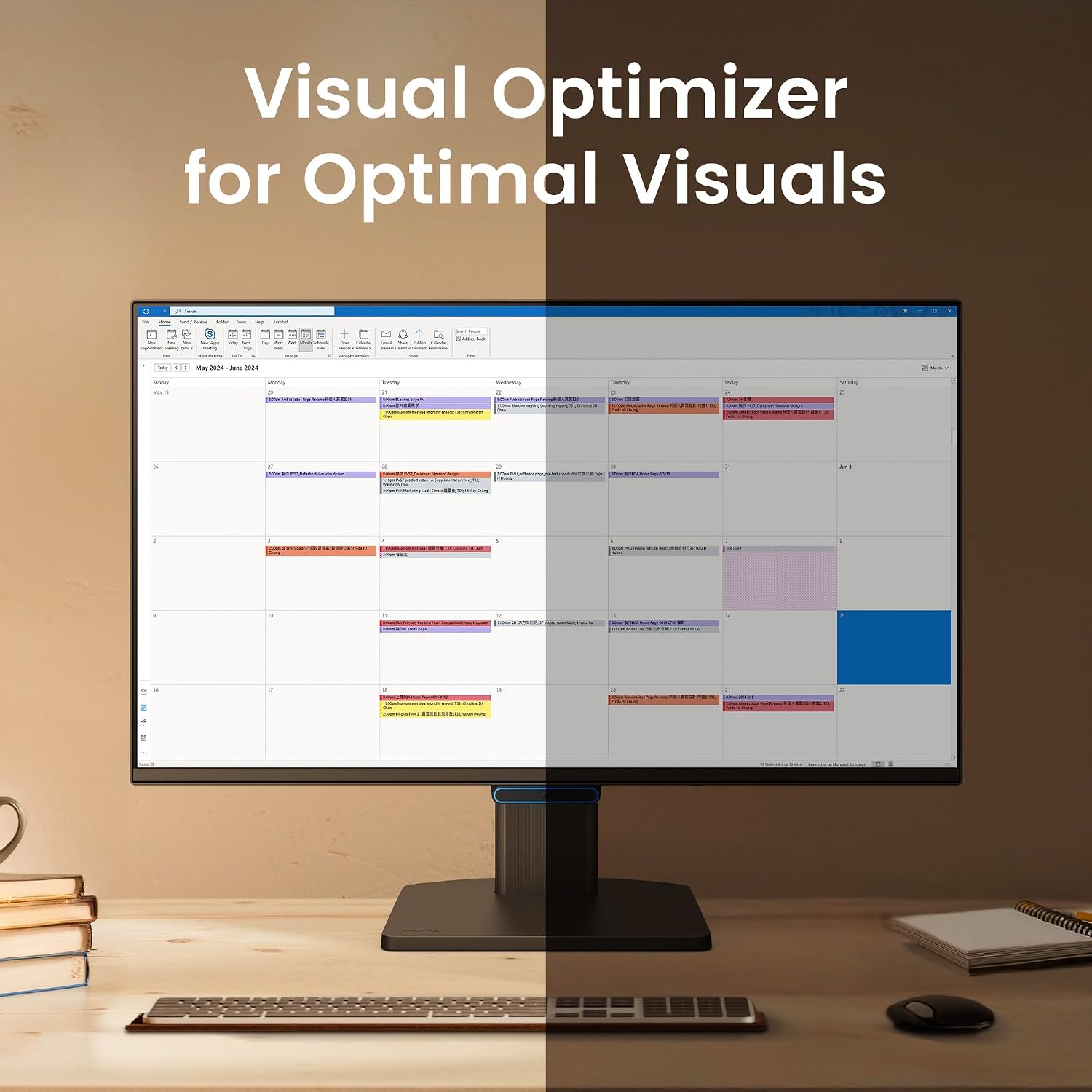
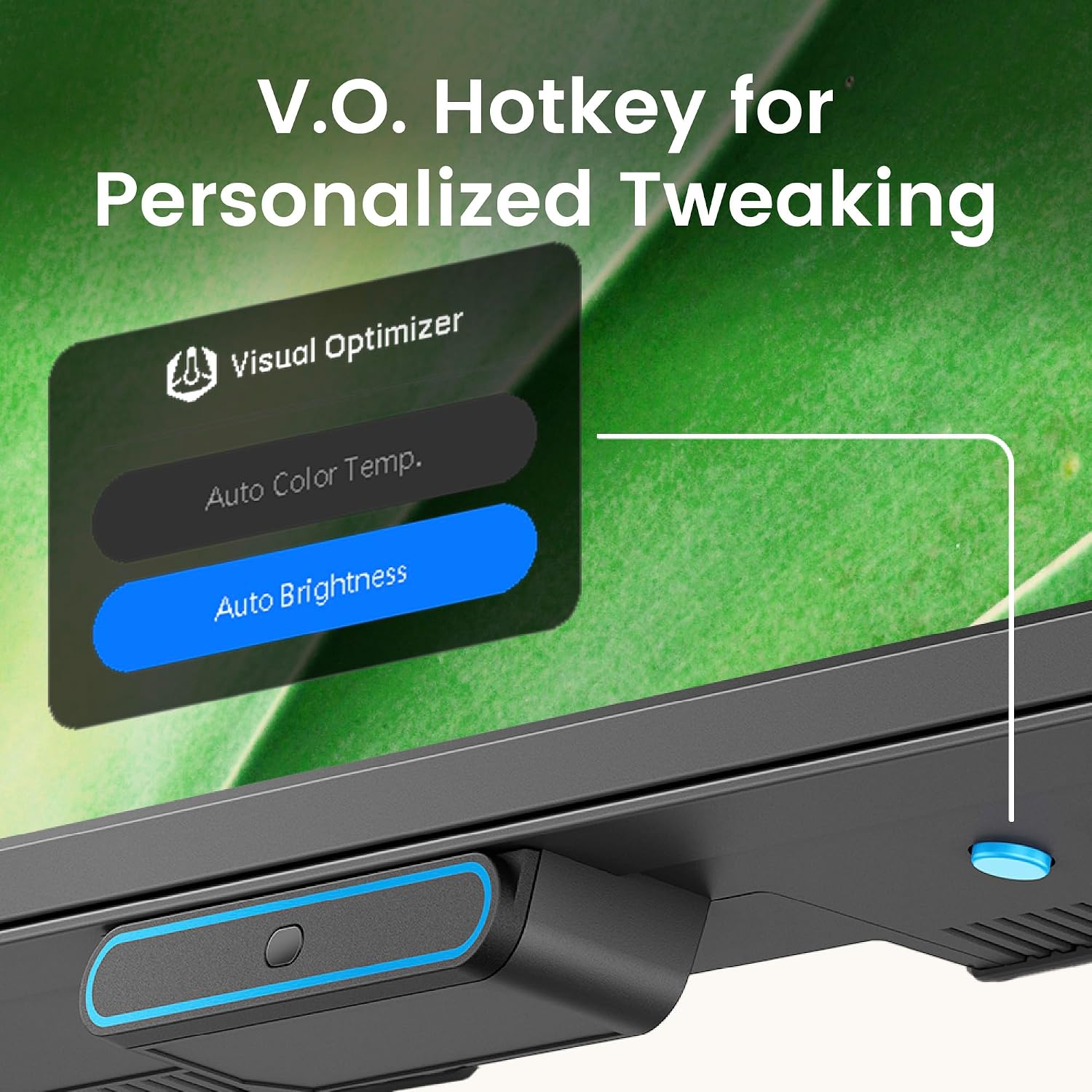
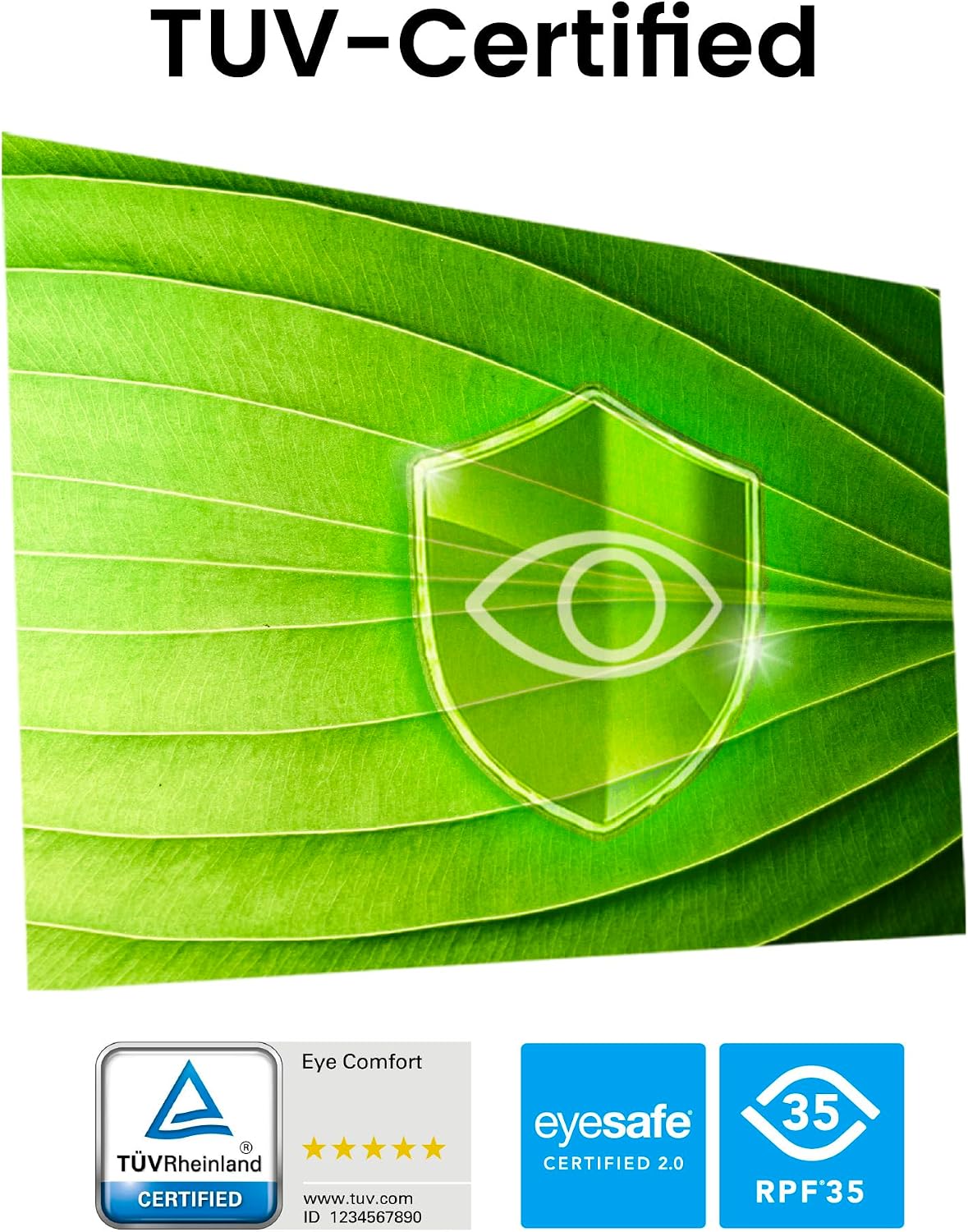
The monitor incorporates BenQ’s Triple Eye Protection, including Visual Optimizer, Low Blue Light and Flicker-Free technology. This trio is designed to ease fatigue over long sessions and reduce the need to constantly adjust settings for comfort. It’s not stated whether these modes are user-customisable or auto-adjusting, so you may need to explore the on-screen options to see how well it fits your eyes and your routines.
Design and build
A key design note is the ultra-slim bezel, intended to deliver a more seamless viewing experience and less distraction at the edges. Layout and stand details aren’t explicitly described beyond the slim frame, so it’s worth confirming desk compatibility and adjustments if you prioritise tilt or height changes.
Connectivity and day-to-day use
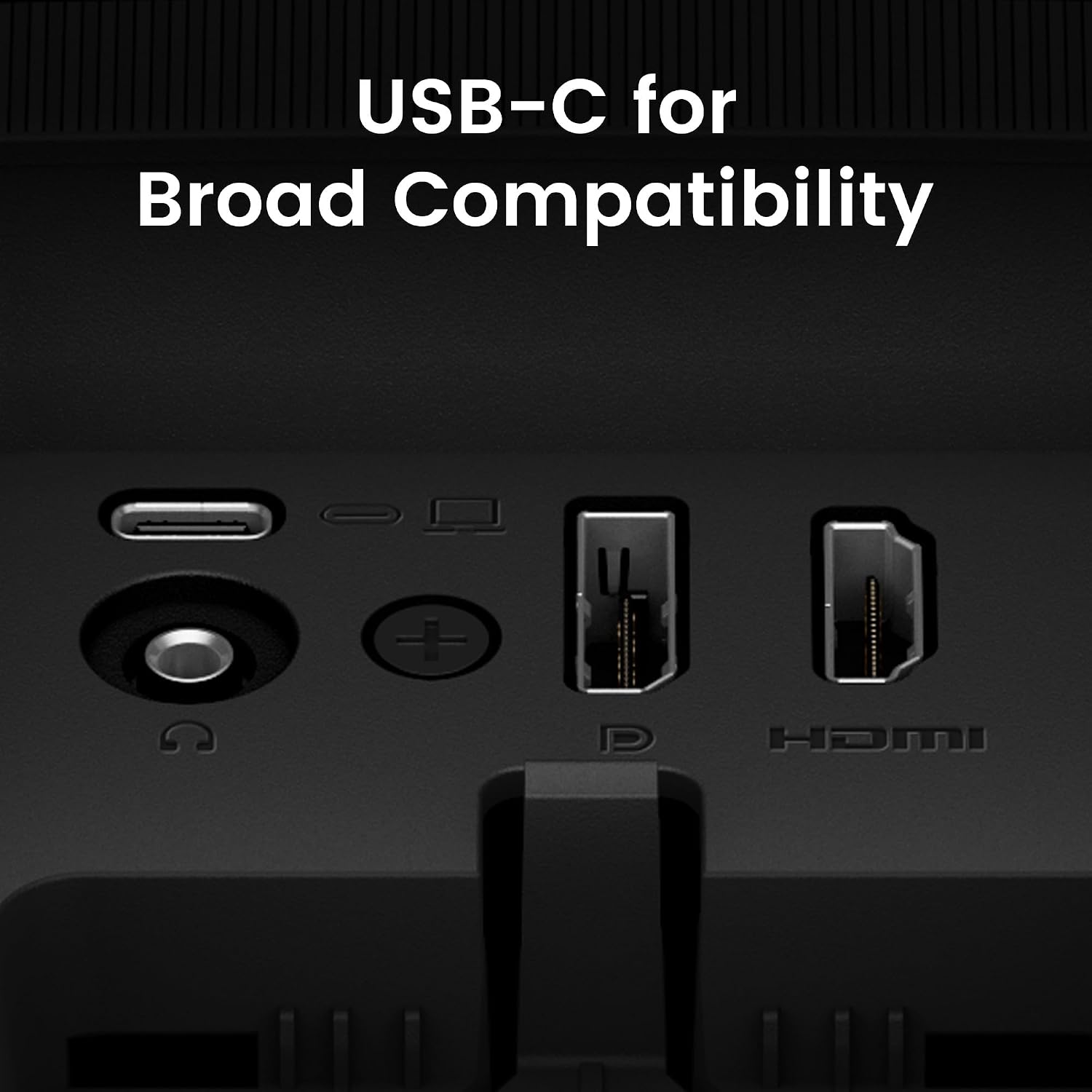
USB-C is mentioned in the product name, suggesting the promise of simpler cabling for compatible laptops and devices. Beyond that, there’s no full connectivity list included here, so you’ll want to verify the exact inputs (HDMI, DisplayPort, USB-C) before purchase, to ensure it matches your device ecosystem.
Performance for gaming and productivity
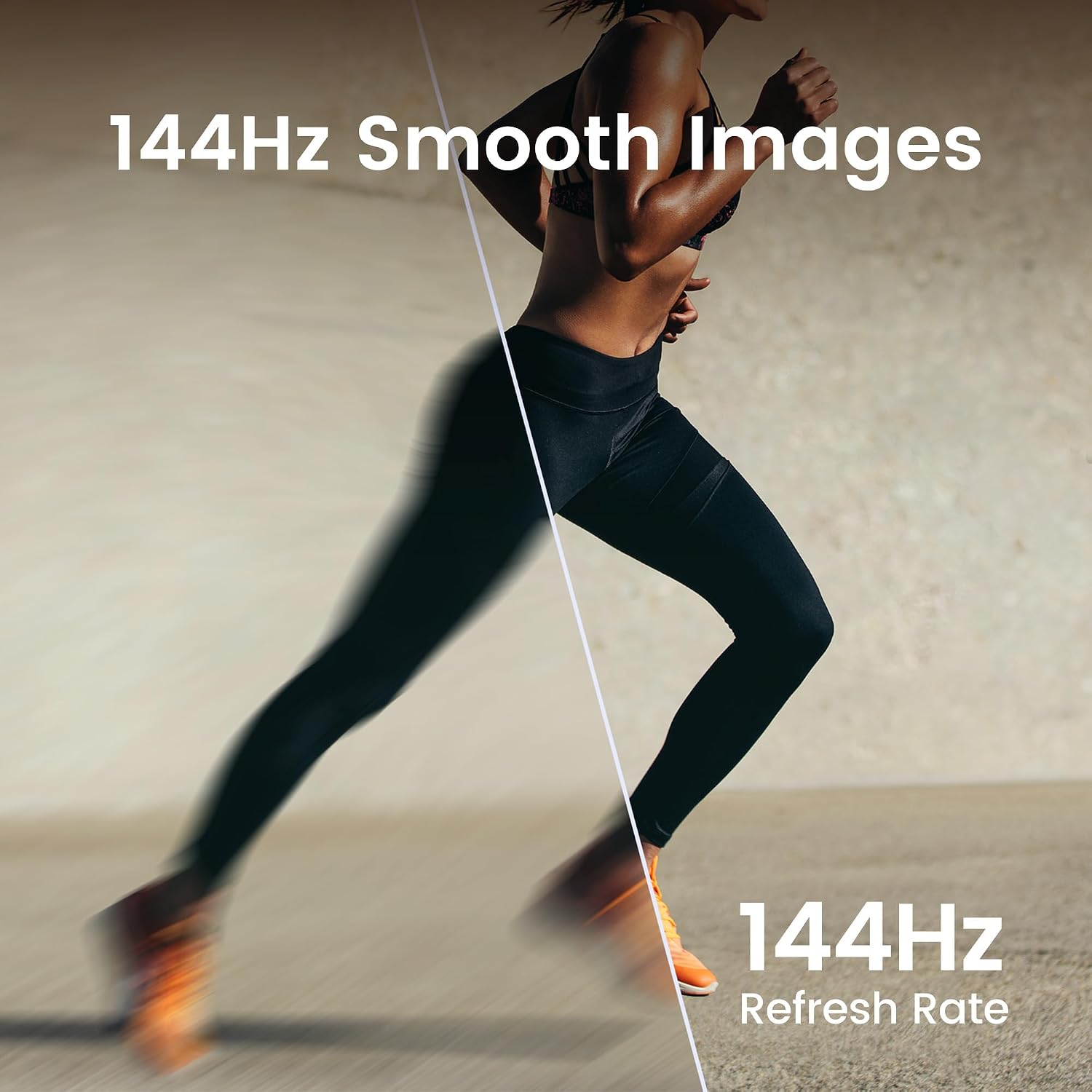
The 144Hz refresh rate is highlighted as a benefit for smoother reactions. In practical terms, this could translate to less motion blur in fast-moving tasks or casual gaming, but real-world results depend on the system you pair it with and the content you run. For standard productivity work, a high refresh rate can feel smoother, though you may be balancing this against 1080p resolution and the constraints that come with entry-level panels.
When it makes sense to buy
If you prioritise eye comfort for long working days, value a slim, modern look, and want a monitor that can integrate with USB-C devices, this model offers a coherent package. It’s worth considering if you’re aiming for a practical desk setup with a focus on readability and a pleasant viewing experience rather than cutting-edge gaming performance.
When you might reconsider
If you demand high brightness, strong HDR performance, or a higher resolution for detailed photo work, this monitor may fall short. Also, if you need definitive confirmation of exact inputs and ergonomic adjustability, you’ll want to review the full spec sheet before committing.
What to check before you buy
Verify the exact connectivity options (USB-C, HDMI, DisplayPort) and any available on-screen display (OSD) controls for eye-care modes. Consider your desk space and whether you need height adjustment or more flexible stand options. Check that 1080p at 23.8 inches meets your expectations for sharpness in your apps and documents.
Practical usage snapshot
Imagine editing a document at dawn, with the screen offering pleasant text clarity and eye-friendly modes activated. You switch to a quick video call with a colleague on another window, and the frame remains clean thanks to the slim bezel. If you dabble in light gaming, you’ll notice smoother motion at higher refresh, but don’t expect a high-end gaming monitor’s brightness or contrast.
The decision you’ll face
Is it worth it?
This BenQ model is a balanced option for home office users who want eye comfort, decent colour reproduction, and a compact frame with modern aesthetics. It isn’t the ultimate choice for professionals needing 4K detail, peak brightness, or top-tier HDR, but it offers value for money in everyday tasks and casual use. A sensible pick if you prioritise comfort and a tidy workspace, and if you can align its inputs with your devices.
FAQ
- Does it have USB-C? Yes, the product name suggests USB-C connectivity, though you should confirm the exact port configuration in the full spec.
- Is 1080p at 23.8 inches sharp enough for work? For typical office tasks and web content, 1080p on this size is generally comfortable, though some users may prefer higher resolution for detailed image work.
- Are eye-care features auto-enabled? It’s described as part of a triple protection suite, whether settings auto-adjust or require manual tweaks depends on the on-screen options.
- Is it good for gaming? The 144Hz refresh rate supports smoother motion in casual gaming, but the depth of gaming features beyond refresh rate isn’t detailed.