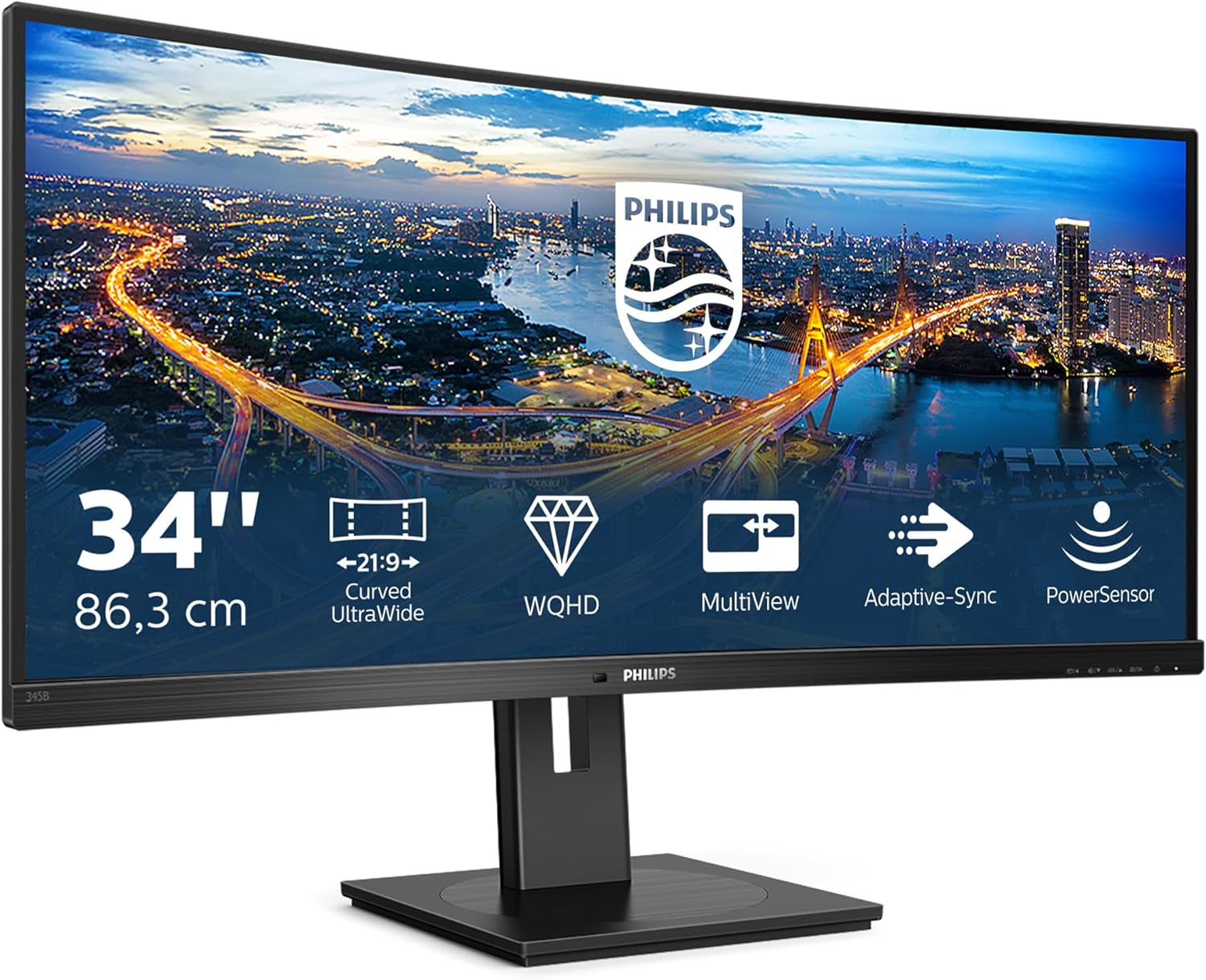
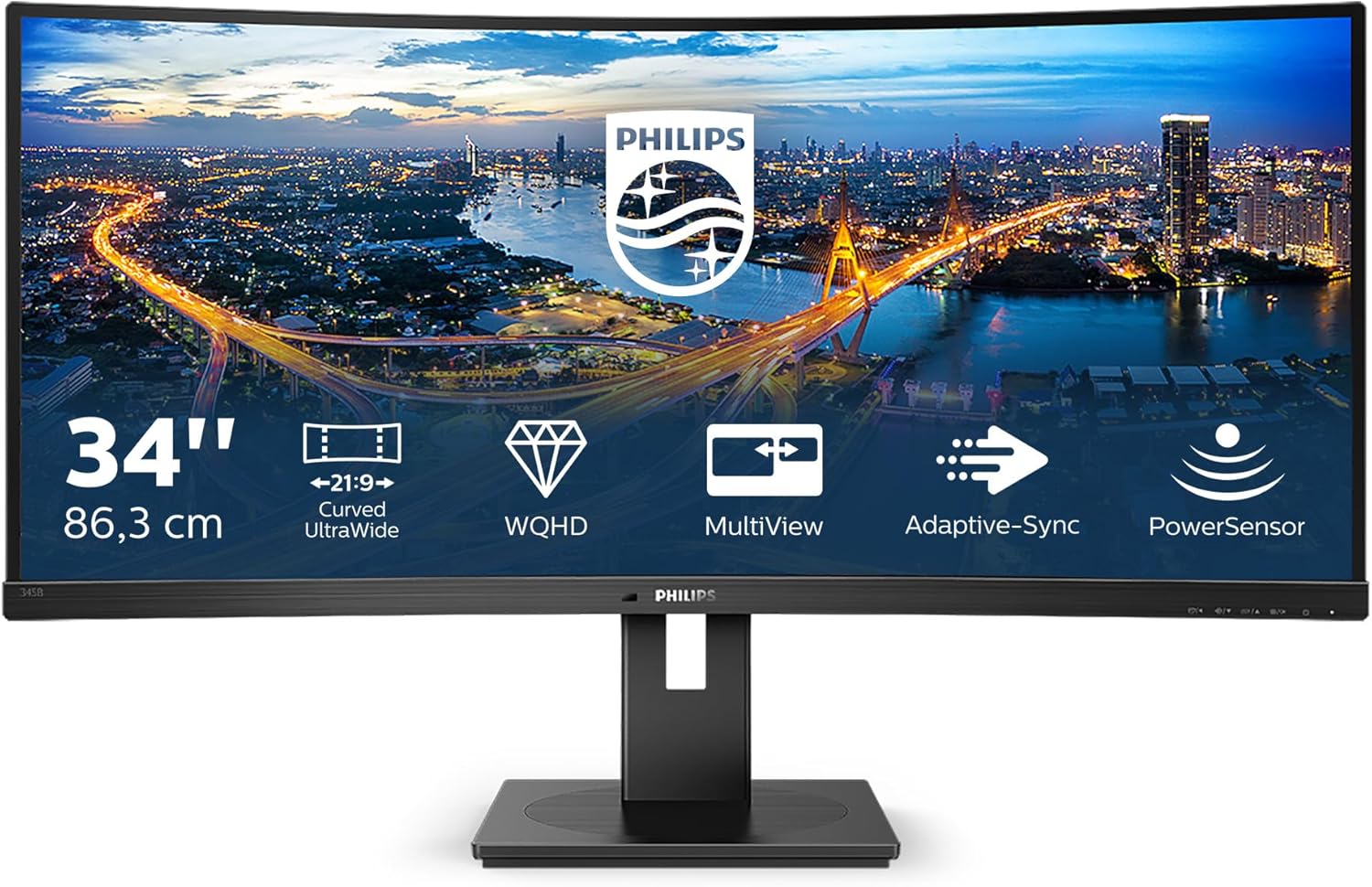
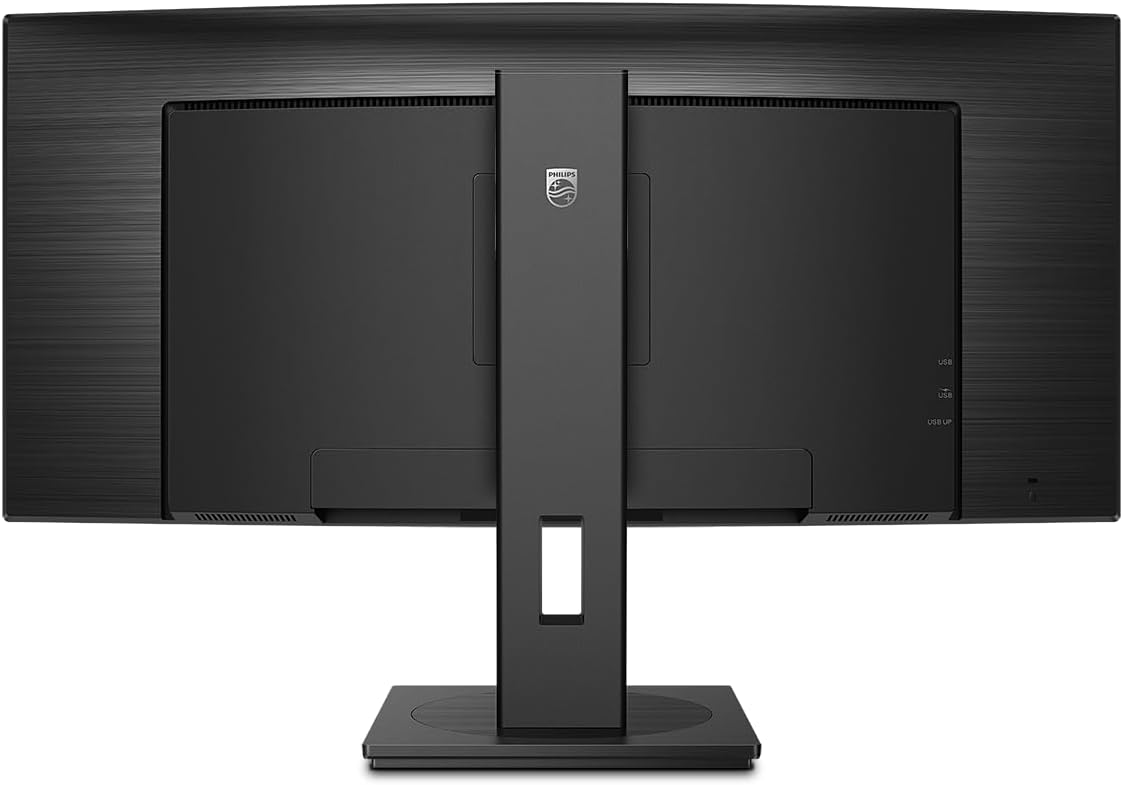
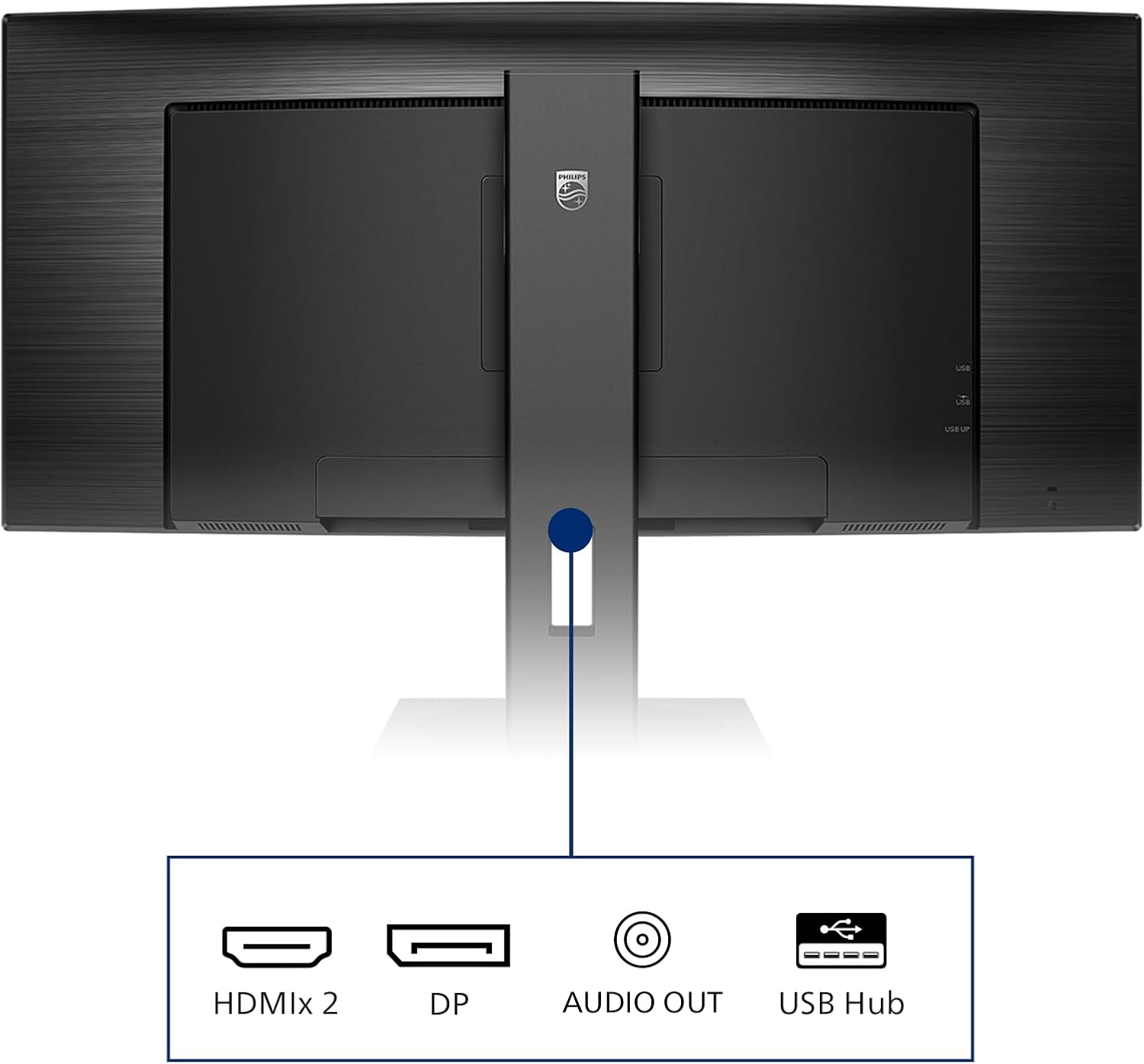
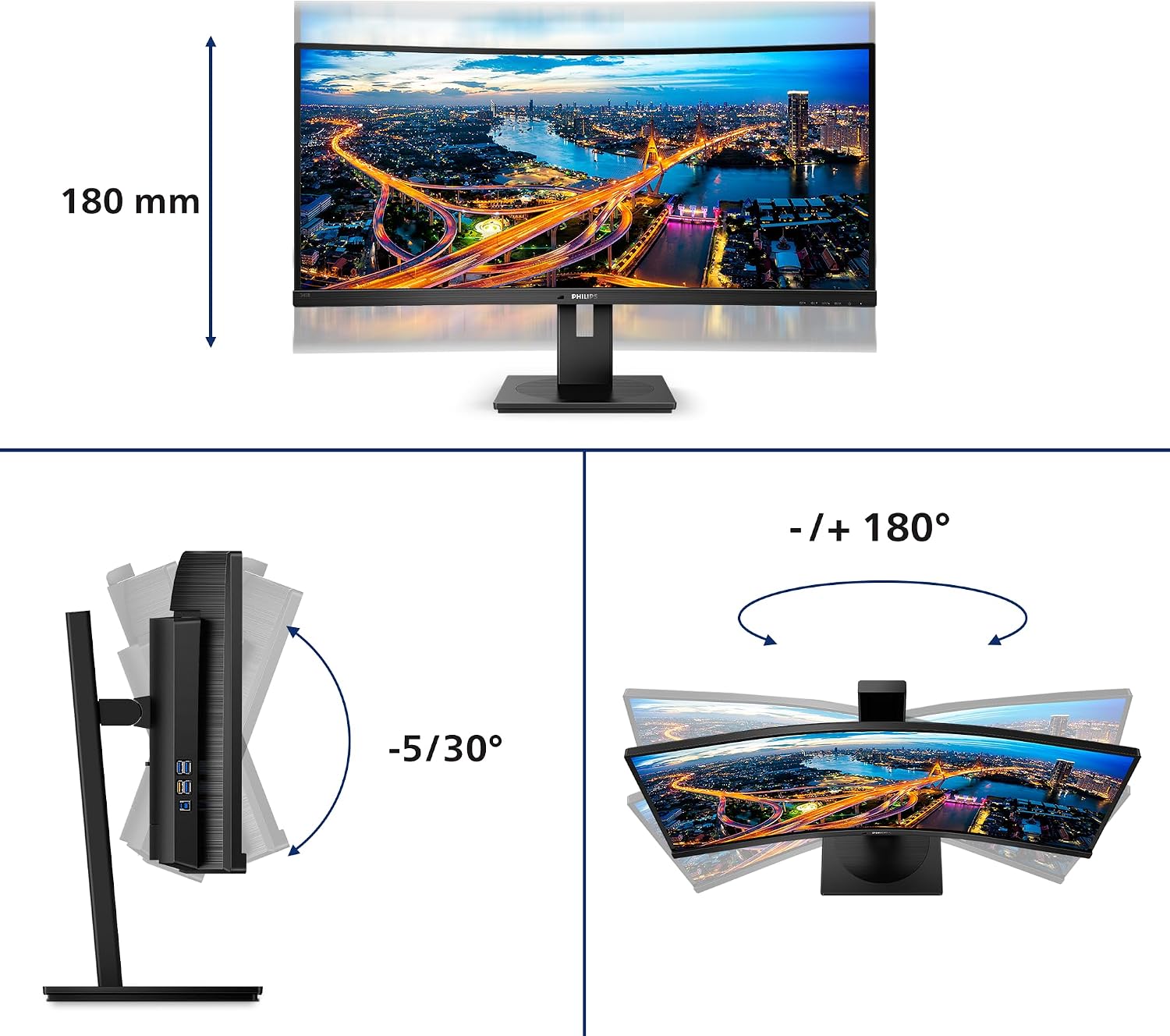
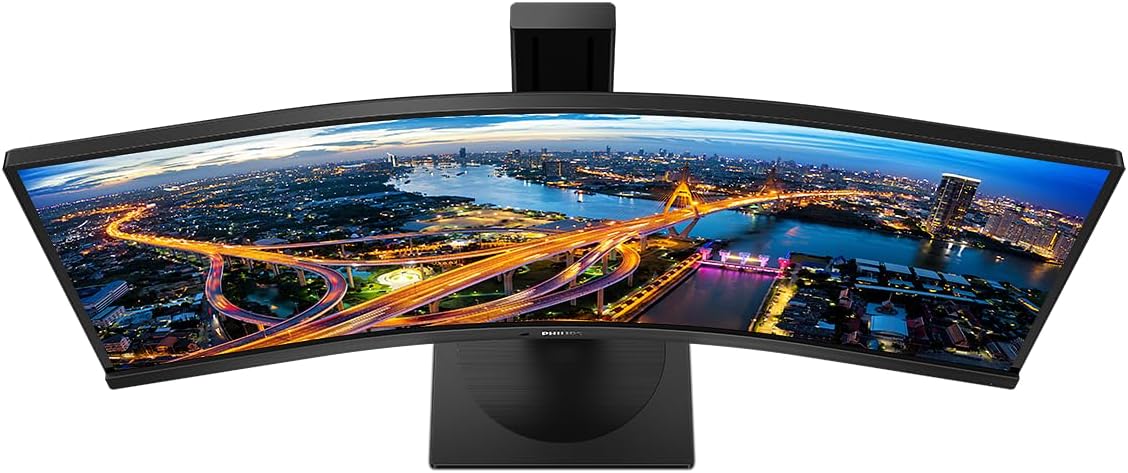
What it is and who it’s for\nThe Philips 345B1C is a 34-inch curved monitor built around a VA panel delivering a 3440 x 1440 WQHD image. With a 21:9 UltraWide format, it provides more horizontal screen real estate for side-by-side work—useful for data-heavy tasks, CAD-CAM previews, and multi-document workflows. If you prioritise a calm, readable display without chasing the latest gaming specs, this model positions itself as a solid all‑rounder for professionals who value screen real estate and a practical feature set.\n\n## Core strengths on paper\nOn the positive side, you get a 100 Hz refresh rate with a 4 ms response, which helps keep motion smooth for general productivity and light multimedia. The monitor includes built‑in speakers and a USB hub, reducing clutter and extra cables. Height adjustment adds ergonomic flexibility, and PowerSensor helps manage power use—benefits for longer workdays. Flicker‑Free technology and LowBlue Mode are included to reduce eye strain over extended sessions.\n\n## What stands out in use\nThe curved VA panel and wide viewing angles can make text and graphics feel more comfortable to read over long periods, especially when you’re looking at spreadsheets or CAD layouts. The inclusion of HDMI and DisplayPort inputs ensures compatibility with a range of PCs, while USB 3.2 and a USB-B upstream port support easy peripheral connectivity and future‑proofing to some extent. For creatives or analysts who frequently compare data side by side, the UltraWide format helps you see more columns and dashboards without constant window tiling.\n\n## Limitations and caveats\nOn paper, the 300 cd/m² brightness is modest by modern standards, so very bright rooms may wash out images compared with higher‑brightness panels. The 100 Hz spec is adequate for productivity and casual media work, but it isn’t aimed at high‑end gaming. Like any screen of this size, desk space and viewing distance matter, you’ll want a reasonably deep desk to avoid close‑in eye strain. If you rely heavily on calibrated colour for design tasks, note that this model trades some colour accuracy for flexibility and cost.\n\n## Who it’s for\nIt’s well suited for professionals who need a large, immersive workspace without chasing top‑tier gaming specs. Great for finance teams handling large spreadsheets, engineers reviewing CAD drawings, or designers who benefit from side‑by‑side comparisons. It’s also convenient for mixed workloads where meetings, document review, and multi‑app workflows happen in parallel.\n\n## When it makes sense to buy\nOpt for this monitor if you want a sizeable, practical screen with ergonomic features, built‑in audio, and a sensible connectivity package at a reasonable price point. It suits environments where space is available for a 34‑inch curved panel and where the UltraWide format genuinely enhances daily tasks.\n\n## When you might skip it\nIf you need peak colour accuracy for professional photo or video work, or if you require higher brightness for bright rooms, this model might not be the best fit. If gaming is a priority and you want the latest motion‑handling features, you’ll likely prefer a monitor aimed at higher refresh rates.\n\n## What to check before buying\n- Confirm your PC has HDMI or DisplayPort and that you’ll utilise the USB hub you’ll connect.\n- Consider your desk depth and preferred viewing distance to maximise the curved screen’s comfort.\n- If eye comfort is a priority, test flicker‑free modes and LowBlue settings in practice.\n\n## Practical use scenario\nImagine having two large spreadsheets side by side, with a design mockup preview in a third window. The UltraWide real estate reduces window switching, letting you review values, formulas, and charts while keeping the design context visible.\n\n## FAQ\n- Is the monitor suitable for CAD work? Yes, for general CAD and layout reviews it offers ample workspace, professional colour accuracy isn’t its strongest suit.\n- Does it support adaptive syncing? The base description notes fluid performance with Adaptive‑Sync, this can help improve smoothness in mixed content.\n- What about audio quality? Built‑in speakers exist, but bör be considered a convenience rather than a primary audio solution.\n\n## Final decision\nIs it worth it? Worth considering if you prioritise screen real estate, ergonomic features, and a pragmatic, all‑round monitor for heavy multitasking rather than niche gaming or high‑end colour work.