

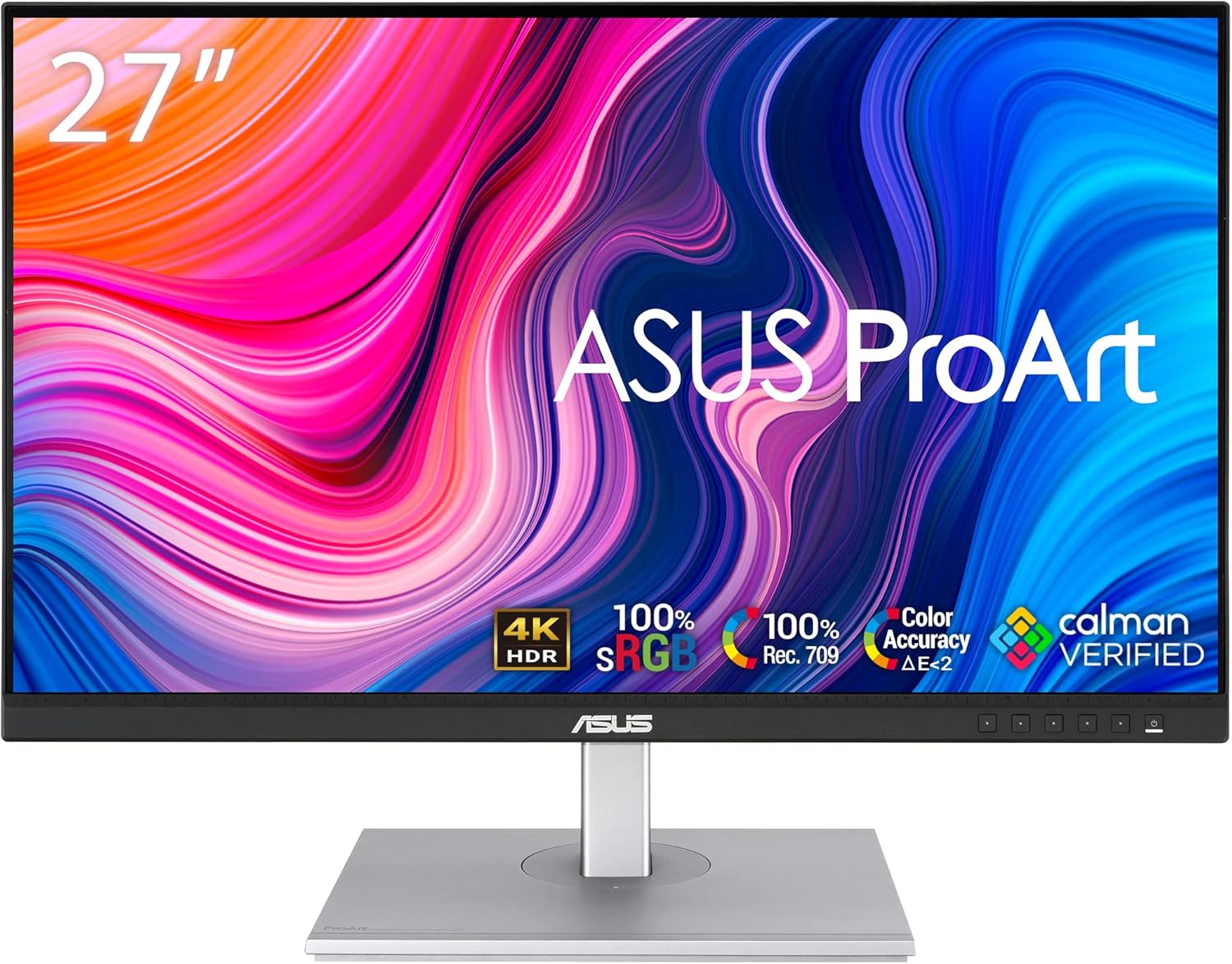
ASUS ProArt Display PA279CV 27-inch 4K UHD IPS professional monitor with USB-C
Product description
The essentials
If you’re shopping for a 27-inch 4K monitor and care about colour more than just sharp text, the ASUS ProArt Display PA279CV is built for that exact lane. On paper it pairs a 4K UHD IPS panel with wide viewing angles, factory colour calibration and a colour-accuracy target (Delta E < 2). That combination is usually what creatives and detail-focused office users look for when they want a screen that’s easier to trust for colour-critical work.
This is also one of those monitors that tries to cover multiple needs at once: it has adaptive sync for smoother animation (within a stated 40–60Hz range), plus a range of ergonomic adjustments so your posture doesn’t become the limiting factor by week three. It’s not positioned as a purely gaming-first display, but it’s not ignoring motion either.
Key features that matter in daily use

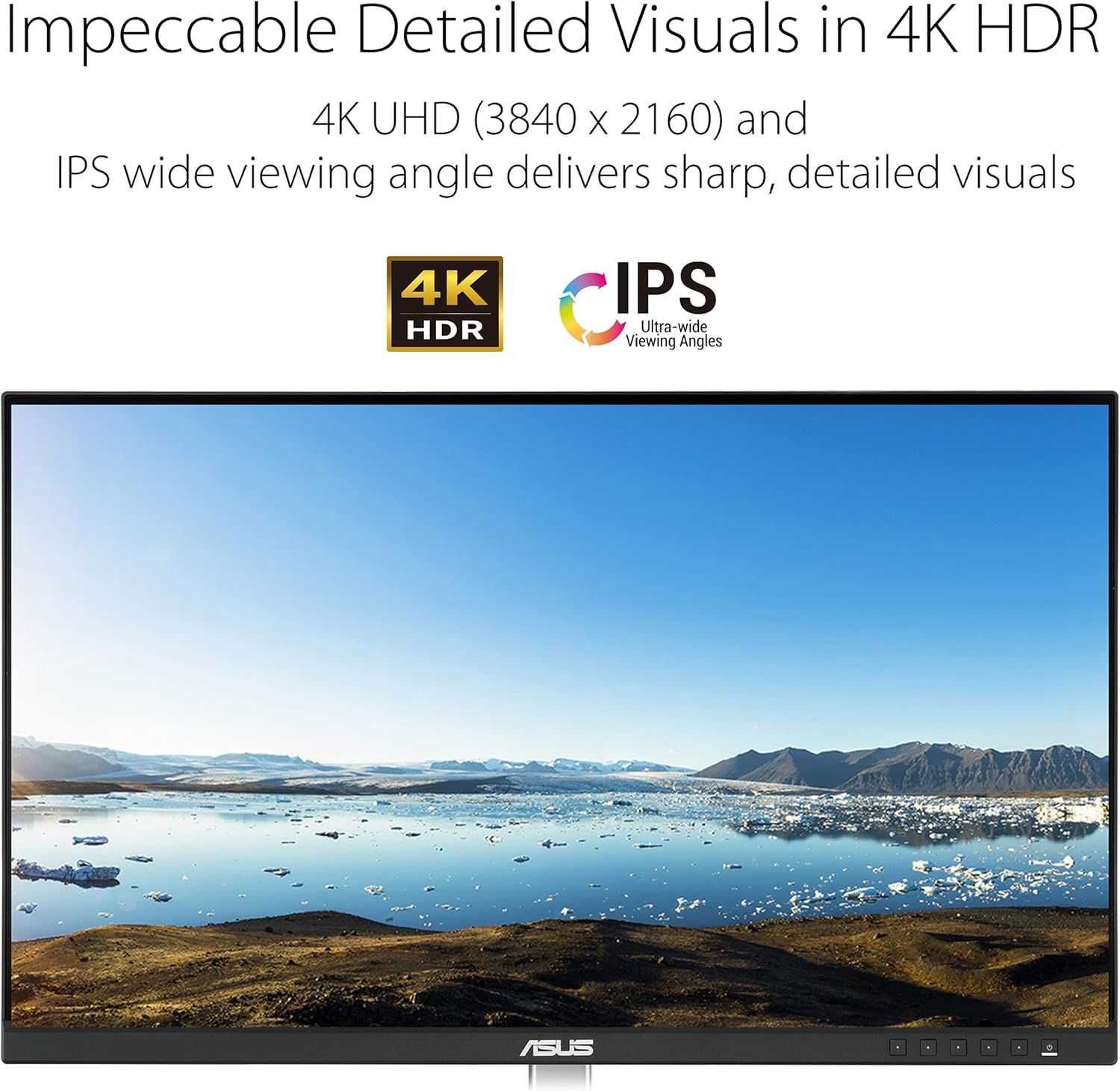
The PA279CV’s IPS panel is specified with a 178° wide viewing angle, which is helpful if you’re sharing your screen in meetings or working with a windowed layout where your view isn’t always perfectly head-on. The 4K UHD resolution (3840 x 2160) should give you that “roomier” desktop feeling—more space for timelines, spreadsheets, palettes and reference material.
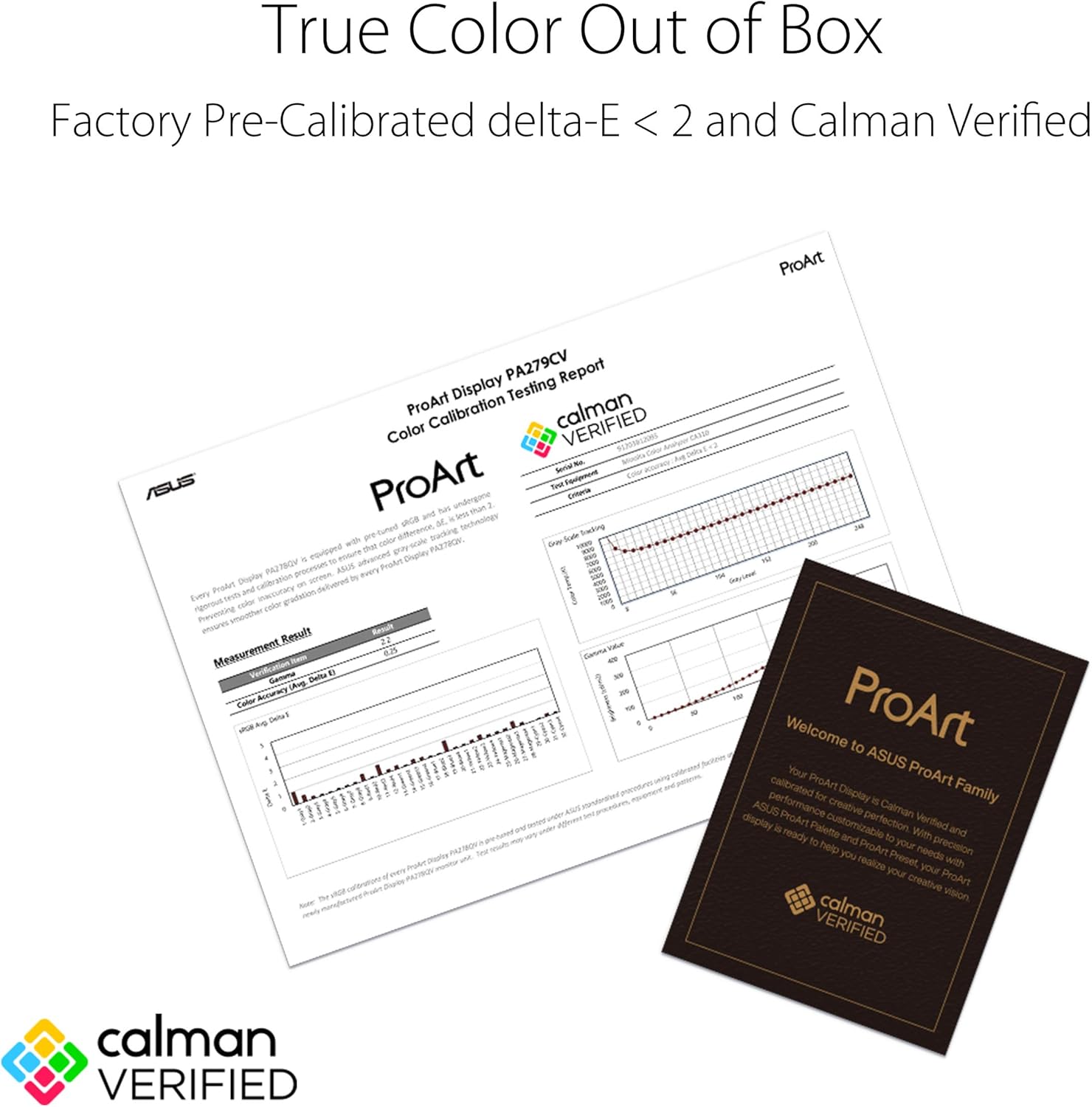
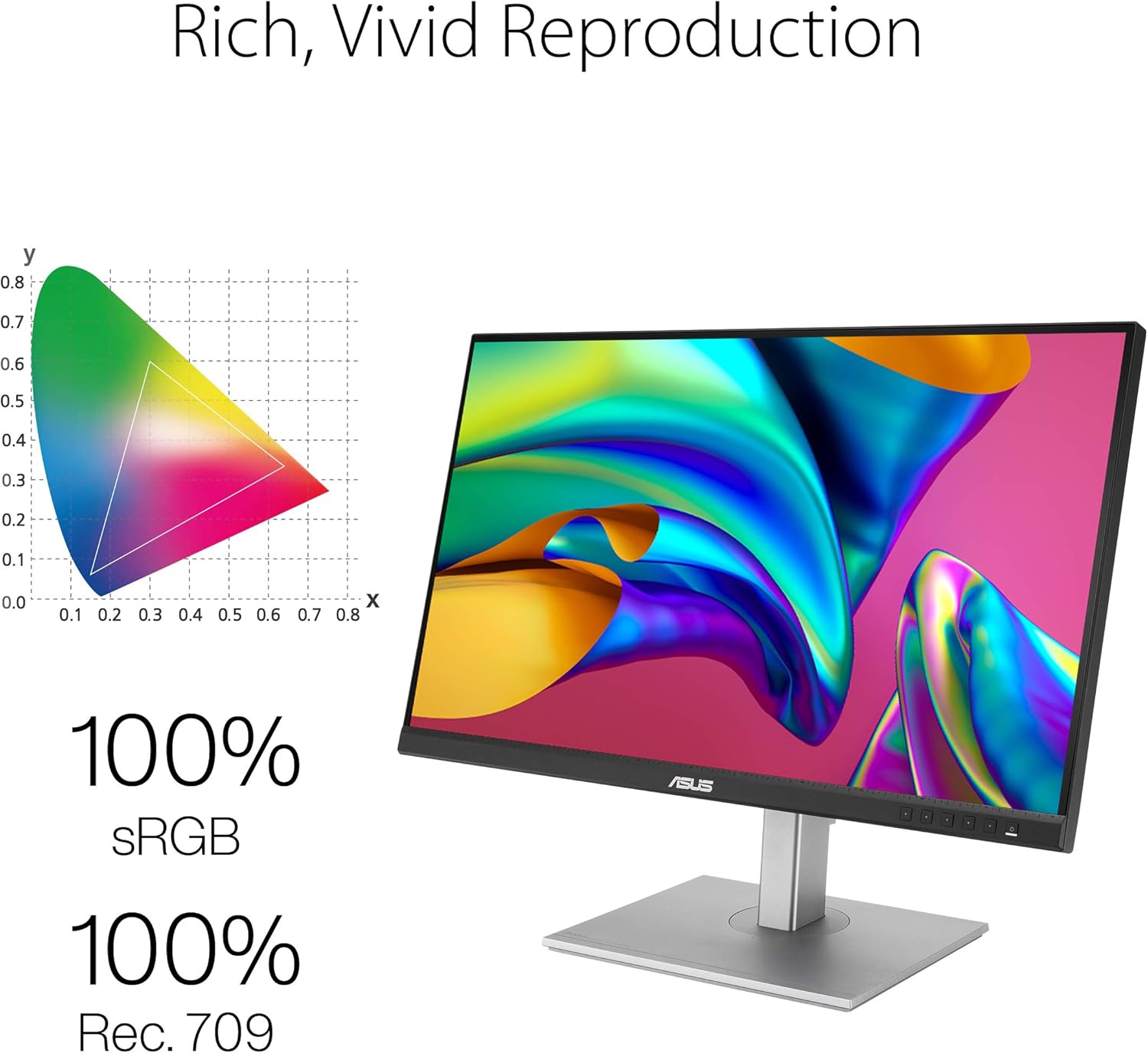
Where it leans most convincingly is colour. It’s described as covering 100% sRGB and 100% Rec. 709, and being Calman Verified with factory calibrated colour accuracy (Delta E < 2). On the practical side, that’s the kind of spec that can reduce the amount of tweaking you feel you have to do before starting work—especially if your projects are tied to common sRGB/Rec. 709 workflows.
There are also ASUS ProArt tools: ProArt Preset and ProArt Palette. Without getting lost in jargon, the useful takeaway is that you’re not stuck with one “default” picture mode, you can adjust colour parameters using those ProArt options.
Performance for motion and compatibility
Adaptive-Sync is included with a stated 40~60Hz range. That’s the most relevant detail to keep in mind: it should help with animated content within that window, aiming to reduce screen tearing. If your typical usage is fast-action gaming at higher refresh rates, you may find it more limited than monitors designed around higher Hz performance.
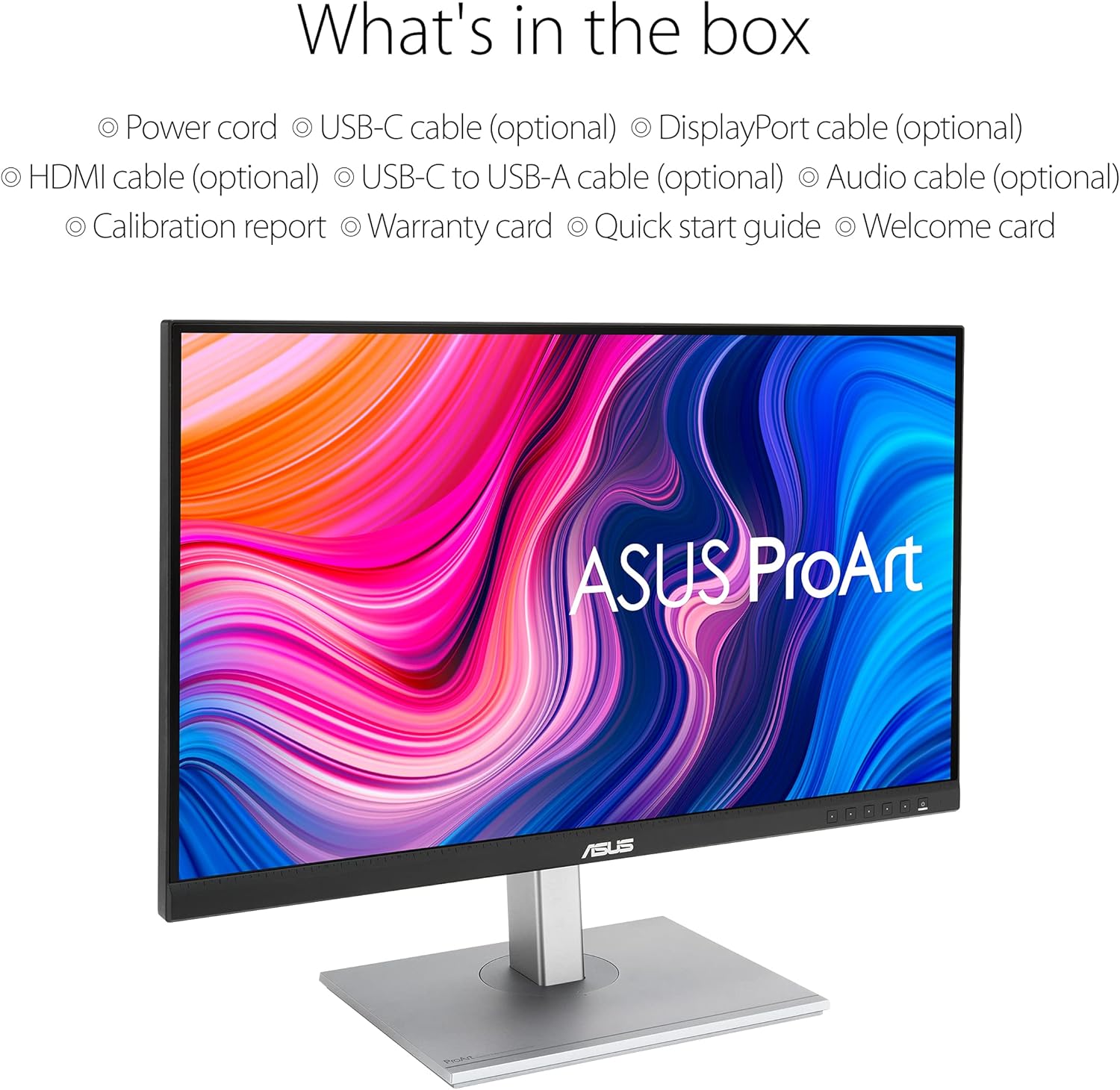
On connectivity, the monitor includes USB-C. The listing doesn’t spell out power delivery or how many data features you get through USB-C, so it’s worth checking what your laptop supports and whether you expect charging or a full “dock” style setup. If your setup is already USB-C based, this is likely to reduce cable clutter.
Ergonomics: where this monitor earns its keep
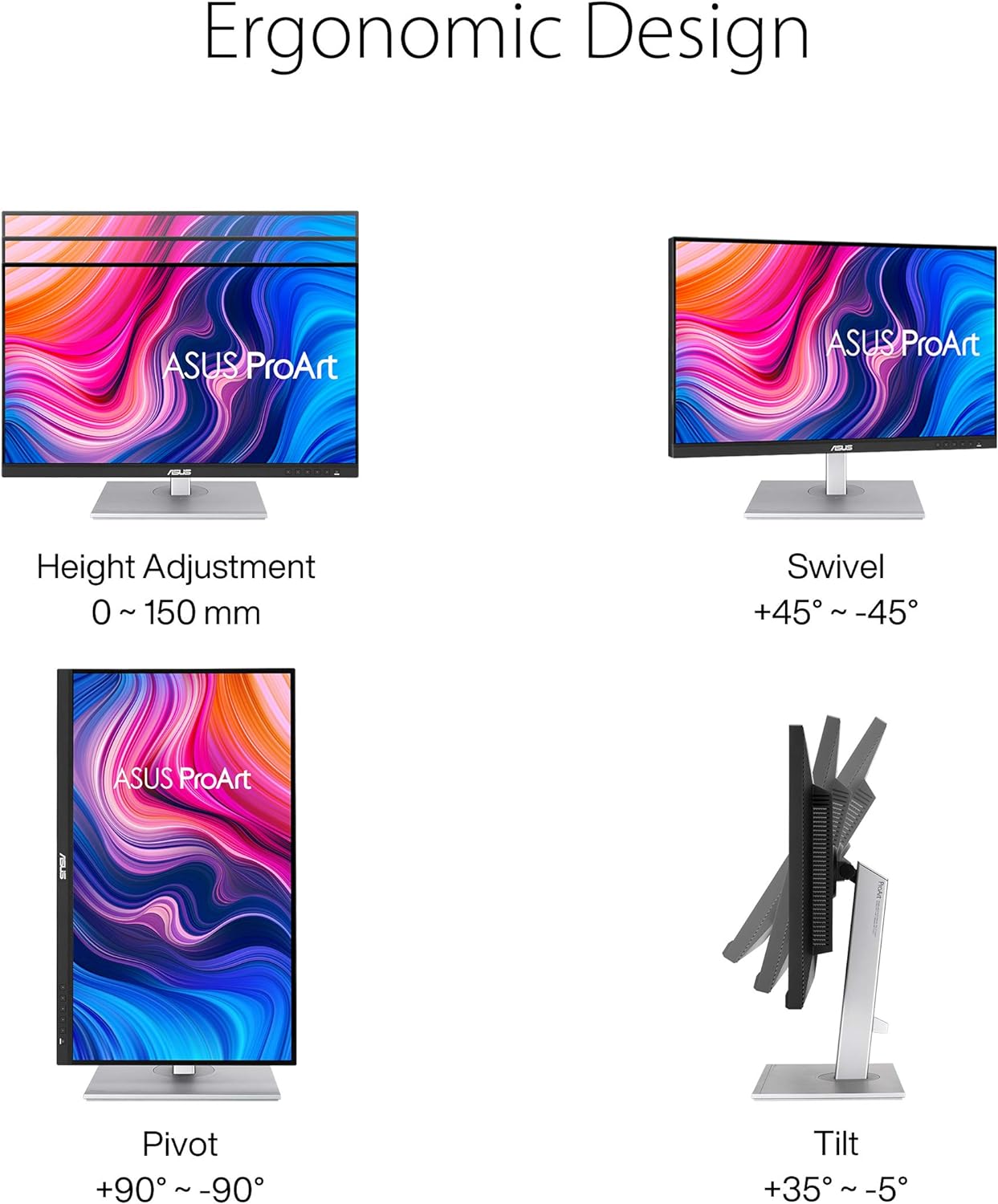
This is an area you feel quickly rather than after months. The stand is specified with +35° ~ -5° tilt, ±45° swivel, ±90° pivot and 150mm height adjustment. That range makes it easier to match the monitor to your desk and your posture—whether you’re working in landscape for spreadsheets or pivoting for a document-heavy workflow.
What to know before you buy
A Delta E target and wide gamut coverage are reassuring, but it’s still a good idea to align expectations: colour accuracy depends on how the monitor is set up and used in your environment. If you work in changing lighting, you may still want to spend a bit of time with the ProArt settings to get the look you need.
Also, adaptive sync here is specified only for 40–60Hz. So while it can help with smoother motion for compatible content, it’s not necessarily aimed at people who want cutting-edge motion performance as their top priority.
Who it suits (and who should think twice)
It makes sense if you want a 27-inch 4K IPS monitor that’s geared towards colour accuracy and everyday usability. If you do creative work (where sRGB/Rec. 709 coverage matters), review images/video, or you simply prefer a more trustworthy screen for day-to-day tasks, this is the sort of model worth a closer look.
It may not be the best match if your main goal is ultra-responsive gaming at high refresh rates, because the adaptive sync range is relatively narrow by comparison. And if you need very specific USB-C functionality (like guaranteed power delivery details), you’ll want to double-check what’s supported for your device before committing.
Is it worth it?
Buy the ASUS ProArt Display PA279CV if you’re prioritising 4K clarity on a 27-inch IPS panel, want wide viewing angles, and care about colour—especially with its 100% sRGB/Rec. 709 coverage and Calman Verified factory calibration aimed at Delta E < 2. The ProArt presets/palette and the ergonomic stand make it practical for long working sessions.
Skip it (or at least investigate further) if you mainly want high-refresh gaming performance, or if your USB-C expectations go beyond what’s clearly stated in the listing. In that case, it could end up being more “studio-friendly” than “fast-action-first”.
Quick FAQ
Does this monitor support 4K UHD resolution?
Yes. It’s listed as 27-inch 4K UHD with a resolution of 3840 x 2160.
What colour standards is it aimed at?
The listing states 100% sRGB and 100% Rec. 709, plus Calman Verified factory calibration with Delta E < 2.
Is adaptive sync included?
Yes, adaptive sync is mentioned for animated content within a 40~60Hz range.
How adjustable is the stand?
It’s specified with tilt, swivel, pivot and 150mm height adjustment for ergonomic positioning.