

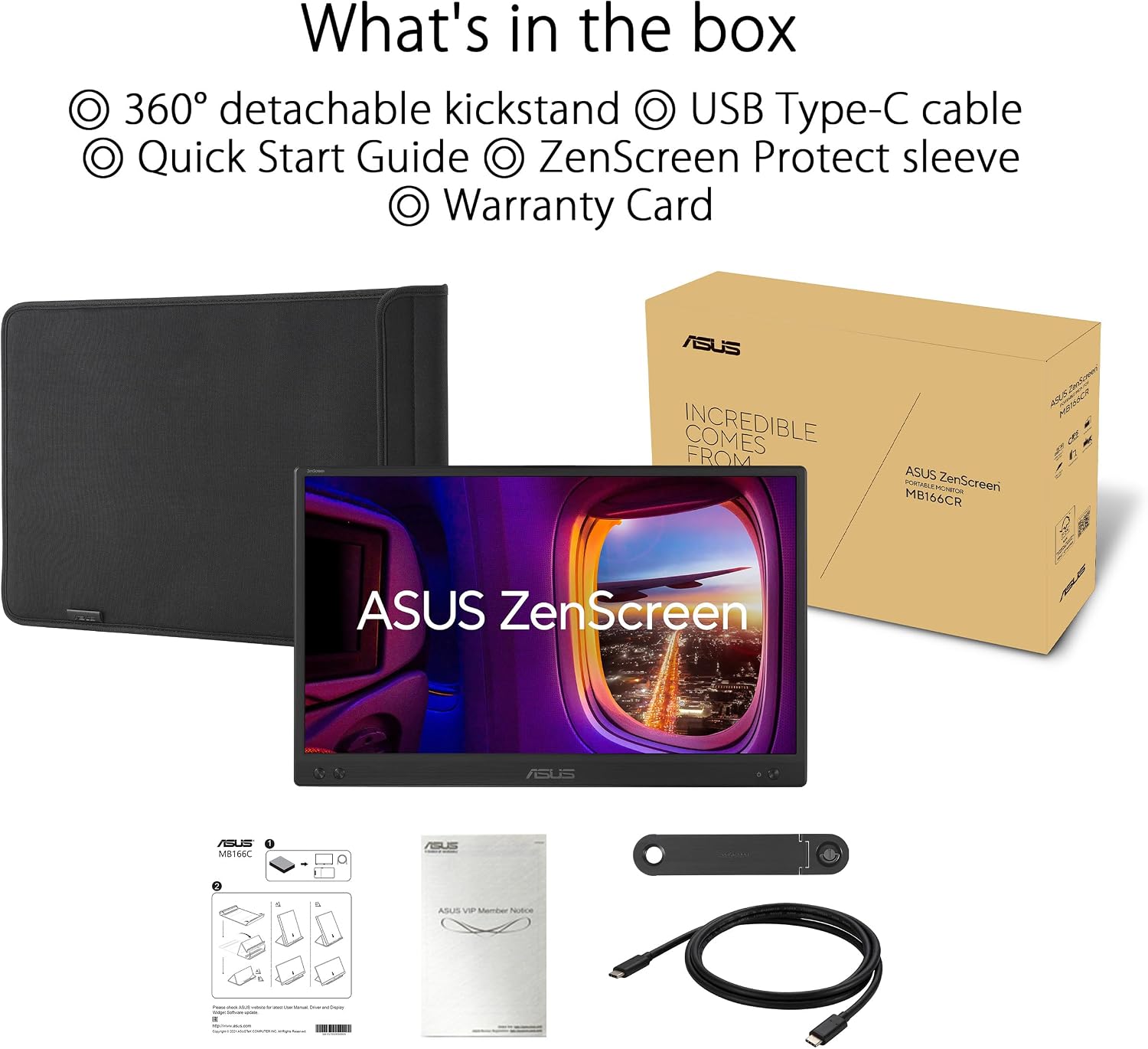
ASUS ZenScreen MB166CR USB monitor 15.6 inch
Product description
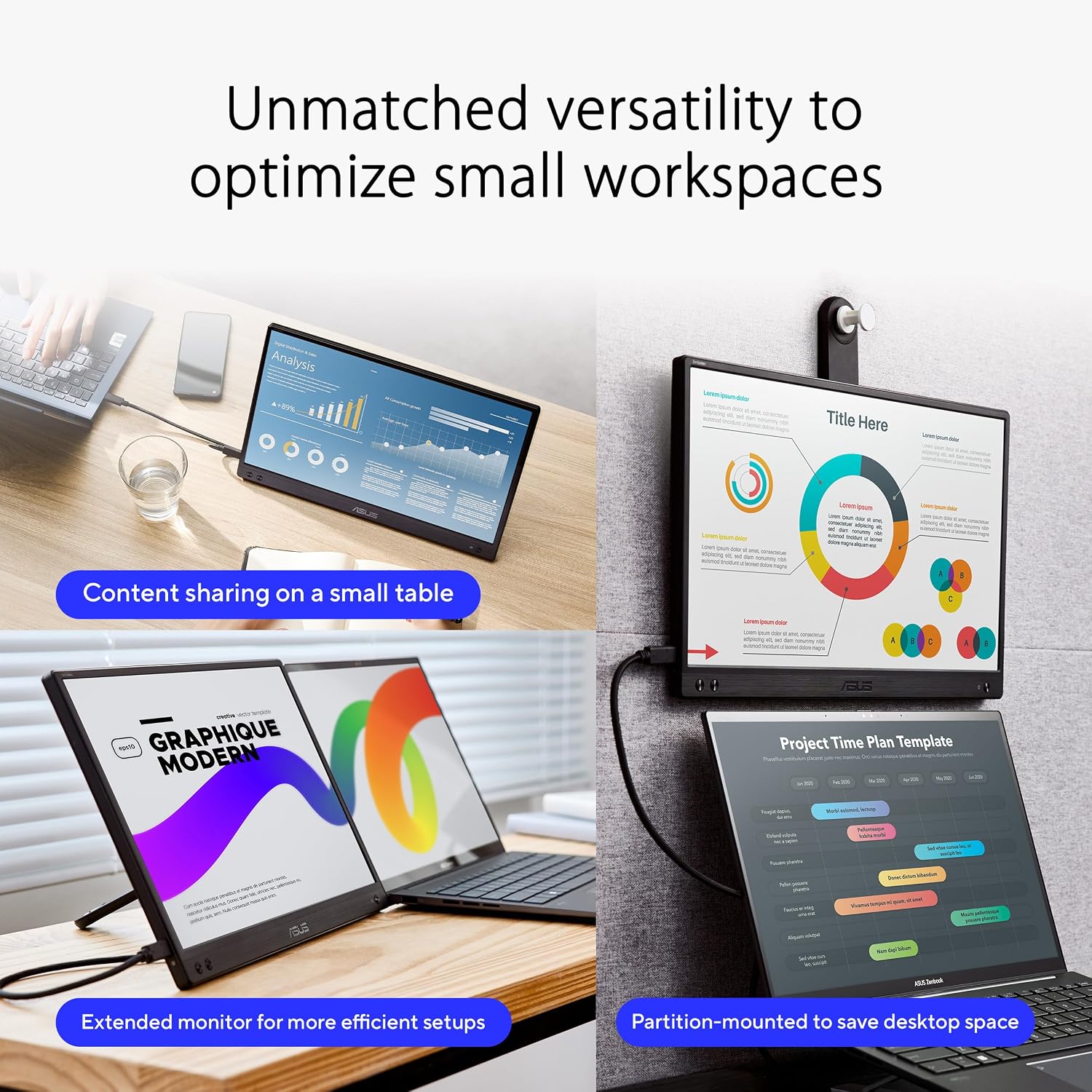
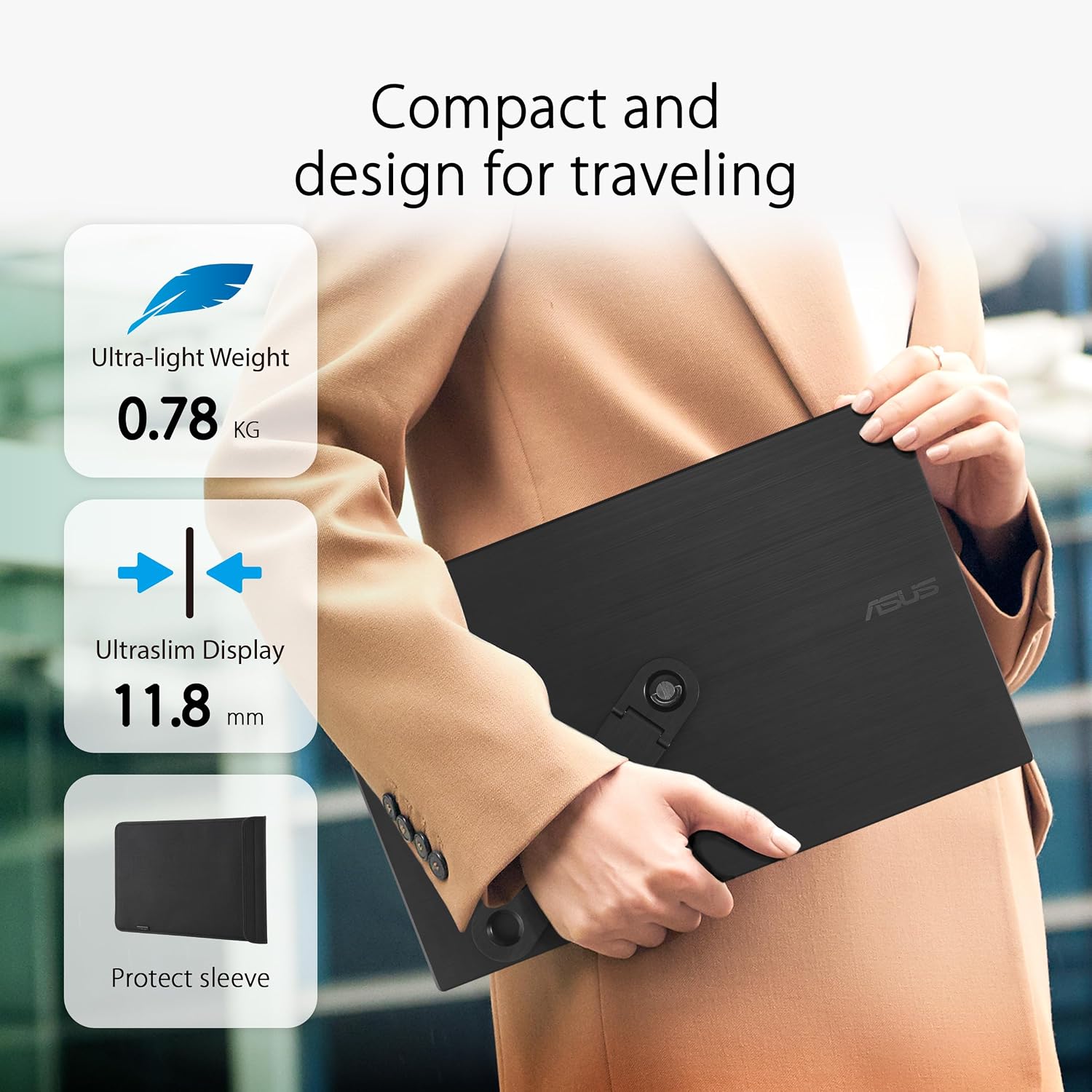
A portable USB monitor is one of the easiest ways to make a laptop feel more like a full workstation, especially when you are travelling, working from a desk that is not quite set up, or switching locations during the day. The ASUS ZenScreen MB166CR brings a 15.6 inch Full HD display into a compact form factor, so you can extend your screen space without adding bulky hardware. With USB Type-C support and a stand designed for flexibility, it is a practical upgrade for anyone who values a clean, anti glare view on the move. ✅
The essentials
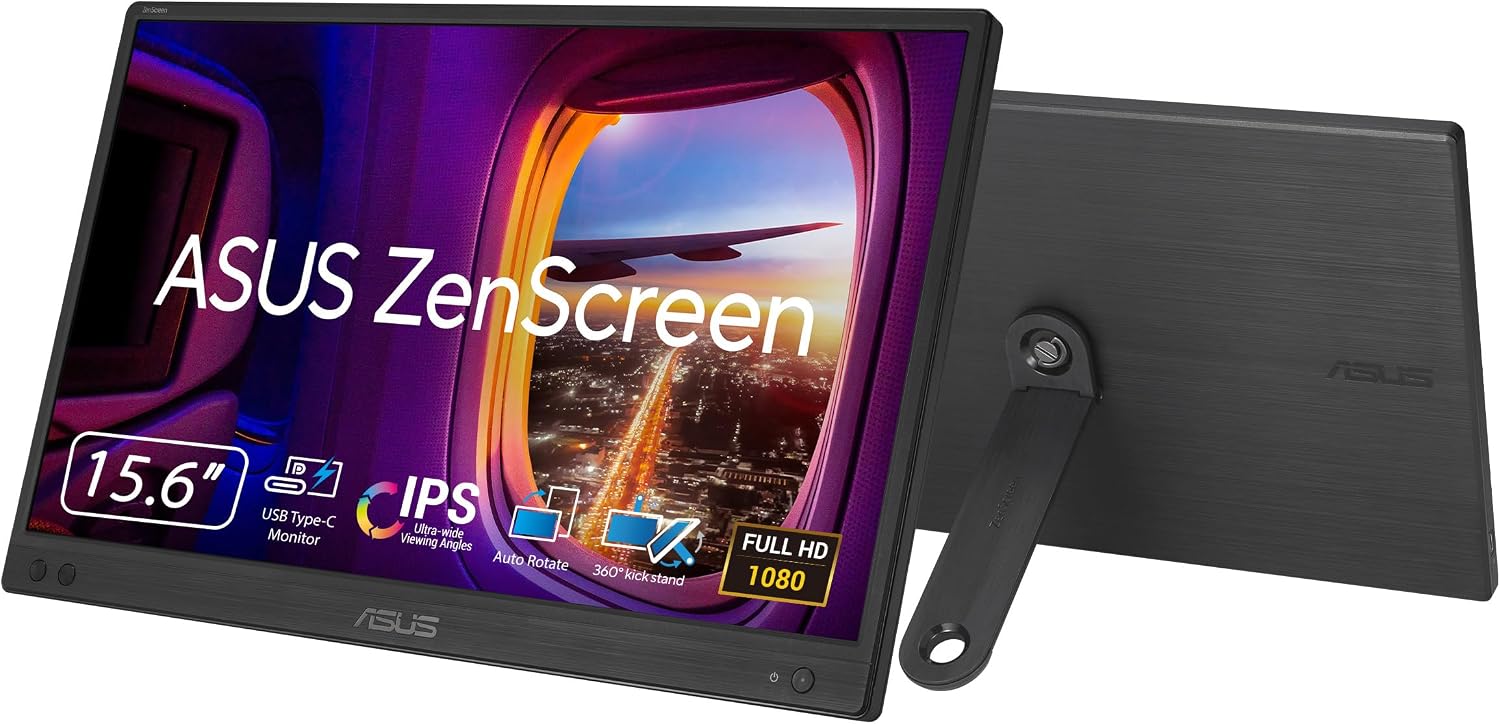
The ASUS ZenScreen MB166CR is a 15.6 inch Full HD portable monitor with an IPS panel and an anti glare surface. That IPS choice helps keep the screen looking consistent when you are not sitting perfectly centred, while the anti glare coating supports everyday use in brighter environments. If your setup changes often, the ultra slim, thin design helps it fit into a bag more easily than traditional monitors. It is also equipped with features aimed at comfortable viewing, including Flicker Free and Low Blue Light technologies, as described by the manufacturer.
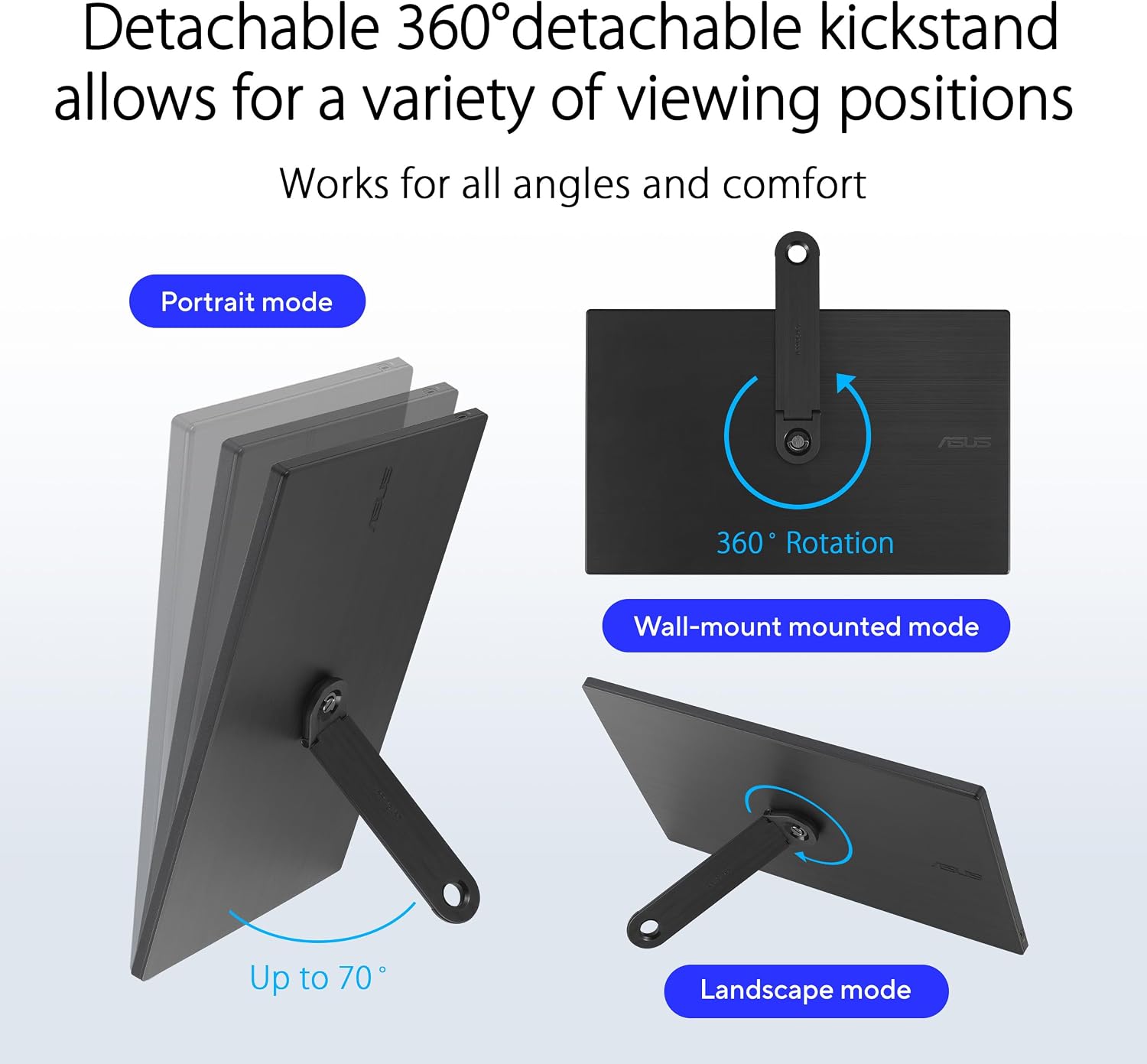
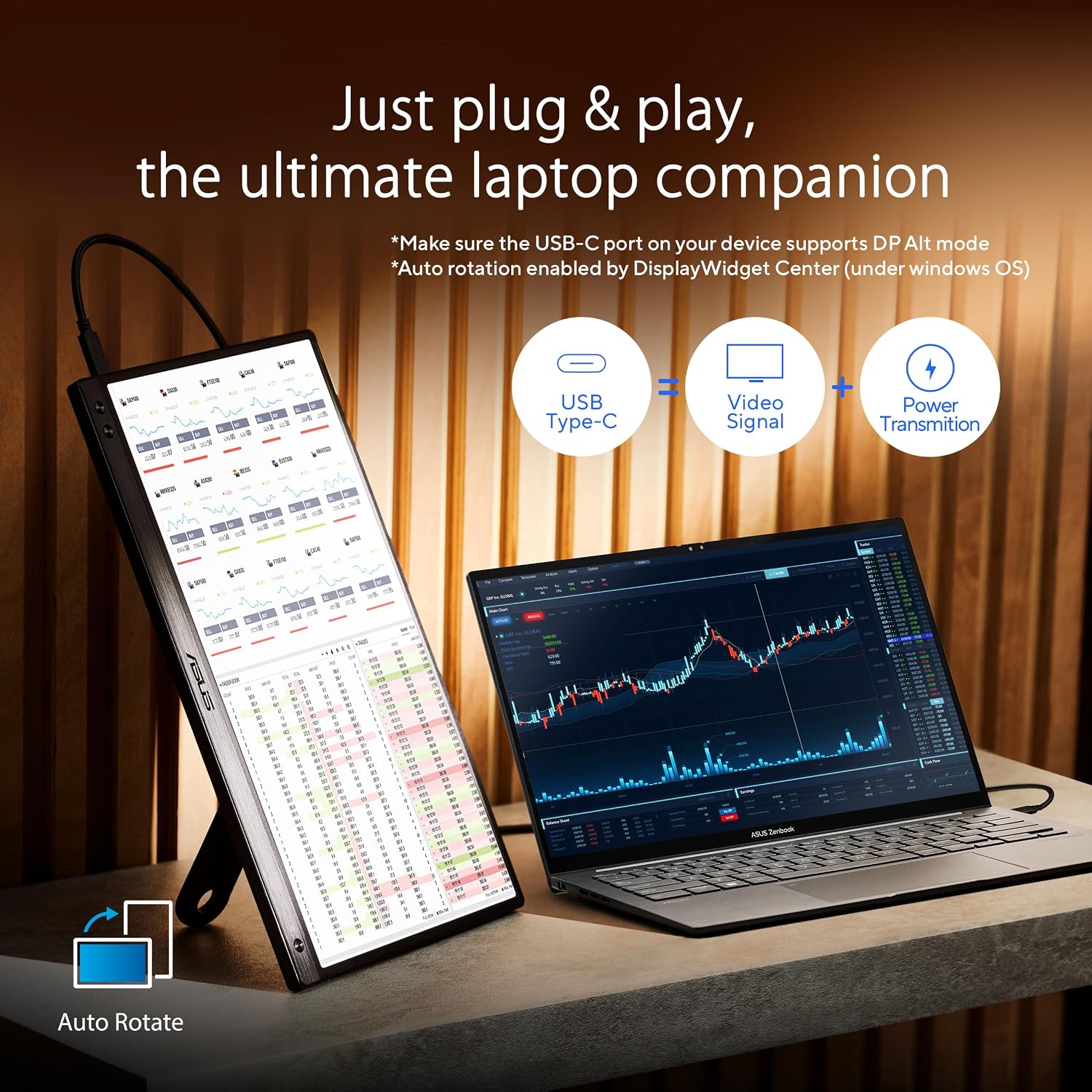
This model uses a USB Type-C connection with DP Alt mode, which simplifies compatibility with compatible devices. In real day to day terms, it means fewer cables and a more straightforward way to build a dual screen workspace. It also automatically senses orientation and switches between landscape and portrait when used with DisplayWidget Center software. That can be handy if you rotate your workflow, for example when reviewing layouts or documents.
Key features
There is more here than just a slim screen. The embedded tripod socket on the rear gives you another mounting option, which can be useful if you already use tripods or want to customise placement. The 360° kickstand adds real versatility, allowing you to adjust viewing angles without needing extra accessories. For people who work on the go, that flexibility can matter more than you expect, particularly when you are trying to reduce neck strain during long sessions. 📱
A key strength is the display comfort focus. ASUS Eye Care monitors feature TÜV Rheinland-certified Flicker Free and Low Blue Light technologies, which the manufacturer states are designed to support a more comfortable viewing experience. Flicker Free reduces screen flicker, while the Low Blue Light approach helps filter blue light. Ten minutes into a desk session, this type of comfort design can be noticeable, especially if you are using the screen for reading, spreadsheets, or communication across many hours.
Finally, the connection approach is practical for mobility. The USB Type-C port with DP Alt mode is designed for user convenience and compatibility with compatible devices, rather than requiring a separate video input system. Keep in mind that DP Alt mode support depends on the device you are connecting to, so it is worth checking compatibility before purchase. 🔎
Tech specs
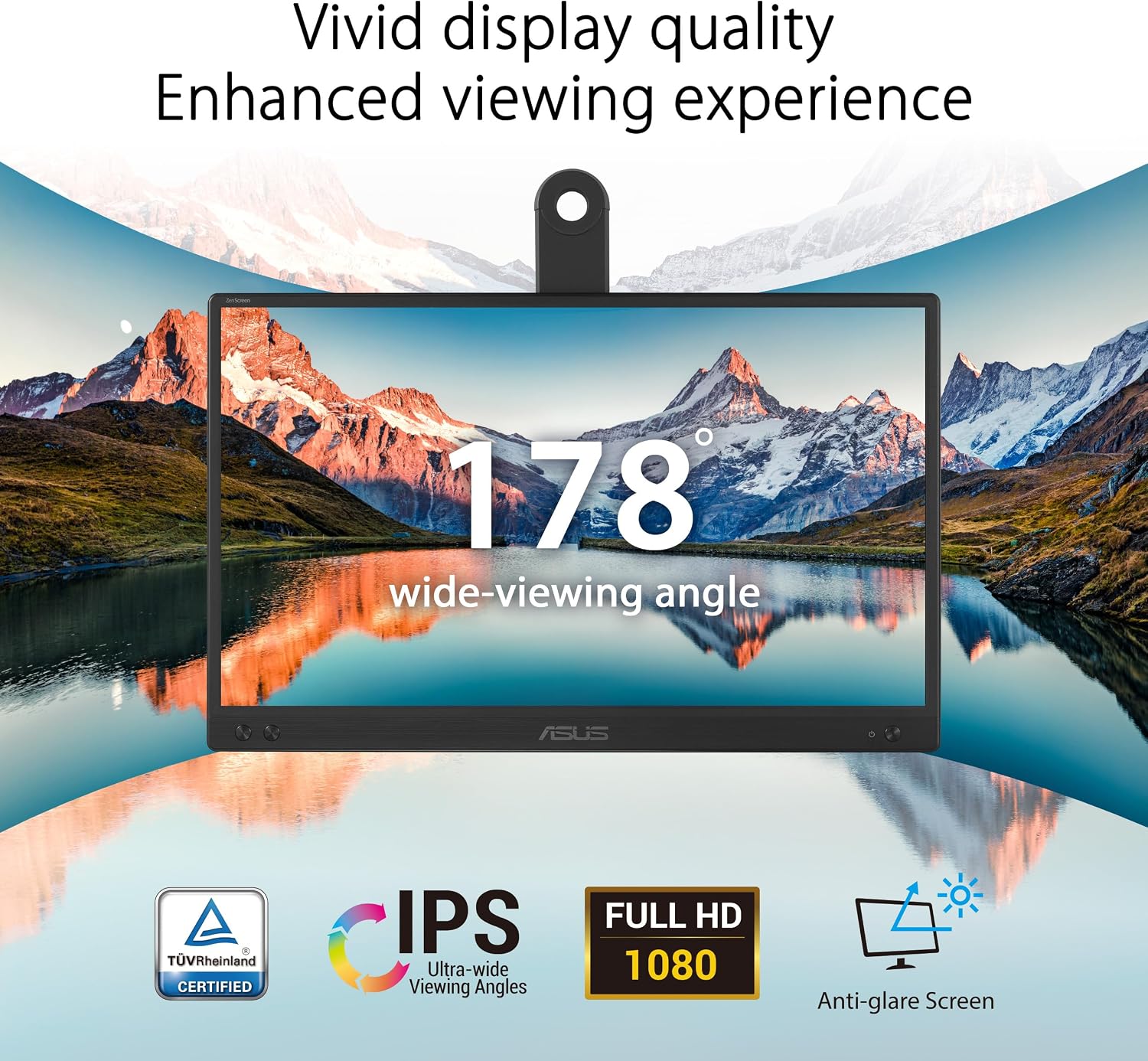
- Display: 15.6 inch viewable screen
- Resolution: Full HD
- Panel type: IPS
- Connectivity: USB Type-C with DP Alt mode
- Flicker control: Flicker Free
- Blue light: Low Blue Light filter
- Stand: 360° kickstand with auto orientation support via DisplayWidget Center software
What to know before you buy
It makes sense if you want a second screen that stays portable, but still looks sharp for everyday work. You will like the ZenScreen MB166CR if your current setup is inconsistent, such as working between home, the office, and travel days, and you want quick screen extension. It also suits you if you care about viewing comfort, since Flicker Free and Low Blue Light technologies are designed to help make long sessions more manageable.
It might not be a great match if your laptop or tablet does not support DP Alt mode over USB Type-C, because that is how the monitor is intended to connect for display. Also note that features like automatic orientation switching rely on the DisplayWidget Center software workflow mentioned by the manufacturer. If you are happy to check device compatibility up front, this monitor can slot neatly into a routine that needs flexibility. 👍