

UPERFECT 165Hz Touchscreen 24.5” 2K Portable Gaming Monitor review
Product description
What it is and who it’s for
The UPERFECT 24.5” portable monitor combines a large, matte IPS panel with 2K resolution and a touchscreen surface. It aims to offer a compact secondary display that’s usable on the move or as an auxiliary screen at a desk. If you value touch input for productivity, creative work, or quick in-game interactions, this model presents itself as a practical option rather than a pure gaming monitor. It’s likely to appeal to people who want a larger, touch-enabled screen without committing to a full desktop setup, or anyone seeking a travel-friendly screen for a laptop, Nintendo Switch-like devices, or compatible PCs.
Key features in everyday use
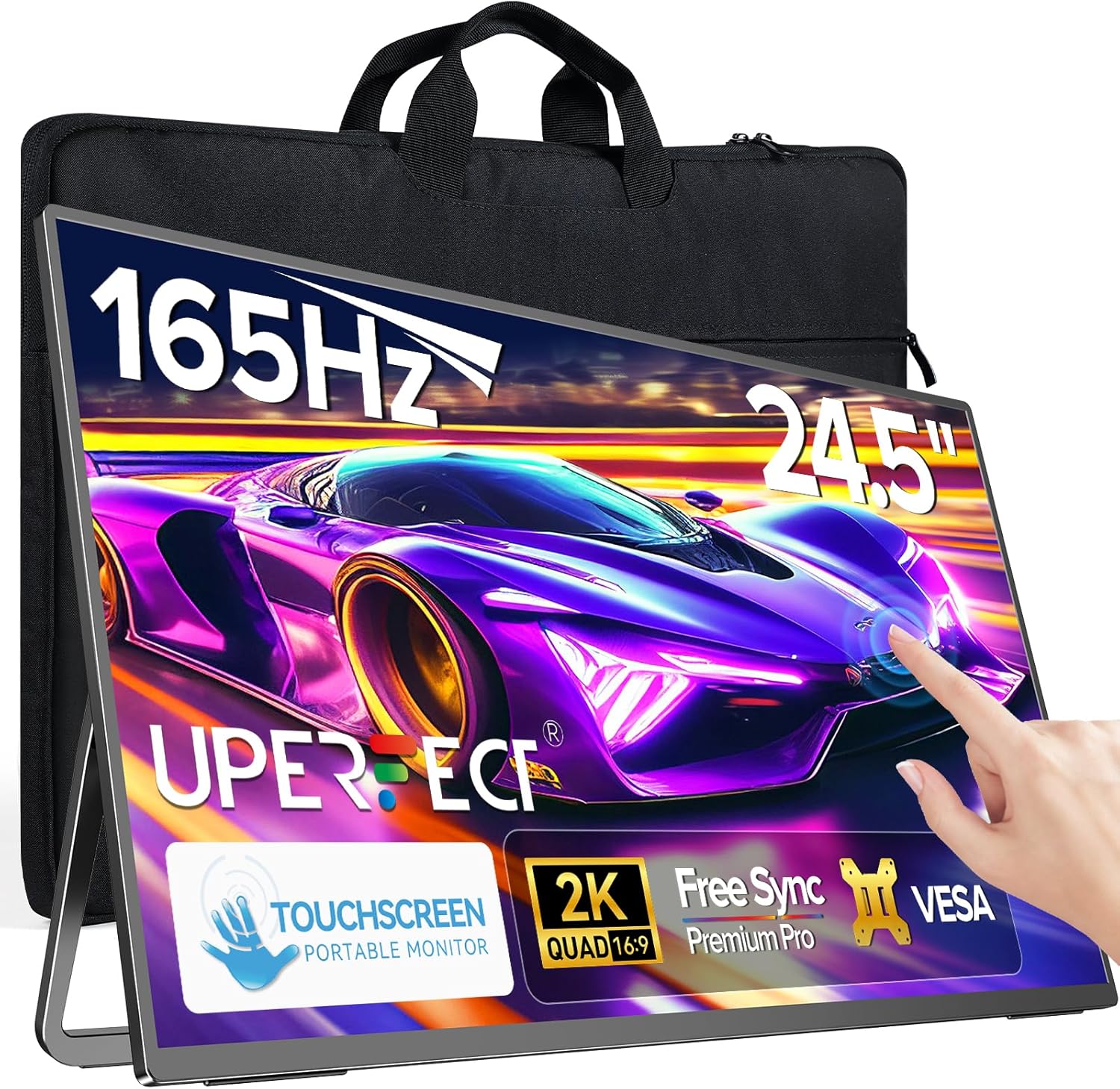
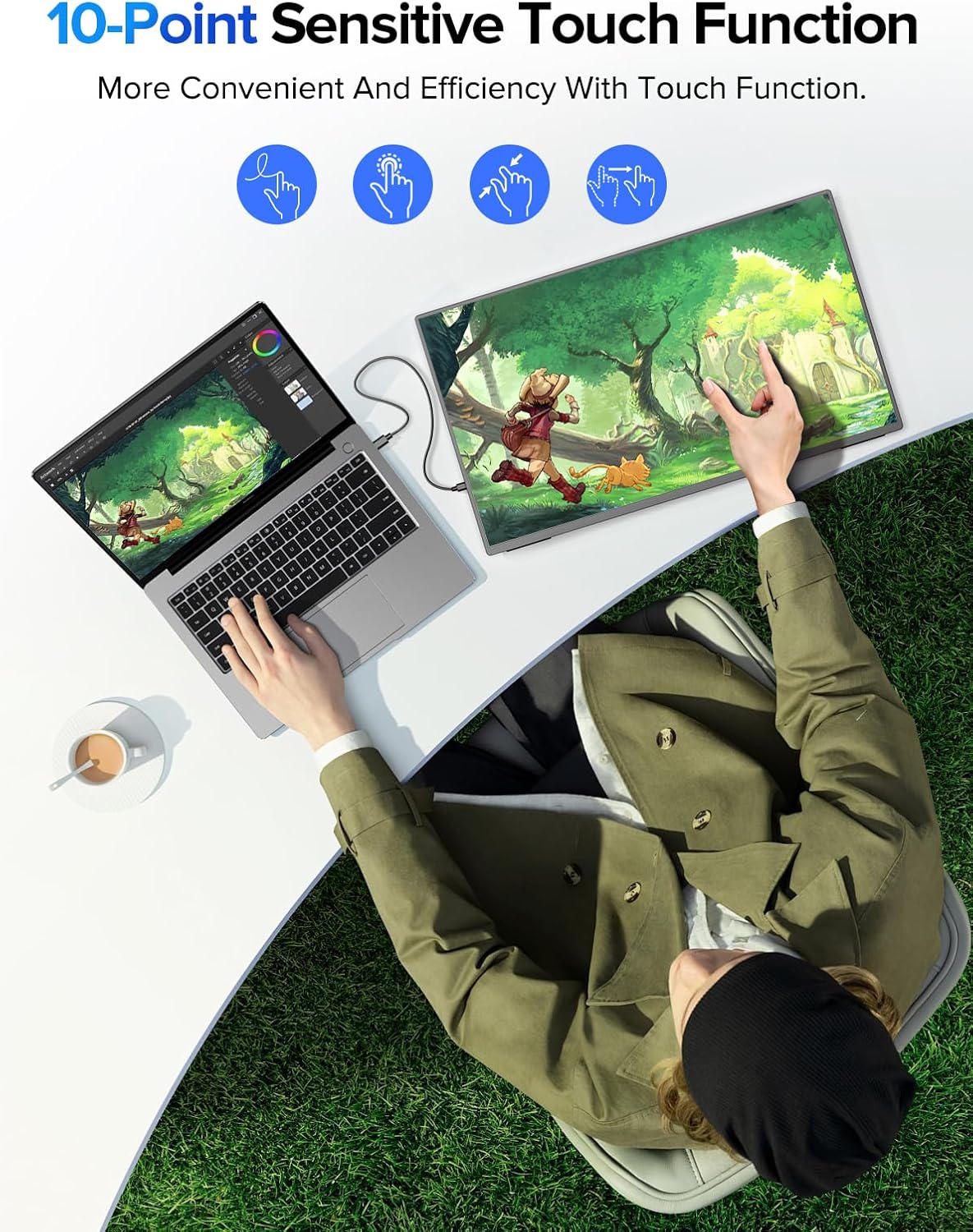
On paper, the standout specs are a 165Hz refresh rate (via USB-C) and FreeSync support for smoother motion in fast-paced titles, plus a 2K 2560x1440 resolution for clearer text and images than standard Full HD. The 10-point multitouch promises precise gestures, while the anti-glare IPS panel should help with accurate colours and reduced reflections during long sessions. The monitor includes two full-function USB-C 3.1 ports and a mini HDMI input, broadening compatibility with modern laptops and some handheld devices. Built-in dual speakers and an audio jack offer flexible audio options without needing external gear.
What stands out day to day
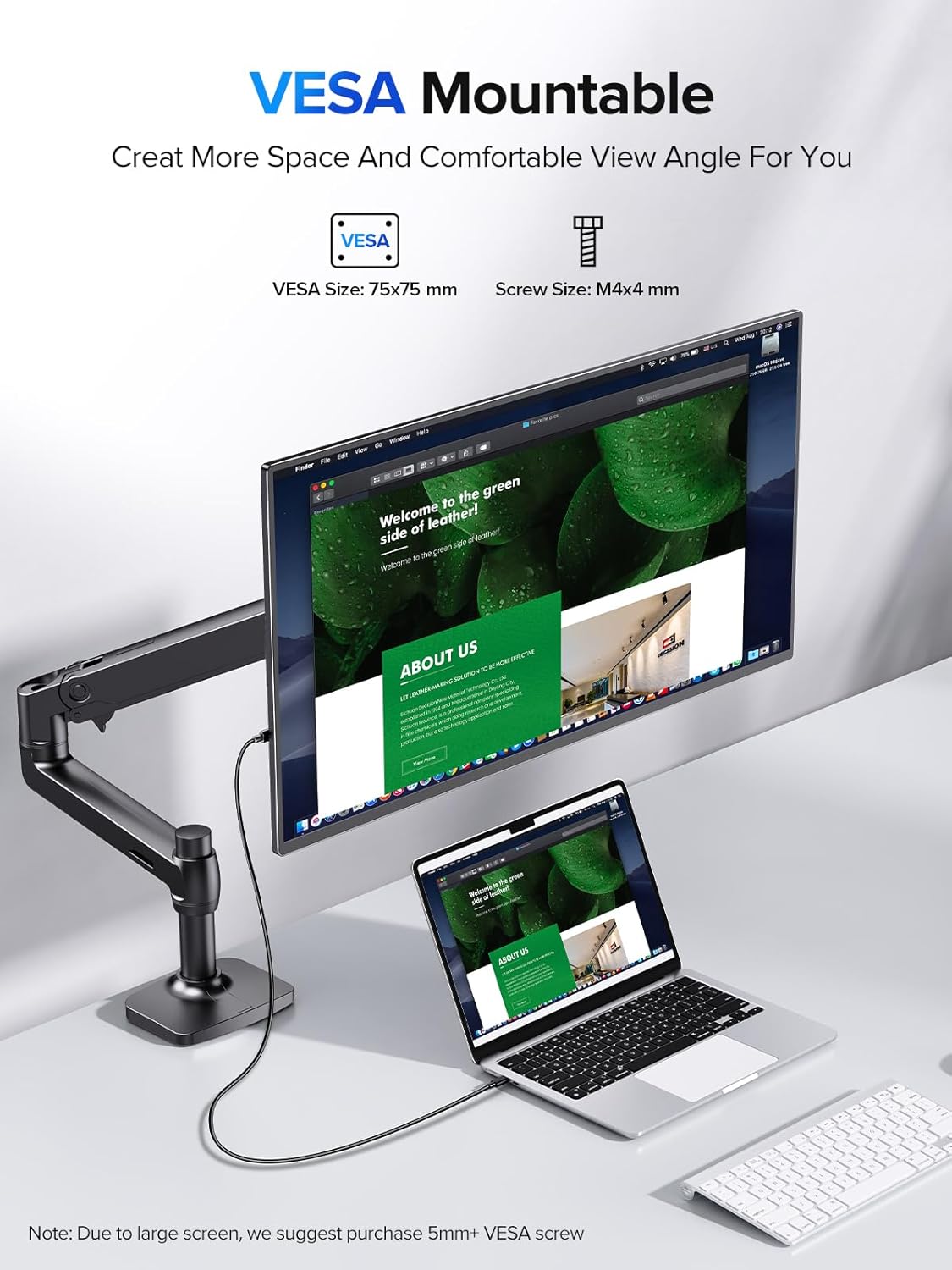
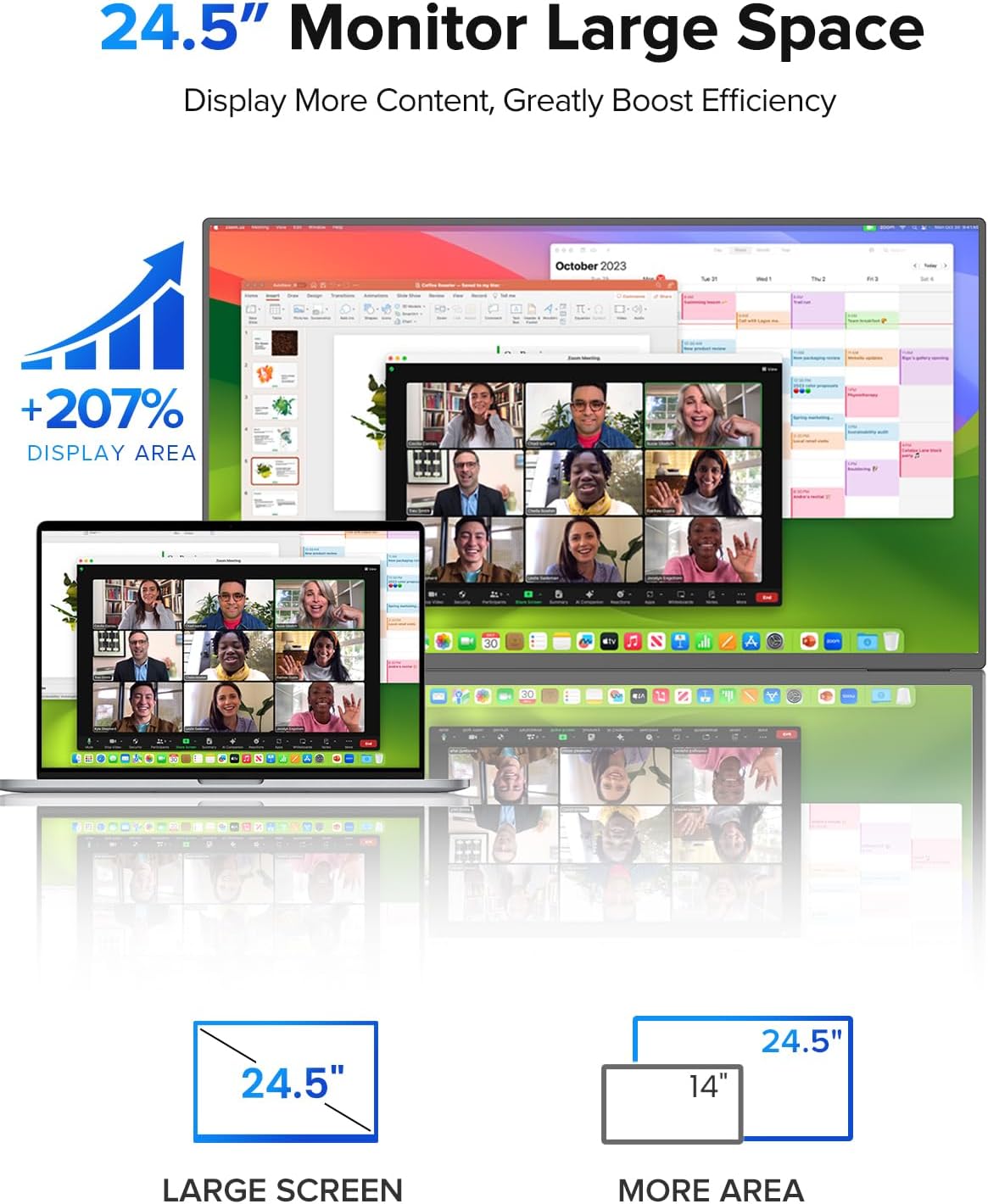
The large 24.5” screen realises more immersive multi-tasking or gaming, and the matte finish helps cut down on glare in brighter rooms. The 180° kickstand and 75×75mm VESA compatibility add flexibility for different setups—from a quick laptop pairing to mounting on a desk arm or wall. The kit’s portability is reinforced by its relatively compact footprint for a 24.5” display, making it easier to tuck into a bag or carry between locations.
Strengths and real-world considerations
On the positive side, you benefit from a combination of touch input and a high refresh rate, which can boost responsiveness in certain games and apps. The 2K resolution is helpful for both work and entertainment, and the colour performance from an IPS panel should feel more natural than some budget options. The inclusion of USB-C both for data and display, plus HDMI, is convenient for device versatility. A practical limitation to note is that the 165Hz refresh rate is achieved via USB-C, HDMI support is stated up to 144Hz, so if you’re aiming for the absolute maximum in all ports, you’ll need to align your setup accordingly. The footprint and weight aren’t specified here, so it’s worth verifying if you need a particularly light carry or a compact travel profile.
Limitations and who it’s not perfect for

If you prioritise pure gaming performance over portability, you might prefer a dedicated gaming monitor with a higher peak brightness or more aggressive motion handling in a fixed PC setup. The need for a USB-C connection to hit 165Hz could be a constraint if your main device relies on HDMI-only outputs. For productivity-focused tasks, the touch input is a boon, but it won’t replace a dedicated drawing tablet or high-precision pen input unless you already rely on touchscreen workflows.
When it makes sense to buy
This monitor makes sense if you want a large, touch-enabled external screen that can travel with you and pair with a laptop or handheld devices. It’s sensible for dual-handed use on a desk, on-the-go coding, design work that benefits from multitouch gestures, or casual gaming where higher refresh rates improve responsiveness. If you need a wall-mountable display or a compact, portable secondary screen that’s easy to deploy in mixed environments, this model aligns well with those needs.

When to look elsewhere
If your priority is a purely desktop, non-touch monitor with modest portability, this is likely overkill. If you require the absolute highest 165Hz across every connection type or crave brighter HDR performance for dark-room gaming, you may find alternative options more suited to those extremes. Budget-conscious buyers should weigh whether the touch capability and portability justify the premium over non-touch, fixed-position panels.
What to check before buying
- Confirm the devices you intend to pair with support USB-C for 165Hz or HDMI for up to 144Hz, to align expectations with the ports.
- Consider how you’ll mount or place the screen, and whether the 75×75mm VESA option fits your desk setup or arm.
- Verify whether you need the built-in speakers or will rely on external audio, the column provides an audio jack and speakers, but external gear can offer better sound.
- Think about space: a 24.5” diagonal makes a noticeable difference, but the overall weight and portability depend on your carry setup.
Practical usage example
Imagine pairing this screen with a lightweight laptop for a portable workstation. You can use it as a second display during work, then switch to gaming with a touch-enabled interface for quick map gestures in compatible titles. The 180° stand allows you to tilt the screen to a comfortable angle on a coffee table, and the VESA option gives you a more permanent desk setup if needed.

FAQ (based on available information)
- Can I use touch while gaming? Yes, the monitor supports 10-point multitouch, which works alongside its display features in many scenarios.
- What’s the maximum refresh rate over HDMI? The specification notes up to 144Hz over HDMI.
- Is it compatible with USB-C only devices? The device is designed to work with USB-C for high refresh rates and data, plus HDMI, offering flexibility with many modern laptops and devices.
Buying decision
Should you buy it? If you need a 24.5” portable touch display with a strong balance of resolution, touch input, and flexible mounting options, it’s worth considering. It’s a sensible option for those who value multitouch productivity in a portable form and plan to connect primarily via USB-C or mini HDMI. It may not be the best choice if you prioritise maximum static brightness, non-touch simplicity, or ultra-light portability. Consider your device compatibility and how you intend to use touch features in day-to-day tasks before committing.
Quick take
For users wanting a larger, touch-enabled secondary screen that travels well and supports a modern laptop or compact PC, this UPERFECT model offers a coherent package with practical trade-offs. It isn’t a gimmick, it’s a portable display that leans into touch and high refresh performance where it makes sense.