

Blackview 14" Laptop Screen Extender (Triple Screen) – Portable FHD Monitor with USB-C Plug & Play
Product description
What it is and what it solves
The Blackview Laptop Screen Extender is a 14-inch portable monitor designed to expand your laptop workspace. Built with a galvanised steel shell and a matte finish, it aims to withstand everyday wear while offering additional screen real estate on the move. It integrates as a triple-screen setup, allowing you to view multiple applications side-by-side without a fixed desk.
How it works and key benefits
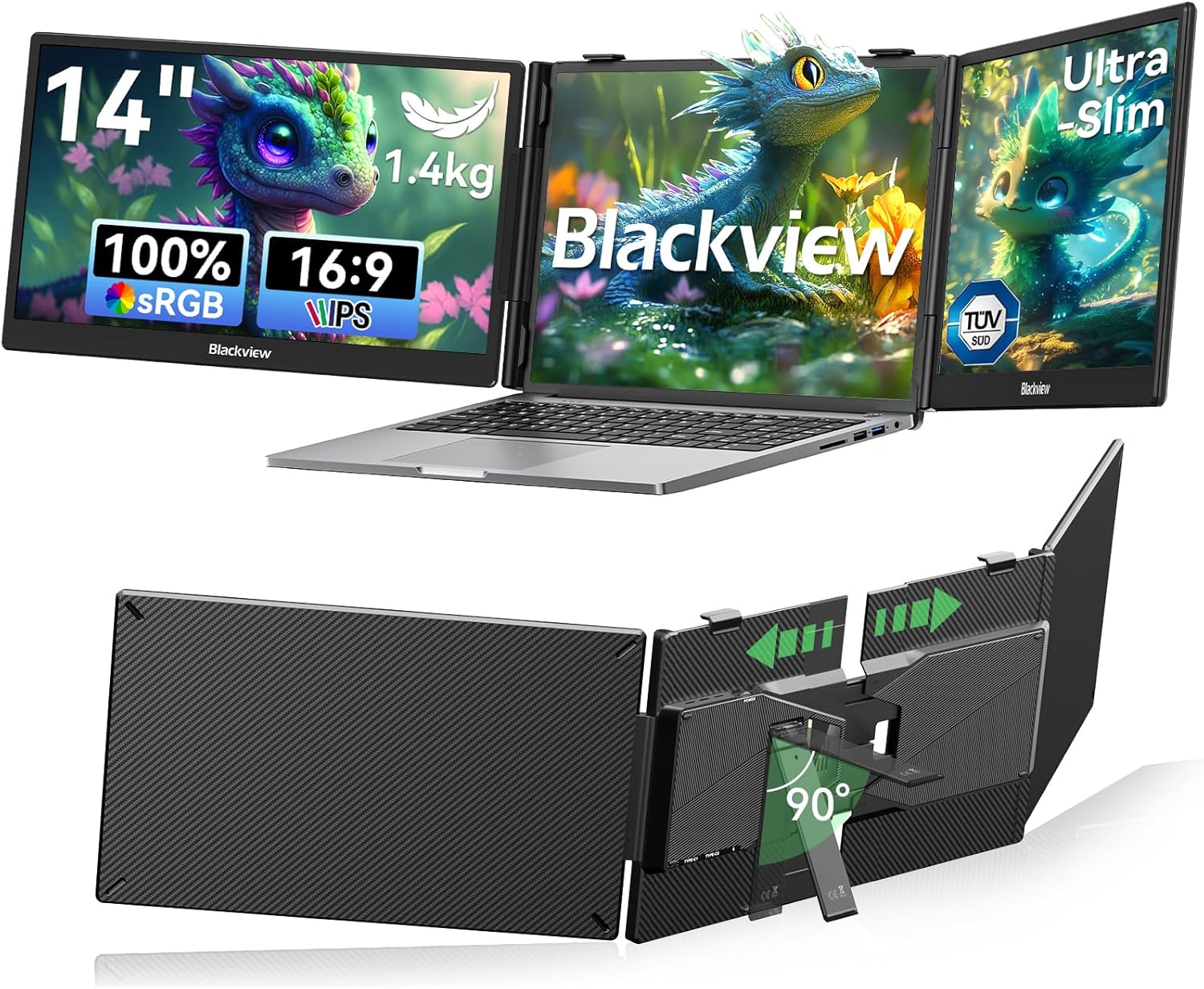
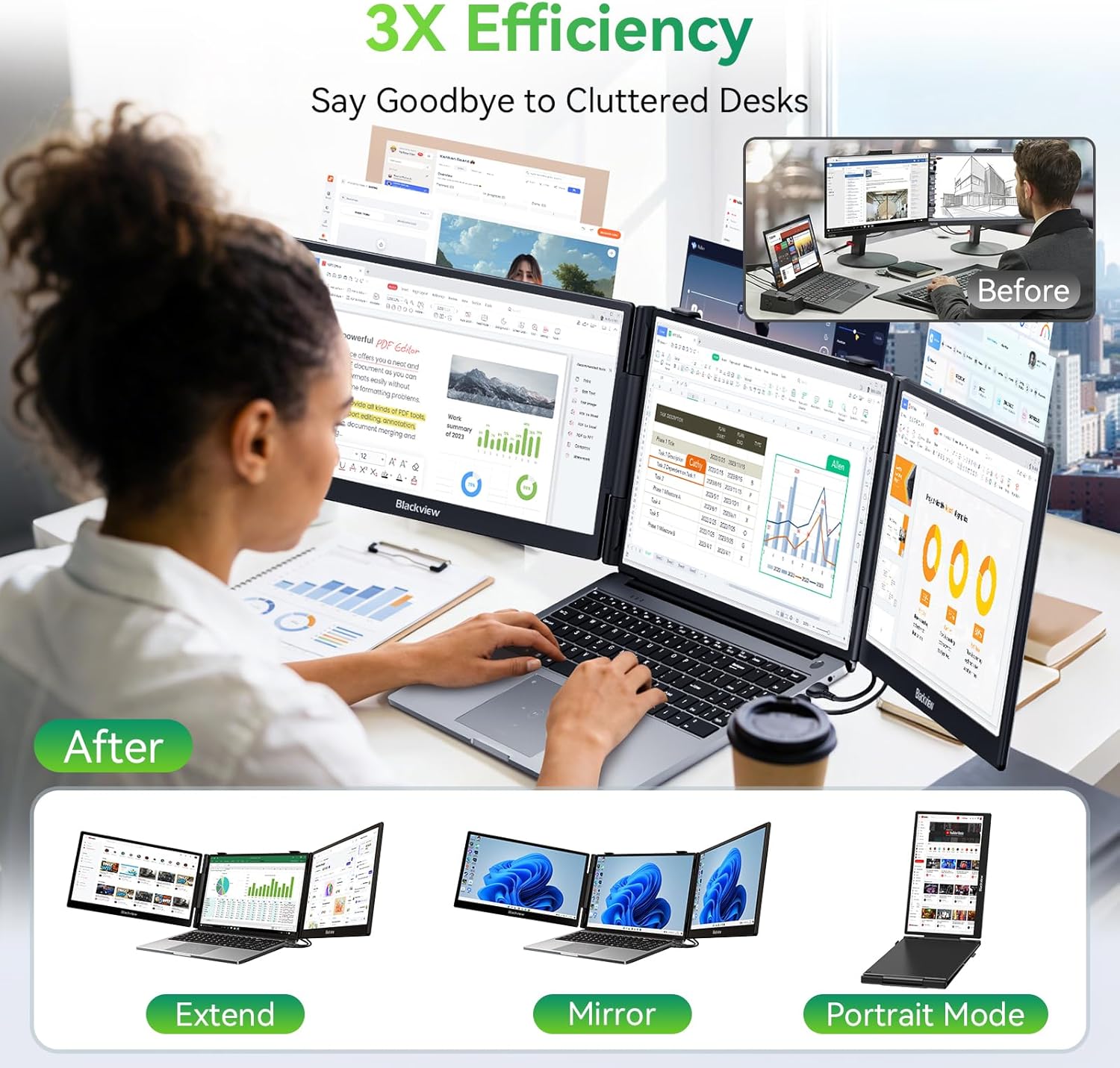
Connectivity is straightforward: USB-C or HDMI for mirror, extend, or portrait modes, with no driver installation required. It supports independent mode for multi-device display, so you can run two devices at once. This makes it suitable for scenarios such as monitoring live data while coding, cross-referencing files, or following tutorials on one screen while carrying out tasks on another.
What stands out in use
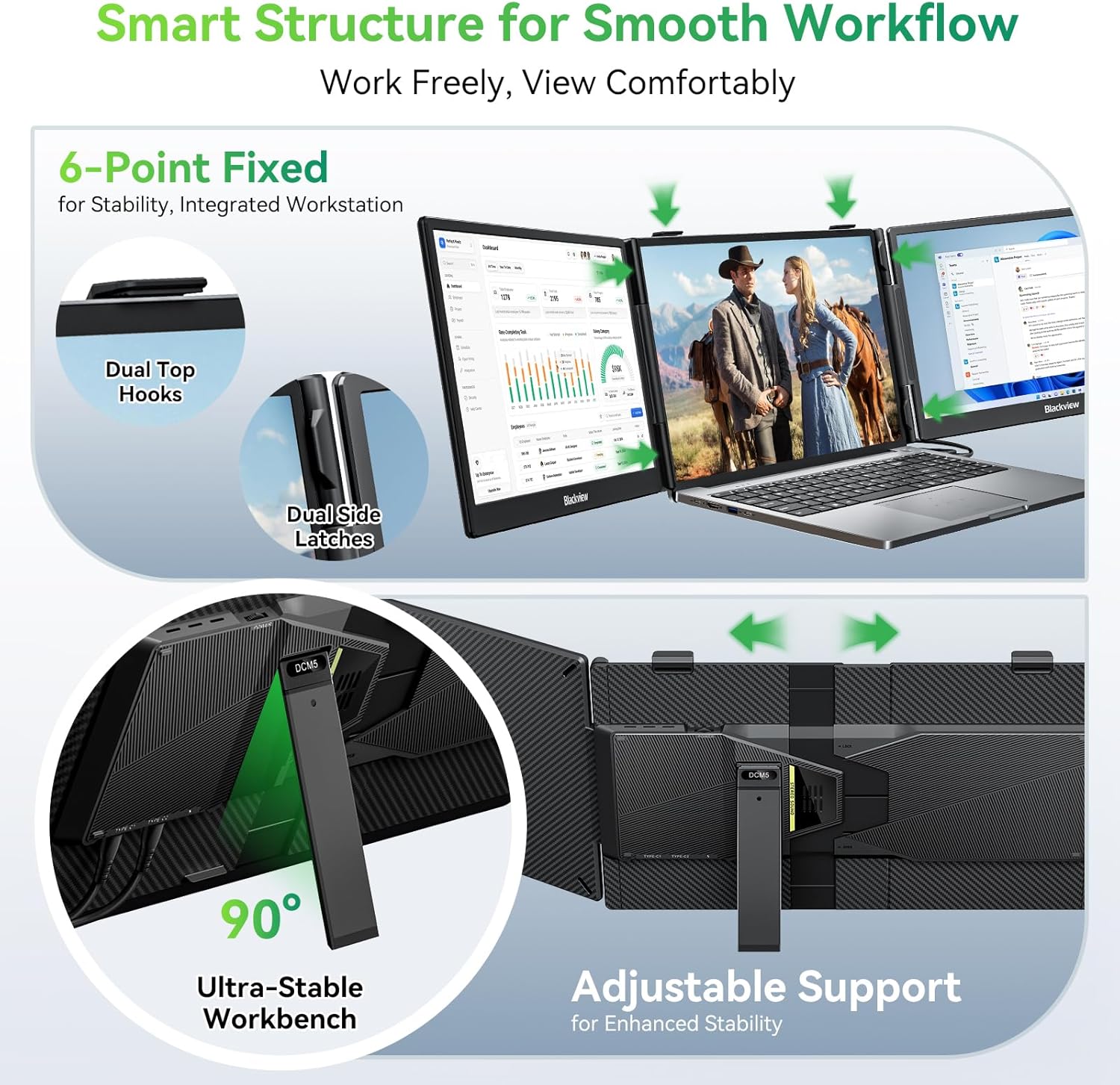
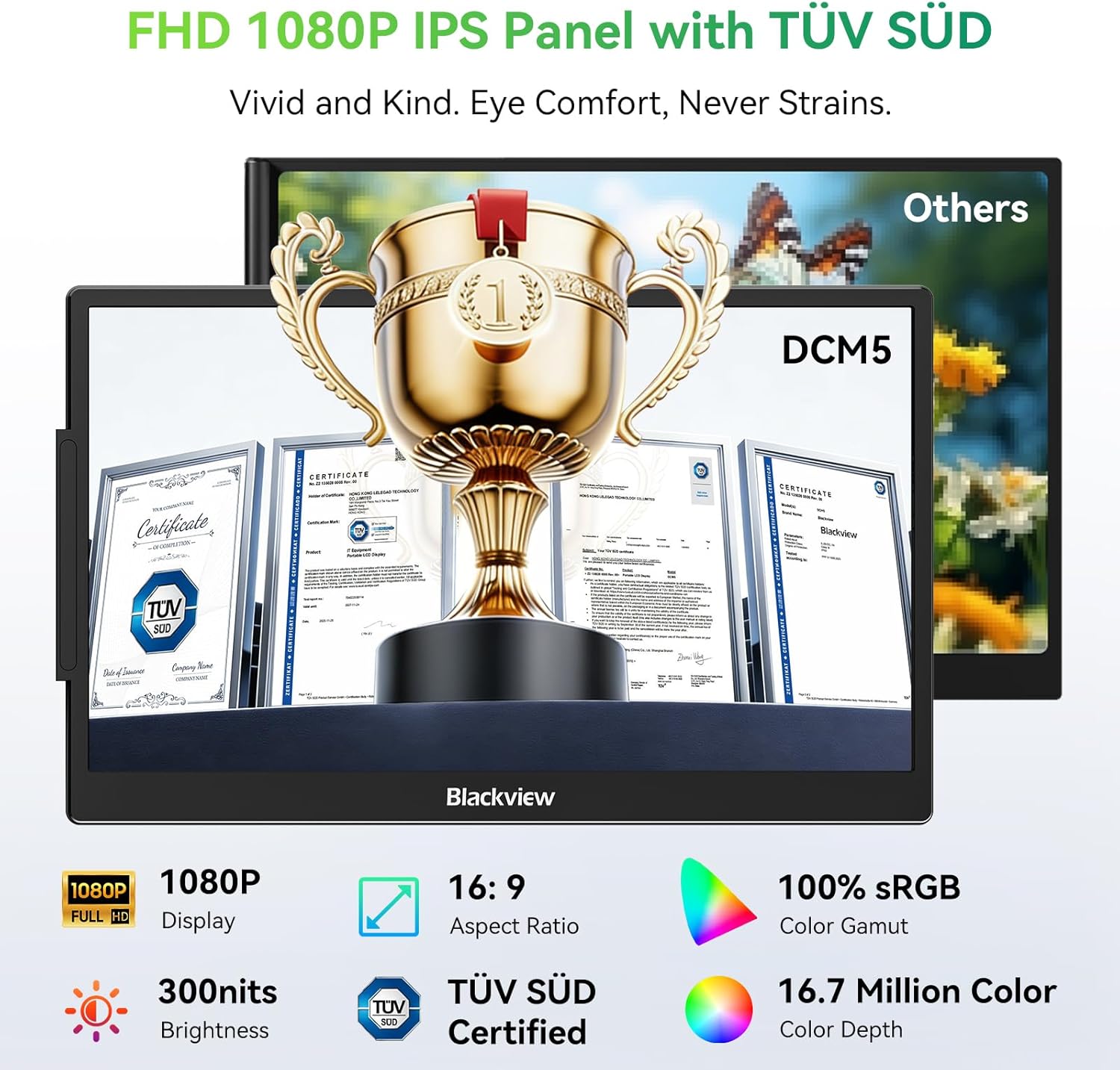
The 1080p FHD IPS panel delivers decent clarity with a wide 180° viewing angle and 300 nits of brightness. TÜV SÜD low blue light compliance aims to reduce eye strain during long sessions. The 6-point mounting system and 90° adjustable stand help stabilise the setup when you’re moving between locations.
Who it’s for
If you regularly work across multiple apps, compare data across tabs, or need a portable multi-screen solution for a flexible mobile office, this extender can be a practical fit. It’s also relevant for learners and light creators who want extra screen real estate without a full desk setup.
Potential limitations and who might want to think twice
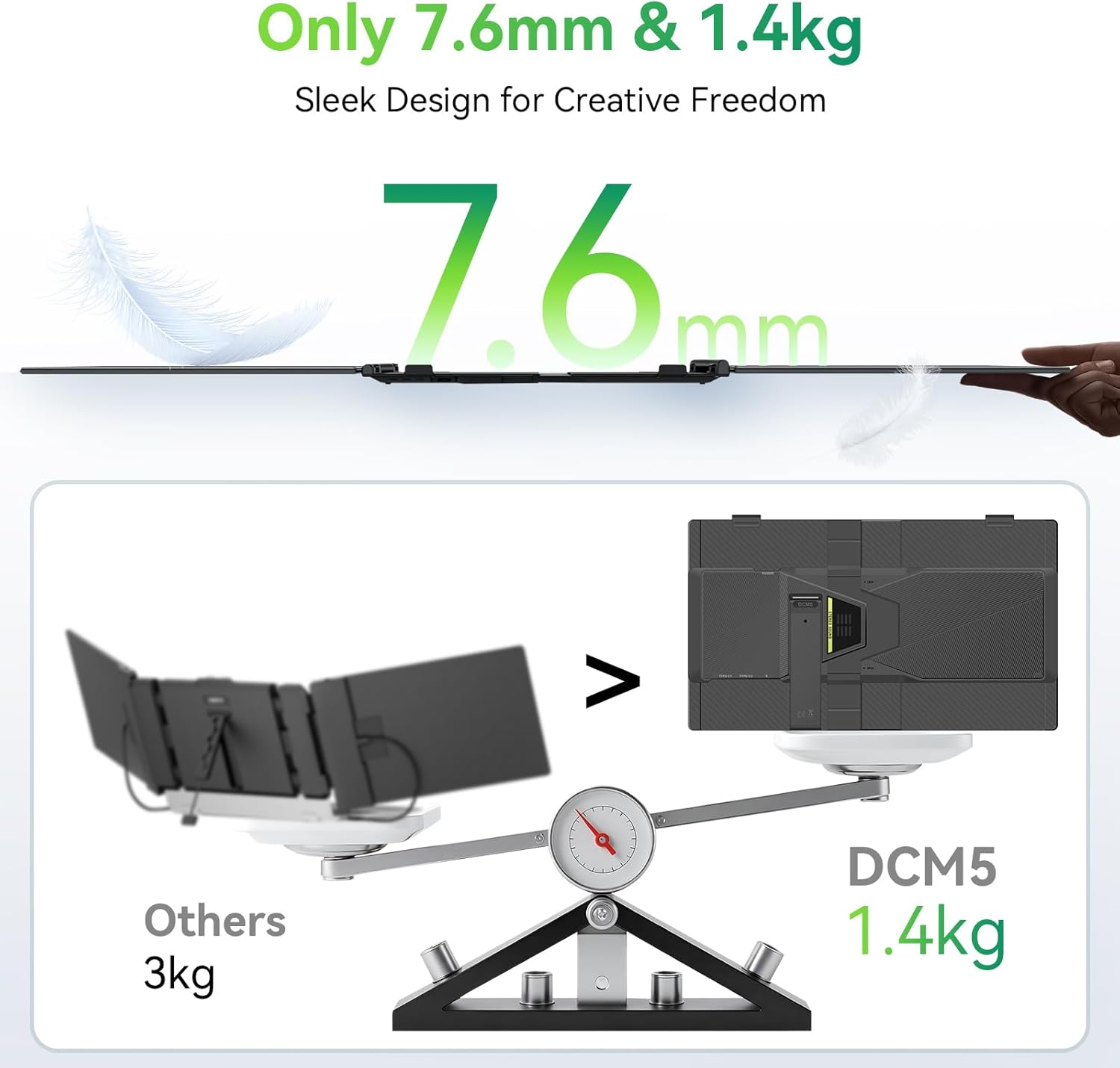
No product is perfect for everyone. The unit weighs about 1.36 kg, which is light for a portable monitor but adds noticeable heft if you’re aiming for an ultra-light carry. Because it relies on USB-C/HDMI inputs, devices without full-featured USB-C ports or compatible HDMI outputs may require adapters or a different video workflow. For intensive colour-critical work or very high refresh needs, the 1080p spec may feel limiting compared with higher-resolution standards.
When it makes sense to buy
- You want an extra screen without committing to a full-desk solution.
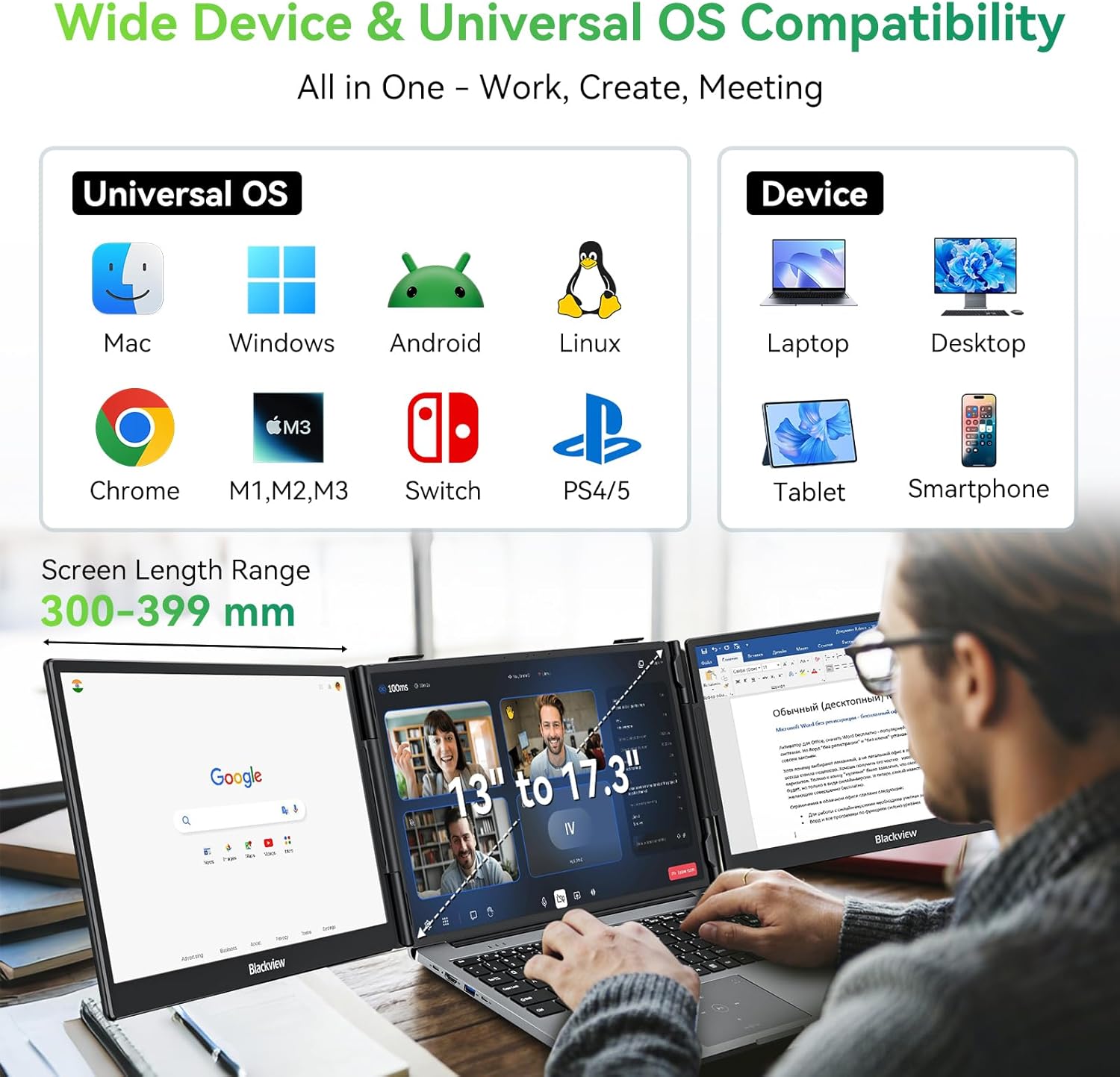
- You need straightforward, driver-free setup for Windows, Mac, ChromeOS, Android, or Linux devices.
- You value TÜV SÜD low blue light compliance and an IPS panel for comfortable viewing.
When it’s worth considering alternatives
- If you require higher resolution, faster refresh rates, or colour-critical accuracy, a higher-end portable monitor might be more suitable.
- If you need a lighter, ultra-compact option for single-device use, a smaller screen could be preferable.
What to check before buying
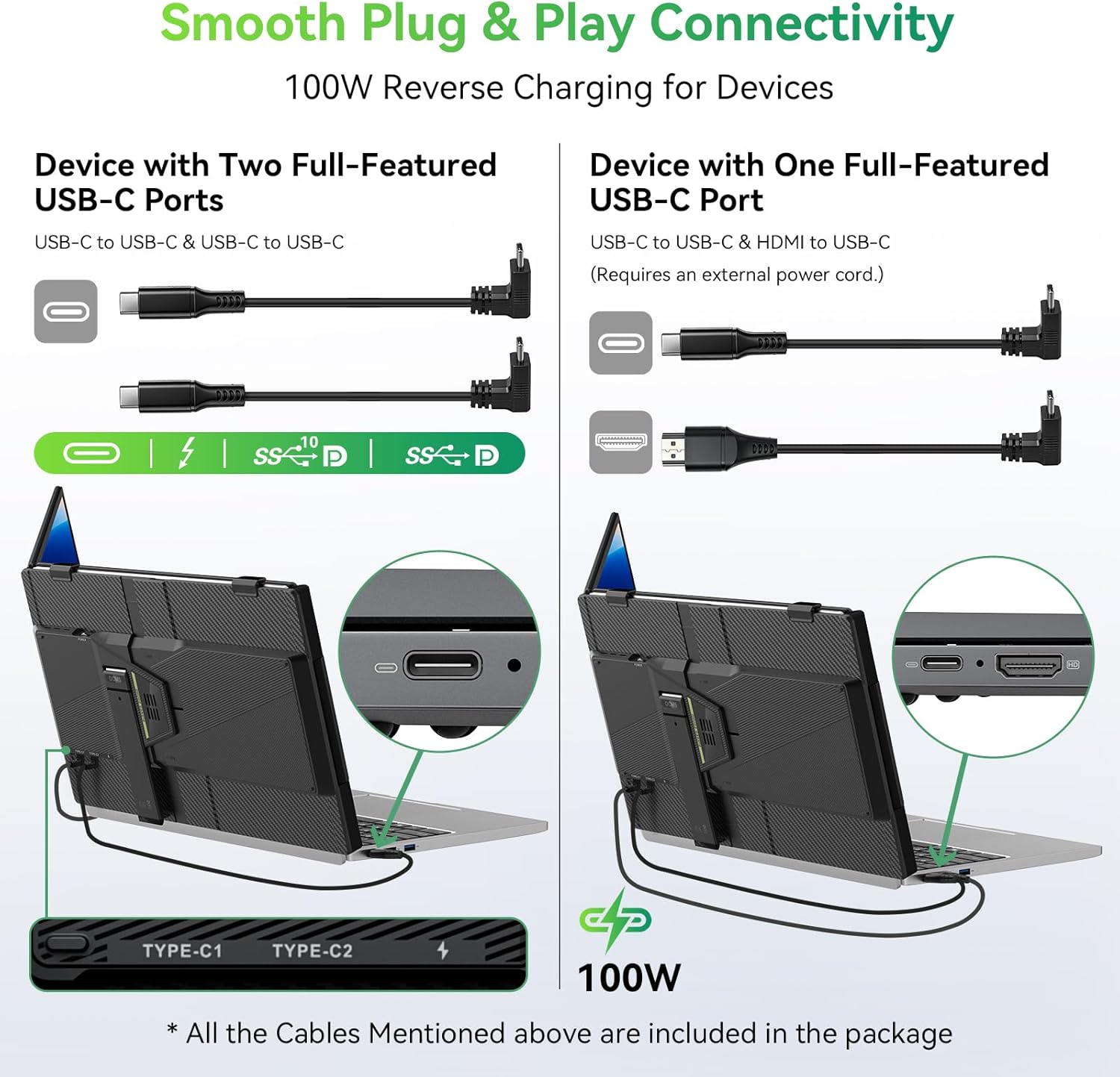
- Ensure your laptop has a full-feature USB-C port or at least USB-C plus HDMI to enable dual-screen expansion.
- Confirm you’re comfortable with a 14" display as the primary portable extension versus larger desktop monitors.
- Consider how you’ll position the extender (the stand and mounting system) in your travel setup.
Practical usage example
Imagine reviewing live trading data on one screen, drafting a code snippet on the main laptop, and keeping a reference document on the extender. The setup remains portable, and you can shift to a different environment without reinstalling software or reconnecting complex drivers.
FAQ snap
- Is it truly plug and play? Yes, no drivers are required for USB-C or HDMI connections.
- Can it run two devices at once? In independent mode it can display two devices simultaneously.
- Will it fit on a small desk? Its dimensions and stand allow for flexible placement, but you’ll want stable support in tighter spaces.
Decision: Is it worth it?
Worth considering if you prioritise portable multi-screen capability for mobility and practical work scenarios, rather than seeking high-end desktop performance. It suits users who want more screen real estate on the go and are comfortable with a 14" FHD display as an additional monitor. If your workflow hinges on very high resolution or advanced colour accuracy, this may sit in the middle ground rather than the high end.