

UPERFECT 24.5” 2K 165Hz Portable Monitor review: a practical high‑refresh travel screen
Product description
What it is and who it’s for
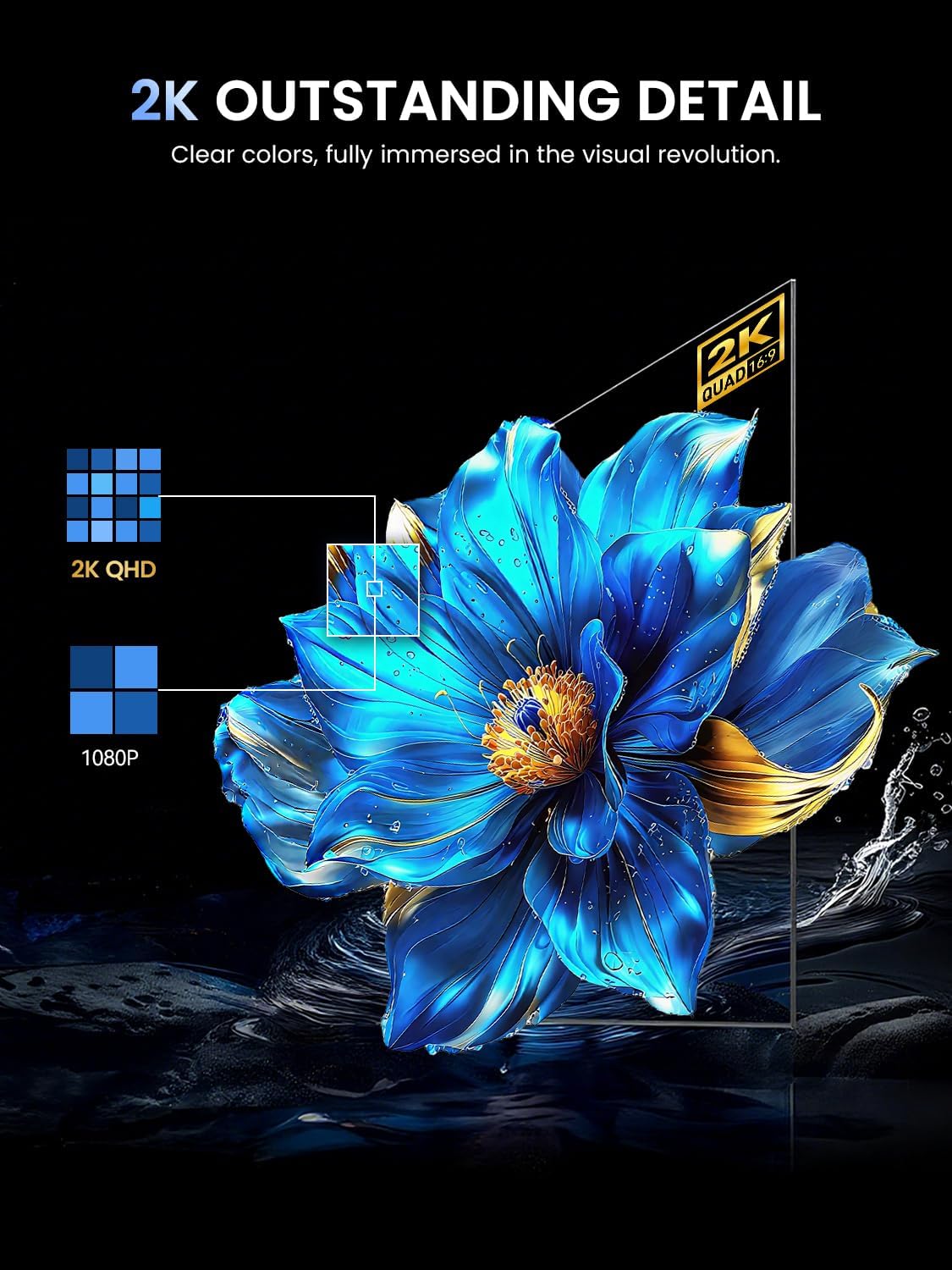
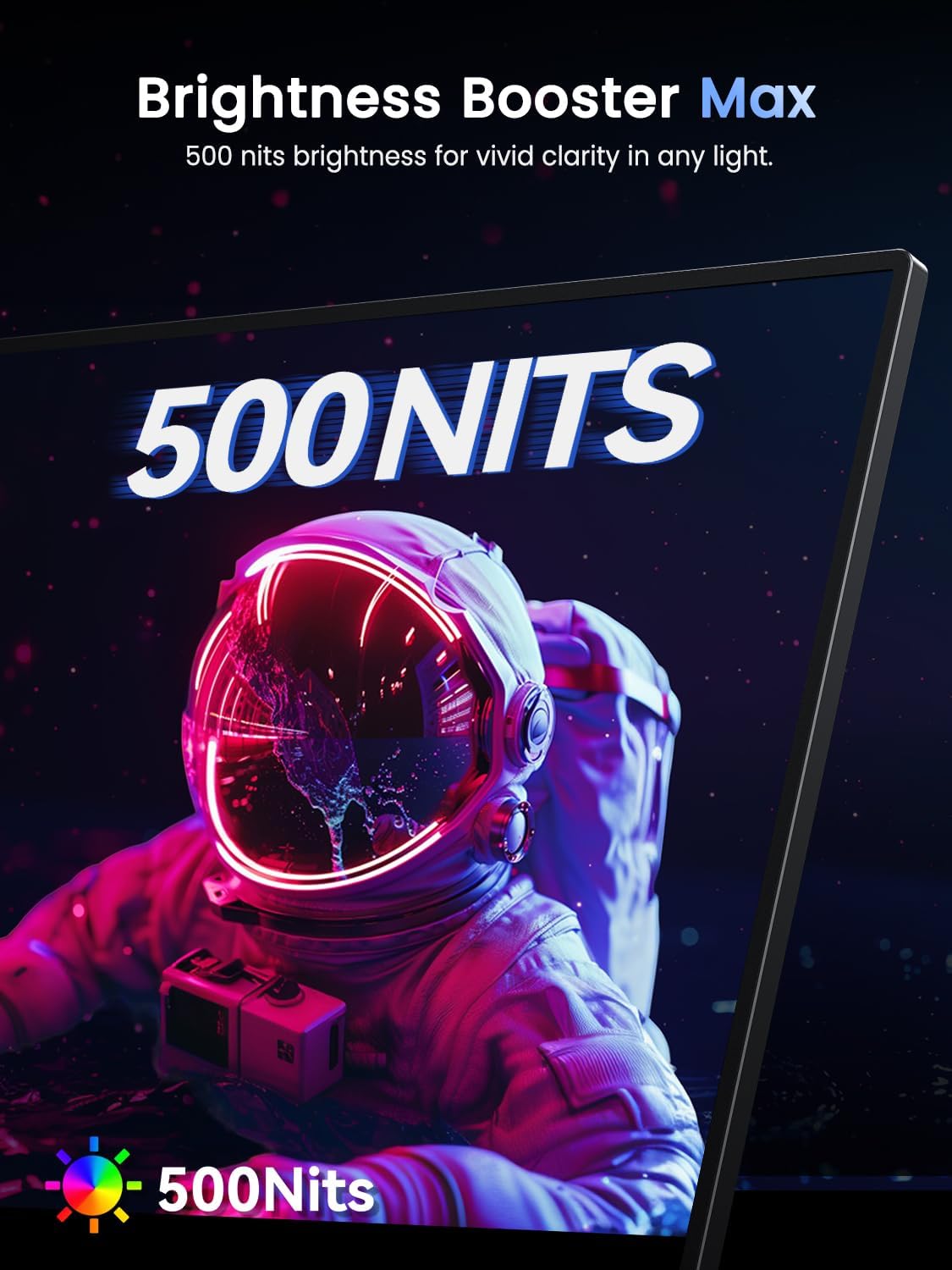
The UPERFECT 24.5” portable monitor is a compact, high‑resolution external display designed to be carried between devices. It uses a 2K (2560 × 1440) IPS panel with a matte finish and a claimed 500 nits of brightness, aiming to reduce reflections during long sessions. It’s built to work with PCs, laptops, phones and consoles like Switch, thanks to a pair of full‑function USB‑C 3.1 ports and a mini HDMI input. If you frequently switch between a laptop, home PC and on‑the‑go gaming, this kind of screen promises a single, portable upgrade rather than a full secondary desk setup.
How it performs on paper
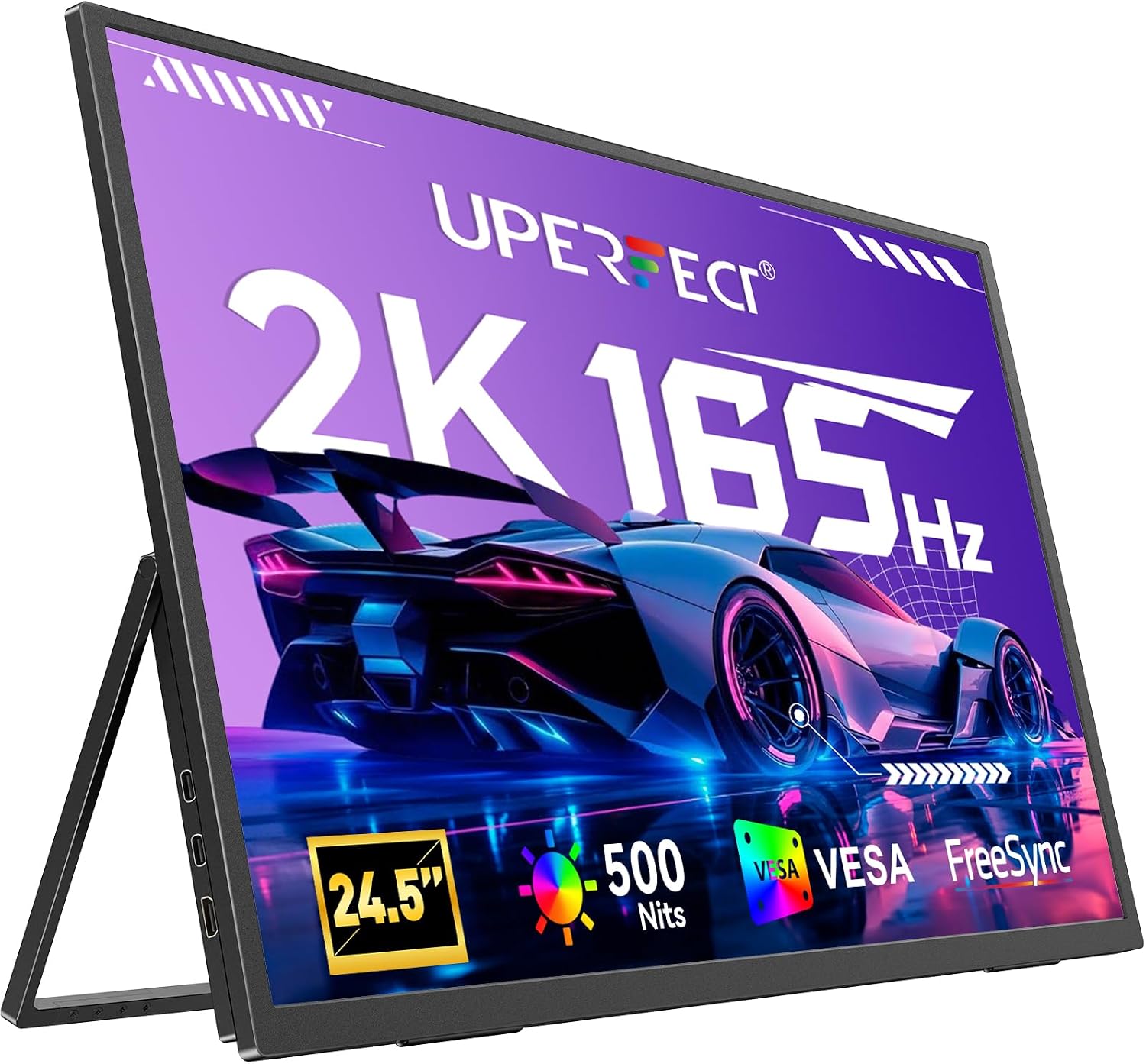
On the movement front, the monitor supports up to 165 Hz over USB‑C and 144 Hz over HDMI, with FreeSync to help minimise tearing in many fast titles. Real‑world performance will depend on your source and cable, but the intention is clear: smoother visuals with lower motion blur for compatible devices. The colour workflow benefits from IPS accuracy and HDR capability, while the matte coating should help in bright environments.
What stands out
- Versatility: two USB‑C 3.1 ports plus a mini HDMI input expands compatibility across laptops, phones and consoles.
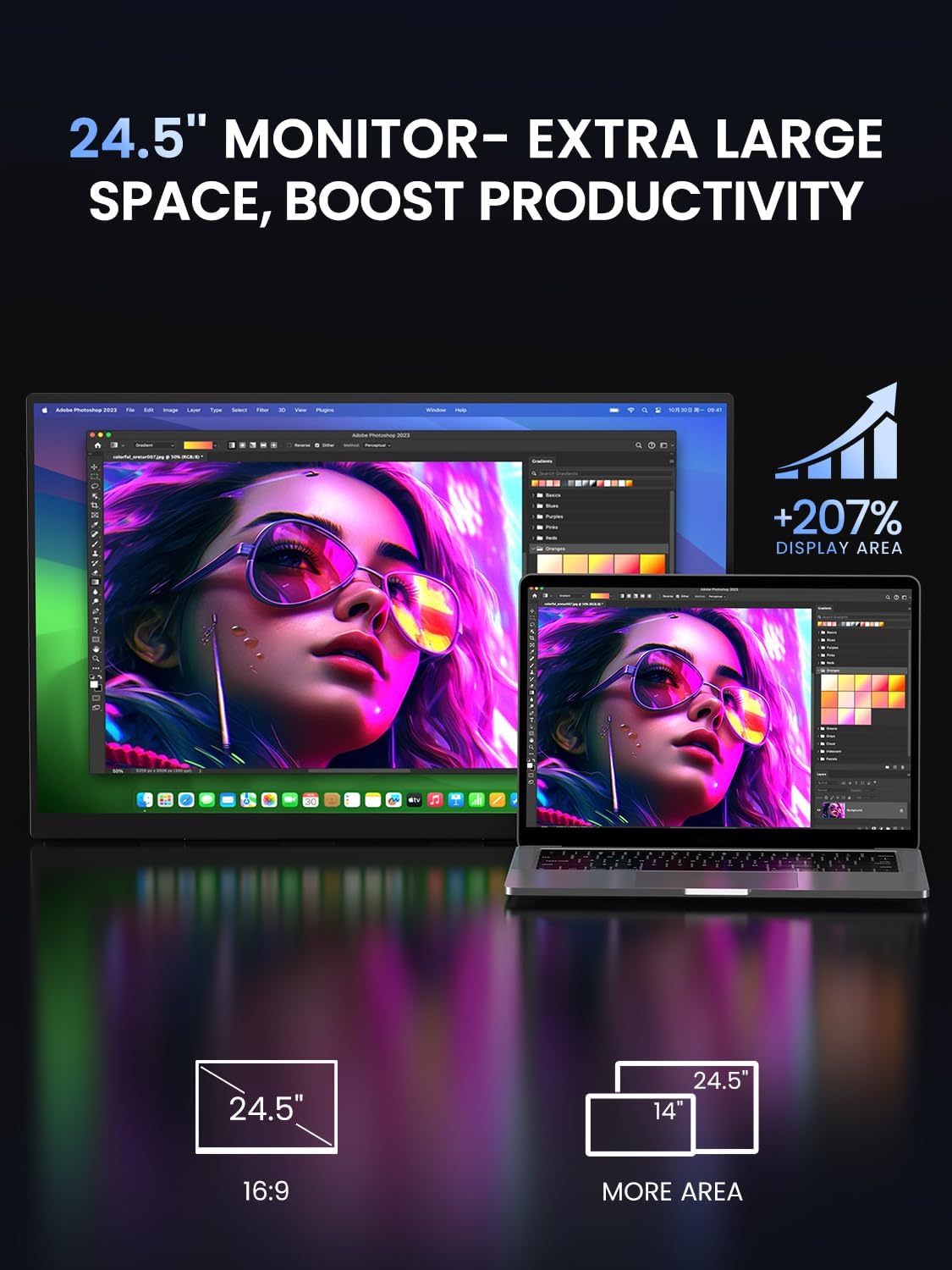
- Portable yet capable: a 24.5” screen with relatively slim bezels, designed to travel in a backpack rather than stay tethered to a desk.
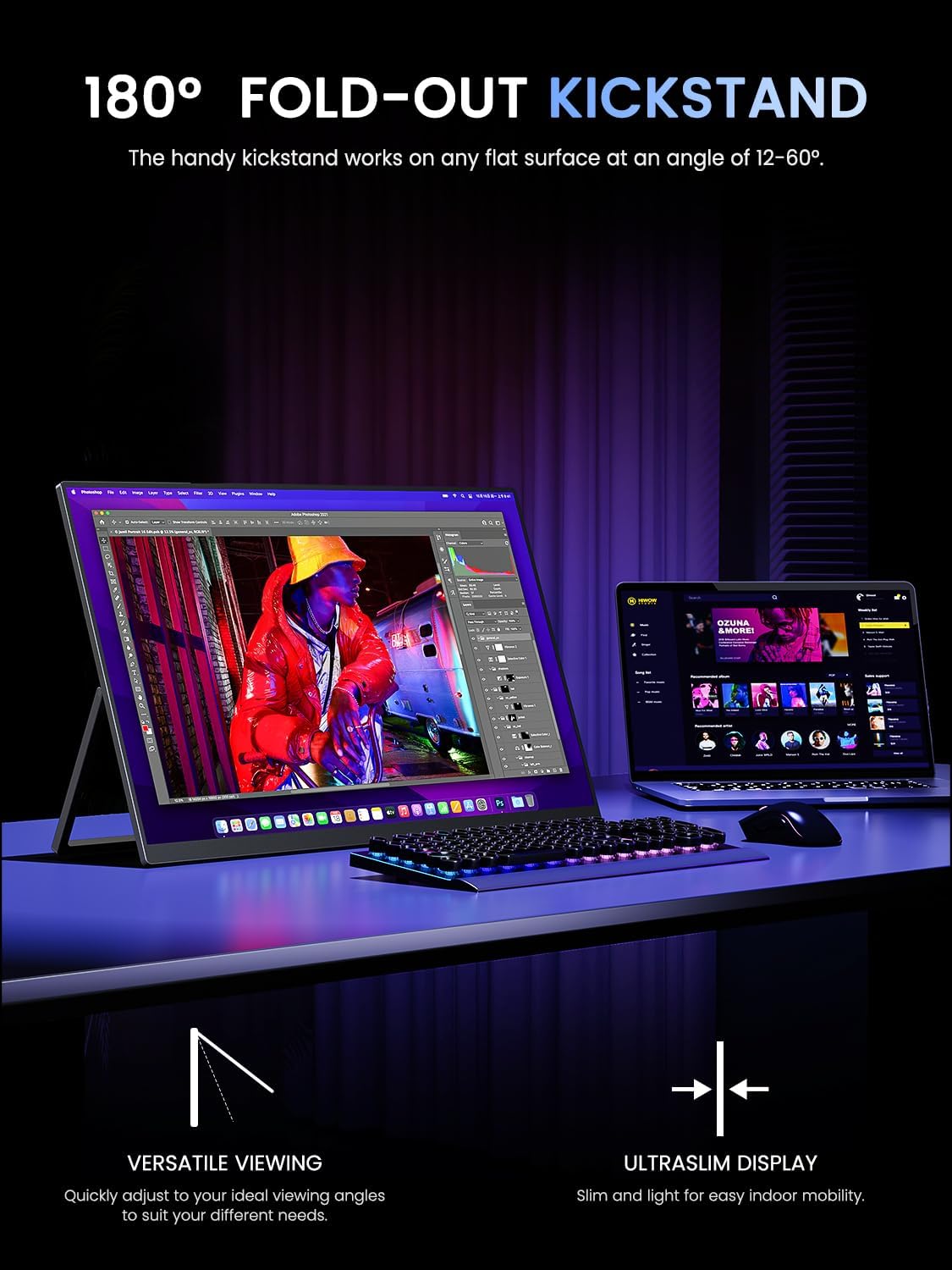
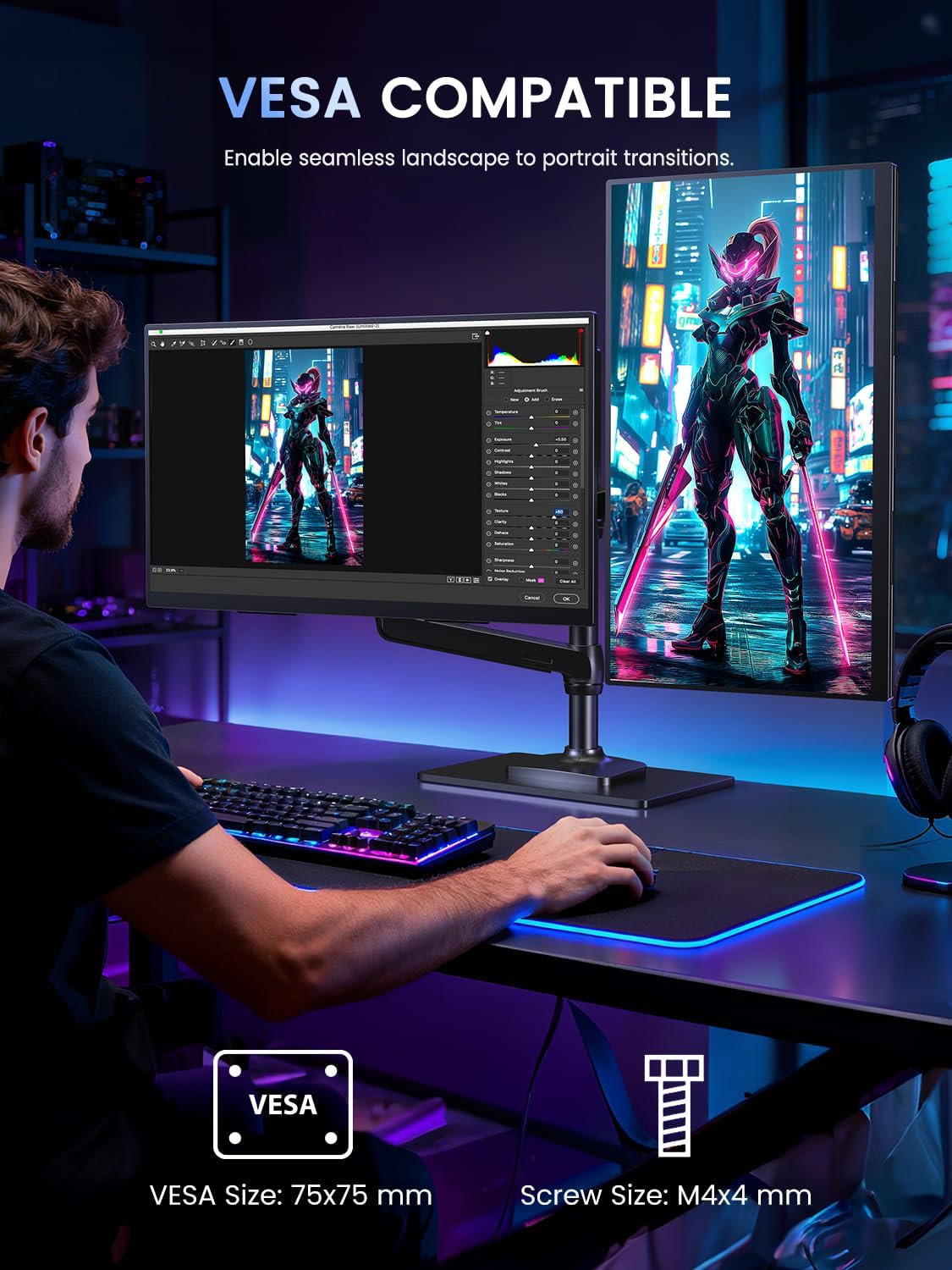
- Flexible mounting: 75×75 mm VESA compatibility and a 180° adjustable stand offer options for desk use, wall mounting or arm attachment.
- Built‑in audio options: dual speakers and an audio jack provide straightforward audio without needing extra hardware.
What may give you pause
- Peak refresh rates depend on the input: USB‑C can reach 165 Hz, HDMI tops out at 144 Hz. If you’re playing at high frame rates, you’ll want the right source and cable to get the maximum benefit.
- Brightness and longevity: while 500 nits is fine for most rooms, very bright or sunlit spaces may still challenge visibility and contrast with outdoor use.
- Portability trade‑offs: as with many portable monitors, the panel size can feel large in a small bag, and power from devices may be a consideration if you’re away from a hefty power bank.
Ideal users and realistic limits

This screen is well‑suited for students, remote workers, or travellers who want a larger, high‑quality display without a desktop setup. It’s also reasonable for gamers who value a higher refresh rate on the go and already have compatible USB‑C source devices. If your workflow relies on colour‑critical work or you need the brightest HDR performance, you may want to compare with dedicated studio displays or larger office monitors. It’s not a replacement for a premium desktop panel, but it does offer a balanced mix of portability and performance.
What to check before buying
- Confirm your primary device supports USB‑C video at the required refresh rate to maximise the 165 Hz potential.
- Ensure you have appropriate cables or adapters for Mini HDMI if you plan to use non‑USB‑C sources.
- Consider how you’ll mount or stand the screen in your usual spaces, and whether you’ll rely on the built‑in stand or a VESA arm.
- Think about audio needs: the built‑in speakers are convenient, but dedicated headphones or external speakers may still improve sound in busy environments.
Practical use case
Imagine working on a travel‑ready setup: your laptop connected via USB‑C, a second monitor for code or documents, and a Switch for gaming during a layover. The 2K resolution, decent brightness and matte finish help keep visuals clear while staying light enough to carry between cafés and offices. The 180° stand means you can position the screen for crowd‑free video calls or for sharing a presentation with a small group.
FAQ (answers grounded in available details)
- Can you use it with a phone? Yes, via USB‑C or other compatible inputs, depending on your phone’s capabilities.
- Is HDR active with all inputs? HDR is listed as a feature, actual results may vary by source and content.
- Do the speakers replace external audio gear? They provide basic audio, useful when you don’t have speakers handy but aren’t a substitute for higher‑quality sound.
Buying decision: Is it worth it?
You’ll like it if you need a portable, reasonably capable second screen for dynamic work and gaming on the move, provided your devices can drive the higher refresh rate via USB‑C. It may not be the best option if you demand studio‑grade colour, maximum brightness in sunlit environments, or you expect flawless 165 Hz performance from HDMI sources every time. Overall, it sits as a pragmatic mid‑range choice for those prioritising portability, versatility and value for money over desktop‑grade performance.
Quick verdict
For daily versatility and travel convenience, the UPERFECT 24.5” 2K 165Hz portable monitor offers a sensible balance of size, refresh potential and broad compatibility. It’s worth considering if a larger, catch‑all portable display would streamline your hybrid workflow, with a caveat that the experience depends on matching input capabilities and environment.
Final thoughts
If your setup requires a flexible screen that travels with you, this model covers a broad spectrum of use cases—from coding on the sofa to gaming on the road. It won’t replace a dedicated gaming PC monitor or a colour‑critical display, but for many users it’s a sensible upgrade over a laptop alone, especially when you value a larger image and smoother motion on the go.