

LG UltraGear OLED GX9 34" 34GX900A-B: 34-Inch WQHD Curved OLED Gaming Monitor
Product description
Introduction
The LG UltraGear OLED GX9 is an ultrawide gaming monitor designed to deliver high‑speed visuals with vivid colour and deep blacks. On paper, OLED with MLA+ promises rich colour expression and a dramatic contrast ratio, with DisplayHDR True Black 400 aiming to show true blacks and bright highlights. If you prioritise fluid motion and immersive gaming at a wide field of view, this model aims to answer that need without resorting to gimmicks.
What it is and what it’s for
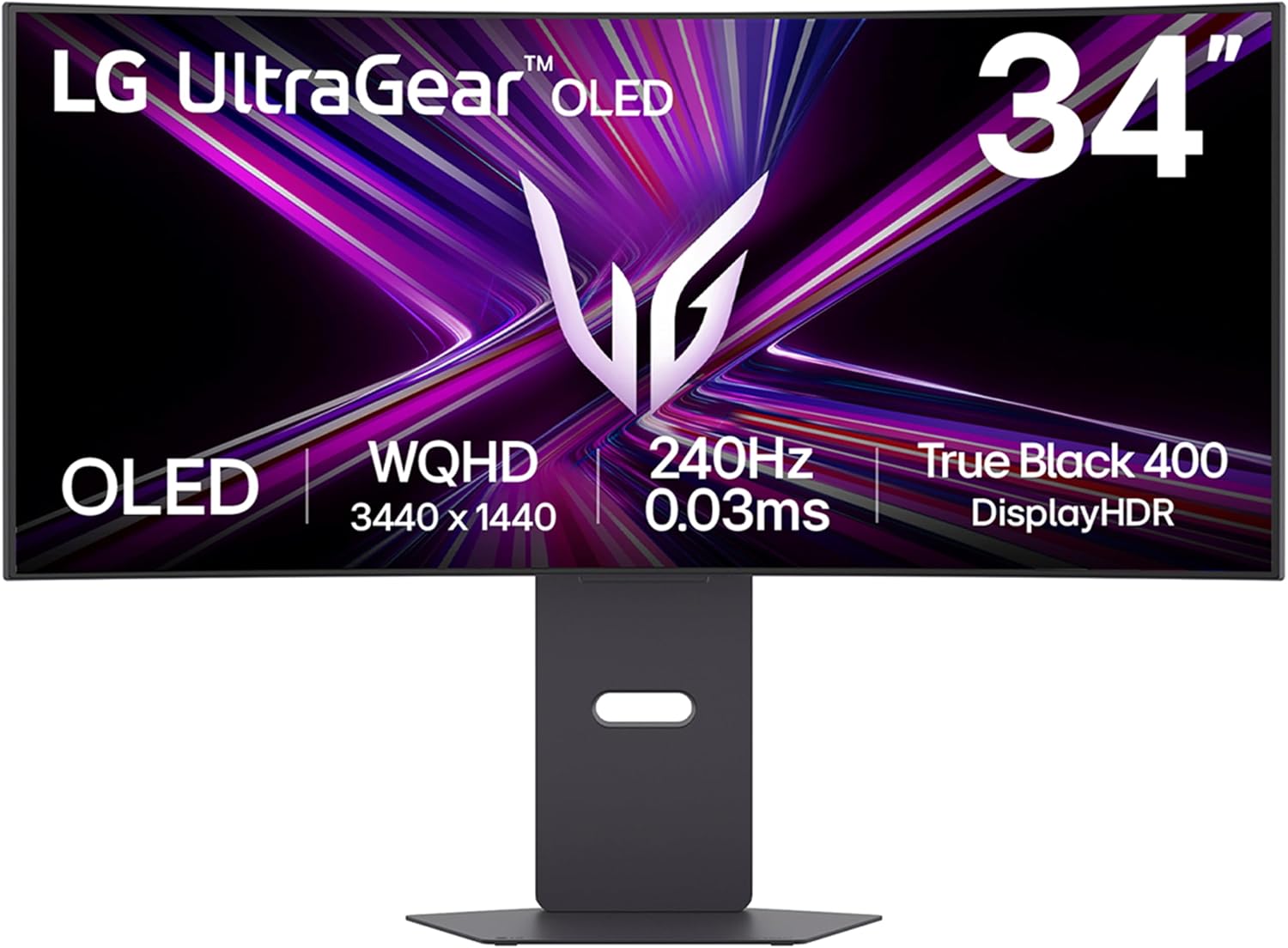
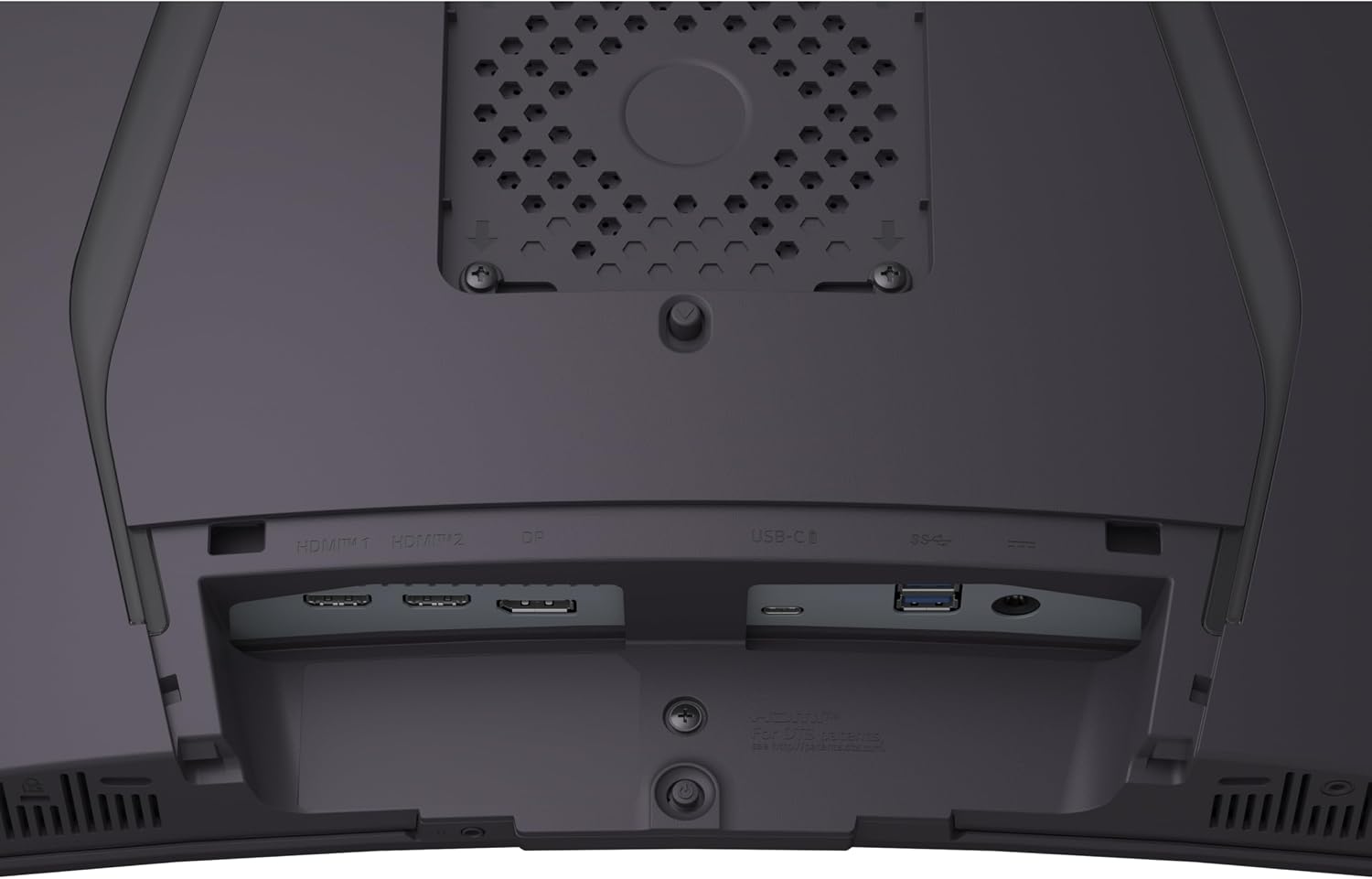
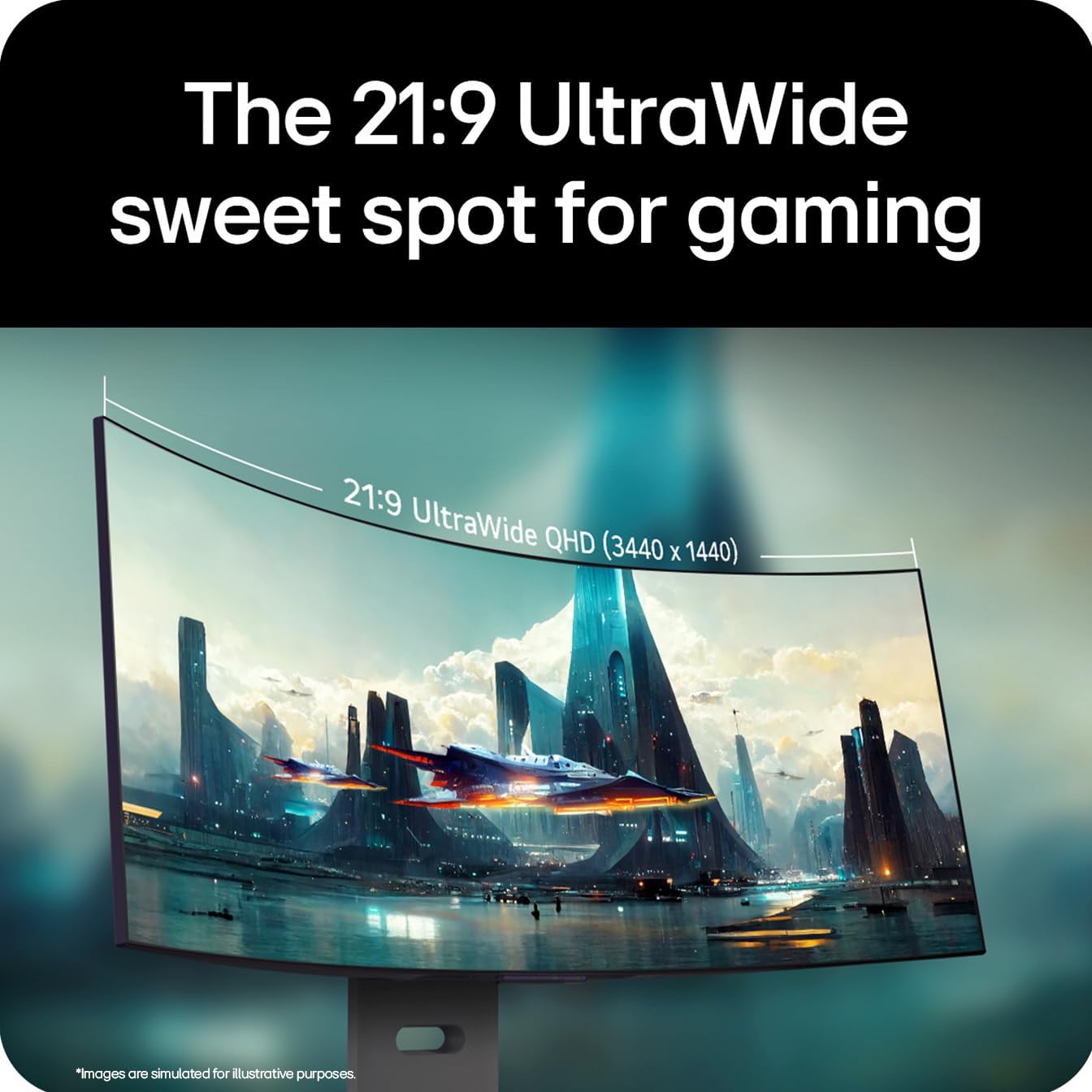
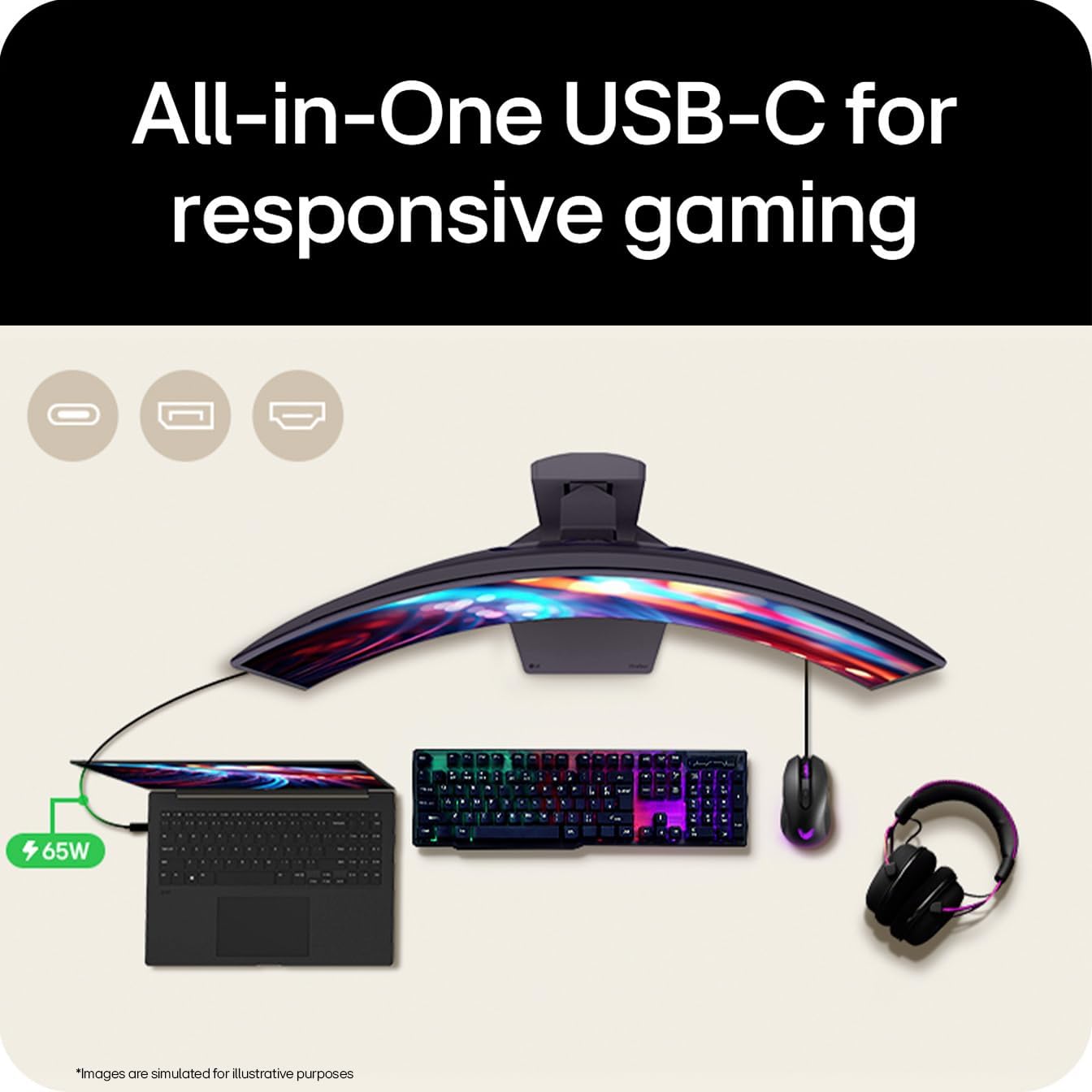
This is a 34‑inch curved monitor in a 3440x1440 (WQHD) format, used for fast‑paced games and cinematic experiences. The panel supports a 240 Hz refresh rate and 0.03 ms grey‑to‑grey response time, which are features typically sought by competitive gamers and enthusiasts who value smooth motion and reduced blur. For connectivity, it includes DP 1.4, HDMI 2.1 and USB‑C, with the potential to drive high frame rates and clean cable management from a single source.
Visual performance and tone mapping
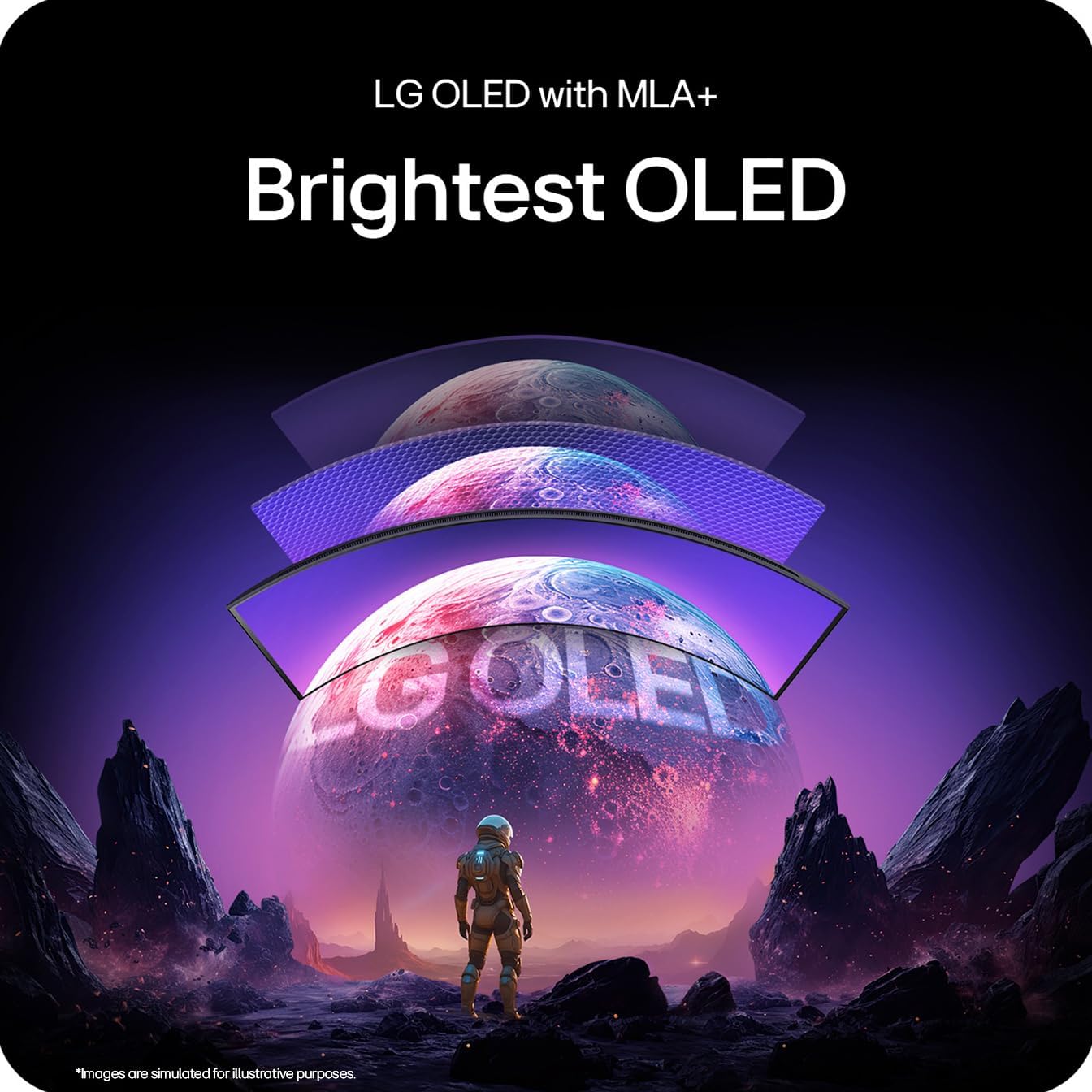
On the page, the GX9 combines OLED brightness and MLA+ processing to deliver broad colour and strong contrast. The spec mentions DCI‑P3 98.5% (Typ.), which suggests a wide colour gamut, potentially appealing to gamers who want vibrant, punchy scenes. The DisplayHDR True Black 400 technology aims to push deep blacks on dark game scenes, which can matter in stealth or horror titles and in film‑like cutscenes. Whether this translates to a practical advantage will depend on your lighting conditions and how hotly you chase perfect blacks in your set‑up.

Motion and responsiveness
Reaction times and refresh rates matter most in fast action. The GX9 is rated at 0.03 ms GTG and 240 Hz, which points to very quick transitions and minimal motion blur in theory. The inclusion of ClearMR 13000 is pitched as improving motion clarity during fast camera pans and on moving targets. Support for adaptive technologies—G‑SYNC, FreeSync Premium Pro and AdaptiveSync—aims to reduce tearing and stutter across a range of GPUs, providing flexibility if you don’t want to be locked into a single vendor ecosystem.
What it’s like to use day to day
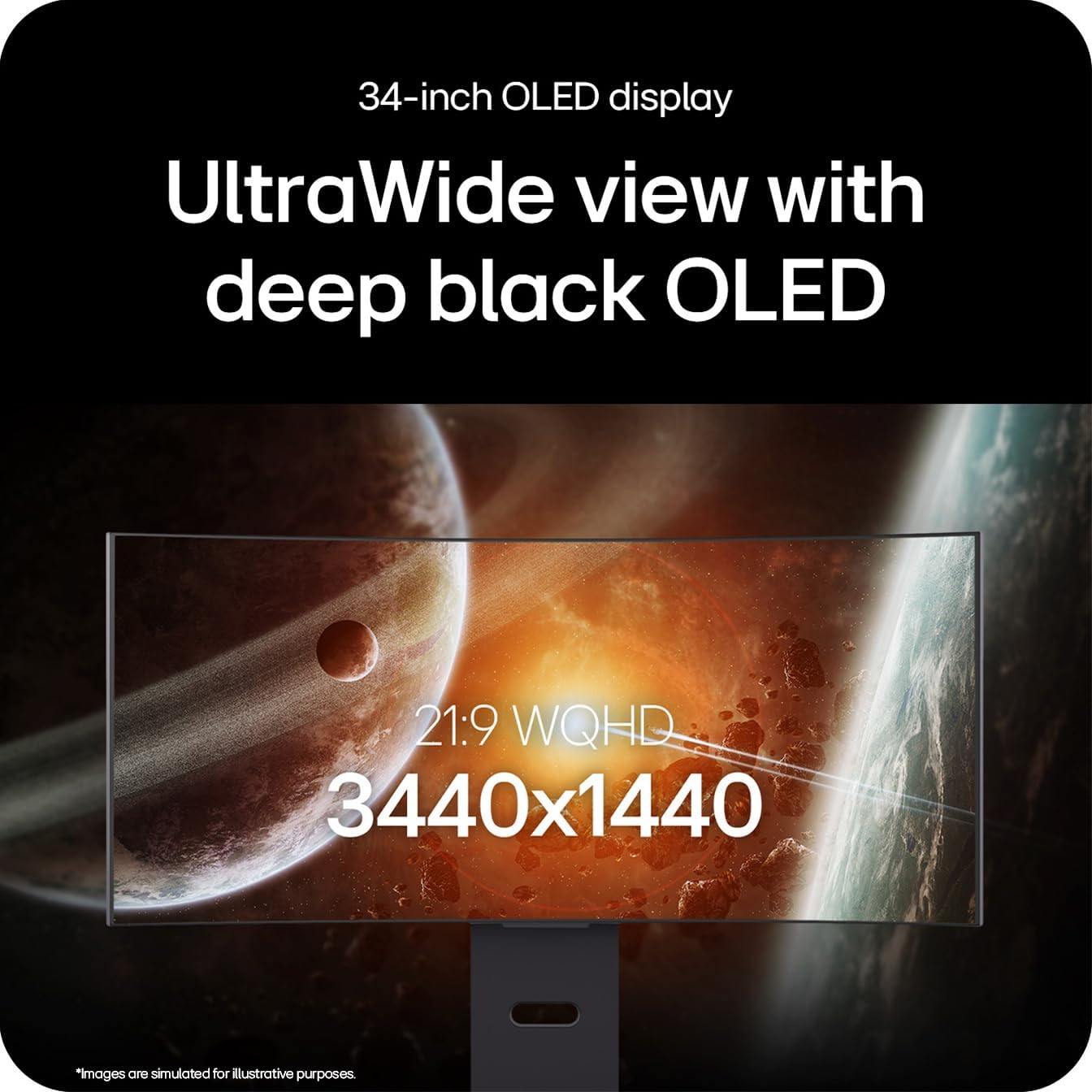
Practical use is where the curve and the ultrawide format can really matter. The 34‑inch footprint gives a broad field of view that can help with peripheral awareness in racing or flight sims, while the curved panel is often cited to enhance immersion. The 3440x1440 resolution is a step above standard Full HD for desktop tasks and media, albeit with a sharper image that may require GPU headroom to sustain high frame rates in modern titles. The built‑in speakers are mentioned, which can be convenient in a tidy desk setup, but for serious gaming audio you might still pair external speakers or headphones.
Pros and cons in practice
What stands out is the combination of ultrawide real estate, high refresh, and adaptive sync support, all of which can contribute to a smoother, more engaging gaming experience. On the downside, OLED panels can carry considerations around potential image retention if static interfaces are left on repeatedly, and the brightness ceiling in HDR modes is described as up to DisplayHDR True Black 400 rather than an HDR‑luminosity king. The practical balance between 240 Hz and native resolution relies on your GPU and the titles you play, if you’re aiming for 4K‑like sharpness, you’ll want to confirm compatibility with your preferred hardware.
Who this is for
This monitor may suit gamers who want an immersive, fast, and visually rich experience in racing, shooters and sim titles, where an ultrawide view complements latency‑sensitive play. It could appeal to content creators who want a wide canvas for multitasking and video work, provided that the OS and GPU setup can drive the demanded frame rates at 3440x1440. If you mainly play old or less demanding titles, you might not need the top‑tier speed or ultrawide real estate.
Who it isn’t perfect for
If you primarily game at 1080p or 2560x1080, or if your GPU struggles to sustain high frame rates at 3440x1440, the benefits of the GX9 may be less noticeable. For those who prioritise a fixed, traditional 16:9 desktop workflow rather than an ultrawide gaming experience, this model may feel excessive. In addition, if you rely heavily on top‑end HDR brightness or want a printer‑like pure HDR space, note that DisplayHDR True Black 400 is more modest than some HDR targets.
Before you buy: quick checks
- Confirm your GPU and game titles can push high refresh at 3440x1440 to justify the bandwidth of HDMI 2.1 or DP 1.4 with DSC.
- Consider desk space and mounting options for a 34‑inch curved panel, ensure you have ergonomic seating to match the field of view.
- If you plan heavy static UI use, be mindful of potential image retention on OLED and set up screen‑refresh or screensaver policies.
Comparisons in context
In the market of ultrawide gaming, there are options with higher peak HDR brightness or different panel technologies. If you value consistency of brightness and a more traditional HDR workflow, you might weigh this against models that prioritise brightness and HDR metadata without the ultrawide form factor. The GX9’s blend of 240 Hz and adaptive sync makes it stand out for high‑speed play, but you’ll want a compatible GPU and the right game profiles to maximise the benefit.
Decision point: Should you buy it?
Should you buy it? It makes sense if you want a large, immersive ultrawide canvas with rapid motion and flexible connectivity for modern games, and you have a capable GPU to maintain high frame rates at 3440x1440. It may not be the best pick if you rarely reach those frame rates, prefer a standard 16:9 desk setup, or prioritise brightness and HDR performance above motion clarity. If you value a balanced mix of speed, colour, and a wide field of view, this model is worth considering.
FAQ
- What resolution and size does it use? It’s a 34‑inch ultrawide monitor with a 3440x1440 resolution.
- Which sync technologies are supported? G‑SYNC, FreeSync Premium Pro and AdaptiveSync are mentioned for smooth, tear‑free gameplay.
- Can I use HDMI 2.1 and DP 1.4 at the same time? The product lists both interfaces, including USB‑C, so multi‑port flexibility is part of the design, subject to your GPU and cable capabilities.