

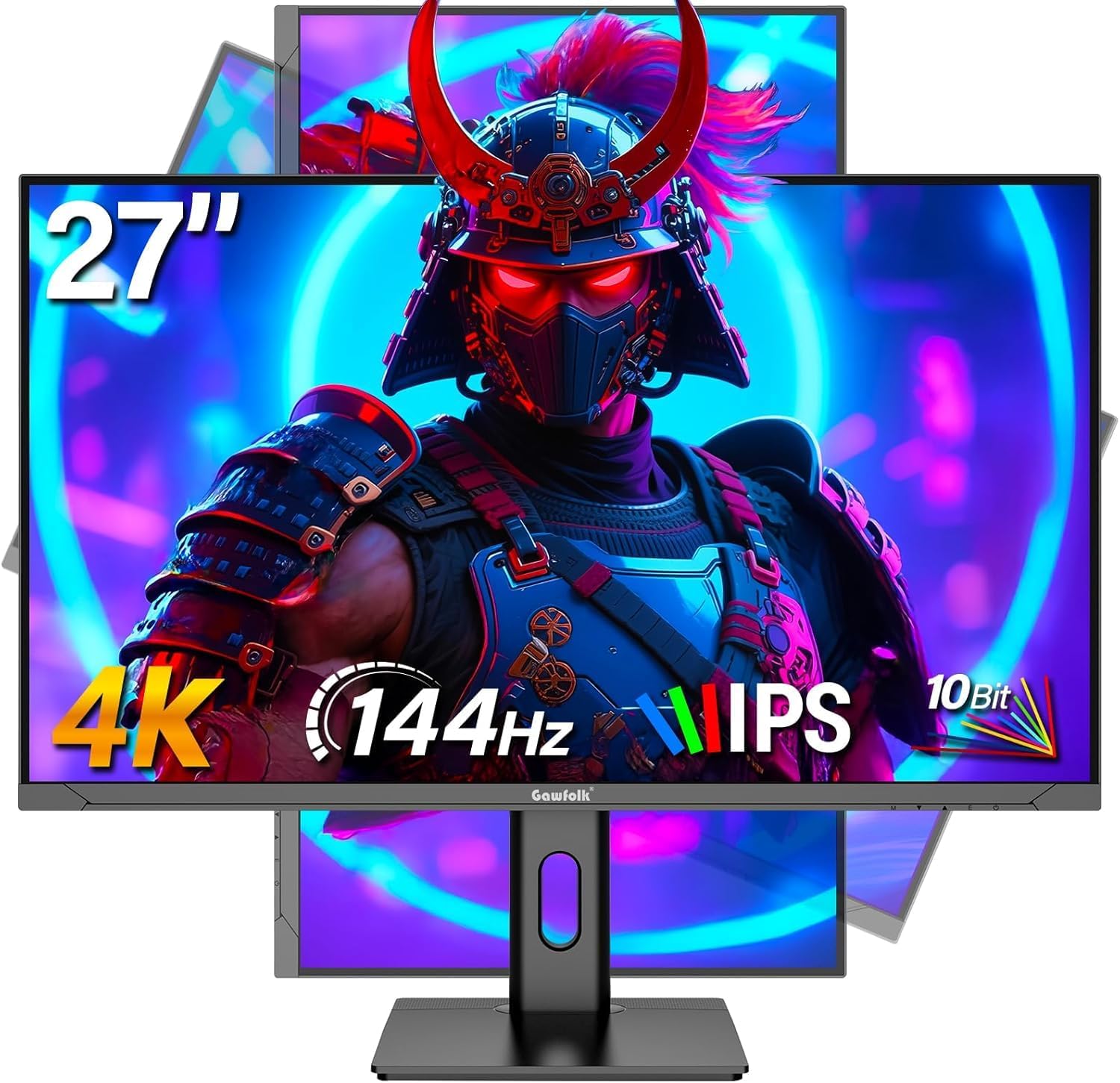
Gawfolk 27 inch 4K gaming monitor (UHD 3840 x 2160), 144Hz IPS with height adjustment
Product description
What it is and why people buy it
A 27 inch 4K gaming monitor aimed at people who want a sharper desktop and smoother motion without jumping into the most expensive end of the market. On paper, this Gawfolk screen focuses on a modern IPS panel and a high refresh rate (144Hz), plus practical ergonomics such as height adjustment and pivot rotation.
Where it makes sense is pretty clear: home/office use where you also game occasionally, or you want one display that can handle spreadsheets and also feel responsive for action games. It also has a curved angle mentioned in the name/marketing (“curved monitor”), but the exact curvature isn’t provided in the info here—so it’s worth bearing that in mind if you’re sensitive to shape.
Key features that matter day to day
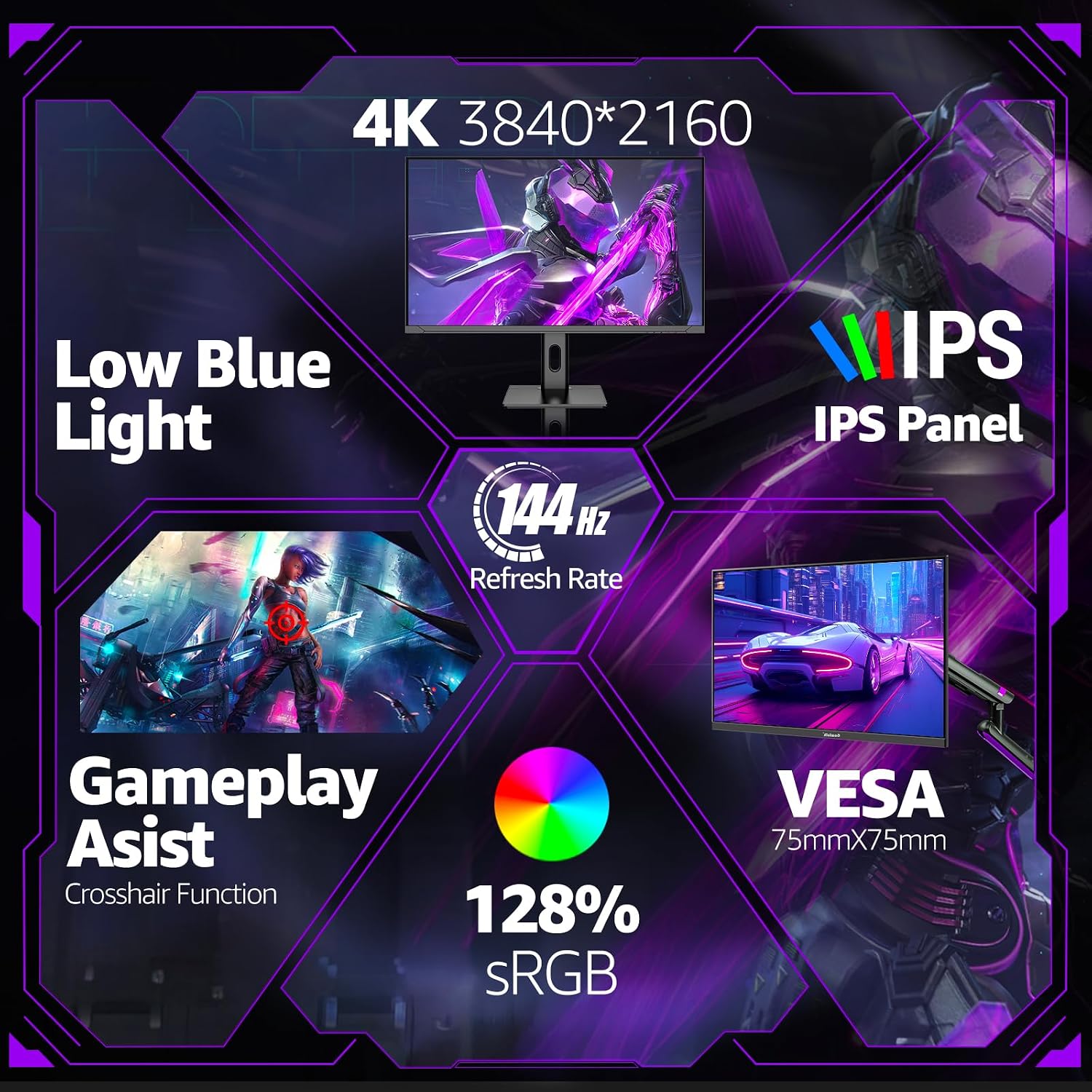
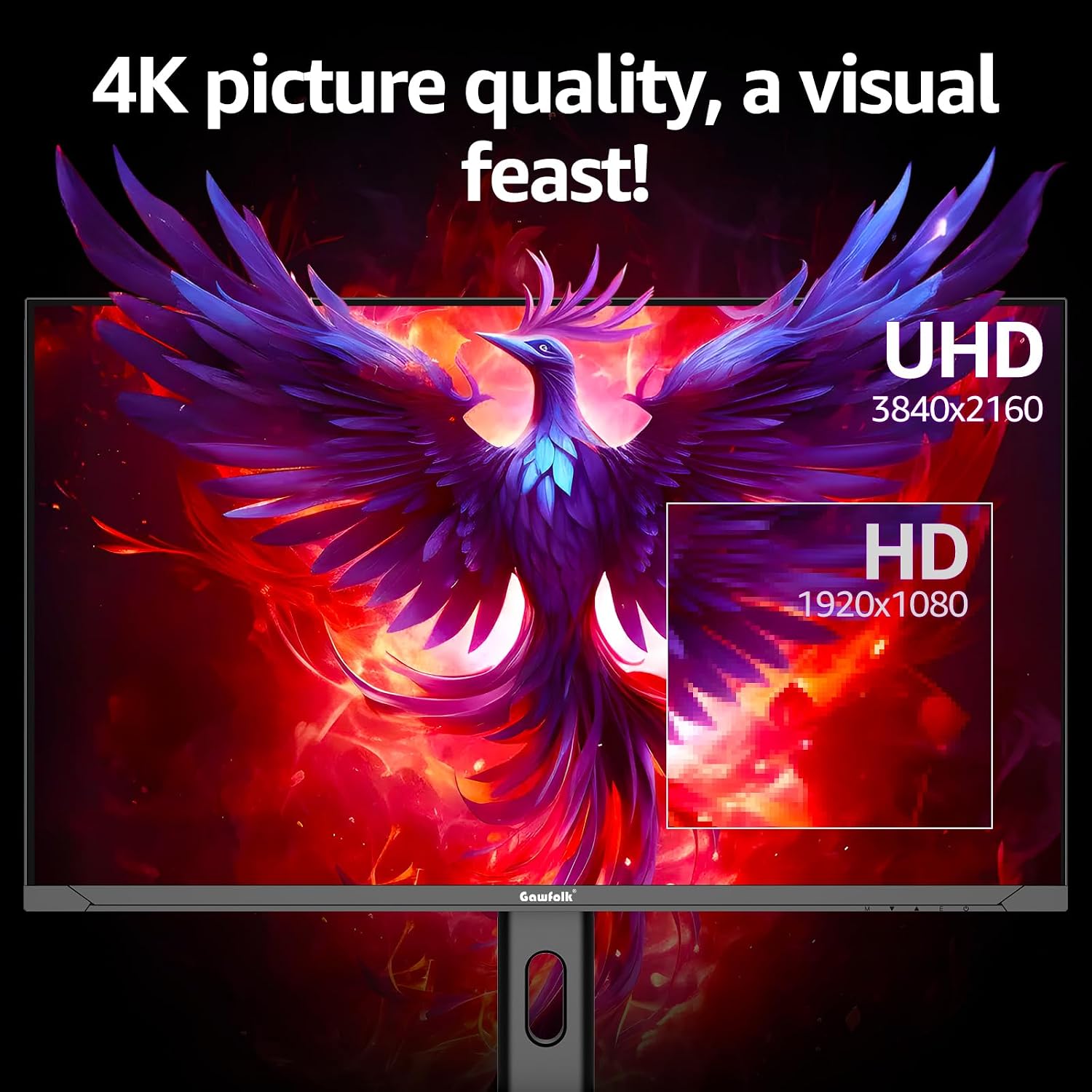
The headline spec is UHD 3840 x 2160 resolution on a 27 inch panel. That combination typically suits people who like desktop clarity (more space to read and work) and want gaming visuals that don’t look “blocky” at common desktop distances.
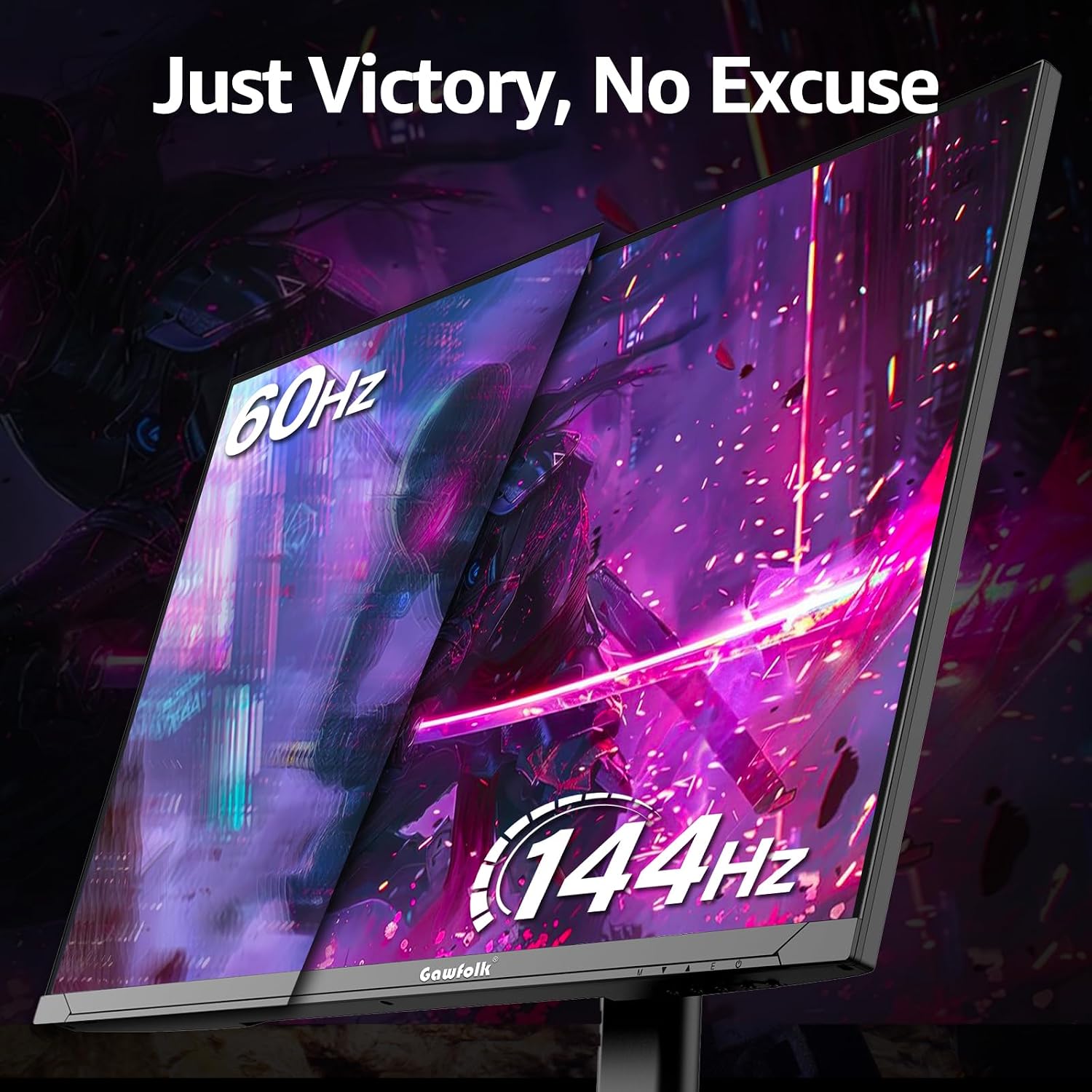
Motion handling is backed up by 144Hz, and the listing also calls out flicker-free viewing and low blue light to help with comfort during longer sessions. The real-world “feel” depends on what you play and your device output, but the intent here is smooth movement and fewer distractions while you’re working or browsing.
There’s also an ultra-thin, edgeless design claim. In practical terms, that’s usually about looking cleaner in multi-monitor setups and making bezels less noticeable—helpful if you’re building a workstation rather than just placing a single screen.
Connections and switching between devices
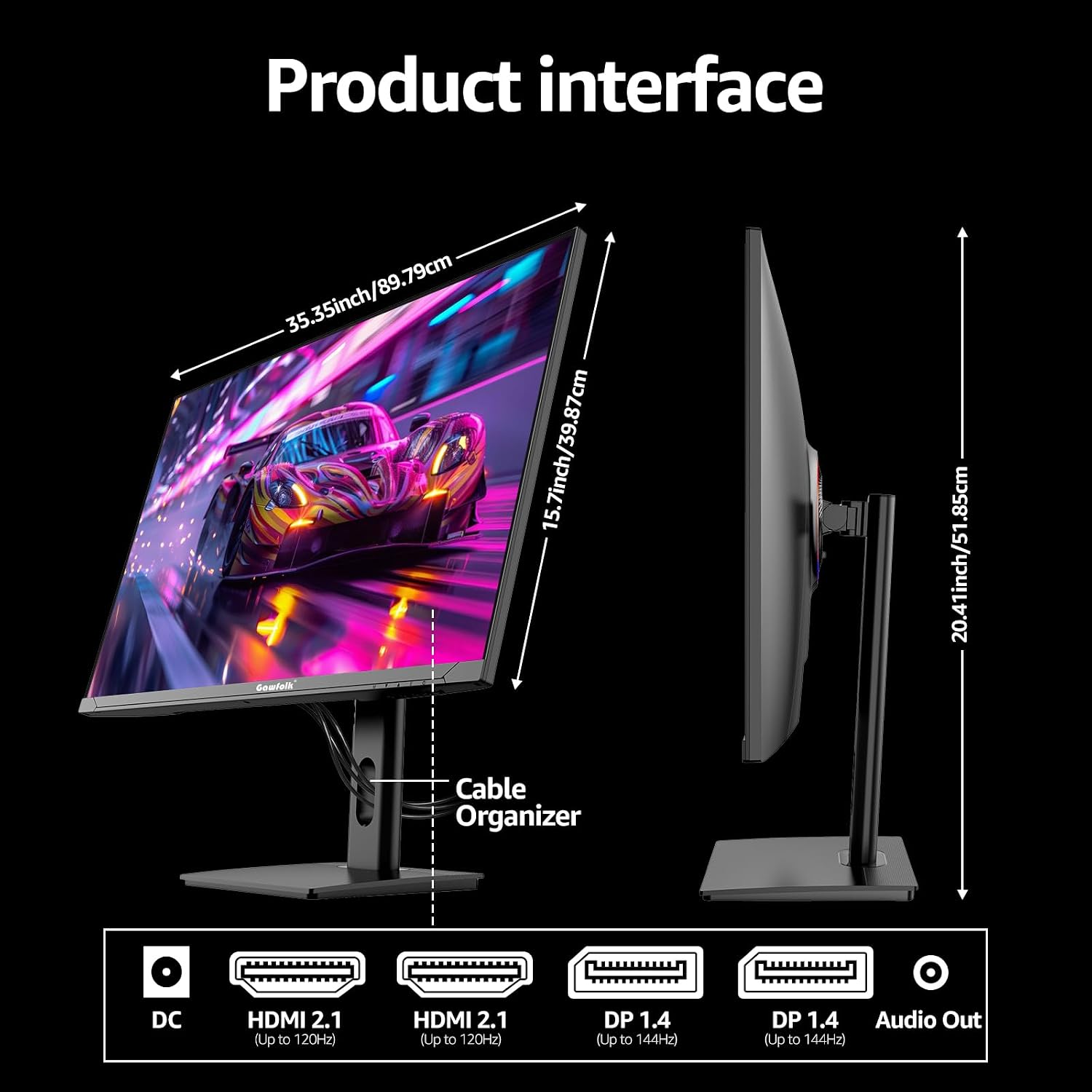
If you plan to swap between a PC, laptop, console and maybe school/home devices, the connectivity list is one of the more reassuring parts of the spec. This monitor provides:
- HDMI 2.1 x2
- DisplayPort 1.4 x2
- Audio out x1
So, on the face of it, you’re not forced into a single port type. The listing explicitly mentions HDMI connections for devices like Xbox and PS5, and DisplayPort/HDMI for PC and laptops. Just be aware that cable/adapter needs can vary depending on what your device outputs.
Ergonomics: more than just a stand
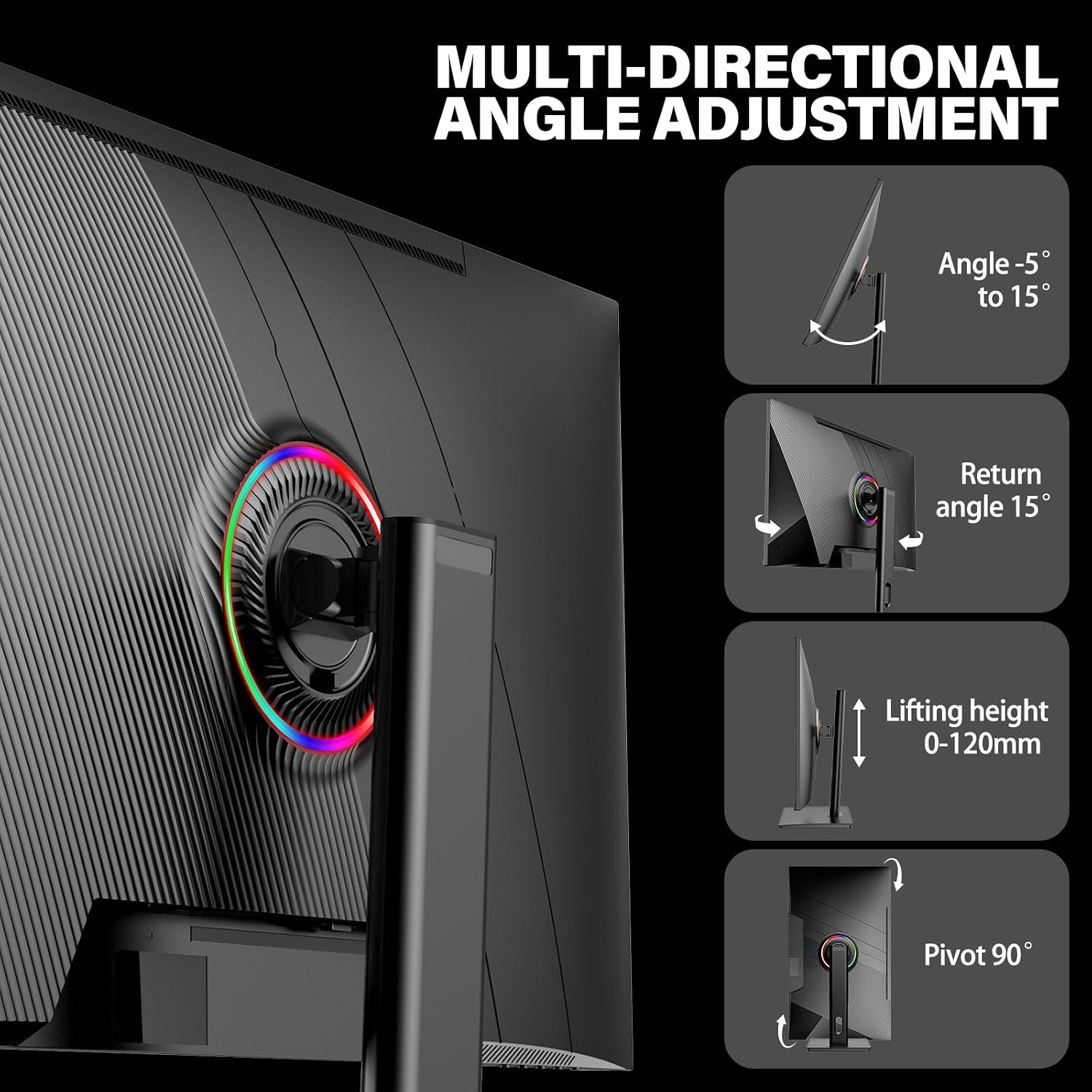
For day-to-day use, the stand is a strong point. It’s described as adjustable for tilt, swivel, height adjustment, and 90-degree pivot (portrait orientation). That’s the sort of flexibility that can genuinely reduce neck strain when you’re working for hours, or when you’re switching between gaming and reading documents.
It’s not unusual for value monitors to limit ergonomics to basic tilt, so this level of adjustment is one area where this model differentiates itself.
Tech overview (what’s stated in the listing)
- Screen size: 27 inch
- Resolution: UHD 3840 x 2160 (4K)
- Panel type: IPS screen
- Refresh rate: 144Hz
- Dynamic contrast: 4000:1
- Technologies mentioned: Flicker-Free, Low blue light
- Connectivity: HDMI 2.1 x2, DisplayPort 1.4 x2, audio out x1
- Wall mount: wall mount compatible
Is it a good fit for your setup?
It’s a good fit if you want a 27 inch 4K IPS monitor that supports 144Hz for smoother gameplay, while still being comfortable for office or home study thanks to flicker-free/low blue light claims and a fully adjustable stand.
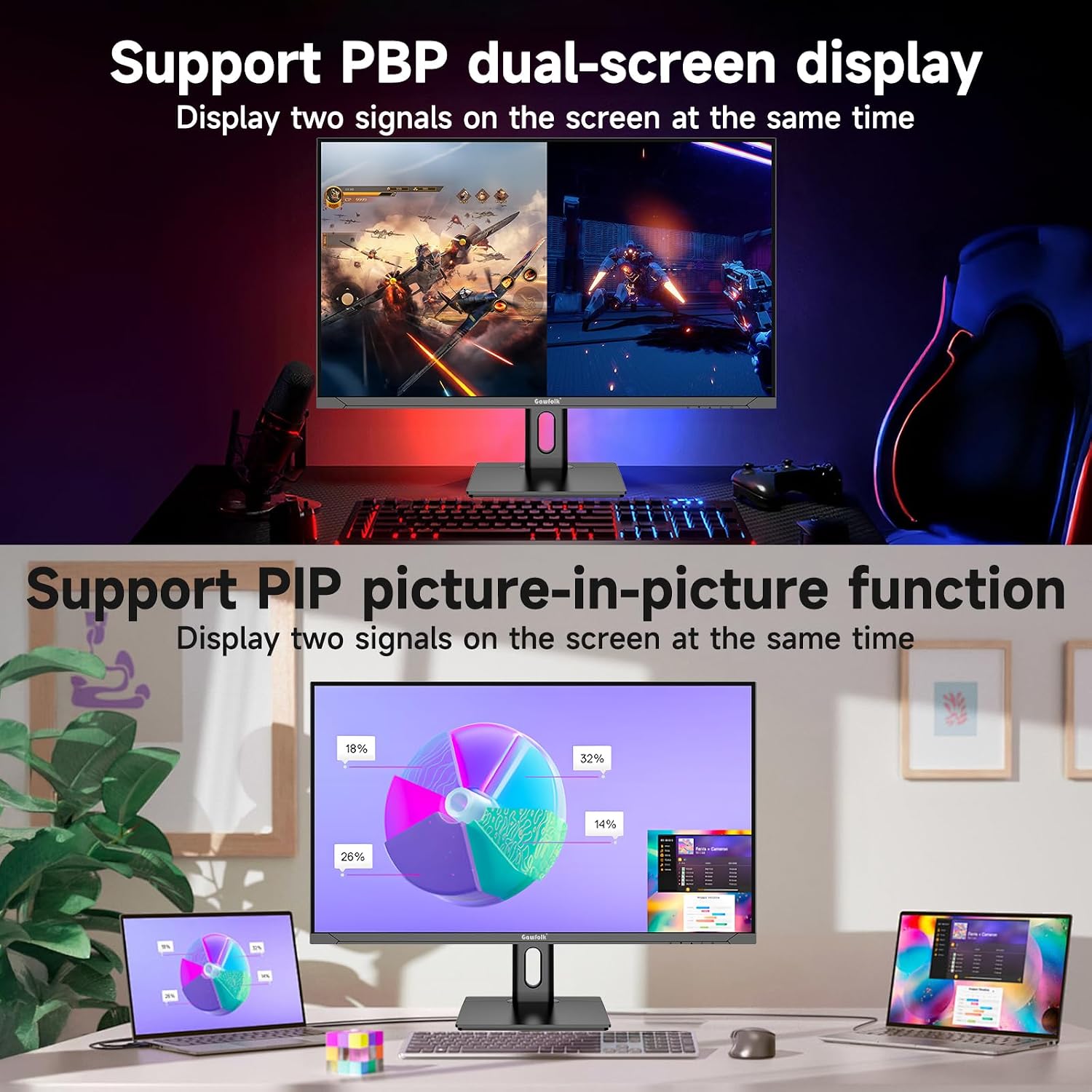
It also makes sense if you routinely switch between devices and would rather have multiple HDMI and DisplayPort inputs available.
It may not suit you if you’re extremely picky about the exact curvature (the info here doesn’t provide the curve amount), or if you’re expecting every premium gaming feature beyond what’s listed (for example, the listing doesn’t mention things like specific HDR formats or advanced synchronisation tech, so don’t assume those are covered).
Worth considering if you’re building a multi-monitor desk too—edgeless design is mentioned, but remember that physical bezel-free designs still vary in real viewing experience.
Getting the most from it
A practical example: imagine setting it up at desk height with the stand lowered a bit for comfortable viewing in spreadsheets. Then, when you swap to gaming, you can adjust height and pivot depending on the game window layout you use. The availability of multiple HDMI and DisplayPort connections also means fewer cable swaps when you alternate between a PC and a console.
Final verdict
When a sensible 27 inch 4K IPS monitor with height adjustment matters, this Gawfolk can be a practical purchase for home, office and school setups that also want 144Hz responsiveness for gaming. Its comfort-oriented features (flicker-free and low blue light on the listing) and its connectivity (two HDMI 2.1 and two DisplayPort 1.4) are the parts that stand out most for everyday ownership.
However, if your priority is very specific high-end gaming performance features not mentioned here, or you need confirmed details about the curved design beyond what’s provided, you may want to look closer. As with any 4K/144Hz target, your results will depend on your source device and settings.
Mini FAQ
Is this monitor suitable for both work and gaming?
Based on the stated 4K IPS panel, 144Hz refresh rate, flicker-free and low blue light claims, it’s designed to cover both. It’s not presented as a specialised “competitive only” display, so it’s more of an all-rounder.
Does it support wall mounting?
Yes—wall mount compatibility is mentioned.
What connections does it have?
The listing states HDMI 2.1 x2, DisplayPort 1.4 x2, and audio out x1.
Can I adjust the stand height and rotate the screen?
According to the listing, the stand supports tilt, swivel, height adjustment, and 90-degree pivot rotation.
What should I double-check before buying?
Check your devices’ output ports (HDMI vs DisplayPort), and keep in mind the curvature details aren’t quantified in the information here, so if that matters to you, it’s worth confirming from the seller/product page.