

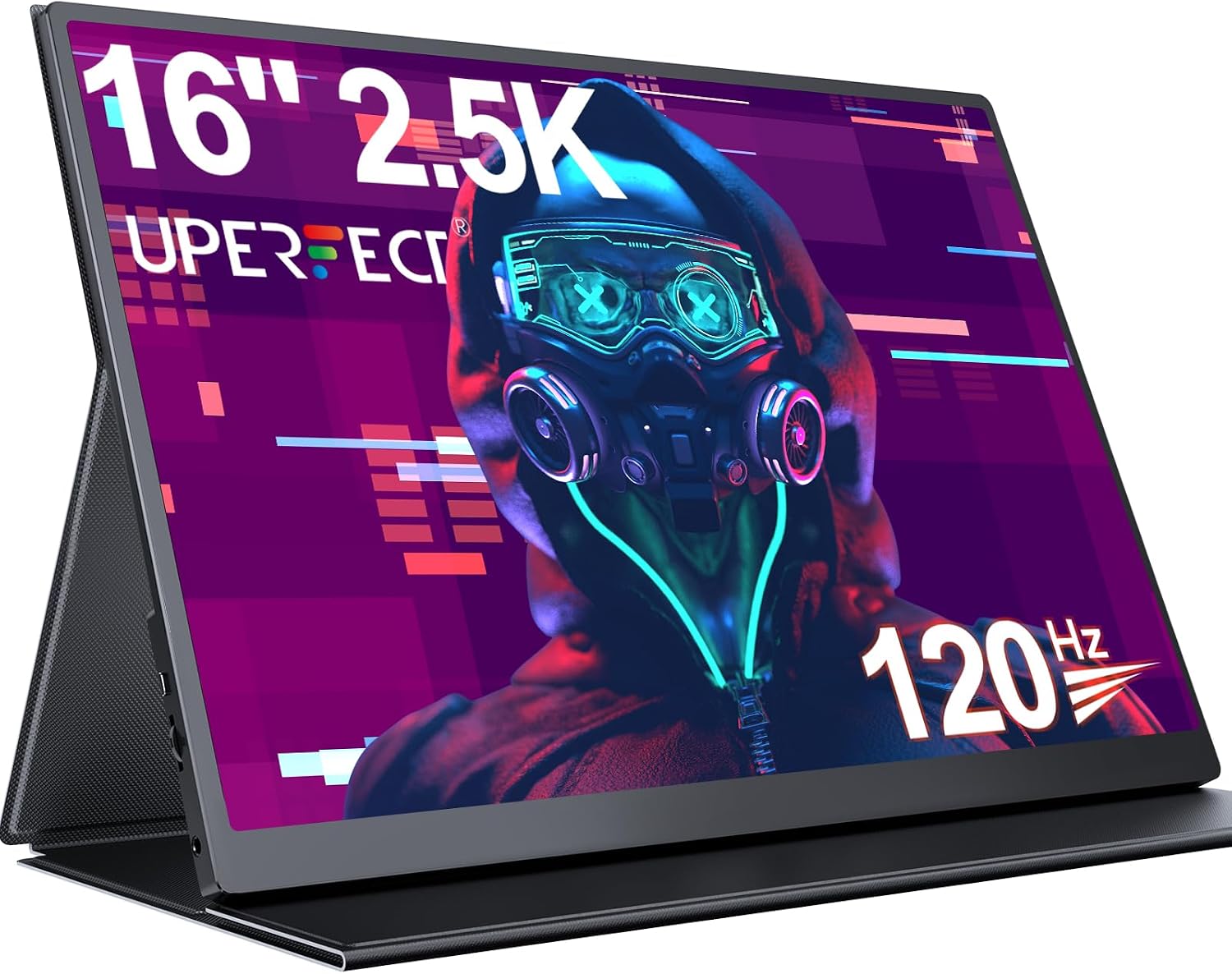
UPERFECT 16-In Portable 2.5K Monitor with 120Hz
Product description
What it is and what it solves
The UPERFECT 16" portable monitor is a compact external screen designed to expand your laptop, tablet or phone workspace. It targets users who want a larger, high-resolution display on the go without carrying a full-size monitor. It combines a 2.5K (2560×1600) panel with a 120Hz refresh rate, HDR, and FreeSync to smooth out gameplay and visuals. If you’re looking to turn a single-device setup into a dual-screen workstation or want a vivid external display for media and light gaming, this model aims to deliver that versatility in a slim, light package.
How it feels in use
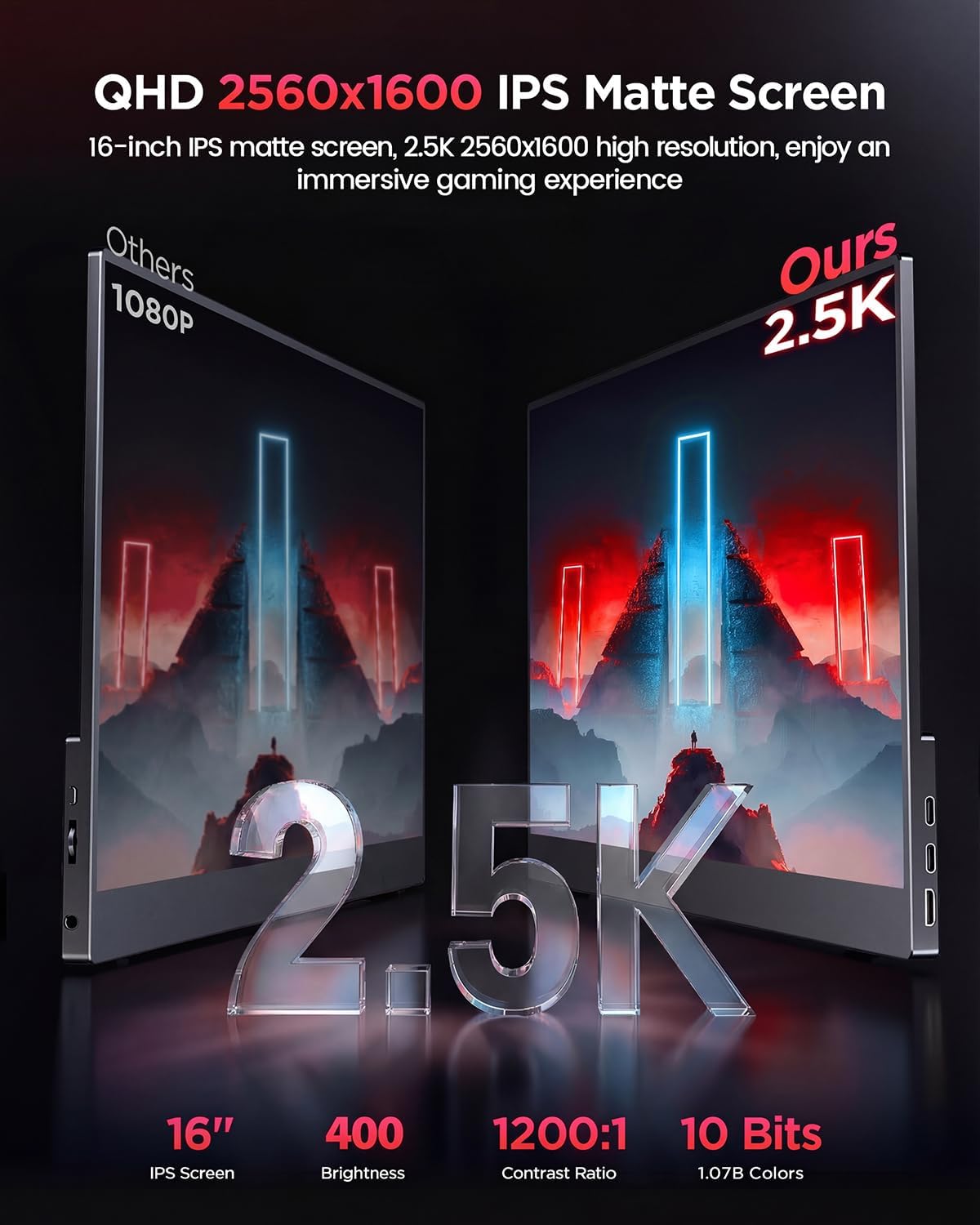
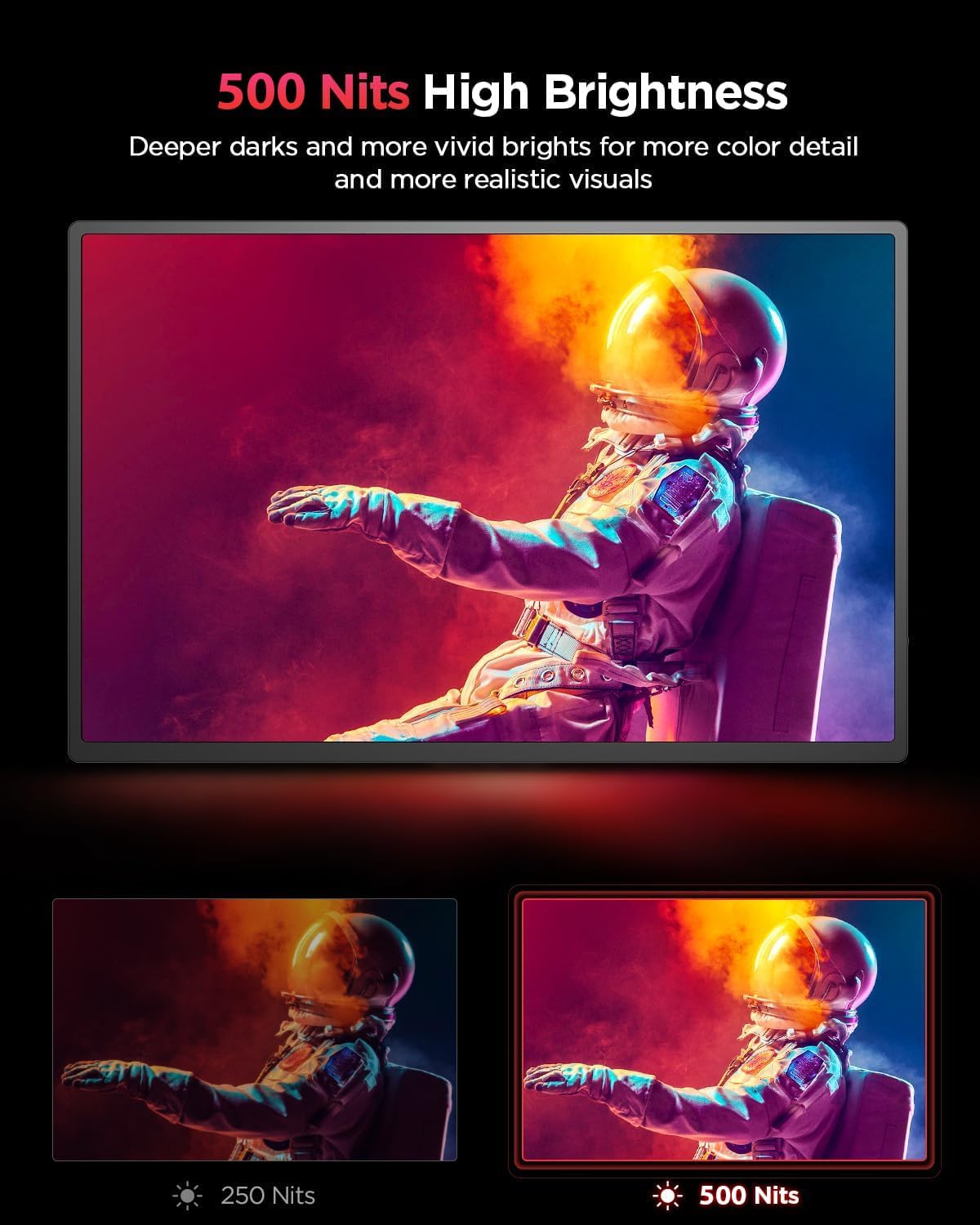
On paper, the display offers strong brightness (500 nits) and a 1200:1 contrast ratio, which helps slots in bright rooms or outdoors with less glare. The matte IPS panel with an anti-glare coating is intended to reduce eye strain and keep colours accurate across wide viewing angles. The 16:10 aspect ratio adds extra vertical space, which many people appreciate for document work, coding or browsing. The bezels are slim, which gives a more immersive feel when used as a second screen.
Core strengths you’ll notice day to day
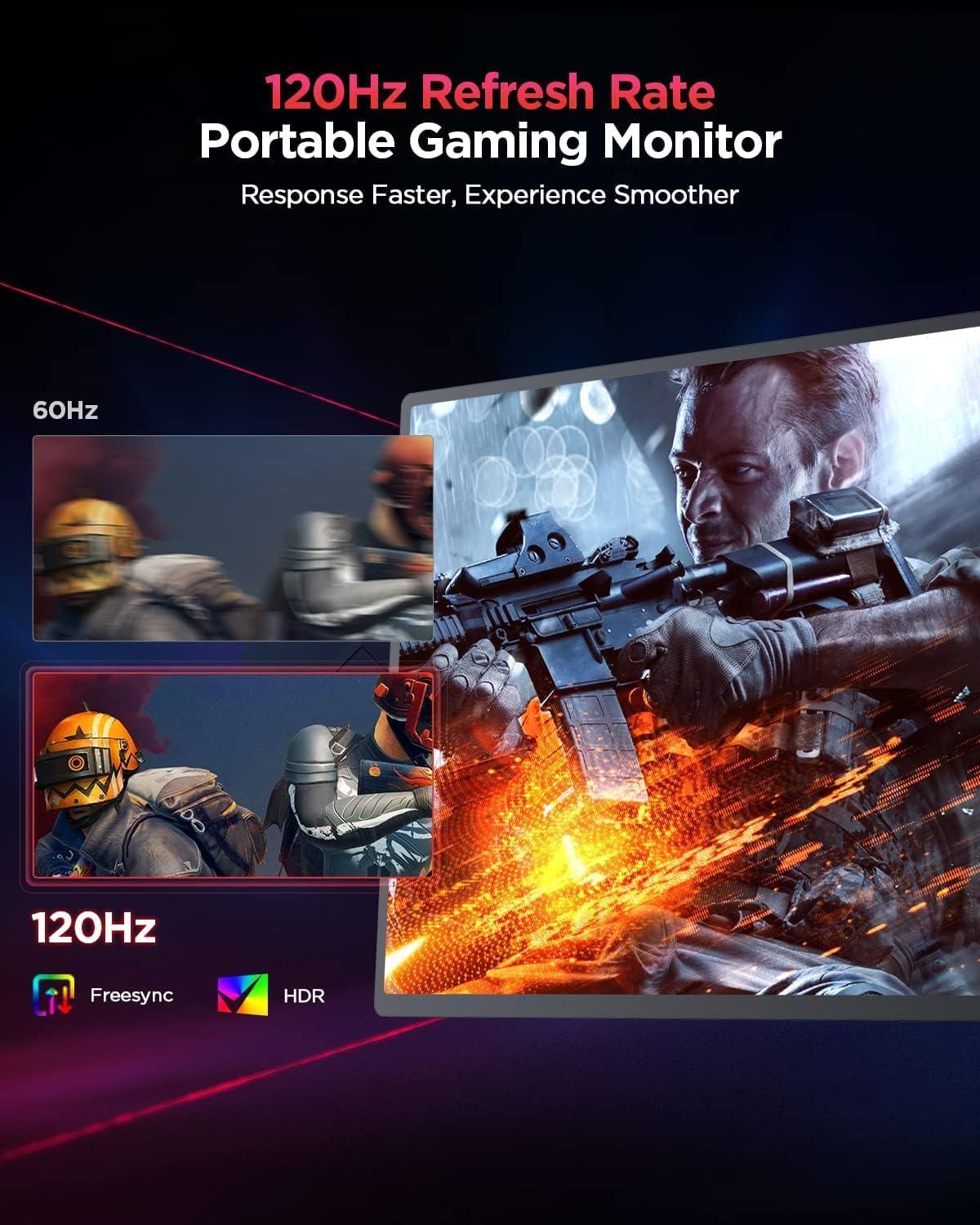
- Fluid visuals: 120Hz is noticeable for scrolling and casual gaming, reducing motion blur.
- Sharper detail: 2560×1600 resolution means crisper text and sharper images than typical 1080p portable displays.
- Comfort first: matte coating and eye-friendly panel help with longer sessions if you’re editing and designing on the go.
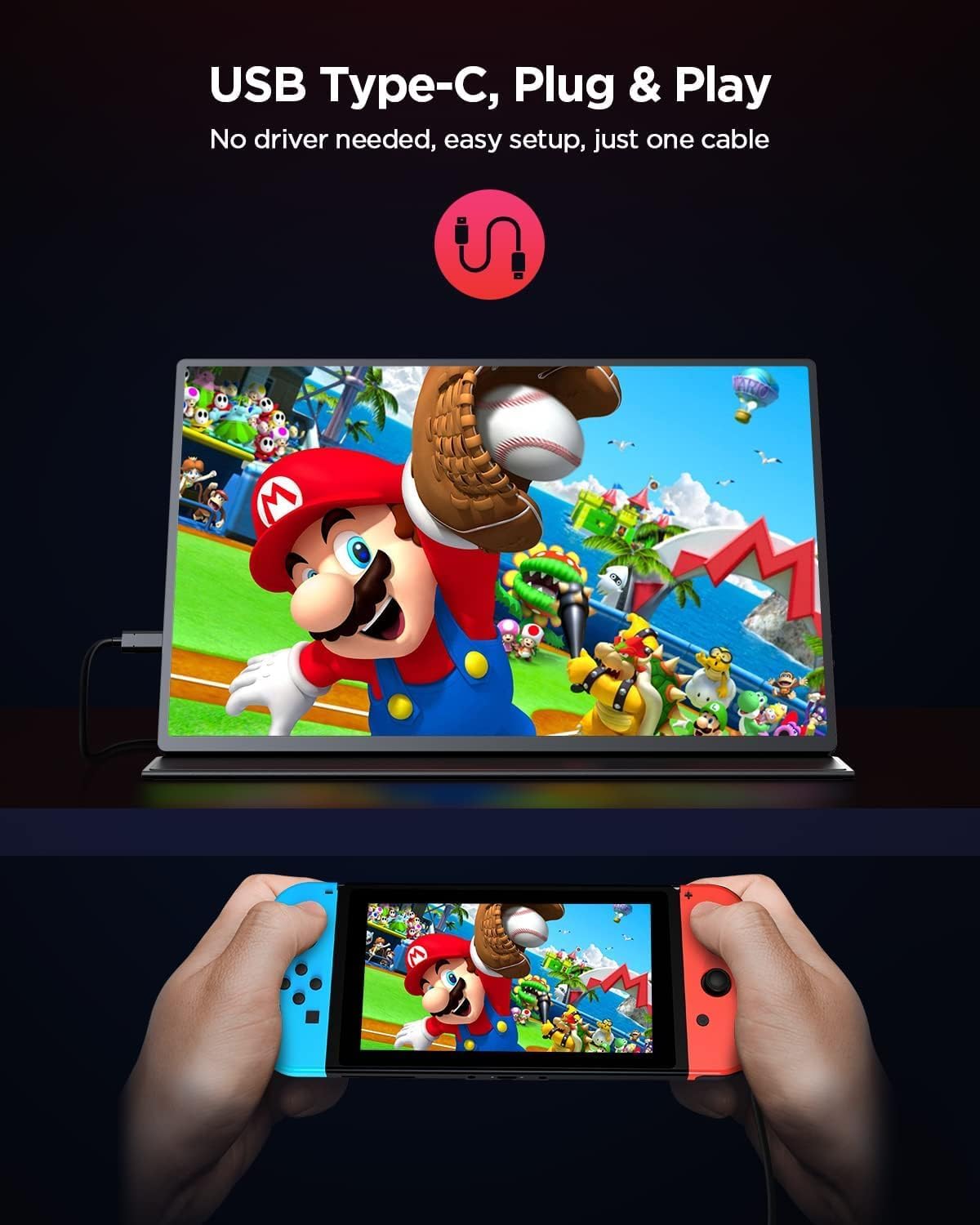
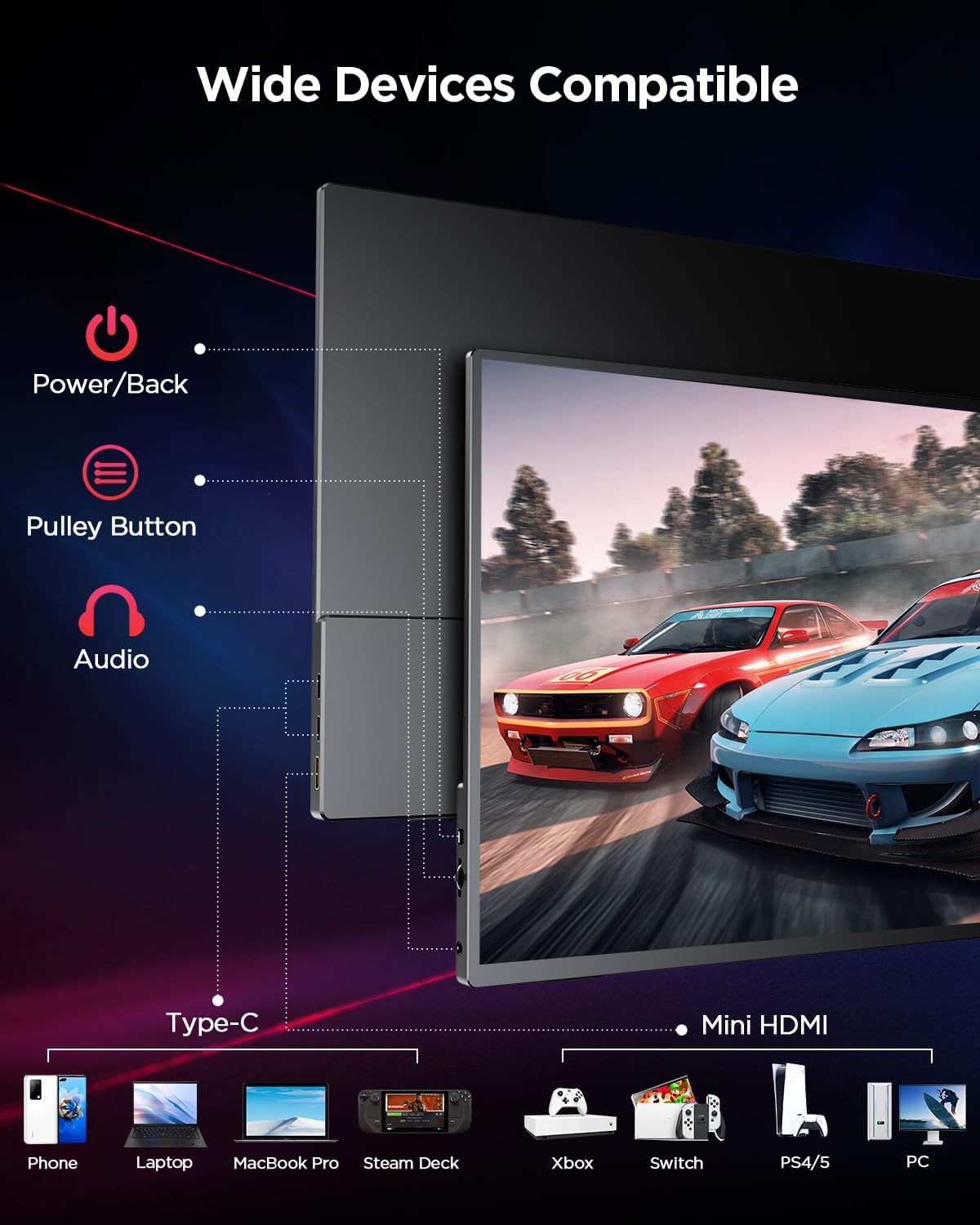
- Flexible connectivity: USB-C and mini HDMI provide plug-and-play options with laptops, tablets and some consoles, so you don’t have to fight with adapters.
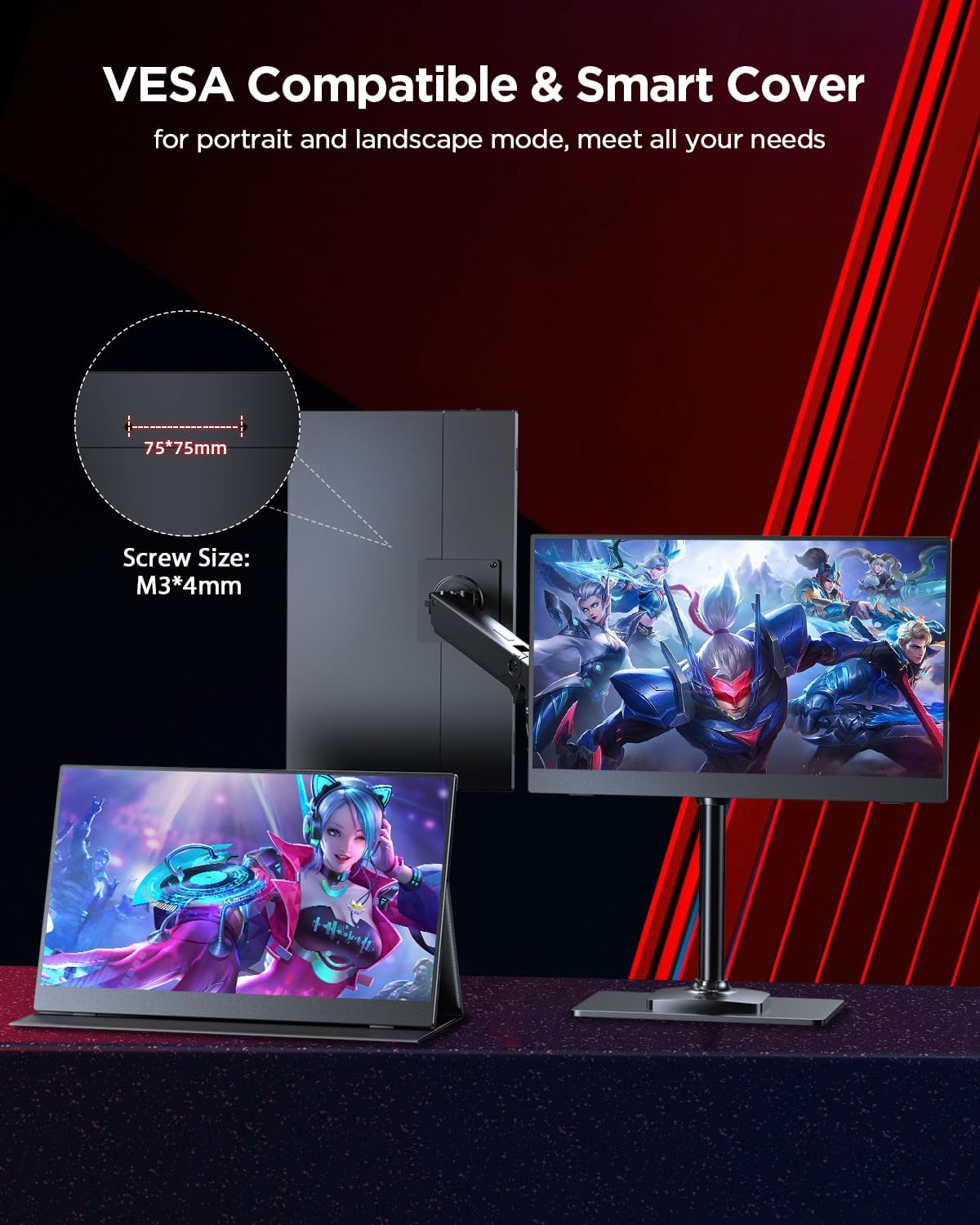
- Practical mounting: VESA 3×4 mm compatibility plus a protective Smart Cover that doubles as a stand, making it easier to position at your preferred angle.
What could hold it back
- It may not replace a true desktop monitor in brightness or colour accuracy for professional-grade work, it’s bright enough for many scenarios, but it’s still a portable, mid-range panel.
- Battery-free operation means you’ll need a power source or a connected laptop, which can limit truly off-grid use.
- The 16" size is versatile, but if your workflow relies on ultra-wide or higher colour accuracy hardware, you might notice the differences when comparing to higher-end screens.
Ideal user profiles
- Professionals and students needing a portable second screen for multitasking, coding or document work.
- Gamers who want a compact, travel-friendly display with smooth gameplay hints via 120Hz and FreeSync.
- People who attend meetings or travel frequently and would prefer making a two-screen setup without extra desk space.
When it’s not the best fit
- If you require workstation-grade colour accuracy or peak HDR performance, a larger, dedicated monitor could be more suitable.
- If you’re after a screen for continuous outdoor use in direct sunlight, you may want to compare brightness and glare handling with other options.
- If your primary need is entertainment on a big screen at home, a larger display kept permanently connected might be more convenient.
What to check before buying
- Ensure your devices support USB-C video or mini HDMI to maximise plug-and-play convenience.
- Consider your bag size and travel needs, as this monitor is designed to be slim and light but does require a separate power or USB-C supply.
- Think about use cases: will you mostly type and edit on the go, or want occasional gaming on the side? The 16:10 ratio helps with office tasks, while 120Hz adds value for lighter gaming.
Practical usage example
You’re working on a presentation on your laptop while having reference material on the UPERFECT screen. The extra vertical space helps line up charts and notes without constantly switching windows. When you fire up a game during a flight, the 120Hz refresh makes motion feel smoother than a standard portable display, and the HDR enhancement adds more depth to landscapes.
Comparison in practice (without specific models)
If you’re weighing options for an external screen, consider how important portability is versus brightness, refresh rate and input options. This monitor leans toward a balanced approach: good resolution and colour usability, decent brightness, and a lightweight build that’s easy to carry. It’s less about desktop-grade performance and more about practical, on-the-go convenience with a usable gaming edge.
Is it worth it?
A solid pick if you prioritise a real 2.5K portable display with a 120Hz refresh rate, particularly for laptop-based work and casual gaming on the move. It won’t replace a high-end desktop monitor, but it offers meaningful extra screen real estate and flexibility without turning your bag into a suitcase.
FAQs
- How do I connect it to a laptop or phone? Most setups will use USB-C for video input or a mini HDMI port, check your device compatibility to avoid extra adapters.
- Can I use it outdoors? The 500 nits brightness helps, but glare and viewing angles still matter in bright sun. A shade or hood can improve visibility in sunny environments.
- Is it easy to carry and set up? Yes, it’s designed to be lightweight and compact with a protective cover and straightforward mounting options.
Final decision
Is it worth it? Yes, if you want a portable second screen that adds meaningful workspace and decent gaming smoothness without the bulk of a full monitor. It suits frequent travellers, students, and remote workers who value practicality and flexibility over desktop-grade performance.