

Blackview 16-inch portable monitor (1080P+120P) with magnetic rotating stand
Product description
What it is (and why you’d want a second screen on the move)
If you regularly work away from a fixed desk, a portable monitor can be the difference between “I’ll just get through a couple of emails” and actually keeping momentum. This Blackview 16-inch portable monitor is designed as a laptop screen extender: you add a second display to your setup for travel, temporary offices, and everyday scenarios where a built-in laptop screen simply feels too limiting.
On paper, it leans into three things that matter for mobile productivity: portability, a built-in stand solution, and straightforward connectivity. It’s aimed at people who want a practical dual-screen workflow rather than a complex desktop-style build.
The essentials: screen, brightness and what “video calls” really means here
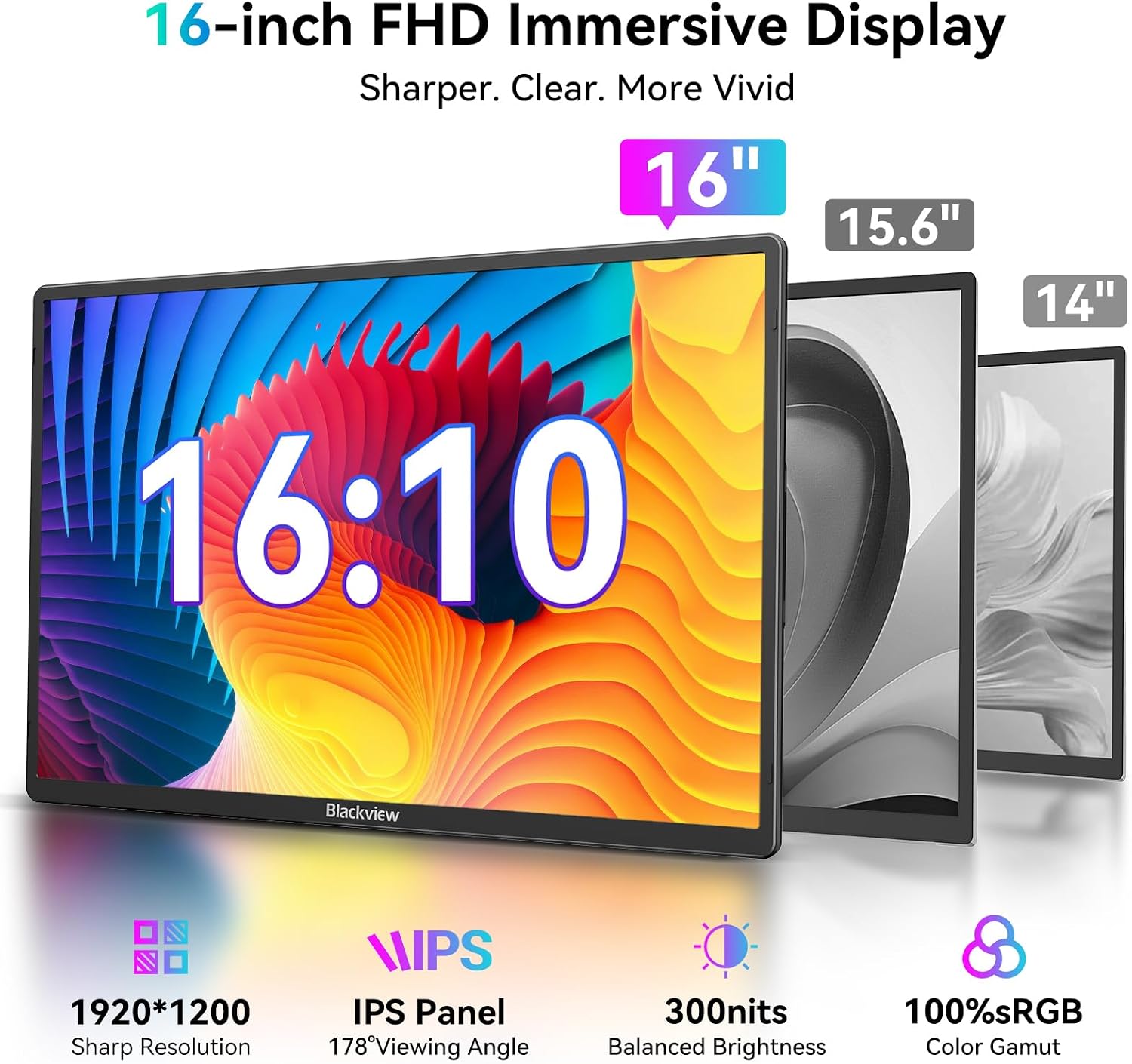
The monitor uses a 16-inch FHD IPS display, with a stated brightness of 300cd/m². The intent is clear: sharper visuals than you’ll typically get from a phone-sized display, and a panel suitable for remote meetings.
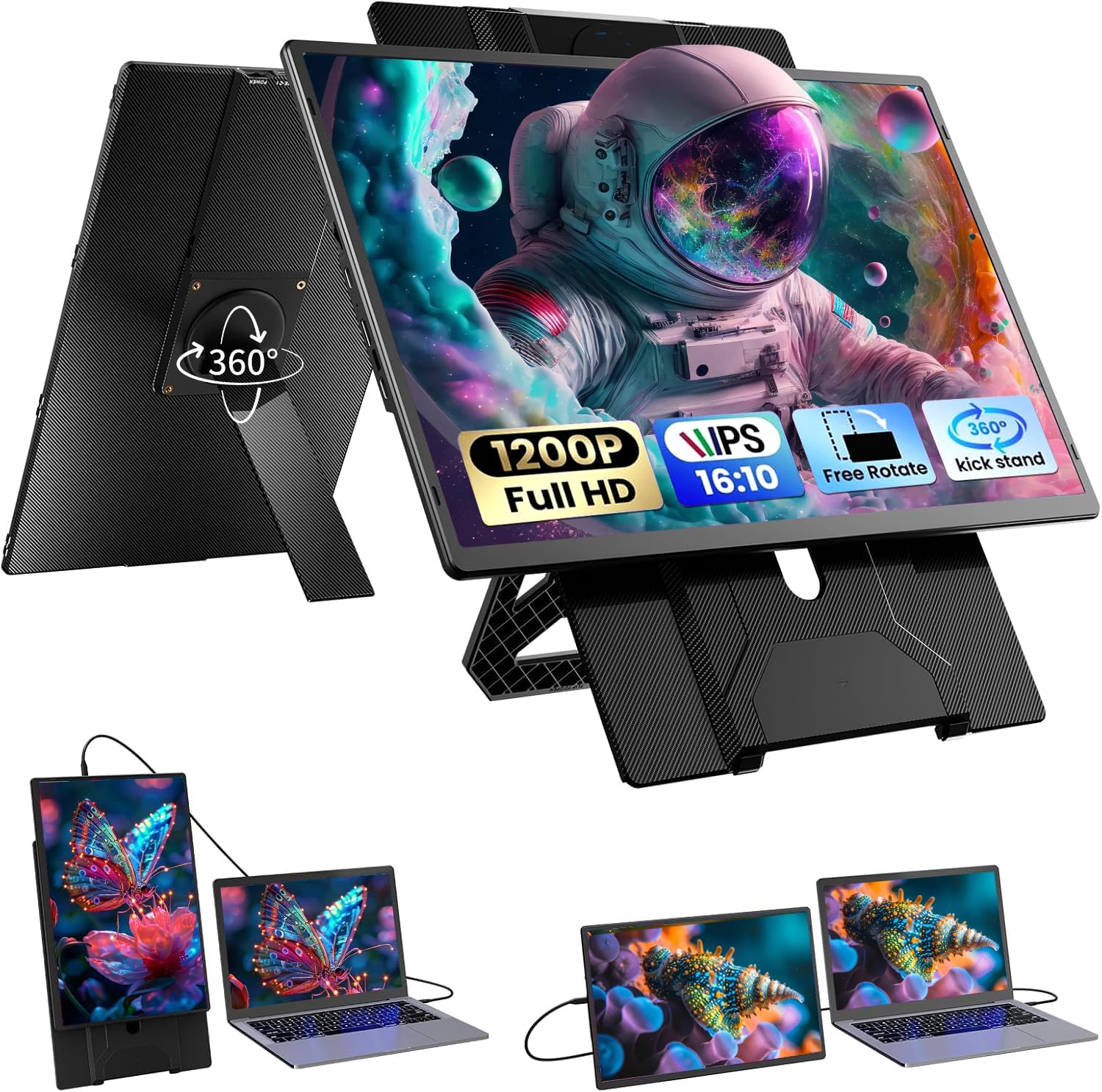
The listing also highlights “video calls with zero lag” and mentions fast-response interfaces for smoother meeting content. That sounds good, but it’s worth keeping your expectations grounded: actual “zero lag” in real life depends on your laptop’s output, the connection method you’re using, and your Wi‑Fi or network conditions. Still, having a proper FHD IPS panel makes it easier to follow slides, read chat during calls, and keep documents visible while you present.
A small practical example: if you’re joining a client call in a hotel, you can keep the meeting browser on the portable monitor while your laptop keyboard stays focused on notes. It’s not just “bigger”—it helps you avoid juggling windows on a tiny screen.
Where it stands out: magnetic stand + 360° rotation for cramped spaces
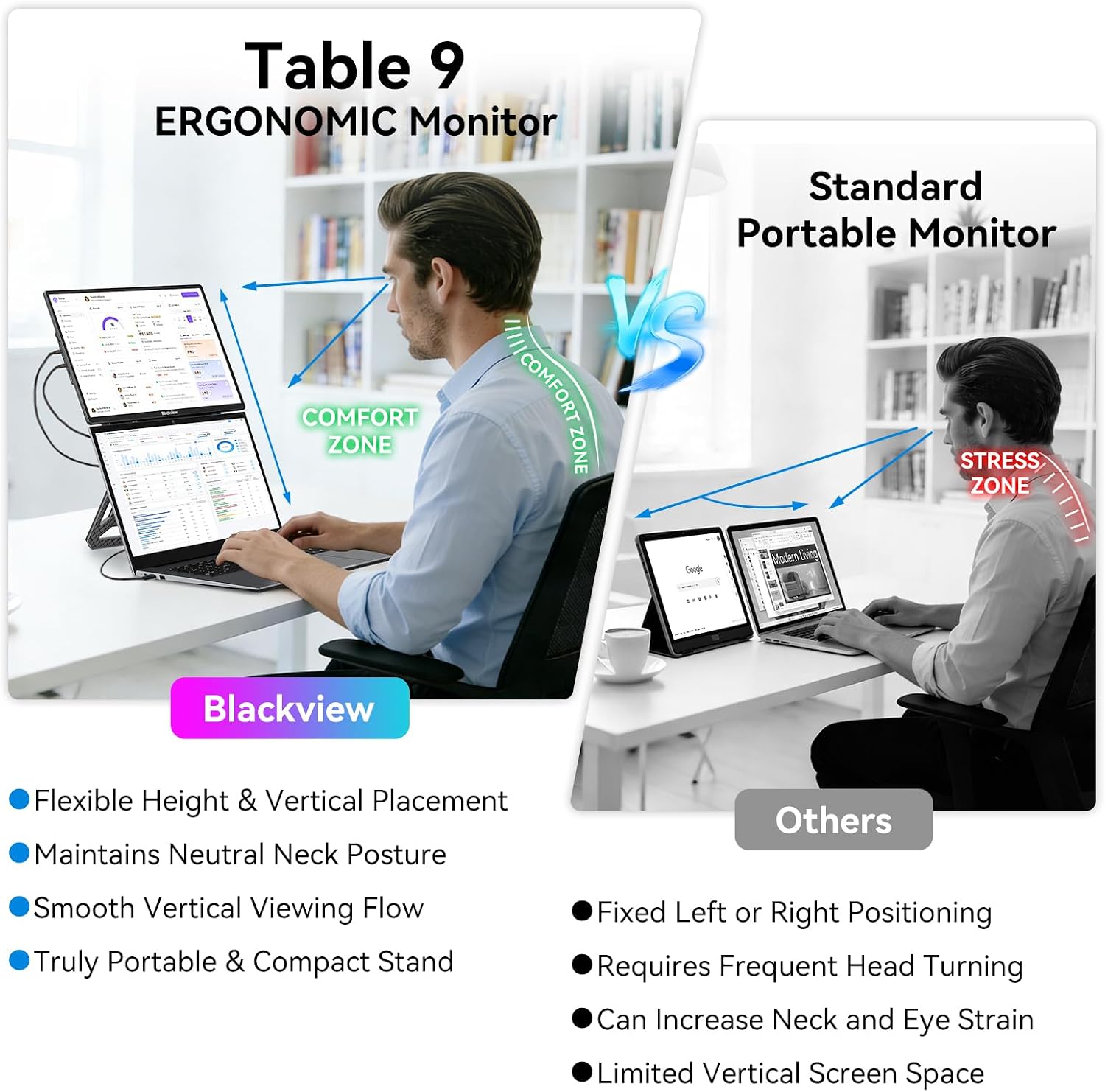
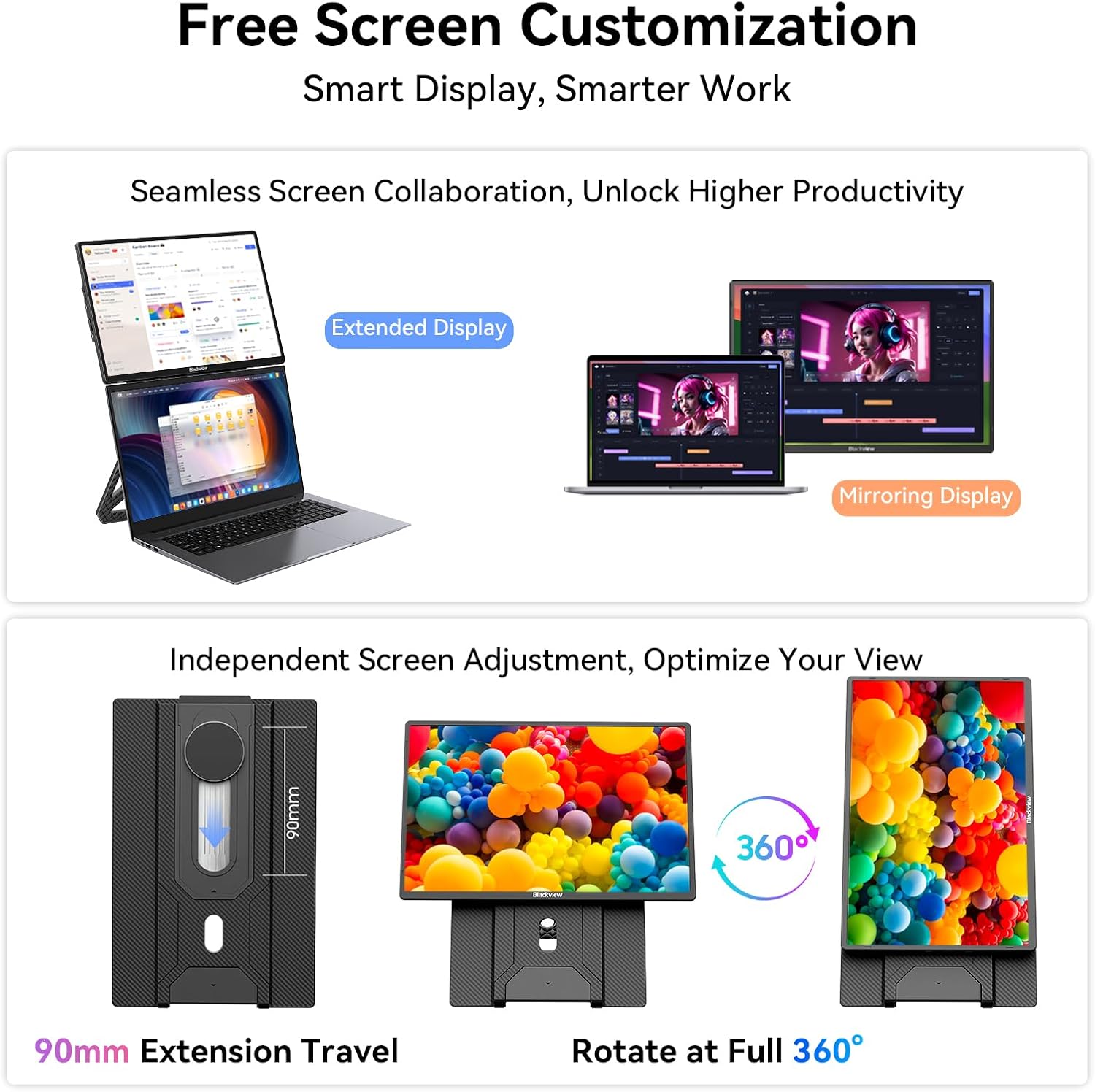
A key part of the pitch is the included magnetic stand. It’s described as attaching instantly and securely via magnets, supporting 180° rotation and height adjustment. That’s a useful combination when you’re dealing with uneven hotel desks or a cramped café table.
The listing also claims the stand doubles as a protective cover for safer transport. That’s a sensible angle for a travel device: fewer loose bits, less fiddling when you arrive, and an approach that’s meant to cope with being packed and unpacked.
One thing to watch: the product name mentions “360° … rotating”, while the stand description specifically calls out 180° rotation. The takeaway is that there’s rotation for positioning, but the exact range may depend on how the screen/stand system is configured—worth checking before you assume it behaves like a fully free-spinning monitor arm.
Connectivity and compatibility: designed for plug-and-play across everyday devices
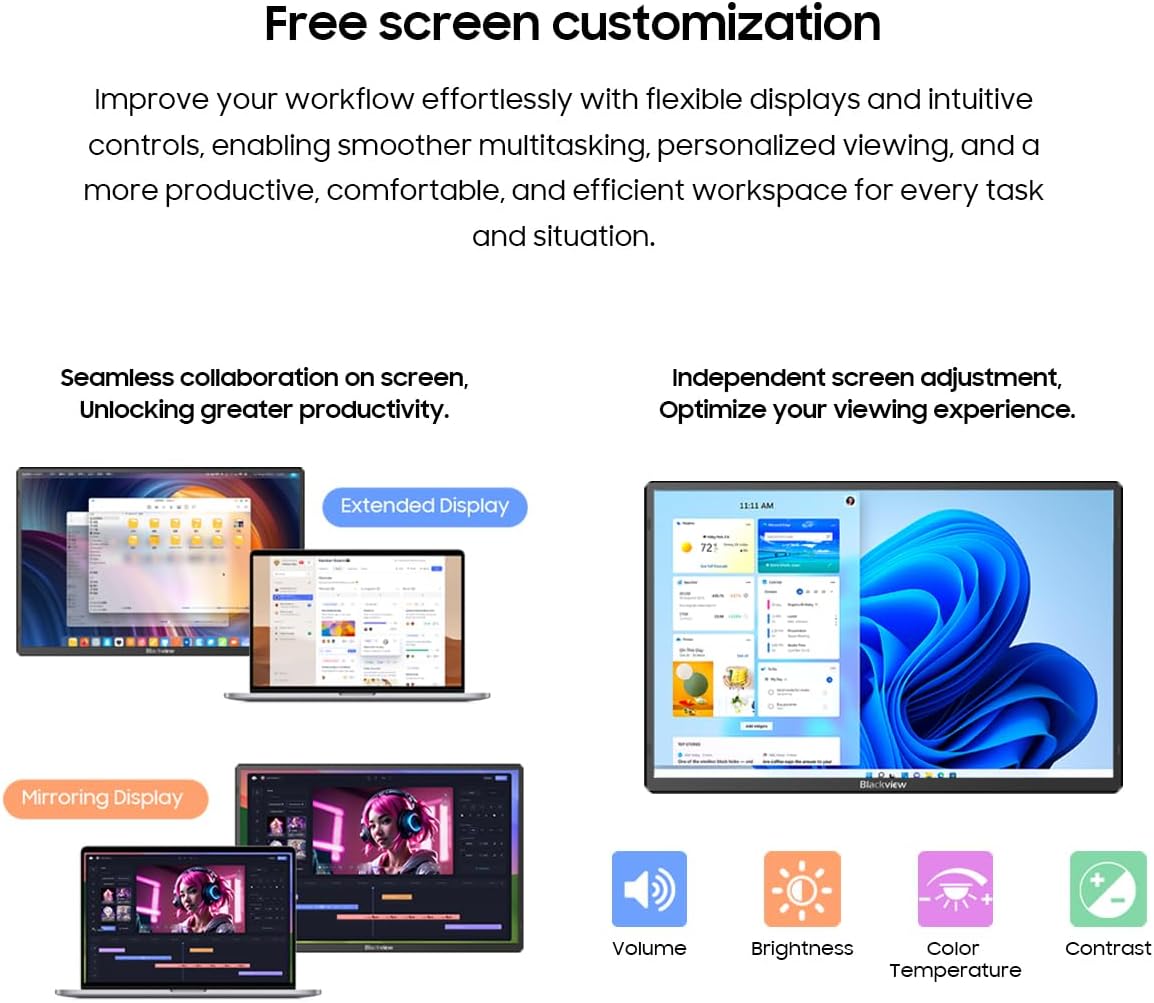
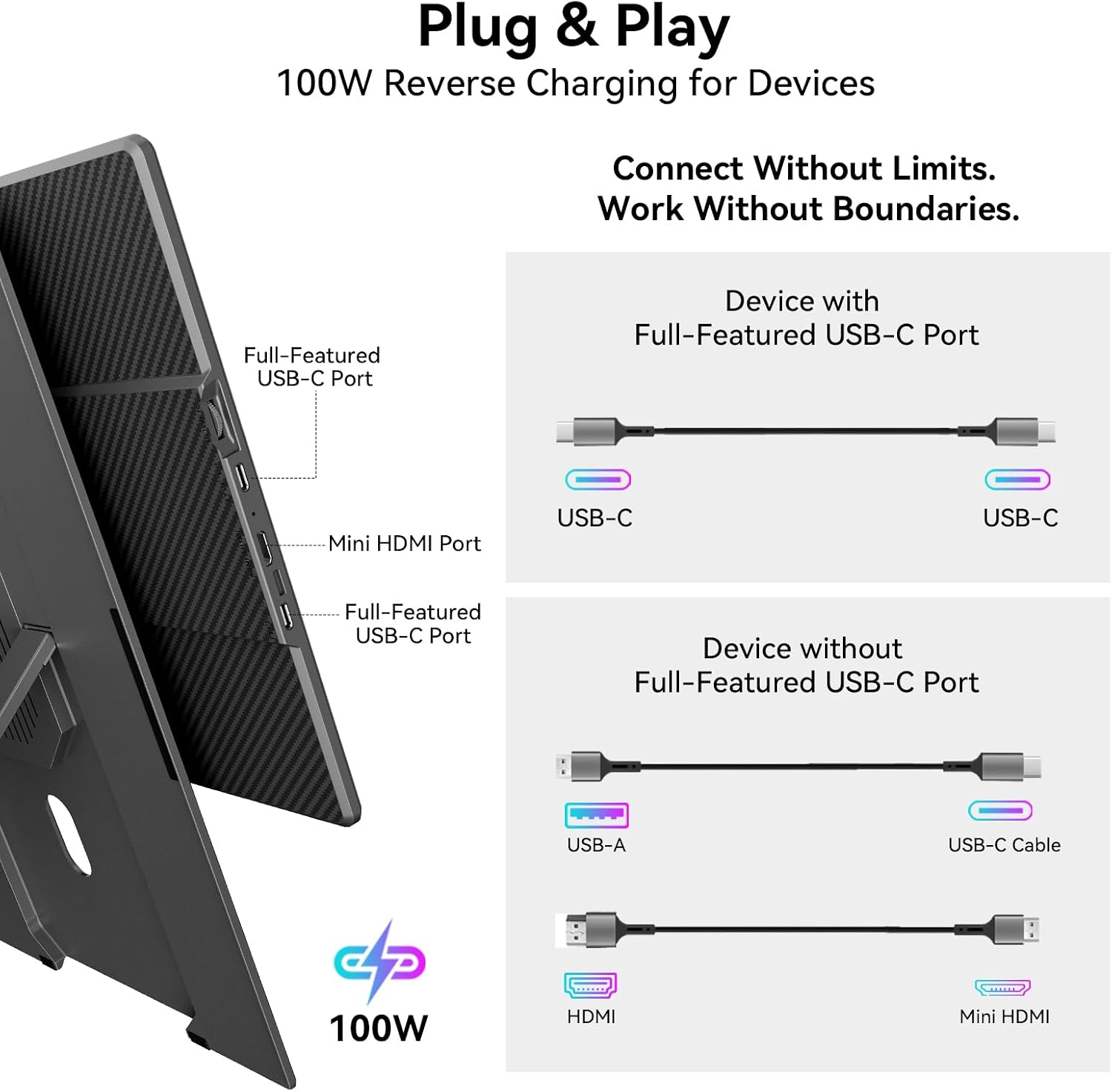
This model is positioned as “true plug and play”, with connectivity intended for laptops (Windows, macOS, Chrome OS), smartphones (including Samsung DeX and Huawei EMUI), tablets, and even gaming consoles. It references Type‑C and Mini HDMI ports as the main connection routes.
In real purchase terms, this matters if you switch between devices often—work laptop at home, tablet on the commute, phone for an emergency setup. With a “one-cable” style approach mentioned, it should also help keep the desk cleaner than multi-adapter solutions.
That said, if you’re buying for a very specific device, it’s wise to double-check that your device supports the required display output method (Type‑C or Mini HDMI) before relying on it.
Durability angle: lightweight, slim, and built for the trip
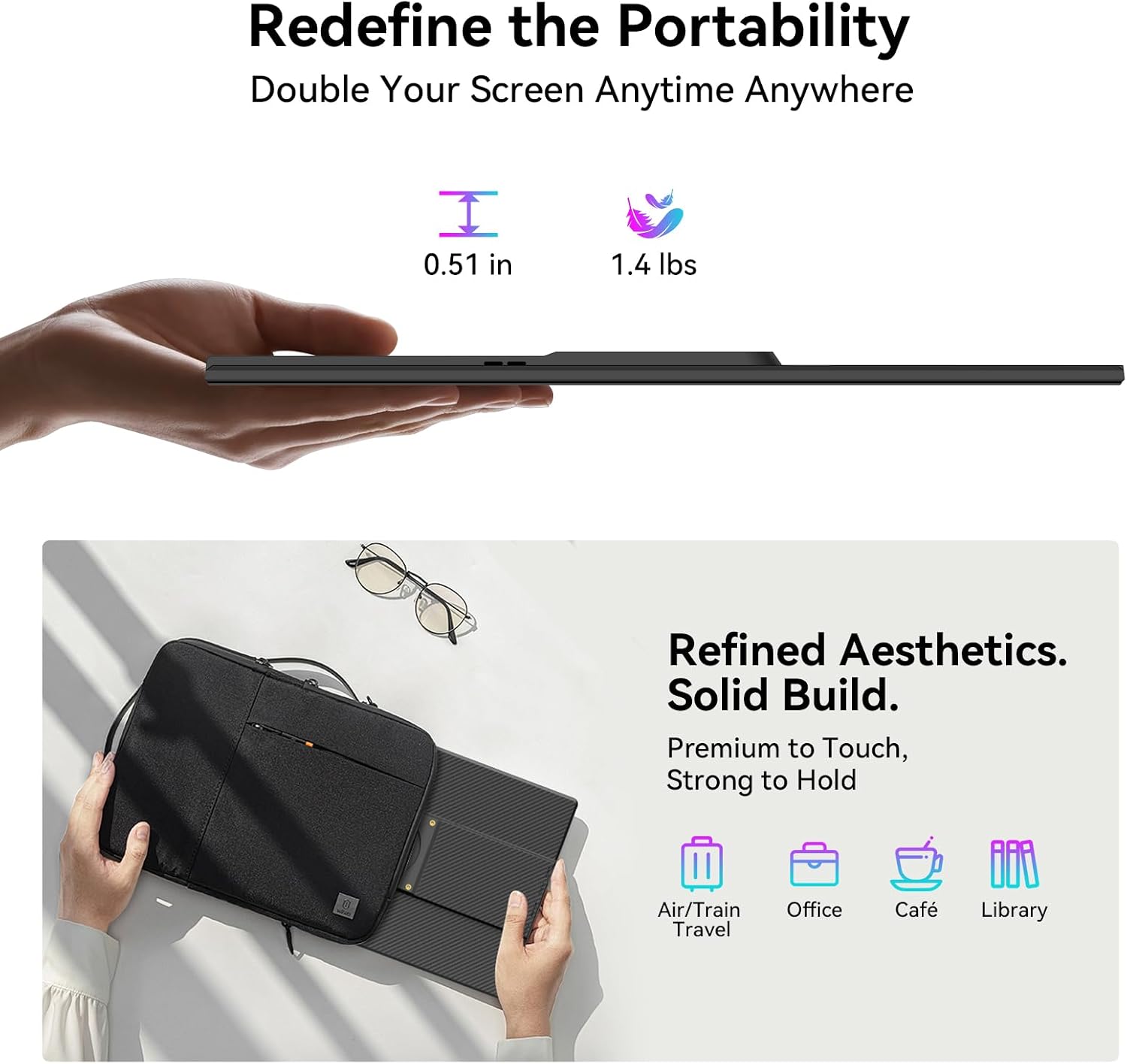
Portability is a big part of the appeal here. The listing claims a weight of 650g and a thickness around 13.2mm, alongside a durable, scratch-resistant build using a composite construction with an aramid-fibre-texture finish.
It’s not hard to see the target user: business travellers, commuters, and anyone who wants a second screen without treating the monitor like something you’d baby at home. The “built like a tank” style wording is marketing, but scratch resistance and tough travel materials are exactly what you’d look for in this category.
If you’re rough on bags, constantly moving between spaces, or you want something that survives being tossed in a laptop backpack, this design direction makes sense.
What you’ll notice day to day (and where it may fall short)
This monitor is clearly pitched as a mobility-first second screen, not a replacement for a large desktop setup.
It’s likely a good fit if
- You want a compact second display for meetings, writing, spreadsheets, or document review on the move.
- You value a stand that attaches quickly and helps you position the screen at a workable height.
- You need a monitor you can pack and unpack often without worrying too much about scratches.
You may want to skip it if
- You expect the widest possible range of motion like a fully articulated monitor arm (the stand rotation details are a bit specific).
- You need absolute certainty around “zero lag” in your particular workflow, because real-world performance still depends on your device and connection.
Is it worth it?
Worth considering if you’re after a travel-friendly 16-inch laptop screen extender that prioritises a magnetic stand, easy connectivity, and a durable build for life on the move. The FHD IPS panel, plus the stated brightness and video-call focus, makes it a sensible choice for remote working where having a proper second screen really helps.
It might not be the best match if you want a desktop-grade setup with maximum adjustability, or if your priority is squeezing the absolute lowest latency regardless of the device chain. In that case, you’d be better off evaluating a solution based on your exact input/output method and your typical meeting setup.
Mini FAQ
What does “portable monitor” mean here?
It’s a second screen meant to extend a laptop or compatible device during travel or temporary work setups.
What connectivity options are mentioned?
The listing references Type‑C and Mini HDMI ports, with plug-and-play support across Windows, macOS, Chrome OS and more.
Is the stand easy to set up?
The magnetic stand is described as attaching instantly via magnets, with rotation and height adjustment.
Can it be used for video calls?
The monitor is marketed for video conferences on the FHD IPS screen, but real performance can still depend on your connection and device.
What’s in the box?
The package contents listed are the portable monitor, a carry-handle cardboard box, user manual, quick start guide, and corrugated outer carton.