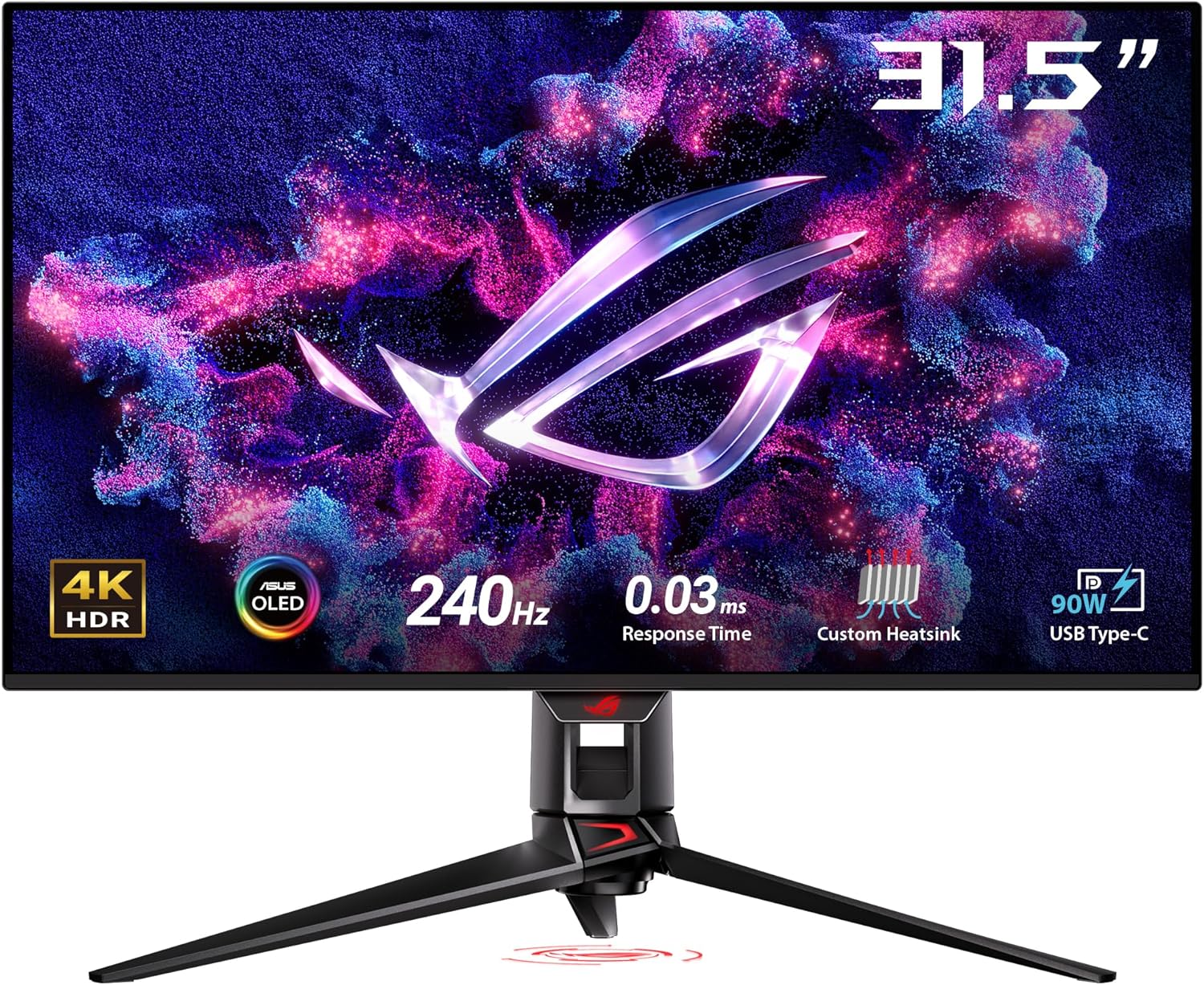
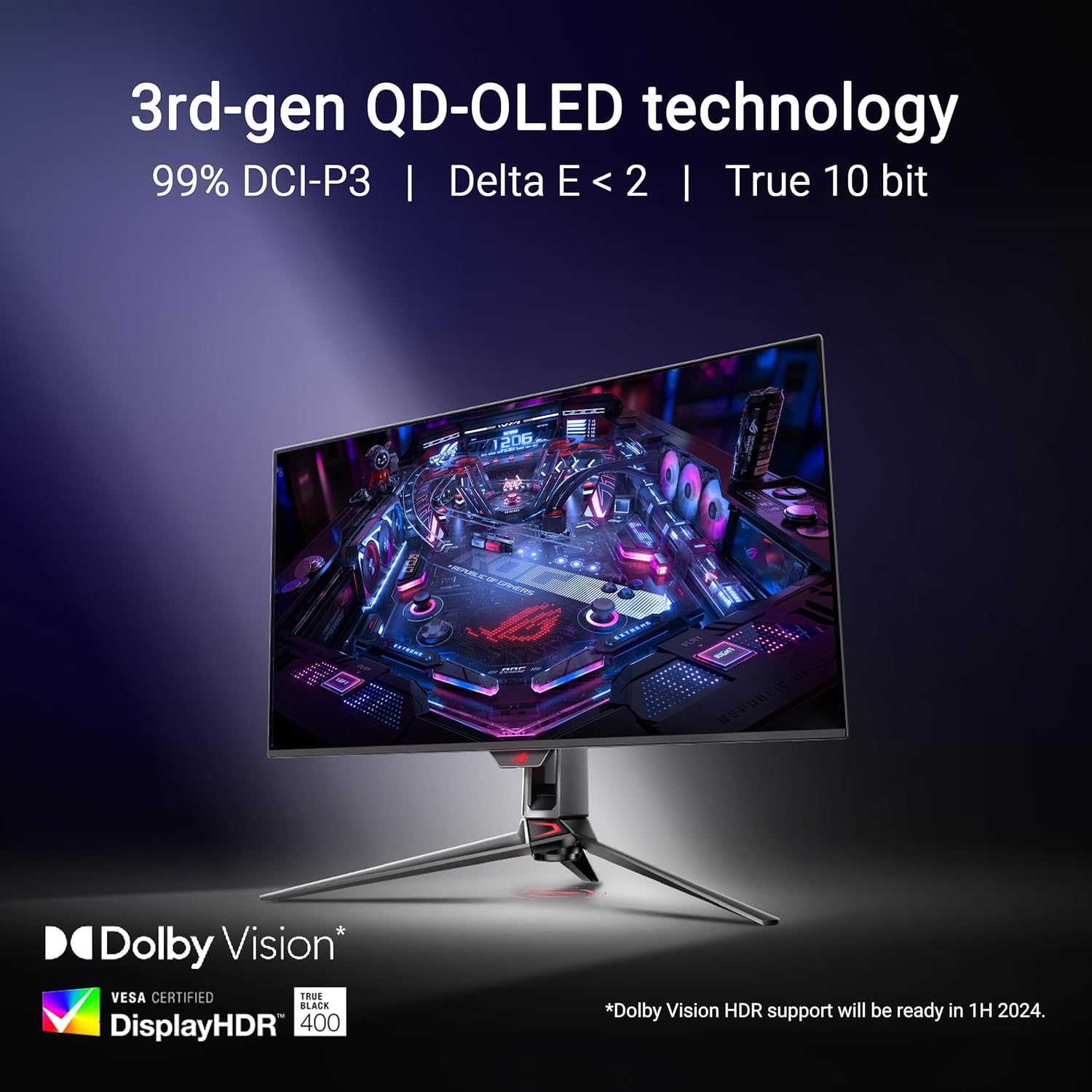
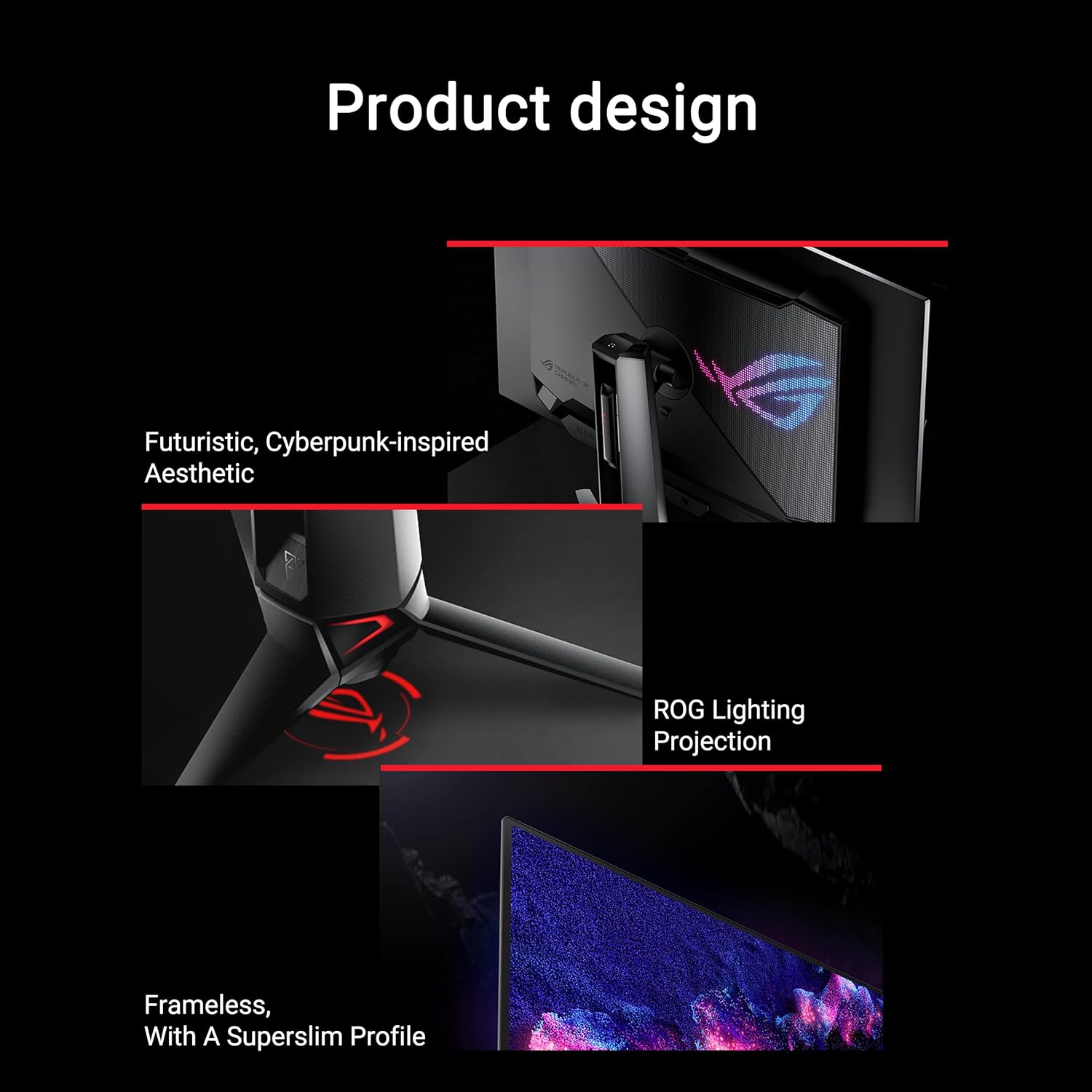
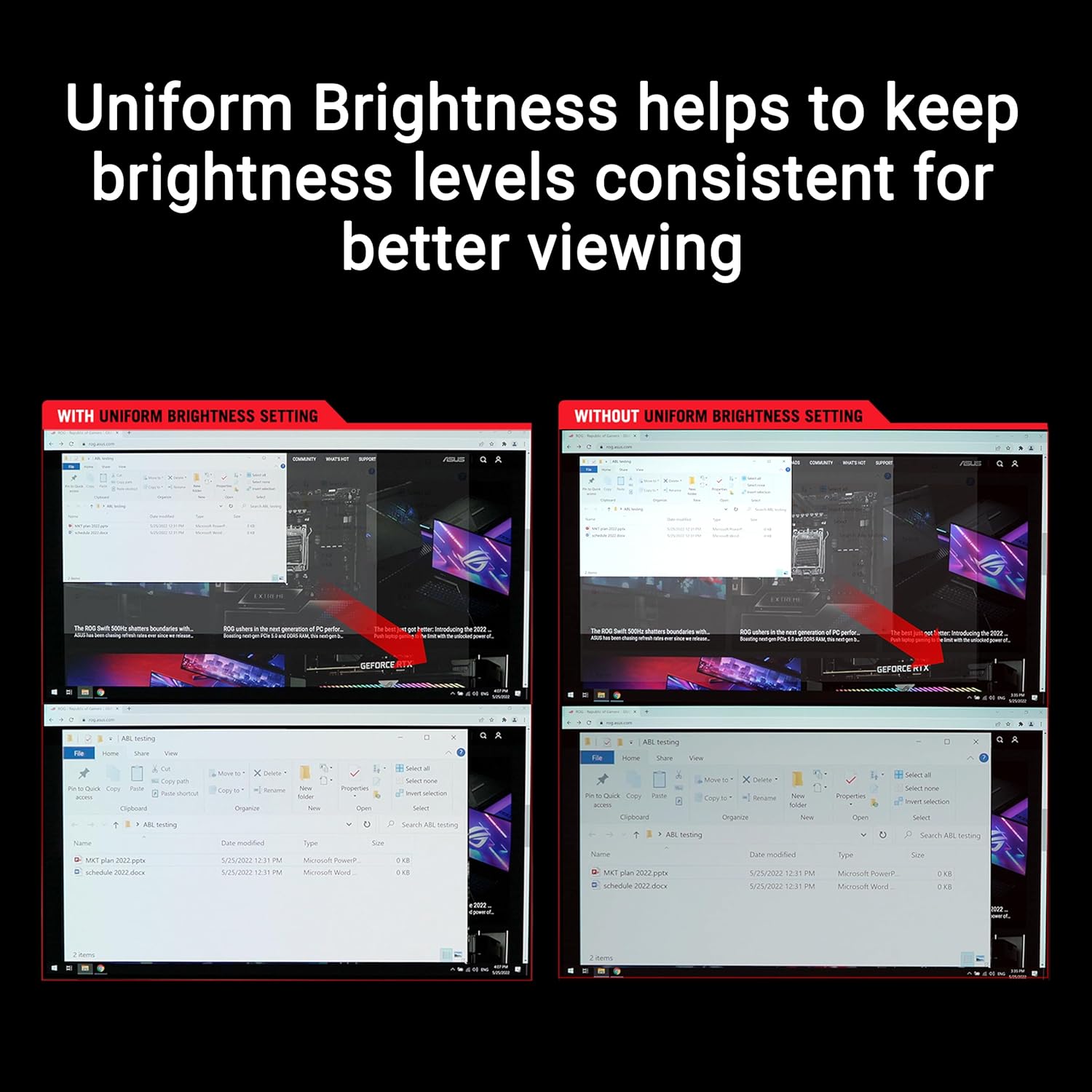
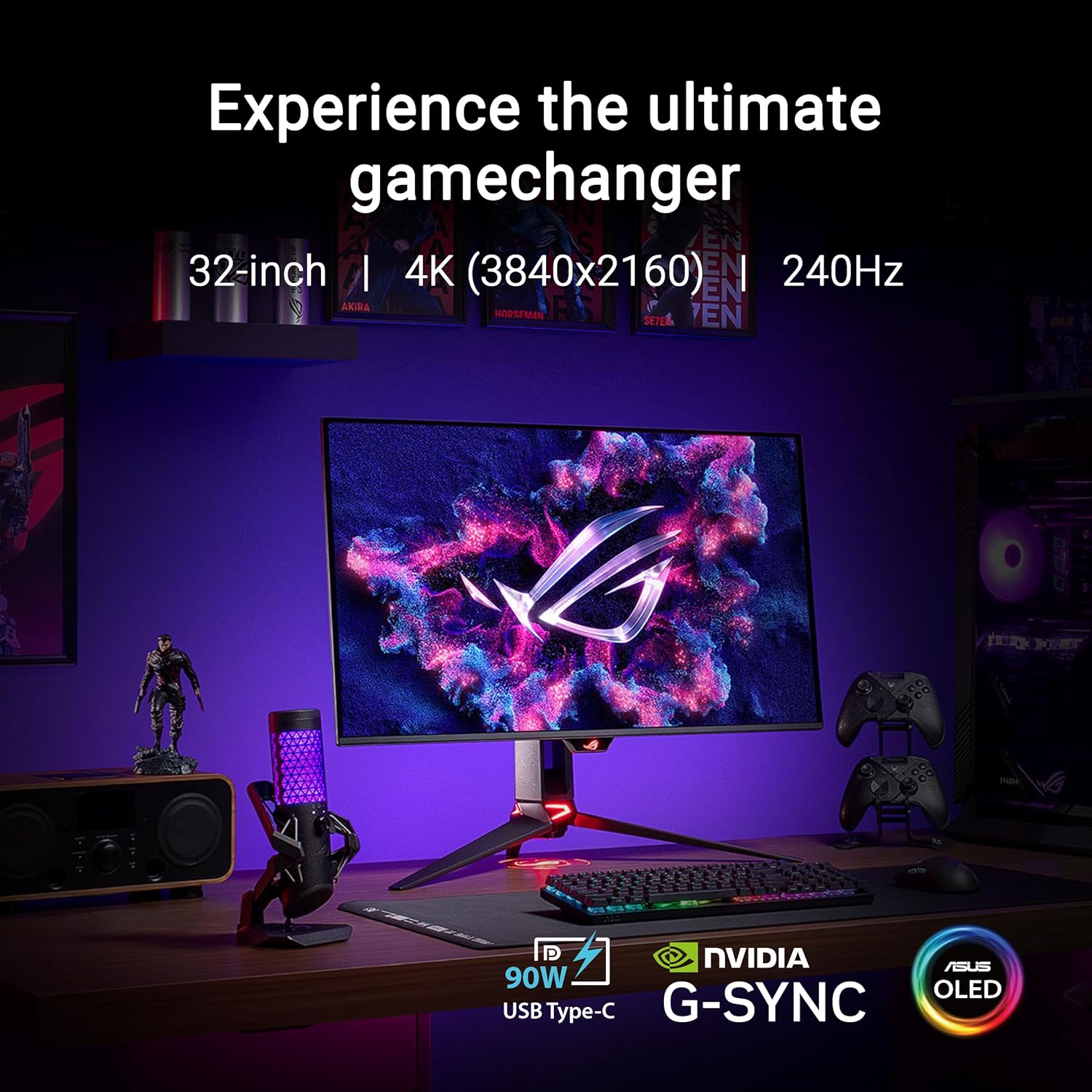
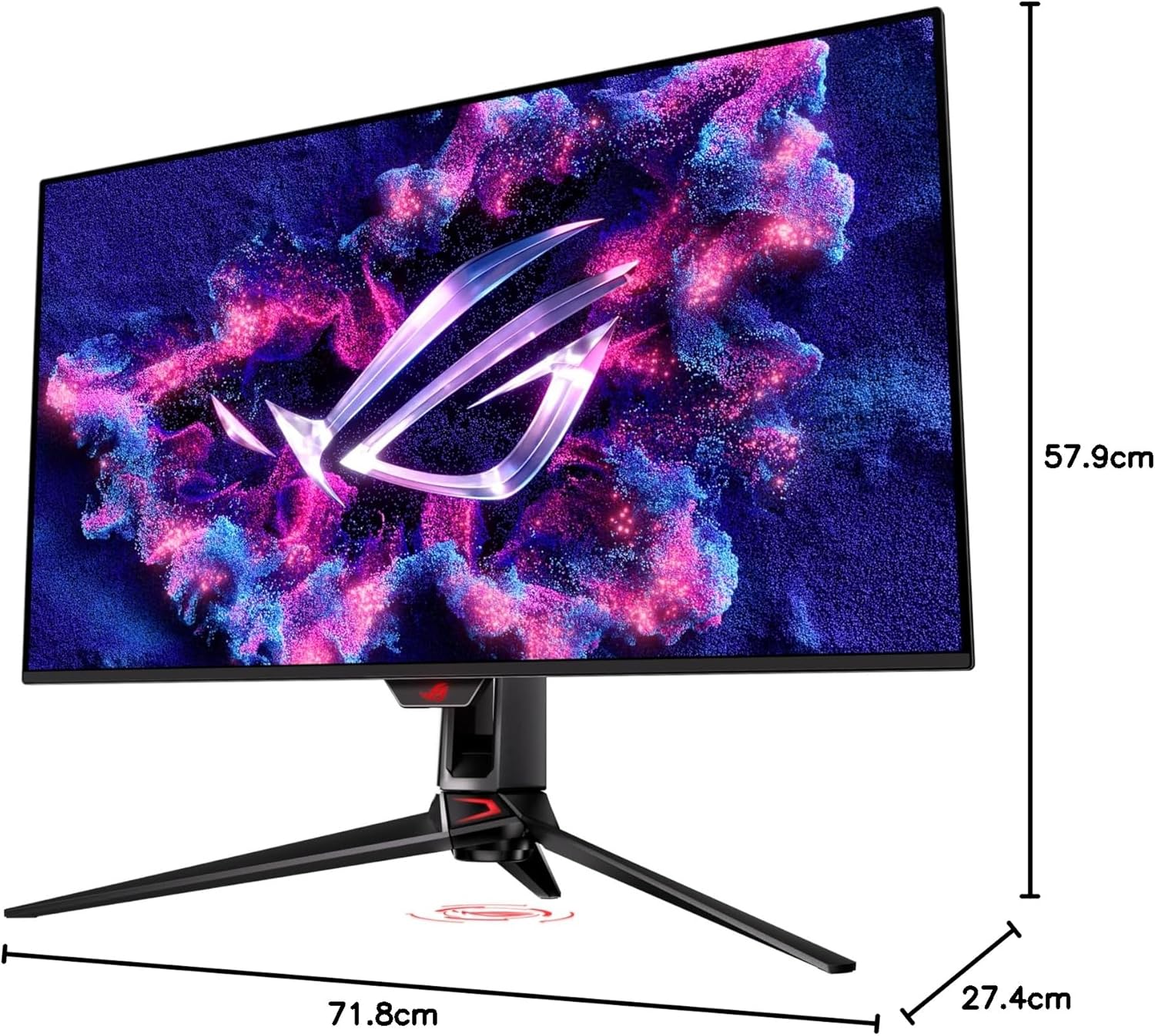
What it is and what it aims to solve\nThe ASUS ROG Swift OLED 31.5" is a high-end gaming monitor designed to combine 4K resolution with OLED picture quality, a 240 Hz refresh rate and incredibly fast 0.03 ms GTG response. On paper, this should deliver smooth motion, vibrant colour and deep contrast, which are appealing for fast shooters, racing sims and immersive single-player titles. It’s pitched at players who want top-tier visuals without compromising on responsiveness. However, it’s worth noting that the real-world experience depends on your gaming setup, refresh rate enablement, and the kind of content you typically play.\n\n## Key strengths in practice\nFrom the data available, the panel supports 99% DCI-P3 and true 10-bit colour, with Delta E under 2. In HDR terms, it’s compatible with DisplayHDR 400 True Black, which suggests strong black levels for OLED. The heat management features—an efficient heat sink, airflow design and graphene film—aim to mitigate risk of burn-in and help maintain brightness consistency, which matters during long sessions or colour-critical work. For photo and video work, these aspects are meaningful, but the monitor’s HDR and colour accuracy should be weighed against professional calibration needs.\n\n## What stands out in use\nThe combination of OLED contrast and 4K resolution at a high refresh rate should translate to notably snappy, precise gaming with vivid, punchy colours and very deep blacks. It also includes a Neo Proximity Sensor to automatically darken the screen when the user moves away, a feature aimed at reducing burn-in risk in casual scenarios. Practically, this is a nice safety net for extended gaming sessions, though it won’t completely eliminate burn-in under all conditions.\n\n## Potential caveats and limitations\nNot every game will run at 240 Hz in 4K, so you may prioritise frame-rate targets or resolution depending on the title and GPU you pair with. OLED panels, while excellent for HDR and colour, can be susceptible to retention if static images are left on screen, the sensor and automatic dimming help, but it’s wise to vary content or enable screen-saver features during long idle periods. The 31.5" size is immersive, but it may be larger than needed for desk setups with limited space. Finally, at this tier, the price is higher than typical LCD alternatives, so it’s worth assessing how often you’ll push the top-end features.\n\n## Who this is for\nIf you prioritise image quality, instant pixel response and a premium gaming feel, this monitor targets enthusiasts and content creators who value HDR performance and colour depth. It’s particularly suited to players who enjoy visually rich titles, as well as editors who can utilise true 10-bit colour and broad colour gamut for review work. It may not be the best pick for budget shoppers or those who primarily pursue esports milestones at the lowest latency with a higher emphasis on screen brightness over deep blacks.\n\n## Who it isn’t ideal for\nIf you’re sensitive to OLED burn-in concerns and want to stay well under a sub-£2k budget, or if you require a compact desk footprint, this model might not fit your needs. Also, if your PC or console can’t sustain high frame rates at 4K, you may not experience the full benefit of the 240 Hz spec.\n\n## What to check before buying\nEnsure your GPU and cabling can handle 4K at high refresh rates and that your desk space accommodates a 31.5" display with a comfortable viewing distance. Investigate the practical effect of the Neo Proximity Sensor in daily use and consider how often you’ll rely on the HDR features versus standard gaming modes. Calibration considerations and available firmware updates can influence long-term performance, so verify you’re comfortable with potential software adjustments.\n\n## How it compares to other approaches\nIf your priority is pure gaming performance on a tighter budget, a high-refresh LCD may offer similar motion clarity at a lower cost, albeit with weaker contrast and colour depth. For creators valuing colour accuracy and true blacks, this OLED option provides a distinct advantage, provided you have compatible content and a system that can drive 4K at high refresh rates. In short, it sits between premium gaming displays and professional-grade colour work monitors—great if you can leverage its strengths.\n\n## Practical usage example\nImagine hosting a high-octane racing game with night-time tracks: you’ll notice the intense depth of shadows, the glow from streetlights, and the fluid motion at 240 Hz. In an editing workflow, the 10-bit colour and wide DCI-P3 gamut help with more faithful skin tones and vibrant visuals when grading clips.\n\n## FAQ (quick answers)\n- Does 240 Hz at 4K mean flawless motion in every game? Not always, it depends on the game’s support for high frame rates and your hardware.\n- Is burn-in a real risk? OLED burn-in is a consideration, features like the Neo Proximity Sensor and automatic brightness adjustments help, but best practise includes varied content and periodic rest.\n- Can I use this monitor with a console? It can be connected to compatible consoles and PCs, but the highest 4K/240 Hz performance generally relies on a capable system and appropriate settings.\n\n## Is it worth it?\nIt makes sense if you value top-tier HDR visuals, rapid response, and a bold colour experience for both gaming and content work, and you have hardware to support 4K at high refresh rates. If those conditions don’t apply, you may prefer a more modest setup.