

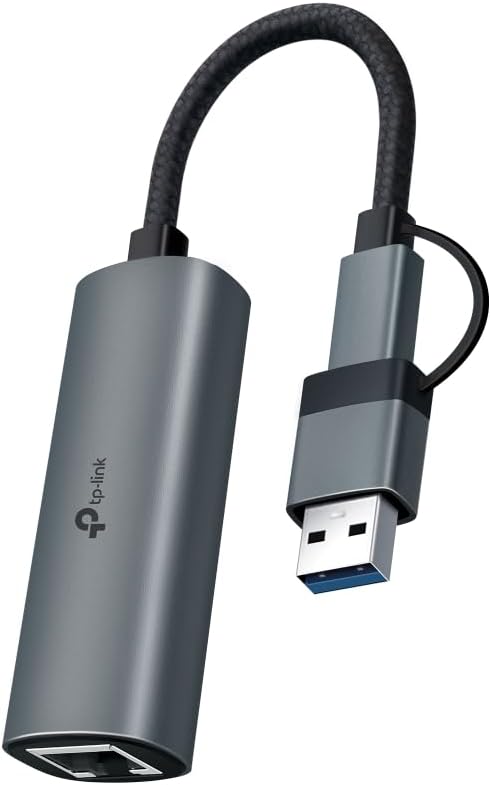
TP-Link UE310C USB-C to Gigabit Ethernet Adapter (USB 3.0, aluminium) for Mac, Windows, iPad, Linux and Android
Product description
If you’ve got a device that’s USB-C powered but you still want a proper wired connection, the TP-Link UE310C is the kind of small adapter that can save a lot of hassle. On paper it’s built for speed and stability—especially for things like downloads, streaming and gaming—without making you wrestle with driver installs.
That said, it’s still an adapter. Depending on your setup, you may not notice a huge difference versus decent Wi-Fi, so it’s worth thinking about when you truly need Ethernet.
The essentials
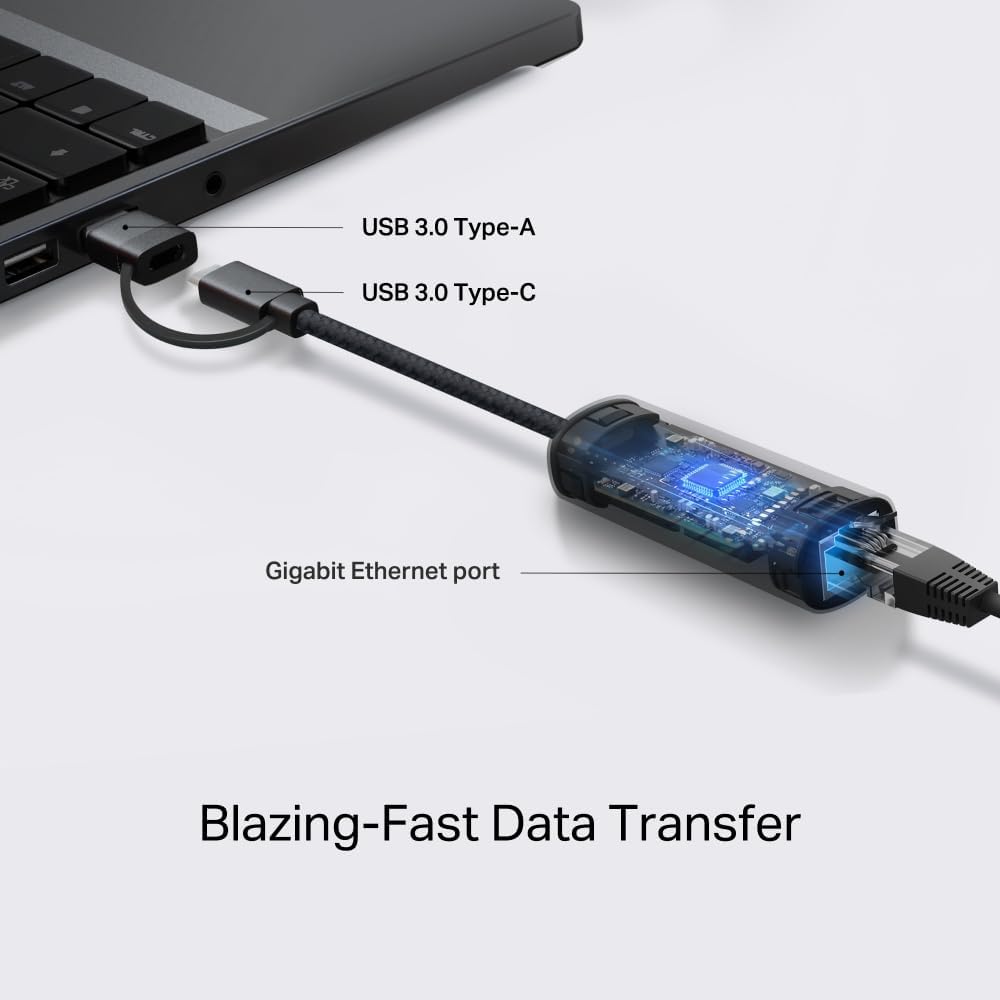
The TP-Link UE310C is a USB 3.0 to Ethernet adapter that adds an Ethernet port to USB-C devices. The core idea is simple: plug it in, and you should be up and running quickly thanks to a plug-and-play approach (no manual driver installation required, according to the product description).
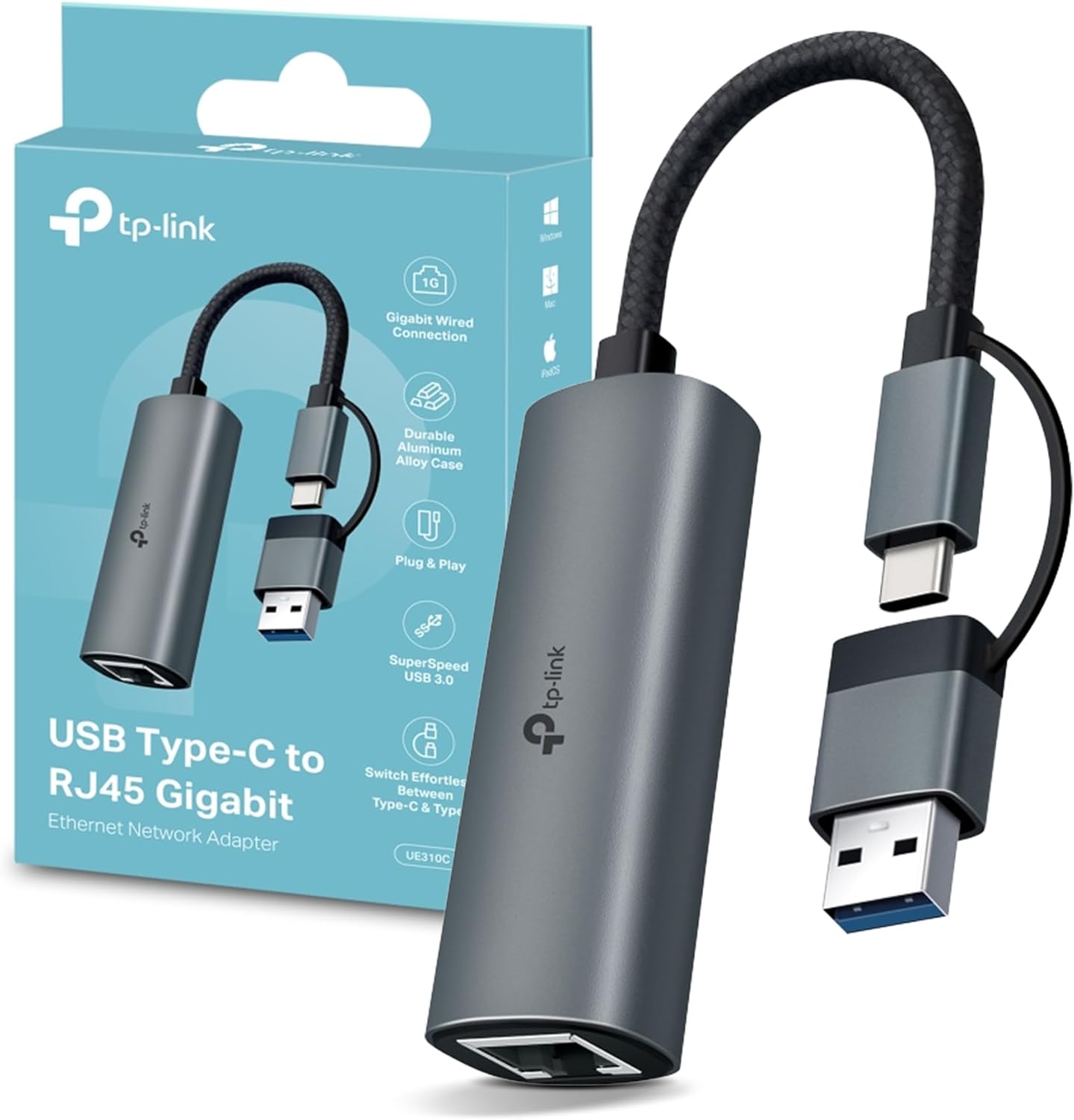
It’s also positioned as a 2.5 Gigabit Ethernet solution, which matters if you’re working with faster networks or you’ve got local gear (like a NAS) where wired throughput can make a difference. For everyday use, this tends to show up more in large transfers and smoother high-bitrate streaming than in general web browsing.
Key features that affect day-to-day use
A couple of details here feel deliberately practical. The aluminium shell is meant to be durable and to help with heat dissipation, which is a nice touch if you plan to leave it connected for longer sessions. There’s also a compact, travel-friendly design—useful if you move between home, work and wherever you plug in a laptop.
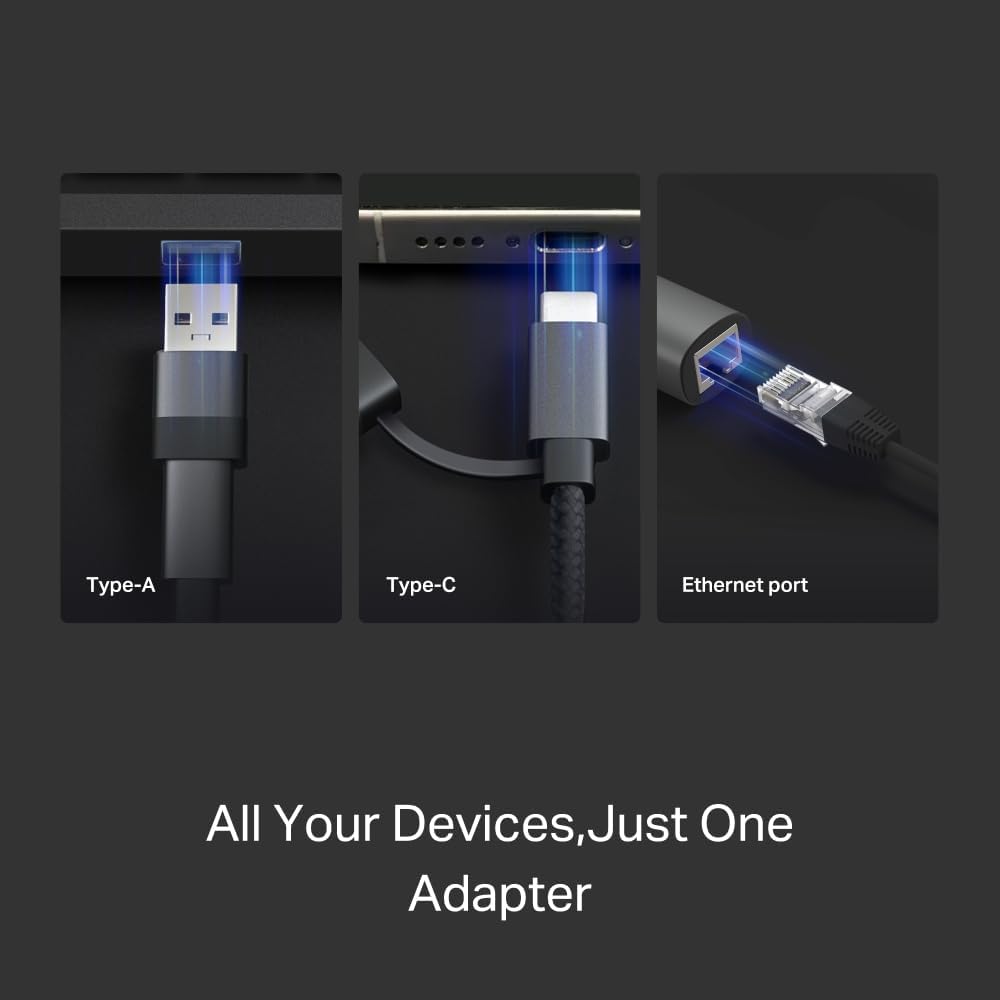
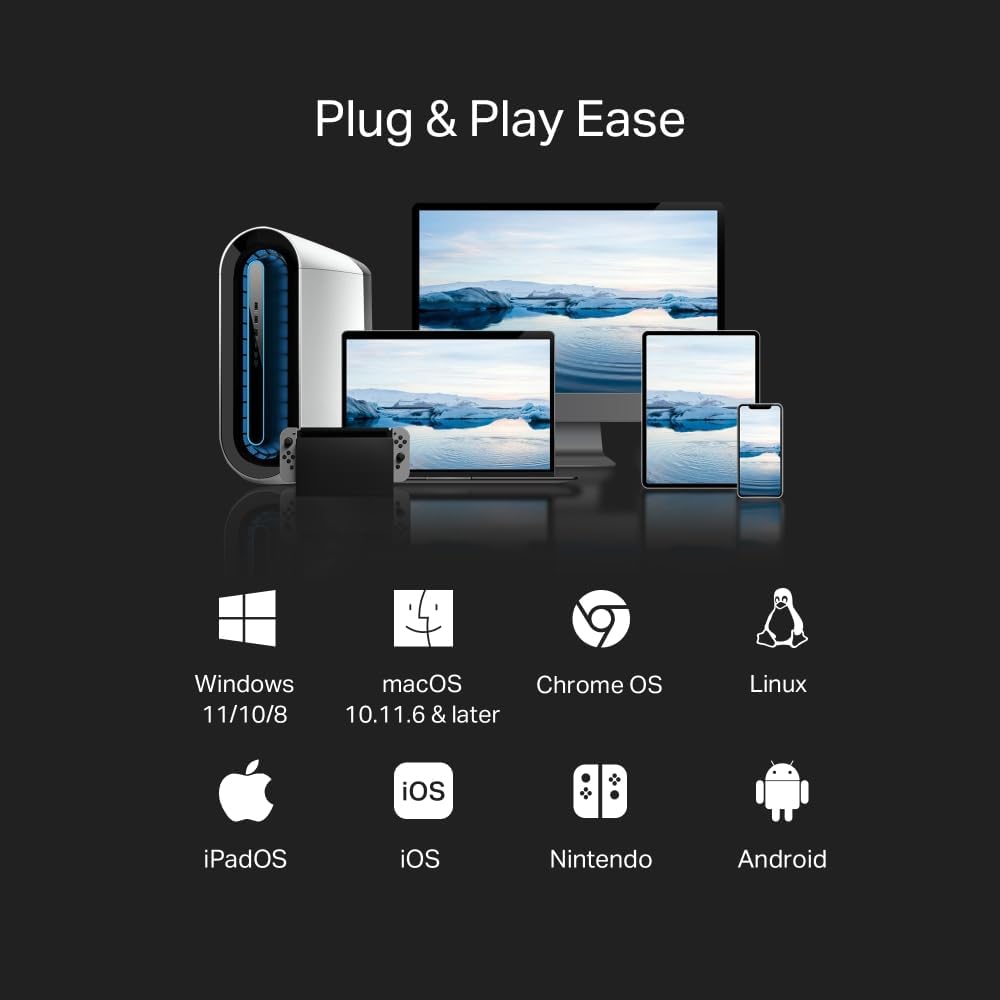
The pitch also covers “universal compatibility” across a broad range of systems, including Windows, macOS, iPadOS, Chrome OS, Linux, and iOS. That’s broad enough to be appealing for multi-device households, but it’s also one of those areas where it’s smart to double-check your specific device/OS version when you’re buying.
What it’s for (and a realistic example)
Where this adapter makes sense is when you want wired reliability without changing your device. For example, if you’re streaming 4K/8K content and your Wi-Fi can be a bit flaky in the room where your TV or media device sits, switching to Ethernet can feel noticeably steadier.
Similarly, if you’re downloading large files to a laptop and the Wi-Fi speed varies, a wired connection usually removes that “where are you standing?” problem.
That convenience is the main win: the adapter is designed to be plugged in and used quickly, rather than set up like a mini project.
Compatibility and requirements
The product description claims plug-and-play use on many platforms: Windows 11/10/8.1/8/7, macOS, iPadOS, Chrome OS, Linux, and iOS.
However, “supports” and “works smoothly on every specific device configuration” aren’t always identical in real life. It’s not perfect, but it’s a good sign that the list is wide. If you’re buying for a particular tablet, Chromebook or phone, it’s worth ensuring your device actually supports USB-C Ethernet functionality (and that you’re using a compatible port and OS state).
Tech specs

- Type: USB to Ethernet adapter
- Capacity: 2.5 Gigabit Ethernet
- Data connection: USB 3.0
- Shell material: Aluminium
- Plug-and-play: No manual driver installation required (as described)
- Compatibility (OS): Windows 11/10/8.1/8/7, macOS, iPadOS, Chrome OS, Linux, iOS
Where it shines, and where you may want to skip it
Worth considering if you frequently need a more consistent network connection than Wi-Fi, and you’d benefit from faster wired transfers (NAS, large downloads, high-bitrate streaming, online gaming).
It might not be the best match if your network is still mostly limited by slower internet speeds, or if your Wi-Fi performance is already strong and stable where you use the device. In those situations, you may pay for “potential speed” that you can’t really tap into.
Is it worth it?
Buy it if you want a compact, plug-and-play USB-C to Ethernet adapter that’s aimed at higher-speed wired performance, and you’re likely to use it across multiple devices (or you simply want Ethernet reliability for streaming, gaming and downloads).
You may want to avoid it if you’re only looking for a basic wired connection for light browsing, or if you’re unsure your specific device/OS combination will fully support the adapter’s behaviour without extra steps.
If you’re weighing other approaches, this fits the “add Ethernet to what you already have” strategy—rather than swapping devices or changing your whole setup. It’s a practical add-on when you care about steadier connections and potentially faster throughput.

Mini FAQ
Does it need a driver installation?
The product description says it uses a plug-and-play approach with no manual driver installation required.
Which devices is it compatible with?
It’s described as compatible with Windows (11/10/8.1/8/7), macOS, iPadOS, Chrome OS, Linux, and iOS.
Is it suitable for gaming and streaming?
On paper it’s aimed at NAS use, fluent 4K/8K streaming and immersive gaming, mainly because it’s intended for higher-speed wired Ethernet.
Is the aluminium shell purely for looks?
It’s described as helping with durability and heat dissipation, so it’s more than just a style choice if you’ll use it for longer periods.