

BrosTrend 2-in-1 USB WiFi 6 + Bluetooth 5.4 Adapter (AX900) for PC — dual-band Wi‑Fi and multi-device Bluetooth
Product description
Quick overview
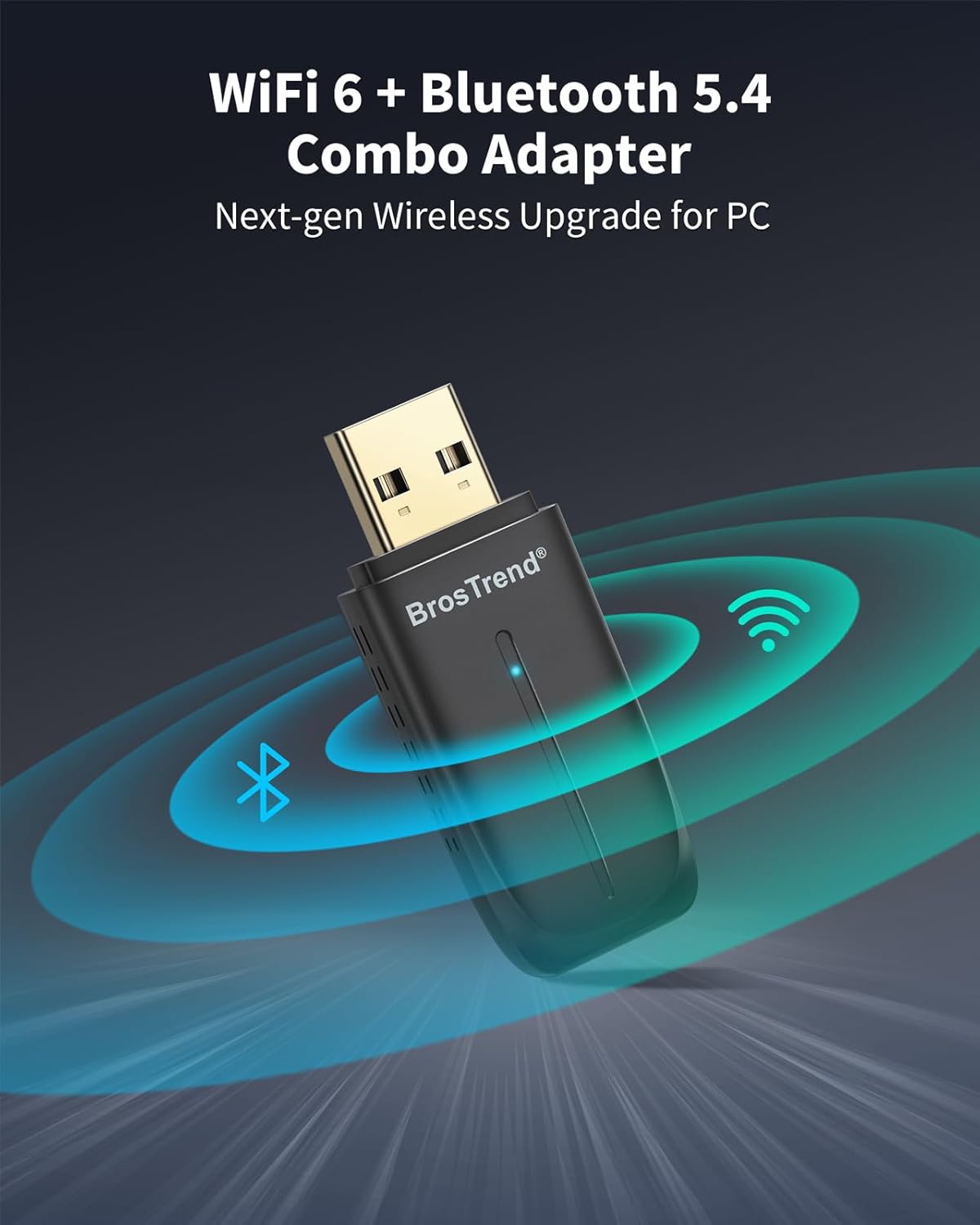
If you’re trying to upgrade a Windows desktop or mini PC without cluttering it with separate Wi‑Fi and Bluetooth adapters, BrosTrend’s 2‑in‑1 USB dongle is built for that exact situation. On paper, it combines Wi‑Fi 6 (AX900 class) with Bluetooth 5.4 in a single compact USB stick, so you can add faster wireless internet and basic Bluetooth connectivity in one go.
The Wi‑Fi side is dual-band: it targets 5 GHz for higher throughput and 2.4 GHz for wider compatibility. The Bluetooth side is aimed at everyday peripherals — headphones, mice, keyboards, speakers and even printers — rather than demanding workflows. It’s not a “magic” fix for every network issue, but for the right setup it can be a tidy upgrade path.
What matters most about this adapter
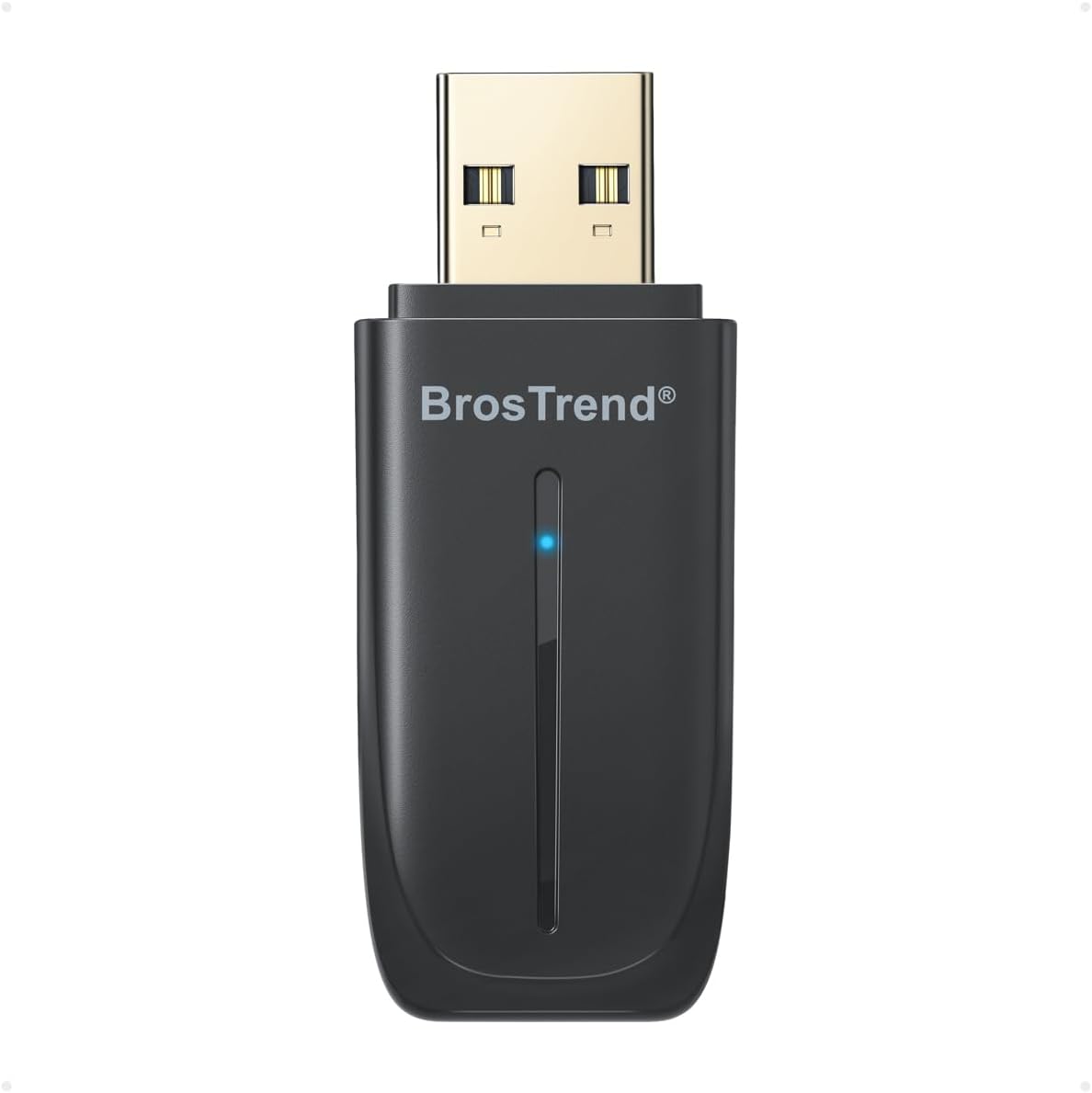
The biggest reason to consider this model is that it’s designed to do two jobs at once. That tends to matter on PCs that have limited USB ports, or where you’d rather avoid stacking two separate dongles.
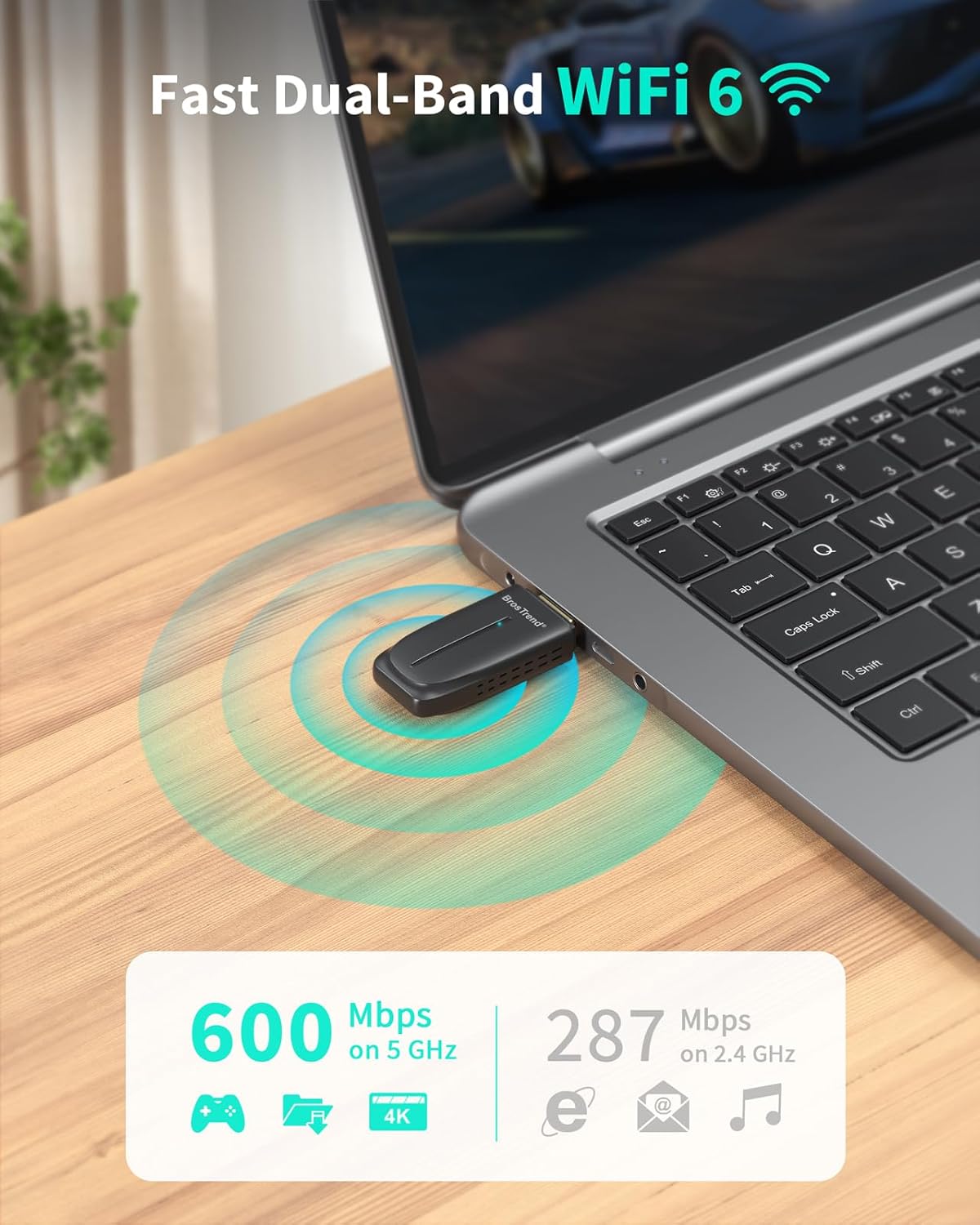
For Wi‑Fi performance, the stated headline figures are up to 600 Mbps on 5 GHz and 287 Mbps on 2.4 GHz. It also mentions Wi‑Fi 6 technologies such as 1024‑QAM and OFDMA. In day-to-day terms, that’s the sort of feature set you’d expect to help with smoother streaming, gaming responsiveness and more reliable video calls — assuming your router and home environment cooperate.
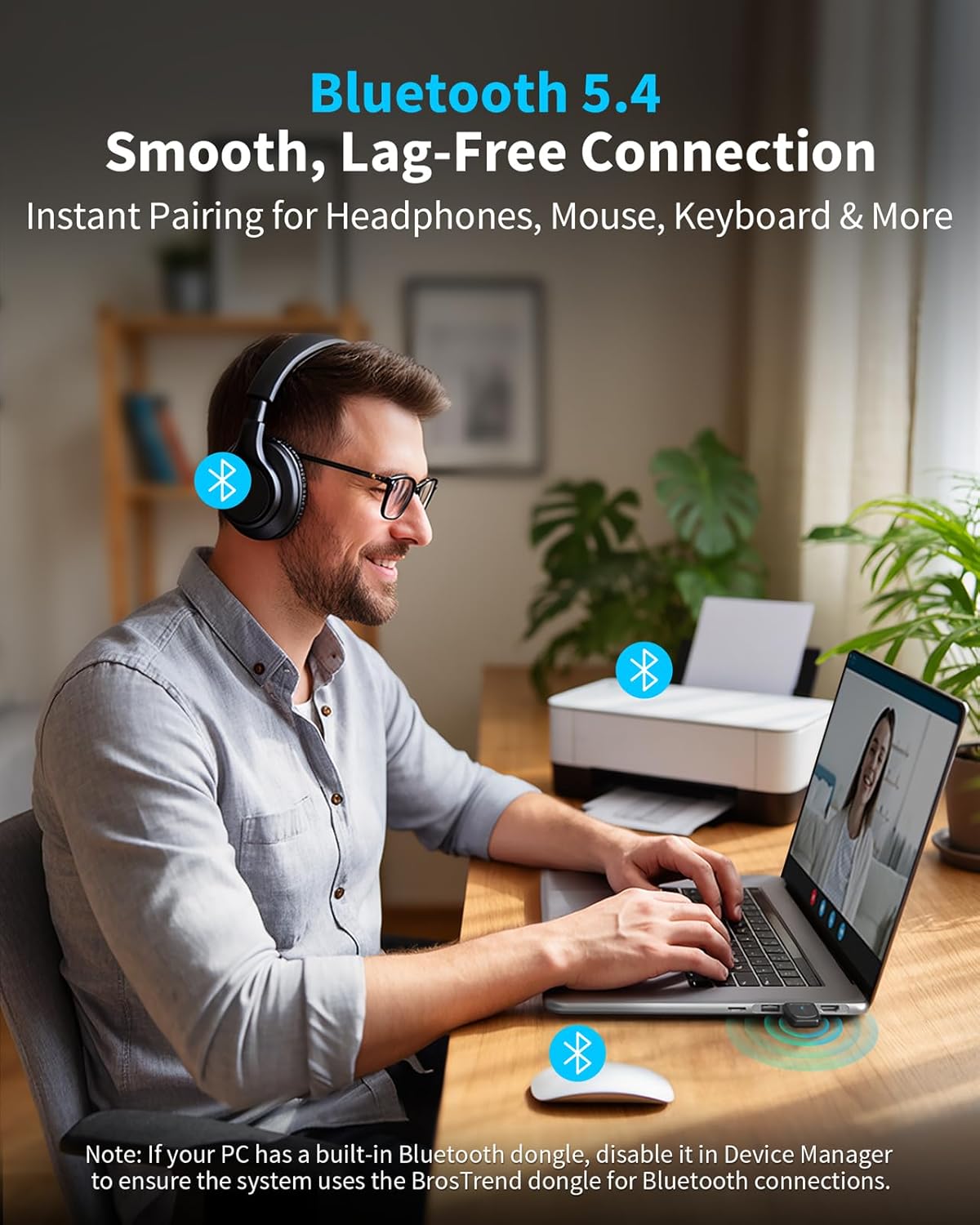
On the Bluetooth front, it’s positioned for pairing up to 5 Bluetooth devices, with a stated stable range up to 10 metres. That’s fairly sensible for a typical desk setup: for example, you could pair a Bluetooth keyboard and mouse while also connecting a headset for calls.
Worth noting, though: it’s designed around Wi‑Fi + Bluetooth sharing constraints, and it explicitly suggests connecting to the 5 GHz Wi‑Fi band for best performance.
Key takeaways for Windows users
This adapter is listed as compatible with Windows 11 and Windows 10. A pre-loaded driver is mentioned, with no CD or downloads required, which is the kind of detail that often decides whether a setup goes smoothly or turns into troubleshooting.
However, it also comes with a clear limitation: Mac and Linux are not supported. So if your machine isn’t Windows (or you’re planning a future switch), you’ll want to factor that in before buying.
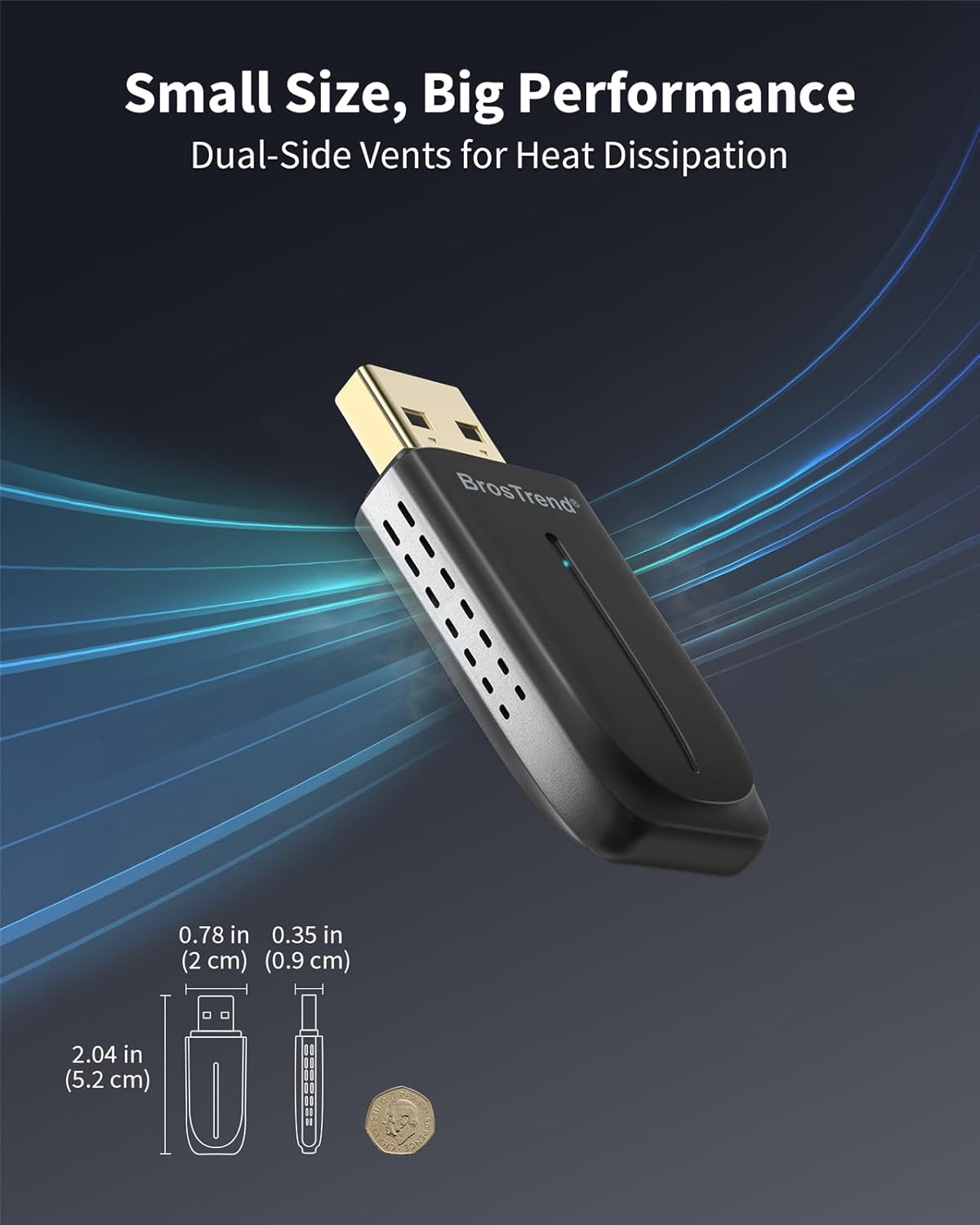
It’s also a small physical add-on — the stated size is 5.2 x 2 x 0.9 cm — and it includes dual-side vent holes for heat dissipation. That’s a reasonable “small but thoughtful” detail, particularly if you use the PC for long sessions.
Where it fits (and where it may fall short)
It makes the most sense if your current setup is missing Wi‑Fi 6 support and you also want Bluetooth without buying two separate adapters. If your priorities are lag-free streaming, smoother gaming sessions and stable video calls, the Wi‑Fi 6 framing here is aligned with that goal.
But it’s not the best choice if you’re expecting server-grade wireless performance or if you live with a router that’s nowhere near 5 GHz availability. The product also suggests connecting to the 5 GHz band to avoid congestion caused by Wi‑Fi and Bluetooth sharing the 2.4 GHz channel — so if your room setup forces you onto 2.4 GHz, you may not see the same “best case” behaviour.
In other words: it’s more “solid upgrade for a typical desk/room” than “fix for a challenging wireless environment.”
Tech specs
- Name: BrosTrend 2-in-1 USB WiFi Bluetooth Adapter for PC (AX900)
- Type: USB WiFi 6 + Bluetooth 5.4 adapter (dual-band)
- Format: USB dongle
- Wi‑Fi bands: Dual-band (5 GHz and 2.4 GHz)
- 5 GHz speed: up to 600 Mbps
- 2.4 GHz speed: up to 287 Mbps
- Bluetooth version: 5.4
- Bluetooth devices: up to 5 Bluetooth devices
- Bluetooth range: up to 10 metres (stated)
- Wi‑Fi features: 1024-QAM and OFDMA (stated support)
- Encryption/security: WPA3
- Driver setup: pre-loaded driver (no CD or downloads required per description)
- Compatibility: Windows 11 / Windows 10
- Not supported: Mac and Linux
- Size: 5.2 x 2 x 0.9 cm
- Construction detail: dual-side vent holes for heat dissipation
Everyday use scenario
Imagine you’ve got a desktop that doesn’t have reliable Wi‑Fi or Bluetooth. You plug in the BrosTrend USB adapter, then pair a Bluetooth keyboard and mouse first. After that, you connect a Bluetooth headset for calls. When it’s time for entertainment, switching to the 5 GHz Wi‑Fi band (as suggested) gives you a better chance of avoiding congestion and keeping streaming steadier.
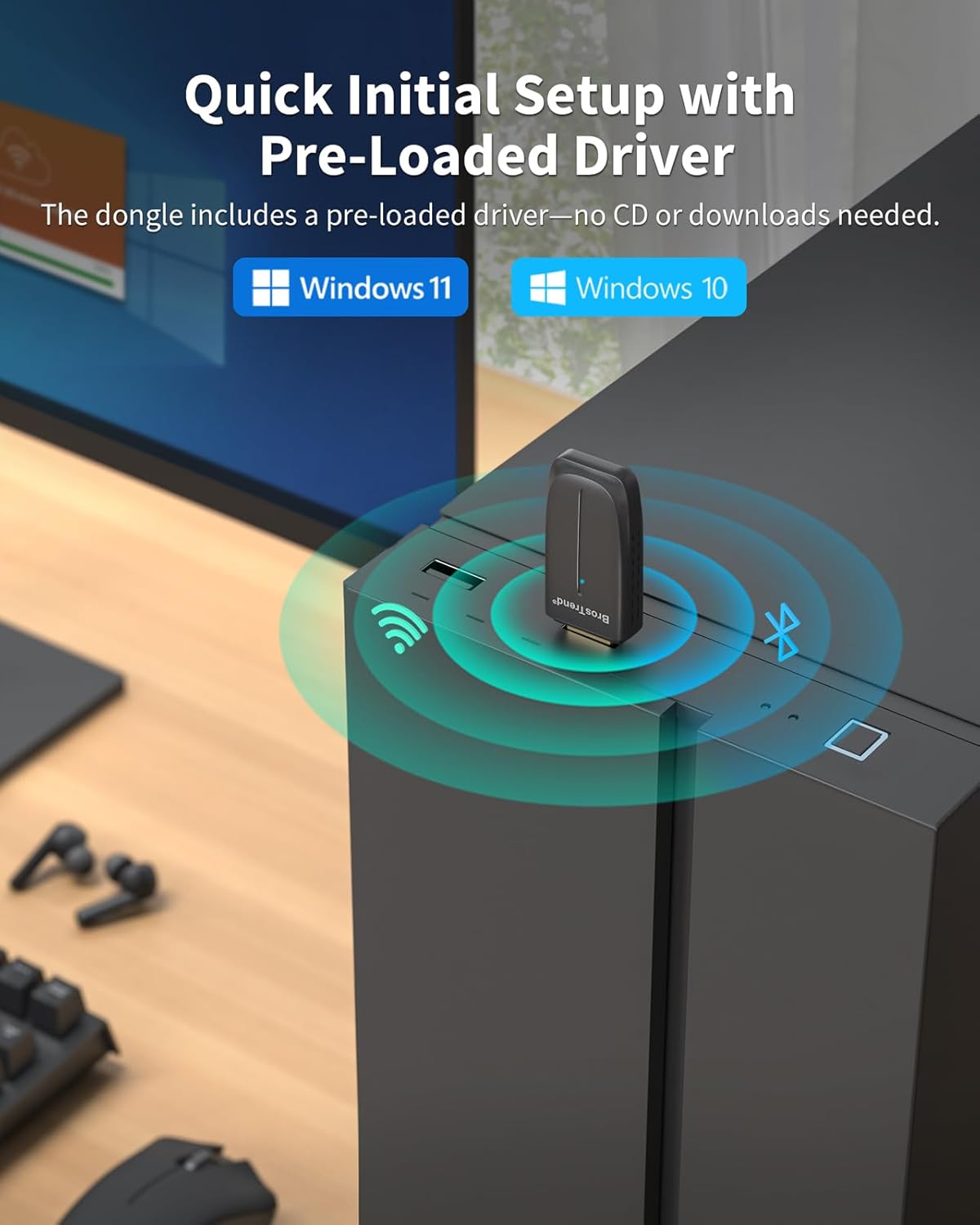
That’s the kind of “set it up and get on with your day” experience this adapter is aimed at, especially because the driver is described as pre-loaded.
Is it worth it?
Buy it if you have a Windows 11 or Windows 10 PC and you want one USB dongle that adds Wi‑Fi 6 plus Bluetooth 5.4 — particularly if you prefer not to run separate Wi‑Fi and Bluetooth adapters. It also suits you if your home can realistically use the 5 GHz band for better performance.
Skip it if you’re on Mac or Linux, because those platforms aren’t supported. Also consider avoiding it if you know you’ll mostly rely on 2.4 GHz (or your wireless environment is very congested), since the listing itself points to 5 GHz as the route to avoid channel congestion.
Mini FAQ
Does this support Mac or Linux?
No — the description states that Mac and Linux are not supported.
How many Bluetooth devices can it connect to?
It’s stated to connect up to 5 Bluetooth devices.
Is a driver download required?
The listing says the driver is pre-loaded, with no CD or downloads required.
Which Wi‑Fi band should I use?
For the best performance, it notes connecting your PC to the 5 GHz Wi‑Fi band.