

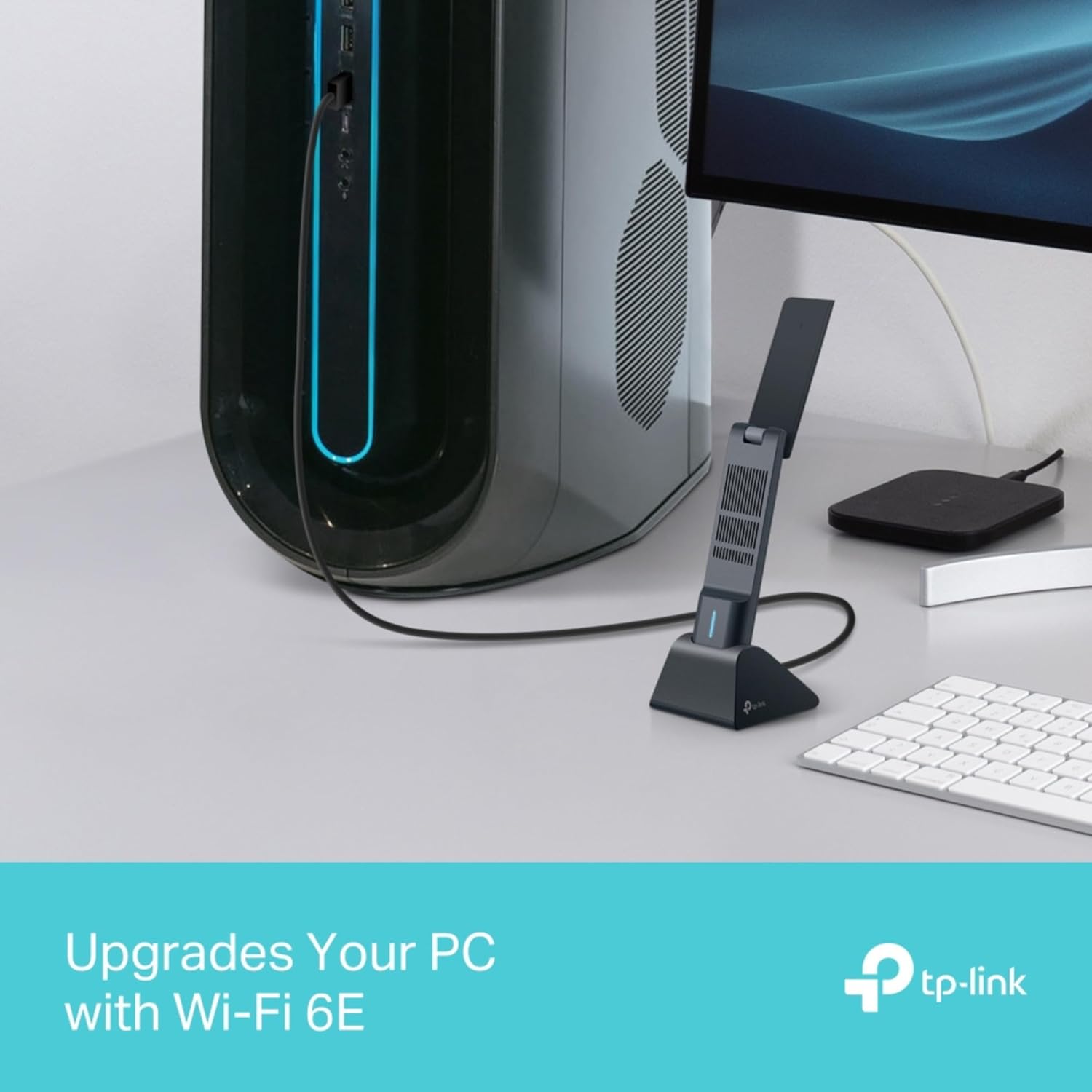
TP-Link Archer TXE70UH AXE5400 WiFi 6E Tri-Band USB Dongle for PC
Product description
What this is and what it aims to solve
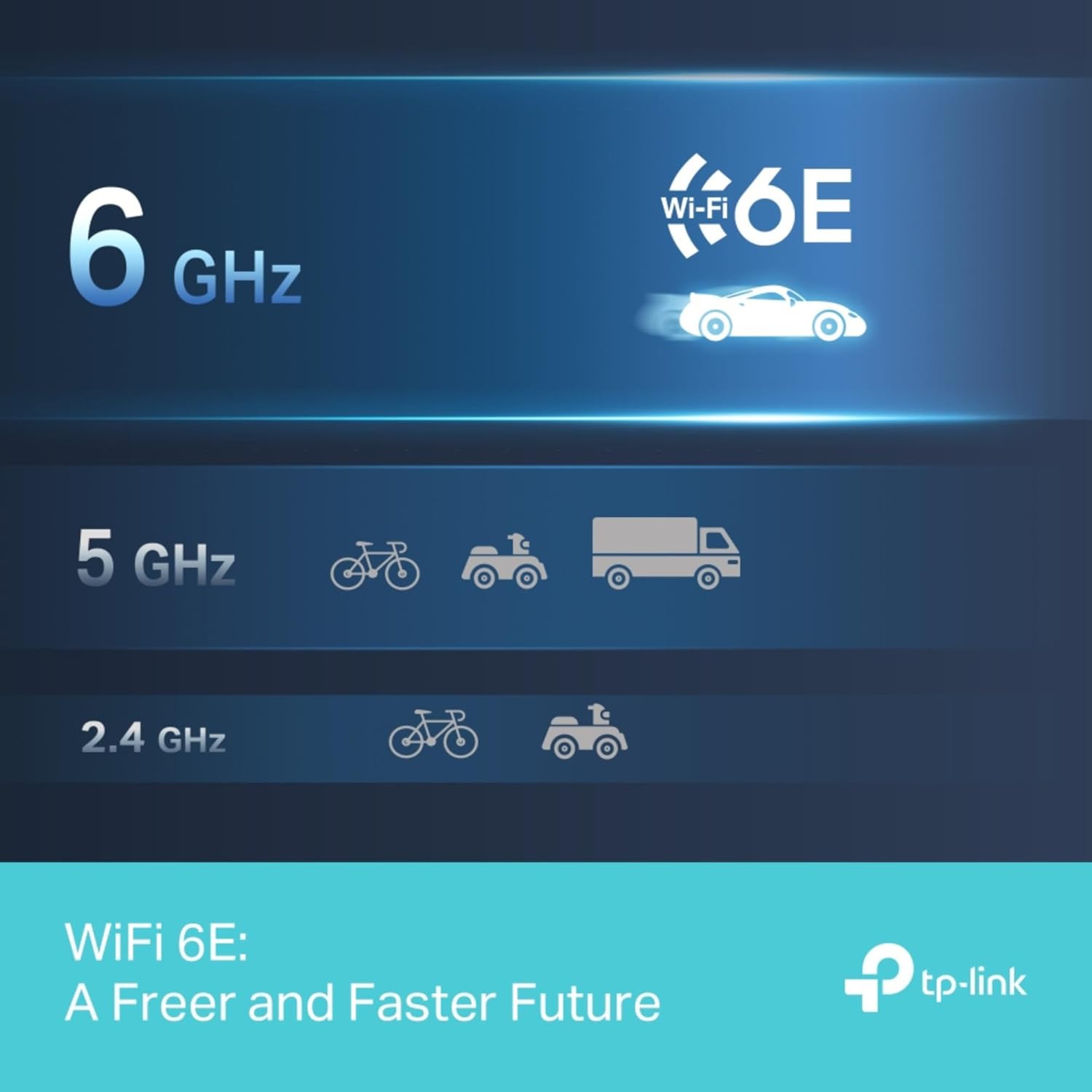
The TP-Link Archer TXE70UH is a USB WiFi adaptor designed for PCs that want a faster, more capable wireless connection without upgrading the router or wiring Ethernet. It supports WiFi 6E across three bands—2.4 GHz, 5 GHz, and 6 GHz—delivering peak speeds that look attractive on paper: up to 2402 Mbps on the 6 GHz and 5 GHz bands, plus 574 Mbps on 2.4 GHz. In practice, real world speeds depend on your network, the PC’s capabilities, and interference, but the device is aimed at reducing latency and improving stability for PC gaming, streaming and large file transfers where a wired connection isn’t practical.
Design and key features
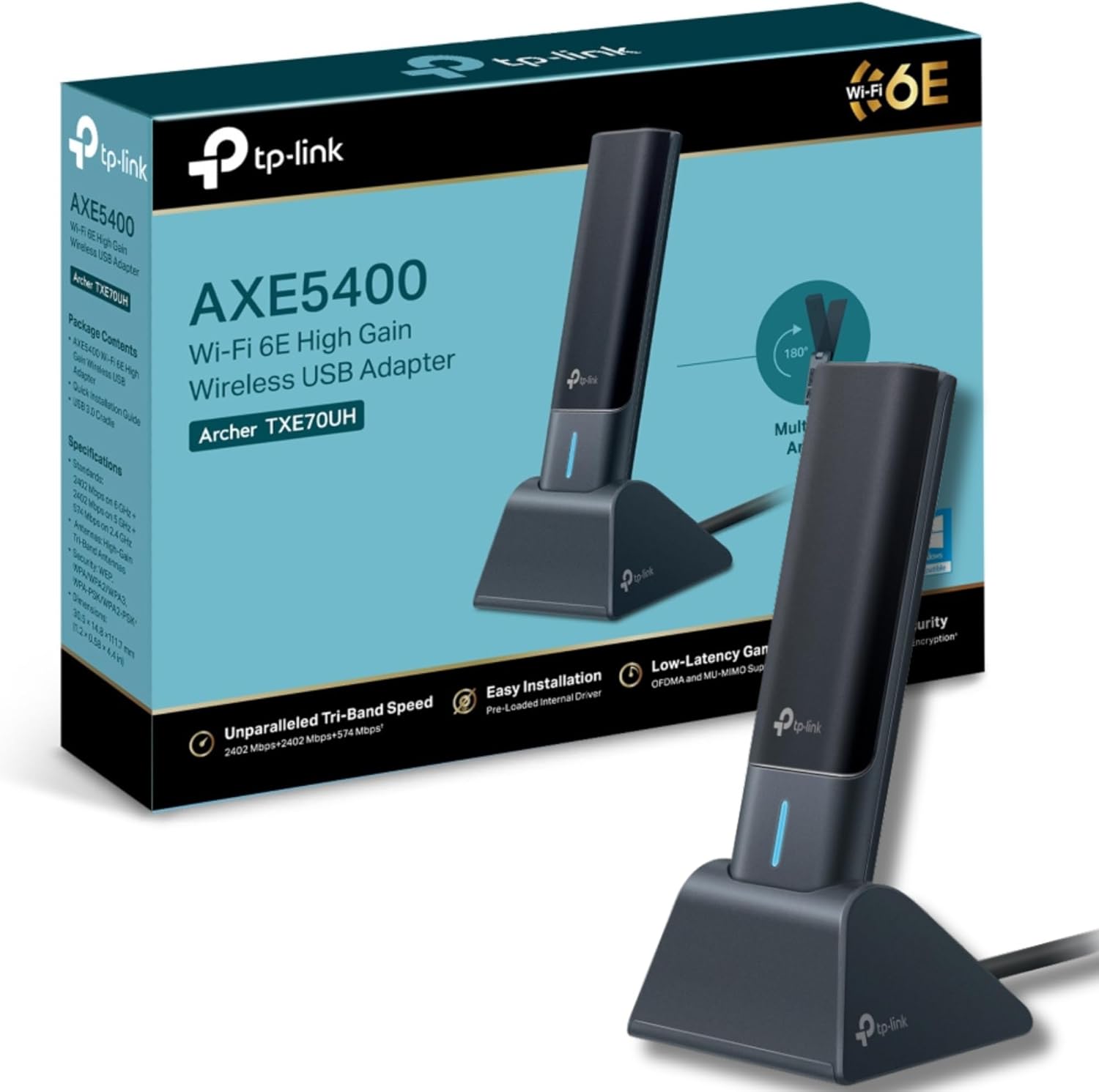
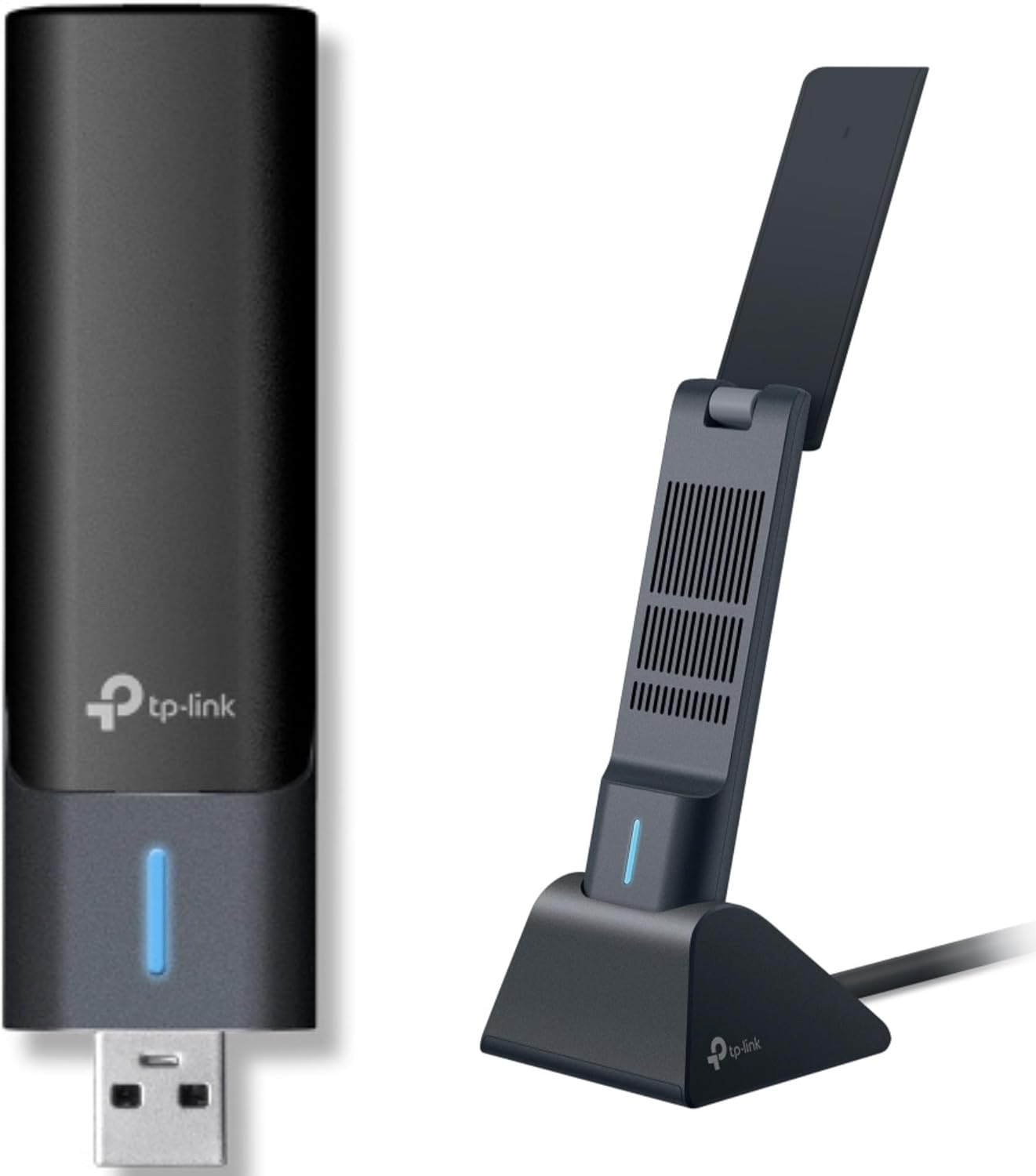
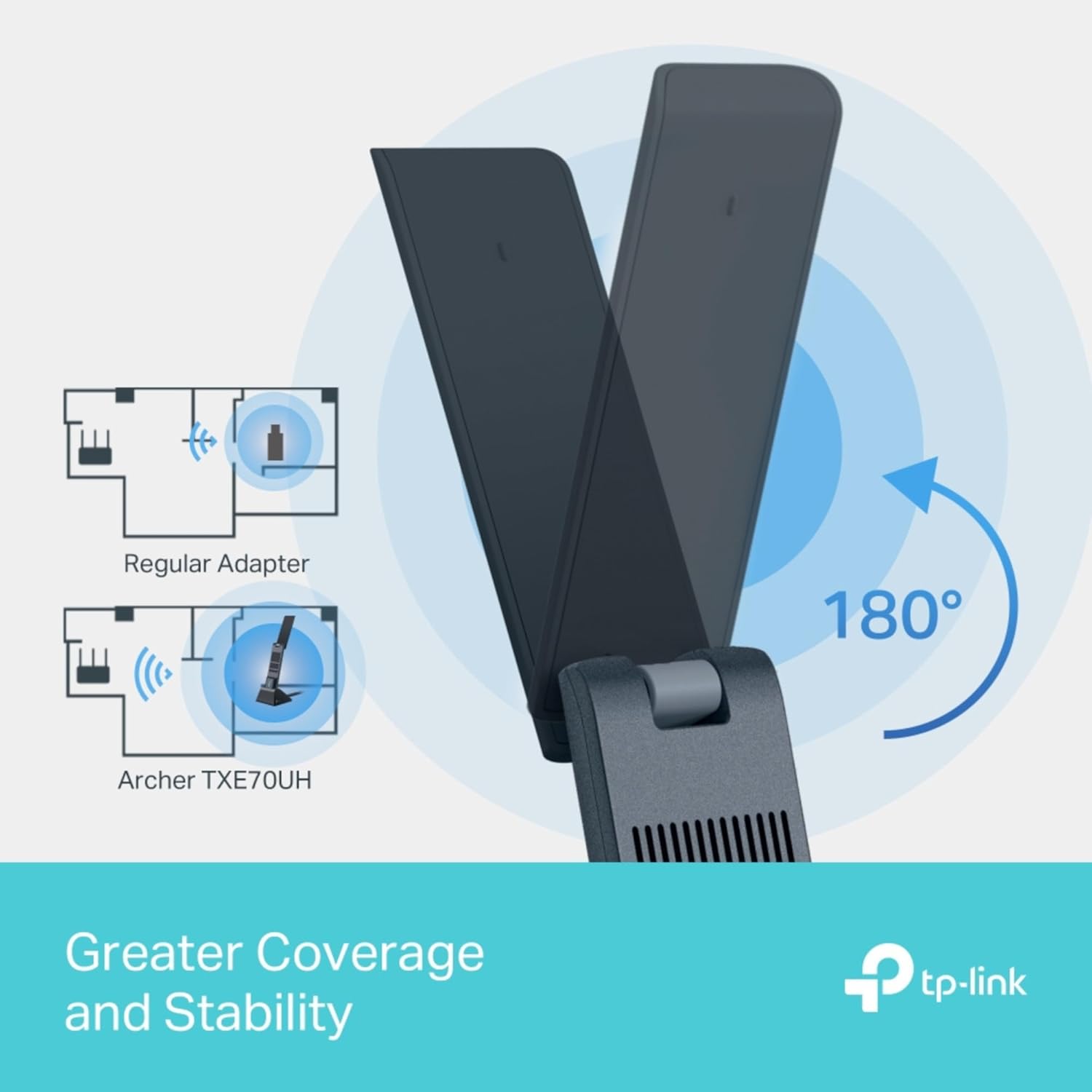
On the hardware side, the TXE70UH uses high-gain antennas and Beamforming to extend coverage around a room, which helps when your PC is not next to the router. The tri-band setup is intended to help manage congestion more effectively, especially if other devices are active on the same network. It’s a USB 3.0 dongle, which helps with driver support and data throughput, and it’s described as compatible with Windows 10 and Windows 11 platforms.
How it performs on paper versus real use
If you prioritise low latency and stable connections for competitive gaming or smooth 4K streaming, the wireless features like OFDMA and MU-MIMO are meant to help by enabling more efficient use of spectrum and multiple devices sharing the link. On paper, these technologies can reduce bottlenecks when multiple devices are connected, but the actual benefit depends on your router’s capabilities and how your home network is laid out. It’s not a miracle cure for a weak home network, if the router or the broadband line is limited, the dongle can only do so much.
What stands out and what may fall short
The standout aspect is the 6 GHz band, which can alleviate crowding in busy homes and apartment blocks. The high-gain antennas and beamforming are practical touches for improving coverage to a desk or a gaming rig. A potential limitation is that the full potential of WiFi 6E hinges on having a compatible router and a network environment that can exploit tri-band operation. If your setup is mainly a single-band network or a legacy router, the incremental gains might feel modest.
Who it’s for
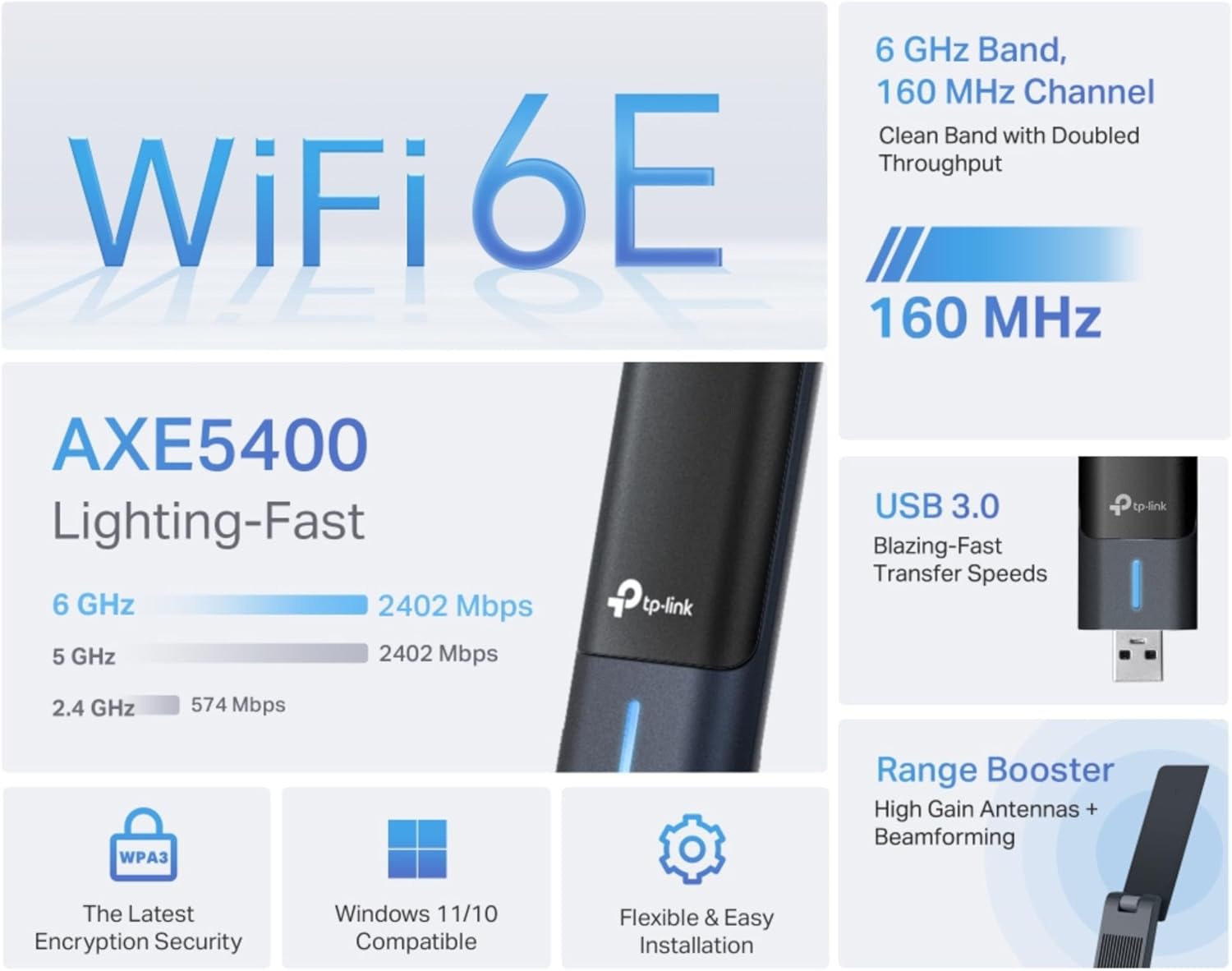
This adaptor is a sensible choice for PC users who want to upgrade from a basic WiFi card, for gamers seeking lower latency, or for households with multiple devices that need cleaner bandwidth division. It’s particularly appealing if you don’t want the cost or hassle of a new motherboard or PCIe card, and if your PC has a spare USB 3.0 port. It also suits those who value newer security features like WPA3 on their connection, as part of a broader approach to personal network protection.
Who it’s not ideal for
If you already have a solid Ethernet connection to the PC, or if your router is far from the desk with many walls in between, you may not see a dramatic improvement over a good wired setup. It’s also worth noting that WiFi 6E devices work best when paired with a compatible router and in environments where 6 GHz signals can actually travel, in some cases, the gains are more modest in older homes or where signal barriers are strong.
What to check before buying
- Ensure your PC has a free USB 3.0 port and that Windows 10/11 drivers are available.
- Confirm your router supports WiFi 6E and has a strong 6 GHz footprint to fully utilise the tri-band capability.
- Consider the position of the PC relative to the router, even with high-gain antennas, line of sight or minimal obstructions helps.
- If security is a priority, WPA3 support is a good sign, but pairing with a WPA3-capable router completes the picture.
How it compares in context
If you’re weighing options, a USB WiFi 6A/6 device may offer a simpler upgrade path, especially in homes where 6 GHz access is limited or your router isn’t WiFi 6E. In such cases, the TXE70UH makes more sense if you specifically want the 6 GHz band and are prepared for a router that can exploit it. For those who need the most straightforward upgrade with minimal setup, a wired Ethernet connection often remains the most reliable option for gaming or high-throughput tasks.
Practical usage example
Imagine a home office where the PC sits a couple of rooms away from the router. With the TXE70UH plugged in, you might notice fewer dropouts during peak hours, and a more stable gaming session when other devices are in use. The antennas can be adjusted for better directionality toward the router, which helps when you can reposition the PC without moving the entire setup.
FAQ (short and tailored)
- Is this compatible with Windows 10 and 11? Yes, it supports Windows 10/11.
- Do I need a WiFi 6E router to benefit? The device can operate on 6E, but the best results come from a router that also supports 6E.
- Will it improve gaming latency? OFDMA and MU‑MIMO are designed to help with efficiency and lower latency under load, though results depend on your network conditions.
Is it worth it?
It makes sense if you want to upgrade a PC’s wireless capability beyond older 2.4 GHz/5 GHz options and you have or plan to install a WiFi 6E-capable router. If your home network doesn’t support 6E or you’re primarily ethernet-bound anyway, the perceptible benefit may be limited.