


TP-Link Archer TBE553E WiFi 7 PCIe Card
Reviews
Price
Product description
What it is
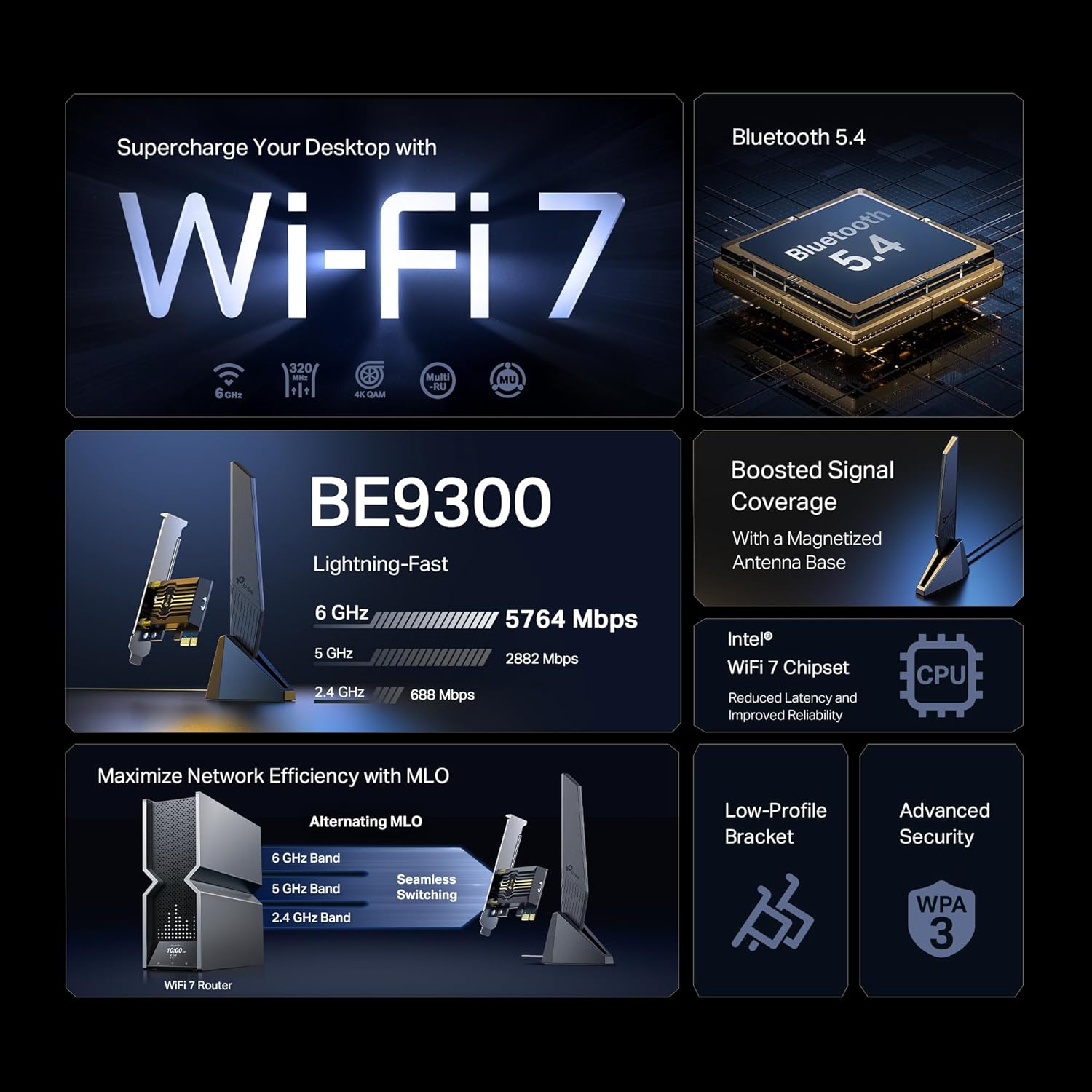
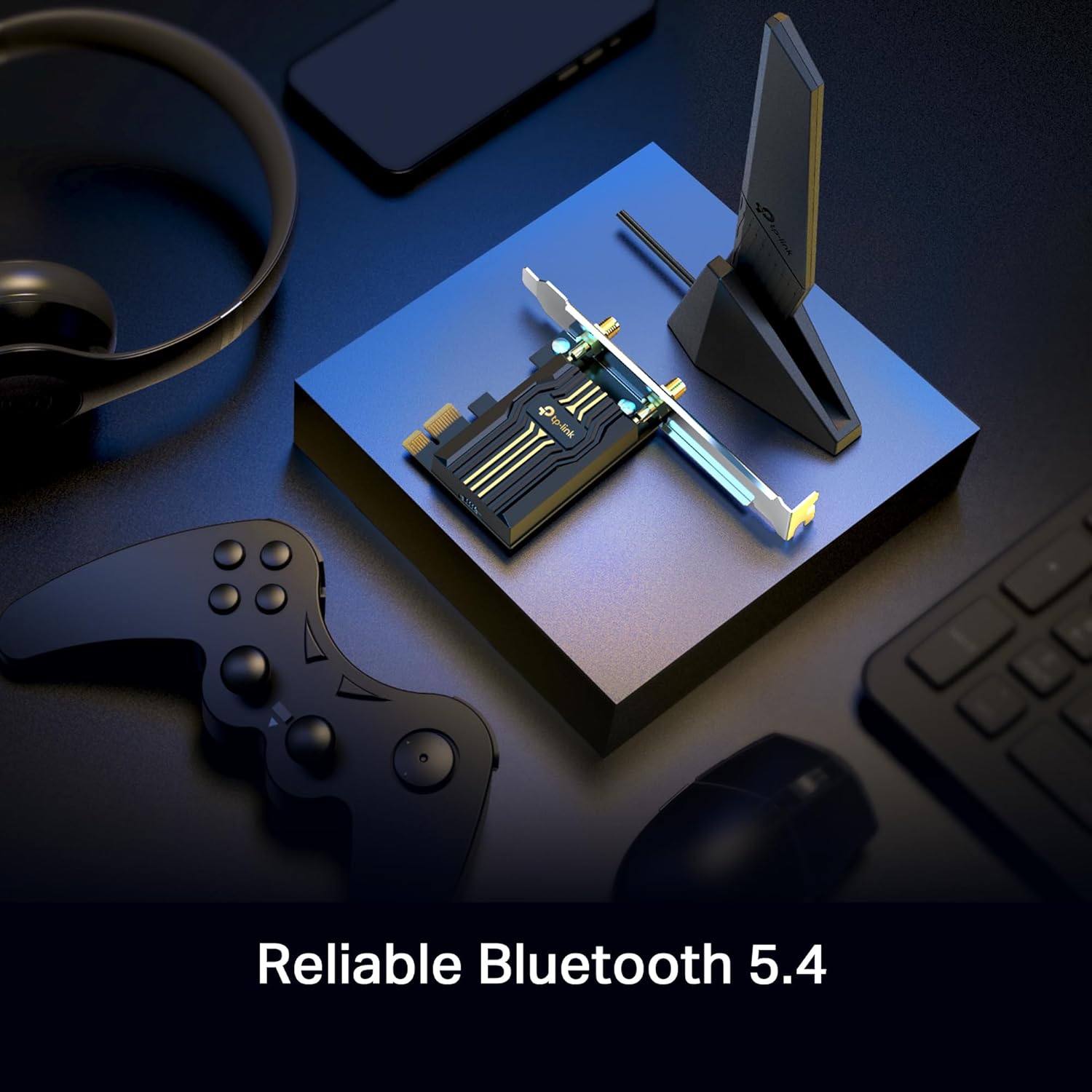
The TP-Link Archer TBE553E is a PCIe wireless card designed for desktop PCs. Built around an Intel WiFi 7 chipset, it promises tri‑band support with the potential to reach high theoretical speeds. The card ships with a low‑profile bracket, which should help when installing in compact or space‑constrained cases.
How it performs on paper
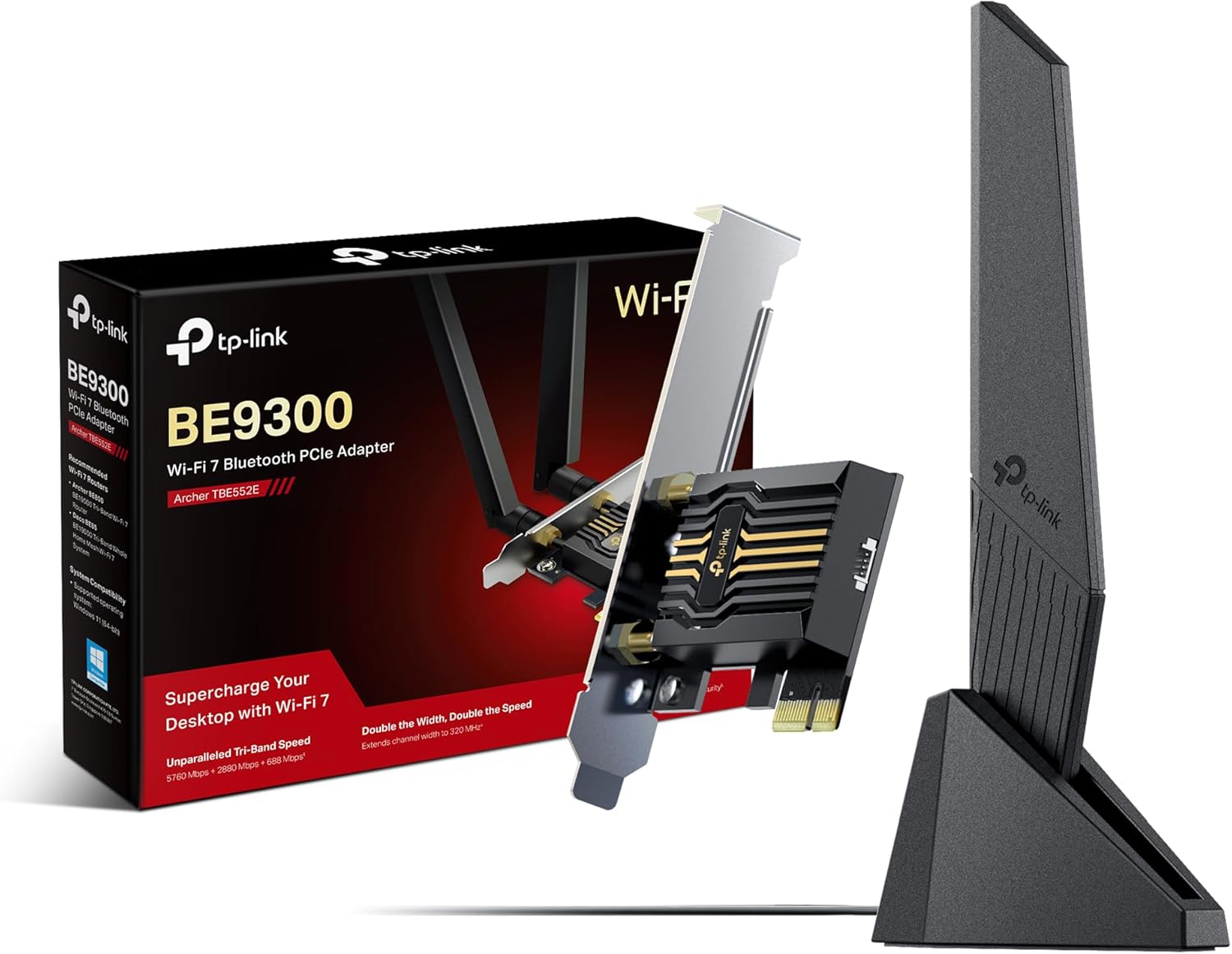
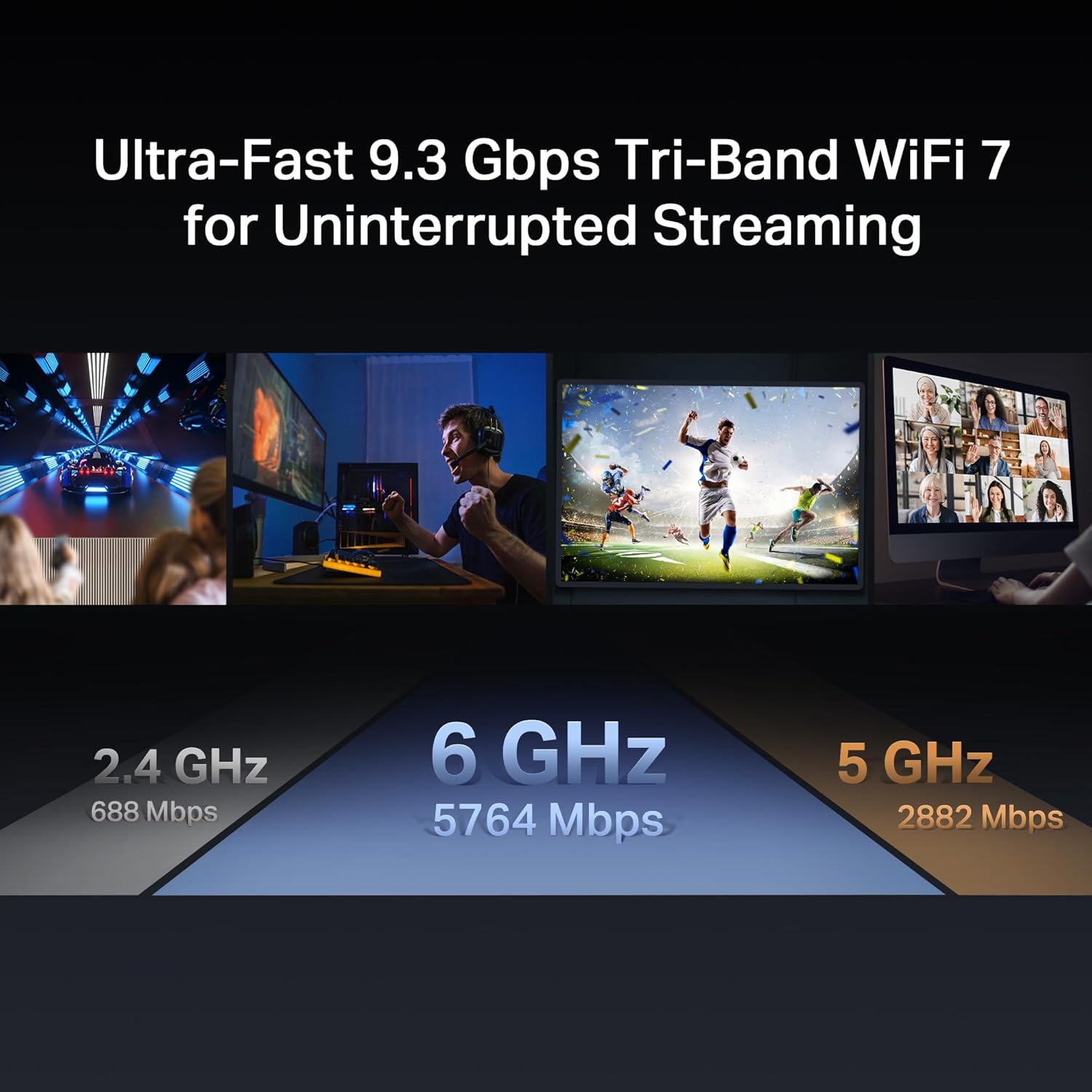
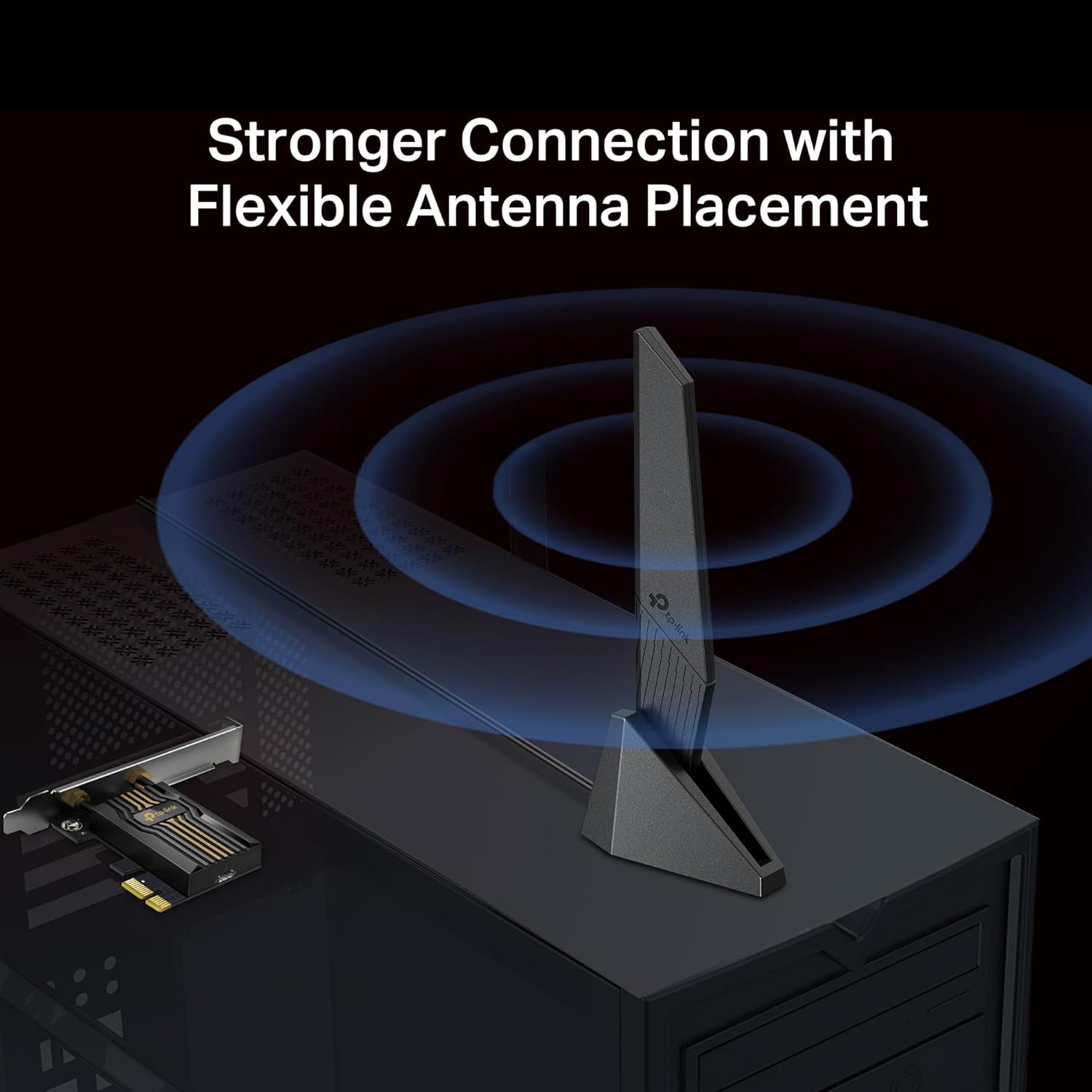
On the spec sheet it offers up to 5764 Mbps total throughput across its three bands: 6 GHz at up to 2882 Mbps, 5 GHz at up to 688 Mbps, and 2.4 GHz at up to 576 Mbps. In practice, real speeds depend on your router, network conditions, and interference. The inclusion of a modern WiFi 7 chipset indicates lower latency and more robust handling of multiple devices, which is useful in busy home networks or small offices where many devices connect simultaneously. Two multi‑directional antennas with a magnetised base should help with signal reception and positioning.
What stands out
On the plus side, the Archer TBE553E aligns with current WiFi 7 technology, which can be appealing if you’re upgrading a desktop to match a WiFi 7 router. The PCIe interface is straightforward for a typical desktop upgrade, and the low‑profile bracket increases compatibility with compact builds. For those prioritising a future‑proof upgrade, the tri‑band and higher bandwidth potential are notable.
What may give you pause
The speeds stated are theoretical maximums and assume optimal conditions. Real‑world throughput will depend on your router’s capabilities, the number of client devices, and the layout of your space. If your current or planned router isn’t WiFi 7 capable, you won’t fully realise the claimed benefits. Also, installation and driver support on Windows 10/11 64‑bit are assumed but not detailed here, you’ll want to ensure your system meets the driver requirements.
Who it’s for
This card is aimed at desktop users looking to upgrade to the latest wireless standard without resorting to USB adapters. It should appeal to: gamers seeking lower latency on a wired‑looking wireless setup, households with multiple smart devices that demand steadier bandwidth, and professionals who transfer large files over a local network.
Who it isn’t for
If you’re after plug‑and‑play simplicity with minimal configuration, or if your router is far from your PC and you require immediate gains with no optimisation, you might find the setup a little more involved than a simple USB NIC. If you already own a high‑end WiFi 6/6E kit and don’t need WiFi 7, the upgrade might offer diminishing returns.
When it makes sense to buy
Consider this upgrade if your desktop sits near a capable WiFi 7 router and you want to reduce latency and increase capacity for multiple devices. It’s sensible when you plan to use bandwidth‑heavy tasks—gaming, large file transfers, or streaming—across several devices at once, provided you can leverage the 6 GHz band where available.
When to skip it
If you don’t have a WiFi 7 router or you frequently move your PC between networks, or if your space is poorly aligned for antenna placement, the benefits may be limited. If your needs are modest (basic web use, light streaming) or you require an ultra‑simple setup, a more affordable option could be more appropriate.
What to check before buying
- Confirm your motherboard and case can accommodate a PCIe add‑in card and a low‑profile bracket.
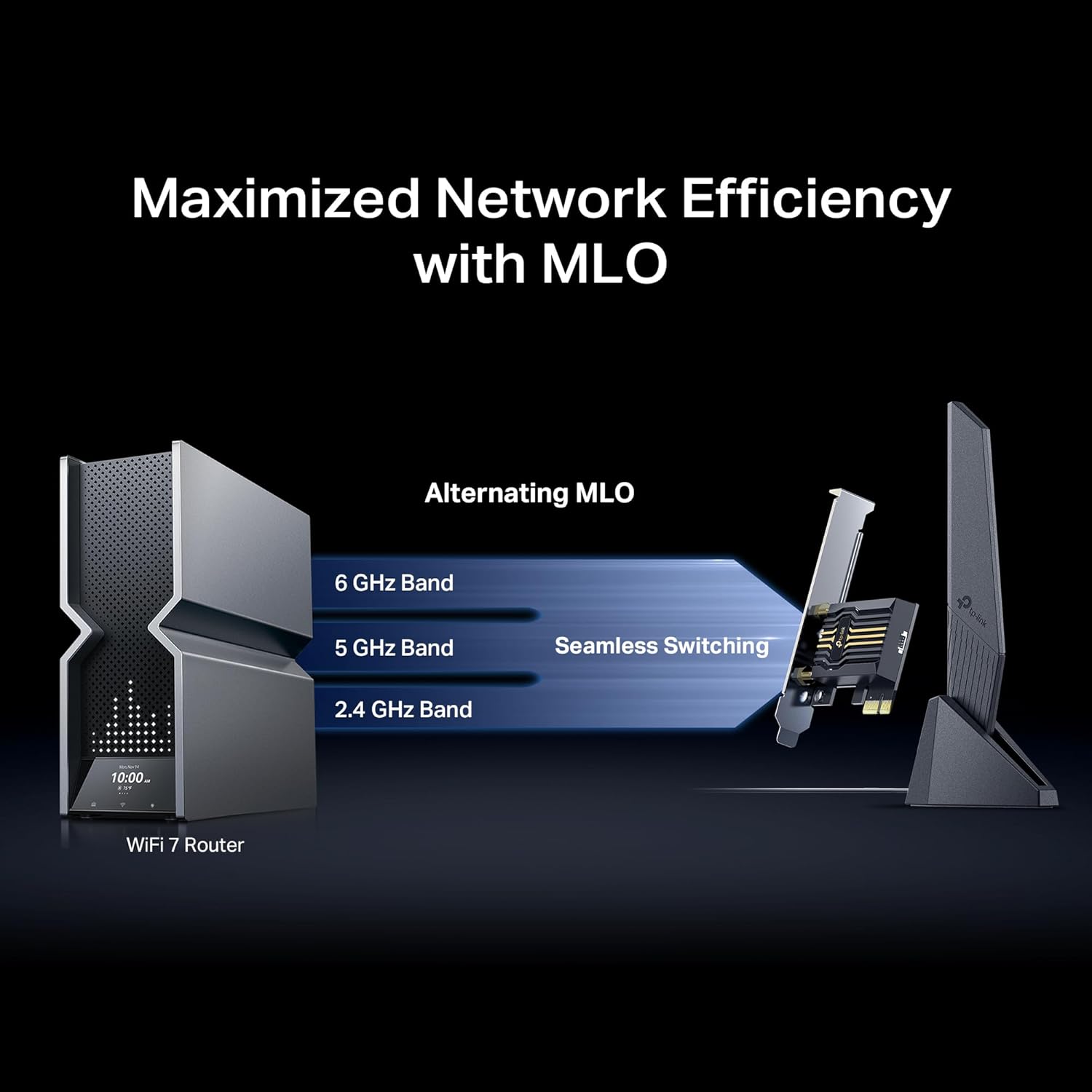
- Verify that your router supports WiFi 7 and can operate across the 6 GHz band to realise the full speed potential.
- Ensure your Windows installation (10/11 64‑bit) has compatible drivers for the Intel WiFi 7 chipset.
- Consider antenna placement to maximise signal, a magnetised base helps with positioning, but room layout matters.
Practical use case
Imagine a home workstation wired to a high‑speed fibre connection and sharing the network with multiple 4K streamers and laptops. With this card, you’d typically expect steadier connections and lower jitter on wireless tasks compared to older PCIe or USB adapters, especially when the 6 GHz band is available and not overly congested.
The bottom line — decision snapshot
Should you buy it?
It’s worth considering if you prioritise a PCIe upgrade to WiFi 7 with tri‑band capability and you have a router that can take advantage of the 6 GHz and 5 GHz bands. If you prioritise a plug‑and‑play experience or don’t have a WiFi 7 router, you may want to explore alternatives or wait for more hands‑on reviews.
FAQ
- Do I need a WiFi 7 router to benefit? A: Yes, to utilise the 6 GHz and achieve higher throughput, though improvements can also occur on existing routers with better overall wireless handling.
- Is the card easy to install for a first‑time builder? A: PCIe installation and bracket fitting are standard, but driver setup on Windows is a consideration.
- Will this improve gaming latency? A: Potentially, due to lower latency and more reliable connections, but results depend on your entire network setup.
Is it worth it?
For users who already operate a WiFi 7 ecosystem and want to maximise a desktop’s wireless performance, this card offers a forward‑looking option with sensible hardware choices. If your use case relies on high‑density wireless activity and you can exploit the 6 GHz band, it can be a sensible upgrade. If not, you might prefer a more conservative upgrade or a device that matches your current network more closely.