

NEWFAST WiFi6 AX3000 Dual-Band USB 3.0 Dongle for Windows 10/11
Product description
What it is and what it solves
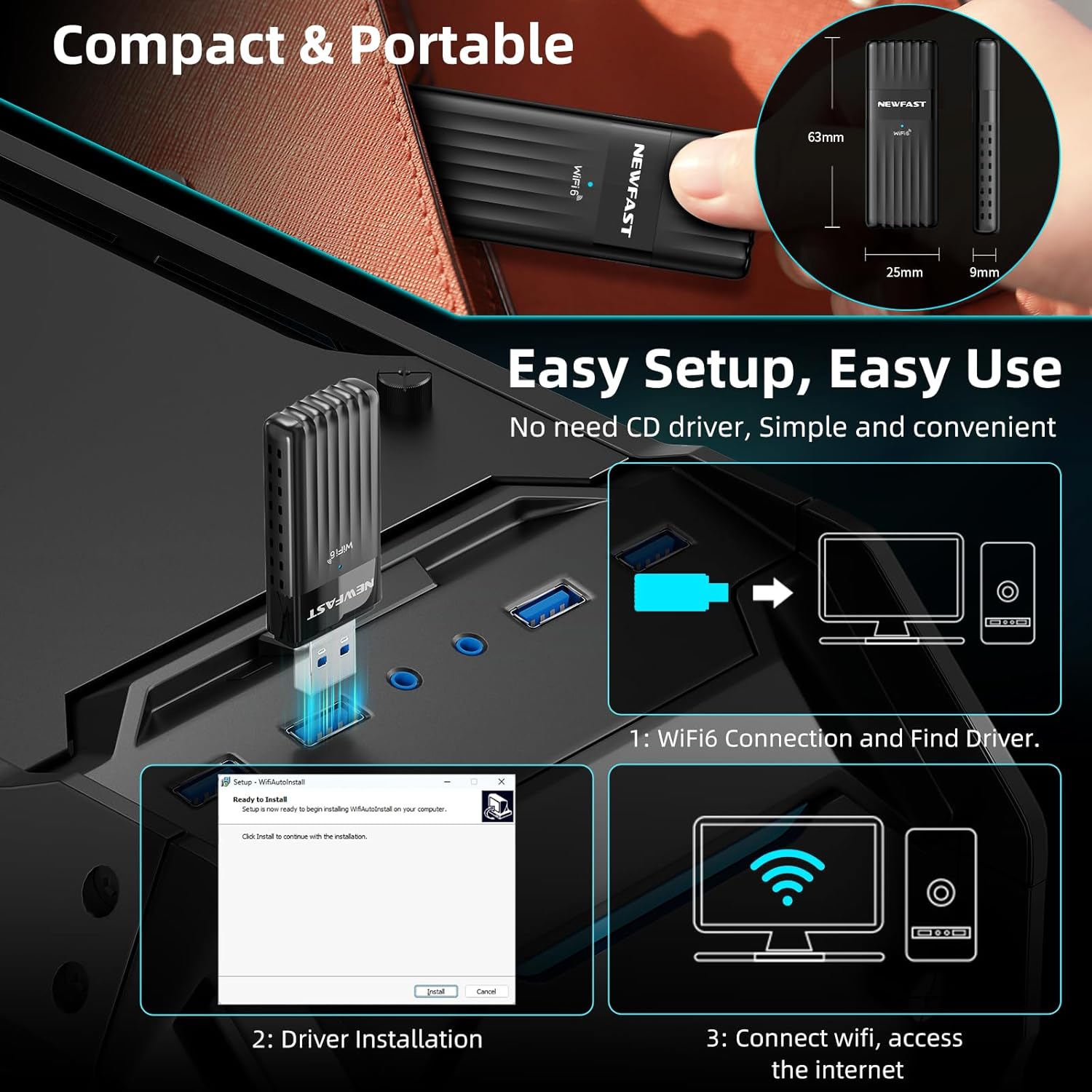
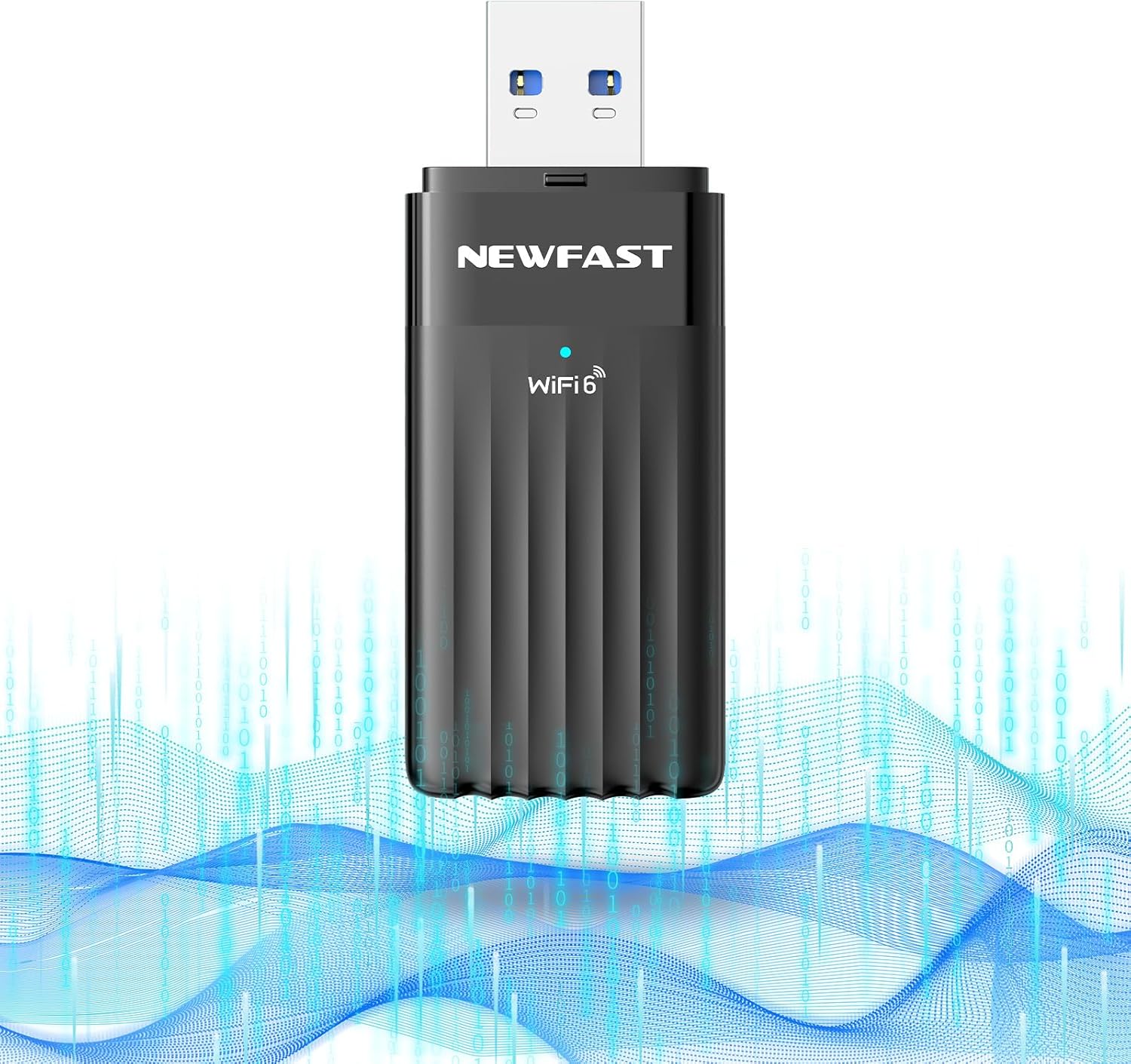
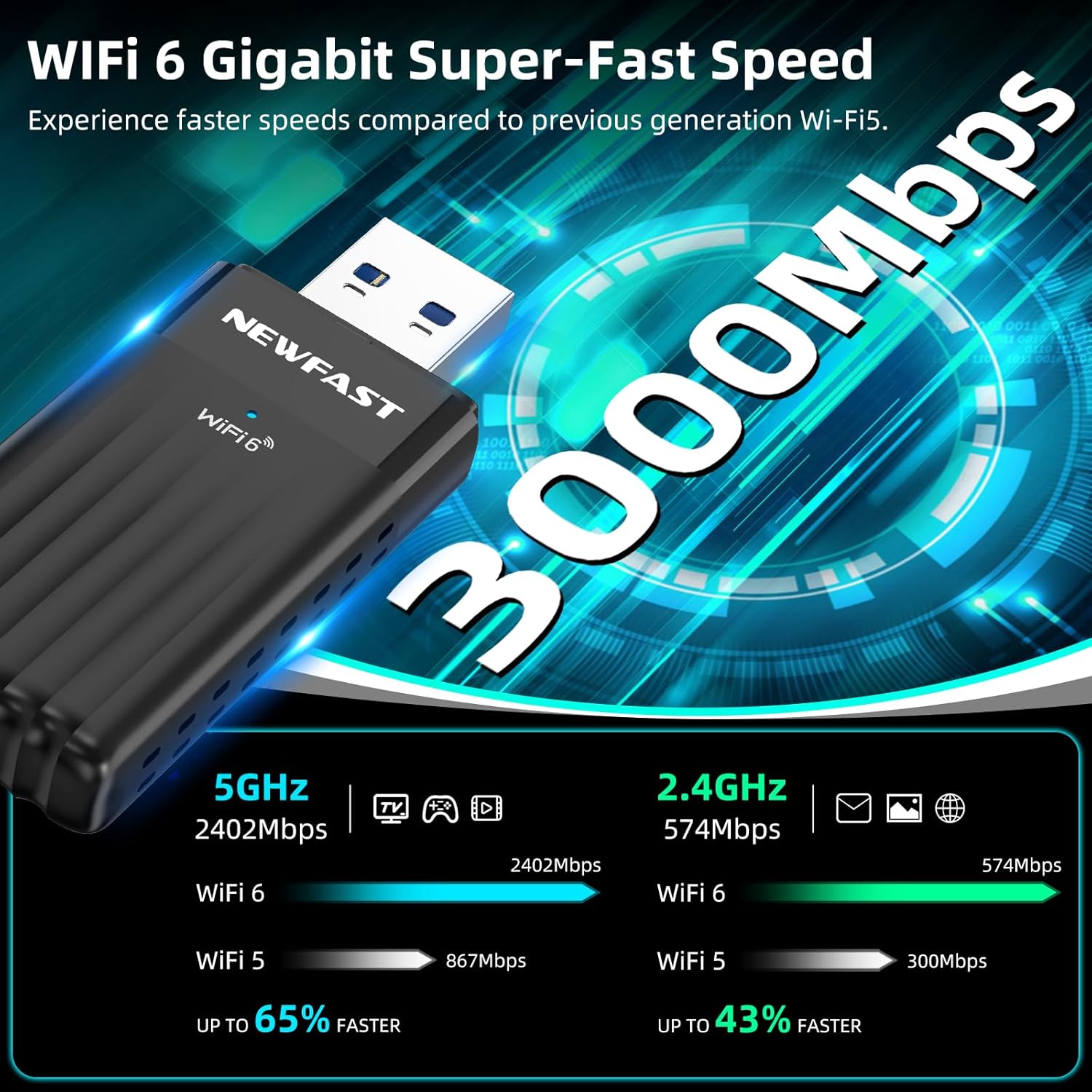
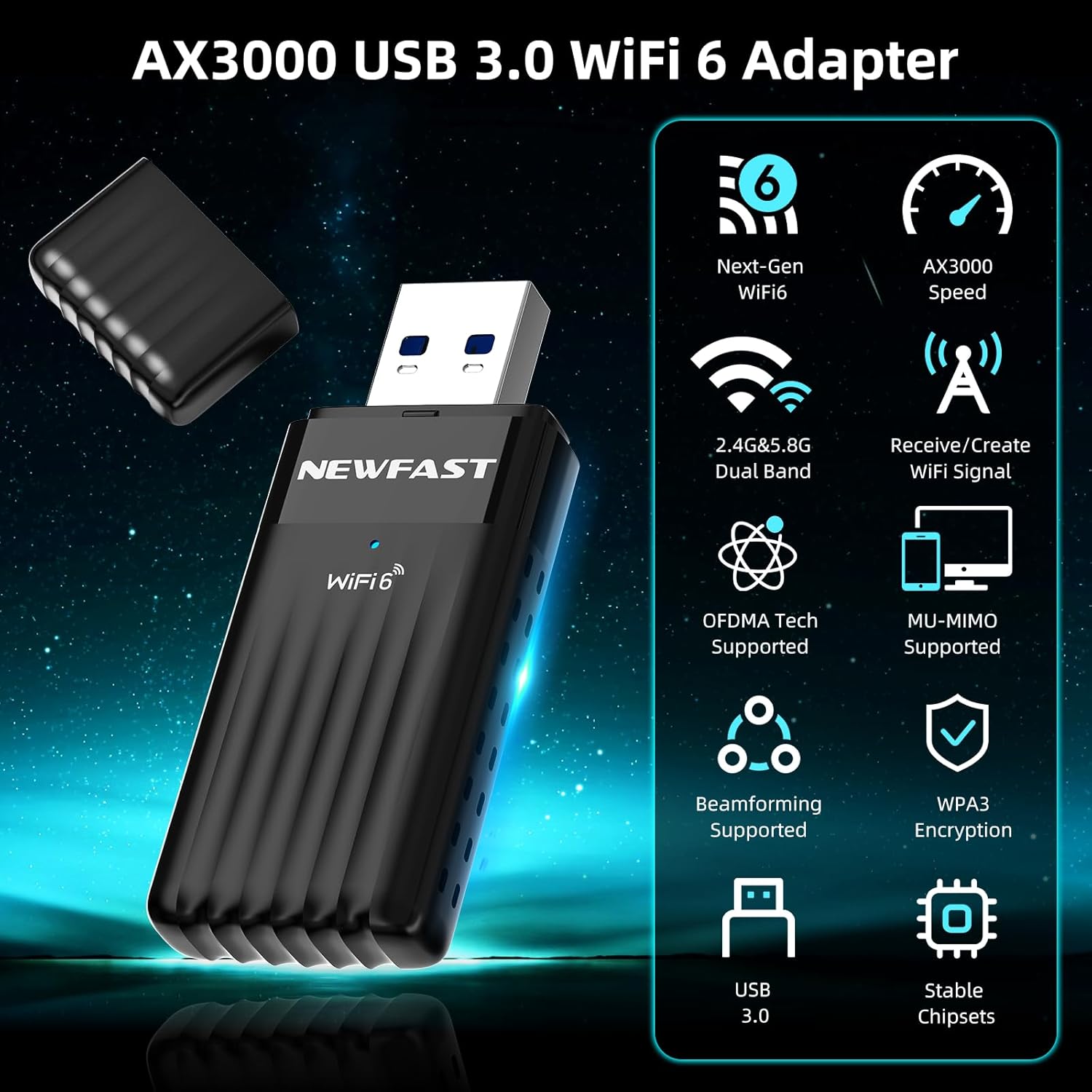
The NEWFAST WiFi6 Dongle is a USB 3.0 wireless adapter designed to upgrade desktops and laptops to Wi‑Fi 6. It targets users who want faster wireless speeds, lower latency and better handling of multiple devices on the same network. On paper it promises up to 3Gbps combined throughput across 5GHz and 2.4GHz bands, with each band delivering 2402Mbps and 574Mbps respectively. If you rely on streaming 4K/8K, fast file transfers or multiple devices at once, this kind of upgrade can feel meaningful when a wired Gigabit Ethernet socket isn’t practical.
How it works and who it’s for
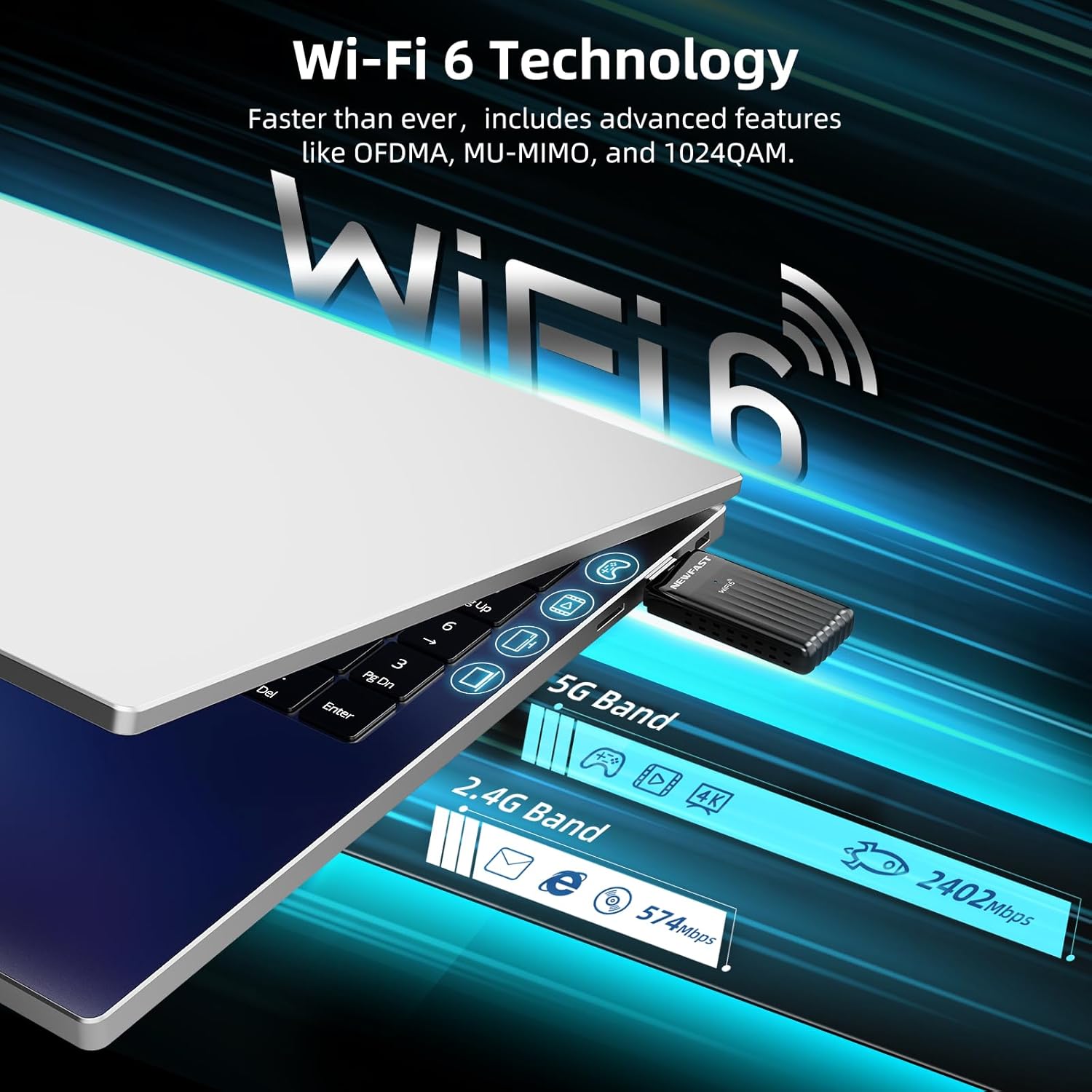
This dongle plugs into a USB 3.0 port and uses the AX3000 Wi‑Fi 6 standard, which supports MU‑MIMO and OFDMA. In real-world terms that could translate to smoother multi‑device performance in busy homes or small offices, particularly where you’ve got laptops or desktops that sit away from the router. It’s pitched as a convenient upgrade path for desktop setups where running Ethernet cables is awkward, offering wireless performance that can rival wired connections in some scenarios. If you prioritise a straightforward upgrade without a full mesh system, it’s a plausible option.
Security and compatibility
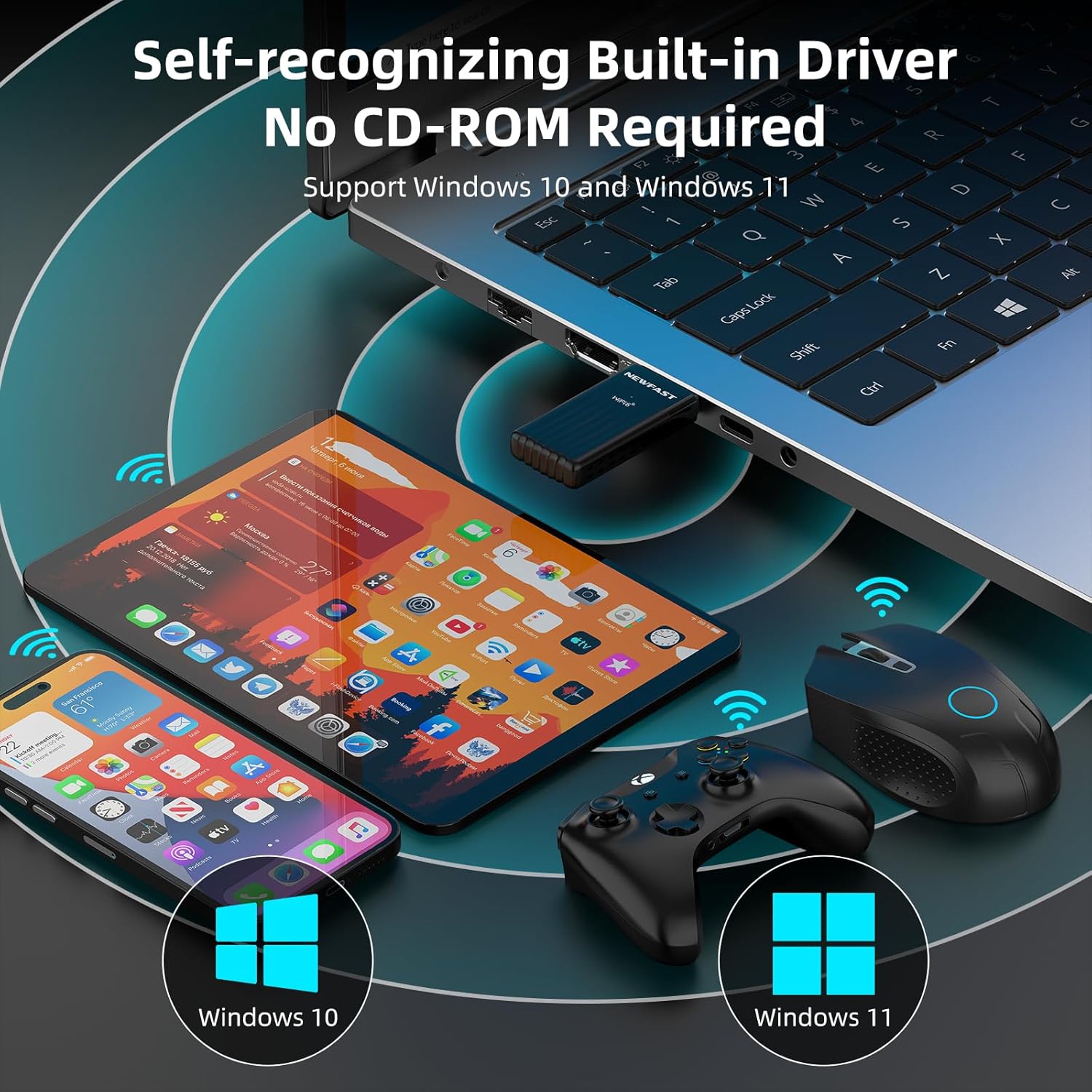
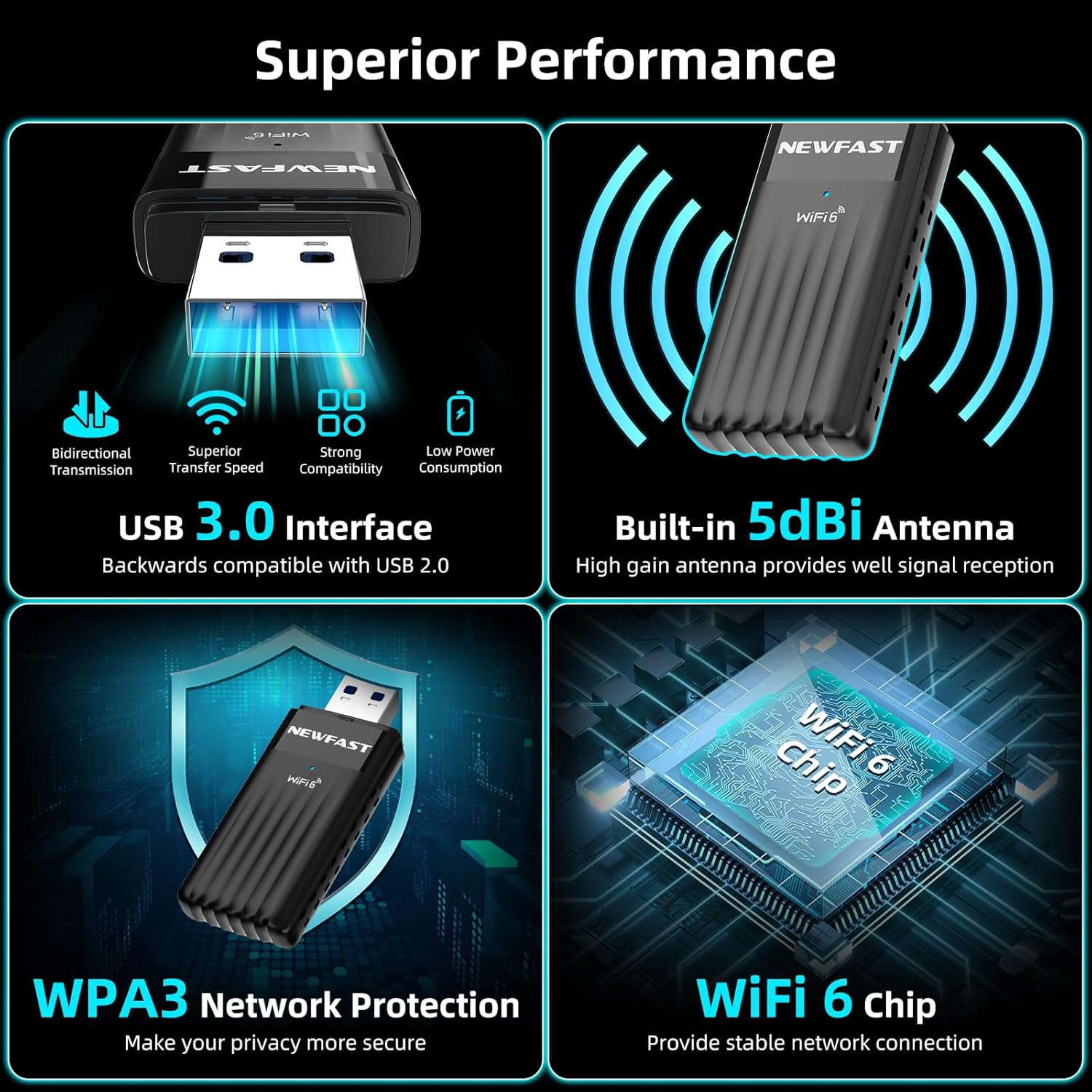
Security-wise it supports WPA3 with compatibility for WPA2, which is useful if you have devices across a mix of security capabilities. It’s specified for Windows 10 and Windows 11, so macOS or Linux users would need to check driver support elsewhere. Given the emphasis on USB 3.0, you’ll gain better potential throughput on compatible ports compared with older USB interfaces.
What stands out and where it may fall short
On the plus side, the AX3000 specification and the MU‑MIMO/OFDMA features suggest solid efficiency when several devices are active at once. If your current setup struggles with buffering during streaming or large downloads, this kind of upgrade might help, especially in a typical home office or living room environment. On the flip side, theoretical speeds are rarely realised across typical home connections or congested networks, and the actual gain will depend on your router, service plan and how far the dongle sits from the access point. It isn’t a magic fix for all speeds, and for some users a higher‑end or more complete network upgrade could be more appropriate.
Before you buy: what to check
- Ensure your router supports Wi‑Fi 6 and MU‑MIMO/OFDMA features to make the most of the dongle.
- Check your USB ports, USB 3.0 is recommended to approach the stated throughput, while USB 2.0 will cap the achievable speeds.
- Consider whether your devices and Windows version have up‑to‑date drivers for optimal compatibility and security updates.
- If security concerns dominate, WPA3 support is a plus, but confirm that all devices on the network can still connect reliably.
Practical usage examples
Imagine a home office where your desktop sits on the far side of a thick wall from the router. With this dongle, you might notice fewer buffering episodes during video calls and smoother file downloads, making the space feel more workable without dragging an Ethernet cable across the room. For a laptop in a shared living area, it could reduce the need to tether to a hotspot and provide stable performance while multiple devices stream or game.
Should you buy it? final thoughts
Is it worth it?
It makes sense if you’re looking to upgrade an existing desktop or laptop without replacing your router or committing to a full mesh system, and you primarily need better multi‑device performance with reasonable ease of installation. It may not be the best option if you already have a high‑end Wi‑Fi 6 setup at home and your current speeds are limited by your ISP or router placement. If security and compatibility with Windows 10/11 are priorities, this dongle covers those bases relatively clearly. In short, a measured upgrade for a pragmatic user, not a radical leap for those with perfectly adequate network conditions.
FAQ
- Do I need extra software to run the dongle? Most Wi‑Fi 6 USB adapters require drivers, verify Windows 10/11 support and keep them updated.
- Will this improve gaming latency? It can help when the wireless path is the bottleneck, but latency depends on router quality and network conditions.
- Can I use this with Mac or Linux? Compatibility is stated for Windows 10/11, other operating systems may require additional drivers or may not be supported.
Final verdict
A sensible choice if you want a practical, non‑disruptive upgrade to Wi‑Fi 6 for a desktop or laptop, with reasonable expectations about real‑world speeds and multi‑device use. It’s not a miracle cure for every network limitation, but it offers a clear path to more flexible wireless performance in a typical UK home or small office setup.