

TP-Link Archer TX55E AX3000 Wi‑Fi 6 PCIe card
Reviews
Price
Product description
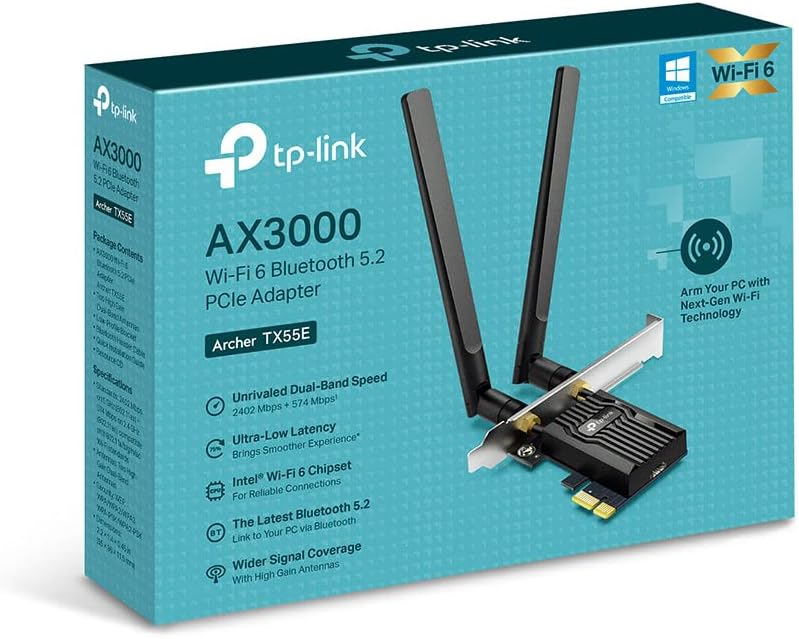
This PCIe Wi‑Fi 6 card from TP‑Link upgrades a desktop PC with fast wireless and modern Bluetooth for gaming, streaming and general connectivity. It delivers dual‑band performance and a dedicated heatsink to keep transfers stable during long sessions, making it a practical internal alternative to USB adapters.
Key Points
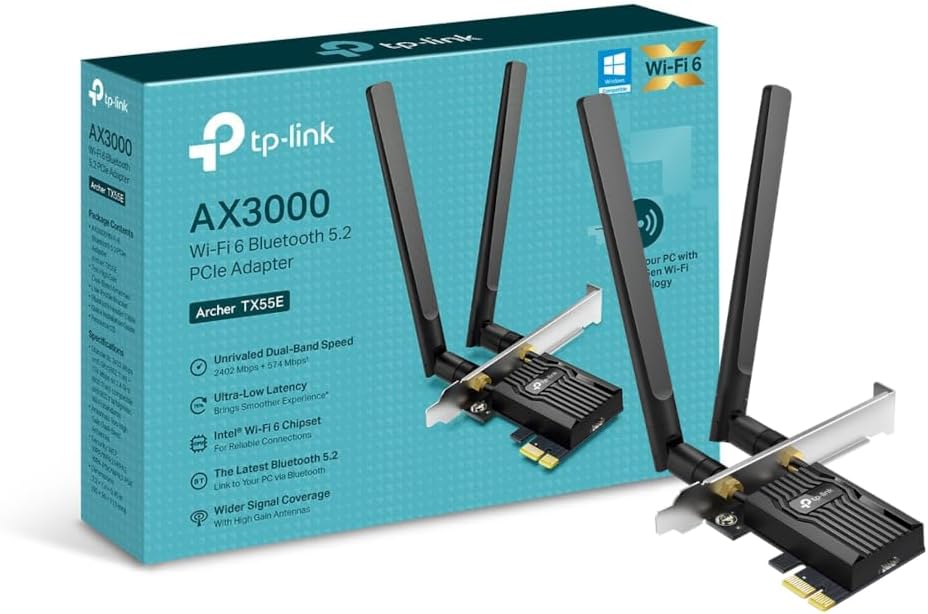
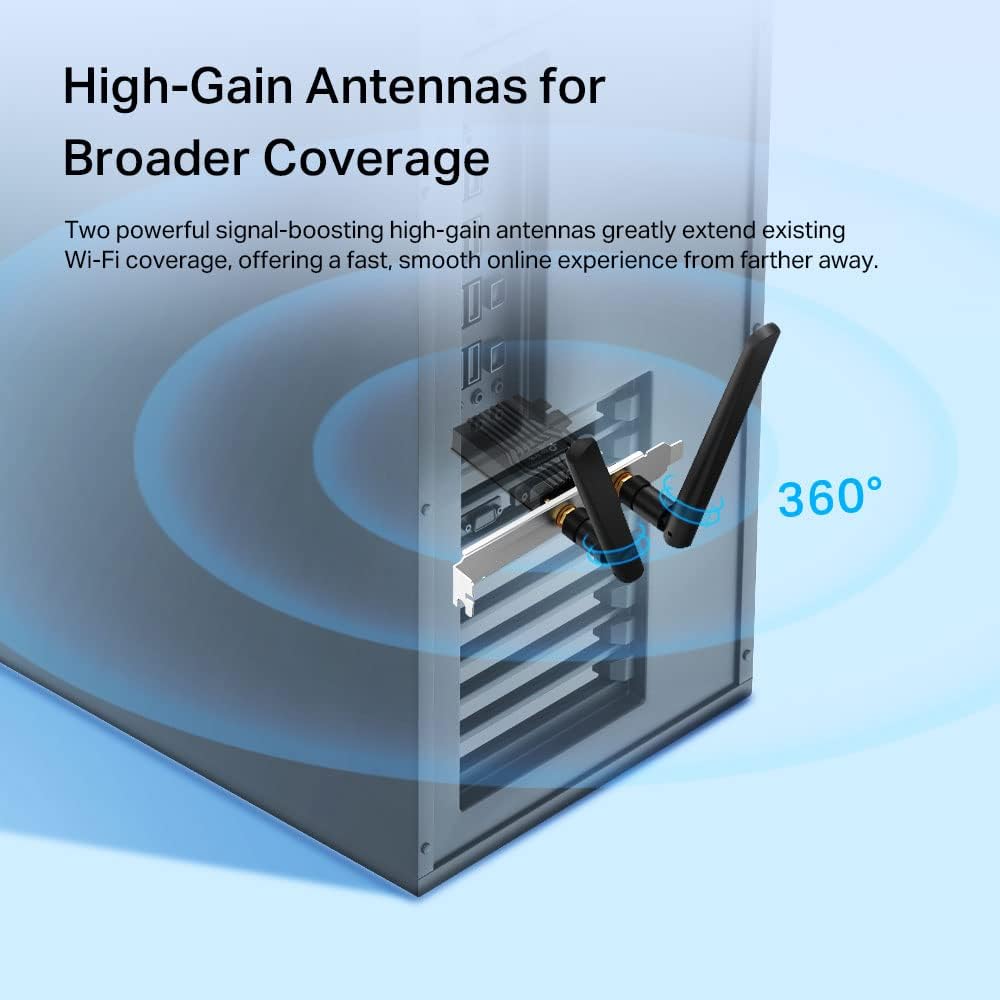
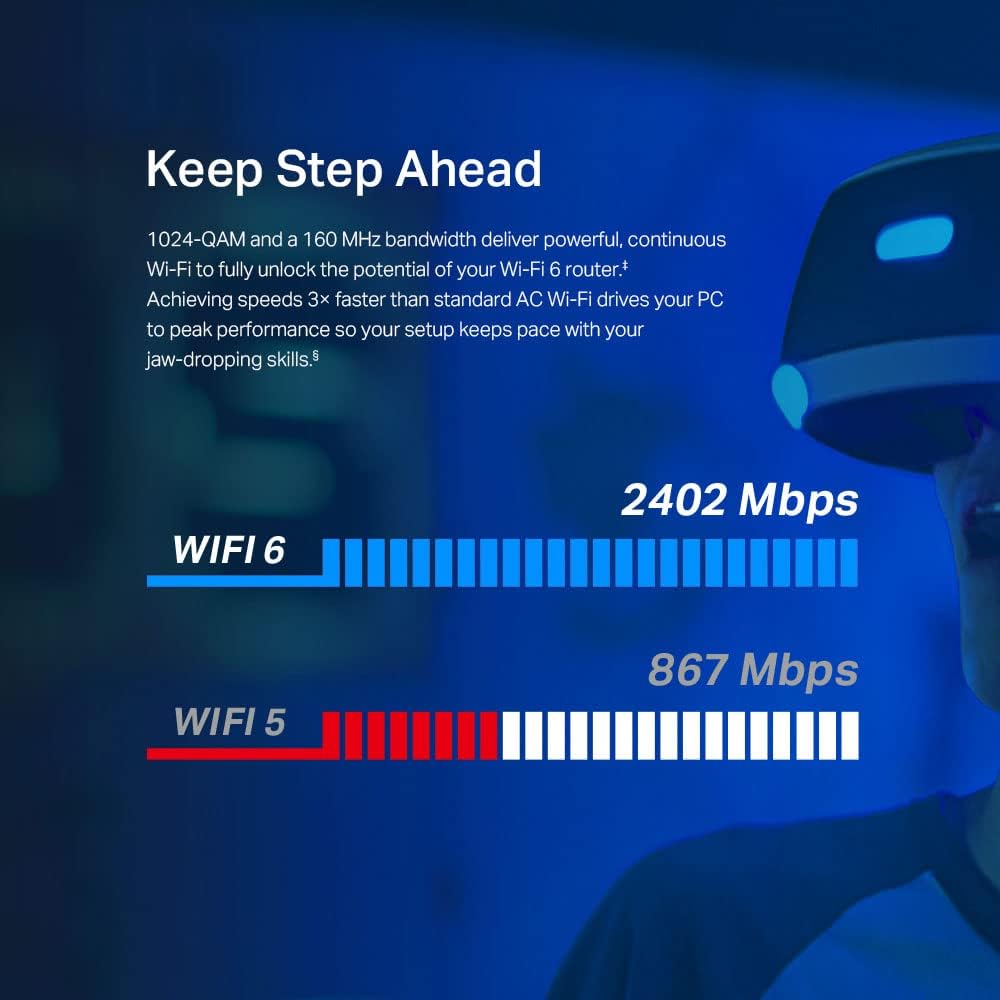
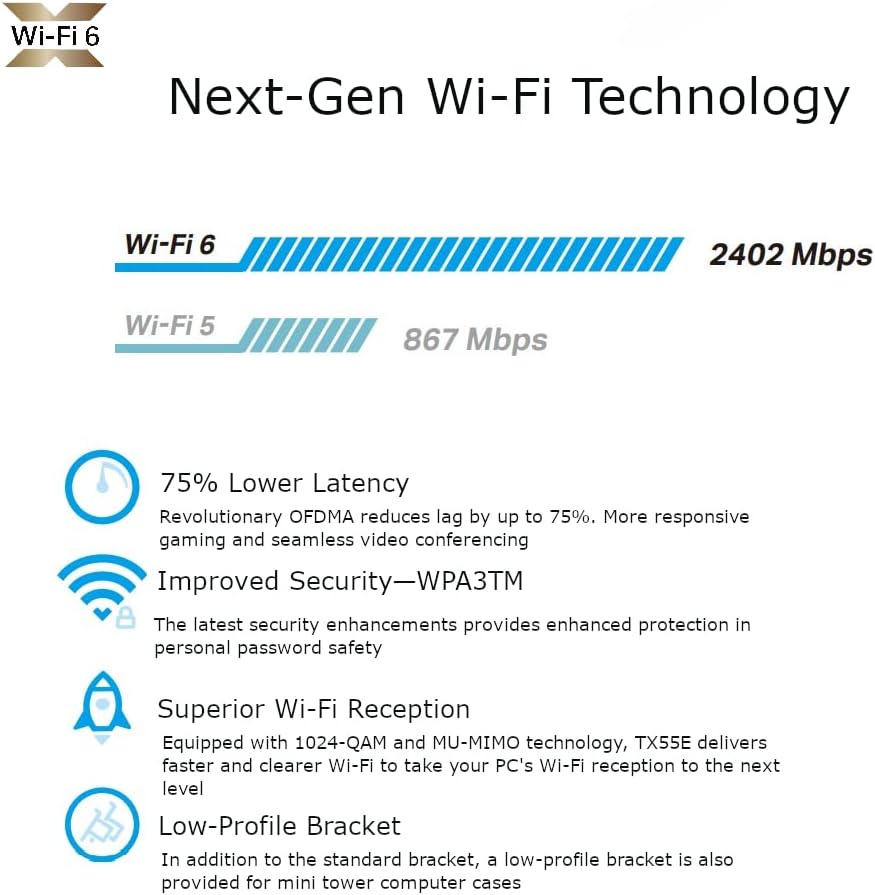
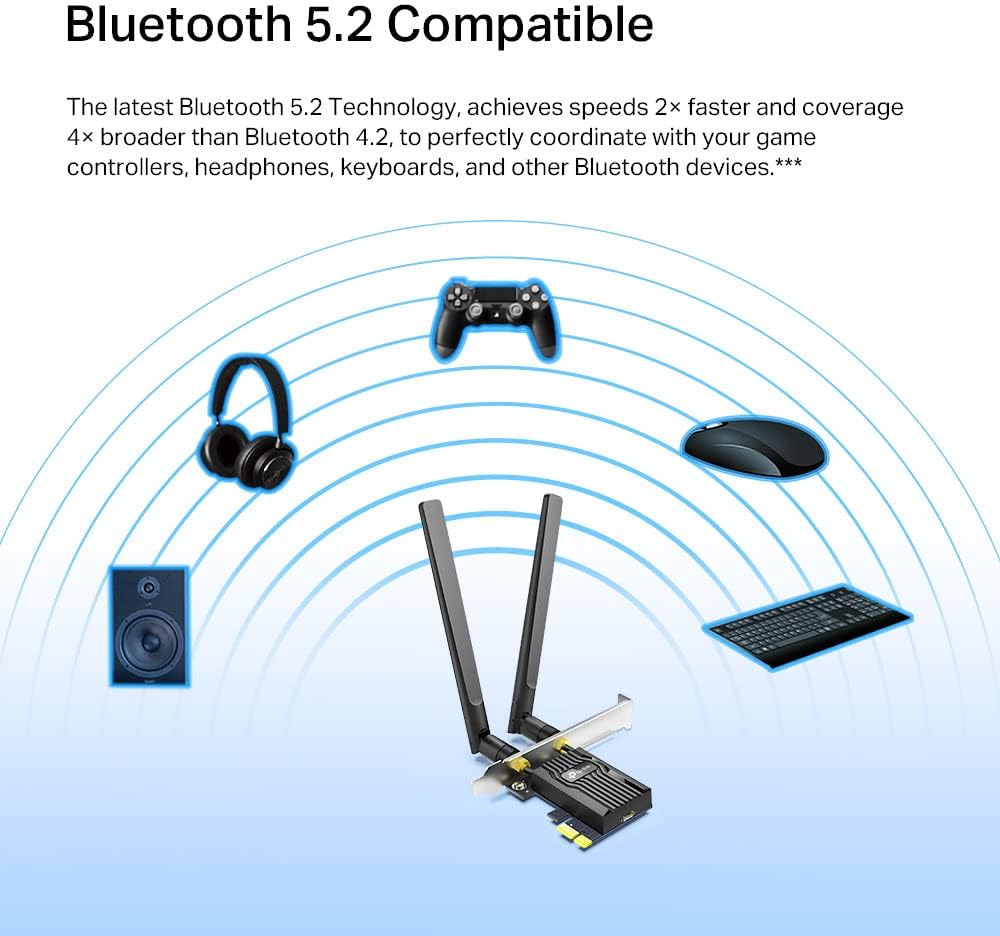
The Archer TX55E supports up to 2402 Mbps on 5 GHz and 574 Mbps on 2.4 GHz according to the manufacturer, which helps when using high‑speed routers and handling multiple devices at once. Latency is reduced for gaming, with the product claiming significantly lower response times compared with previous Wi‑Fi generations. Two external high‑gain antennas extend coverage around the home and improve signal stability for distant rooms. The card also includes Bluetooth for audio and peripherals, using a modern Bluetooth version to enhance range and connection speed. A specialised heatsink and gold plating are incorporated to improve durability and maintain consistent throughput under load, especially in warmer conditions. Note that driver support is limited to 64‑bit Windows 10 and Windows 11.
Technical Specifications
- Name: TP‑Link Archer TX55E
- Chipset: Intel Wi‑Fi 6 chipset.
- Wi‑Fi speed: 2402 Mbps (5 GHz) + 574 Mbps (2.4 GHz).
- Bluetooth: Bluetooth 5.2 according to the manufacturer.
- Interface: PCIe x1 card with two external antennas.
- Security: WPA3 support.
- Compatibility: Windows 10/11 (64‑bit) only.
Benefits

Using this internal PCIe adapter avoids occupying a USB port and tends to provide a more consistent connection for latency‑sensitive tasks such as online gaming or live streaming. The AX technology improves throughput and is more efficient with many connected devices, which helps households with multiple smartphones, laptops and smart devices. The integrated heatsink helps sustain performance during extended heavy use, and the external antennas reduce dead zones compared with on‑board Wi‑Fi in some motherboards.
Usage Recommendations
Install the card in an available PCIe slot and position the antennas for the clearest line of sight toward the router when possible. After hardware installation, download and install the latest Intel‑based drivers from the manufacturer to enable full Wi‑Fi 6 functionality and Bluetooth features. Consider that the top speeds are achieved with a compatible Wi‑Fi 6 router and that real‑world throughput may vary depending on environment, interference and service plan.