

Acer USB-C Ethernet Adapter & USB Hub with 3x USB 3.0 Ports and 1Gbps RJ45
Product description
What this is and who it’s for
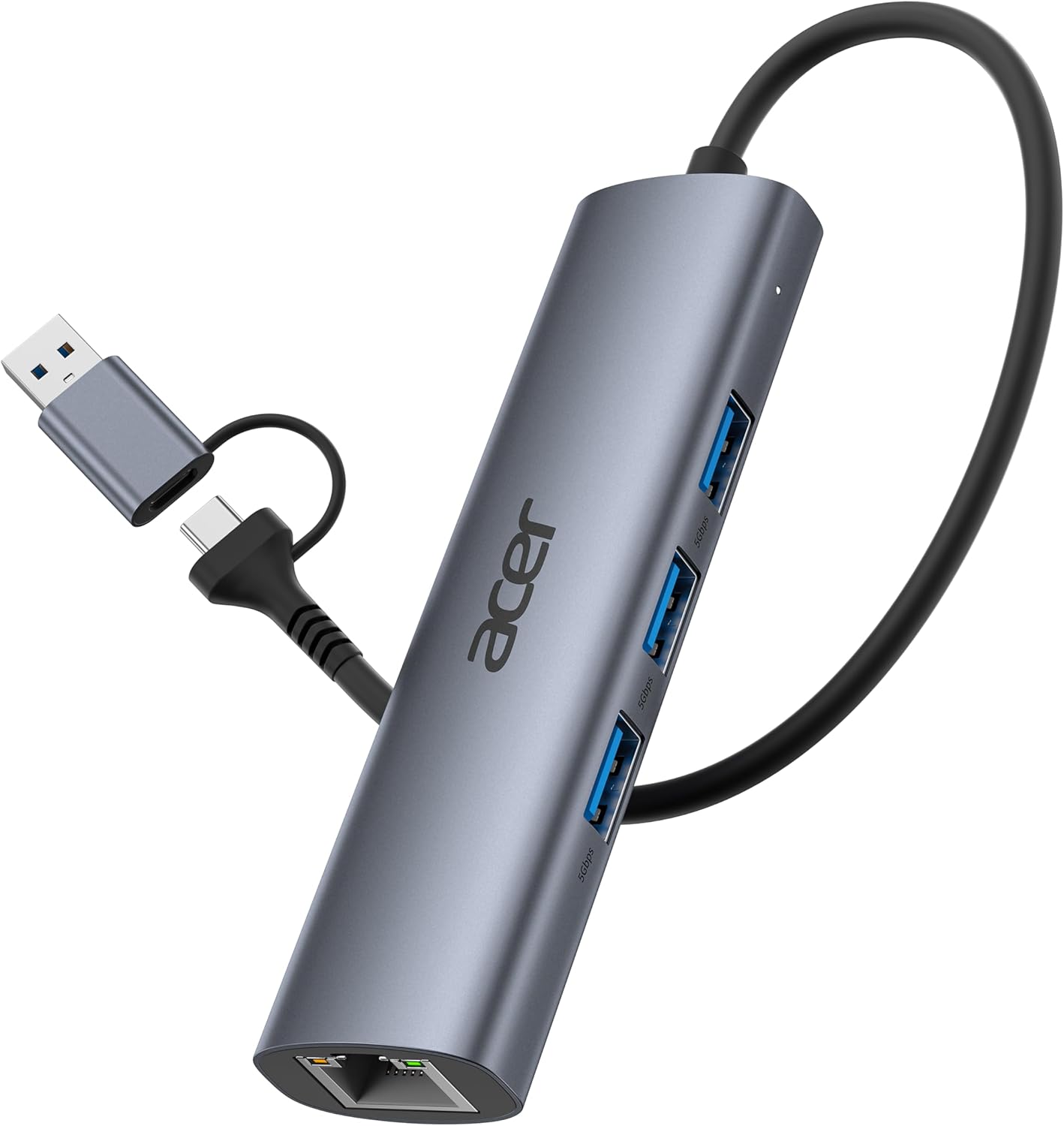
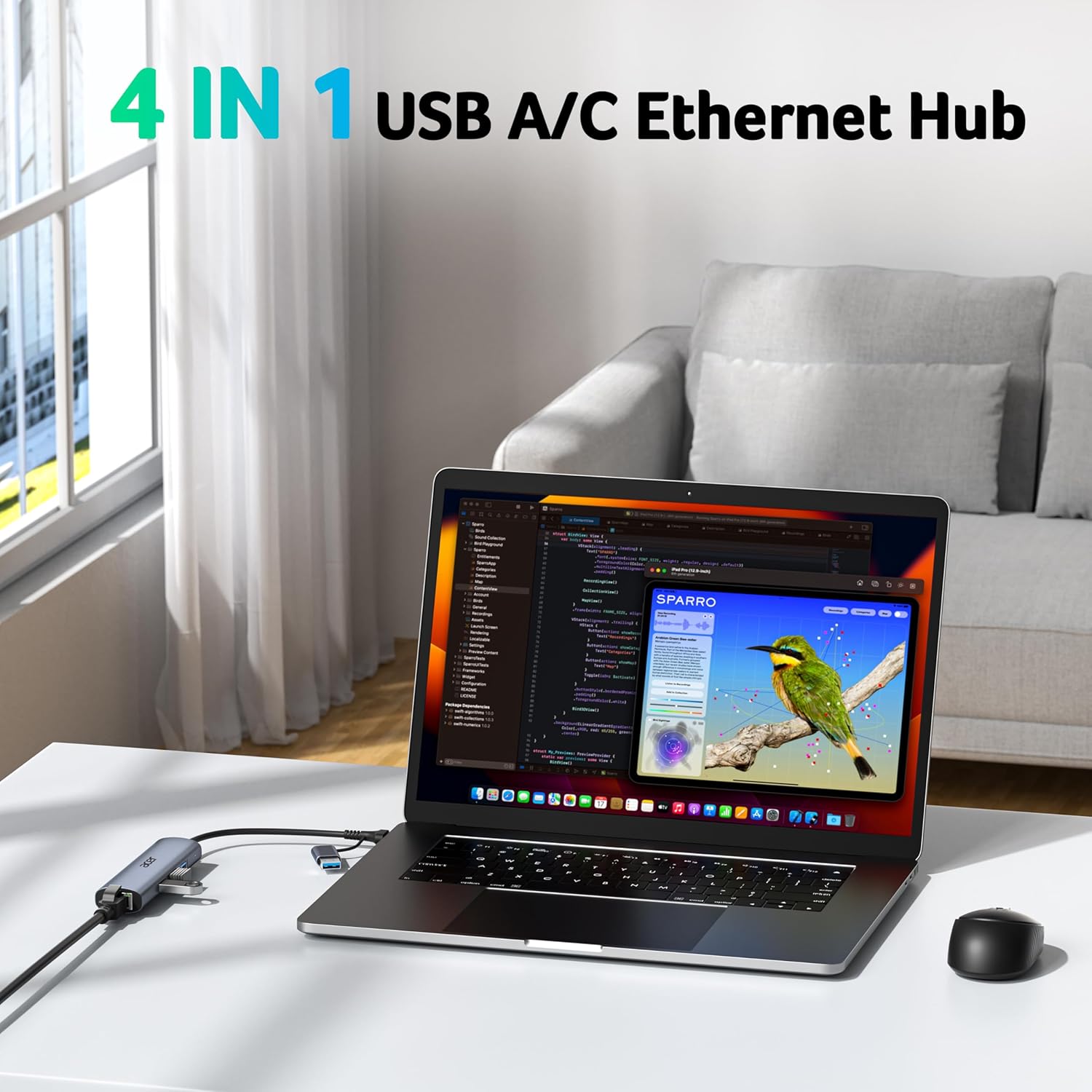
The Acer USB-C Ethernet Adapter doubles as a compact USB hub, giving you wired network access plus extra USB ports from a single compact dongle. It’s designed for laptops, tablets and smartphones that can connect via USB-C or USB-A, and it aims to simplify port management for everyday tasks like streaming, file transfers and online work on the move. If you work in spaces where Wi-Fi is unreliable or you need a steadier connection for video calls or large file moves, this could be a convenient, plug‑and‑play option. On the other hand, if you primarily rely on wireless networks and don’t need extra USB ports, you may not notice a meaningful benefit.
What stands out in use
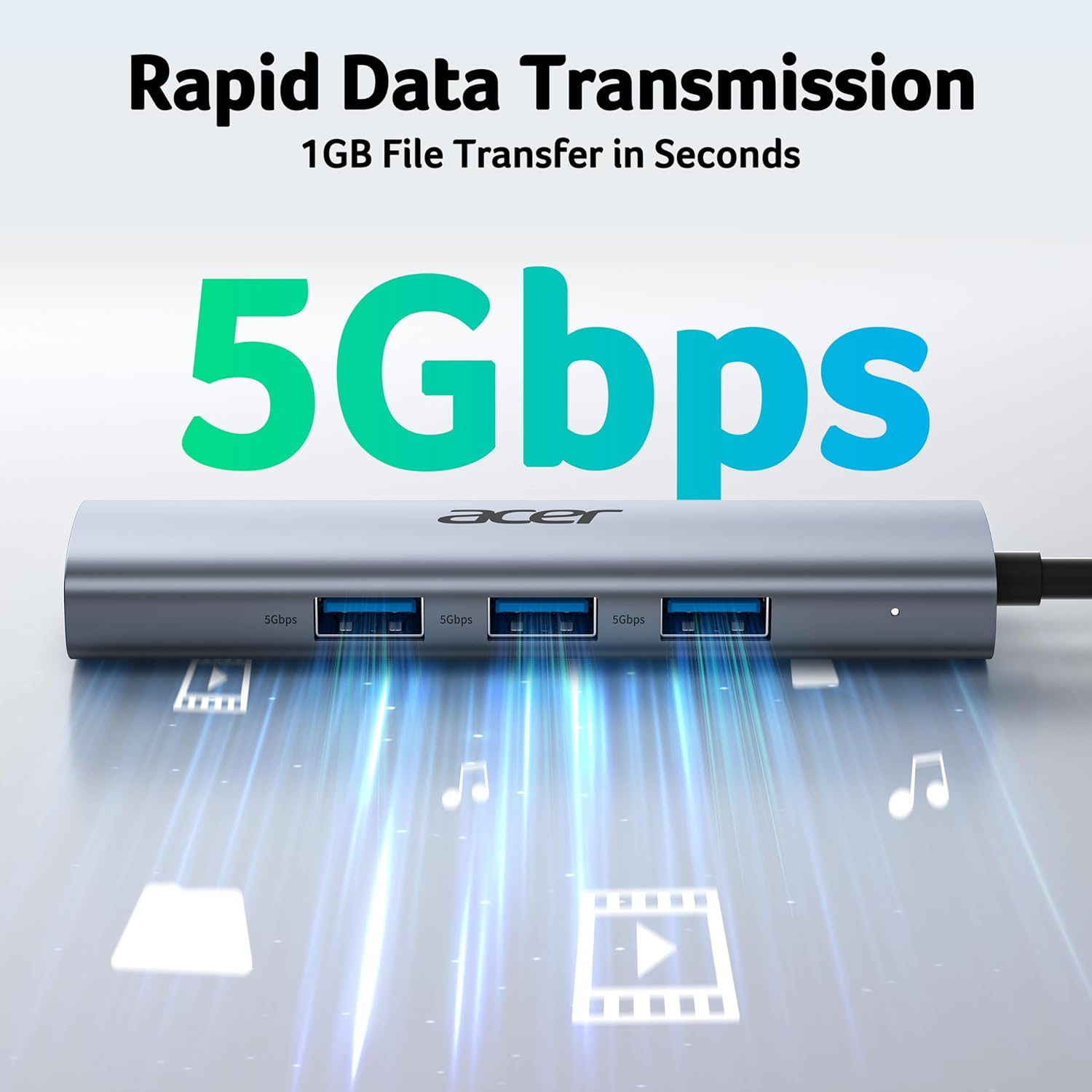
On paper it combines two practical ideas: a robust Gigabit Ethernet connection (up to 1Gbps) and a handy USB hub that expands a single port into three USB 3.0 sockets. The Ethernet port uses a familiar RJ45 connection, which can make sense in environments with busy networks or where stable speed is important. The three USB 3.0 ports share a total bandwidth of 5Gbps, which is fine for keyboards, mice and flash drives, though you’ll want to calibrate expectations if you’re moving large files while also using multiple peripherals.
Durability and build
The unit is encased in aluminium, which helps with heat dissipation and adds a premium feel. That makes it a reasonable travel companion if you’re carrying a lightweight setup and want something that won’t overheat after a bit of use. The hardware design emphasises simplicity—no software drivers are required on most systems, which reduces setup friction and compatibility concerns.
How well does it perform? A pragmatic view
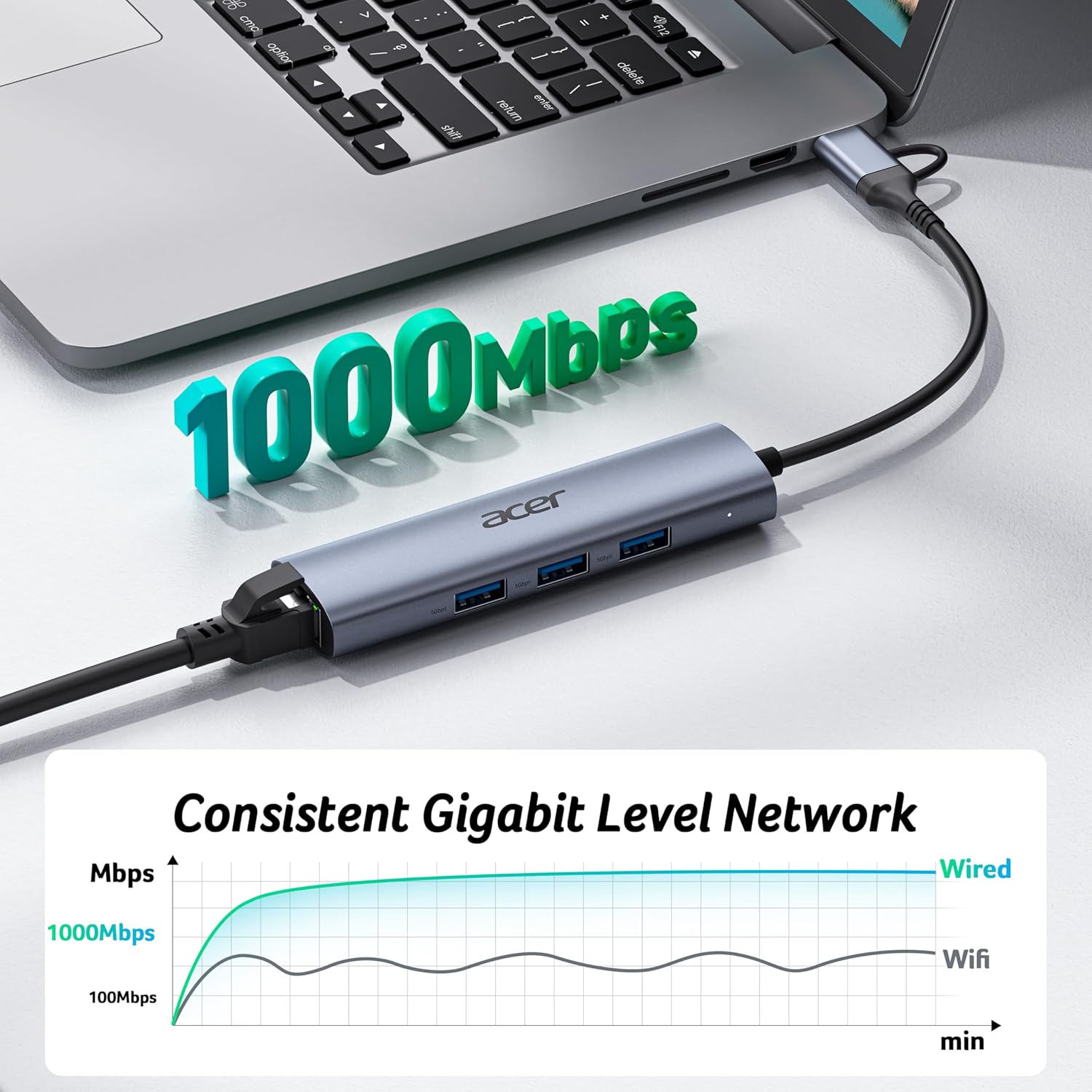
For wired networking, you’ll get a straightforward 1Gbps link where supported, plus backward compatibility with 10/100Mbps networks. Practically speaking, this means steady streaming and predictable transfer speeds in typical home or small office scenarios, provided you use a suitable CAT6 or better Ethernet cable to approach the 1Gbps ceiling. If you’re aiming for peak throughput on crowded networks, you’ll want to factor in the overall network conditions and the fact that the USB‑A 3.0 ports share the 5Gbps bandwidth.
Who this is best for
- Anyone who needs a quick Ethernet upgrade on a laptop or tablet without opening the device or altering settings.
- Users who want a compact hub to connect a keyboard, mouse and a couple of USB drives alongside a wired network.
- Those who value a solid aluminium build for travel and who prefer driver‑free operation on most systems.
Who it’s not ideal for
- If your priority is maximum USB‑C data throughput for high‑bandwidth peripherals simultaneously in addition to Ethernet, you may encounter bandwidth sharing limits on the USB 3.0 ports.
- If you exclusively rely on Wi‑Fi or network speed isn’t a critical factor for your tasks, the value proposition drops a bit.
- If you’re using older Windows XP/Win7 systems, drivers may be required, which adds a small setup hurdle.
When it makes sense to buy
- You’re upgrading a laptop or tablet from wireless to a dependable wired connection for gaming, video editing or large file transfers.
- You need extra USB ports on a device that has limited built‑in USB availability and you want the simplicity of a compact dongle.
- You travel frequently and want a durable, low‑profile hub that also provides Ethernet for places with spotty wireless.
When to think again
- If you already have a robust USB‑C hub or dock with more than three USB ports and integrated network connectivity, you might not gain much from this particular model.
- If you expect to push sustained, concurrent high‑throughput workloads across Ethernet and multiple USB devices, you may experience bandwidth contention due to shared USB 3.0 bandwidth.
What to check before buying
- Confirm the device you plan to use supports USB‑C or USB‑A connections as the product supports both, but some use cases may prefer one connector type over the other.
- Consider whether you will actually utilise three USB 3.0 ports at the same time, given they share 5Gbps between them.
- Plan for a compatible Ethernet cable (Cat6 or higher is noted for reaching 1Gbps) to maximise wired speed.
Practical usage example
Imagine you’re setting up a lightweight workstation on a laptop for a flight: you plug in the Acer adapter, connect a CAT6 Ethernet cable for a stable connection, and attach a keyboard, mouse, and a USB flash drive to the hub. Within seconds you’ve got reliable internet and extra peripherals without rummaging for extra ports or docking stations.
Tech specs (quick overview)

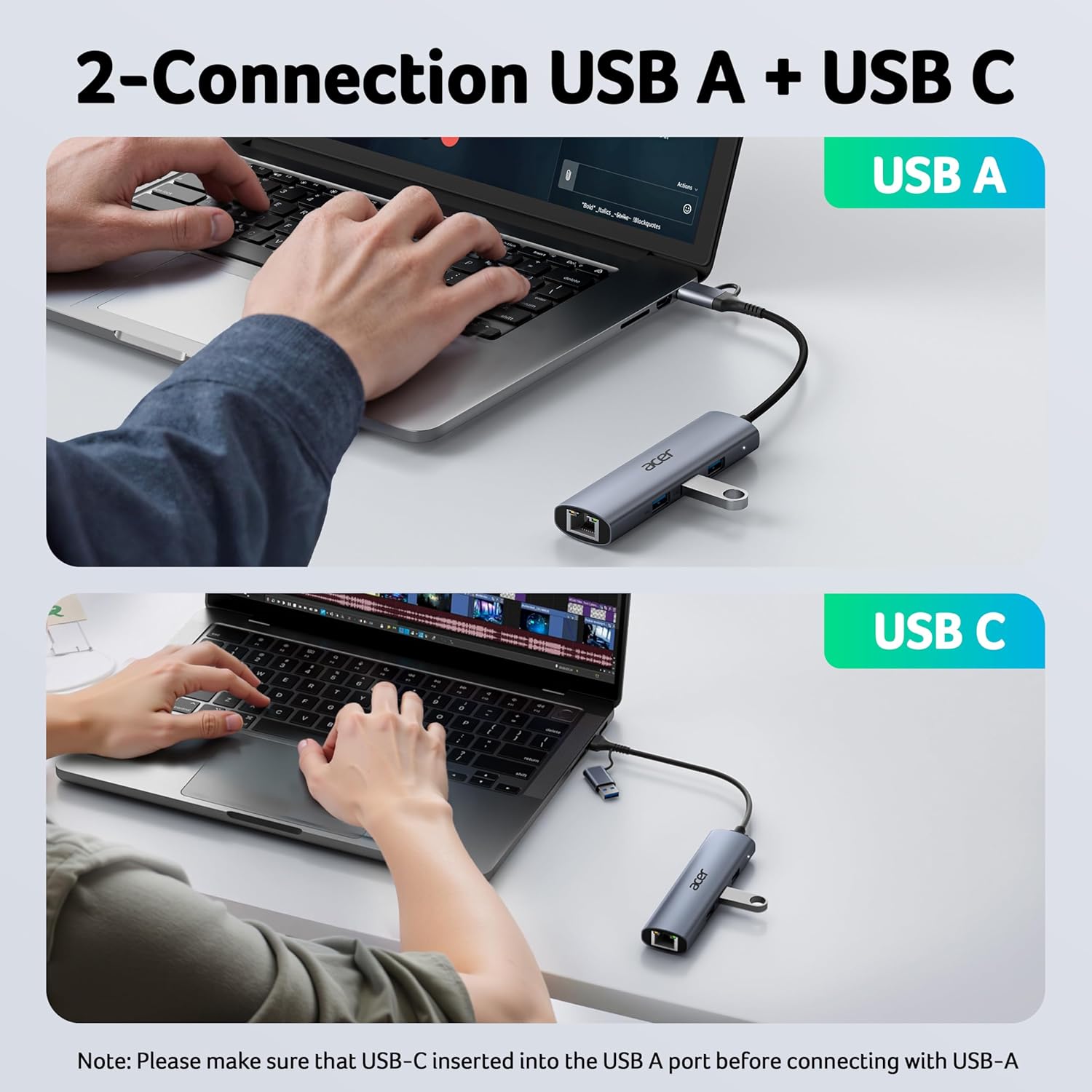
- Dual USB-A/C Port Design: supports both USB-C and USB-A devices for broad compatibility.
- 1Gbps Gigabit Ethernet: wired network speed, backward compatible with 10/100Mbps.
- 5Gbps USB 3.0: three USB-A ports share up to 5Gbps bandwidth for peripheral connectivity.
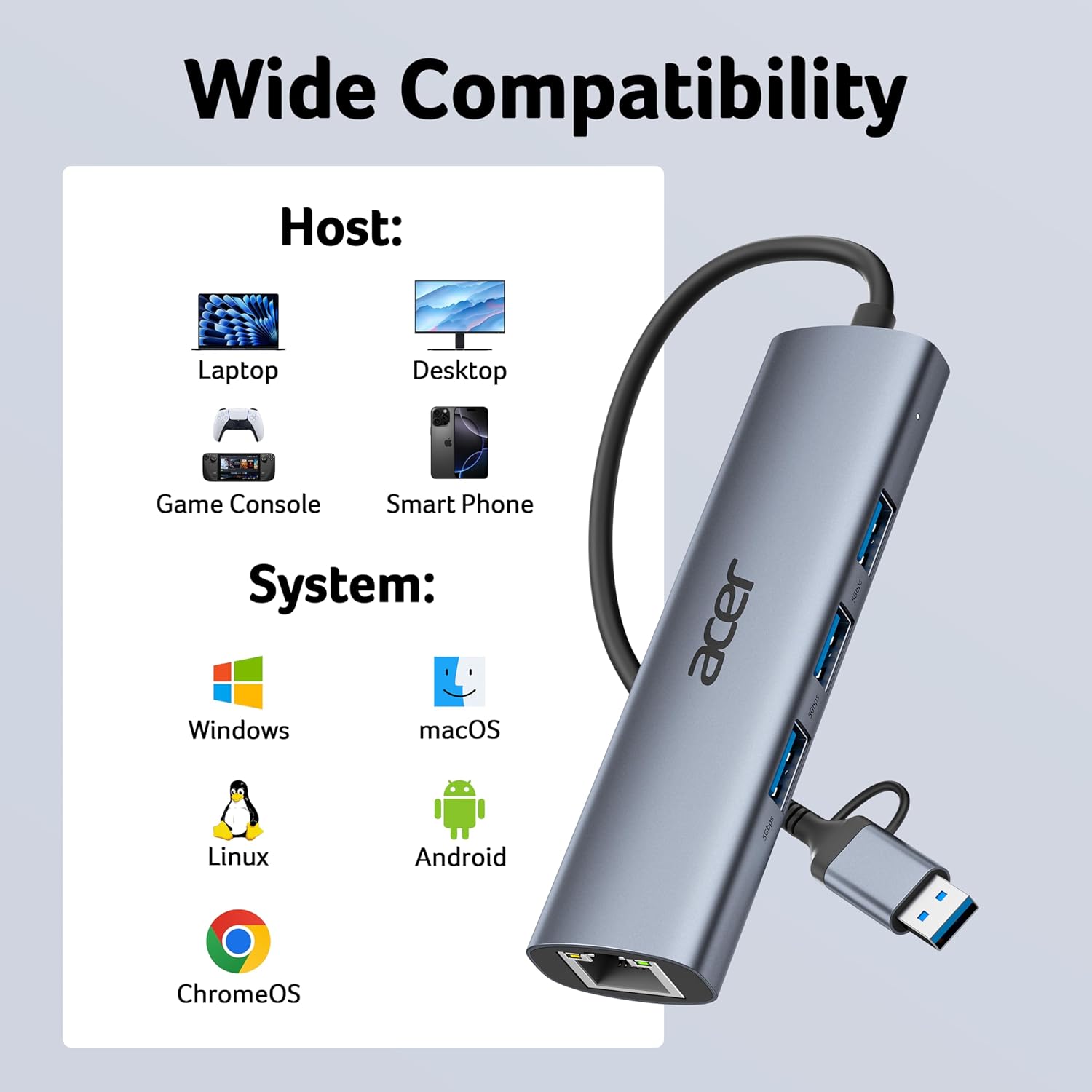
- Driver-free compatibility: works with Windows, macOS, Linux, Chrome OS and Android in most setups, XP/Win7 may require a driver.
- Aluminium housing: durable, heat-dissipating enclosure.
- Included warranty: 12‑month warranty with 24/7 customer service support.
Is it worth it?
You’ll like it if you need a lightweight, reliable way to add Ethernet and extra USB ports to a laptop or tablet, especially when travelling or working in environments with inconsistent wireless signals. It may not be the best option if you’re after maximum USB bandwidth across multiple devices at once or if you depend on a scenario that demands concurrent, sustained high throughput from both Ethernet and USB concurrently. In short, it offers solid value for everyday productivity and travel use, with a sensible trade‑off on peak bandwidth sharing.
Quick FAQ
- Does it require drivers? For most systems, no, Windows, macOS, Linux, Chrome OS and Android are supported. Some older Windows versions may need a driver.
- Can I run three USB devices at once? Yes, but they share the 5Gbps total bandwidth, so performance may vary with heavy USB activity.
- Is the build premium enough for travel? The aluminium enclosure is designed for durability and heat management, which helps in portable use.
Final thought
If you prioritise practicality, small footprint and straightforward setup for reliable wired networking alongside extra USB ports, this Acer adapter is worth considering. It sits in the realm of practical accessories that make day‑to‑day tasks smoother, without dragging you into a larger docked setup.