

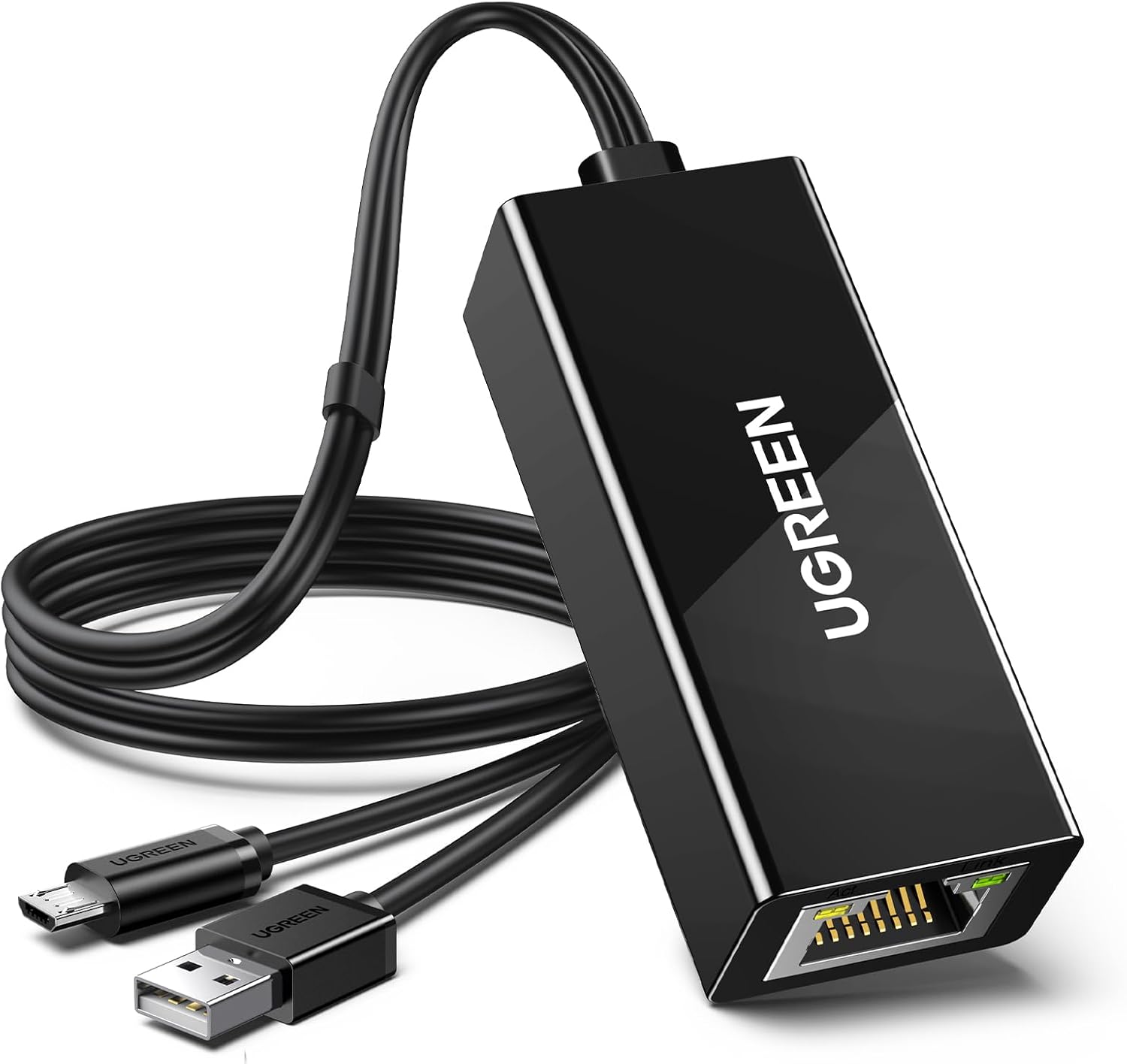
UGREEN Micro USB Ethernet Adapter for Fire TV Stick and Chromecast (RJ45, 10/100 Mbps, 1m Power Cable)
Reviews
Price
Product description
What it is and who it's for
The UGREEN Micro USB to Ethernet Adapter is a simple solution to add a wired network connection to select streaming devices and smart hubs. If you’ve ever wondered whether wired internet is worth it for streaming sticks or small streaming boxes, this adapter is designed to offer a straightforward path to a more reliable connection when Wi‑Fi isn’t ideal. It’s aimed at users of Fire TV Stick devices and Chromecast models that support a micro USB connection along with a separate power supply.
How it works in practice
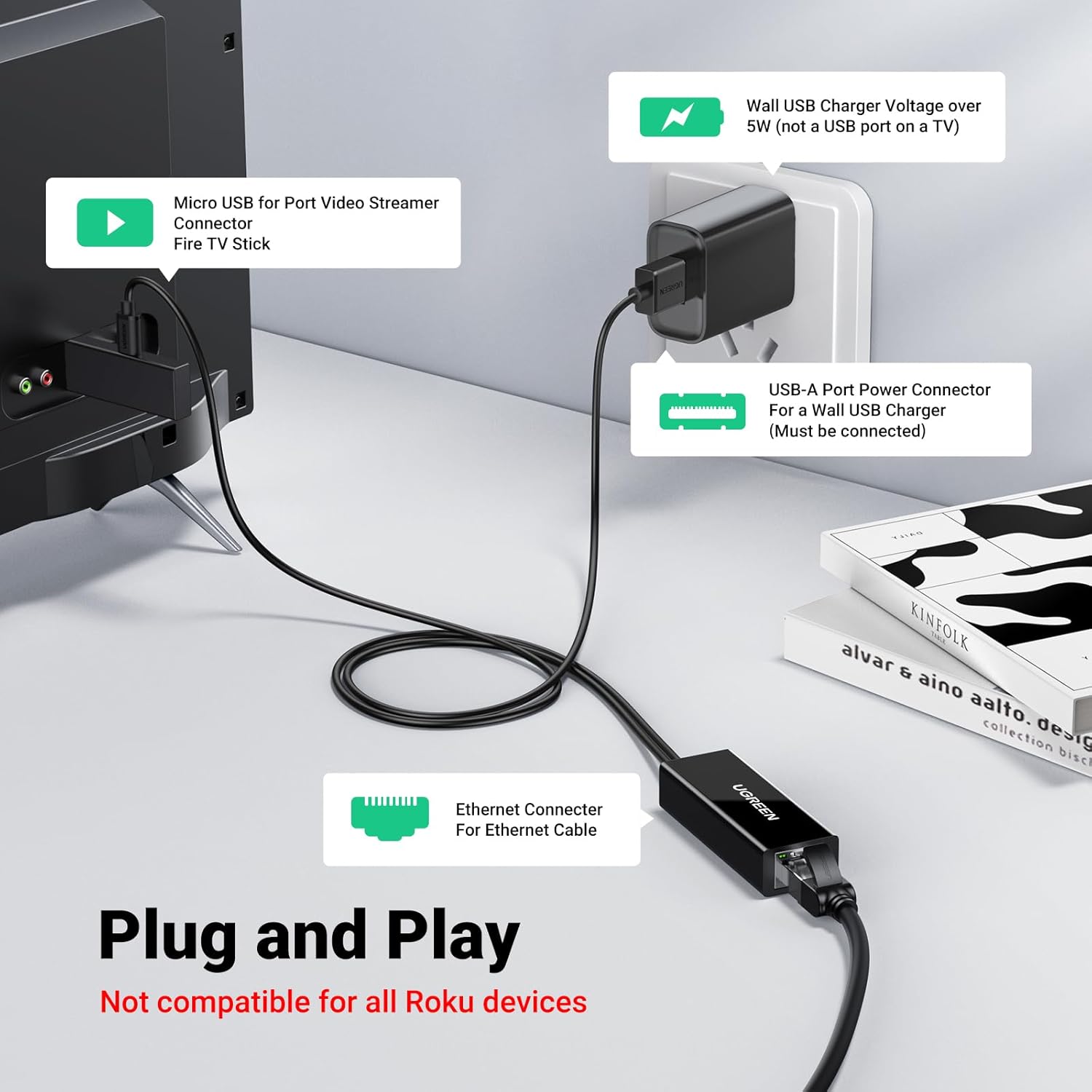
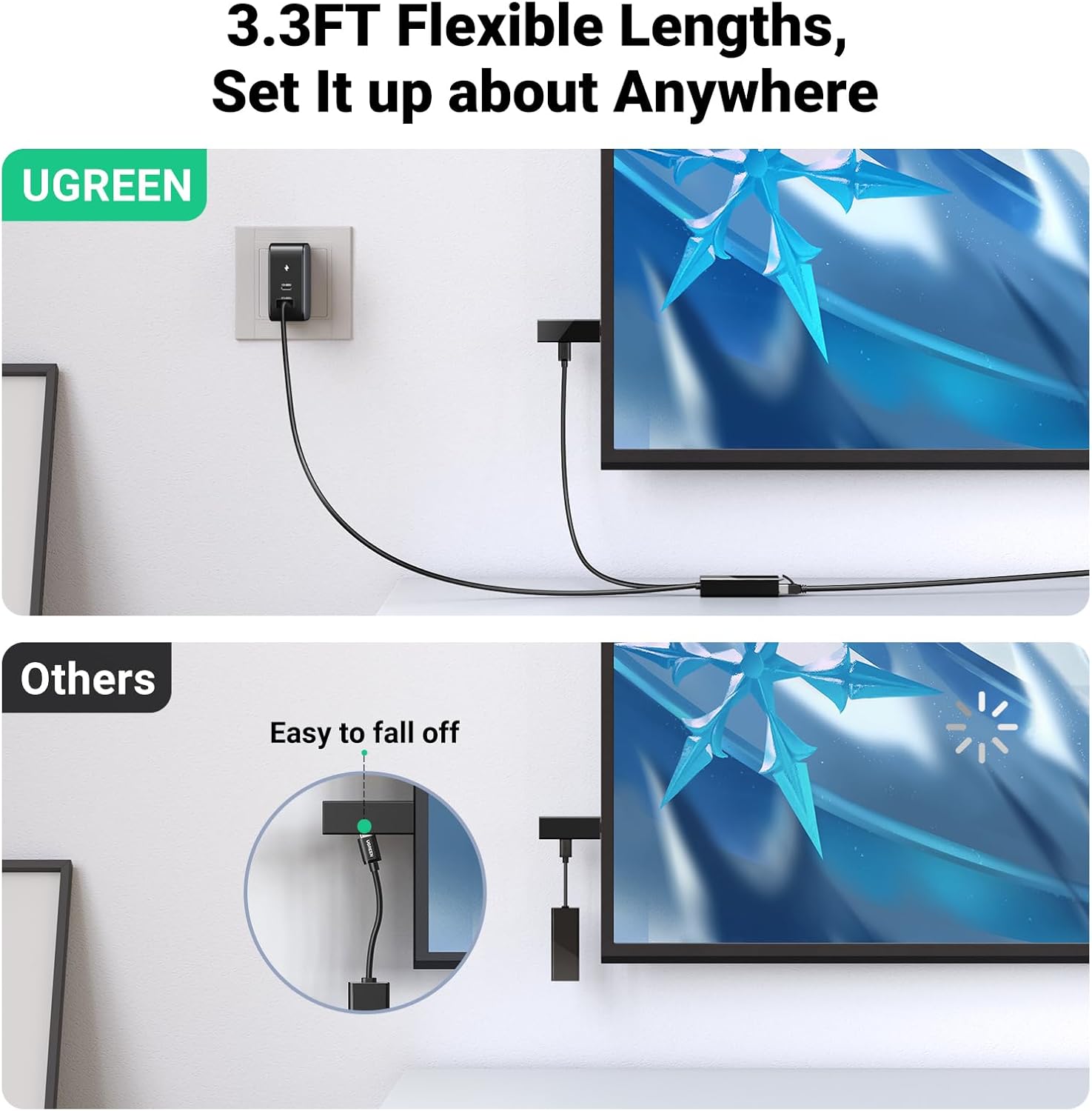
On the practical side, you plug the Micro USB end into the streaming device and connect a USB power cable to power the adapter. Then you run an Ethernet cable from your router to the RJ45 port. The adapter supports 10/100 Mbps Ethernet, which generally provides a more stable streaming experience for video and gaming compared with wireless options on congested networks.
What stands out on paper
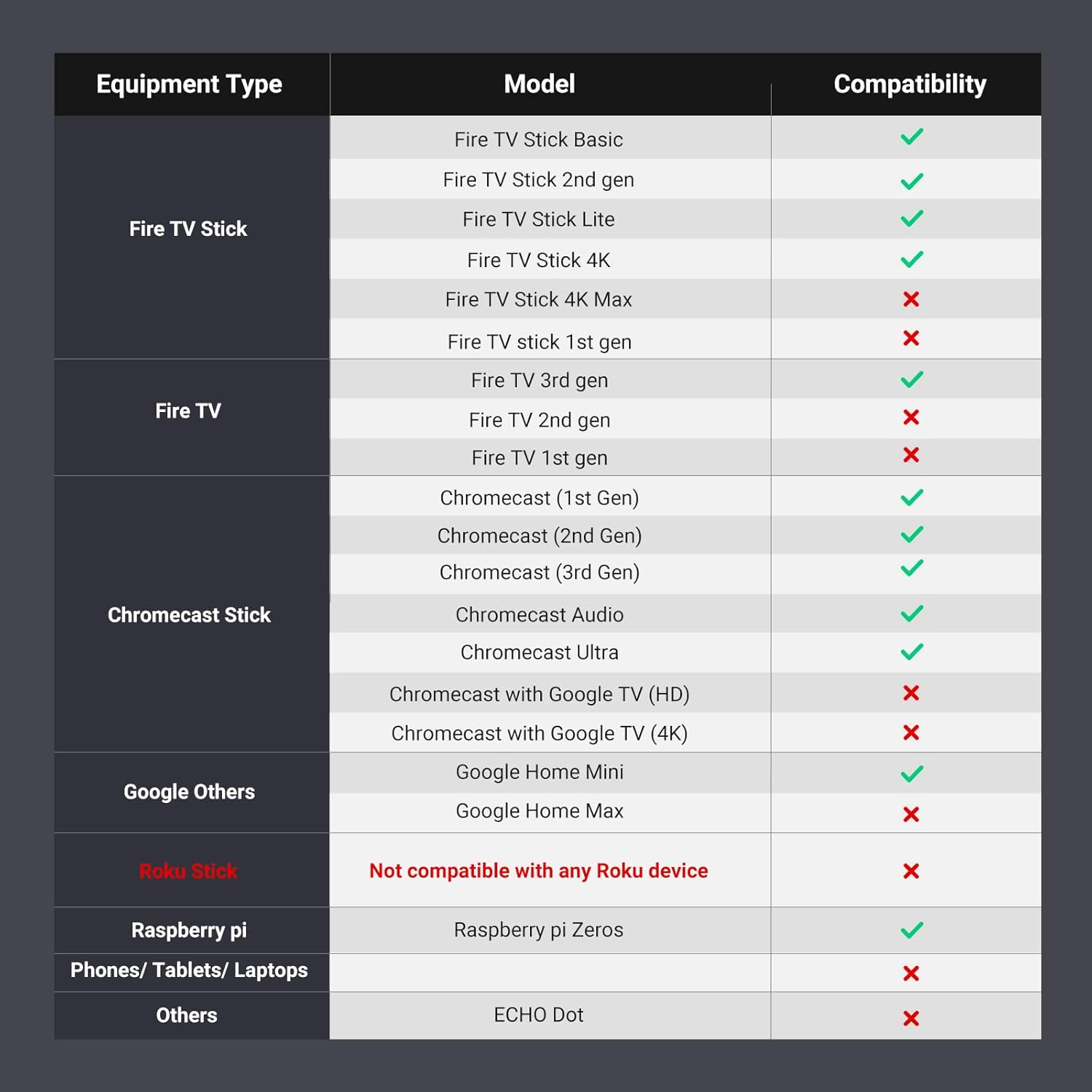
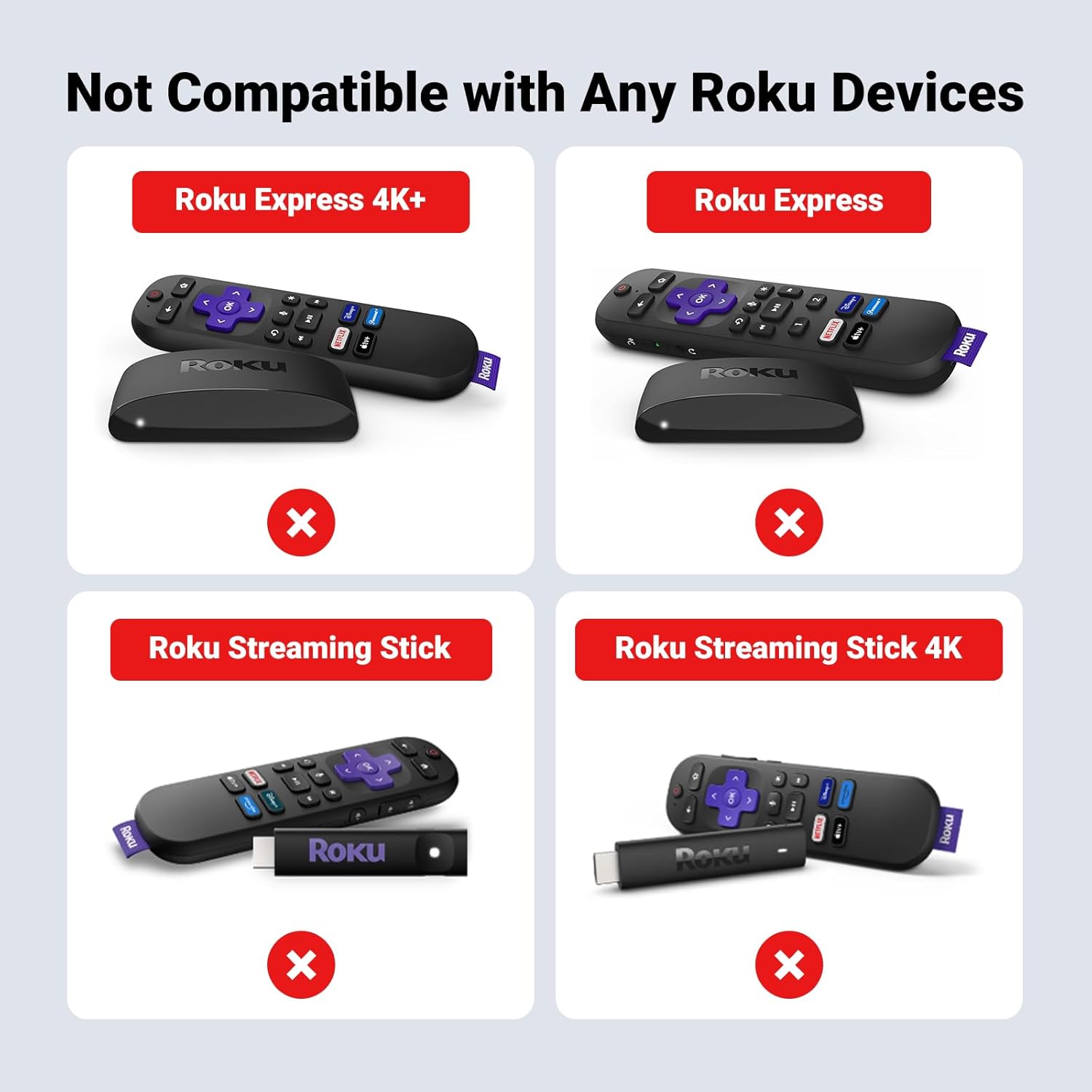
On paper, the key advantages are simplicity and speed: a dedicated wired link can reduce buffering and jitter, especially in homes with inconsistent Wi‑Fi or multiple devices competing for bandwidth. The 1 m cable length helps with straightforward placement near the router or a wall outlet for the power supply. It’s also designed to be compatible with a broad set of devices including Fire TV Stick models (4K, 4K Max, basic editions, and older gen variants) and Chromecast generations up to Chromecast Ultra/Audio, plus related devices like Google Home and Roku Express 4K.
What may hold it back
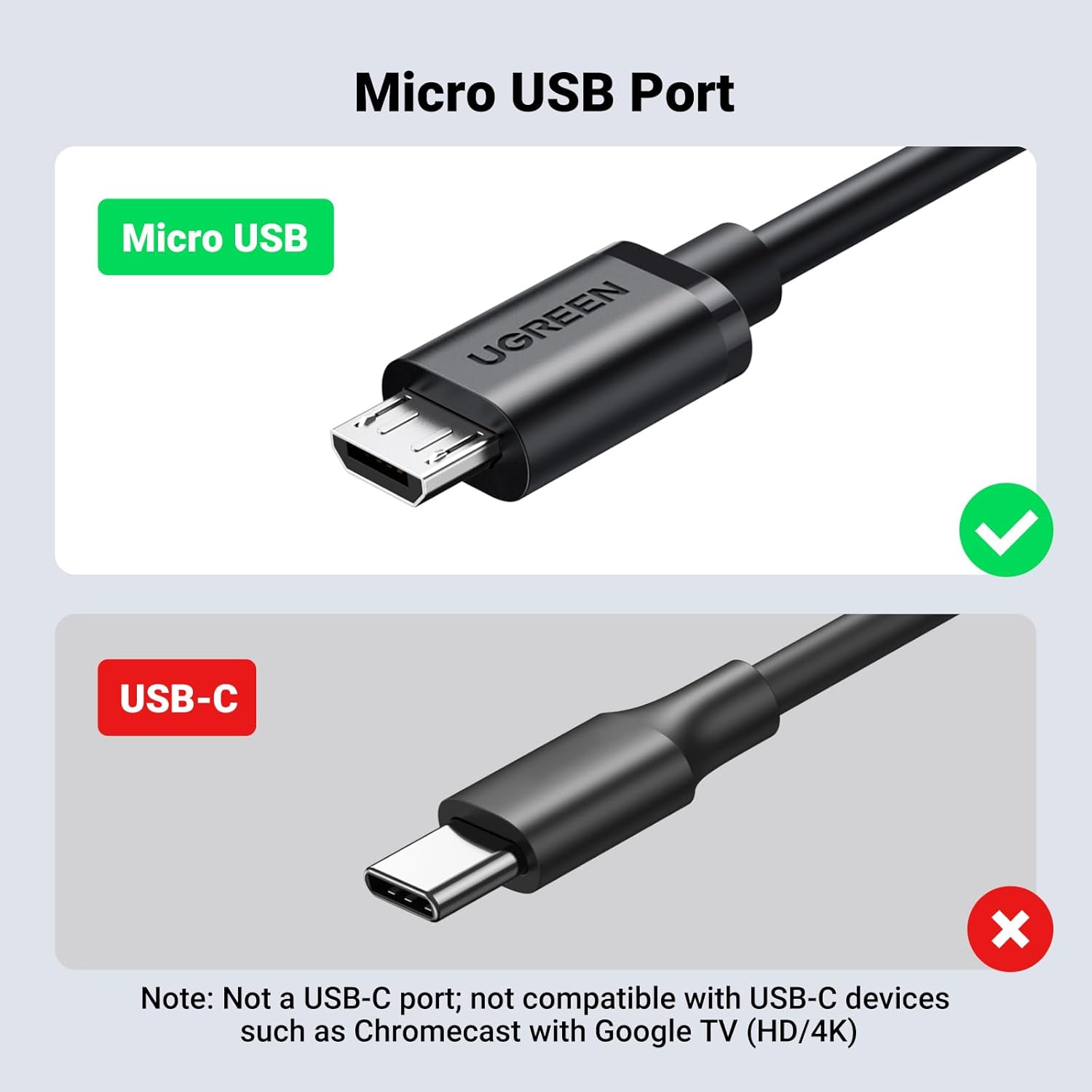
If your setup relies on devices with USB‑C ports or the newer Chromecast variants that require USB‑C, this micro USB adapter won’t be suitable. It’s also limited to 100 Mbps networking, so very high bandwidth needs or future-proofing beyond 100 Mbps will not be addressed by this adapter. The unit is sold with a 1 m cable for power, there isn’t an included power brick, so a separate charger is required.
Best use cases
It makes sense for households where streaming quality can be compromised by Wi‑Fi interference, or where you want more predictable performance for video streaming and light gaming on a Fire TV Stick or Chromecast ecosystem. If you value a tidy, inexpensive upgrade to a wired connection without upgrading your whole network, this could be a sensible option.
Considerations for potential buyers
If you prioritise a futureproof Ethernet speed beyond 100 Mbps or need USB‑C compatibility, you might want to look elsewhere. Check that your device is among the supported list and remember you’ll need a separate USB power source to run the adapter. The product is specifically targeted at streaming devices, it’s not a general USB network adapter for PCs or laptops.
How to check before you buy
- Confirm your streaming device is in the compatible list (Fire TV Stick variants and Chromecast models described in the notes).
- Ensure you have a spare USB power outlet near the streaming device for constant power to the adapter.
- Plan for a standard RJ45 Ethernet cable route from the router to the device, the 1 m length should cover common setups.
What you’ll notice in use (micro‑experience)
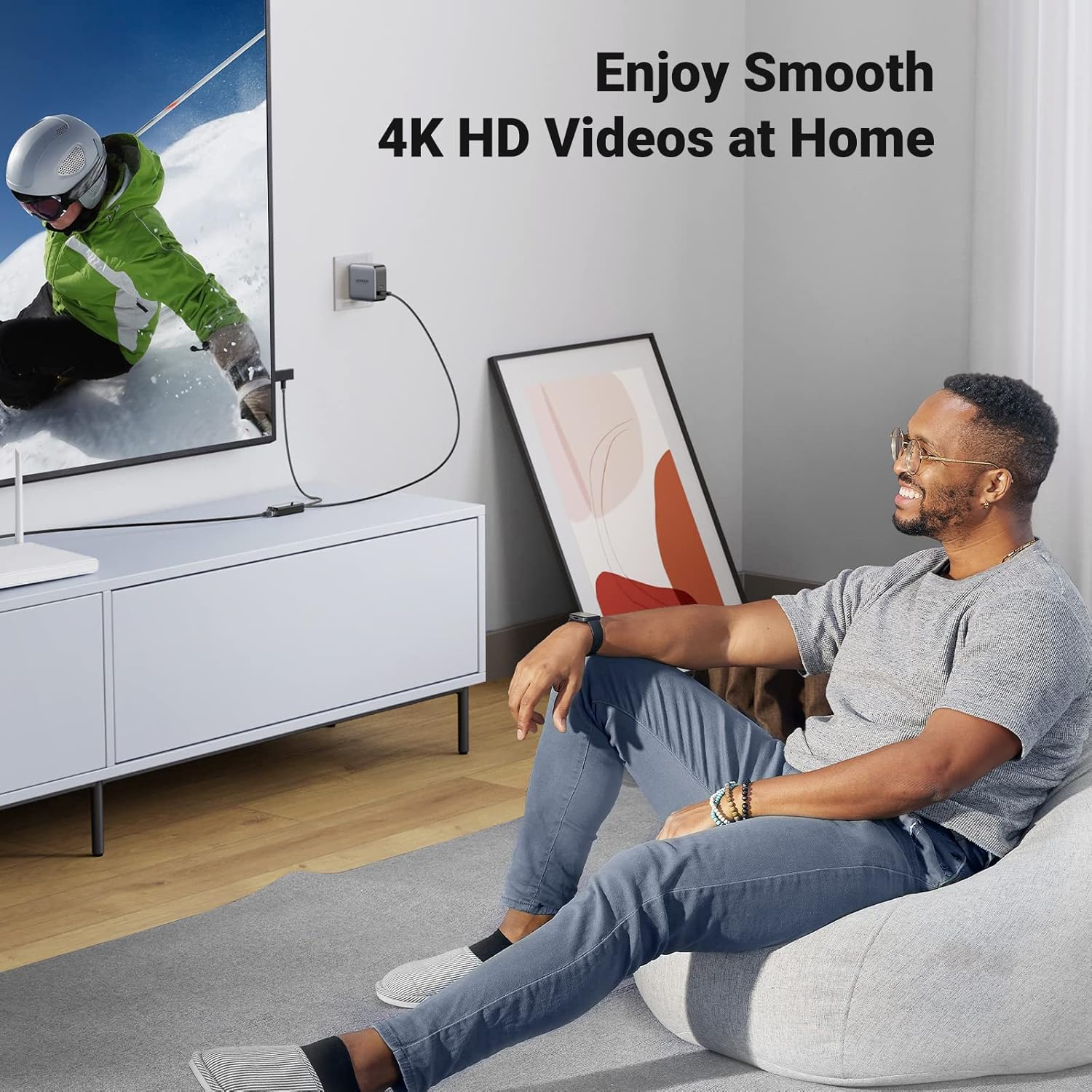
A practical moment might be starting a movie or a live TV stream and seeing the feed stabilise where previously Wi‑Fi jitter caused occasional pauses. If you’re streaming in HD or 4K where possible, the reduced latency from a wired link can feel noticeable during peak network usage times.
Final decision: Is it worth it?
Should you buy it? It’s worth considering if you rely on a Fire TV Stick or Chromecast and your current Wi‑Fi is inconsistent, and you want a simple, cost‑effective path to a more stable connection. It’s less compelling if your setup already has solid wired networking via a different route, or if you require USB‑C compatibility or speeds beyond 100 Mbps.
FAQ (minimal practical answers)
- Will it work with my Google TV device? It depends on whether the device uses micro USB for Ethernet expansion and appears in the compatibility list.
- Do I need a separate charger? Yes, the adapter requires a USB power supply to operate.
- Is 100 Mbps enough for 4K streaming? For many streaming scenarios, 100 Mbps is more than adequate, though actual performance depends on network conditions and content bitrate.