

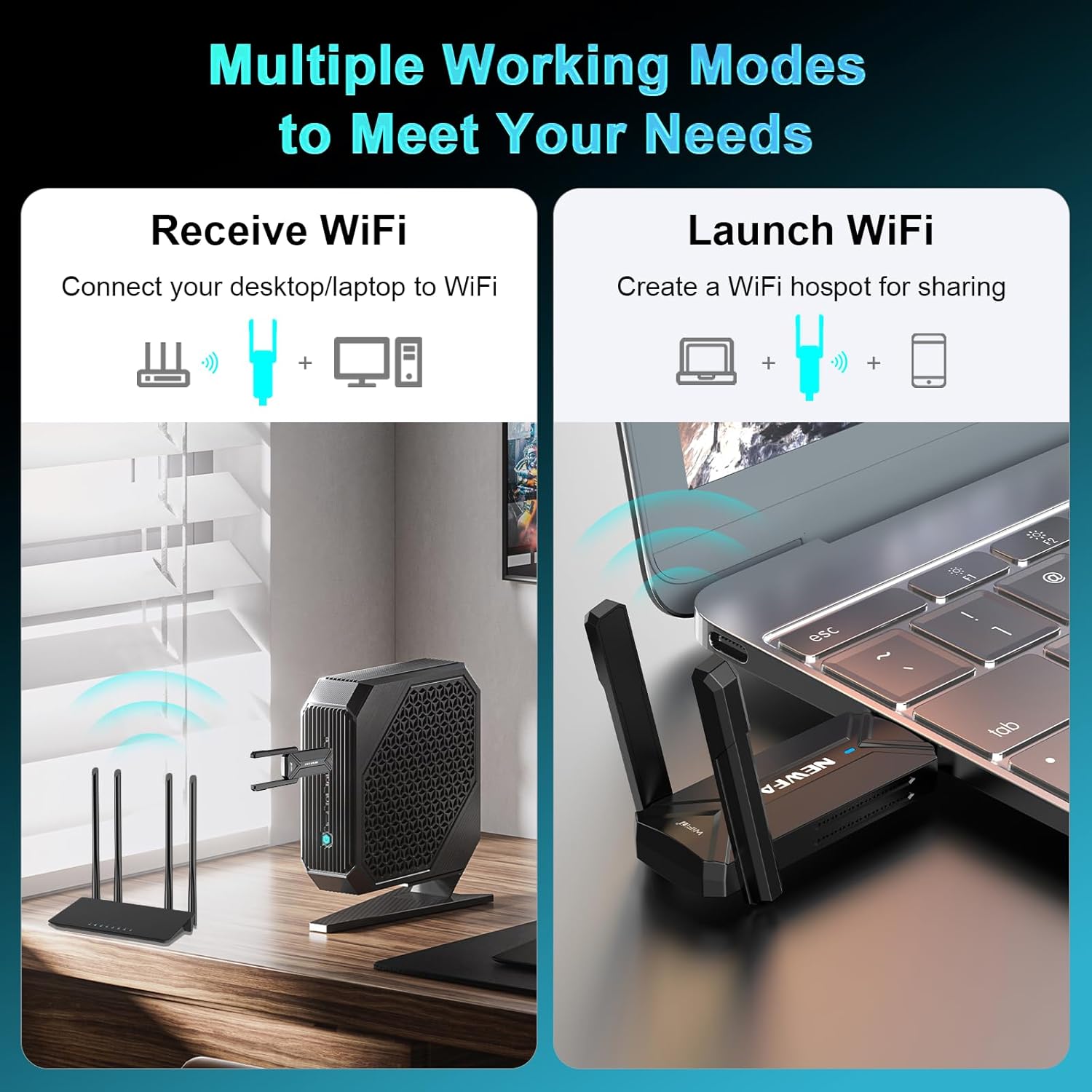
NEWFAST WiFi 7 Adapter 6500Mbps USB 3.0 Dongle for PC/Laptop (Windows 10/11)
Product description
What is it
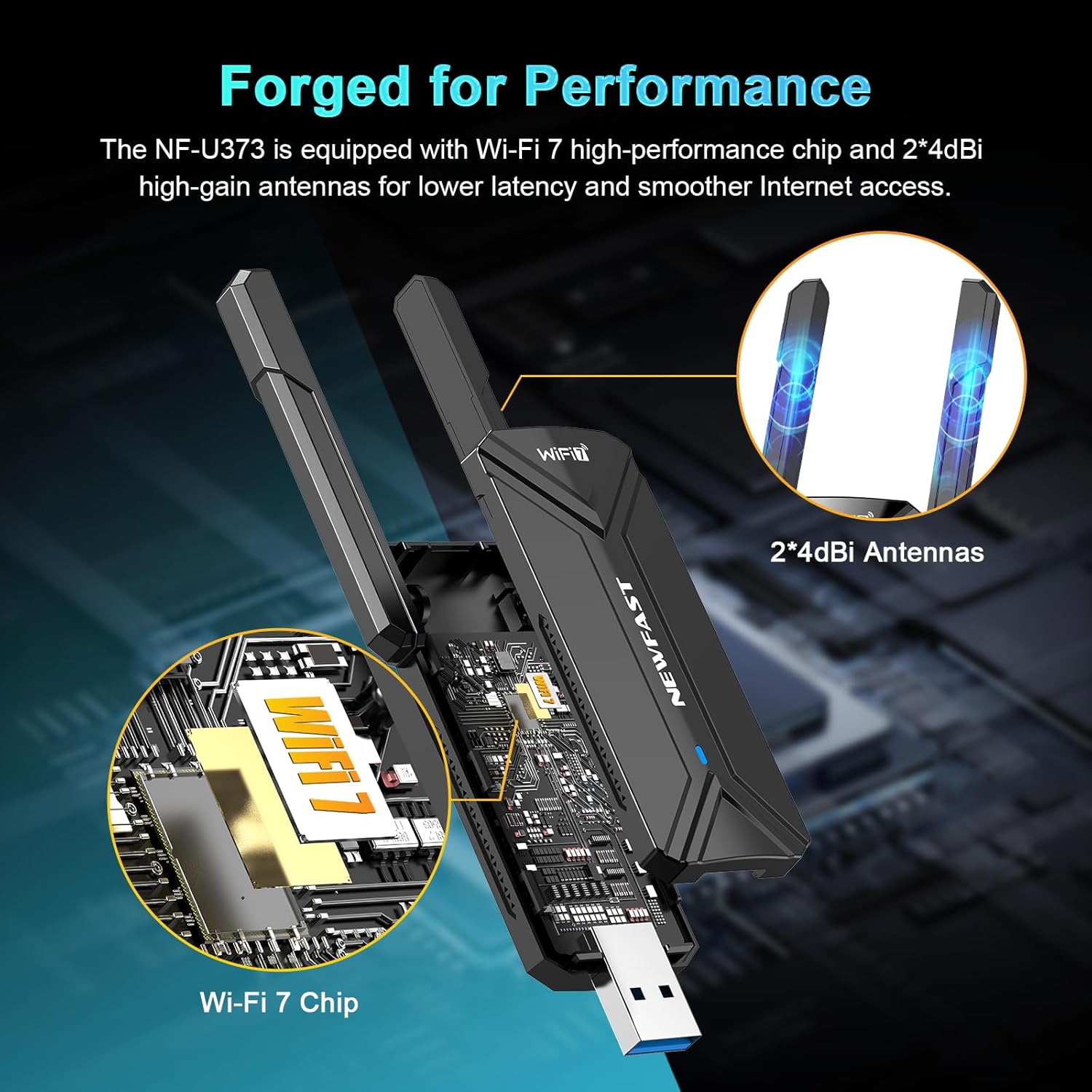
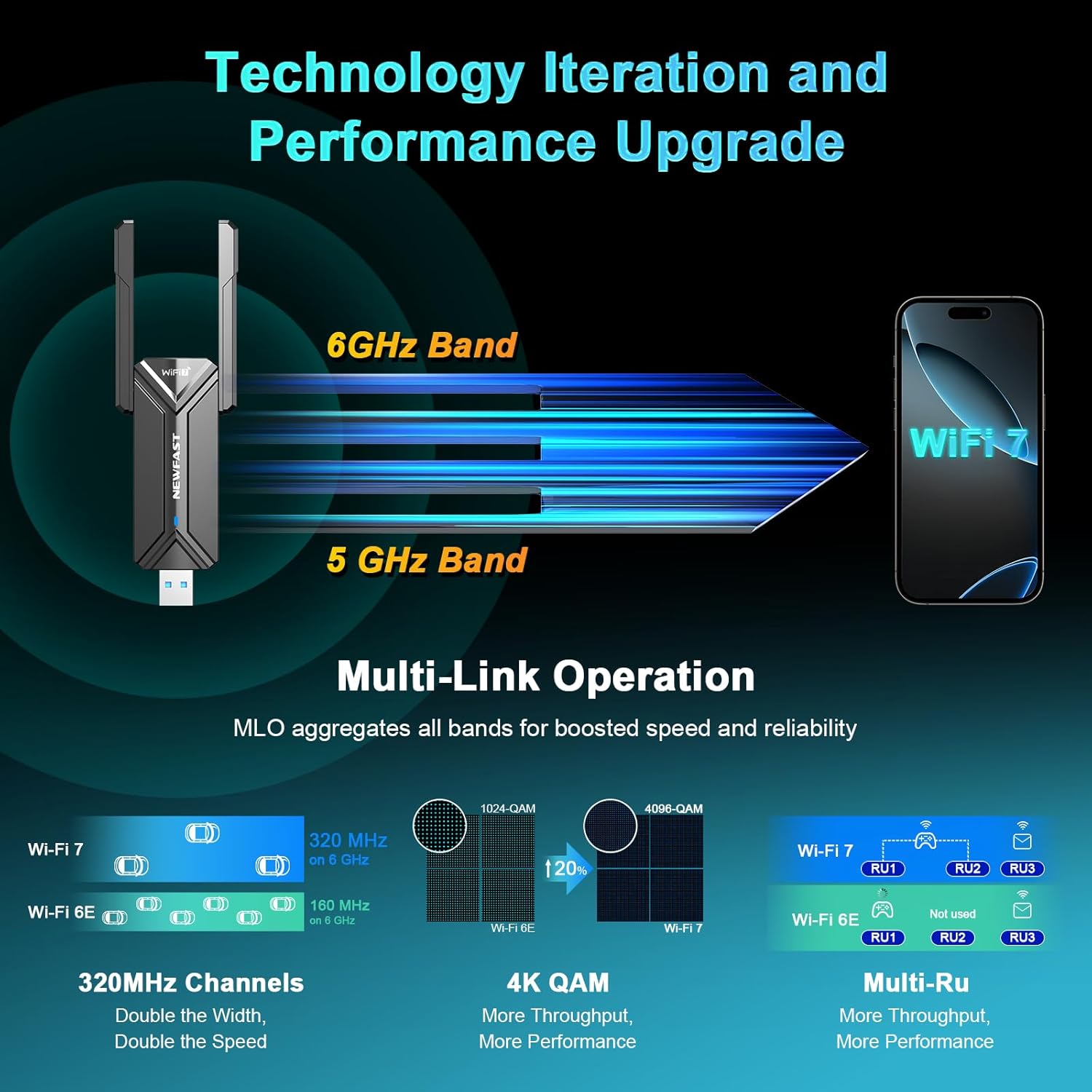
The NEWFAST WiFi 7 Adapter is a USB 3.0 wireless dongle designed to upgrade a PC or laptop to the latest WiFi 7 (802.11be) capabilities. It aims to deliver high-speed connectivity with two external 5dBi antennas, supporting up to 6.5Gbps theoretical throughput and multi-link operation across 6GHz, 5GHz and 2.4GHz bands.
How it performs on paper
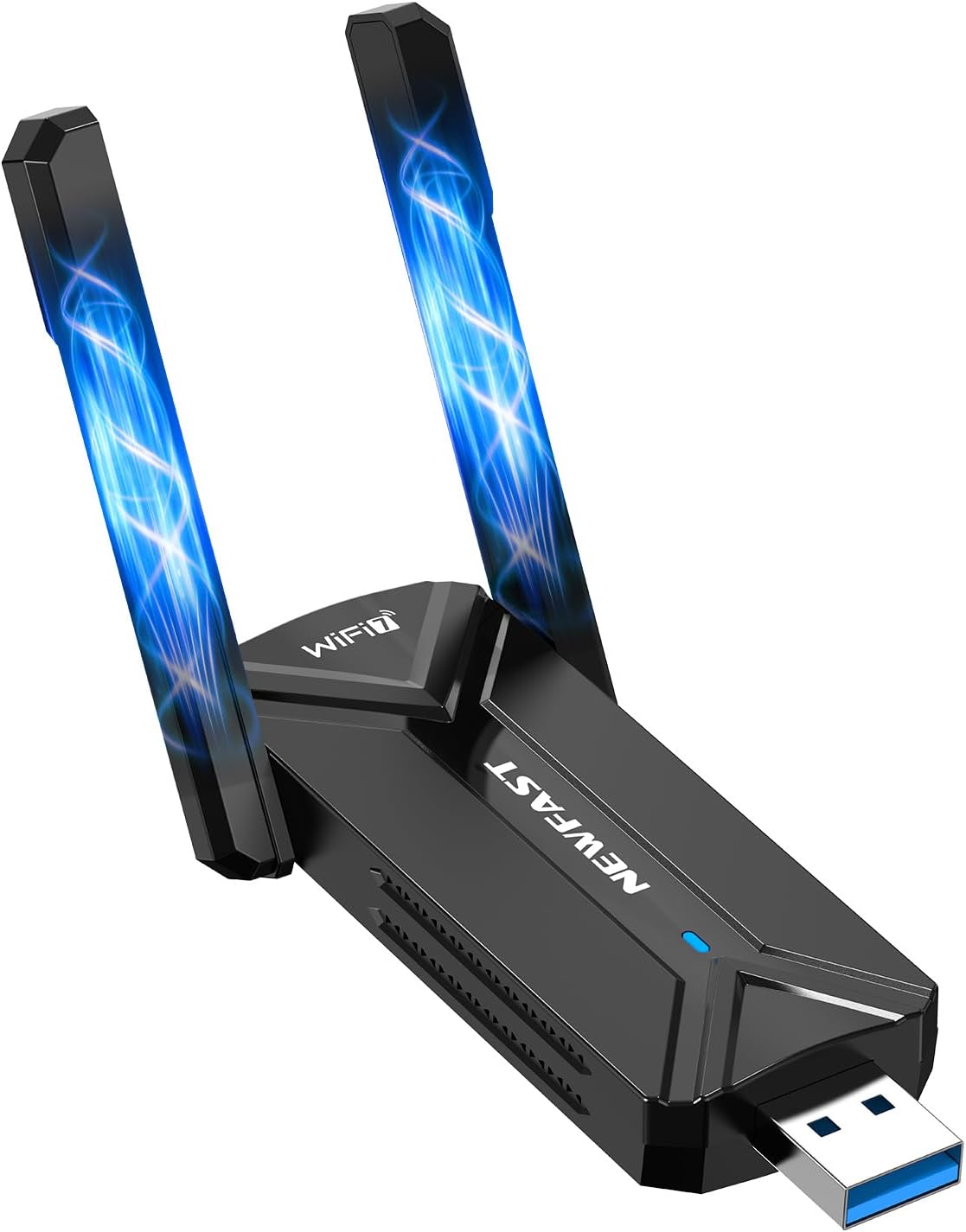
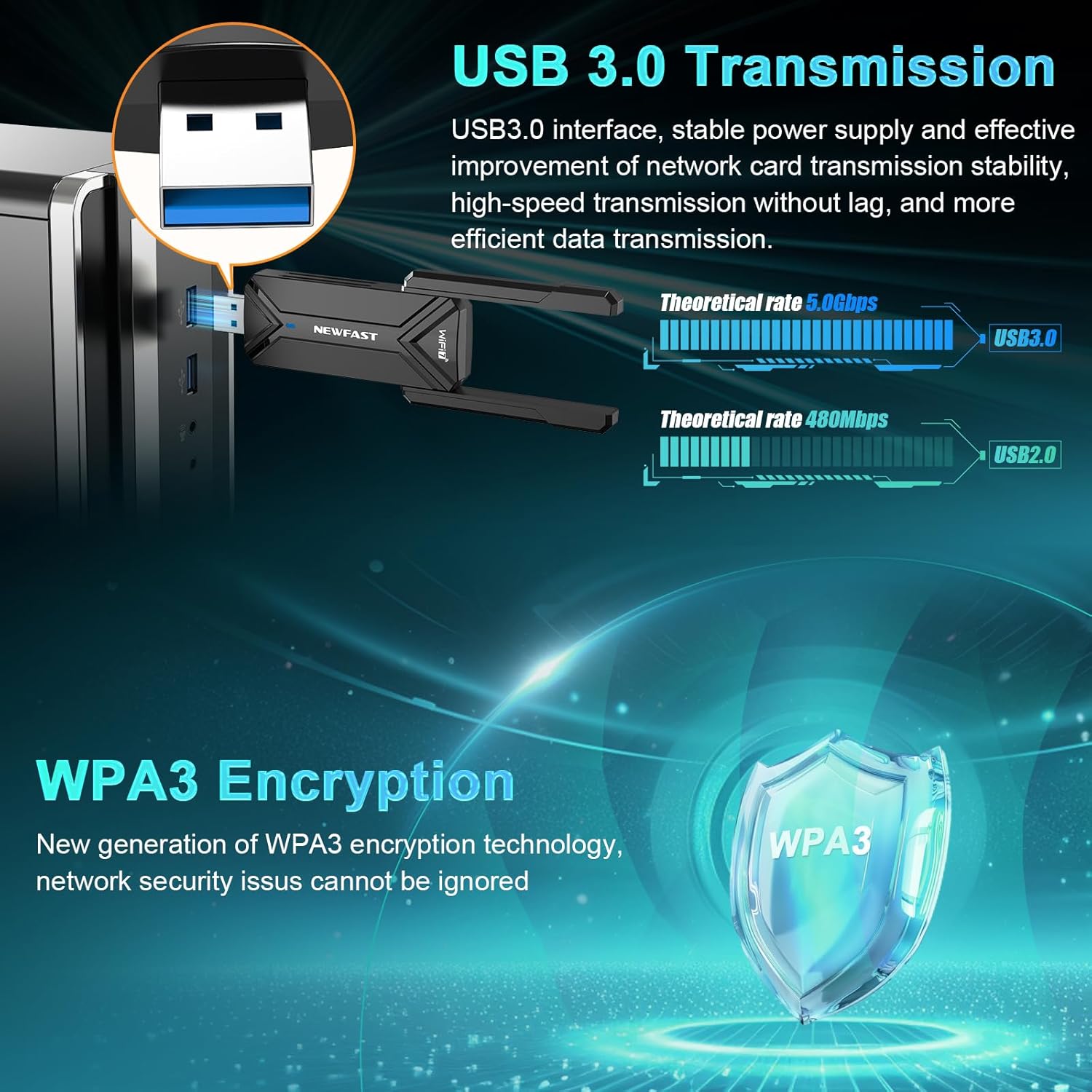
On paper, this adapter leverages 320 MHz channels and 4096-QAM modulation to push speeds up to 6.5Gbps. Multi-Link Operation (MLO) is highlighted as a feature, transmitting data concurrently on multiple bands to reduce latency and improve stability — which could benefit gaming, VR and video calls in busy networks. OFDMA and MU-MIMO are mentioned as helping manage multiple devices with less congestion. A USB 3.0 interface promises straightforward plug-and-play installation on compatible devices.
Practical take: what stands out
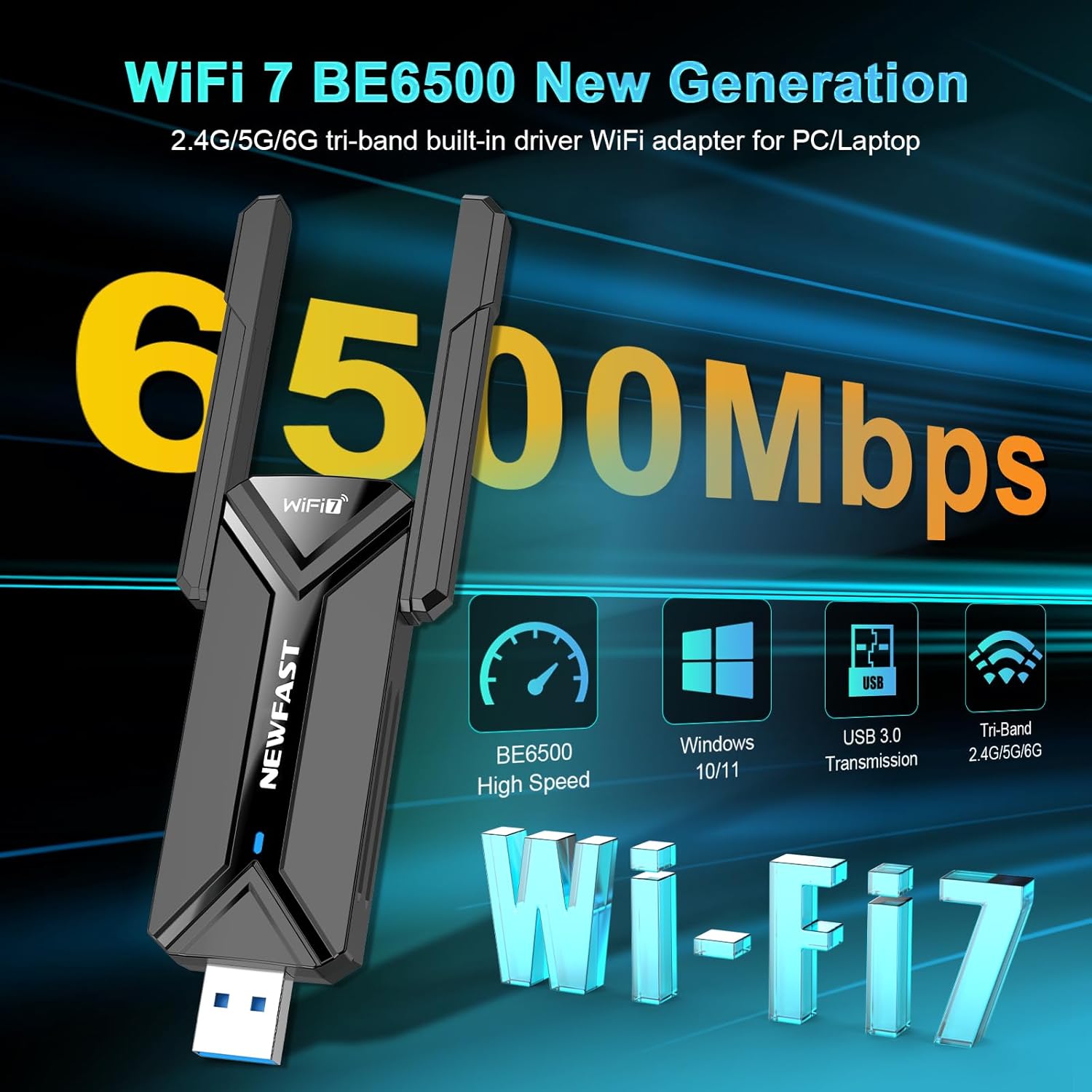
If you prioritise low latency and a robust connection in a crowded network, the MLO approach and the tri-band strategy are the practical hooks. The inclusion of WPA3 encryption is positive for security on modern networks. The fact that it remains backward compatible with older WiFi standards (WiFi 6/5/4) is useful if your home or office still relies on mixed gear.
What it might not be
On the other hand, some users may find the theoretical speeds overly optimistic in real-world conditions, particularly in environments with interference or distance from the router. The device is advertised as compatible with Windows 10/11 only, which could limit adoption in mixed-OS setups. No information is provided about additional software features, driver support cadence, or exact throughput under practical loads.
Who this is for
This adapter suits those who want to upgrade a desktop PC or older laptop to WiFi 7 without opening the machine. It’s particularly relevant if you regularly stream high-resolution media, transfer large files, or play online games where latency matters and you’ve got a modern router (or expect one) that supports WiFi 7 features.
Who it isn’t ideal for
If you’re on Windows 8 or older, or if you rely on devices without USB 3.0 ports, this product may not be the best fit. Those looking for ultra-compact, internal installation would be disappointed by the USB dongle form factor. It may also fall short for users who cannot guarantee a clear line of sight or proximity to a WiFi 7 capable network.
When it makes sense to buy
Consider this adapter if you want a straightforward, portable upgrade path to WiFi 7 for a PC or laptop, and you value lower latency across multi-device networks. If your current connection is bottlenecked by on-device hardware or your router isn’t WiFi 7 ready, this could help unlock newer features and better stability as you upgrade other parts of your network.
Before you buy: quick checks
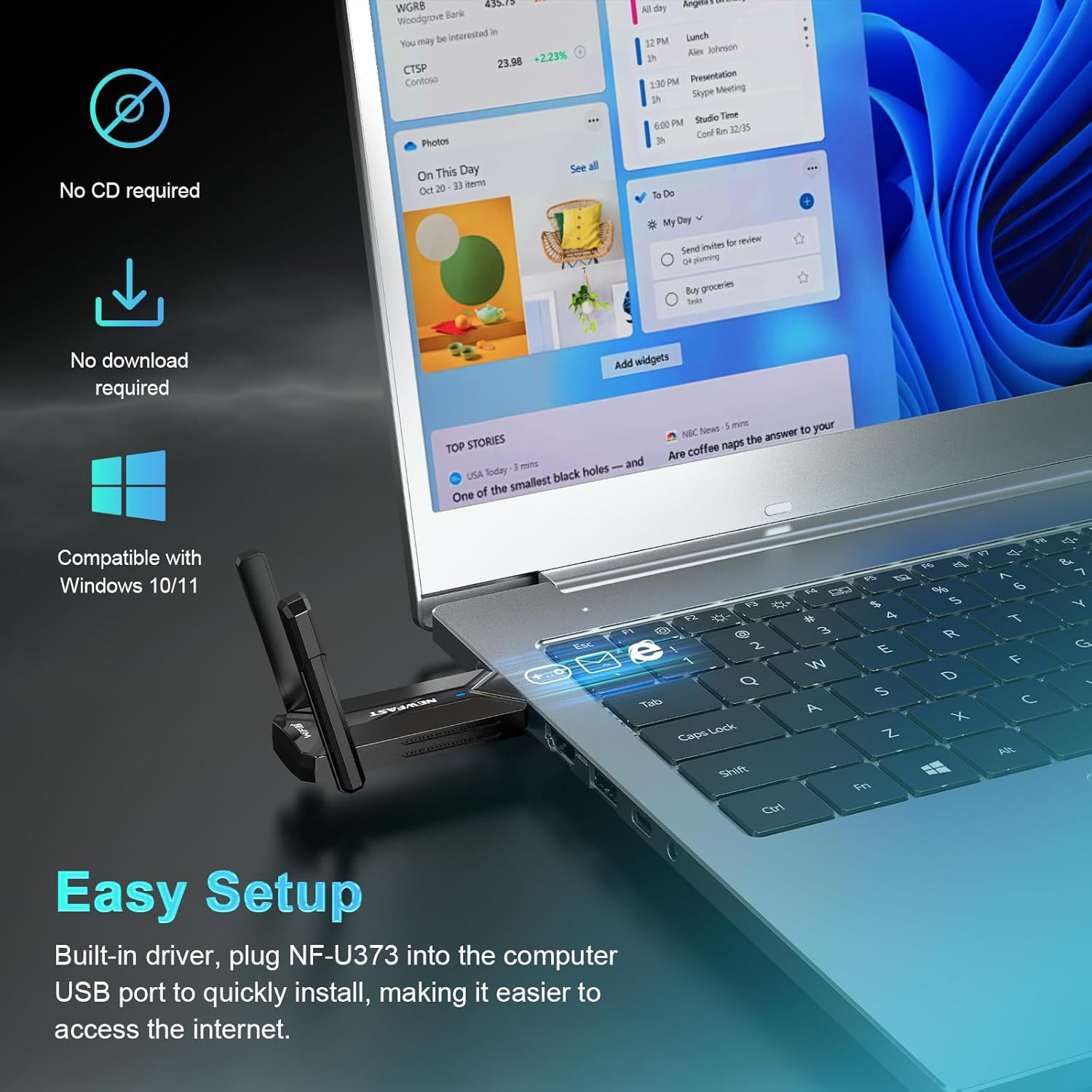
- Ensure your PC or laptop runs Windows 10 or 11 and has available USB 3.0 ports for best performance.
- Verify your router supports WiFi 7 and can utilise multi-link operation for improved latency.
- Consider your typical use case: if gaming or real-time collaboration is frequent, the potential latency benefits may be meaningful, for casual browsing, the upgrade may be less noticeable.
How it compares to other approaches
If you’re weighing options, you could prioritise a USB dongle like this for fast setup and portability versus a PCIe wireless card for desktop installations with potentially marginally better cooling or antenna options. For users who prefer a device without internal changes, a USB 3.0 dongle provides flexibility and ease of use, albeit at the mercy of USB bandwidth and interference from other peripherals.
Final decision
Is it worth it?
Worth considering if you need a simple, portable upgrade to WiFi 7 on a PC or laptop and your network setup can exploit multi-band, low-latency connectivity. If you prioritise compact form and easy removal, it could fit well. Not the best choice if you’re after a permanent, high-uptake internal upgrade or if your system runs an OS version outside 10/11.
FAQ
- Will this work with my current WiFi router? It’s designed to be backward compatible with WiFi 6/5/4, so it should integrate with a range of routers. Real-world performance will depend on your router’s capabilities and environmental factors.
- Do I need special drivers? The product description implies USB 3.0 plug-and-play compatibility with Windows 10/11, but driver availability and updates are not detailed here.
- How much difference will I notice in gaming or video calls? Latency and reliability can improve when the network is congested or when devices compete for bandwidth. Results vary by environment, router, and distance from the access point.
- Is it easy to move between devices? Yes, the USB dongle form factor is designed for portability across PCs and laptops, without opening the machine.
- What if I use macOS or Linux? The entry specifies Windows 10/11 only, so macOS or Linux support isn’t indicated.