


UGREEN AX1800 Wi‑Fi 6 USB adapter for PC
Product description
This compact USB adapter brings Wi‑Fi 6 performance to laptops and desktops, improving wireless speeds and reducing latency for video calls, streaming and gaming. It is particularly useful when upgrading older PCs that lack modern wireless standards, offering faster 5 GHz throughput alongside reliable 2.4 GHz coverage.
Key Points
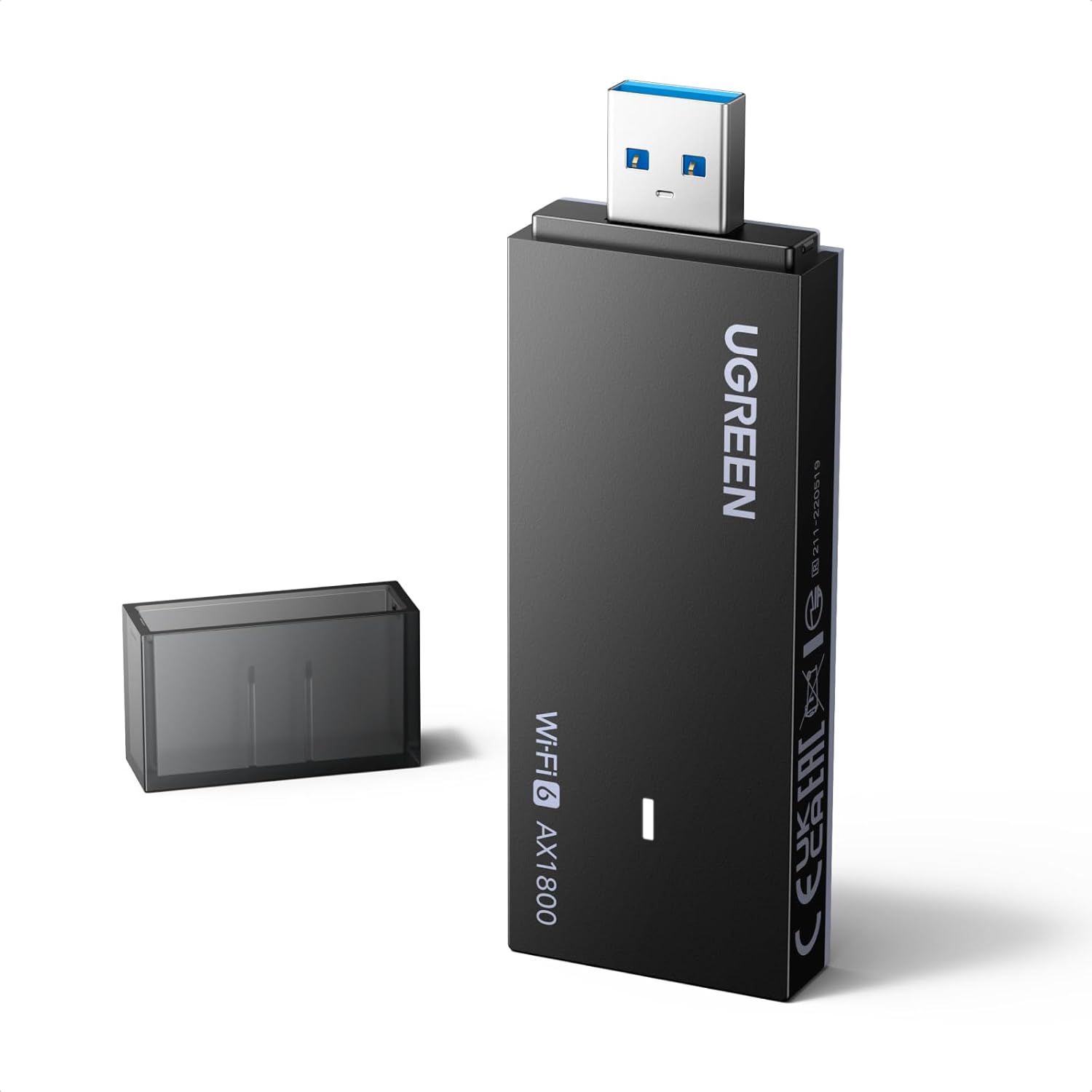
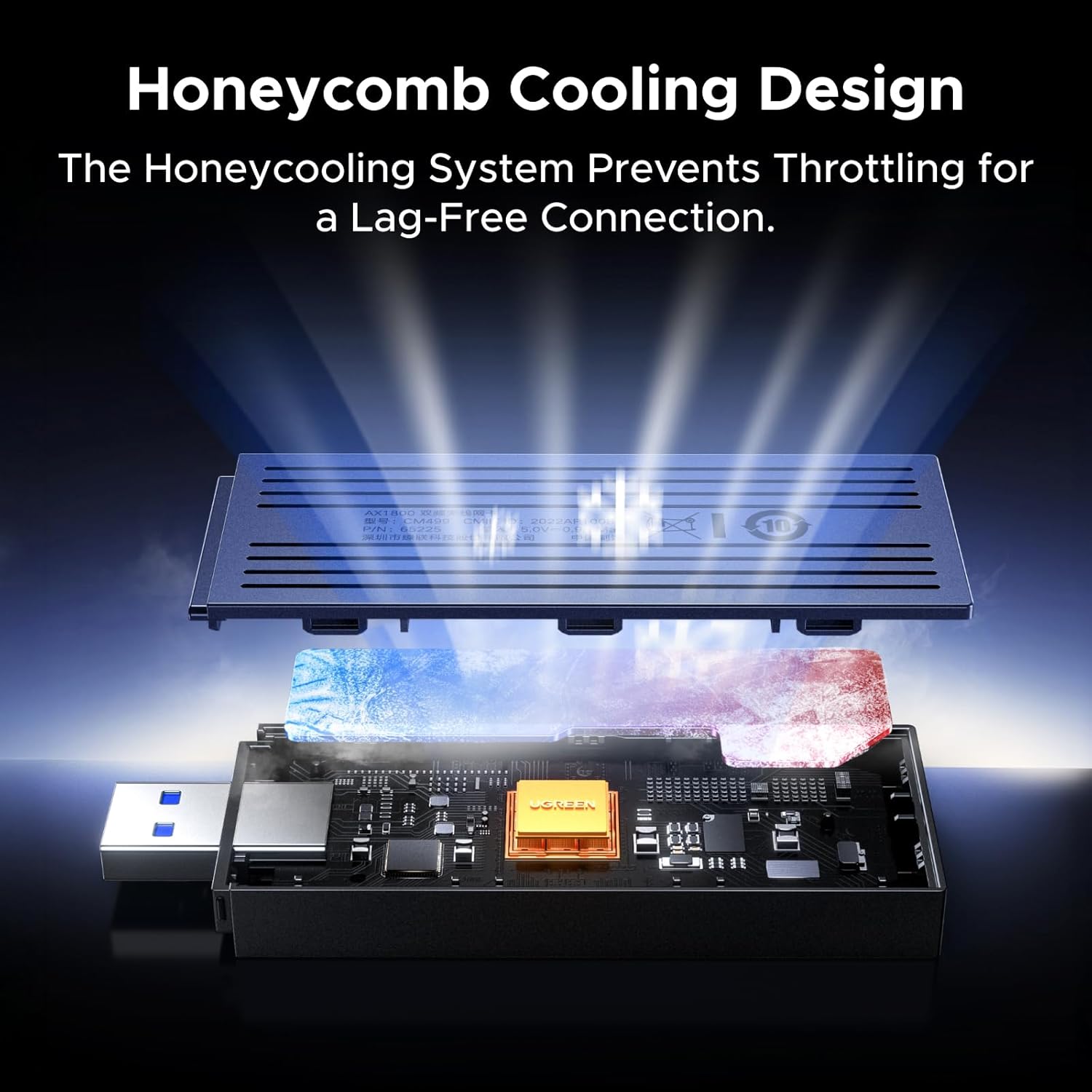
The UGREEN adapter focuses on a balance between speed and portability, with a built‑in dual antenna for steadier reception across a moderate range. It includes thermal management via a honeycomb ventilation design to limit performance drops during prolonged use. Connectivity is straightforward for Windows 11 and 10 thanks to plug‑and‑play drivers supplied on disc or available to download. Note that the manufacturer states this model is not compatible with Linux, which may be a limitation for some users. 📶
Benefits
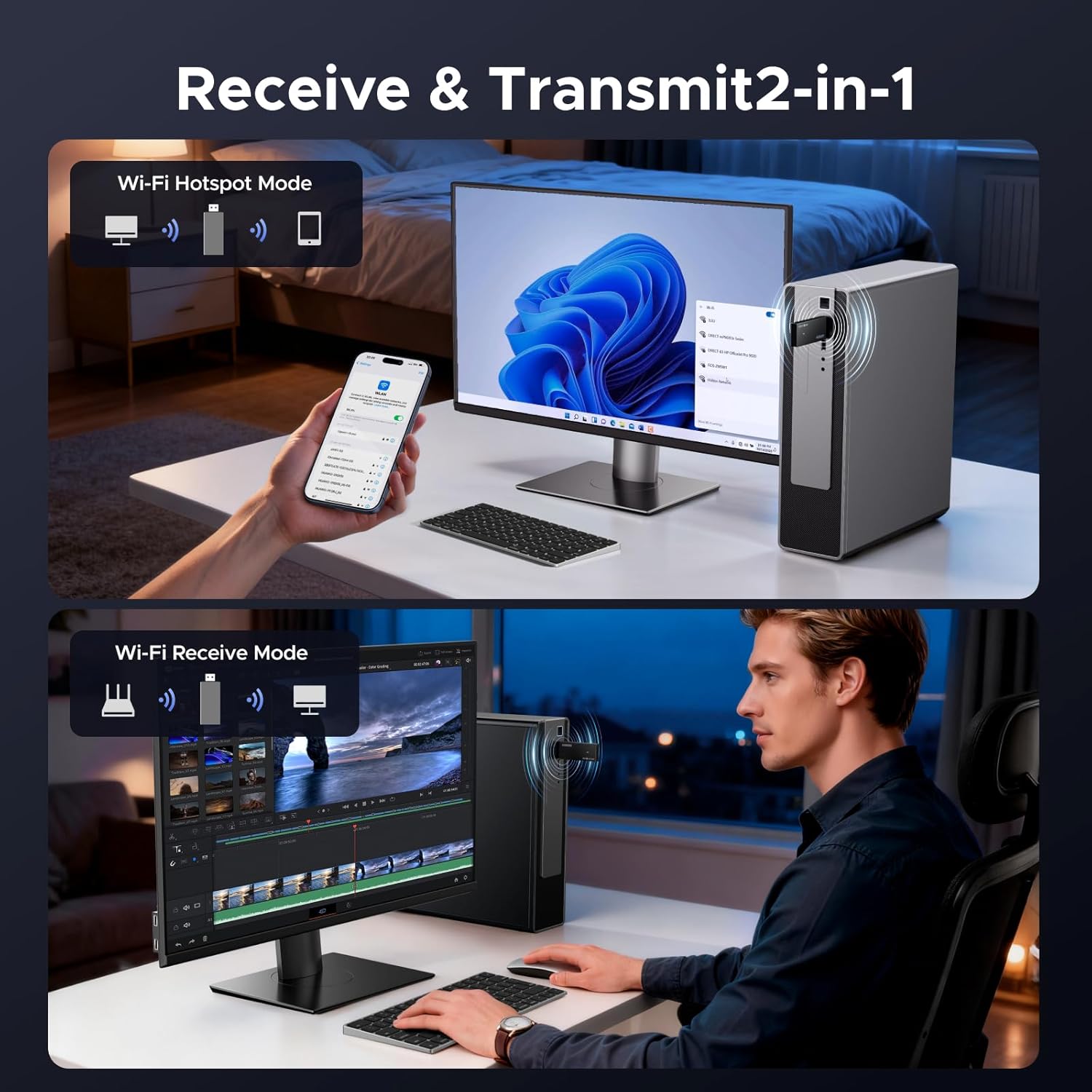
For users who stream high‑definition video or take frequent video calls, the adapter helps lower latency and reduce buffering, especially on the 5 GHz band. MU‑MIMO technology allows multiple devices to be served more efficiently, which can ease congestion on busy home networks. Its compact form blends discreetly with a laptop or desktop, making it a practical travel companion when you need a quick wireless upgrade. 🔌
Technical Specifications
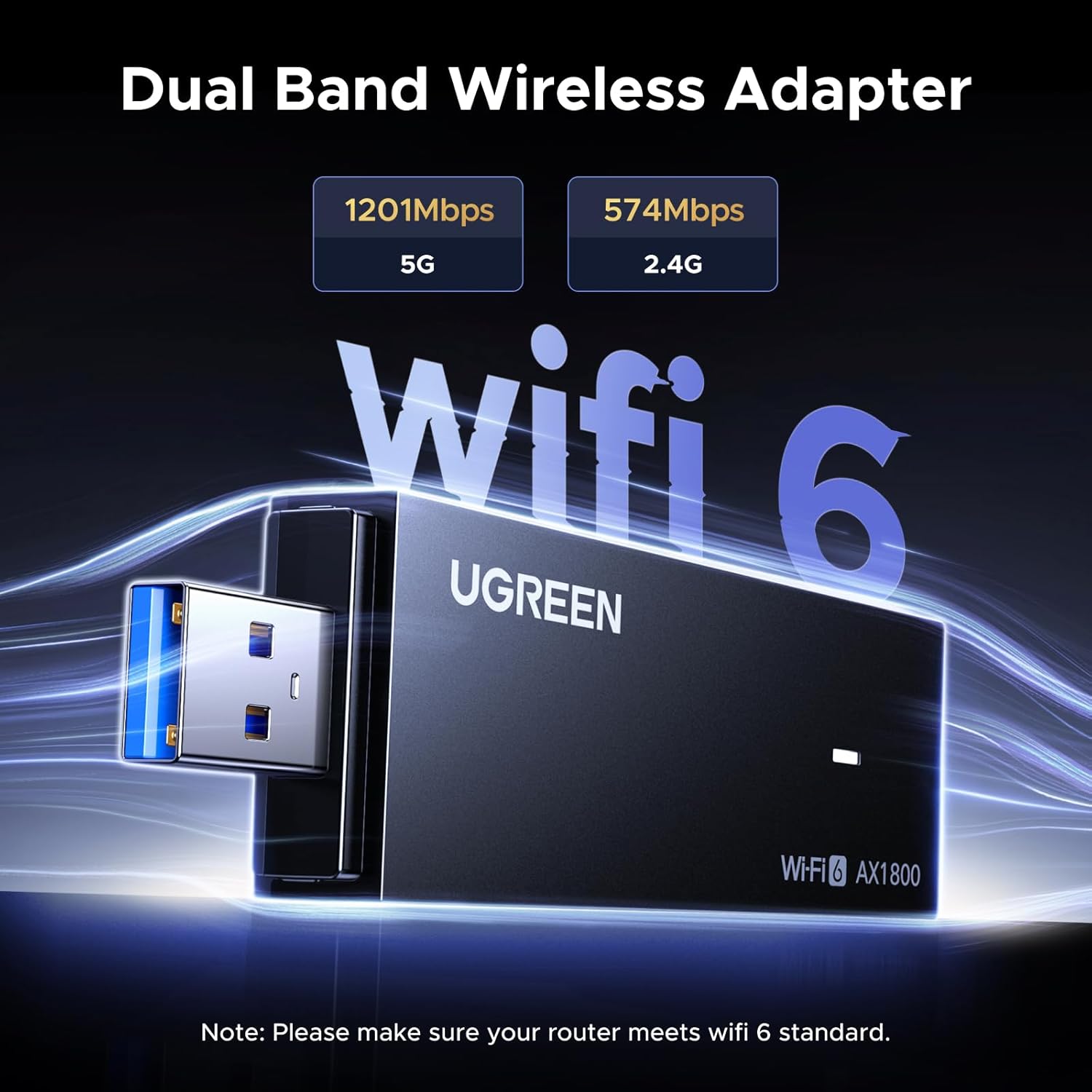
- Name: UGREEN WiFi Dongle AX1800
- Wireless standard: Wi‑Fi 6 (802.11ax), backward compatible with 802.11ac/a/b/g/n
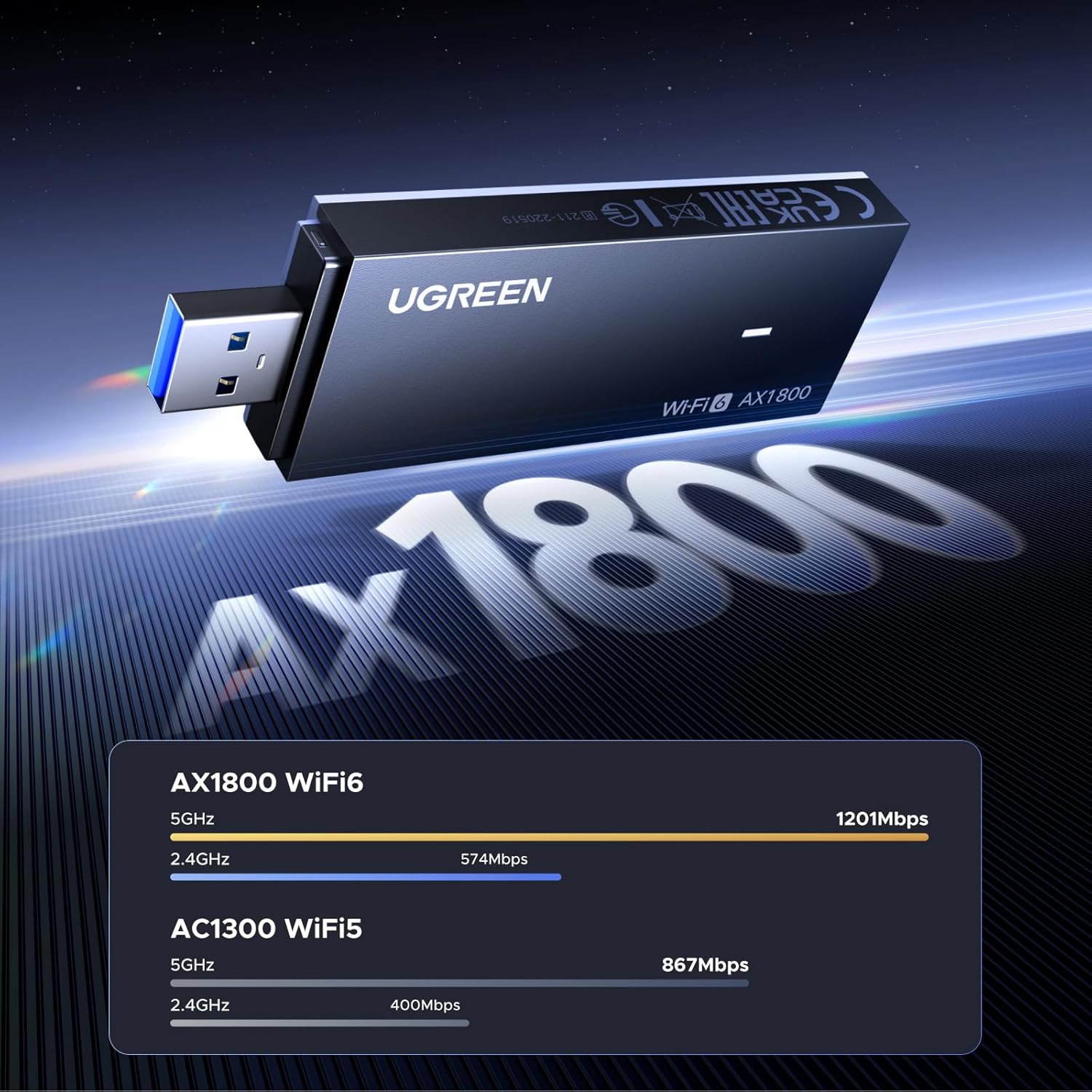
- Speeds: 5 GHz up to 1201 Mbps, 2.4 GHz up to 574 Mbps
- Interface: USB 3.0
- Security: WPA3 supported, WPA2 backward compatibility
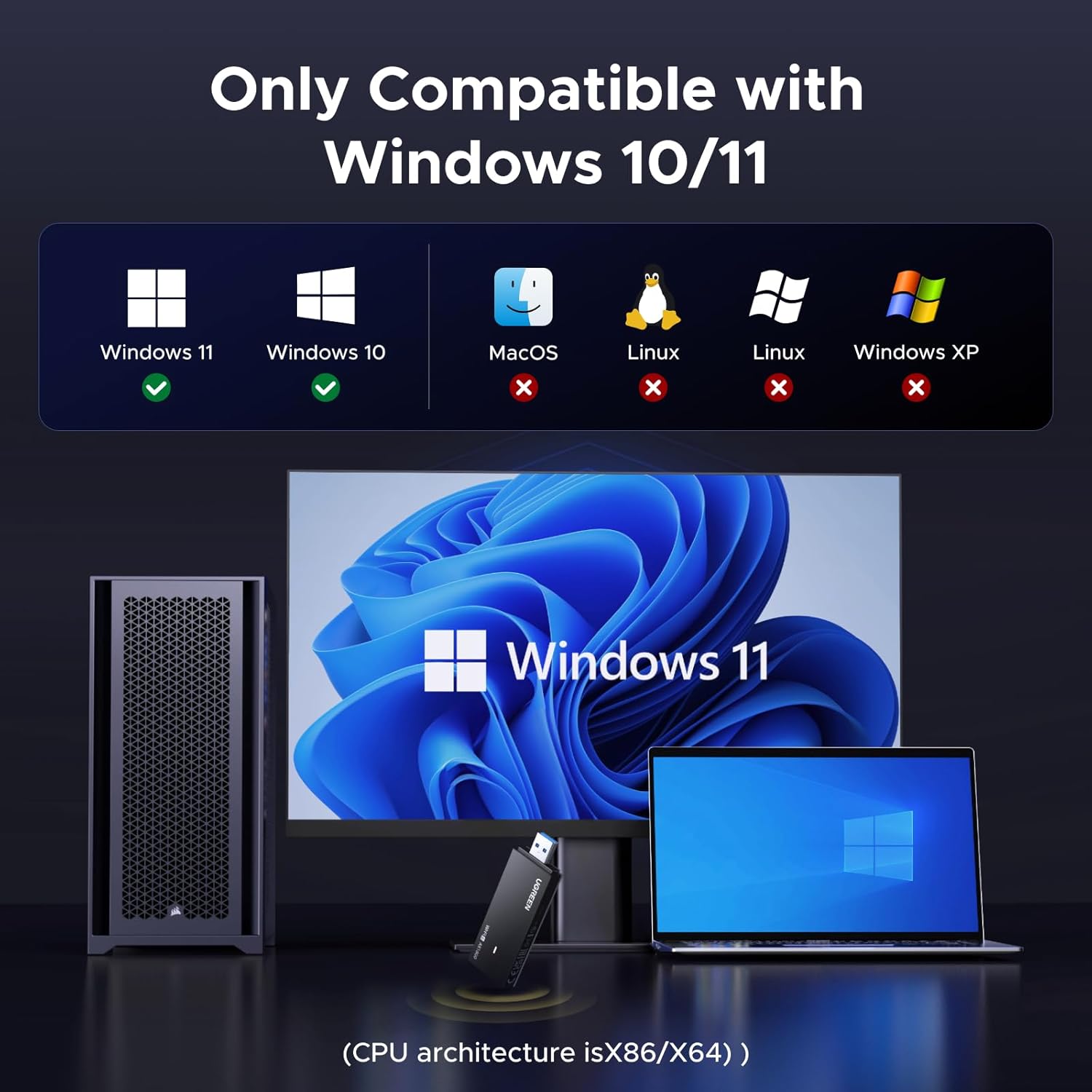
- Compatibility: Windows 11, Windows 10 (not compatible with Linux according to the manufacturer)
Usage Recommendations
Install the driver provided or download the latest version from the vendor site for the most reliable operation, especially after major Windows updates. Place the adapter in a free USB 3.0 port and avoid crowded metal enclosures that can block signal. For best 5 GHz performance, position the host device within line of sight of the router and keep other 5 GHz devices at a modest distance to reduce interference. Consider that performance will vary by router capability and local network congestion, so results may differ from manufacturer figures.