


UGREEN USB WiFi Dongle AC1300Mbps dual antennas ⌛
Product description
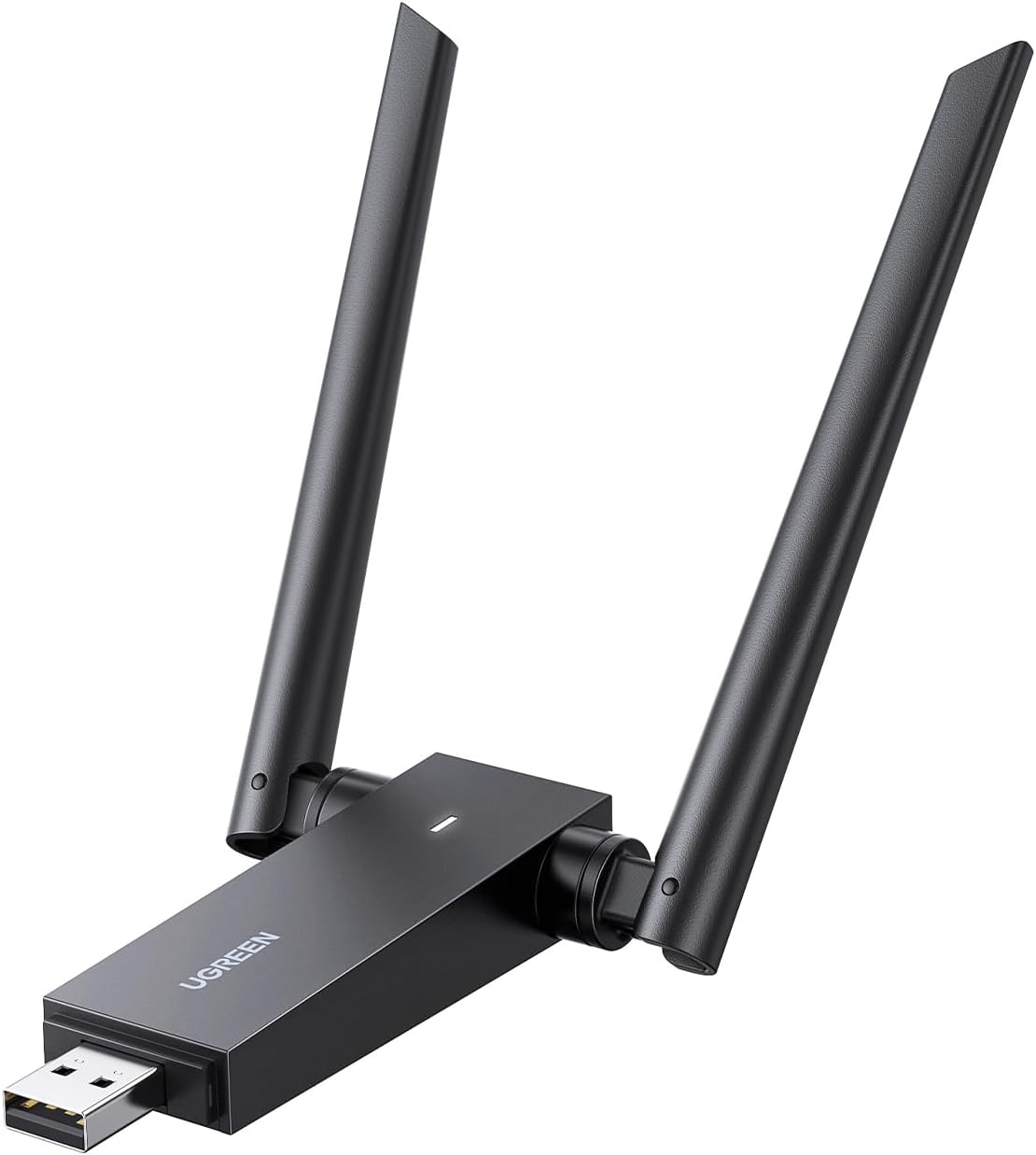
This USB WiFi dongle from UGREEN offers a practical upgrade for desktops and laptops, providing high speed connectivity with two adjustable high gain antennas. Designed for a wider, more stable wireless reach, it supports a maximum of 1300Mbps across both 5 GHz and 2.4 GHz bands for smooth online gaming, streaming and general web use.
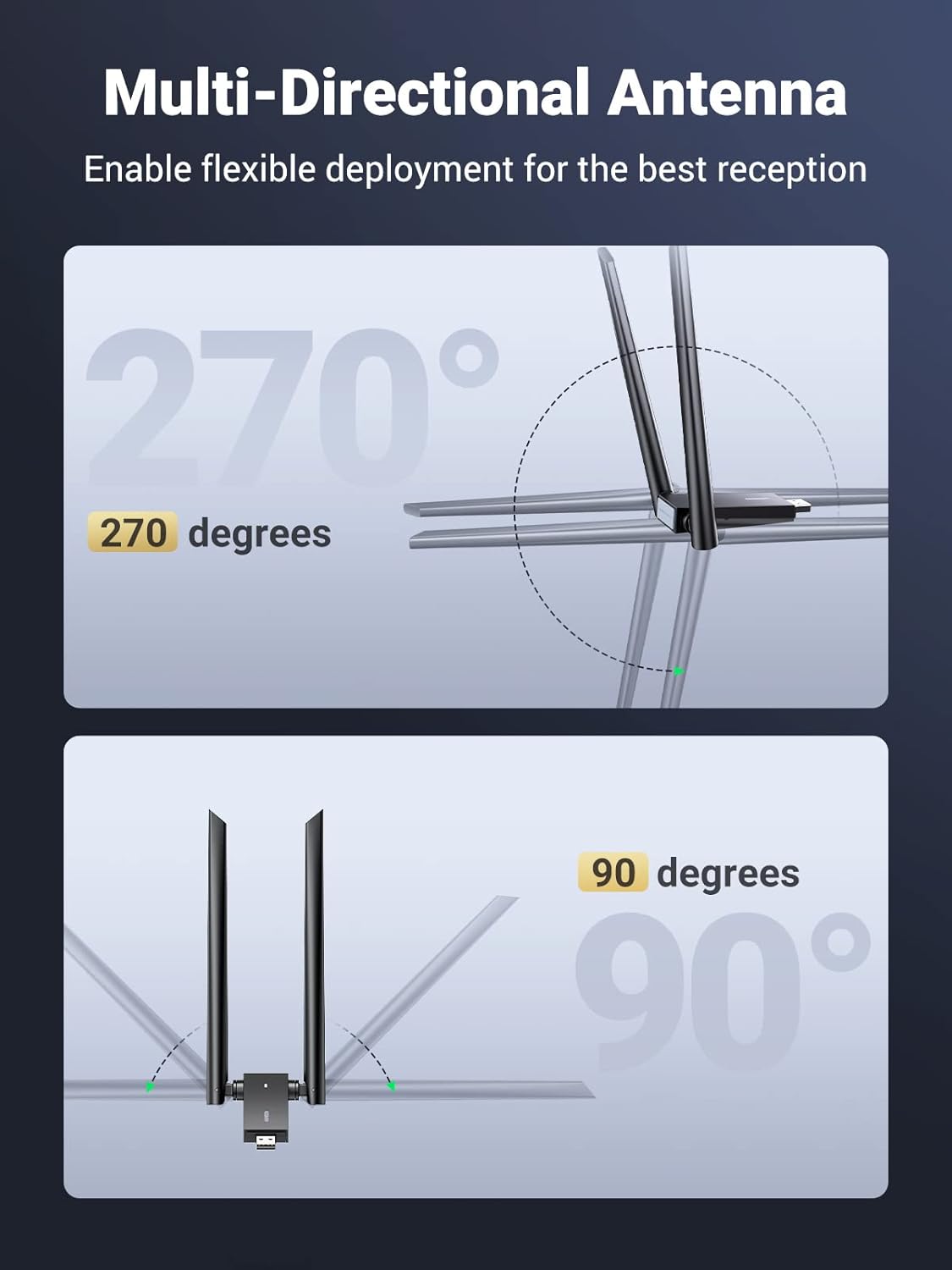
If you are looking for reliable wireless access across the home or office, this adapter helps maintain a steady connection even behind walls. The dual antennas can be angled to optimise reception, and the 5 GHz band helps reduce interference in busy networks. It is easy to install and complements Windows and Mac devices with broad compatibility. 😀
Key Points
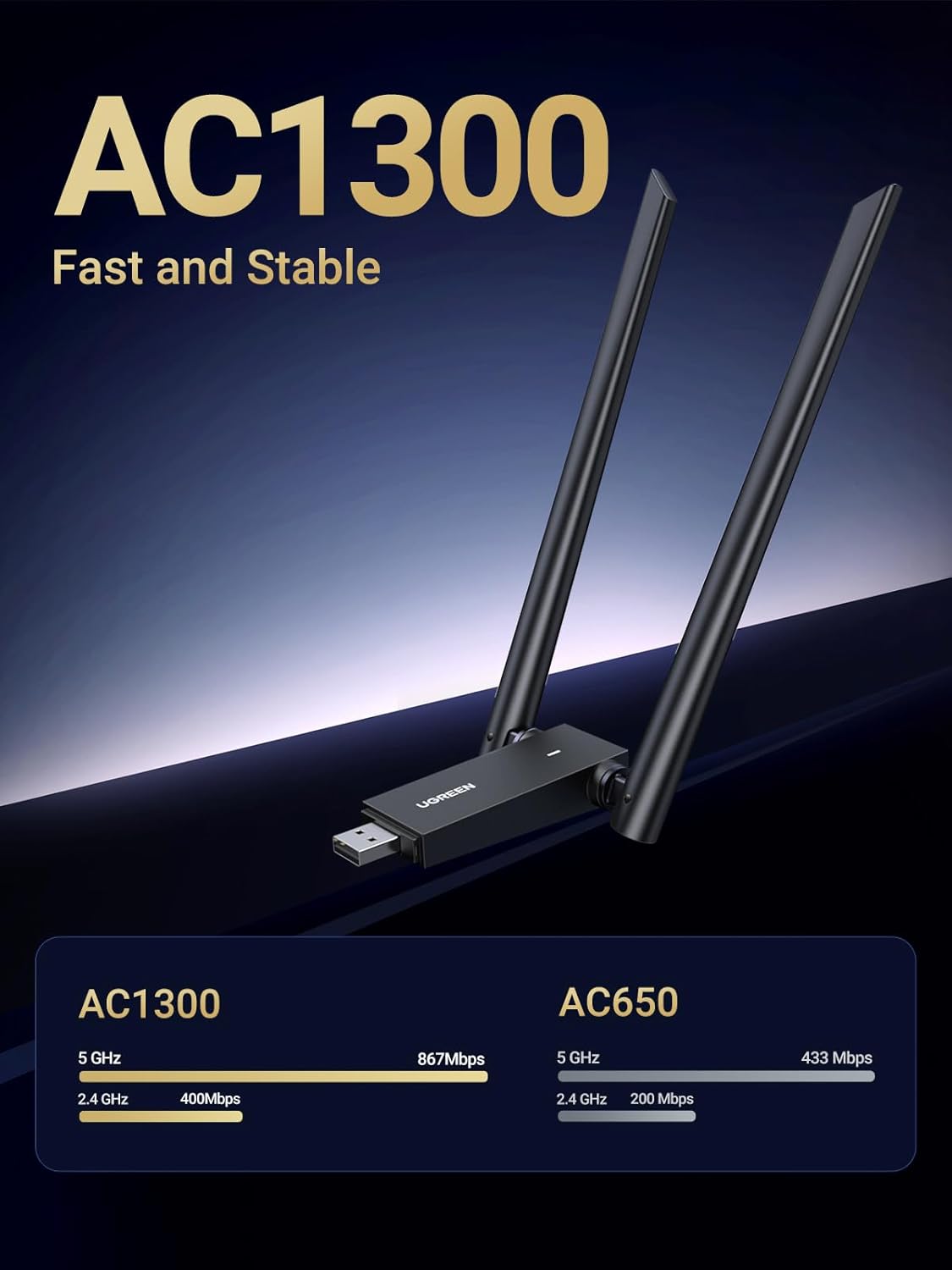
- UGREEN USB WiFi Dongle delivers AC1300 Mbps with dual band performance for flexible use.
- The two 5 dBi antennas can be adjusted to maximise coverage and signal stability.
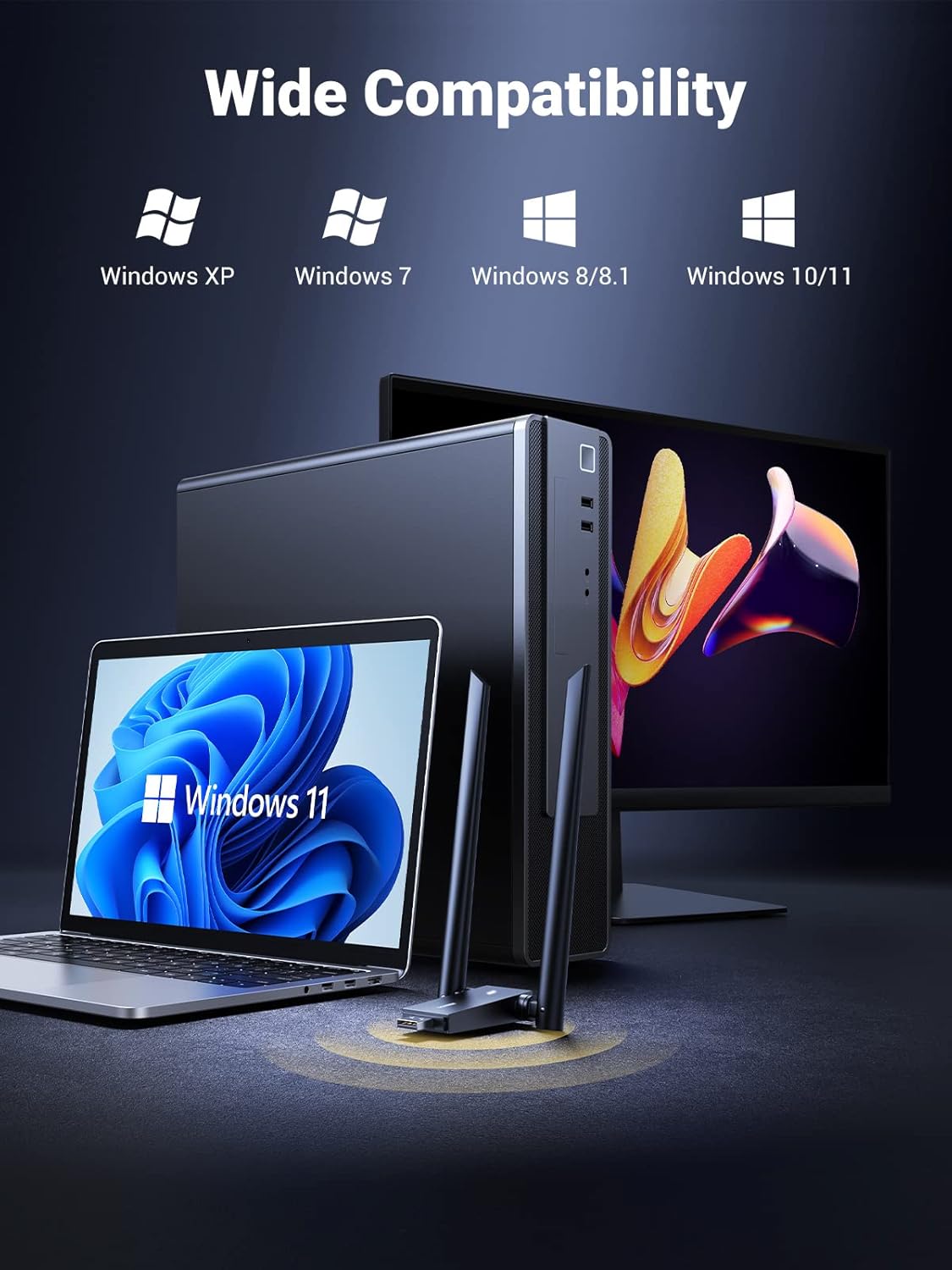
- Works with Windows and macOS systems, with broad Linux support as described in the compatibility notes.
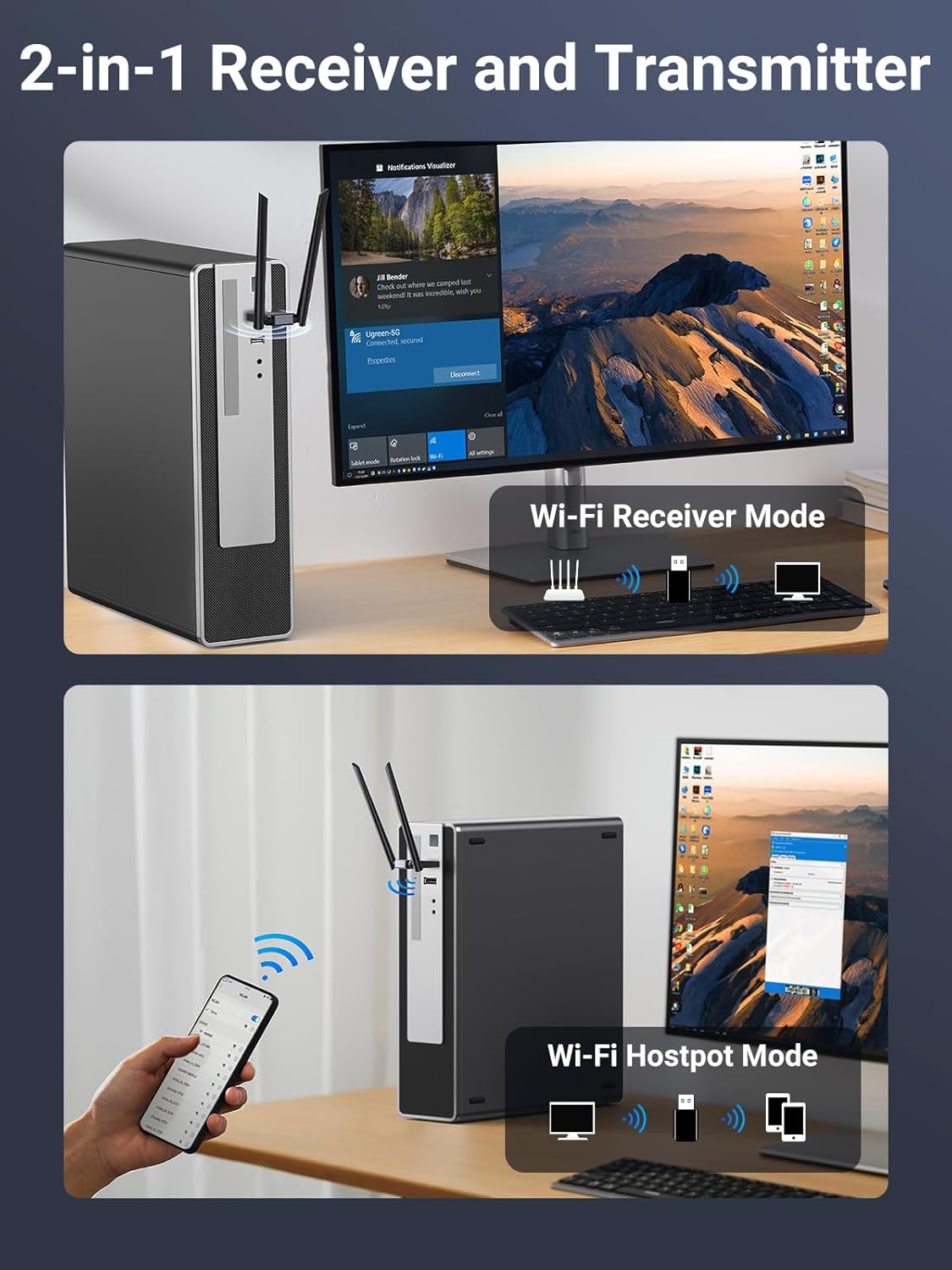
- It can operate in both client mode and AP mode, allowing your laptop to become a WiFi hotspot if needed.
- Plug and play to Windows 11 and 10, with driver installation available for other systems.
Technical Specifications
- Name: UGREEN USB WiFi Dongle AC1300
- Wireless standards: 802.11ac, 802.11n, 802.11g, 802.11b
- Speed: up to 867 Mbps on 5.0 GHz and up to 400 Mbps on 2.4 GHz
- Antennas: 2 x 5 dBi adjustable external antennas
- Interface: USB 3.0
- Compatibility: Windows 11/10/8.1/8/7, Mac OS X 10.11 and later, Linux kernel 2.6.24 to 5.11
- Note: Not compatible with MacBook models that use M-series chips (M2/M1/M1 Pro/M1 Max)

Usage Recommendations
For best results, position the dongle with the antennas angled up and away from other metal objects to improve reception. If the primary PC is located far from the router, enable the AP mode to share a network connection with other devices without running extra cables. The device supports a straightforward setup on Windows 11 and 10, while other systems can follow the dedicated driver instructions to complete installation. It is advisable to ensure the router firmware is current and that the network channel is free from excessive interference for optimal performance. 💡
This option is well suited for users seeking a straightforward upgrade to improve wireless speed and stability on a desktop or laptop, with the flexibility to create a local access point when required.