

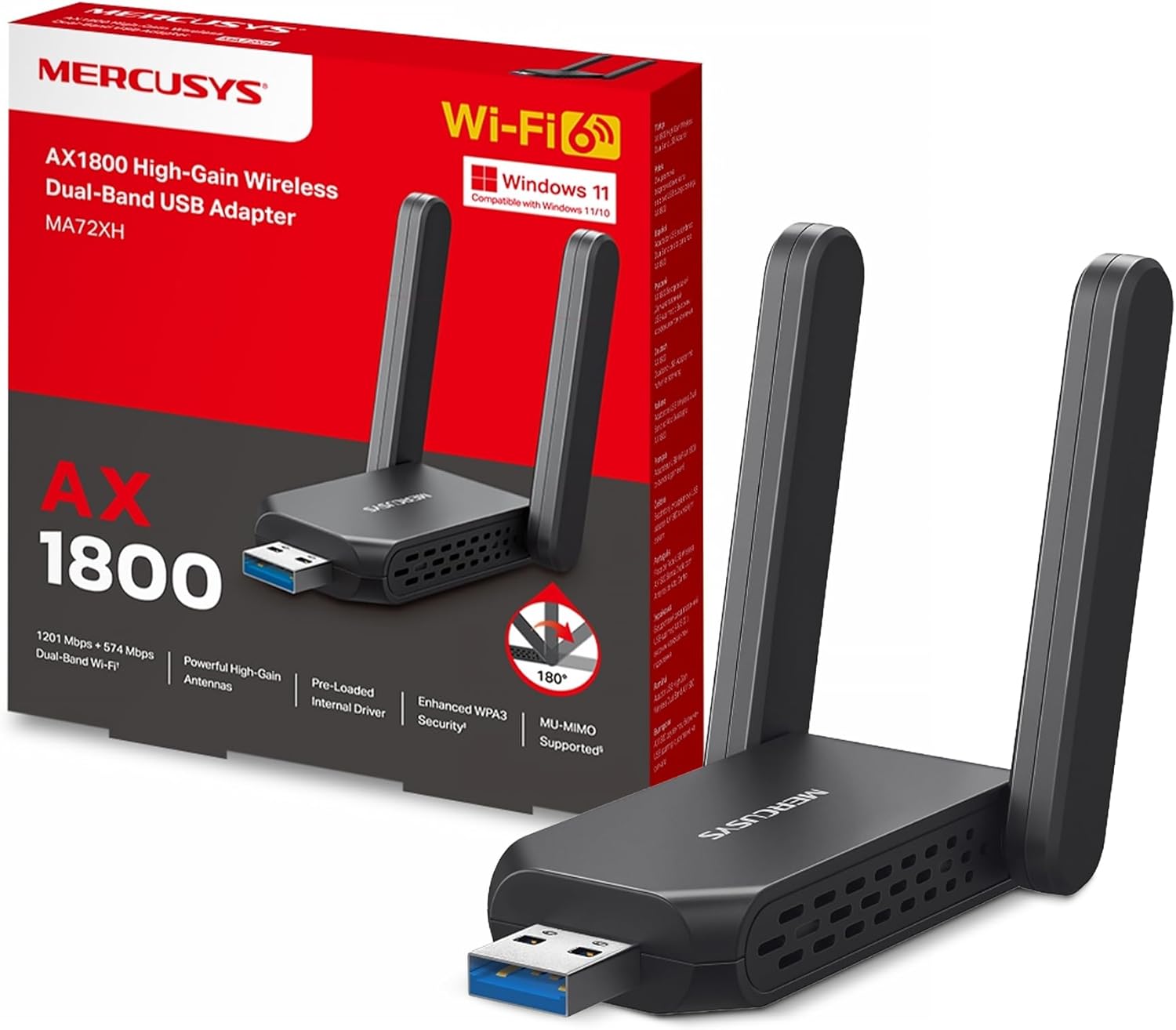
NEW MERCUSYS MA72XH AX1800 USB WiFi Dongle for PC
Product description
What it is
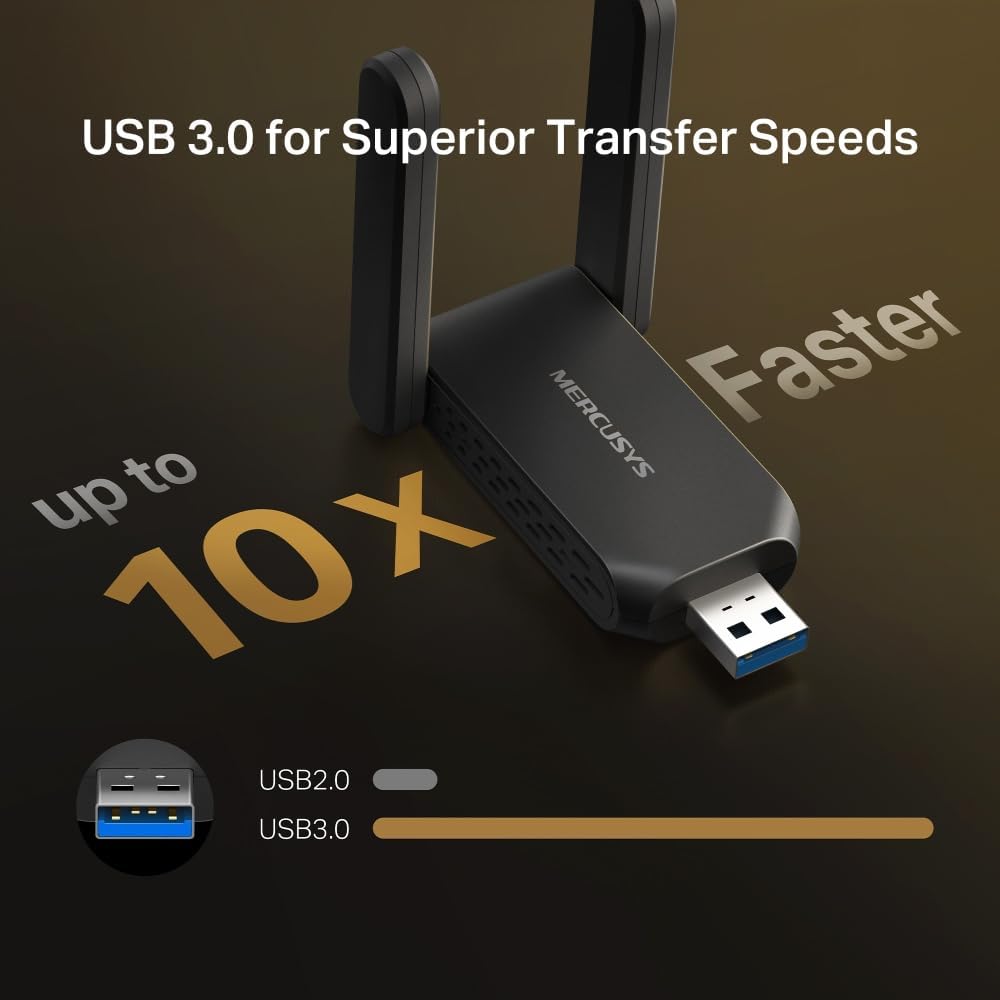
The NEW MERCUSYS MA72XH is a USB wireless dongle designed to add dual‑band WiFi to a PC. It relies on AX1800 speeds and USB 3.0 for improved transfer performance, making it a practical upgrade when a built‑in WiFi card isn’t up to the task or when a desktop needs a straightforward wireless upgrade.
How it performs
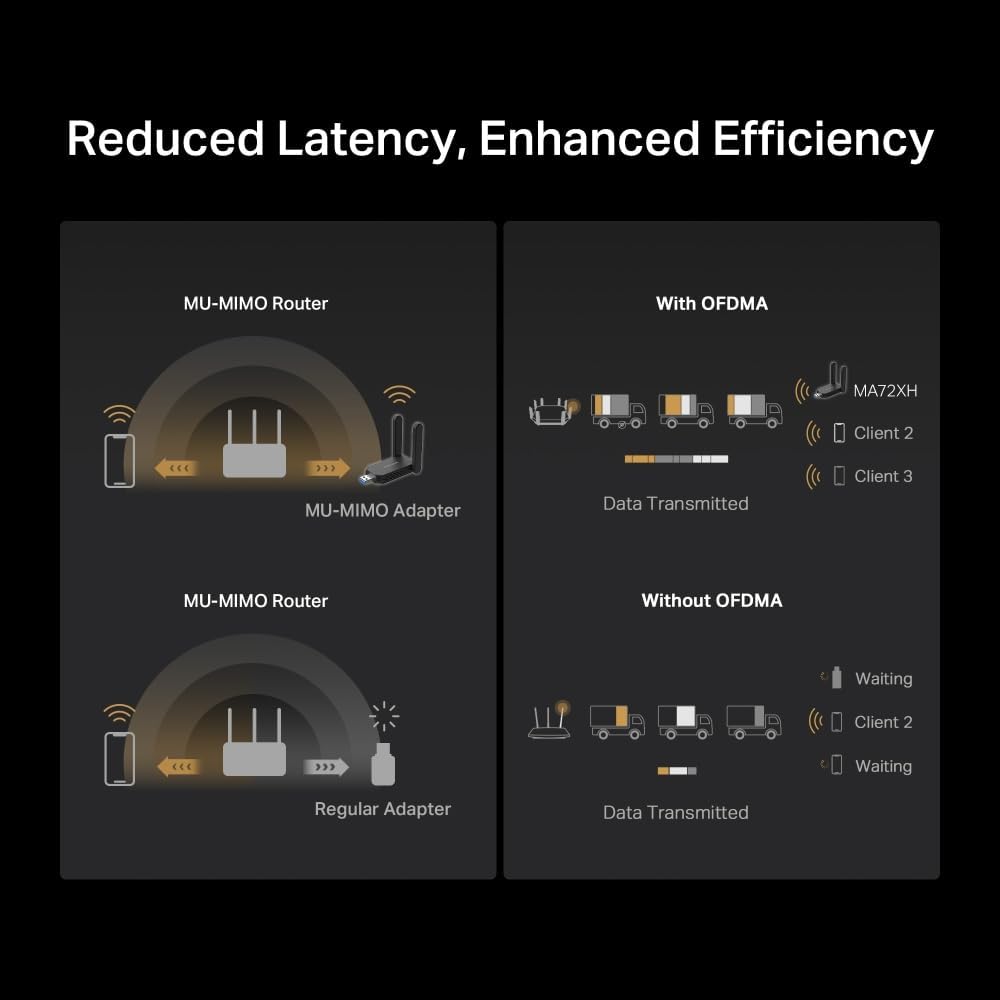
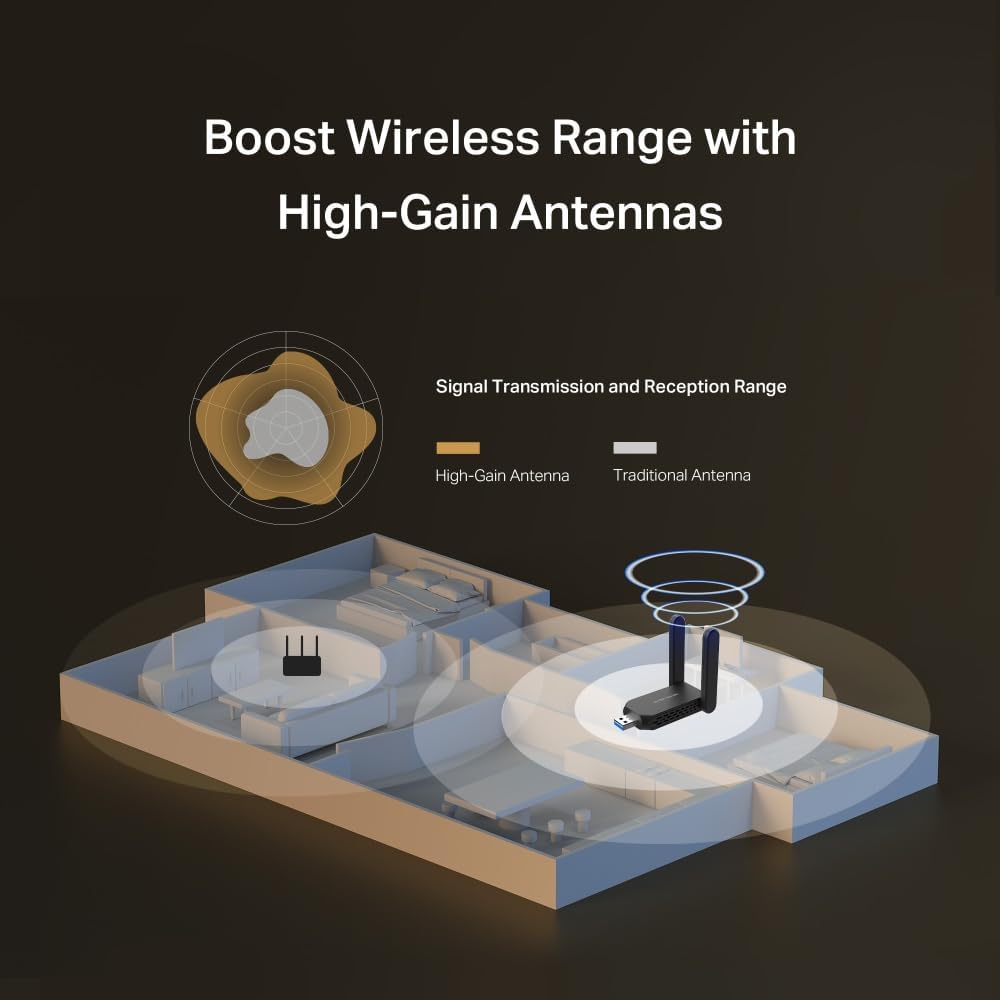
On paper, the MA72XH combines 1201 Mbps at 5 GHz with 574 Mbps at 2.4 GHz. This dual‑band setup is paired with two high‑gain antennas to widen signal coverage. The device supports MU‑MIMO, aiming to manage multiple devices without creating noticeable slowdown, which can help in homes with several wireless‑connected devices.

What stands out
The security angle is notable: WPA3 is included, offering stronger protection against password guessing and brute‑force attacks. The plug‑and‑play nature of the dongle is convenient for quick setups on Windows 10 and Windows 11 machines, and the USB 3.0 interface is designed to take advantage of higher transfer speeds when the network supports it.

Who it’s for
This dongle is suited for desktop PC users who want a simple, wire‑free upgrade to dual‑band WiFi without opening the computer for a new internal card. It may appeal to those who value a straightforward setup, decent range via external antennas, and modern security features in a budget‑conscious package.
When it makes sense to buy
If your current connection is unstable or slow on WiFi, or you’re upgrading an older PC that lacks a good wireless card, a USB dongle like the MA72XH can be a practical upgrade. It’s particularly sensible if you prefer a hardware solution that doesn’t require configuring drivers beyond basic installation and you want improved streaming or light online gaming without hardware changes.
What to check before buying
- Ensure your PC supports Windows 10/11 and can run USB 3.0 peripherals smoothly.
- Consider whether your environment benefits from two external antennas for better coverage.
- Be aware that real‑world speeds will depend on your router, interference, and distance from the access point.

Practical use case
Imagine a living room PC connected to a streaming device via WiFi, with MU‑MIMO you’re less likely to see stuttering during high‑deflection moments, provided the router and network conditions support the speeds. It won’t turn a slower router into a rocket, but it can stabilise connections and improve responsiveness in daily tasks.
FAQ
- Is it compatible with Mac or Linux? The entry specifies Windows 10/11, so compatibility outside Windows isn’t guaranteed.
- Do I need extra software? It’s described as plug‑and‑play, additional drivers may not be required on supported Windows versions, but always check the installer prompts.
- How many devices can it handle efficiently? MU‑MIMO supports multiple devices, but performance depends on your entire network setup and router capabilities.
Final words
It’s a practical, no‑frills upgrade for a PC that needs better WiFi without opening up the machine. If you prioritise easy setup, WPA3 security, and dual‑band performance, the MA72XH could be a sensible mid‑range choice. It might not be the best option if you require ultra‑gaming‑grade latency or if your router doesn’t support MU‑MIMO, but for everyday use it aligns with a value‑driven upgrade path.
Is it worth it?
It’s a good fit if you want to add dual‑band WiFi to a PC with minimal fuss and you value modern security and easy setup. Not the best choice if you’re chasing peak gaming latency or extremely high sustained speeds beyond your router’s capabilities.