

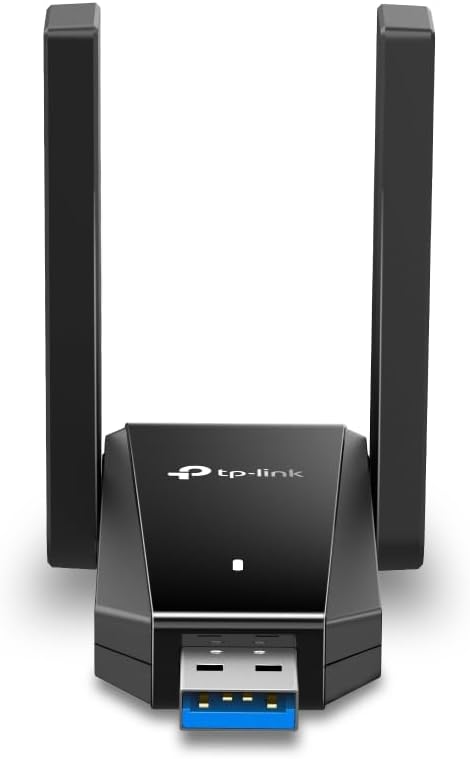
TP-Link Archer TX30U Plus AX1800 USB WiFi Dongle for PC with Dual-Band Wi‑Fi 6
Product description
The essentials
If your PC struggles with Wi‑Fi (weak signal, lag in busy households, or “it’s fine until it isn’t”), the TP-Link Archer TX30U Plus is designed to be a straightforward upgrade: a USB Wi‑Fi dongle for desktop PCs that supports Wi‑Fi 6, dual band operation, and modern network features aimed at keeping connections steadier when things get crowded.
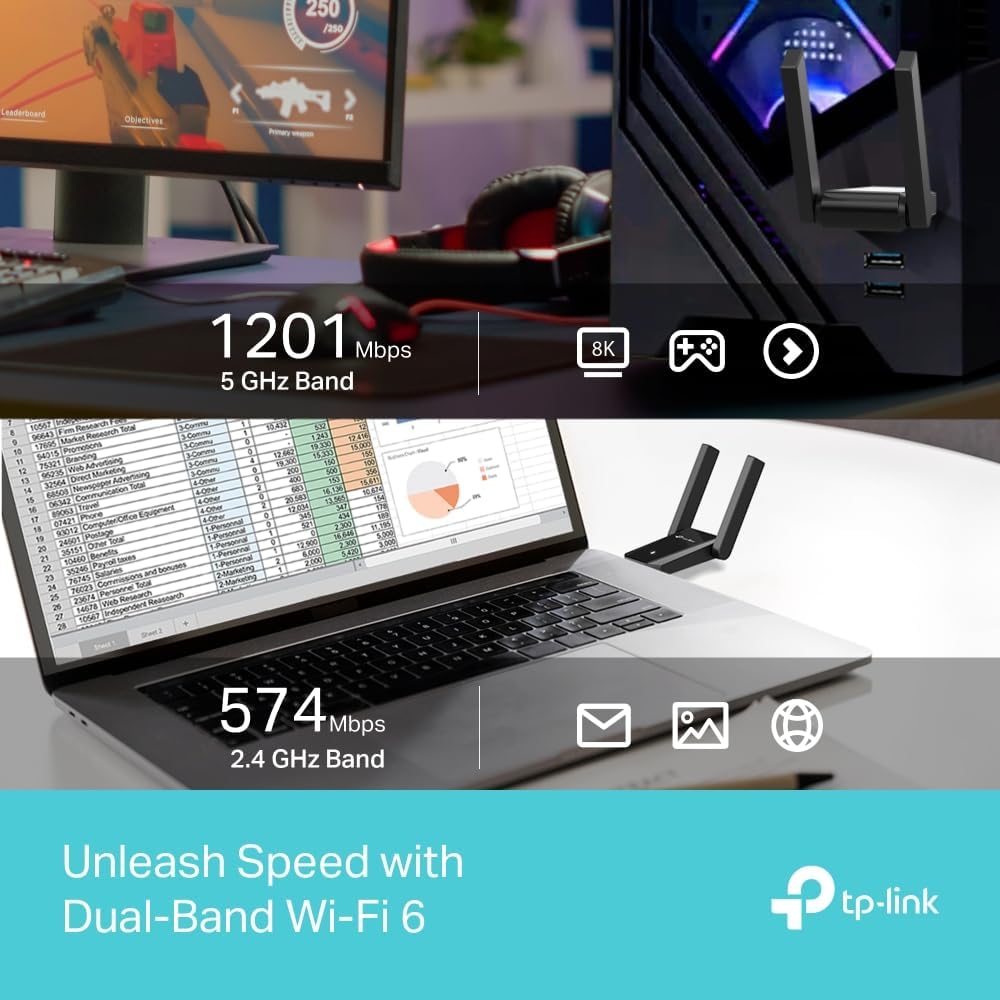
On paper, the big promise here is speed and reduced congestion. With dual bands and a stated AX1800 class performance rating, it’s positioned as a practical mid-range style upgrade rather than something to chase ultra‑premium gaming or home-lab networking with. If you’re after plug-and-play convenience and better day-to-day wireless reliability, it’s worth a close look.
Key features that matter in day-to-day use
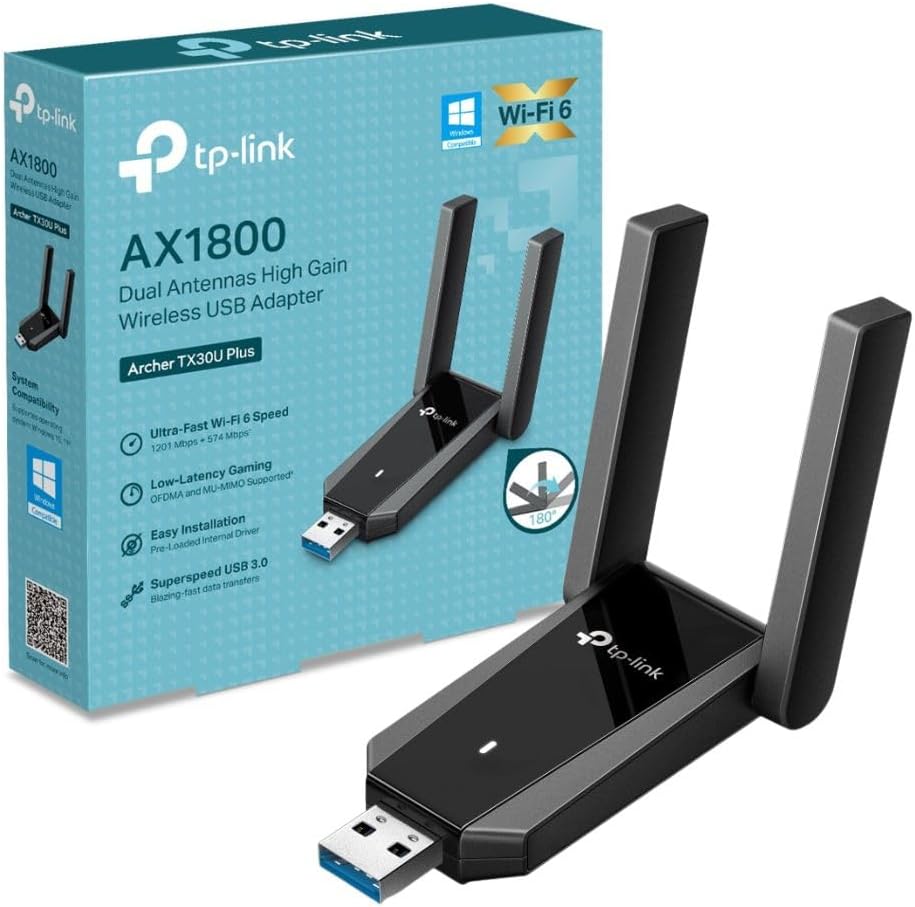
The Archer TX30U Plus sticks to a simple idea: give your PC a stronger, more efficient wireless link without fuss.
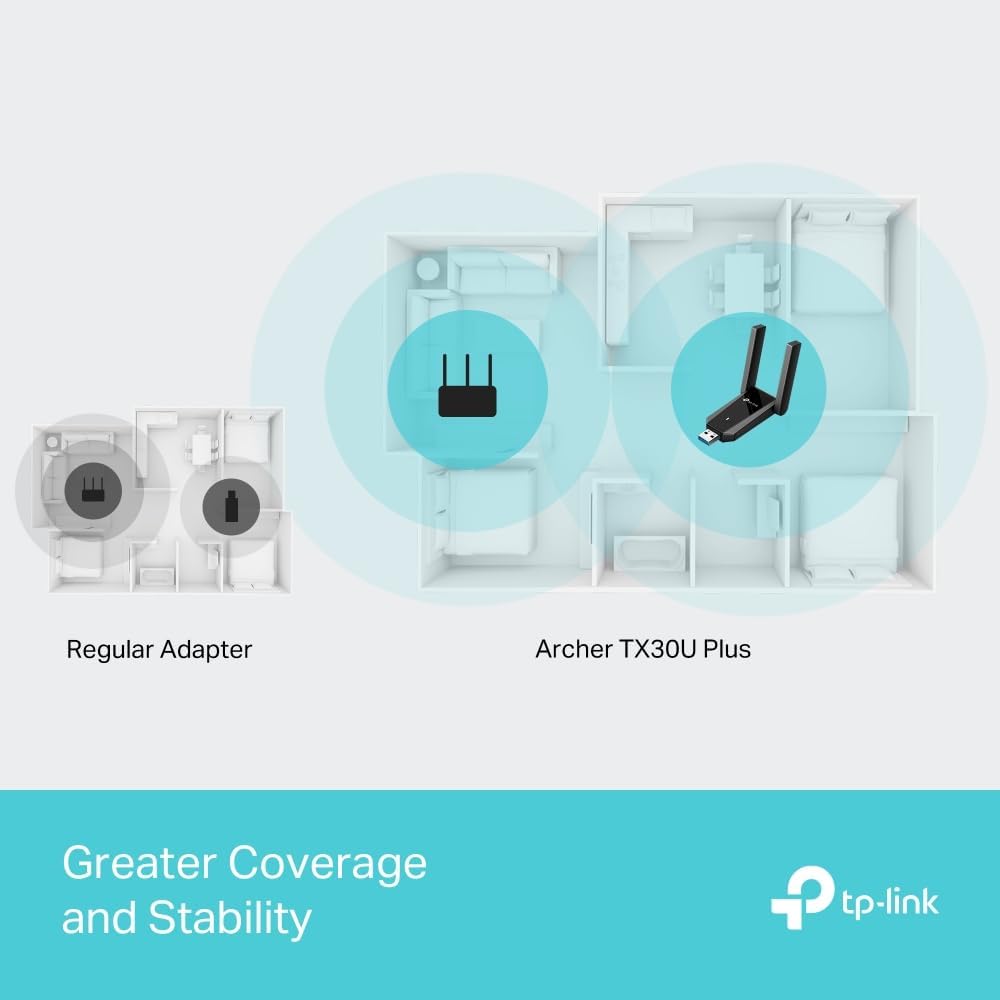
Two external, adjustable antennas are a key part of that. They’re meant to help you position the adapter for wider coverage and a more dependable signal. In real terms, that usually means you can nudge the antennas toward your router location instead of leaving it to chance.
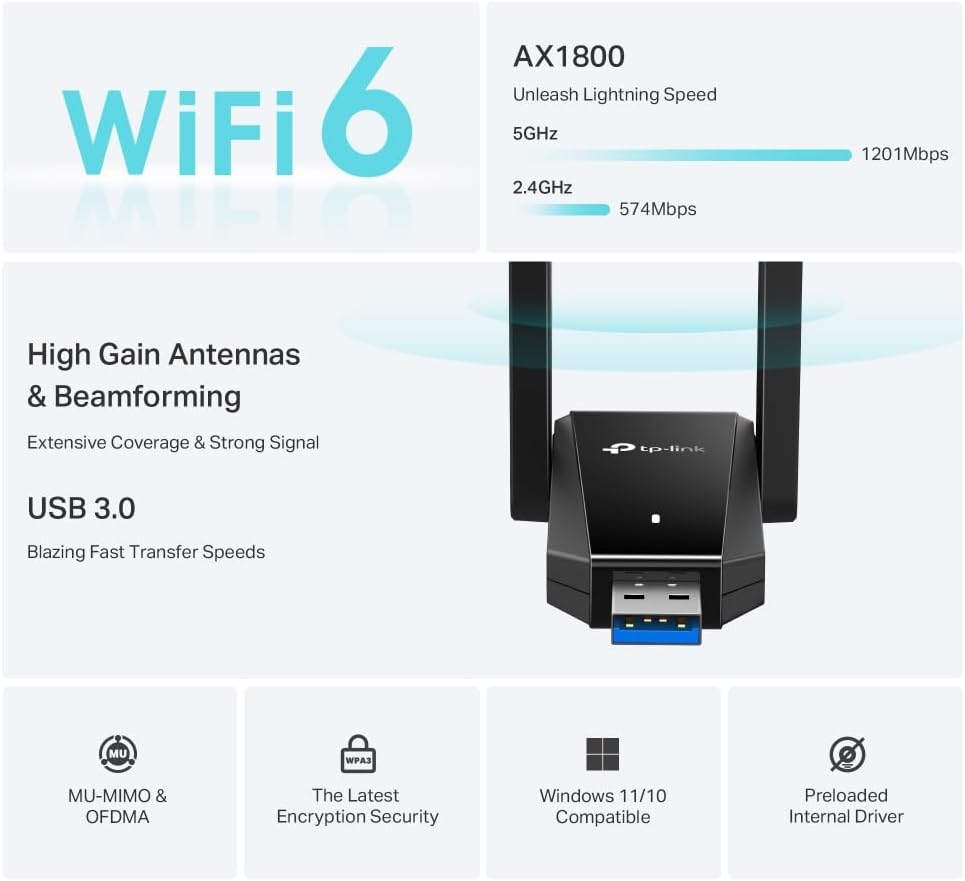
It also includes Wi‑Fi 6 tech and network-efficiency features: MU‑MIMO and OFDMA. These are typically relevant when you have multiple devices on the same network, where older setups can feel slower or more “bursty”. The aim is lower latency and less congestion.
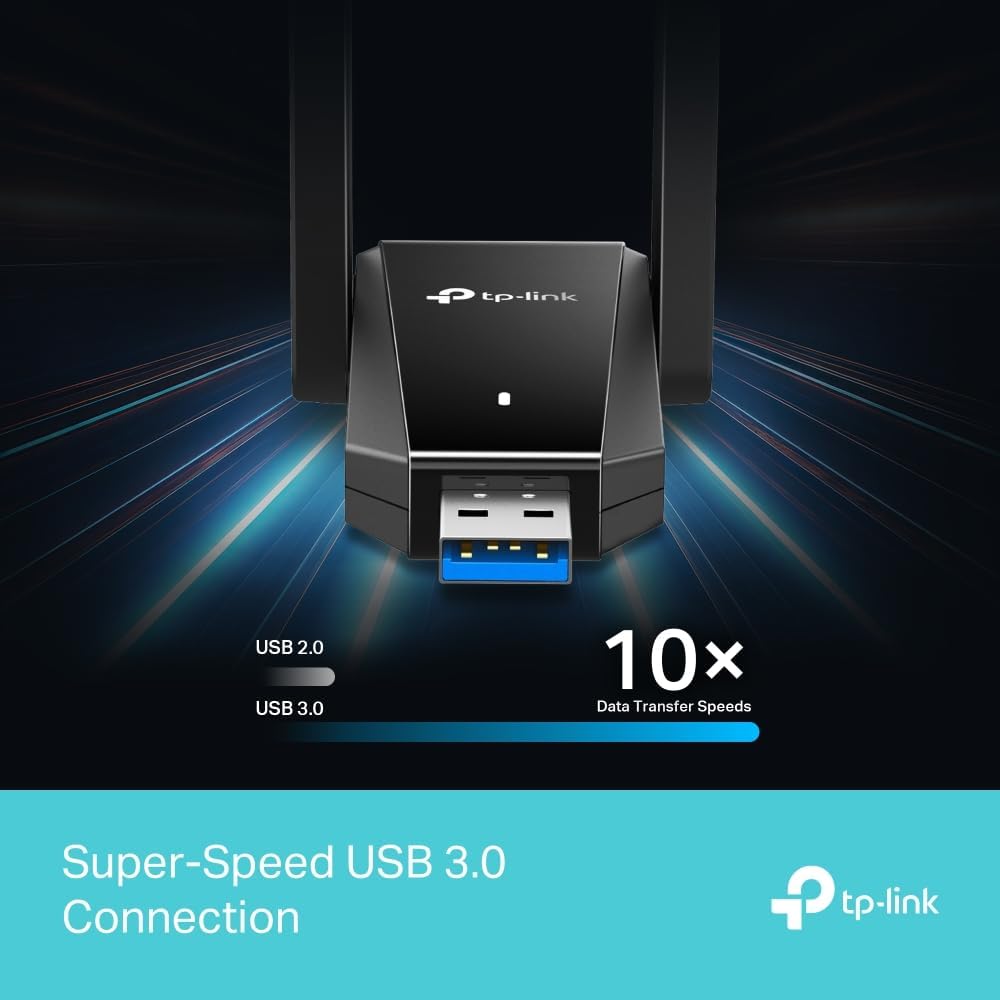
And yes, the adapter uses USB 3.0. That’s generally the right direction for responsiveness and faster data transfer compared with USB 2.0—though how noticeable it feels will depend on your router and internet speed.
Setup and signal positioning
This is one of those products where the experience is mostly about getting it placed sensibly.
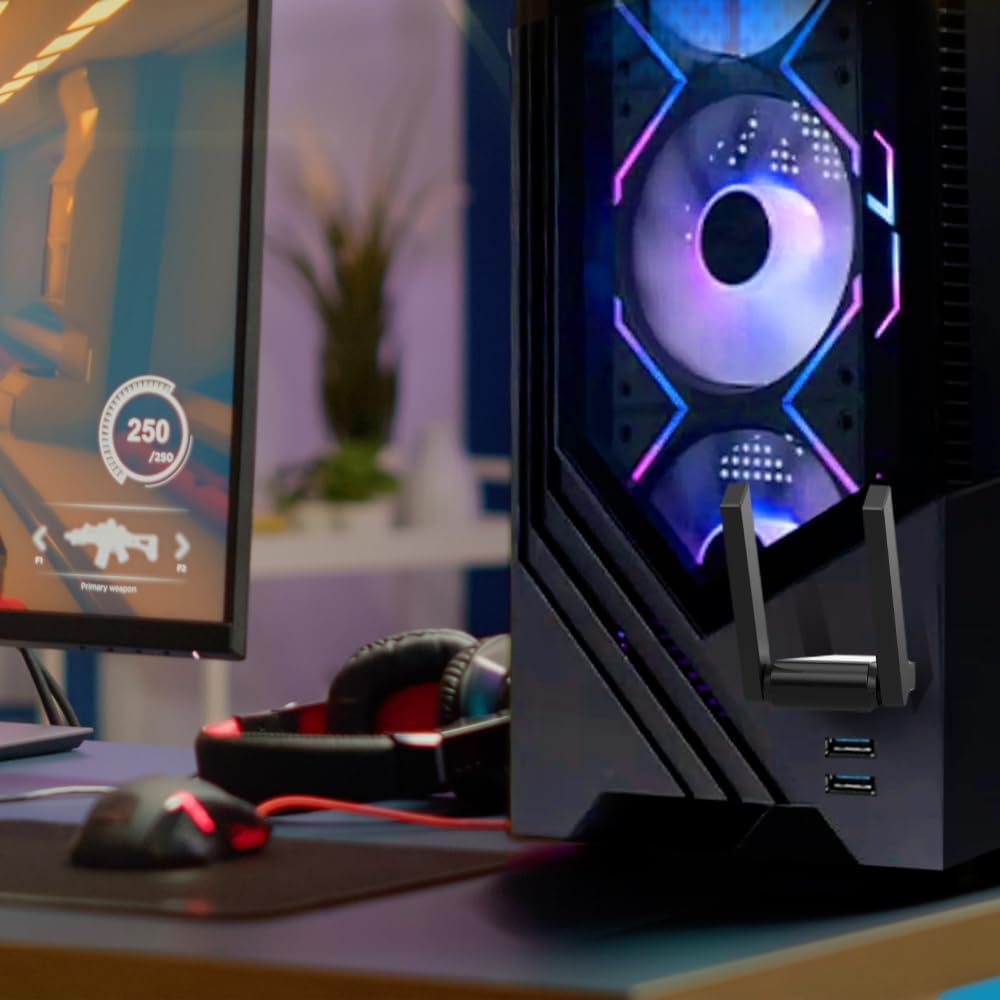
The description notes a preloaded internal driver, which should help keep setup simple. For best results, the adjustable antennas let you experiment with positioning. If your PC tower sits under a desk, for example, raising the antennas slightly and angling them toward the router can make a noticeable difference compared with leaving them flat or pointing the wrong way.
It’s a small detail, but positioning matters more than people expect with USB dongles—especially if the adapter is on the back of a PC case near metal or other obstructions.
Security for everyday browsing
Wireless security is often the boring bit people only think about after something feels off. This adapter includes WPA3 encryption, which is aimed at safer, more private browsing.
Worth noting: WPA3 only helps if your router also supports WPA3. If your router is on older security modes, the benefit may be limited to what’s negotiated between router and adapter.
What to consider before buying
No product fits every scenario, and this one can be a bit “context dependent”.
- If your main goal is maximum coverage across a large home, the antennas help, but the limiting factor may still be your router placement and wall materials.
- If you’re on a very old router or network equipment, you might not see the full benefits of Wi‑Fi 6 features.
- If you already have strong wired Ethernet or consistently excellent Wi‑Fi, the upgrade may feel less dramatic than expected.
It’s not necessarily a bad choice—it just may not be the biggest leap if your current Wi‑Fi is already performing well.
Mini FAQ
Is it suitable for a desktop PC?
It’s described as a USB Wi‑Fi dongle for PC, so it’s aimed at adding or upgrading Wi‑Fi on a desktop where you’d use a USB connection.
Does it need extra drivers?
The adapter is described as having a preloaded internal driver, which should help you get going quickly.
How much does USB 3.0 matter?
The product highlights USB 3.0 versus USB 2.0 for improved data transfer and shorter response times. In practice, the benefit is more likely to show when the rest of your system can take advantage of it.
Will WPA3 always be enabled?
WPA3 encryption is included, but whether it’s actually used depends on your router’s support.
Is it any good for busy networks?
MU‑MIMO and OFDMA are included to help with lower latency and reduced congestion, which is most relevant when multiple devices are active at once.
When it makes sense
Buying the TP-Link Archer TX30U Plus is a sensible move if you want a Wi‑Fi 6 USB adapter for a PC, appreciate adjustable antennas for better signal placement, and you’re dealing with day-to-day lag or congestion on your wireless network.
You may want to skip it if your router doesn’t support WPA3 and your Wi‑Fi is already consistently strong, because the perceived upgrade can then be more subtle than you might hope. Overall, it sits in the “practical upgrade” category—solid on features and convenience, but not a magic fix for weak router placement or a slow internet connection.