

NETGEAR Nighthawk WiFi 6E USB 3.0 Adapter (A8000) – AXE3000 tri-band WiFi 6E dongle for Windows PC
Reviews
Price
Product description
What it is and why you might want it
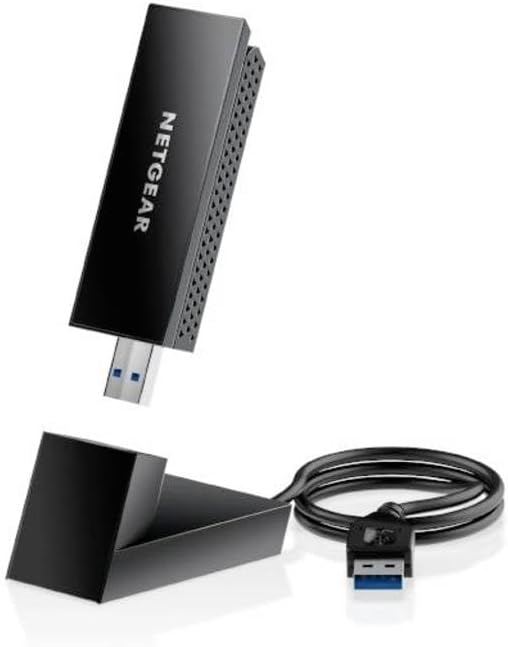
The NETGEAR Nighthawk WiFi 6E USB 3.0 Adapter (A8000) is a WiFi 6E USB dongle designed for Windows PCs. In plain terms, it’s for when your computer needs a better wireless connection, especially in rooms where the signal can be weak.
This model is built around WiFi 6E and the newer 6 GHz band. The idea is that, where supported, devices can use that extra “lane” for faster, more responsive connections than older WiFi generations. It doesn’t replace your router—rather, it gives your PC the wireless capability so you can take advantage of what your home network can offer.
One practical way to think about it: if your desktop sits a bit far from the router (or the router’s signal struggles through walls), adding a USB WiFi adapter can be an easy upgrade path compared with moving hardware or rewiring. It’s not perfect for every setup, but for the right situation it’s a tidy fix.
Key points
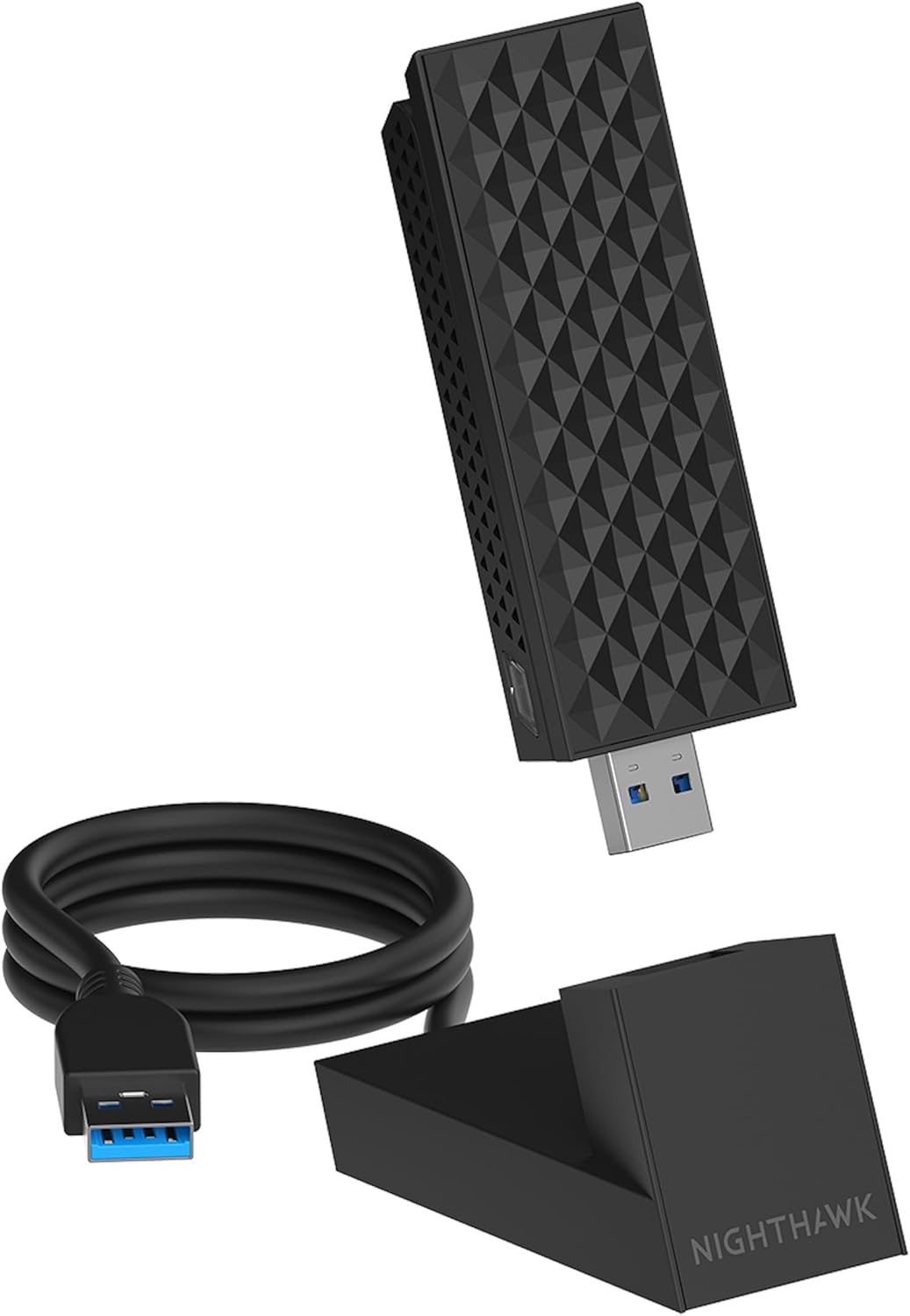
A compact WiFi 6E USB adapter that targets a faster, higher-capacity wireless link for a Windows PC. It supports tri-band operation (2.4 GHz, 5 GHz and 6 GHz) and can automatically connect to the most suitable band. It’s aimed at people who care about consistent performance where WiFi reception is weaker. You get a foldable antenna design and internal antenna elements intended to help you dial in coverage close to the desk.
Worth noting: this won’t magically improve your connection if your router and environment aren’t set up to take advantage of 6 GHz WiFi 6E. The benefit depends quite a lot on what’s actually available in your home.
What you’ll notice in everyday use
In real-world terms, WiFi 6E is about giving compatible devices access to the 6 GHz band. If your router is WiFi 6E capable and you’re in range, that can translate into better performance and more headroom, particularly during busy network periods.
The A8000 is designed for “plug it in and go” use on a Windows PC via a USB 3.0 port. The adapter is described as supporting gigabit-class wireless speeds (up to 3 Gbps) and aiming for higher capacity and bandwidth versus WiFi 5.
The antenna setup is also there for a reason. Because the adapter uses a foldable antenna, you can adjust it to find a better signal position near your computer. In a typical desk setup, that might mean rotating the antenna so it’s upright rather than flat against the case, or repositioning the USB dongle slightly so it isn’t blocked by furniture.
Coverage, bands and how the connection chooses
The adapter is described as using tri-band support and automatically detecting your device’s capabilities to connect on the appropriate band: 2.4 GHz, 5 GHz or 6 GHz. That matters because each band behaves differently.
- 2.4 GHz tends to be better for range, but usually slower and more crowded.
- 5 GHz often offers a good mix for speed and reliability.
- 6 GHz is the “newer” band mentioned here, intended for devices that support WiFi 6E.
The practical implication is simple: if your PC and network support 6 GHz, you can aim to use that band for the “turbo” lane. If not, the adapter can still fall back to 5 GHz or 2.4 GHz, so you’re not completely stuck.
Still, if your environment is far beyond what your router can reach, you may find that a better placement of your router (or using another connectivity approach) gives you more improvement than the adapter alone.
Key specifications
- Type: WiFi adapter / WiFi dongle (USB 3.0)
- Name: NETGEAR Nighthawk WiFi 6E USB 3.0 WiFi Adapter (A8000)
- Wireless support: WiFi 6E (tri-band)
- Bands: 2.4 GHz, 5 GHz and 6 GHz
- Wireless speed rating: AXE3000
- Speed claim: up to 3 Gbps
- Antenna: foldable antenna design with internal antennas
- Connection to PC: USB 3.0 port (Windows PC mentioned)
Where it shines (and where it may fall short)
It makes sense if you: - have a Windows desktop or PC that needs a WiFi 6E upgrade without changing the router - want to improve reception in a room where WiFi can be unreliable - have (or plan to use) a WiFi 6E router so the PC can access the 6 GHz band - prefer a simple USB-based solution rather than more involved networking changes
It might not be the best choice if you: - don’t have WiFi 6E support on your router (you’re unlikely to benefit from the 6 GHz “fast lane” part) - expect big gains when the main issue is router placement far away or major obstacles (the adapter helps, but it can’t overcome poor signal physics) - only have USB 2.0 ports available—because the product is explicitly for USB 3.0, using a slower port could limit what you can actually get
Should you buy it?
When it makes sense
Buy the NETGEAR Nighthawk WiFi 6E USB 3.0 Adapter (A8000) if your priority is upgrading a Windows PC’s wireless performance, and you’re in a setup where WiFi 6E (especially the 6 GHz band) is genuinely on the table. It’s a straightforward way to add modern tri-band WiFi to a PC, and the adjustable antenna design is a sensible touch for finding coverage near your desk.
When to look elsewhere
Skip it if your router is not WiFi 6E capable, or if your main problem is that your router signal can’t reach the PC location in a practical way. In those cases, spending time on router placement or alternative connectivity may give more reliable results.
Mini FAQ
Frequently asked questions
Does it require an ISP plan to work?
The description suggests you don’t need an ISP plan—just plug in the adapter to a USB 3.0 port.
Will it use the 6 GHz band?
It’s designed to access 6 GHz for WiFi 6E devices, and it can automatically connect using 2.4 GHz, 5 GHz or 6 GHz depending on what’s available.
What if my router isn’t WiFi 6E?
On its own, the adapter can still connect via 2.4 GHz or 5 GHz, but the 6 GHz performance angle depends on your network supporting WiFi 6E.
What’s the point of the foldable antenna?
The foldable antenna (with internal gain antennas) is intended to help you adjust placement for a better signal near the computer, which can make a noticeable difference when reception is weak.
Is USB 3.0 important?
It’s specifically described for USB 3.0, so it’s reasonable to expect you’ll get the best outcome when plugged into a USB 3.0 port.