

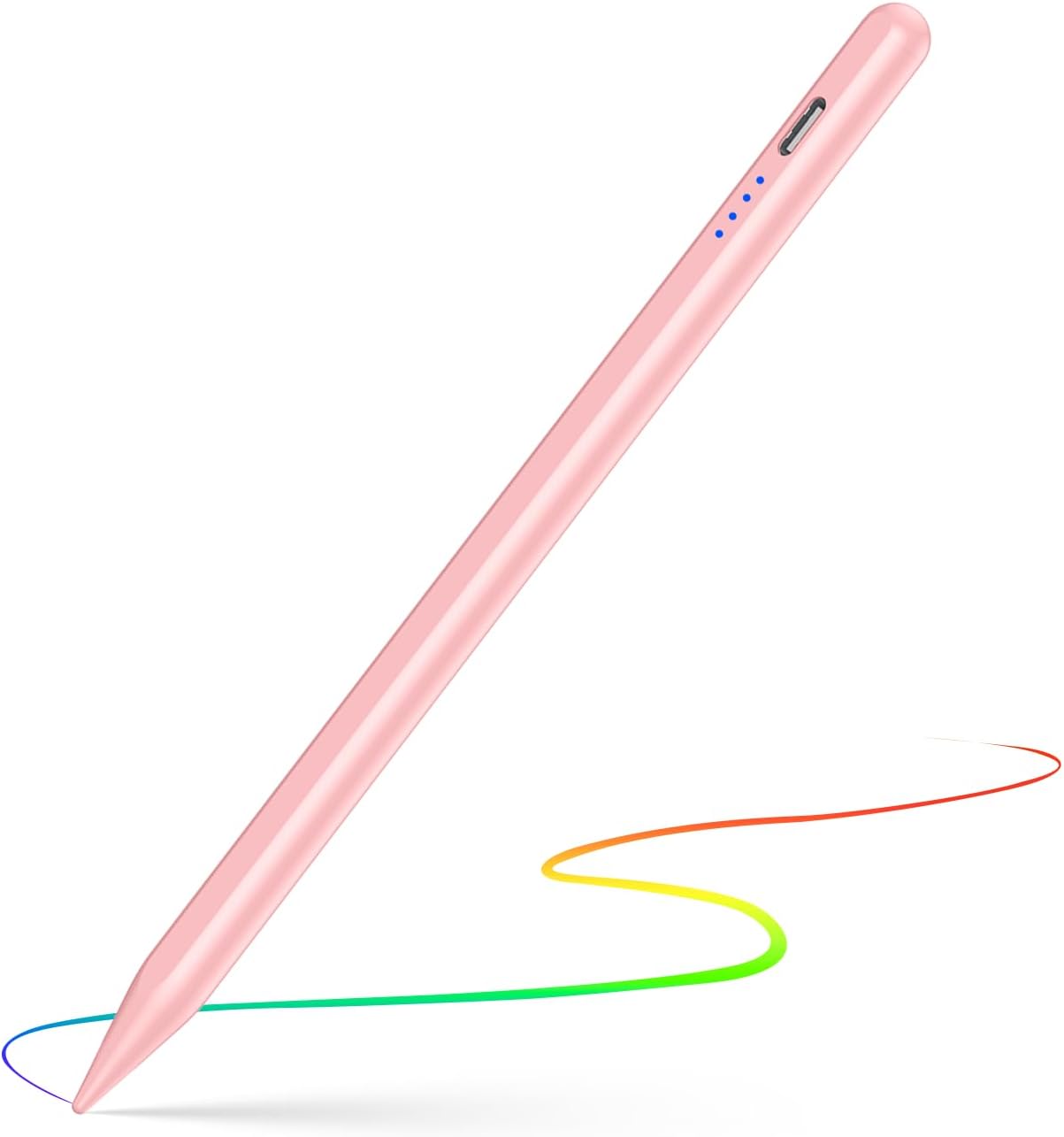
Stylus Pen for iPad (2018–2025) Digital iPad Pencil with Palm Rejection, Double-Tap Activation & Magnetic Attachment (Pink)
Product description
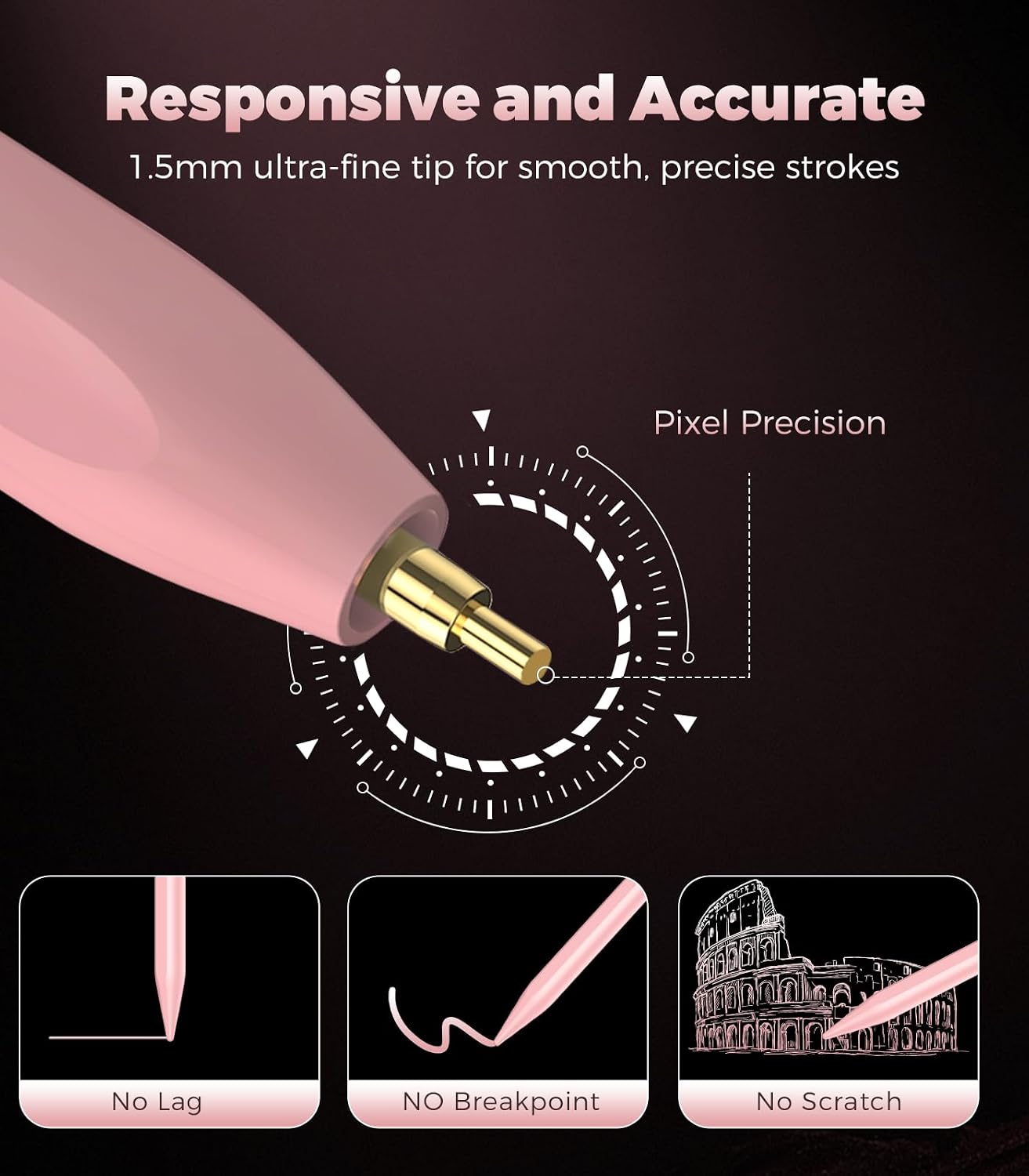
If you want iPad note-taking, sketching or marking up documents to feel more natural, a dedicated stylus is often the simplest upgrade. This Stylus Pen for iPad 2018–2025 focuses on being easy to start (double-tap activation), more comfortable to use (palm rejection), and less likely to get misplaced (magnetic attachment).
That said, it’s not a universal stylus for every device, and it also doesn’t support Android phones/tablets or Microsoft devices. So it’s worth checking you’ve got one of the compatible iPad models before you invest.
Key takeaways
On paper, this stylus is built for everyday iPad use: writing smoothly while your palm rests on the screen, turning on quickly with a double tap, and charging without fiddling for ages. If you mainly use your iPad for handwritten notes, study work, light design or quick annotation, this style of iPad pencil can fit the bill.
The trade-off is that it’s aimed at iPad 2018–2025 compatible models, and it doesn’t offer Bluetooth pairing. If you were expecting a “connect-and-go” experience for different ecosystems or iPads outside the stated range, that’s where it may fall short.
The essentials
The big usability features are the ones you’ll notice within minutes.
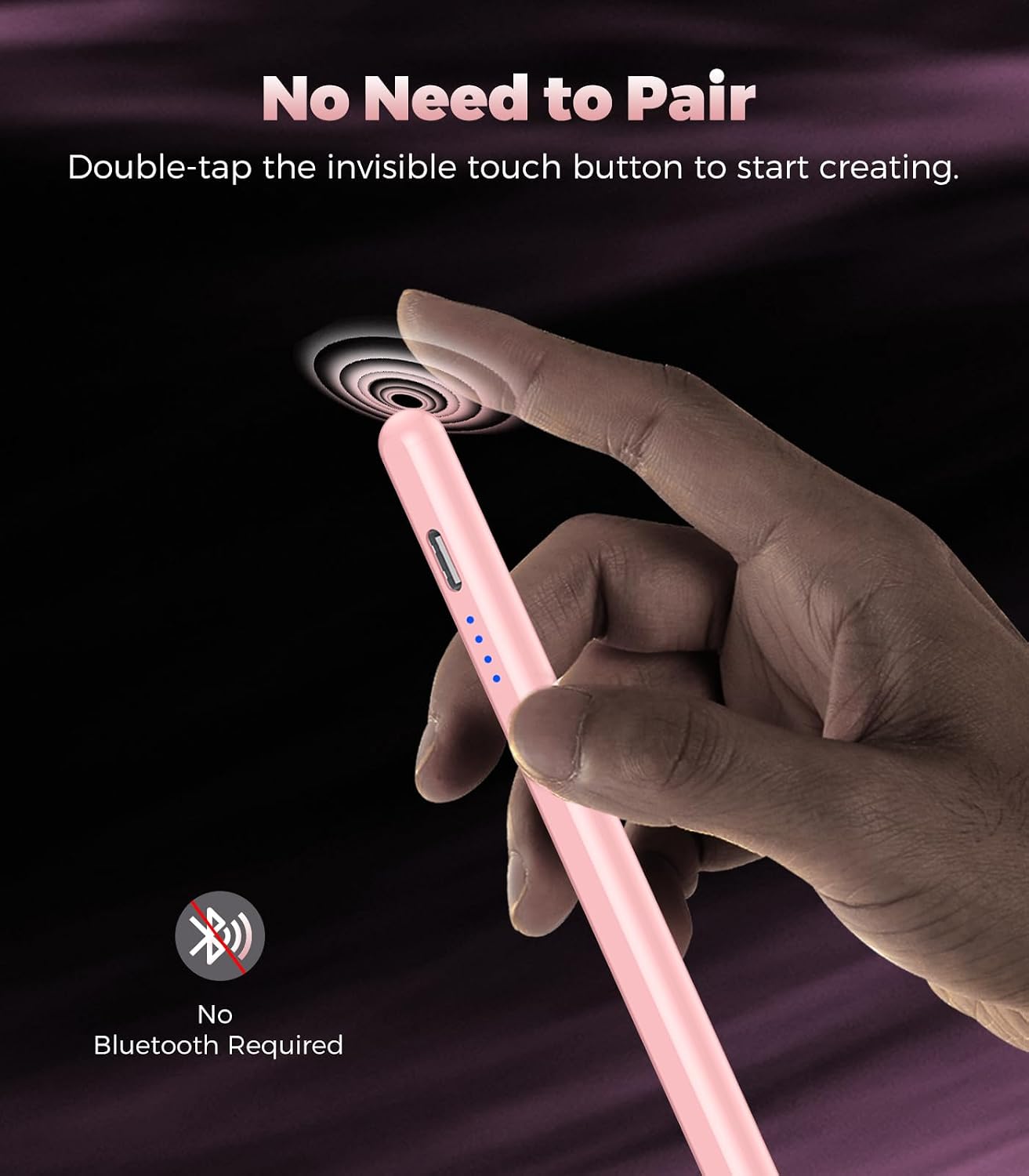
First, double-click (double-tap) activation: you just double tap the top of the stylus to start using it, with no Bluetooth connection required. If you’ve previously used an Apple Pencil on your iPad, the manufacturer note advises turning off the Bluetooth connection before using this stylus.
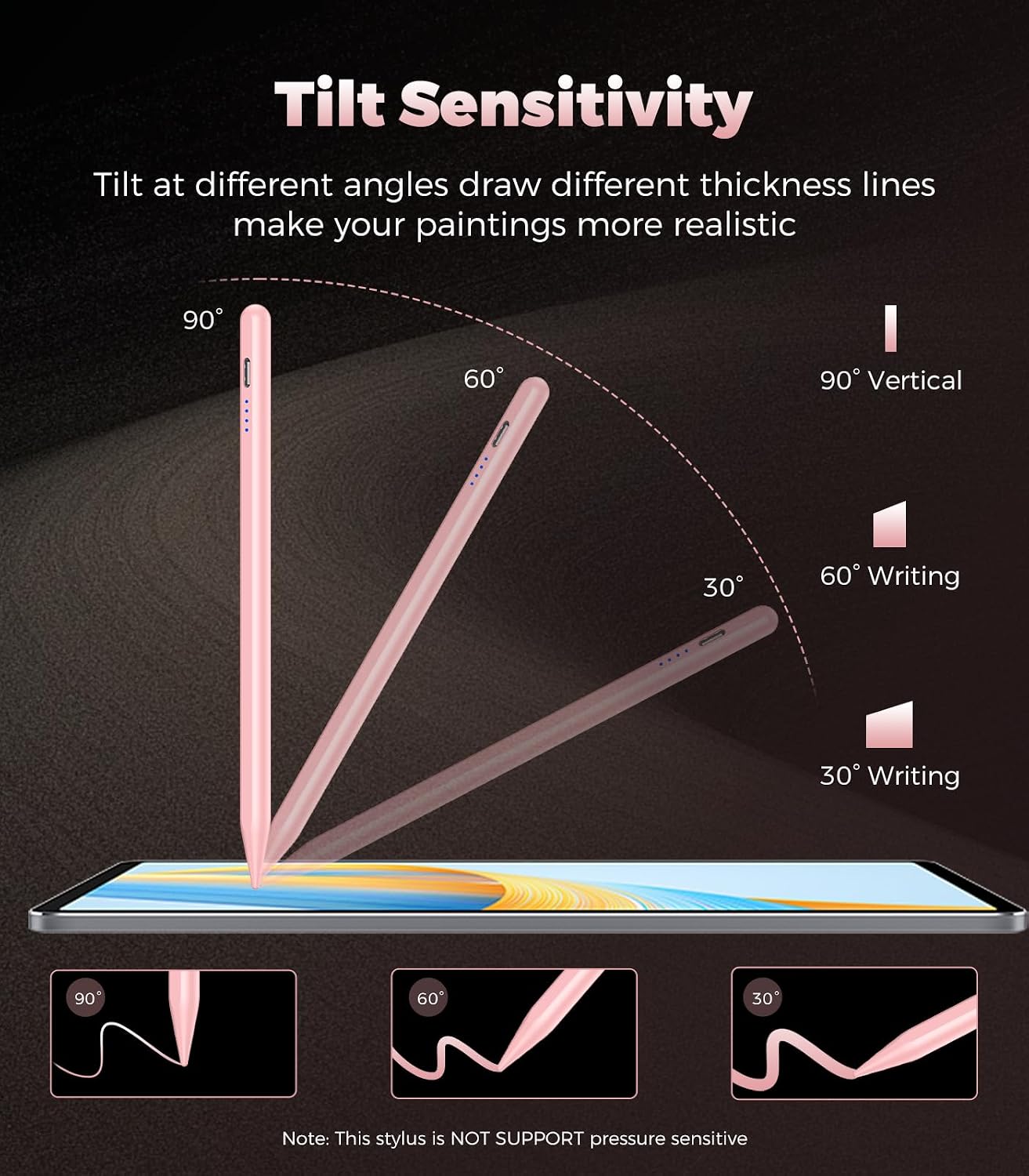
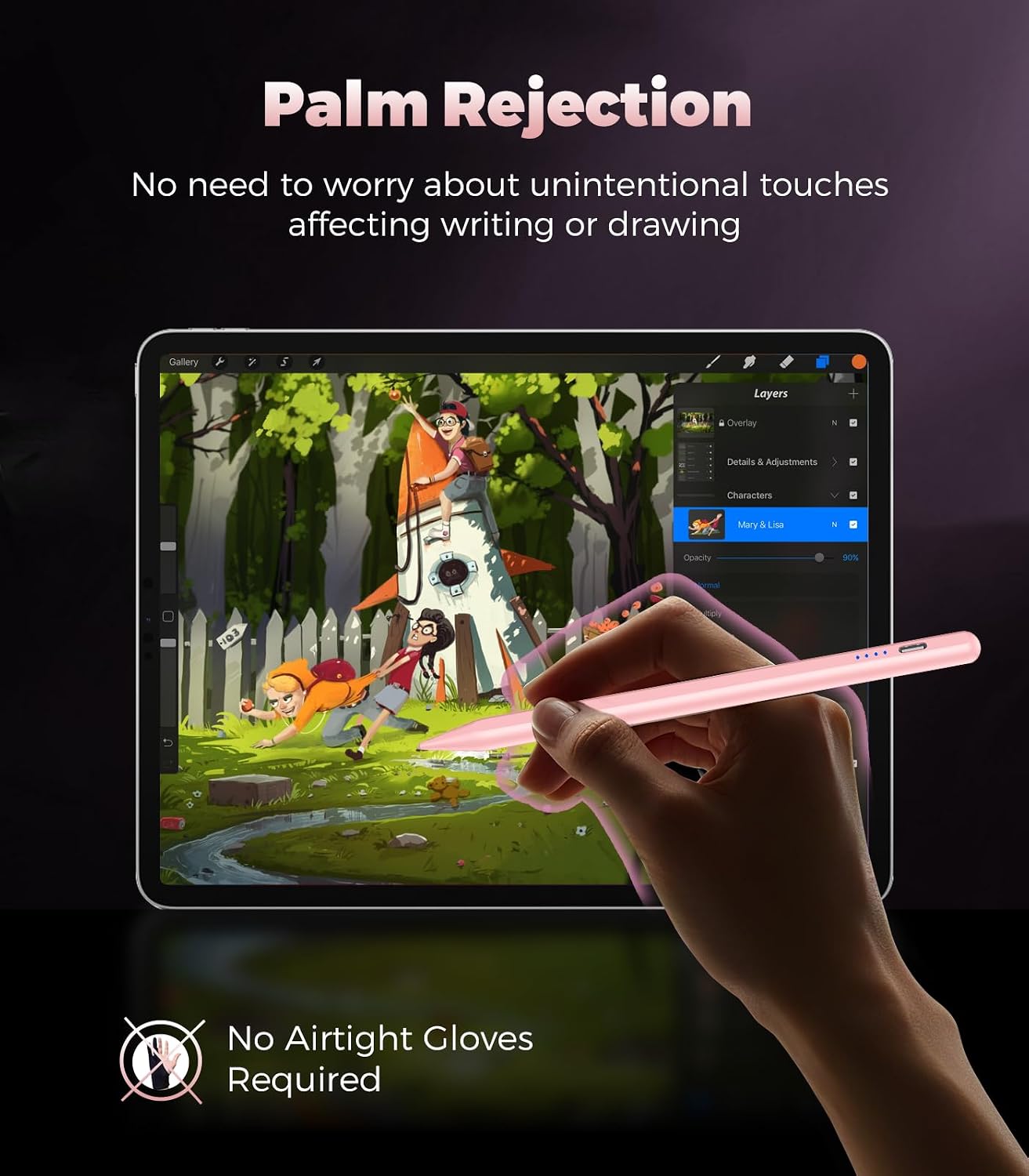
Second, palm rejection / anti-mis-touch design: with palm rejection, you can rest your palm on the screen while writing. That typically makes handwriting and annotation feel more natural and controlled, because you’re less likely to trigger accidental inputs.
Third, magnetic attachment for storage: the stylus can attach to the side of the iPad using a magnetic function. That’s a practical detail for commuting, desk setups, or keeping your pencil with the device.
What matters most for day-to-day use
If your goal is to write like you would on paper, palm rejection is the feature that tends to make the most difference. Here, it’s explicitly part of the design, so it’s not just marketing fluff.
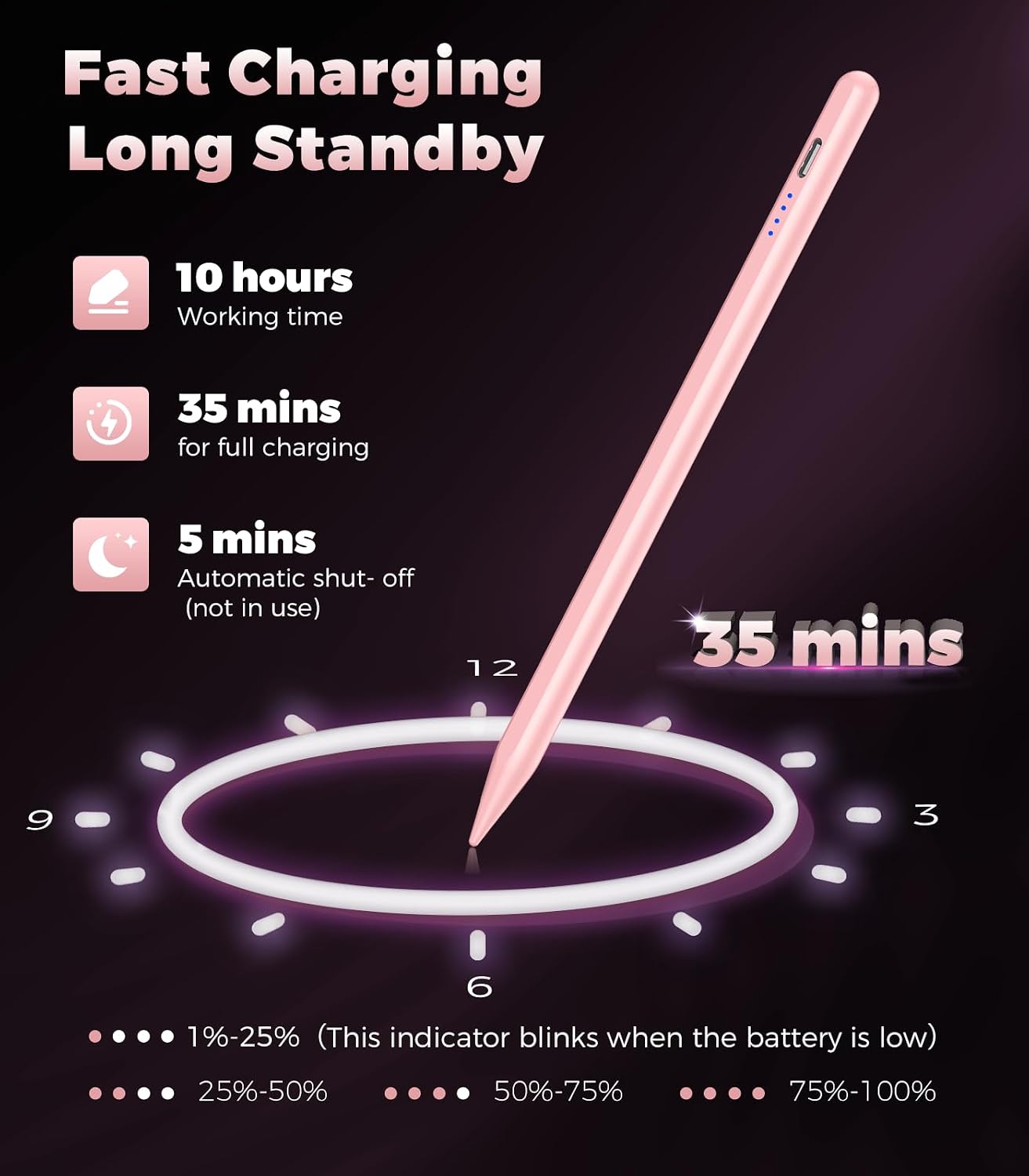
For sketching or making notes during a commute, the charging and battery notes are also relevant. The pen is described as being able to fully charge in 35 minutes and then used for up to 9 hours. There’s also a smart shutdown function: it automatically turns off after 5 minutes of standing still and not in use, which should help conserve power when you forget to switch things off.
One practical example: imagine you’re marking up a lecture PDF on your iPad on the train. You double-tap to start writing, rest your palm to reduce accidental marks, jot down bullet points, then attach the stylus back to the side so it doesn’t disappear into your bag.
Tech specs
- Name: Stylus Pen for iPad 2018–2025 Digital iPad Pencil with Palm Rejection
- Type: Stylus pen / digital iPad pencil
- Format: Pink
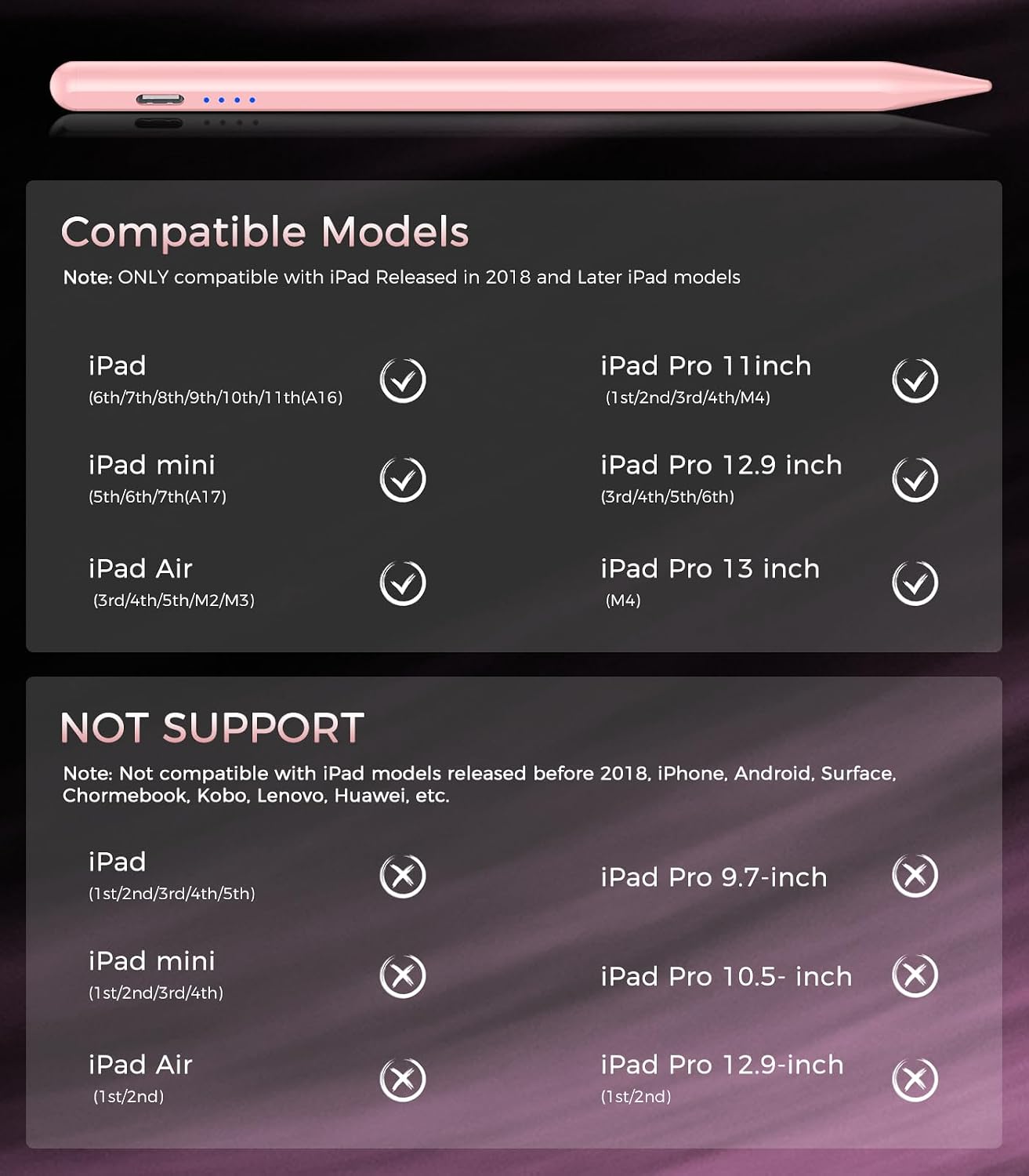
- Compatible models: iPad 6–10 Gen / A16, iPad mini 5th/6th, iPad Air 3/4/5/M2/M3, iPad Pro M4 11/12.9/13-inch (as stated)
- Charging: Fully charged in 35 minutes (as stated)
- Battery life: Up to 9 hours (as stated)
- Smart shutdown: Turns off after 5 minutes of standing still (as stated)
- Activation: Double-click/double-tap at the top of the stylus (no Bluetooth required)
- Palm rejection: Anti-palm mis-touch design (as stated)
- Attachment: Magnetic attachment to the iPad side (as stated)
Where it shines (and where it may not)
It’s a strong fit if you want a straightforward iPad stylus that doesn’t rely on Bluetooth pairing, and you care about palm rejection for more comfortable writing.
It’s less suitable if you’re using an iPad model released before 2018, because the note says it’s not compatible with iPads released before that. It also won’t work as expected if you’re looking for Android or Microsoft device support, since that’s explicitly not supported.
Another limitation to keep in mind: the compatibility list is specific, so even if a model looks “similar” in size, it still needs to match the stated generations/models.
Is it worth it?
You should buy it if your iPad is in the compatible 2018–2025 range listed, and you’re mainly after a daily-writing stylus experience: double-tap start, palm rejection for natural hand positioning, and magnetic storage.
You may want to skip it if you need compatibility with older-than-2018 iPads, or if you were hoping it would work on Android smartphones/tablets, iPhones or Microsoft devices (it’s stated it doesn’t support those). If you already rely on Bluetooth workflows, note that this stylus is designed for use without Bluetooth—so you’ll likely need to follow the “turn off Bluetooth” instruction if your iPad is still paired to an Apple Pencil.
Mini FAQ
How do I start using it?
Double tap the top of the stylus to activate it, and there’s no Bluetooth connection required.
Does it support palm resting?
Yes—it's described as having an anti-palm mis-touch design, so you can rest your palm on the screen while writing.
How long does the battery last?
The pen is stated to support up to 9 hours of use after charging, with full charging said to take 35 minutes.
Does it work with older iPads?
No—it's stated to be not compatible with iPads released before 2018.
Does it work with Android or Microsoft devices?
It’s stated not to support Android smartphones/tablets, iPhones or Microsoft devices.